"
}
},
{
"name": "propagate",
"valueBoolean": true
}
]
}
```
#### Output
The output is a [FHIR Parameters](/docs/api/fhir/resources/parameters) resource containing:
- `resourcesUpdated` The number of resources that were updated
Example response if patient has 3 resources in their compartment:
```json
{
"resourceType": "Parameters",
"parameter": [
{
"name": "resourcesUpdated",
"valueInteger": 3
}
]
}
```
---
## StructureDefinition $expand-profile
The `$expand-profile` operation expands a `StructureDefinition` profile by recursively loading all nested `StructureDefinition` resources referenced in the profile's element type definitions. This is useful for obtaining a complete set of profiles needed to validate or render resources conforming to a profile.
### Use Cases
- **Profile Validation Setup**: Load all profiles needed to validate a resource against a profile hierarchy
- **UI Schema Generation**: Load all profiles to generate a complete UI schema with proper constraints
- **Profile Documentation**: Generate documentation that includes all referenced profiles
- **Implementation Guide Support**: Work with complex profile hierarchies from implementation guides like US Core
### Invocation
```
GET [base]/StructureDefinition/$expand-profile?url=[profile URL]
```
### Input Parameters
| Parameter | Cardinality | Type | Description |
|-----------|-------------|------|-------------|
| `url` | 1..1 | `string` | The canonical URL of the StructureDefinition to expand |
### Output
Returns a `Bundle` of type `searchset` containing the requested profile and all nested StructureDefinition resources.
### Behavior
1. **Profile Lookup**: Searches for a StructureDefinition with the given URL
2. **Element Scanning**: Scans the profile's `snapshot.element` array for type profiles
3. **Recursive Loading**: Recursively loads all referenced profiles
4. **Deduplication**: Avoids loading the same profile multiple times
5. **Depth Limiting**: Limits recursion to 10 levels to prevent infinite loops
### Example
#### Request
```http
GET /fhir/R4/StructureDefinition/$expand-profile?url=http://example.org/fhir/StructureDefinition/custom-patient
```
#### Response
```json
{
"resourceType": "Bundle",
"type": "searchset",
"entry": [
{
"fullUrl": "https://api.medplum.com/fhir/R4/StructureDefinition/custom-patient-id",
"resource": {
"resourceType": "StructureDefinition",
"id": "custom-patient-id",
"url": "http://example.org/fhir/StructureDefinition/custom-patient",
"name": "CustomPatient",
"status": "active",
"kind": "resource",
"type": "Patient",
"snapshot": {
"element": [
{
"id": "Patient.identifier",
"path": "Patient.identifier",
"type": [
{
"code": "Identifier",
"profile": [
"http://example.org/fhir/StructureDefinition/custom-identifier"
]
}
]
}
]
}
}
},
{
"fullUrl": "https://api.medplum.com/fhir/R4/StructureDefinition/custom-identifier-id",
"resource": {
"resourceType": "StructureDefinition",
"id": "custom-identifier-id",
"url": "http://example.org/fhir/StructureDefinition/custom-identifier",
"name": "CustomIdentifier",
"status": "active",
"kind": "complex-type",
"type": "Identifier"
}
}
]
}
```
### Example Usage
#### Profile Validation Setup
Load all profiles needed to validate a resource:
```typescript
const bundle = await medplum.get(
'StructureDefinition/$expand-profile?url=http://example.org/fhir/StructureDefinition/my-profile'
);
// Extract all profiles for validator
const profiles = bundle.entry.map(e => e.resource);
```
#### UI Schema Generation
Load all profiles to generate a complete UI schema:
```typescript
const bundle = await medplum.get(
'StructureDefinition/$expand-profile?url=http://hl7.org/fhir/us/core/StructureDefinition/us-core-patient'
);
// Use profiles to build form fields with proper constraints
```
#### Profile Documentation
Generate documentation that includes all referenced profiles:
```typescript
const bundle = await medplum.get(
'StructureDefinition/$expand-profile?url=http://example.org/fhir/StructureDefinition/custom-resource'
);
// Generate documentation for each profile
for (const entry of bundle.entry) {
generateDocumentation(entry.resource);
}
```
### Version Resolution
When multiple versions of a profile exist, the operation returns the **latest version** based on the `version` field (sorted descending).
### Error Responses
| Status Code | Description |
|-------------|-------------|
| `400 Bad Request` | Missing `url` parameter |
| `400 Bad Request` | Profile with the specified URL not found |
### Notes
- The operation only includes profiles referenced in `element.type.profile`
- Base FHIR types are not included in the expansion
- The response includes the original requested profile as the first entry
- Circular references are handled gracefully through deduplication
### Related Documentation
- [StructureDefinition Resource](https://www.hl7.org/fhir/structuredefinition.html)
- [Profiling FHIR](https://www.hl7.org/fhir/profiling.html)
- [FHIR Implementation Guides](/docs/fhir-datastore/profiles)
---
## User $rescope
The `$rescope` operation moves a [`User`](/docs/api/fhir/medplum/user) between **server scope** (not owned by any Project) and **project scope** (owned by a specific Project). This controls which Project the `User` resource itself belongs to — it is distinct from a [`ProjectMembership`](/docs/api/fhir/medplum/projectmembership), which controls access.
See [Project vs Server Scoped Users](/docs/user-management/project-vs-server-scoped-users) for background on how scoping works.
```
POST [base]/User/[id]/$rescope
```
:::warning[Privileged Operation]
- **Rescoping to project scope** requires **Super Admin** privileges.
- **Rescoping to server scope** requires **Super Admin** or **Project Admin** privileges (project admins may only release users belonging to their own project).
:::
:::caution[Irreversibility for Project Admins]
A project admin who releases a user to server scope **cannot reverse the change** — only a super admin can re-assign a server-scoped user to a project. Confirm the action before proceeding.
:::
### App UI
Two widgets in the Medplum App invoke this operation:
- **Project Admin Config** — available to project admins and super admins at [`https://app.medplum.com/admin/config`](https://app.medplum.com/admin/config). Allows releasing a project-scoped user to server scope. Super admins can also assign server-scoped users to a project from this page.
- **Super Admin Panel** — available to super admins at [`https://app.medplum.com/admin/super`](https://app.medplum.com/admin/super). Provides the same Rescope User widget with full cross-project visibility.
### Parameters
The input is a [FHIR Parameters](/docs/api/fhir/resources/parameters) resource:
| Parameter | Type | Required | Description |
|-----------|------|----------|-------------|
| `scope` | `code` | Yes | Target scope: `"project"` or `"server"` |
| `project` | `Reference(Project)` | Conditional | Required when `scope` is `"project"`. The Project the user will be scoped to. |
### Output
Returns the updated [`User`](/docs/api/fhir/medplum/user) resource with `User.project` set (project scope) or cleared (server scope).
### Examples
#### Release a user to server scope
**TypeScript**:
```typescript
await medplum.post(`fhir/R4/User/${userId}/$rescope`, {
resourceType: 'Parameters',
parameter: [
{ name: 'scope', valueCode: 'server' },
],
});
```
**cURL**:
```bash
curl -X POST 'https://api.medplum.com/fhir/R4/User/example-user-id/$rescope' \
-H "Authorization: Bearer $ACCESS_TOKEN" \
-H "Content-Type: application/fhir+json" \
-d '{
"resourceType": "Parameters",
"parameter": [
{ "name": "scope", "valueCode": "server" }
]
}'
```
#### Assign a user to a project (super admin only)
**TypeScript**:
```typescript
await medplum.post(`fhir/R4/User/${userId}/$rescope`, {
resourceType: 'Parameters',
parameter: [
{ name: 'scope', valueCode: 'project' },
{ name: 'project', valueReference: { reference: `Project/${projectId}` } },
],
});
```
**cURL**:
```bash
curl -X POST 'https://api.medplum.com/fhir/R4/User/example-user-id/$rescope' \
-H "Authorization: Bearer $ACCESS_TOKEN" \
-H "Content-Type: application/fhir+json" \
-d '{
"resourceType": "Parameters",
"parameter": [
{ "name": "scope", "valueCode": "project" },
{ "name": "project", "valueReference": { "reference": "Project/example-project-id" } }
]
}'
```
**Response** (200 OK):
```json
{
"resourceType": "User",
"id": "example-user-id",
"email": "alice@example.com",
"firstName": "Alice",
"lastName": "Smith",
"project": {
"reference": "Project/example-project-id",
"display": "My Project"
}
}
```
### Behavior
#### Rescope to project
- Requires the target `Project` to exist.
- Rejects if the user is already scoped to the specified project.
- Rejects if the user holds a [`ProjectMembership`](/docs/api/fhir/medplum/projectmembership) in any **other** project — remove those memberships before rescoping.
- Sets `User.project` to the target project reference.
- Runs inside a serializable transaction to prevent race conditions with concurrent membership changes.
#### Rescope to server
- Rejects if the user is already server-scoped.
- Clears `User.project` from the user resource.
- Existing `ProjectMembership` resources are left in place; clean them up separately if needed.
### Error Responses
| Status | Description |
|--------|-------------|
| `200 OK` | Rescope successful — returns the updated `User` |
| `400 Bad Request` | Invalid `scope` value; missing `project` when `scope` is `"project"`; user already in the target scope; or user holds memberships in another project |
| `403 Forbidden` | Caller lacks sufficient privileges, or project admin attempted to rescope a user from a different project |
| `404 Not Found` | User or target project not found |
### See Also
- [Project vs Server Scoped Users](/docs/user-management/project-vs-server-scoped-users)
- [User Management Guide](/docs/user-management)
- [User $update-email](/docs/api/fhir/operations/user-update-email) — update a user's email address
- [User Resource](/docs/api/fhir/medplum/user)
- [ProjectMembership Resource](/docs/api/fhir/medplum/projectmembership)
---
## User $update-email
This operation updates both the [`User`](/docs/api/fhir/medplum/user) resource (for authentication) and optionally the associated profile resource (Patient, Practitioner, or RelatedPerson) with the new email address.
### Use Cases
- **Patient Email Changes**: Update a patient's email address for both login credentials and contact information
- **Provider Contact Updates**: Keep practitioner email addresses synchronized between authentication and profile records
- **Credential Recovery Scenarios**: Update email addresses during account recovery workflows
- **User Migration**: Change email addresses as part of user account migration or consolidation
```
POST [base]/User/[id]/$update-email
```
:::warning[Privileged Operation]
This operation requires **Project Admin** privileges
:::
:::caution[User vs Profile Email]
In Medplum, the `User.email` field controls authentication and login, while the profile resource's `telecom` field displays contact information. If you update only the profile resource email, users will not be able to log in with the new email address. Use this operation to update both atomically.
:::
### Parameters
The input is a [FHIR Parameters](/docs/api/fhir/resources/parameters) resource containing:
| Parameter | Type | Required | Description |
| ----------------------- | --------- | -------- | ---------------------------------------------------------------------------------------------------------------------------------------------------------------------------------------------------------------------------------------------------------------------------------------------------------- |
| `email` | `string` | Yes | The new email address to set on the User |
| `updateProfileTelecom` | `boolean` | No | If `true`, also updates the email in the profile resource's `telecom` field (recommended). Default: `false` |
| `skipEmailVerification` | `boolean` | No | If `true`, skips email verification entirely: no `UserSecurityRequest` is created and no email is sent. Default: `false` |
| `sendEmail` | `boolean` | No | If `false`, creates the `verify-email` `UserSecurityRequest` but does not send the built-in verification email. Use this to send your own branded email from a [Bot](/docs/bots) subscribed to `UserSecurityRequest`, the same pattern as `sendEmail: false` on invite and password reset. Default: `true` |
### Output
The operation returns the updated [`User`](/docs/api/fhir/medplum/user) resource with:
- `email` set to the new email address
- `emailVerified` set to `false` (unless verification was skipped)
If `updateProfileTelecom` is `true`:
- Adds the new email to the profile's `telecom` array with `use: 'work'`
- Marks the old email in `telecom` with `use: 'old'`
### Examples
**Request**:
**TypeScript**:
```typescript
await medplum.post(`fhir/R4/User/${userId}/$update-email`, {
resourceType: 'Parameters',
parameter: [
{ name: 'email', valueString: 'newemail@example.com' },
{ name: 'updateProfileTelecom', valueBoolean: true },
],
});
```
```bash
curl -X POST 'https://api.medplum.com/fhir/R4/User/example-user-id/$update-email' \
-H "Authorization: Bearer $ACCESS_TOKEN" \
-H "Content-Type: application/fhir+json" \
-d '{
"resourceType": "Parameters",
"parameter": [
{ "name": "email", "valueString": "newemail@example.com" },
{ "name": "updateProfileTelecom", "valueBoolean": true }
]
}'
```
**Response** (200 OK):
```json
{
"resourceType": "User",
"id": "example-user-id",
"email": "newemail@example.com",
"emailVerified": false,
"firstName": "Alice",
"lastName": "Smith",
"project": {
"reference": "Project/example-project-id"
}
}
```
### Finding User ID from ProjectMembership
To update a patient's email when you only have their Patient ID:
```typescript
// Find the user via ProjectMembership
const memberships = await medplum.searchResources('ProjectMembership', {
profile: profileReference,
});
const userId = memberships[0].user?.reference?.split('/')[1];
// Update the email
await medplum.post(`fhir/R4/User/${userId}/$update-email`, {
resourceType: 'Parameters',
parameter: [
{ name: 'email', valueString: 'newemail@example.com' },
{ name: 'updateProfileTelecom', valueBoolean: true },
],
});
```
### Error Responses
| Status Code | Description |
| ----------------- | ------------------------------------------------------------------------- |
| `200 OK` | Email successfully updated |
| `400 Bad Request` | Invalid parameters or attempting to update profile for server-scoped user |
| `403 Forbidden` | Insufficient permissions or user from different project |
| `404 Not Found` | User not found |
### See Also
- [User Management Guide](/docs/user-management)
- [Project vs Server Scoped Users](/docs/user-management/project-vs-server-scoped-users)
- [User Resource](/docs/api/fhir/medplum/user)
---
## Resource $validate
import ExampleCode from '!!raw-loader!@site/../examples/src/api/fhir/operations/validate-a-resource.ts';
import MedplumCodeBlock from '@site/src/components/MedplumCodeBlock';
The `$validate` operation checks whether a FHIR resource conforms to the base specification and any applicable profiles without actually creating or updating it. This is essential for catching data quality issues early, providing real-time feedback in forms, and testing integrations before committing data to the system.
**Use Cases:**
- **Form validation**: Validate resources as users complete forms to provide immediate feedback on data entry errors before submission
- **Integration testing**: Pre-validate incoming data from external systems to catch structural issues before attempting to persist records
- **Development and debugging**: Test resource structures during development to ensure compliance with FHIR specifications and custom profiles
- **Two-phase commits**: Check validity of proposed changes before executing transactions, enabling rollback-safe workflows
Medplum implements the FHIR [`$validate` operation](https://www.hl7.org/fhir/resource-operation-validate.html)
> This operation may be used during design and development to validate application design. It can also be used at run-time. One possible use might be that a client asks the server whether a proposed update is valid as the user is editing a dialog and displays an updated error to the user. The operation can be used as part of a light-weight two phase commit protocol but there is no expectation that the server will hold the content of the resource after this operation is used, or that the server guarantees to successfully perform an actual create, update or delete after the validation operation completes.
### Invoke the validate operation
```
[base]/[Resource]/$validate
```
For example:
```bash
curl 'https://api.medplum.com/fhir/R4/Patient/$validate' \
-X POST \
-H "Content-Type: application/fhir+json" \
-H "Authorization: Bearer MY_ACCESS_TOKEN" \
-d '{"resourceType":"Patient"}'
```
The [MedplumClient](/docs/sdk/core.medplumclient) TypeScript class provides a `validateResource` convenience method:
{ExampleCode}
#### Valid Response
Example outcome when the resource is valid:
```json
{
"resourceType": "OperationOutcome",
"id": "ok",
"issue": [
{
"severity": "information",
"code": "informational",
"details": {
"text": "All OK"
}
}
]
}
```
#### Invalid Response
Example outcome when the resource is not valid:
```json
{
"resourceType": "OperationOutcome",
"id": "3820fda7-c6d4-4207-b597-90631f0881f9",
"issue": [
{
"severity": "error",
"code": "structure",
"details": { "text": "Invalid additional property \"Patient.foo\"" },
"expression": ["Patient.foo"]
}
]
}
```
### Related
- [MedplumClient.validateResource](/docs/sdk/core.validateresource) - TypeScript SDK method
- [CodeSystem $validate-code](/docs/api/fhir/operations/codesystem-validate-code) - Validate coded values
- [ValueSet $validate-code](/docs/api/fhir/operations/valueset-validate-code) - Validate codes against value sets
- [FHIR Basics](/docs/fhir-basics) - Understanding FHIR resources and data structures
- [FHIR $validate Operation](https://www.hl7.org/fhir/resource-operation-validate.html) - FHIR specification
---
## ValueSet $expand
import ExampleCode from '!!raw-loader!@site/../examples/src/api/fhir/operations/valueset-expand.ts';
import MedplumCodeBlock from '@site/src/components/MedplumCodeBlock';
The `$expand` operation returns all codes contained in a ValueSet, making it ideal for populating dropdown menus, typeahead search fields, and code pickers in clinical applications. Instead of storing and managing large code lists client-side, you can dynamically fetch the allowed values for any coded field.
This operation supports filtering and pagination, enabling responsive user interfaces that can search through thousands of codes (like SNOMED CT or LOINC) while only loading relevant results as the user types.
### Use Cases
- **Dropdown Population**: Fetch all valid options for coded fields like gender, marital status, or allergy types
- **Typeahead Search**: Power autocomplete fields that search through large code systems as users type
- **Form Builders**: Dynamically load code options when rendering questionnaires or data entry forms
- **Code Picker Components**: Build searchable code selection interfaces with pagination support
- **Validation UI**: Show users the valid options when they've entered an invalid code
### Invoke the `$expand` operation
```
[base]/ValueSet/$expand
```
#### Parameters
| Name | Type | Description | Required |
| --------------------- | ---------- | --------------------------------------------------------------------------- | -------- |
| `url` | `string` | The URL of the value set to expand | Yes |
| `filter` | `string` | A filter to apply to the value set | No |
| `offset` | `number` | The offset to start the expansion | No |
| `count` | `number` | The number of results to return | No |
| `displayLanguage` | `string` | The [language code][bcp47] to search with `filter` | No |
| `excludeNotForUI` | `boolean` | Exclude abstract concepts that shouldn't be displayed in user interfaces | No |
| `includeDesignations` | `boolean` | Include translations and synonyms (designations) in the expansion results | No |
| `valueSet` | `ValueSet` | An inline ValueSet resource to expand (alternative to providing a URL) | No |
[bcp47]: https://developer.mozilla.org/en-US/docs/Glossary/BCP_47_language_tag
#### Output
The result of the expansion as a `ValueSet` resource. The results of the expansion operation are in the
`ValueSet.expansion` field.
#### Examples
Query all values for a ValueSet:
```bash
curl 'https://api.medplum.com/fhir/R4/ValueSet/$expand?url=http%3A%2F%2Fhl7.org%2Ffhir%2FValueSet%2Fadministrative-gender' \
-H "Content-Type: application/fhir+json" \
-H "Authorization: Bearer MY_ACCESS_TOKEN"
```
```json
{
"resourceType": "ValueSet",
"url": "http://hl7.org/fhir/ValueSet/administrative-gender",
"expansion": {
"offset": 0,
"contains": [
{
"system": "http://hl7.org/fhir/administrative-gender",
"code": "female",
"display": "Female"
},
{
"system": "http://hl7.org/fhir/administrative-gender",
"code": "male",
"display": "Male"
},
{
"system": "http://hl7.org/fhir/administrative-gender",
"code": "other",
"display": "Other"
},
{
"system": "http://hl7.org/fhir/administrative-gender",
"code": "unknown",
"display": "Unknown"
}
]
}
}
```
Filter by search string:
```bash
curl 'https://api.medplum.com/fhir/R4/ValueSet/$expand?url=http%3A%2F%2Fhl7.org%2Ffhir%2FValueSet%2Fadministrative-gender&filter=f' \
-H "Content-Type: application/fhir+json" \
-H "Authorization: Bearer MY_ACCESS_TOKEN"
```
```json
{
"resourceType": "ValueSet",
"url": "http://hl7.org/fhir/ValueSet/administrative-gender",
"expansion": {
"offset": 0,
"contains": [
{
"system": "http://hl7.org/fhir/administrative-gender",
"code": "female",
"display": "Female"
}
]
}
}
```
The [MedplumClient](/docs/sdk/core.medplumclient) TypeScript class provides a `valueSetExpand` convenience method:
{ExampleCode}
### Related
- [ValueSet $validate-code](/docs/api/fhir/operations/valueset-validate-code) - Validate codes against expanded value sets
- [CodeSystem $lookup](/docs/api/fhir/operations/codesystem-lookup) - Look up details about individual codes
- [Medplum Terminology Guide](/docs/terminology) - Overview of terminology services
- [React Components](/docs/react) - Medplum React components including code inputs
- [FHIR ValueSet $expand](https://hl7.org/fhir/R4/valueset-operation-expand.html) - FHIR specification for $expand
---
## ValueSet $validate-code
import Tabs from '@theme/Tabs';
import TabItem from '@theme/TabItem';
import ExampleCode from '!!raw-loader!@site/../examples/src/api/fhir/operations/operation-framework.ts';
import MedplumCodeBlock from '@site/src/components/MedplumCodeBlock';
The `$validate-code` operation checks whether a code is a valid member of a specific ValueSet. Unlike CodeSystem validation (which checks if a code exists anywhere in a code system), ValueSet validation confirms that a code is within the specific subset of codes allowed for a particular use-such as the list of valid allergy severity codes or permitted procedure types.
This is critical for enforcing business rules and data quality, ensuring that clinical data conforms to the specific terminology constraints defined for your application's forms and interfaces.
### Use Cases
- **Input Validation**: Ensure user-selected codes or codes from external systems are valid for specific fields or expected ValueSets before processing
- **Constraint Enforcement**: Validate that incoming data meets ValueSet-based constraints defined in FHIR profiles or implementation guides like US Core
- **Custom Picklist Validation**: Verify selections against organization-specific ValueSets that subset larger code systems
### Invoke the `$validate-code` operation
```
[baseUrl]/ValueSet/$validate-code
[baseUrl]/ValueSet/[id]/$validate-code
```
### Parameters
| Name | Type | Description | Required |
| ----------------- | ----------------- | -------------------------------------------------------------------------------------------------------------------------------------------------------------- | --------------- |
| `url` | `uri` | The canonical URL of the ValueSet to validate against | No\* |
| `code` | `string` | The code to look up. | No |
| `system` | `string` | The canonical URL of the code system the code belongs to. | No |
| `coding` | `Coding` | Look up via full Coding. | No |
| `codeableConcept` | `CodeableConcept` | Look up multiple related codes. | No |
| `display` | `string` | Additionally validate the given display text | No |
| `abstract` | `boolean` | Whether codes labeled as abstract should be included. Abstract codes represent broad categories or groupings rather than specific concepts, e.g. "Vital Signs" | No |
* If no `url` is provided, the operation must be invoked on a specific `ValueSet` instance.
:::note[Required Parameters]
Although no parameters are strictly required by the operation, at least one of the following must be provided:
- Both `code` and `system` parameters (and optionally `display`)
- The `coding` parameter
- The `codeableConcept` parameter with at least one contained `coding`
:::
### Output
The operation returns a `Parameters` resource containing the validation result.
| Name | Type | Description | Required |
| --------- | --------- | ------------------------------------------------------------- | -------- |
| `result` | `boolean` | Whether or not any given coding is included in the `ValueSet` | Yes |
| `display` | `string` | The display text of the included code | No |
#### Error Responses
**Example**: Specified `ValueSet` could not be found by URL (400 Bad Request)
```js
{
"resourceType": "OperationOutcome",
"issue": [
{
"severity": "error"
"code": "invalid",
"details": {
"text": "ValueSet http://example.com/ValueSet/missing not found"
},
}
]
}
```
### Examples
**Request**:
**TypeScript**
{ExampleCode}
**cURL**
```bash
curl 'https://api.medplum.com/fhir/R4/ValueSet/$validate-code' \
-X POST \
-H "Content-Type: application/fhir+json" \
-H "Authorization: Bearer $MY_ACCESS_TOKEN" \
-d '{"resourceType":"Parameters","parameter":[{"name":"url","valueUri":"http://hl7.org/fhir/ValueSet/condition-severity"},{"name":"coding","valueCoding":{"system":"http://snomed.info/sct","code":"255604002"}}]}'
```
**Response**: (200 OK)
```js
{
"resourceType": "Parameters",
"parameter": [
{ "name": "result", "valueBoolean": true },
{ "name": "display", "valueString": "Mild (qualifier value)" }
]
}
```
### Related
- [ValueSet $expand](/docs/api/fhir/operations/valueset-expand) - Expand a value set to see all valid codes
- [CodeSystem $validate-code](/docs/api/fhir/operations/codesystem-validate-code) - Validate codes against code systems
- [CodeSystem $lookup](/docs/api/fhir/operations/codesystem-lookup) - Look up details about codes
- [Medplum Terminology Guide](/docs/terminology) - Overview of terminology services
- [FHIR ValueSet $validate-code](https://hl7.org/fhir/R4/valueset-operation-validate-code.html) - FHIR specification
---
## Overview
Medplum is based on the [FHIR API](https://www.hl7.org/fhir/R4/).
Medplum is "FHIR Native," using version 4.0.1 (aka R4), meaning the service stores data in the actual FHIR format, documented [here](/docs/api/fhir/resources).
Medplum also implements [custom resource types](/docs/api/fhir/medplum) to handle user management, authentication, and authorization.
The base URL for hosted Medplum is https://api.medplum.com/fhir/R4
---
## Account
import Link from '@docusaurus/Link';
import Tabs from '@theme/Tabs';
import TabItem from '@theme/TabItem';
import definition from '@site/static/data/resourceDefinitions/account.json';
import { ResourcePropertiesTable, SearchParamsTable } from '@site/src/components/ResourceTables';
A financial tool for tracking value accrued for a particular purpose. In the healthcare field, used to track charges for a patient, cost centers, etc.
**Schema**
### Elements
### Search Parameters
### Inherited Elements
**Usage**
The Account resource acts as a central record against which charges, payments, and adjustments are applied. It contains information about which parties are responsible for payment of the account.
While the Account does conceptually have a balance, expressing that balance directly as a resource property is challenging due to the complexity of pricing contracts. An operation to retrieve the current balance of an account is in consideration as future work.
**Relationships**
The Account itself does not include information about the charges, payments or adjustments, but rather those resources, such as ChargeItem point to the account to which they apply. Payment and adjustment resources have not yet been developed.
**Background and Context**
The Account resource can be considered a "bucket" to which ChargeItem resources are linked. These charges are processed by a billing system, which determines the responsible parties for the balance of the account. The billing system then submits claims or sends statements to the appropriate parties. Once payment is received, an adjustment is applied to the Account. The internal calculation of balances and allocation of responsibility is expected to be internal to the billing systems. Only the inputs and outputs of the billing process is communicated in the relevant financial FHIR resources.
**Referenced By**
ChargeItem
Encounter
EpisodeOfCare
Invoice
---
## ActivityDefinition
import Link from '@docusaurus/Link';
import Tabs from '@theme/Tabs';
import TabItem from '@theme/TabItem';
import definition from '@site/static/data/resourceDefinitions/activitydefinition.json';
import { ResourcePropertiesTable, SearchParamsTable } from '@site/src/components/ResourceTables';
This resource allows for the definition of some activity to be performed, independent of a particular patient, practitioner, or other performance context.
**Schema**
### Elements
### Search Parameters
### Inherited Elements
**Usage**
This resource is a definition resource from a FHIR workflow perspective - see Workflow, specifically Definition.
An ActivityDefinition is a shareable, consumable description of some activity to be performed. It may be used to specify actions to be taken as part of a workflow, order set, or protocol, or it may be used independently as part of a catalog of activities such as orderables.
For more information on how activity definitions can be used to construct request resources, see the Applying an ActivityDefinition topic below.
**Relationships**
In general, an activity definition is simply a conceptual description of some specific action that should be taken. An instance of an ActivityDefinition does not indicate that any action has been performed (as an event resource does), nor does it indicate the actual intent to carry out any particular action (as a request resource does). Instead, an activity definition provides a reusable template that can be used to construct specific request resources such as ServiceRequest and MedicationRequest.
Note that this is conceptually similar to the Task resource as well, with the distinction being that ActivityDefinition represents the description of a task in the abstract, while the Task resource is used to track a specific instance of a task as it moves through the steps of a workflow.
**Referenced By**
CarePlan
CatalogEntry
Communication
DeviceRequest
EvidenceVariable
FamilyMemberHistory
MessageDefinition
NutritionOrder
PlanDefinition
Procedure
ServiceRequest
Task
---
## AdverseEvent
import Link from '@docusaurus/Link';
import Tabs from '@theme/Tabs';
import TabItem from '@theme/TabItem';
import definition from '@site/static/data/resourceDefinitions/adverseevent.json';
import { ResourcePropertiesTable, SearchParamsTable } from '@site/src/components/ResourceTables';
Actual or potential/avoided event causing unintended physical injury resulting from or contributed to by medical care, a research study or other healthcare setting factors that requires additional monitoring, treatment, or hospitalization, or that results in death.
**Schema**
### Elements
### Search Parameters
### Inherited Elements
**Usage**
AdverseEvent is an event resource from a FHIR workflow perspective - see Workflow Event
This resource applies to events that occur during the course of medical care or medical research which may impact an individual as the recipient of care or the participant in a research study. There are also events that occur within a care setting that might or might not impact an individual but had the potential to cause an adverse event. Health care organizations monitor and report both adverse events as well as events that had the potential to cause patient harm. Data are often aggregated for reporting purposes.
An adverse event is the result of an intervention that caused unintentional harm to a specific subject or group of subjects. Examples of adverse events include the administration of an incorrect drug or an incorrect dose of a drug causing an adverse reaction, the use of an implanted device that causes an infection, or a biologic used during a research study that causes unanticipated renal failure. These events are characterized by the need to capture cause and effect (although they might not be known at the time of the event), severity, and outcome.
The context of an adverse event is also important. A subject may have condition(s) or current treatments (medications, diet, devices) that impact their response to a newly introduced medication, device or procedure. Knowledge of these variables is essential in establishing a cause and effect relationship for an adverse event.
A potential adverse event may also be called a near miss or an error. These are also events but because they were detected did not cause harm to a subject. Examples of potential adverse events include a product problem such as a faulty pacemaker that is detected prior implantation, a doctor working simultaneously on two electronic health records realizing the order for a drug was entered on the incorrect patient and then canceling the order, or a patient with a peanut allergy notices that his hospital dinner tray includes peanuts, and he does not eat the peanuts.
**Relationships**
The AdverseEvent resource is designed to represent events that have a harmful impact on a subject, or had the potential to cause harm to a subject but were avoided. In the course of medical care there are many actions that may impact how a subject responds to a particular treatment impacting patient safety. Therefore the AdverseEvent resource may reference multiple other resources to represent the context or details of an adverse event including but not limited to Observation, Condition, MedicationAdminsitration, Immunization, Procedure, or ResearchStudy.
A DetectedIssue reference is also related to the context of an AdverseEvent to the extent that a known risk for a potential issue such as a drug-drug interaction is documented. If in the context of a known issue, and adverse event occurs, citing this relationship is important for preventing such an occurrence in the future.
The AdverseEvent resource should not be used when a more specific resource exists.
The AllergyIntolerance resource is a case specific means of capturing the condition of an allergy or intolerance and the criticality (or potential for future harm) based on the response of a particular individual.
The Clinical Reasoning module provides resources and operations to enable the representation, distribution, and evaluation of clinical knowledge artifacts such as clinical decision support rules, quality measures, order sets, and protocols. The suite of resources within the clinical reasoning module should be used to capture clinical quality measures and clinical protocols that help drive clinical best practices.
The AdverseEvent resource is not intended to be used to capture potential subject risk in a prospective manner. A more appropriate resource for this purpose would be Risk Assessment which captures predicted outcomes for a patient or population on the basis of source information. Examples include a prognosis statement for a particular condition, risk of health outcome (heart attack, particular type of cancer) on the basis of lifestyle factors and/or family history or list of potential health risks based on a patient's genetic analysis.
---
## AllergyIntolerance
import Link from '@docusaurus/Link';
import Tabs from '@theme/Tabs';
import TabItem from '@theme/TabItem';
import definition from '@site/static/data/resourceDefinitions/allergyintolerance.json';
import { ResourcePropertiesTable, SearchParamsTable } from '@site/src/components/ResourceTables';
Risk of harmful or undesirable, physiological response which is unique to an individual and associated with exposure to a substance. Refer to the [US Core AllergyIntolerance profile](https://hl7.org/fhir/us/core/stu3.1.1/StructureDefinition-us-core-allergyintolerance.html) details on representing specific substances, statuses and reaction types.
**Schema**
### Elements
### Search Parameters
### Inherited Elements
**Usage**
A record of a clinical assessment of an allergy or intolerance; a propensity, or a potential risk to an individual, to have an adverse reaction on future exposure to the specified substance, or class of substance.
Where a propensity is identified, to record information or evidence about a reaction event that is characterized by any harmful or undesirable physiological response that is specific to the individual and triggered by exposure of an individual to the identified substance or class of substance.
Substances include, but are not limited to: a therapeutic substance administered correctly at an appropriate dosage for the individual; food; material derived from plants or animals; or venom from insect stings.
Note for Reviewers
Presently open issues for this resource:
This resource represents a condition of susceptibility to a substance, with a list of supporting events and/or symptoms, and has no direct relationship to an event reporting framework; this will be re-assessed when adverse event reporting resource(s) and/or profiles are added to FHIR
Other HL7 models and the openEHR archetype have "exposure date" but this is not found in any surveyed systems, so this is left as an extension (more appropriate for adverse event reporting)
**Relationships**
This resource is used to provide a single place within the health record to document a range of clinical statements about adverse reactions to substances/products, including:
record a clinical assessment of the individual's propensity to a potential future reaction upon re-exposure
record cumulative information about the reaction to each exposure, including 'no reaction' if appropriate
Use to record information about the positive presence of the risk of an adverse reaction:
to support direct clinical care of an individual
as part of a managed adverse reaction or allergy/intolerance list
to support exchange of information about the propensity and events related to adverse reactions
to inform adverse reaction reporting
to assist computerized knowledge-based activities such as clinical decision support and alerts
Use to record information about adverse reactions to a broad range of substances, including: biological & blood products; incipients and excipients in medicinal preparations; foods; metal salts; and organic chemical compounds.
Adverse reactions may be:
an allergy (typically type I hypersensitivity, plus other "allergy-like" reactions, including pseudoallergy)
an intolerance (typically non-immune adverse reactions that are not determined or perceived to be allergic or "allergy-like", and are to some degree idiosyncratic and/or individually specific [i.e. are not a reaction that is expected to occur with most or all patients given similar circumstances])
In clinical practice distinguishing between allergy and intolerance is difficult and might not be practical. Often the term "allergy" is used rather generically and may overlap with "intolerance", and the boundaries between these concepts might not be well-defined or understood. As noted above, the term "intolerance" should generally be applied to a propensity for adverse reactions which is either determined (to the extent that is possible) or perceived to not be allergic or "allergy-like". If it is not possible to determine whether a particular propensity condition is an allergy or an intolerance, then the type element should be omitted from the resource. Identification of the type of reaction is not a proxy for seriousness or risk of harm to the patient, which is better expressed in the documentation of the clinical manifestation and the assessment of criticality.
The sensitivity in the case of either an allergy or intolerance is unique to the individual, and is distinguished from those reactions that are a property of the circumstance, such as toxicity of a food or drug, overdose, drug-drug, drug-food, or drug-disease interaction (which are reactions that would be expected to occur for any individual given the same circumstances).
The risk of an adverse reaction event or manifestation should not be recorded without identifying a proposed causative substance (including pharmaceutical products) or class of substance. If there is uncertainty that a specific substance is the cause, this uncertainty can be recorded using the 'verificationStatus' data element. If there are multiple possible substances that may have caused a reaction/manifestation, each substance should be recorded using a separate instance of this resource with the 'verificationStatus' set to an initial state of 'unconfirmed' so that adverse reaction checking can be supported in clinical systems. If a substance, agent or class is later proven not to be the cause for a given reaction then the 'verificationStatus' can be modified to 'refuted'.
This resource has been designed to allow recording of information about a specific substance (e.g., amoxicillin, oysters, or bee sting venom) or pharmaceutical product or, alternatively, a class of substance (e.g., penicillins). If a class of substance is recorded, then identification of the exact substance can be recorded on a per exposure basis.
The scope of this FHIR resource has deliberately focused on identifying a pragmatic data set that is used in most clinical systems or will be suitable for most common clinical scenarios; extensions can be used to add additional detail if required. Examples of clinical situations where the extension may be required include: a detailed allergist/immunologist assessment, for reporting to regulatory bodies or use in a clinical trial.
The act of recording any adverse reaction in a health record involves the clinical assessment that a potential hazard exists for an individual if they are exposed to the same substance/product/class in the future - that is, a relative contraindication - and, in the absence of additional information indicating a higher level of potential risk, the default 'criticality' value should be set to 'Low Risk'. If a clinician considers that it is not safe for the individual to be deliberately re-exposed to the substance/product again, for example, following a manifestation of a life-threatening anaphylaxis, then the 'criticality' data element should be amended to 'High Risk'.
A formal adverse event report to regulatory bodies is a document that will contain a broad range of information in addition to the specific details about the adverse reaction. The report could utilize parts of this resource plus include additional data as required per jurisdiction.
An adverse reaction or allergy/intolerance list is a record of all identified propensities for an adverse reaction for the individual upon future exposure to the substance/product or class, plus provides potential access to the evidence provided by details about each reaction event, such as manifestation.
Valuable first-level information that could be presented to the clinician when they need to assess propensity for future reactions are:
statements about previous clinical manifestations following exposure
source of the information/reporter
the 'criticality' flag
Second-level information can be drawn from each exposure event and links to additional detailed information such as history, examination and diagnoses stored elsewhere in the record, if it is available.
AllergyIntolerance and RiskAssessment
AllergyIntolerance describes a specific type of risk - propensity to reaction to a substance/product while RiskAssessment describes general risks to a subject, not generally based on a reaction.
AllergyIntolerance and Immunization.reaction
Immunization.reaction may be an indication of an allergy or intolerance. If this is deemed to be the case, a separate AllergyIntolerance record should be created to indicate it, as most systems will not query against past immunization.reactions.
Misuse
The allergy/intolerance list exists as a patient safety tool to inform decision support around ordering of medications and nutrition and to guide clinical treatment. Other reactions triggered by physical stimuli -- light, heat, cold, pressure, vibration, which may mimic allergic or intolerance reactions, should be recorded as Condition on the problem list, not using AllergyIntolerance.
Not to be used to record adverse events, including failures of clinical process, interventions or products. For example, abnormal use or mistakes/errors made in maladministration of an agent or substance, incorrect dosage, mislabeling, harm or injury caused by an intervention or procedure, overdose/poisoning, etc.
Not to be used as a proxy for an adverse event report. See above for how it may be used as one component of an adverse event report.
Not to be used for recording alerts. Alerts are handled using Flag or - where event-specific, DetectedIssue.
Not to be used for recording failed therapy.
Trial-Use Note: Requests have been received (GF#10369) to add codes to the extension-allergyintolerance-certainty value set (reaction-event-certainty), which is a required binding. The requested codes include "unknown", "ruled out" and "possible". The Patient Care WG has voted to add "unknown" to the value set, but recommends that if other terms (including "ruled out" and "possible") are desired for use in a specific setting, an extension or profile should be used. During the STU period feedback is solicited regarding (1) the need and desirability of adding the code "unknown" to the value set, vs. omitting the element if the certainty is not known; and (2) whether or not additional codes besides "unknown" should be added to the value set for the core specification, or whether additional codes, if needed, should be added in an extension/profile.
Feedback is welcome here .
**Referenced By**
AdverseEvent
ClinicalImpression
FamilyMemberHistory
NutritionOrder
---
## Appointment
import Link from '@docusaurus/Link';
import Tabs from '@theme/Tabs';
import TabItem from '@theme/TabItem';
import definition from '@site/static/data/resourceDefinitions/appointment.json';
import { ResourcePropertiesTable, SearchParamsTable } from '@site/src/components/ResourceTables';
A booking of a healthcare event among patient(s), practitioner(s), related person(s) and/or device(s) for a specific date/time. This may result in one or more Encounter(s).
**Schema**
### Elements
### Search Parameters
### Inherited Elements
**Usage**
Appointment resources are used to provide information about a planned meeting that may be in the future or past. The resource only describes a single meeting, a series of repeating visits would require multiple appointment resources to be created for each instance. Examples include a scheduled surgery, a follow-up for a clinical visit, a scheduled conference call between clinicians to discuss a case, the reservation of a piece of diagnostic equipment for a particular use, etc. The visit scheduled by an appointment may be in person or remote (by phone, video conference, etc.) All that matters is that the time and usage of one or more individuals, locations and/or pieces of equipment is being fully or partially reserved for a designated period of time.
This definition takes the concepts of appointments in a clinical setting and also extends them to be relevant in the community healthcare space, and to ease exposure to other appointment / calendar standards widely used outside of healthcare.
The basic workflow to create an appointment
Discovery/Addressing
Before an appointment can be made, the address/endpoint details of the resource that we want to schedule an appointment with must be determined. This is often based on the healthcare service type and any formatting information which indicates how to make the request. This is typically handled via the Schedule resource.
Checking Availability on the Schedule (optional)
This optional step permits the checking of any existing available times (Slot resources associated with a selected Schedule) that can be booked against. Just because a time is indicated as available doesn't guarantee that an appointment can be made. The booking system that is going to process the request may make other qualifying decisions to determine if the appointment can be made, such as permissions, assessments, availability of other resources, etc.
This step is optional, as the creation of the appointment is never a guaranteed action. But by performing this availability check, you can increase the chances of making a successful booking.
Making the Appointment Request
When an appointment is required, a requester creates new Appointment resource with the Appointment.status="proposed".
All included participants (optional or mandatory) should have the status="needs-action" to allow filtering and displaying appointments to user-participants for accepting or rejecting new and updated requests. Based on internal system business rules, certain statuses may be automatically updated, for example: "reject because the requested participant is on vacation" or "this type of user is not allowed to request those specific appointments".
Replying to the request
The reply process is simply performed by the person/system handing the requests, updating the participant statuses on the appointment as needed. If there are multiple systems involved, then these will create AppointmentResponse entries with the desired statuses.
Once all participants have their participation status created/updated (and the main system marking the appointment participant records with the AppointmentResponse statuses) then the overall status of the Appointment is updated.
Checking the overall status (Requester)
The requester (organizer) of the appointment checks for the overall status of the appointment (and appointment responses, where applicable) using FHIR pub-sub techniques.
Where the participant statuses indicate that a re-scheduling is required, then the process may start again, with other systems replying to a new set of times.
Waitlisting the Appointment (optional)
This optional step permits creating a waitlisted appointment. This could occur if an appointment needs to be booked into a time that is not ideal for the patient due to lack of available time slots. In this workflow, there would be two appointments, the booked appointment in the time slot that is currently available, and the waitlisted appointment with a requestedPeriod spanning the time that the patient would prefer if new slots become available.
If new time slots become available during the requestedPeriod, the scheduling system, or staff at the scheduling organization, can notify the patient that a new time slot is available. If the patient chooses, the waitlisted appointment would then be booked into that specific slot, and the previously booked appointment would be canceled. The specific business process for notifying patients of new availability is not specified, and is up to the implementing system to determine.
There are 2 typical workflows that occur with appointments
Outlook Style - Community
These types of requests are typically handled by selecting a specific time from a list of available slots, then making the request for that timeslot.
Hospital Scheduling - Clinical
Clinical scheduling is often far more complex in its requirements and processing. Often this involves checking multiple availabilities across multiple systems and timing with other internal systems, not just those exposed by the Slot resources.
Consideration should be given to situations where scheduling needs to be handled in more of a queue-like process.
Implementation Note: Note: This type of clinical appointment scheduling has not been specifically covered with this definition of the Appointment resource (and other related resources), however if you would like to contribute to the modification of this resource to cover these use cases, please contact the HL7 Patient Administration work-group.
**Relationships**
Appointment Request/Response Pattern
When using a request-response style of appointment this is done using Appointment and AppointmentResponse resources.
The request is made in the form of an Appointment with a proposed or pending status, and the list of actors with a participation status of "needs-action".
Participants in the appointment respond with their acceptance (or not) to the appointment by creating AppointmentResponse resources.
Once all the participants have replied, then the Appointment resource is able to be updated with an overall status which collates the results of all the participants and presents the approved details of the appointment.
The participant type property can be used to represent a specific role that a practitioner is required to perform for the appointment. This could be specified without an actor when the actual practitioner is not known, and will be filled in closer to the scheduled time.
This property must be the same between the Appointment-participant and the AppointmentResponse so that the appropriate values can be allocated. If you need multiple actors of a specific type, then multiple participants with that type value are included on the appointment.
Appointment Statuses and Encounters
Appointments can be considered as Administrative only, and the Encounter is expected to have clinical implications.
In general, it is expected that appointments will result in the creation of an Encounter. The encounter is typically created when the service starts, not when the patient arrives. When the patient arrives, an appointment can be marked with a status of Arrived.
In an Emergency Room context, the appointment Resource is probably not appropriate to be used. In these cases, an Encounter should be created.
The Appointment request pattern used is different from the order-response pattern used elsewhere in FHIR.
This is due to the close relationship to the iCal standard. Many non-clinical systems use generic non-health appointment systems which implement this standard, and the desire to integrate with the consumer who has no access to health based software is highly desirable.
The mappings to the iCal standard have been provided to guide implementation of gateways between FHIR servers and iCal systems.
Appointment Locations and Participation
The location of the appointment is to be defined by using a participant that references a Location or HealthcareService resource.
This permits the location to also have its availability checked via a schedule and any conflicts more easily managed.
**Referenced By**
AppointmentResponse
CarePlan
Encounter
ImagingStudy
---
## AppointmentResponse
import Link from '@docusaurus/Link';
import Tabs from '@theme/Tabs';
import TabItem from '@theme/TabItem';
import definition from '@site/static/data/resourceDefinitions/appointmentresponse.json';
import { ResourcePropertiesTable, SearchParamsTable } from '@site/src/components/ResourceTables';
A reply to an appointment request for a patient and/or practitioner(s), such as a confirmation or rejection.
**Schema**
### Elements
### Search Parameters
### Inherited Elements
**Usage**
Appointment resources are used to provide information about a planned meeting that may be in the future or past. They may be for a single meeting or for a series of repeating visits. Examples include a scheduled surgery, a follow-up for a clinical visit, a scheduled conference call between clinicians to discuss a case, the reservation of a piece of diagnostic equipment for a particular use, etc. The visit scheduled by an appointment may be in person or remote (by phone, video conference, etc.) All that matters is that the time and usage of one or more individuals, locations and/or pieces of equipment is being fully or partially reserved for a designated period of time.
This definition takes the concepts of appointments in a clinical setting and also extends them to be relevant in the community healthcare space, and also ease exposure to other appointment / calendar standards widely used outside of Healthcare.
The basic workflow to create an appointment
Making the Appointment Request
When an appointment is required, a requester creates new Appointment resource with the Appointment.status="proposed".
All included participants (optional or mandatory) should have the status="needs-action" to allow filtering and displaying appointments to user-participants for accepting or rejecting new and updated requests. Based on internal system business rules, certain statuses may be automatically updated, for example: "reject because the requested participant is on vacation" or "this type of user is not allowed to request those specific appointments".
Replying to the request
The reply process is simply performed by the person/system handing the requests updating the participant statuses as needed. If there are multiple systems involved, then these will create AppointmentResponse entries with the desired statuses.
Once all participants have their participation status created/updated (and the main system marking the appointment participant records with the AppointmentResponse statuses) then the overall status of the Appointment is updated.
**Referenced By**
ImagingStudy
---
## AuditEvent
import Link from '@docusaurus/Link';
import Tabs from '@theme/Tabs';
import TabItem from '@theme/TabItem';
import definition from '@site/static/data/resourceDefinitions/auditevent.json';
import { ResourcePropertiesTable, SearchParamsTable } from '@site/src/components/ResourceTables';
A record of an event made for purposes of maintaining a security log. Typical uses include detection of intrusion attempts and monitoring for inappropriate usage.
**Schema**
### Elements
### Search Parameters
### Inherited Elements
**Usage**
The audit event is based on the IHE-ATNA Audit record definitions, originally from RFC 3881 , and now managed by DICOM (see DICOM Part 15 Annex A5 ).
ASTM E2147 – Setup the concept of security audit logs for healthcare including accounting of disclosures
IETF RFC 3881 – Defined the Information Model (IETF rule forced this to be informative)
DICOM Audit Log Message – Made the information model Normative, defined Vocabulary, Transport Binding, and Schema
IHE ATNA – Defines the grouping with secure transport and access controls; and defined specific audit log records for specific IHE transactions.
NIST SP800-92 – Shows how to do audit log management and reporting – consistent with our model
HL7 PASS – Defined an Audit Service with responsibilities and a query interface for reporting use
ISO 27789 – Defined the subset of audit events that an EHR would need
ISO/HL7 10781 EHR System Functional Model Release 2
ISO 21089 Trusted End-to-End Information Flows
This resource is managed collaboratively between HL7, DICOM, and IHE.
The primary purpose of this resource is the maintenance of security audit log information. However, it can also be used for any audit logging needs and simple event-based notification.
**Background and Context**
All actors - such as applications, processes, and services - involved in an auditable event should record an AuditEvent. This will likely result in multiple AuditEvent entries that show whether privacy and security safeguards, such as access control, are properly functioning across an enterprise's system-of-systems. Thus, it is typical to get an auditable event recorded by both the application in a workflow process and the servers that support them. For this reason, duplicate entries are expected, which is helpful because it may aid in the detection of. For example, fewer than expected actors being recorded in a multi-actor process or attributes related to those records being in conflict, which is an indication of a security problem. There may be non-participating actors, such as trusted intermediary, that also detect a security relevant event and thus would record an AuditEvent, such as a trusted intermediary.
Security relevant events are not limited to communications or RESTful events. They include:
software start-up and shutdown;
user login and logout;
access control decisions;
configuration events;
software installation;
policy rules changes; and
manipulation of data that exposes the data to users.
See the Audit Event Sub-Type vocabulary for guidance on some security relevant events.
The content of an AuditEvent is intended for use by security system administrators, security and privacy information managers, and records management personnel. This content is not intended to be accessible or used directly by other healthcare users, such as providers or patients, although reports generated from the raw data would be useful. An example is a patient-centric accounting of disclosures or an access report. Servers that provide support for AuditEvent resources would not generally accept update or delete operations on the resources, as this would compromise the integrity of the audit record. Access to the AuditEvent would typically be limited to security, privacy, or other system administration purposes.
Relationship of AuditEvent and Provenance resources are often (though not exclusively) created by the application responding to the create/read/query/update/delete/execute etc. event. A Provenance resource contains overlapping information, but is a record-keeping assertion that gathers information about the context in which the information in a resource "came to be" in its current state, e.g., whether it was created de novo or obtained from another entity in whole, part, or by transformation. Provenance resources are prepared by the application that initiates the create/update of the resource and may be persisted with the AuditEvent target resource.
---
## Basic
import Link from '@docusaurus/Link';
import Tabs from '@theme/Tabs';
import TabItem from '@theme/TabItem';
import definition from '@site/static/data/resourceDefinitions/basic.json';
import { ResourcePropertiesTable, SearchParamsTable } from '@site/src/components/ResourceTables';
Basic is used for handling concepts not yet defined in FHIR, narrative-only resources that don't map to an existing resource, and custom resources not appropriate for inclusion in the FHIR specification.
**Schema**
### Elements
### Search Parameters
### Inherited Elements
**Usage**
Basic is a special type of resource. Unlike all other resources, it doesn't correspond to a specific pre-defined HL7 concept. Instead, it's a placeholder for any resource-like concept that isn't already defined in the HL7 specification.
The Basic resource is intended for use in three circumstances:
When an implementer needs a resource concept that is likely to be defined by HL7 in the future but they have not yet done so (due to bandwidth issues, lack of sufficient requirements, lower prioritization, etc.)
When there's a need to convey a narrative-only construct that doesn't neatly correspond to one of the other resources, either because it combines aspects of several resources (e.g. Assessment + Plan) or because the allowed content is flexible such that the system can't be totally sure what sort of content might have been included in the narrative text.
Other than the circumstances above, this resource will see minimal use. To keep the FHIR specification manageable, it cannot incorporate every site-specific requirement that might be needed in some implementation somewhere. This set of resources likely won't ever be officially defined in HL7.
There's also a fourth circumstance: An implementer wishes to convey information that could/should be conveyed using a standard resource, however they want to represent the information in a custom format that isn't aligned with the official resource's elements. While this resource would be the preferred way of meeting that use-case because it will at least be wire-format compatible, such a use would not be conformant because making use of the Basic resource would prevent the healthcare-related information from being safely processed, queried and analyzed by other conformant systems.
Implementers don't need to be concerned with which of the three categories their desired resource fits within. If they need a resource and it clearly doesn't fit one of the ones currently defined, they should use Basic.
**Background and Context**
Basic defines only a minimal set of data elements - those necessary to identify what kind of resource it represents and those necessary to support resource compartmenting. All other data elements are represented using the extension mechanism. It's entirely possible to have a Basic resource instance with nothing other than narrative, a subject and code. And, in practice, that's all many systems will understand.
---
## Binary
import Link from '@docusaurus/Link';
import Tabs from '@theme/Tabs';
import TabItem from '@theme/TabItem';
import definition from '@site/static/data/resourceDefinitions/binary.json';
import { ResourcePropertiesTable, SearchParamsTable } from '@site/src/components/ResourceTables';
A resource that represents the data of a single raw artifact as digital content accessible in its native format. A Binary resource can contain any content, whether text, image, pdf, zip archive, etc.
**Schema**
### Elements
### Search Parameters
### Inherited Elements
**Usage**
There are situations where it is useful or required to handle pure binary content using the same framework as other resources. Typically, this is when the binary content is referred to from other FHIR Resources. Using the same framework means that the existing servers, security arrangements, code libraries, etc. can handle additional related content. Typically, Binary resources are used for handling content such as:
CDA Documents (i.e. with XDS)
PDF Documents
Images
A binary resource can contain any content, whether text, image, pdf, zip archive, etc. These resources are served in their native form on the rest interface, but can also be represented in XML, JSON, or other formats, such as when including these resources in a Bundle (used when it is convenient to include these in the response directly rather than leaving them by reference).
**Relationships**
When a FHIR server finds it convenient to manage the content within the same overall REST framework as the other resources, the Binary resource is generally used as the target in the Attachment data type to reference content via the .url element, such as in the DocumentReference and Media resources. Consequently, the Binary resource can be a target wherever the Attachment data type is used such as in the DocumentReference resource.
The DocumentReference and Media resources allow conveying binary content (via attachment) or pointing to one (as a Binary or non-FHIR URI) along with the metadata around that resource, and as such are searchable. Binary resources do not support 'search'.
While CDA and PDF documents are conveyed as Binary (because they cannot be expressed natively in FHIR), FHIR Documents do not need to be similarly encoded and can be sent natively in FHIR using Bundle. However, in some situations FHIR Documents may be sent as a Binary if there is a need to treat them the same as other types of documents or binary files.
The Binary resource does not convey context of the file. If the context (information such as author, procedure, technique, etc.) should be conveyed, Media or DocumentReference resources are appropriate. The Binary resource may be used to convey actual binary file content conveyed by those resources.
The Media resource is preferred for handling images, but this is not possible when the content is already binary (e.g. in some uses of IHE XDS ).
**Referenced By**
CatalogEntry
ImplementationGuide
---
## BiologicallyDerivedProduct
import Link from '@docusaurus/Link';
import Tabs from '@theme/Tabs';
import TabItem from '@theme/TabItem';
import definition from '@site/static/data/resourceDefinitions/biologicallyderivedproduct.json';
import { ResourcePropertiesTable, SearchParamsTable } from '@site/src/components/ResourceTables';
A material substance originating from a biological entity intended to be transplanted or infused
into another (possibly the same) biological entity.
**Schema**
### Elements
### Search Parameters
### Inherited Elements
**Usage**
Trial-Use Note: Note that this content is preliminary has not undergone proper review by the appropriate Workgroups.
A material substance originating from a biological entity intended to be transplanted or infused into another (possibly the same) biological entity.
Examples include:
hematopoietic stem cells (bone marrow, peripheral blood, or cord blood extraction)
blood (whole, extracted cells, plasma, etc.)
organs
tissues (porcine valves, skin, bovine cardiac tissue, etc.)
manipulated cells (e.g. CAR T-cells)
The workflow using this resource (e.g., request, administration) should be discussed and implemented in a consistent way as other similar resources are handled (e.g., device, medication)
**Relationships**
This resource relates to these other resource:
ProcedureRequest (for collection)
Patient ("receiver" and "source")
Practitioner (who collected product)
Substance (product processing)
DiagnosticReport (containing HLA-typing)
BiologicallyDerivedProduct ("parent" product for multi-day collections)
Procedure (one for collection and one for transplantation, will need to add BiologicallyDerivedProduct to the "usedReference")
---
## BodyStructure
import Link from '@docusaurus/Link';
import Tabs from '@theme/Tabs';
import TabItem from '@theme/TabItem';
import definition from '@site/static/data/resourceDefinitions/bodystructure.json';
import { ResourcePropertiesTable, SearchParamsTable } from '@site/src/components/ResourceTables';
Record details about an anatomical structure. This resource may be used when a coded concept does not provide the necessary detail needed for the use case.
**Schema**
### Elements
### Search Parameters
### Inherited Elements
**Usage**
The BodyStructure resource contains details about the anatomical location of a specimen or body part, including patient information, identifiers, as well as text descriptions and images. It provides for the addition of qualifiers such as laterality and directionality to the anatomic location for those use cases where precoordination of codes is not possible. The BodyStructure resource supports recording and tracking of an anatomic location or structure on a patient outside the context of another resource. For example it can be the target of a Procedure resource or Observation resource.
**Relationships**
The BodyStructure resource is not intended to substitute for precoordination of codes. If precoordination of codes is supported by an implementation the codeableConcept should be used. This resource is not intended for describing the type of anatomical location but rather a specific body site on a specific patient.
---
## Bundle
import Link from '@docusaurus/Link';
import Tabs from '@theme/Tabs';
import TabItem from '@theme/TabItem';
import definition from '@site/static/data/resourceDefinitions/bundle.json';
import { ResourcePropertiesTable, SearchParamsTable } from '@site/src/components/ResourceTables';
A container for a collection of resources.
**Schema**
### Elements
### Search Parameters
### Inherited Elements
**Usage**
One common operation performed with resources is to gather a collection of resources into a single instance with containing context. In FHIR this is referred to as "bundling" the resources together. These resource bundles are useful for a variety of different reasons, including:
Returning a set of resources that meet some criteria as part of a server operation (see RESTful Search)
Returning a set of versions of resources as part of the history operation on a server (see History)
Sending a set of resources as part of a message exchange (see Messaging)
Grouping a self-contained set of resources to act as an exchangeable and persistable collection with clinical integrity - e.g. a clinical document (see Documents)
Creating/updating/deleting a set of resources on a server as a single operation (including doing so as a single atomic transaction) (see Transactions)
Storing a collection of resources
**Relationships**
There are two ways to collect resources together for transport and persistence purposes - contained resources, and bundles. There is an important difference between the two:
Contained resources are "in" the container resource - they can only ever be interpreted and/or changed in the context of the container
A bundle is a collection of resources that can have an independent existence - for example, they might also be accessed directly using the RESTful API
In addition to these two technical mechanisms, there are three administrative and infrastructure resources which also support grouping of content. These resources do not contain resources directly, but instead use [Reference] to point to the grouped resources:
The List resource – Enumerates a flat collection of resources and provides features for managing the collection. While a particular List instance may represent a "snapshot", from a business process perspective the notion of "List" is dynamic – items are added and removed over time. The list resource references other resources. Lists may be curated and have specific business meaning.
The Group resource – Defines a group of specific people, animals, devices, etc. by enumerating them, or by describing qualities that group members have. The group resource refers to other resources, possibly implicitly. Groups are intended to be acted upon or observed as a whole; e.g. performing therapy on a group, calculating risk for a group, etc. This resource will commonly be used for public health (e.g. describing an at-risk population), clinical trials (e.g. defining a test subject pool) and similar purposes.
The Composition resource – Defines a set of healthcare-related information that is assembled together into a single logical document that provides a single coherent statement of meaning, establishes its own context and that has clinical attestation with regard to who is making the statement. The composition resource provides the basic structure of a FHIR document. The full content of the document is expressed using a Bundle. Compositions will often reference Lists as the focus of particular sections.
These three resources represent meaningful groupings of the resources they refer to (e.g. a discharge medication List, a Group of participants for a clinical trial, a set of resources that form a signed document), while a Bundle is merely is a container for resources used for transfer and storage. This list is not exhaustive; other resources also provde grouping functionality.
---
## CapabilityStatement
import Link from '@docusaurus/Link';
import Tabs from '@theme/Tabs';
import TabItem from '@theme/TabItem';
import definition from '@site/static/data/resourceDefinitions/capabilitystatement.json';
import { ResourcePropertiesTable, SearchParamsTable } from '@site/src/components/ResourceTables';
A Capability Statement documents a set of capabilities (behaviors) of a FHIR Server for a particular version of FHIR that may be used as a statement of actual server functionality or a statement of required or desired server implementation.
**Schema**
### Elements
### Search Parameters
### Inherited Elements
**Usage**
The capability statement is a key part of the overall conformance framework in FHIR. It is used as a statement of the features of actual software, or of a set of rules for an application to provide. This statement connects to all the detailed statements of functionality, such as StructureDefinitions and ValueSets. This composite statement of application capability may be used for system compatibility testing, code generation, or as the basis for a conformance assessment. For further information about Conformance testing, see Conformance Rules and Profiling FHIR.
Specifically, capability statements are used in one of three ways:
Instance | implementation must be present and software may be present
Capability | implementation must be absent, software must be present
Requirements | implementation and software must be absent
Instance: Describe an actual implementation
In this scenario, the capability statement describes the capabilities of a deployed and configured solution available at a particular access point or set of access points. The statement describes exactly how to interface with that deployed solution and thus provides for a degree of self-configuration of software solutions.
This is the type of statement that FHIR restful solutions are expected to make available on invocation of the capabilities operation. It is also the type of statement that forms a basis for the testing, certification or commissioning of specific software installations.
Capability: Describe software solution capabilities
In this scenario, the capability statement describes generic capabilities of a software application or component solution. The solution might be available for purchase or other acquisition and might be deployed and configured at any number of independent sites. Because it is not dependent on any particular implementation, the profile cannot provide specific details such as endpoint addresses. It may also need to document various configurations in which the application can be set up or describe the degree of customizability associated with the solution.
This type of statement may be used as a marketing tool by software and system developers to formally describe their capabilities. It can also be used as the basis for conformance testing of software solutions independent of a particular installation.
Requirements: Describe a desired solution
In this scenario, the capability statement describes the capabilities of a desired system. It might be used as part of an architectural design process to document needed system capabilities, or might be used as part of an RFP process to formally document the requirements of a requested solution and to document the criteria by which proposals will be evaluated.
These three types of profiles can be used together. A requirements statement can be compared against the solution statements proffered by respondents to an RFP. A solution statement for a software package forms the starting point for the implementation statement associated with a particular installation of that software package.
CapabilityStatements of type "requirement" describe what capabilities are potentially relevant; additional documentation or extensions (see capabilitystatement-expectation) within the CapabilityStatement are expected to make more explicit statements of degree of expectation associated with each capability.
**Background and Context**
Capability Statements provide for a degree of automatic configuration and adaptation. However, capturing absolutely every variation that could impact the interoperability of two systems, let alone keeping that detailed information up-to-date as systems evolve through maintenance and upgrades, is rarely practical. Therefore, capability statements should be seen as an interim step. They provide a degree of automation. However, they also provide a great deal of human-readable content that can minimize the need for direct communication between the operators of the systems being configured to interoperate.
Supporting Multiple Versions
Applications may implement multiple versions. If they do, then a CapabilityStatement describes the system's support for a particular version of FHIR, and the system will have multiple statements, one for each version it supports. For further information, see Managing Multiple Versions, and the $versions operation.
Mixed Normative Content
While the core of the CapabilityStatement resource is Normative, many of the flags that indicate exactly how the system operates are marked as trial-use. Roughly, the portions of the resource that correspond to OpenAPI document elements are normative.
Applications looking for normative stability should only use the normative parts of the resource, and not populate or ignore the portions labelled trial-use. To assist with this, clients can ask for the server to return a 'Normative content only' CapabilityStatement using the mode parameter on /metadata.
Community discussion regarding more capable, efficient and computable representations of an applications capabilities may lead to change to the trial-use parts of this resource or the creation of new resources and/or functionality in future versions of this specification.
**Referenced By**
TestScript
---
## CarePlan
import Link from '@docusaurus/Link';
import Tabs from '@theme/Tabs';
import TabItem from '@theme/TabItem';
import definition from '@site/static/data/resourceDefinitions/careplan.json';
import { ResourcePropertiesTable, SearchParamsTable } from '@site/src/components/ResourceTables';
Describes the intention of how one or more practitioners intend to deliver care for a particular patient, group or community for a period of time, possibly limited to care for a specific condition or set of conditions. Refer to the [US Core CarePlan profile](https://hl7.org/fhir/us/core/stu3.1.1/StructureDefinition-us-core-careplan.html).
**Schema**
### Elements
### Search Parameters
### Inherited Elements
**Usage**
CarePlan is one of the request resources in the FHIR workflow specification.
Care Plans are used in many areas of healthcare with a variety of scopes. They can be as simple as a general practitioner keeping track of when their patient is next due for a tetanus immunization through to a detailed plan for an oncology patient covering diet, chemotherapy, radiation, lab work and counseling with detailed timing relationships, pre-conditions and goals. They may be used in veterinary care or clinical research to describe the care of a herd or other collection of animals. In public health, they may describe education or immunization campaigns.
This resource takes an intermediate approach to complexity. It captures basic details about who is involved and what actions are intended without dealing in discrete data about dependencies and timing relationships. These can be supported where necessary using the extension mechanism.
The scope of care plans may vary widely. Examples include:
Multi-disciplinary cross-organizational care plans; e.g. An oncology plan including the oncologist, home nursing staff, pharmacy and others
Plans to manage specific disease/condition(s) (e.g. nutritional plan for a patient post bowel resection, neurological plan post head injury, pre-natal plan, post-partum plan, grief management plan, etc.)
Decision support generated plans following specific practice guidelines (e.g. stroke care plan, diabetes plan, falls prevention, etc.)
Self-maintained patient or care-giver authored plans identifying their goals and an integrated understanding of actions to be taken
This resource can be used to represent both proposed plans (for example, recommendations from a decision support engine or returned as part of a consult report) as well as active plans. The nature of the plan is communicated by the status. Some systems may need to filter CarePlans to ensure that only appropriate plans are exposed via a given user interface.
**Relationships**
For simplicity's sake, CarePlan allows the inline definition of activities as part of a plan using the activity.detail element. However, activities can also be defined using references to the various "request" resources. These references could be to resources with a status of "planned" or to an active order. It is possible for planned activities to exist (e.g. appointments) without needing a CarePlan at all. CarePlans are used when there's a need to group activities, goals and/or participants together to provide some degree of context.
CarePlans can be tied to specific Conditions, however they can also be condition-independent and instead focused on a particular type of care (e.g. psychological, nutritional) or the care delivered by a particular practitioner or group of practitioners.
An ImmunizationRecommendation can be interpreted as a narrow type of CarePlan dealing only with immunization events. Where such information could appear in either resource, the immunization-specific resource is preferred.
CarePlans represent a specific plan instance for a particular patient or group. It is not intended to be used to define generic plans or protocols that are independent of a specific individual or group. CarePlan represents a specific intent, not a general definition. Protocols and order sets are supported through PlanDefinition.
**Referenced By**
DiagnosticReport
GuidanceResponse
ImagingStudy
Media
MedicationRequest
MedicationStatement
Observation
Procedure
QuestionnaireResponse
ServiceRequest
---
## CareTeam
import Link from '@docusaurus/Link';
import Tabs from '@theme/Tabs';
import TabItem from '@theme/TabItem';
import definition from '@site/static/data/resourceDefinitions/careteam.json';
import { ResourcePropertiesTable, SearchParamsTable } from '@site/src/components/ResourceTables';
The Care Team includes all the people and organizations who plan to participate in the coordination and delivery of care for a patient. Refer to the [US Core CarePlan profile](https://hl7.org/fhir/us/core/stu3.1.1/StructureDefinition-us-core-careplan.html).
**Schema**
### Elements
### Search Parameters
### Inherited Elements
**Usage**
The CareTeam includes all the people, teams, and organizations who plan to participate in the coordination and delivery of care for a single patient or a group (such as a married couple in therapy or a support group). CareTeam can also be organizationally assigned without a subject in context, such as a code blue team or emergency response team. This is not limited to practitioners, but may include other caregivers such as family members, guardians, the patient themself, or others. The Care Team, depending on where used, may include care team members specific to a particular care plan, an episode, an encounter, or may reflect all known team members across these perspectives. An individual's CareTeam can be dynamic over time, such that there can be transience of team members, such as a rehabilitation team.
**Relationships**
Care Team is distinct from Group. Group is patient-independent and identifies an undifferentiated set of individuals who are intended to be the target of one or more clinical activities (e.g. set of clinical trial participants, set of individuals impacted by or at risk of a public health event, a herd or flock, etc.) The CareTeam resource establishes a set of relationships and roles and is specific to a particular Patient. The actors are the individual members or organized group of individuals. CareTeam can be referenced by EpisodeOfCare, Encounter, or CarePlan to identify the set of individuals (and their respective roles) who are intended to be involved in providing the care defined by those resources.
**Referenced By**
CarePlan
ChargeItem
Communication
CommunicationRequest
Consent
Contract
DeviceRequest
DiagnosticReport
EpisodeOfCare
ImagingStudy
Media
MedicationRequest
Observation
ServiceRequest
Task
---
## CatalogEntry
import Link from '@docusaurus/Link';
import Tabs from '@theme/Tabs';
import TabItem from '@theme/TabItem';
import definition from '@site/static/data/resourceDefinitions/catalogentry.json';
import { ResourcePropertiesTable, SearchParamsTable } from '@site/src/components/ResourceTables';
Catalog entries are wrappers that contextualize items included in a catalog.
**Schema**
### Elements
### Search Parameters
### Inherited Elements
**Usage**
The CatalogEntry resource (formally known as EntryDefinition) allows additional information specification for items that may be found in the following types of clinical collections, including but not limited to:
A pharmacy formulary
A laboratory compendium
A radiology compendium of exams that may be ordered
A dietary nutrition order catalog
A supply charge master
A CDS catalog of knowledge artifacts
The Catalog profile of the Composition resource is used to organize catalog entries.
Catalogs are composed of nestable sections which contain catalog entries. Catalog entries wrap the items that are orderable or selectable in a catalog and any other required supporting entries. Examples of information provided by CatalogEntry includes whether the status of the item in the catalog is "active", "inactive", "legacy", or "informative" or whether the item is an orderable item in the context of this catalog (or catalog section). the relation between the item and other items ("contains", "includes", "requires"). Catalog entries also support relationships to other catalog entries such as whether a product is now replaced by another product in a product catalog. Please refer to the Boundaries and Relationships part of this document for more information on the topic.
**Relationships**
This CatalogEntry resource wraps and contextualizes definitional items that make up a catalog such as the following resources:
Medication
Device
Activity Definition (including laboratory service definitions)
Specimen Definition
...
It is important to note that CatalogEntry shall not specify attributes that are pertinent to the item that it wraps if those attributes hold true regardless of the catalog context. For instance, a catalog entry should generally not provide attributes to describe the hierarchical relationship of an item to other items (e.g., drug class or other such ontological relationships) since that information holds outside of the context of a catalog and thus should reside in the referenced item itself. A catalog entry may, however, specify a status of a given item in the context of the catalog such as whether that item is orderable a given institution or context. Catalog entries can also be related to one another. Here again, it is important to note that only relationships that hold within the context of a catalog and not generally for the item referenced by the catalog entry should be considered. For instance, in the context of a given laboratory service compendium, a laboratory order may be preferred over other laboratory orders. The other laboratory orders in this use case may thus be related to the preferred test using an 'is-replaced-by' relationship and assigned a new status of 'retired'. Other definitional relationships such as the specimen or expected input and output observation definitions associated with a particular laboratory test, relationships that generally hold outside of a laboratory catalog context, should reside at the level of the definitional resource itself. That is, laboratory tests often state the required input observation specifications, the format of the expected observation output, and the attributes of the required specimen and such relationships are probably best described outside of the CatalogEntry within the referenced item.
---
## ChargeItem
import Link from '@docusaurus/Link';
import Tabs from '@theme/Tabs';
import TabItem from '@theme/TabItem';
import definition from '@site/static/data/resourceDefinitions/chargeitem.json';
import { ResourcePropertiesTable, SearchParamsTable } from '@site/src/components/ResourceTables';
The resource ChargeItem describes the provision of healthcare provider products for a certain patient, therefore referring not only to the product, but containing in addition details of the provision, like date, time, amounts and participating organizations and persons. Main Usage of the ChargeItem is to enable the billing process and internal cost allocation.
**Schema**
### Elements
### Search Parameters
### Inherited Elements
**Usage**
Tracking Financial information is vital in Patient Administration and Finance systems in most Healthcare Organizations. The resource ChargeItem describes the charge for provision of healthcare provider products for a certain patient, therefore referring not only to the product, but containing in addition details of the provision, like date, time, amounts and participating organizations and persons. Main Usage of the ChargeItem is to enable the billing process and internal cost allocation. They are created as soon as the products are planned or provisioned, references to Encounters and/or Accounts can be maintained in a later process step.
The target of ChargeItem.definition may provide information on the Charge code such as pricing and inclusion/exclusion rules as well as factors that apply under certain conditions. In many cases however this information may have been drawn from sources outside of FHIR depending on the distribution format of the code catalogue. The ChargeItem assumes that such information is either implicitly known by the communicating systems or explicitly shared through the ChargeItem.definition. Therefore explicit pricing information is not shared within the ChargeItem resource. Also, the systems posting the ChargeItems are not expected to apply the rules associated with the charge codes as they may not know the whole context of the patient/encounter to evaluate such rules. It lies within the responsibility of a billing engine, to collect the ChargeItems in the context of an Account or Encounter at a certain point in time (e.g. discharge of the patient) and to evaluate the associated rules resulting in some of the ChargeItems to be set to the status "not billable" in case the rules exclude them from being billed, or to create financial transactions according to base price and factors. Additional references to Encounter/EpisodeOfCare, Patient/Group and Services provide further context to help billing systems determine the appropriate account and establish the clinical/financial context to evaluate the rules associated with the charge codes.
**Relationships**
This resource is not an actual financial transaction (such as an item on an invoice or any concise monetary amount being transferred from one Account to another) but is the base administrative data that may be used by a billing engine to create the financial transactions based on rules, factors and base prices associated with the charge code.
Unlike the Financial Transaction the ChargeItem primarily describes the provision, whereas the Financial Transaction documents cash flow. Therefore, the Financial Transaction results from ChargeItems created via the subsequent billing- or cost allocation process.
The actual financial transaction resulting from the evaluation of these rules against the clinical and financial context may be represented in formats appropriate to the financial realm. These are considered out of scope for the FHIR Standard, as they are not specific to the healthcare domain. The FHIR Claim resource does contain line items, and this ChargeItem resource provides the source material for the billing engine to create the items on the claim (which may be different due to business rules).
**Referenced By**
Invoice
---
## ChargeItemDefinition
import Link from '@docusaurus/Link';
import Tabs from '@theme/Tabs';
import TabItem from '@theme/TabItem';
import definition from '@site/static/data/resourceDefinitions/chargeitemdefinition.json';
import { ResourcePropertiesTable, SearchParamsTable } from '@site/src/components/ResourceTables';
The ChargeItemDefinition resource provides the properties that apply to the (billing) codes necessary to calculate costs and prices. The properties may differ largely depending on type and realm, therefore this resource gives only a rough structure and requires profiling for each type of billing code system.
**Schema**
### Elements
### Search Parameters
### Inherited Elements
**Usage**
The ChargeItemDefinition holds all relevant billing information pertaining to a billing code or a product.
Many billing systems have rules associated with the code which may define whether a billing code is applicable in a specific context or whether certain billing details (surcharges, discounts) apply. ChargeItemDefinitions may also be used to hold pricing information pertaining to only one specific instance of a product (e.g. Device, Medication or Substance) which may be a requirement for custom made devices or medications or other products where prices vary by instance. Rules for applicability may include
a billing code is only applicable in an outpatient setting
a surcharge that applies only to services provided outside regular business hours
a discount that applies only to patients up to the age of 14
a billing code that may only be charged once per Encounter
a billing code that can only be charged in combination with another code from the same billing system
A billing engine will apply the ChargeItemDefinitions to all ChargeItems within a specific Account in order to select all billable items an acquire the pricing details to create an Invoice. However, ChargeItems may be validated against a ChargeItemDefinition at any point in time, using the $apply-Operation
**Relationships**
While the ChargeItem resource represents the occurrence of a billing code (for services rendered or products supplied to a specific patient), the ChargeItemDefinition represents the properties and rules that a billing engine needs to determine the pricing and applicability of a billing code in the context of a specific setting.
Billing Codes may be defined in a CodeSystem Resource, however, each of these codes - if it is used in a financial context - can have a large number of business rules and properties associated with it, that lay outside the scope of CodeSystem and may change in time independently from the underlying Code's validity period. Even though CodeSystem can associate a concept with any number of additional properties, such a construct would be very hard to maintain. This is why the ChargItemDefinition has been introduced. It allows to maintain the attributes of each billing code independently and has a wider scope to also include business rules.
In most use cases, billing codes will be both defined as semantical concepts in a CodeSystem and as a financial artifact in ChargeItemDefinition.
ChargeItemDefinitions that pertain to codes from the same CodeSystem may be aggregated using the Catalog profile for Composition.
Resources representing products that can be sold or billed (Device, Medication, Substance...), do not specify financial details for the product instance. Most of the time, such products are not billed seperately but are a part of a generic billing code that covers both the product and the service rendered. In some occasions however, product prices may vary depending on type or manufactuer or even on instance (e.g. custom made products). For these cases, ChargeItemDefinitions may be created to specify the financial details for a product kind, type or instance.
**Referenced By**
ChargeItem
---
## Claim
import Link from '@docusaurus/Link';
import Tabs from '@theme/Tabs';
import TabItem from '@theme/TabItem';
import definition from '@site/static/data/resourceDefinitions/claim.json';
import { ResourcePropertiesTable, SearchParamsTable } from '@site/src/components/ResourceTables';
A provider issued list of professional services and products which have been provided, or are to be provided, to a patient which is sent to an insurer for reimbursement.
**Schema**
### Elements
### Search Parameters
### Inherited Elements
**Usage**
The Claim is used by providers and payors, insurers, to exchange the financial information, and supporting clinical information, regarding the provision of health care services with payors and for reporting to regulatory bodies and firms which provide data analytics. The primary uses of this resource is to support eClaims, the exchange of information relating to the proposed or actual provision of healthcare-related goods and services for patients to their benefit payors, insurers and national health programs, for treatment payment planning and reimbursement.
The Claim resource is a "request" resource from a FHIR workflow perspective - see Workflow Request.
The Claim resource may be interpreted differently depending on its intended use (and the Claim.use element contains the code to indicate):
claim - where the provision of goods and services is complete and adjudication under a plan and payment is sought.
preauthorization - where the provision of goods and services is proposed and authorization and/or the reservation of funds is desired.
predetermination - where the provision of goods and services is explored to determine what services may be covered and to what amount. Essentially a 'what if' claim.
The Claim also supports:
Up to a 3-tier hierarchy of Goods, products, and Services, to support simple to complex billing.
Multiple insurance programs arranged in a Coordination of Benefit sequence to enable exchange with primary, secondary, tertiary etc. insurance coverages.
Assignment of benefit - the benefit may be requested to be directed to the subscriber, the provider or another party.
Mapping to other Claim specifications: Mappings are currently maintained by the Financial Management Work Group to UB04 and CMS1500 and are available at https://confluence.hl7.org/display/FM/FHIR+Resource+Development . Mappings to other specifications may be made available where IP restrictions permit.
Additional Information
Additional information regarding electronic claims content and usage may be found at:
Financial Resource Status Lifecycle: how .status is used in the financial resources.
Secondary Use of Resources: how resources such as Claim and ExplanationOfBenefit may used for reporting and data exchange for analytics, not just for eClaims exchange between providers and payors.
Subrogation: how eClaims may handle patient insurance coverages when another insurer rather than the provider will settle the claim and potentially recover costs against specified coverages.
Coordination of Benefit: how eClaims may handle multiple patient insurance coverages.
Batches: how eClaims may handle batches of eligibility, claims and responses.
Attachments and Supporting Information: how eClaims may handle the provision of supporting information, whether provided by content or reference, within the eClaim resource when submitted to the payor or later in a resource which refers to the subject eClaim resource. This also includes how payors may request additional supporting information from providers.
**Relationships**
The Claim resource is used to request the adjudication and/or authorization of a set of healthcare-related goods and services for a patient against the patient's insurance coverages, or to request what the adjudication would be for a supplied set of goods or services should they be actually supplied to the patient.
When requesting whether the patient's coverage is inforce, whether it is valid at this or a specified date, or requesting the benefit details or preauthorization requirements associated with a coverage, then CoverageEligibilityRequest should be used instead.
When using the resources for reporting and transferring claims data, which may have originated in some standard other than FHIR, the Claim resource is useful if only the request side of the information exchange is of interest. If, however, both the request and the adjudication information is to be reported then the ExplanationOfBenefit should be used instead.
For reporting out to patients or transferring data to patient centered applications, such as patient health Record (PHR) application, the ExplanationOfBenefit should be used instead of the Claim and ClaimResponse resources as those resources may contain provider and payer specific information which is not appropriate for sharing with the patient.
The eClaim domain includes a number of related resources
Claim | A suite of goods and services and insurances coverages under which adjudication or authorization is requested.
CoverageEligibilityRequest | A request to a payor to: ascertain whether a coverage is in-force at the current or at a specified time; list the table of benefits; determine whether coverage is provided for specified categories or specific services; and whether preauthorization is required, and if so what supporting information would be required.
ClaimResponse | A payor's adjudication and/or authorization response to the suite of services provided in a Claim. Typically the ClaimResponse references the Claim but does not duplicate the clinical or financial information provided in the claim.
ExplanationOfBenefit | This resource combines the information from the Claim and the ClaimResponse, stripping out any provider or payor proprietary information, into a unified information model suitable for use for: patient reporting; transferring information to a Patient Health Record system; and, supporting complete claim and adjudication information exchange with regulatory and analytics organizations and other parts of the provider's organization.
**Referenced By**
ClaimResponse
DeviceUseStatement
ExplanationOfBenefit
---
## ClaimResponse
import Link from '@docusaurus/Link';
import Tabs from '@theme/Tabs';
import TabItem from '@theme/TabItem';
import definition from '@site/static/data/resourceDefinitions/claimresponse.json';
import { ResourcePropertiesTable, SearchParamsTable } from '@site/src/components/ResourceTables';
This resource provides the adjudication details from the processing of a Claim resource.
**Schema**
### Elements
### Search Parameters
### Inherited Elements
**Usage**
The ClaimResponse resource provides application level adjudication results, or an application level error, which are the result of processing a submitted Claim resource where that Claim may be the functional corollary of a Claim, Predetermination or a Preauthorization.This resource is the only appropriate response to a Claim which a processing system recognizes as a Claim resource.
This is the adjudicated response to a Claim, Predetermination or Preauthorization. The strength of the payment aspect of the response is matching to the strength of the original request. For a Claim the adjudication indicates payment which is intended to be made. For Preauthorization no payment will actually be made however funds may be reserved to settle a claim submitted later. For Predetermination no payment will actually be made and no assurance is given that the adjudication of a claim submitted later will match the adjudication provided, for example funds may have been exhausted in the interim. Only an actual claim may be expected to result in actual payment.
The ClaimResponse resource may also be returned with the response for the submission of: Re-adjudication and Reversals.
The ClaimResponse resource is an "event" resource from a FHIR workflow perspective - see Workflow Event.
Additional Information
Additional information regarding electronic claims content and usage may be found at:
Financial Resource Status Lifecycle: how .status is used in the financial resources.
Secondary Use of Resources: how resources such as Claim, ClaimResponse and ExplanationOfBenefit may be used for reporting and data exchange for analytics, not just for eClaims exchange between providers and payors.
Subrogation: how eClaims may handle patient insurance coverages when another insurer rather than the provider will settle the claim and potentially recover costs against specified coverages.
Coordination of Benefit: how eClaims may handle multiple patient insurance coverages.
RealTime Exchange and Obtaining Deferred Responsess: ClaimResponses may be obtained using Polling or FHIR REST (SEARCH).
Attachments and Supporting Information: how eClaims may handle the provision of supporting information, whether provided by content or reference, within the eClaim resource when submitted to the payor or later in a resource which refers to the subject eClaim resource. This also includes how payors may request additional supporting information from providers.
**Relationships**
The ClaimResponse resource is used to provide the results of the adjudication and/or authorization of a set of healthcare-related products and services for a patient against the patient's insurance coverages, or to respond with what the adjudication would be for a supplied set of products or services should they be actually supplied to the patient.
The ExplanationOfBenefit resource is for reporting out to patients or transferring data to patient centered applications, such as patient health Record (PHR) application, the ExplanationOfBenefit should be used instead of the Claim and ClaimResponse resources as those resources may contain provider and payer specific information which is not appropriate for sharing with the patient.
When using the resources for reporting and transferring claims data, which may have originated in some standard other than FHIR, the Claim resource is useful if only the request side of the information exchange is of interest. If, however, both the request and the adjudication information is to be reported then the ExplanationOfBenefit should be used instead.
When responding whether the patient's coverage is inforce, whether it is valid at this or a specified date, or returning the benefit details or preauthorization requirements associated with a coverage CoverageEligibilityResponse should be used instead and be the response to a CoverageEligibilityRequest.
The eClaim domain includes a number of related resources
ClaimResponse | A payor's adjudication and/or authorization response to the suite of services provided in a Claim. Typically the ClaimResponse references the Claim but does not duplicate the clinical or financial information provided in the claim.
ExplanationOfBenefit | This resource combines the information from the Claim and the ClaimResponse, stripping out any provider or payor proprietary information, into a unified information model suitable for use for: patient reporting; transferring information to a Patient Health Record system; and, supporting complete claim and adjudication information exchange with regulatory and analytics organizations and other parts of the provider's organization.
Claim | A suite of goods and services and insurances coverages under which adjudication or authorization is requested.
CoverageEligibilityResponse | The response to a request to a payor, a CoverageEligibilityRequest, to: ascertain whether a coverage is in-force at the current or at a specified time; list the table of benefits; determine whether coverage is provided for specified categories or specific services; and whether preauthorization is required, and if so what supporting information would be required.
**Referenced By**
Claim
DeviceRequest
ExplanationOfBenefit
MedicationRequest
ServiceRequest
Task
---
## ClinicalImpression
import Link from '@docusaurus/Link';
import Tabs from '@theme/Tabs';
import TabItem from '@theme/TabItem';
import definition from '@site/static/data/resourceDefinitions/clinicalimpression.json';
import { ResourcePropertiesTable, SearchParamsTable } from '@site/src/components/ResourceTables';
A record of a clinical assessment performed to determine what problem(s) may affect the patient and before planning the treatments or management strategies that are best to manage a patient's condition. Assessments are often 1:1 with a clinical consultation / encounter, but this varies greatly depending on the clinical workflow. This resource is called "ClinicalImpression" rather than "ClinicalAssessment" to avoid confusion with the recording of assessment tools such as Apgar score.
**Schema**
### Elements
### Search Parameters
### Inherited Elements
**Usage**
Performing a clinical assessment is a fundamental part of a clinician's workflow, performed repeatedly throughout the day. In spite of this - or perhaps, because of it - there is wide variance in how clinical impressions are recorded. Some clinical assessments simply result in an impression recorded as a single text note in the patient 'record' (e.g. "Progress satisfactory, continue with treatment"), while others are associated with careful, detailed record keeping of the evidence gathered and the reasoning leading to a differential diagnosis, and there is a continuum between these. This resource is intended to be used to cover all these use cases.
The assessment is intimately linked to the process of care. It may occur in the context of a care plan, and it very often results in a new (or revised) care plan. Normally, clinical assessments are part of an ongoing process of care, and the patient will be re-assessed repeatedly. For this reason, the clinical impression can explicitly reference both care plans (preceding and resulting) and reference a previous impression that this impression follows.
An impression is a clinical summation of information and/or an opinion formed, which is the outcome of the clinical assessment process. The ClinicalImpression may lead to a statement of a Condition about a patient.
In FHIR, an assessment is typically an instrument or tool used to collect information about a patient.
Trial-Use Note: Unlike many other resources, there is little prior art with regard to exchanging records of clinical assessments. For this reason, this resource should be regarded as particularly prone to ongoing revision. In terms of scope and usage, the Patient Care workgroup wishes to draw the attention of reviewers and implementers to the following issues:
When is an existing clinical impression revised, rather than a new one created (that references the existing one)? How does that affect the status? what's the interplay between the status of the diagnosis and the status of the impression? (e.g. for a 'provisional' impression, which bit is provisional?)
This structure doesn't differentiate between a working and a final diagnosis. Given an answer to the previous question, should it?
Further clarify around the relationship between care plan and impression is needed. Both answers to the previous questions and ongoing discussions around revisions to the care plan will influence the design of clinical impression
Should prognosis be represented, and if so, how much structure should it have?
Should an impression reference other impressions that are related? (how related?)
Investigations - the specification needs a good value set for the code for the group, and will be considering the name "investigations" further
Feedback is welcome here .
**Relationships**
ClinicalImpression is the equivalent of the "A" in Weed SOAP. It is the outcome of the clinical assessment process. The ClinicalImpression may lead to a statement of a Condition about a patient. There is another related clinical concept often called an "assessment": assessment Tools such as Apgar (also known as "Assessment Scales"). This is not what the ClinicalImpression resource is about; assessment tools such as Apgar are represented as Observations, and Questionnaires may be used to help generate these. Clinical Impressions may refer to these assessment tools as one of the investigations that was performed during the assessment process.
**Background and Context**
An important background to understanding this resource is the FHIR Confluence page for clinical assessment . In particular, the storyboards there drove the design of the resource, and will be the basis for all examples created.
PLANNED CHANGE:
ClinicalImpression is one of the Event resources in the FHIR Workflow specification. As such, it is expected to be adjusted to align with the Event workflow pattern which will involve adding a number of additional data elements and potentially renaming a few elements. Any concerns about performing such alignment are welcome as ballot comments and/or tracker items.
**Referenced By**
Condition
---
## CodeSystem
import Link from '@docusaurus/Link';
import Tabs from '@theme/Tabs';
import TabItem from '@theme/TabItem';
import definition from '@site/static/data/resourceDefinitions/codesystem.json';
import { ResourcePropertiesTable, SearchParamsTable } from '@site/src/components/ResourceTables';
The CodeSystem resource is used to declare the existence of and describe a code system or code system supplement and its key properties, and optionally define a part or all of its content.
**Schema**
### Elements
### Search Parameters
### Inherited Elements
**Usage**
The FHIR terminology specification is based on two key concepts, originally defined in HL7 v3 Core Principles :
code system - declares the existence of and describes a code system or code system supplement and its key properties, and optionally defines a part or all of its content. Also known as Ontology, Terminology, or Enumeration
value set - specifies a set of codes drawn from one or more code systems, intended for use in a particular context. Value sets link between CodeSystem definitions and their use in coded elements
Code systems define which codes (symbols and/or expressions) exist, and how they are understood. Value sets select a set of codes from one or more code systems to specify which codes can be used in a particular context.
The CodeSystem resource is used to declare the existence of a code system, and its key properties:
Identifying URL and version
Description, Copyright, publication date, and other metadata
Some key properties of the code system itself - e.g. whether it exhibits concept permanence, whether it defines a compositional grammar, and whether the codes that it defines are case sensitive
What filters can be used in value sets that use the code system in a ValueSet.compose element
What concept properties are defined by the code system
In addition, the CodeSystem resource may list some or all of the concepts in the code system, along with their basic properties (code, display, definition), designations, and additional properties. Code System resources may also be used to define supplements, which extend an existing code system with additional designations and properties.
The CodeSystem resource is not intended to support the process of maintaining code systems. Instead, the focus is on publishing the properties and optionally the content of a code system for use throughout the FHIR eco-system, such as to support value set expansion and validation. Note that the important existing (large) code systems (SNOMED CT, LOINC, RxNorm, ICD family, etc.) all have their own maintenance systems and distribution formats, and CodeSystem is generally not an efficient way to distribute their content, though it is used as one way of declaring the filters and properties associated with those code systems.
**Relationships**
Code systems are used in ValueSet resources
The Coding data type refers to CodeSystem resources by their canonical URL
The CodeSystem resource design is based, in part, on the code system functionality described in the HL7 CTS 2 specification. A CTS2 server can be used to maintain code systems which are then published using the CodeSystem resource
The CodeSystem resource documents the inherent structure and capabilities of code system, whereas the TerminologyCapabilities resource documents what a server hosting the code system is capable of
The CodeSystem resource declares the existence of a code system and its key properties including its preferred identifier. The NamingSystem resource identifies the existence of a code or identifier system, and its possible and preferred identifiers. The key difference between the resources is who creates and manages them - CodeSystem resources are managed by the owner or publisher of the code system, who can properly define the code system features and content. NamingSystem resources, on the other hand, are frequently defined by 3rd parties that encounter the code system in use, and need to describe the use, but do not have the authority to define the features and content. Additionally, there may be multiple authoritative NamingSystem resources for a code system, but ideally there would be only one authoritative CodeSystem resource (identified by its canonical URL) that is provided by the code system publisher, with multiple copies distributed on additional FHIR servers or elsewhere and used where needed.
Both Code System supplements and Concept Maps may be used to define relationships between concepts in different systems. ConceptMaps are assertions of the relationships between different concepts that are associated with particular contexts of use, while CodeSystem supplements are used to define inherent properties and semantics of the concepts in the code system
**Background and Context**
When using code systems and value sets, proper differentiation between a code system and a value set is important. This is one very common area where significant clinical safety risks occur in practice. Implementers should be familiar with the content in Using Codes in Resources.
CodeSystem Identification
A code system has three identifiers. The first two can be used to reference the code system in the FHIR context:
CodeSystem.id: The logical id on the system that holds the CodeSystem resource instance - this typically is expected to change as the resource moves from server to server. The location URI is constructed by appending the logical id to the server base address where the instance is found and the resource type. This URI should be a resolvable URL by which the resource instance may be retrieved, usually from a FHIR server, and it may be a relative reference typically to the server base URL.
CodeSystem.url: The canonical URL that never changes for this code system - it is the same in every copy. The element is named url rather than uri for legacy reasons and to strongly encourage providing a resolvable URL as the identifier whenever possible. This canonical URL is used to refer to all instances of this particular code system across all servers and systems. Ideally, this URI should be a URL which resolves to the location of the master version of the code system, though this is not always possible.
For example, the code systems published as part of the FHIR specification all have a location ("literal") URI which is the URL where they may be accessed in the FHIR specification itself. However, while a new version of the FHIR specification is being prepared, code systems that are published in the drafts will not be found in the current FHIR specification version.
Because it is common practice to copy (cache) code systems locally, most references to code systems can use either the canonical URL or the location ("literal") URL.
The third code system identifier is used typically for external references to the code system outside of FHIR:
CodeSystem.identifier: A system/value pair that is used to identify the code system in other contexts (such as an OID in an HL7 v3 specification)
For further information regarding resource identification, see Resource Identity.
This means that each code system has 2 different URIs that can be used to reference it - its canonical URL (the url element), and its local location from which it may be retrieved (which includes the id element). Because it is common practice to copy (cache) code systems locally, most references to code systems use the canonical URL.
Alternatively, the identifier and version elements may be used to reference this code system in a design, a profile, a CDA template or HL7 v3 message (in the CD data type codeSystem and codeSystemVersion properties). These different contexts may make additional restrictions on the possible values of these elements. The identifier is generally not needed when using code systems in a FHIR context, where the canonical URL is always the focus.
**Referenced By**
Coding
ConceptMap
TerminologyCapabilities
ValueSet
---
## Communication
import Link from '@docusaurus/Link';
import Tabs from '@theme/Tabs';
import TabItem from '@theme/TabItem';
import definition from '@site/static/data/resourceDefinitions/communication.json';
import { ResourcePropertiesTable, SearchParamsTable } from '@site/src/components/ResourceTables';
An occurrence of information being transmitted; e.g. an alert that was sent to a responsible provider, a public health agency that was notified about a reportable condition.
**Schema**
### Elements
### Search Parameters
### Inherited Elements
**Usage**
Communication is one of the event resources in the FHIR workflow specification.
This resource is a record of a communication even if it is planned or has failed. A communication is a conveyance of information from one entity, a sender, to another entity, a receiver. The sender and receivers may be patients, practitioners, related persons, organizations, or devices. Communication use cases include:
A reminder or alert delivered to a responsible provider
A recorded notification from the nurse to the on-call physician (or any other specified person) that a patient's temperature exceeds a value
A notification to a public health agency of a patient presenting with a communicable disease reportable to the public health agency
Patient educational material sent by a provider to a patient
Unable to deliver lab results to ordering physician
Non-patient specific communication use cases may include:
A nurse call from a hall bathroom
Advisory for battery service from a pump
**Relationships**
This resource is a record of a communication that has occurred. It does not represent the actual flow of communication. While AuditEvent can track electronic disclosures of information, it cannot track conversations, phone calls, letters and other interactions that are not system-to-system. And even for system-to-system communications, the specific end recipients might not be known. Furthermore, AuditEvents are not considered to be "part" of the patient record, while Communication instances are. The Communication resource is not used as a general audit mechanism to track every disclosure of every record. Rather, it is used when a clinician or other user wants to ensure a record of a particular communication is itself maintained as part of the reviewable health record.
Flag resources represent a continuous ongoing "communication" alerting anyone dealing with the patient of certain precautions to take or issues to be aware of. The flags are continuously present as an ongoing reminder. This is distinct from Communication where there is a specific intended sender and receiver and the information is delivered only once.
Communication and Encounter
The Communication is about the transfer of information (which might or might not occur as part of an encounter), while Encounter is about the coming together (in person or virtually) of a Patient with a Practitioner. Communication does not deal with the duration of a call, it represents the fact that information was transferred at a particular point in time.
The phone calls involving the Patient should be handled using Encounter. Phone calls not involving the patient (e.g. between practitioners or practitioner to relative) that are tracked for billing or other purposes can use Communication to represent the information transferred but are not ideal to represent the call itself. A better mechanism for handling such calls will be explored in a future release.
---
## CommunicationRequest
import Link from '@docusaurus/Link';
import Tabs from '@theme/Tabs';
import TabItem from '@theme/TabItem';
import definition from '@site/static/data/resourceDefinitions/communicationrequest.json';
import { ResourcePropertiesTable, SearchParamsTable } from '@site/src/components/ResourceTables';
A request to convey information; e.g. the CDS system proposes that an alert be sent to a responsible provider, the CDS system proposes that the public health agency be notified about a reportable condition.
**Schema**
### Elements
### Search Parameters
### Inherited Elements
**Usage**
CommunicationRequest is one of the request resources in the FHIR workflow specification.
This resource is a record of a request for a communication to be performed. A communication is a conveyance of information from one entity, a sender, to another entity, a receiver. The requester requests the sender to send the payload to the recipient. The sender and receivers may be patients, practitioners, related persons, organizations, and devices. Uses of communication request include:
A computer-based decision-support system requesting a reminder or alert be delivered to a responsible provider
A physician requesting notification from the nurse if a patient's temperature exceeds a value
A monitoring system or a provider requesting a staff member or department to notify a public health agency of a patient presenting with a communicable disease reportable to the public health agency
A computer-based decision-support system proposes to send educational material to a patient
**Relationships**
This resource is a record of a request. It does not represent the actual flow of communication.
The use of CommunicationRequest excludes requests for referrals and requests for therapy or counseling which would be handled by the ServiceRequest resource. The performance of a CommunicationRequest may result in a Communication resource.
**Referenced By**
CarePlan
ClaimResponse
---
## CompartmentDefinition
import Link from '@docusaurus/Link';
import Tabs from '@theme/Tabs';
import TabItem from '@theme/TabItem';
import definition from '@site/static/data/resourceDefinitions/compartmentdefinition.json';
import { ResourcePropertiesTable, SearchParamsTable } from '@site/src/components/ResourceTables';
A compartment definition that defines how resources are accessed on a server.
**Schema**
### Elements
### Search Parameters
### Inherited Elements
**Usage**
Each resource may belong to one or more logical compartments. A compartment is a logical grouping of resources which share a common property. Compartments have two principal roles:
Function as an access mechanism for finding a set of related resources quickly
Provide a definitional basis for applying access control to resources quickly
Note:
At present, compartment definitions can only be defined by HL7 International. This is because their existence creates significant impact on the behavior of servers.
**Relationships**
Compartment definitions describe how particular compartment instances are named and identified, and how systems know which resources are in the compartment. The following compartments are defined by this specification:
Title | Description | Identity | Membership
Patient | The set of resources associated with a particular patient | There is an instance of the patient compartment for each patient resource, and the identity of the compartment is the same as the patient. When a patient is linked to another patient, all the records associated with the linked patient are in the compartment associated with the target of the link. | The patient compartment includes any resources where the subject of the resource is the patient, and some other resources that are directly linked to resources in the patient compartment
Encounter | The set of resources associated with a particular encounter | There is an instance of the encounter compartment for each encounter resource, and the identity of the compartment is the same as the encounter | The encounter compartment includes any resources where the resource has an explicitly nominated encounter, and some other resources that themselves link to resources in the encounter compartment. Note that for many resources, the exact nature of the link to encounter can be ambiguous (e.g. for a DiagnosticReport, is it the encounter when it was initiated, or when it was reported?)
RelatedPerson | The set of resources associated with a particular 'related person' | There is an instance of the relatedPerson compartment for each relatedPerson resource, and the identity of the compartment is the same as the relatedPerson | The relatedPerson compartment includes any resources where the resource is explicitly linked to relatedPerson (usually as author)
Practitioner | The set of resources associated with a particular practitioner | There is an instance of the practitioner compartment for each Practitioner resource, and the identity of the compartment is the same as the Practitioner | The practitioner compartment includes any resources where the resource is explicitly linked to a Practitioner (usually as author, but other kinds of linkage exist)
Device | The set of resources associated with a particular device | There is an instance of the device compartment for each Device resource, and the identity of the compartment is the same as the Device | The device compartment includes any resources where the resource is explicitly linked to a Device (mostly subject or performer)
The full definitions of these compartments are published as CompartmentDefinition resources. Servers typically do not support the full definition of a compartment, and are not required to. Systems may publish CompartmentDefinition resources so that other systems may make use of compartments properly.
CompartmentDefinitions are used by CapabilityStatement instances for specifying how resources are accessed
**Referenced By**
CapabilityStatement
---
## Composition
import Link from '@docusaurus/Link';
import Tabs from '@theme/Tabs';
import TabItem from '@theme/TabItem';
import definition from '@site/static/data/resourceDefinitions/composition.json';
import { ResourcePropertiesTable, SearchParamsTable } from '@site/src/components/ResourceTables';
A set of healthcare-related information that is assembled together into a single logical package that provides a single coherent statement of meaning, establishes its own context and that has clinical attestation with regard to who is making the statement. A Composition defines the structure and narrative content necessary for a document. However, a Composition alone does not constitute a document. Rather, the Composition must be the first entry in a Bundle where Bundle.type=document, and any other resources referenced from Composition must be included as subsequent entries in the Bundle (for example Patient, Practitioner, Encounter, etc.).
**Schema**
### Elements
### Search Parameters
### Inherited Elements
**Usage**
A Composition is the basic structure from which FHIR Documents - immutable bundles with attested narrative - are built. A single logical composition may be associated with a series of derived documents, each of which is a frozen copy of the composition.
Note: EN 13606 uses the term "Composition" to refer to a single commit to an EHR system, and offers some common examples: a composition containing a consultation note, a progress note, a report or a letter, an investigation report, a prescription form or a set of bedside nursing observations. Using Composition for an attested EHR commit is a valid use of the Composition resource, but for FHIR purposes, it would be usual to make more granular updates with individual provenance statements.
The Clinical Document profile constrains Composition to specify a clinical document (matching CDA ). See also the comparison with CDA.
**Relationships**
Composition is a structure for grouping information for purposes of persistence and attestability. There are several other grouping structures in FHIR with distinct purposes:
The List resource - enumerates a flat collection of resources and provides features for managing the collection. While a particular List instance may represent a "snapshot", from a business process perspective, the notion of "list" is dynamic – items are added and removed over time. The List resource references other resources. Lists may be curated and have specific business meaning.
The Group resource - defines a group of specific people, animals, devices, etc. by enumerating them, or by describing qualities that group members have. The Group resource refers to other resources, possibly implicitly. Groups are intended to be acted upon or observed as a whole (e.g., performing therapy on a group, calculating risk for a group, etc.). This resource will commonly be used for public health (e.g., describing an at-risk population), clinical trials (e.g., defining a test subject pool) and similar purposes.
The Bundle resource - is an infrastructure container for a group of resources. It does not have narrative and is used to group collections of resources for transmission, persistence or processing (e.g., messages, documents, transactions, query responses, etc.). The content of bundles is typically algorithmically determined for a particular exchange or persistence purpose.
The Composition resource - defines a set of healthcare-related information that is assembled together into a single logical document that provides a single coherent statement of meaning, establishes its own context and that has clinical attestation with regard to who is making the statement. The Composition resource provides the basic structure of a FHIR document. The full content of the document is expressed using a Bundle containing the Composition and its entries.
The Composition resource organizes clinical and administrative content into sections, each of which contains a narrative, and references other resources for supporting data. The narrative content of the various sections in a Composition are supported by the resources referenced in the section entries. The complete set of content to make up a document includes the Composition resource together with various resources pointed to or indirectly connected to the Composition, all gathered together into a Bundle for transport and persistence. Resources associated with the following list of Composition references SHALL be included in the Bundle:
Composition.subject
Composition.encounter
Composition.author
Composition.attester.party
Composition.custodian
Composition.event.detail
Composition.section.author
Composition.section.focus
Composition.section.entry
Other resources referred to by those resources MAY be included in the Bundle at the discretion of the authoring system as documented in the system's operation definition (such as $document operation), or as specified by any applicable profiles.
**Background and Context**
Composition Status Codes
Every composition has a status element, which describes the status of the content of the composition, taken from this list of codes:
The workflow/clinical status of the composition.
preliminary | This is a preliminary composition or document (also known as initial or interim). The content may be incomplete or unverified.
final | This version of the composition is complete and verified by an appropriate person and no further work is planned. Any subsequent updates would be on a new version of the composition.
amended | The composition content or the referenced resources have been modified (edited or added to) subsequent to being released as "final" and the composition is complete and verified by an authorized person.
entered-in-error | The composition or document was originally created/issued in error, and this is an amendment that marks that the entire series should not be considered as valid.
Composition status generally only moves down through this list - it moves from preliminary to final and then it may progress to amended. Note that in many workflows, only final compositions are made available and the preliminary status is not used.
A very few compositions are created entirely in error in the workflow - usually the composition concerns the wrong patient or is written by the wrong author, and the error is only detected after the composition has been used or documents have been derived from it. To support resolution of this case, the composition is updated to be marked as entered-in-error and a new derived document can be created. This means that the entire series of derived documents is now considered to be created in error and systems receiving derived documents based on retracted compositions SHOULD remove data taken from earlier documents from routine use and/or take other appropriate actions. Systems are not required to provide this workflow or support documents derived from retracted compositions, but they SHALL NOT ignore a status of entered-in-error. Note that systems that handle compositions or derived documents and don't support the error status need to define some other way of handling compositions that are created in error; while this is not a common occurrence, some clinical systems have no provision for removing erroneous information from a patient's record, and there is no way for a user to know that it is not fit for use - this is not safe.
Note for CDA aware readers
Many users of this specification are familiar with the Clinical Document Architecture (CDA) and related specifications. CDA is a primary design input to the Composition resource (other principal inputs are other HL7 document specifications and EN13606). There are three important structural differences between CDA and the Composition resource:
A composition is a logical construct- its identifier matches to the CDA ClinicalDocument.setId. Composition resources are wrapped into Document structures, for exchange of the whole package (the composition and its parts), and this wrapped, sealed entity is equivalent to a CDA document, where the Bundle.id is equivalent in function to ClinicalDocument.id (but it is not identical when interconverting, since it's a transform between them).
The composition section defines a section (or sub-section) of the document, but unlike CDA, the section entries are actually references to other resources that hold the supporting data content for the section. This design means that the data can be reused in many other ways.
Unlike CDA, the context defined in the Composition (the confidentiality, subject, author, event, event period and encounter) apply to the composition and do not specifically apply to the resources referenced from the section.entry. There is no context flow model in FHIR, so each resource referenced from within a Composition expresses its own individual context. In this way, clinical content can safely be extracted from the composition.
In addition, note that both the code lists (e.g., Composition.status) and the Composition resource are mapped to HL7 v3 and/or CDA.
**Referenced By**
Contract
Procedure
---
## ConceptMap
import Link from '@docusaurus/Link';
import Tabs from '@theme/Tabs';
import TabItem from '@theme/TabItem';
import definition from '@site/static/data/resourceDefinitions/conceptmap.json';
import { ResourcePropertiesTable, SearchParamsTable } from '@site/src/components/ResourceTables';
A statement of relationships from one set of concepts to one or more other concepts - either concepts in code systems, or data element/data element concepts, or classes in class models.
**Schema**
### Elements
### Search Parameters
### Inherited Elements
**Usage**
A concept map defines a mapping from a set of concepts defined in a code system (commonly referred to as the "system") to one or more concepts defined in other code systems. In the mapping context, a system can be a typical code system based on a recognized standard or local terminology (in any of its forms), or in some cases it may be an "implicit" code system that is not based on a recognized terminology but still represents a set of "concepts" that can be usefully mapped. Mappings are one way - from the source to the target system. In many cases, the reverse mappings are valid, but this cannot be assumed to be the case.
Mappings between code system concepts are only intended to be defined in the context of a particular business usage. The business use case is normally defined by the specification of the source and target value sets. The mappings may be useful in other contexts, but this must be determined based on the context of use and meaning; it cannot be taken for granted automatically. An example where the usage context is important for choosing the correct mapping is mapping from a clinical terminology (e.g. SNOMED CT) to a classification (e.g. ICD-10) for either data analysis or billing. Mappings in the data analysis context would be targeted for an appropriate classification (often at a higher level), whereas in the billing context there may be specific requirements to be met (e.g. leaf level codes only) that could result in multiple mappings for a single source concept and then require additional information beyond the source concept itself in order to select the correct final mapping.
Note that all code systems (explicit or implicit) represented in FHIR have URI identifiers for value sets (also either explicit or implicit) that include the entire code system, and these "all codes" value sets can be used for mappings that are valid in all use contexts that are appropriate for the code system.
Each mapping for a concept from the source to target system includes an equivalence property that specifies how similar the mapping is (or, in some cases, that there is no valid mapping). There is one element for each concept or field in the source value set or system that needs to be mapped. Each source concept may have multiple targets:
because there are multiple possible mappings (e.g., ambiguous)
to specify a correct map, and specify other mappings as invalid
when there are multiple mappings depending on the values of other elements (dependsOn)
There SHOULD be at least one target for each element, but some incomplete concept maps might not have a target for each concept.
A key concept for the ConceptMap resource is the $translate operation. This operation is a formal definition of an API by which a terminology server can allow clients to ask for a translation to be done based on the content in the ConceptMap resource. As such it also provides useful perspective on the operational use of ConceptMap resources in any context.
**Relationships**
While ConceptMap resources are not referred to directly from any other resource, they may be included and used in ImplementationGuide resources, and provide background knowledge that is useful in many contexts, including operations defined in this specification.
In addition to ConceptMap, there is also the StructureMap resource. The ConceptMap resource defines relationships between concepts in their own right, along with grading of their equivalencies, while the StructureMap defines an executable transform for instances that conform to a known structure.
Both Code System supplements and Concept Maps may be used to define relationships between concepts in different systems. ConceptMaps are assertions of the relationships between different concepts that are associated with particular contexts of use, while CodeSystem supplements are used to define inherent properties and semantics of the concepts in the code system
**Background and Context**
Further discussion of the issues involved in mapping between concept definition systems can be found in the HL7 v3 Core Principles document and the functionality described in the OMG CTS 2 specification.
---
## Condition
import Link from '@docusaurus/Link';
import Tabs from '@theme/Tabs';
import TabItem from '@theme/TabItem';
import definition from '@site/static/data/resourceDefinitions/condition.json';
import { ResourcePropertiesTable, SearchParamsTable } from '@site/src/components/ResourceTables';
A clinical condition, problem, diagnosis, or other event, situation, issue, or clinical concept that has risen to a level of concern. Refer to the [US Core Condition profile](https://hl7.org/fhir/us/core/stu3.1.1/StructureDefinition-us-core-condition.html) and the US Core [Condition Encounter](http://hl7.org/fhir/us/core/StructureDefinition-us-core-condition-encounter-diagnosis.html) profile.
**Schema**
### Elements
### Search Parameters
### Inherited Elements
**Usage**
Condition is one of the event resources in the FHIR workflow specification.
This resource is used to record detailed information about a condition, problem, diagnosis, or other event, situation, issue, or clinical concept that has risen to a level of concern. The condition could be a point in time diagnosis in context of an encounter, it could be an item on the practitioner’s Problem List, or it could be a concern that doesn’t exist on the practitioner’s Problem List. Often times, a condition is about a clinician's assessment and assertion of a particular aspect of a patient's state of health. It can be used to record information about a disease/illness identified from application of clinical reasoning over the pathologic and pathophysiologic findings (diagnosis), or identification of health issues/situations that a practitioner considers harmful, potentially harmful and may be investigated and managed (problem), or other health issue/situation that may require ongoing monitoring and/or management (health issue/concern).
The condition resource may be used to record a certain health state of a patient which does not normally present a negative outcome, e.g. pregnancy. The condition resource may be used to record a condition following a procedure, such as the condition of Amputee-BKA following an amputation procedure.
While conditions are frequently a result of a clinician's assessment and assertion of a particular aspect of a patient's state of health, conditions can also be expressed by the patient, related person, or any care team member. A clinician may have a concern about a patient condition (e.g. anorexia) that the patient is not concerned about. Likewise, the patient may have a condition (e.g. hair loss) that does not rise to the level of importance such that it belongs on a practitioner’s Problem List.
For example, each of the following conditions could rise to the level of importance such that it belongs on a problem or concern list due to its direct or indirect impact on the patient’s health. These examples may also be represented using other resources, such as FamilyMemberHistory, Observation, or Procedure.
Unemployed
Without transportation (or other barriers)
Susceptibility to falls
Exposure to communicable disease
Family History of cardiovascular disease
Fear of cancer
Cardiac pacemaker
Amputee-BKA
Risk of Zika virus following travel to a country
Former smoker
Travel to a country planned (that warrants immunizations)
Motor Vehicle Accident
Patient has had coronary bypass graft
**Relationships**
The condition resource may be referenced by other resources as "reasons" for an action (e.g. MedicationRequest, Procedure, ServiceRequest, etc.)
This resource is not typically used to record information about subjective and objective information that might lead to the recording of a Condition resource. Such signs and symptoms are typically captured using the Observation resource; although in some cases a persistent symptom, e.g. fever, headache may be captured as a condition before a definitive diagnosis can be discerned by a clinician. By contrast, headache may be captured as an Observation when it contributes to the establishment of a meningitis Condition.
Use the Observation resource when a symptom is resolved without long term management, tracking, or when a symptom contributes to the establishment of a condition.
Use Condition when a symptom requires long term management, tracking, or is used as a proxy for a diagnosis or problem that is not yet determined.
When the diagnosis is related to an allergy or intolerance, the Condition and AllergyIntolerance resources can both be used. However, to be actionable for decision support, using Condition alone is not sufficient as the allergy or intolerance condition needs to be represented as an AllergyIntolerance.
**Referenced By**
AdverseEvent
Appointment
CarePlan
CareTeam
Claim
ClinicalImpression
Communication
CommunicationRequest
Contract
CoverageEligibilityRequest
DeviceRequest
DeviceUseStatement
Encounter
EpisodeOfCare
ExplanationOfBenefit
FamilyMemberHistory
Goal
GuidanceResponse
ImagingStudy
Immunization
MedicationAdministration
MedicationRequest
MedicationStatement
Procedure
RequestGroup
RiskAssessment
ServiceRequest
SupplyRequest
---
## Consent
import Link from '@docusaurus/Link';
import Tabs from '@theme/Tabs';
import TabItem from '@theme/TabItem';
import definition from '@site/static/data/resourceDefinitions/consent.json';
import { ResourcePropertiesTable, SearchParamsTable } from '@site/src/components/ResourceTables';
A record of a healthcare consumer’s choices, which permits or denies identified recipient(s) or recipient role(s) to perform one or more actions within a given policy context, for specific purposes and periods of time.
**Schema**
### Elements
### Search Parameters
### Inherited Elements
**Usage**
The purpose of this Resource is to be used to express a Consent regarding Healthcare. There are four anticipated uses for the Consent Resource, all of which are written or verbal agreements by a healthcare consumer [grantor] or a personal representative, made to an authorized entity [grantee] concerning authorized or restricted actions with any limitations on purpose of use, and handling instructions to which the authorized entity must comply:
Privacy Consent Directive: Agreement to collect, access, use or disclose (share) information.
Medical Treatment Consent Directive: Consent to undergo a specific treatment (or record of refusal to consent).
Research Consent Directive: Consent to participate in research protocol and information sharing required.
Advance Care Directives: Consent to instructions for potentially needed medical treatment (e.g. DNR).
This resource is scoped to cover all four uses, but at this time, only the privacy use case is modeled. The scope of the resource may change when the other possible scopes are investigated, tested, or profiled.
A FHIR Consent Directive instance is considered the encoded legally binding Consent Directive if it meets requirements of a policy domain requirements for an enforceable contract. In some domains, electronic signatures of one or both of the parties to the content of an encoded representation of a Consent Form is deemed to constitute a legally binding Consent Directive. Some domains accept a notary’s electronic signature over the wet or electronic signature of a party to the Consent Directive as the additional identity proofing required to make an encoded Consent Directive legally binding. Other domains may only accept a wet signature or might not require the parties’ signatures at all.
Whatever the criteria are for making an encoded FHIR Consent Directive legally binding, anything less than a legally binding representation of a Consent Directive must be identified as such, i.e., as a derivative of the legally binding Consent Directive, which has specific usage in Consent Directive workflow management.
Definitions:
Consent | The record of a healthcare consumer’s policy choices, which permits or denies identified recipient(s) or recipient role(s) to perform one or more actions within a given policy context, for specific purposes and periods of time
Consent Directive | The legal record of a healthcare consumer's agreement with a party responsible for enforcing the consumer’s choices, which permits or denies identified actors or roles to perform actions affecting the consumer within a given context for specific purposes and periods of time
Consent Form | Human readable consent content describing one or more actions impacting the grantor for which the grantee would be authorized or prohibited from performing. It includes the terms, rules, and conditions pertaining to the authorization or restrictions, such as effective time, applicability or scope, purposes of use, obligations and prohibitions to which the grantee must comply. Once a Consent Form is “executed” by means required by policy, such as verbal agreement, wet signature, or electronic/digital signature, it becomes a legally binding Consent Directive.
Consent Directive Derivative | Consent Content that conveys the minimal set of information needed to manage Consent Directive workflow, including providing Consent Directive content sufficient to:
Represent a Consent Directive
Register or index a Consent Directive
Query and respond about a Consent Directive
Retrieve a Consent Directive
Notify authorized entities about Consent Directive status changes
Determine entities authorized to collect, access, use or disclose information about the Consent Directive or about the information governed by the Consent Directive.
Derived Consent content includes the Security Labels encoding the applicable privacy and security policies. Consent Security Labels inform recipients about specific access control measures required for compliance.
Consent Statement | A Consent Directive derivative has less than full fidelity to the legally binding Consent Directive from which it was "transcribed". It provides recipients with the full content representation they may require for compliance purposes, and typically include a reference to or an attached unstructured representation for recipients needing an exact copy of the legal agreement.
Consent Registration | The legal record of a healthcare consumer's agreement with a party responsible for enforcing the consumer’s choices, which permits or denies identified actors or roles to perform actions affecting the consumer within a given context for specific purposes and periods of timeA Consent Directive derivative that conveys the minimal set of information needed to register an active and revoked Consent Directive, or to update Consent status as it changes during its lifecycle.
Consent Query/Response Types | The FHIR Consent Resource specifies multiple Consent Search parameters, which support many types of queries for Consent Resource content. There are several Query/Response patterns that are typically used for obtaining information about consent directive content for the following use cases:
Find Active Consent Directive: A query that includes sufficient consent directive content to determine whether a specific party is authorized to share information governed by a consent directive with another specific party. The Response is either:
“Yes” meaning that both parties are authorized to share the information with one another.
“No” meaning that the authorized querier is not permitted to share with another specific party
“No information found” meaning that there is no active Consent Directive in which the querier is authorized to share the governed information.
Find Consent Directive Authorized Entities: A query that includes sufficient consent directive content to return a list of entities with which the querier is authorized to share governed information. The response to an authorized querier is the list of any authorized entities with which the querier is permitted to share governed information. The response to an unauthorized querier is that “no information is found”.
Find Consent Directive(s): A query that includes sufficient consent directive content to return a list of Consent Directive metadata for an authorized querier to determine what Consent Directives are available, and to locate and retrieve one or more of those Consent Directives as needed.
Policy context | Any organizational or jurisdictional policies, which may limit the consumer’s policy choices, and which includes the named range of actions allowed
Healthcare Consumer | The individual establishing his/her personal consent (i.e. Consenter). In FHIR, this is referred to as the 'Patient' though this word is not used across all contexts of care
Privacy Consent Directive (PCD)
Privacy policies define how Individually Identifiable Health Information (IIHI) is to be collected, accessed, used and disclosed. A Privacy Consent Directive as a legal record of a patient's (e.g. a healthcare consumer) agreement with a party responsible for enforcing the patient's choices, which permits or denies identified actors or roles to perform actions affecting the patient within a given context for specific purposes and periods of time. All consent directives have a policy context, which is any set of organizational or jurisdictional policies which may limit the consumer’s policy choices, and which include a named range of actions allowed. In addition, Privacy Consent Directives provide the ability for a healthcare consumer to delegate authority to a Substitute Decision Maker who may act on behalf of that individual. Alternatively, a consumer may author/publish their privacy preferences as a self-declared Privacy Consent Directive.
The Consent resource on FHIR provides support for alternative representations for expressing interoperable health information privacy consent directives in a standard form for the exchange and enforcement by sending, intermediating, or receiving systems of privacy policies that can be enforced by consuming systems (e.g., scanned documents, of computable structured entries elements, FHIR structures with optional attached, or referenced unstructured representations.) It may be used to represent the Privacy Consent Directive itself, a Consent Statement, which electronically represents a Consent Directive, or Consent Metadata, which is the minimum necessary consent content derived from a Consent Directive for use in workflow management.
**Relationships**
Consent management - particularly privacy consent - is complicated by the fact that consent to share is often itself necessary to protect. The need to protect the privacy of the privacy statement itself competes with the execution of the consent statement. For this reason, it is common to deal with 'consent statements' that are only partial representations of the full consent statement that the patient provided.
For this reason, the consent resource contains two elements that refer back to the source: a master identifier, and a direct reference to content from which this Consent Statement was derived. That reference can be one of several things:
A reference to another consent resource from which this limited statement was derived
A reference to a document format for the original source (e.g. PDF or CDA - see the HL7 CDAR2 ConsentDirective Implementation Guide , which incorporated the IHE Basic Patient Privacy Consents (BPPC) ), either directly, or in a reference
The source can be included in the consent as an attachment
The consent statements represent a chain that refers back to the original source consent directive. Applications may be able to follow the chain back to the source but should not generally assume that they are authorized to do this.
Consent Directives are executed by verbal acknowledge or by being signed - either on paper, or digitally. Consent Signatures will be found in the Provenance resource (example consent and signature). Implementation Guides will generally make rules about what signatures are required, and how they are to be shared and used.
**Background and Context**
Change to "The Consent resource is structured with a base policy (represented as Consent.policy/Consent.policyRule) which is either opt-in or opt-out, followed by a listing of exceptions to that policy (represented as Consent.provision(s)). The exceptions can be additional positive or negative exceptions upon the base policy. The set of exceptions include a list of data objects, list of authors, list of recipients, list of Organizations, list of purposeOfUse, and Date Range.
The enforcement of the Privacy Consent Directive is not included but is expected that enforcement can be done using a mix of the various Access Control enforcement methodologies (e.g. OAuth, UMA, XACML). This enforcement includes the details of the enforcement meaning of the elements of the Privacy Consent Directive, such as the rules in place when there is an opt-in consent would be specific about which organizational roles have access to what kinds of resources (e.g. RBAC, ABAC). The specification of these details is not in scope for the Consent resource.
**Referenced By**
ResearchSubject
---
## Contract
import Link from '@docusaurus/Link';
import Tabs from '@theme/Tabs';
import TabItem from '@theme/TabItem';
import definition from '@site/static/data/resourceDefinitions/contract.json';
import { ResourcePropertiesTable, SearchParamsTable } from '@site/src/components/ResourceTables';
Legally enforceable, formally recorded unilateral or bilateral directive i.e., a policy or agreement.
**Schema**
### Elements
### Search Parameters
### Inherited Elements
**Usage**
This resource allows for the instantiation of various types of legally enforceable agreements or policies as shareable, consumable, and executable artifacts as well as precursory content upon which instances may be based or derivative artifacts supporting management of their basal instance. The resource is general enough to encode broad range of legal artifacts such as:
A Contract instance, which may undergo legal state transitions during its formation.
Templates for or agreed upon instances of rules, obligations, and prohibitions.
An organizational or jurisdictional policy, for example, for establishing rules of conduct or obligations necessary to achieve societal goods. Or it may encode a contract instance, which may be accepted by one party in exchange of considerations offered by another party.
A derivative of a contract instance for purposes of workflow management of the agreement, e.g., for retrieval or indication of agreed upon terms, such as entities allowed to exchange governed assets.
Contracts are promises or understandings that are enforceable by law in case of any violation or breech by any involved party or organization. A Contract instance may be a unilateral mandate such as a policy, or a unilateral, bilateral, or multilateral agreement, which impacts the influence of the parties over the terms of the agreement, and the burdens and risks incurred.
Contract Resource may be typed to support multiple types of domain policies and contractual agreements, and specializations of those types.
A Contract instance must include at least one term with an offer, which obligates the offerer to or not to do, perform, or effectuate some action in exchange for some consideration in return from the offeree, e.g., another obligatory action or non-action, or an asset.
The Contract action element follows the Request Pattern to describe the proposal, plan, or order to effectuate the obligatory service or activity specified in a term’s offer. The Contract action may reference and specify the roles for one or more target entities, the requesters, and performers. By following the Request Pattern, the Contract provides the criteria needed to assess whether the contract obligations have been enforced, for example, in the case of a privacy policy, by an access control system.
The Contract asset element supports detailed description of the consideration being exchanged in a Contract instance or the satisfaction of a policy imperative such as the obligation to render aid as required by local law.
The Contract valuedItem element supports detailed description of the monetary worth of a Contract asset being marketed, the price of products being sold, or the property taxes required under a jurisdictional tax law.
A Contract may be used as a content derivative, which contains the minimal content derived from the basal information source at a specific stage in its lifecycle, which is needed for management and communications about the basal information source. For example, the metadata used to register a Contract’s characteristics and retrieval address in a federated registry/repository exchange ecosystem.
In addition to other uses of derivatives, the Contract Resource may function simply as the computable representation of the executed contract, which may be the attached to the Contract Resource as the 'legally binding' scanned paper contract attachment or referenced location, or as the 'friendly' electronic form such as an html page or a QuestionnaireResponse.
By using the Contract linkID elements, which are associated with key Contract elements, a Contract Resource may be automatically populated with the values expressed in a related QuestionnaireResponse.
Note that the Contract Resource may be considered the legally binding contract only if it is intended to be the sole 'executed' encoding of this contract, and includes the legally binding signatures. I.e., even if the Contract Resource is populated based on content in a hard-copy contract or an electronic contract form intended to collect both the content and the signature of relevant parties to the contract, if contracting parties have agreed or acknowledged that the Contract Resource conveys the binding and enforceable legal contract and that it is fully traceable to the forms used to collect its content, meeting the legal concept of being within the 'four corners of a contract', i.e., that the meaning of the contract, will, or deed is represented solely by this instance of the Contract Resource. This usage could be implemented with digital ledger technology to form a 'smart contract' to the extent that an instance supports elements critical to computable algorithms intended to achieve some output.
Where the Consent resource applies, the Consent resource should be used. Where a Contract exists for a consent directive then if a Consent for this also exists the Consent shall reference the Contract.
**Relationships**
Contracts are used to record in machine processible form a legal agreement between parties
**Background and Context**
Implementers should be familiar with legal concepts, Ricardian Contracts and have a general knowledge of recording agreements.
Legal State Machine
This Resource supports tracking of the progress of a Contract instance during its lifecycle as a 'legal instrument' from inception as a draft, possibly based on a definitional contract template to negotiations and the various permutation on term elements that may occur, on to execution. Then it follows the Contract as enforceable obligations, which may be breached, disputed, or modified, until the Contract reaches renewal, termination, or revocation. This is flow is orthogonal to the Contract.status, which tracks the progress of the documentation of the Contract whether it is definitional, a derivative, or an instance. The legal state value set specifies the characteristics of these states based on legal definitions.
**Referenced By**
Consent
Coverage
SupplyDelivery
---
## Coverage
import Link from '@docusaurus/Link';
import Tabs from '@theme/Tabs';
import TabItem from '@theme/TabItem';
import definition from '@site/static/data/resourceDefinitions/coverage.json';
import { ResourcePropertiesTable, SearchParamsTable } from '@site/src/components/ResourceTables';
Financial instrument which may be used to reimburse or pay for health care products and services. Includes both insurance and self-payment.
**Schema**
### Elements
### Search Parameters
### Inherited Elements
**Usage**
The Coverage resource is intended to provide the high-level identifiers and descriptors of an insurance plan, typically the information which would appear on an insurance card, which may be used to pay, in part or in whole, for the provision of health care products and services.
This resource may also be used to register 'SelfPay' where an individual or organization other than an insurer is taking responsibility for payment for a portion of the health care costs. Selfpay should not be confused with being a guarantor of the patient's account.
The Coverage resource is a "event" resource from a FHIR workflow perspective - see Workflow Request.
**Relationships**
The eClaim domain includes a number of related insurance resources
Coverage | The Coverage resource is intended to provide the high-level identifiers and descriptors of a specific insurance plan for a specific individual - essentially the insurance card information. This may alternately provide the individual or organization, selfpay, which will pay for products and services rendered.
Contract | A Contract resource holds the references to parties who have entered into an agreement of some type, the parties who may sign or witness such an agreement, descriptors of the type of agreement and even the actual text or executable copy of the agreement. The agreement may be of a variety of types including service contracts, insurance contracts, directives, etc. The contract may be either definitional or actual instances.
InsurancePlan | The InsurancePlan resource holds the definition of an insurance plan which an insurer may offer to potential clients through insurance brokers or an online insurance marketplace. This is only the plan definition and does not contain or reference a list of individuals who have purchased the plan.
**Referenced By**
Account
Claim
ClaimResponse
CoverageEligibilityRequest
CoverageEligibilityResponse
DeviceRequest
EnrollmentRequest
ExplanationOfBenefit
MedicationRequest
ServiceRequest
Task
---
## CoverageEligibilityRequest
import Link from '@docusaurus/Link';
import Tabs from '@theme/Tabs';
import TabItem from '@theme/TabItem';
import definition from '@site/static/data/resourceDefinitions/coverageeligibilityrequest.json';
import { ResourcePropertiesTable, SearchParamsTable } from '@site/src/components/ResourceTables';
The CoverageEligibilityRequest provides patient and insurance coverage information to an insurer for them to respond, in the form of an CoverageEligibilityResponse, with information regarding whether the stated coverage is valid and in-force and optionally to provide the insurance details of the policy.
**Schema**
### Elements
### Search Parameters
### Inherited Elements
**Usage**
The CoverageEligibilityRequest makes a request of an insurer asking them to provide, in the form of an CoverageEligibilityResponse, information regarding: (validation) whether the specified coverage(s) is valid and in-force; (discovery) what coverages the insurer has for the specified patient; (benefits) the benefits provided under the coverage; whether benefits exist under the specified coverage(s) for specified classes of services and products; and (auth-requirements) whether preauthorization is required, and if so what information may be required in that preauthorization, for the specified service classes or services.
The CoverageEligibilityRequest resource is a "event" resource from a FHIR workflow perspective - see Workflow Event.
Additional Information
Additional information regarding electronic coverage eligibility content and usage may be found at:
Financial Resource Status Lifecycle: how .status is used in the financial resources.
Subrogation: how eClaims may handle patient insurance coverages when another insurer rather than the provider will settle the claim and potentially recover costs against specified coverages.
Coordination of Benefit: how eClaims may handle multiple patient insurance coverages.
Batches: how eClaims may handle batches of eligibility, claims and responses.
Attachments and Supporting Information: how eClaims may handle the provision of supporting information, whether provided by content or reference, within the eClaim resource when submitted to the payor or later in a resource which refers to the subject eClaim resource. This includes how payors how request additional supporting information from providers.
**Relationships**
CoverageEligibilityRequest should be used when requesting whether the patient's coverage is inforce, whether it is valid at this or a specified date, or requesting the benefit details or preauthorization requirements associated with a coverage.
The Claim resource should be used to request the adjudication and/or authorization of a set of healthcare-related goods and services for a patient against the patient's insurance coverages, or to request what the adjudication would be for a supplied set of goods or services should they be actually supplied to the patient.
The Coverage resource contains the information typically found on the health insurance card for an individual used to identify the covered individual to the insurer and is referred to by the CoverageEligibilityRequest.
The eClaim domain includes a number of related resources
CoverageEligibilityRequest | Patient and insurance coverage information provided to an insurer for them to respond, in the form of an CoverageEligibilityResponse, with information regarding whether the stated coverage is valid and in-force and optionally to provide the insurance details of the policy.
Claim | A suite of goods and services and insurances coverages under which adjudication or authorization is requested.
Coverage | Provides the high-level identifiers and descriptors of an insurance plan, typically the information which would appear on an insurance card, which may be used to pay, in part or in whole, for the provision of health care products and services.
**Referenced By**
CoverageEligibilityResponse
---
## CoverageEligibilityResponse
import Link from '@docusaurus/Link';
import Tabs from '@theme/Tabs';
import TabItem from '@theme/TabItem';
import definition from '@site/static/data/resourceDefinitions/coverageeligibilityresponse.json';
import { ResourcePropertiesTable, SearchParamsTable } from '@site/src/components/ResourceTables';
This resource provides eligibility and plan details from the processing of an CoverageEligibilityRequest resource.
**Schema**
### Elements
### Search Parameters
### Inherited Elements
**Usage**
The CoverageEligibilityResponse resource provides eligibility and plan details from the processing of an CoverageEligibilityRequest resource. It combines key information from a payor as to whether a Coverage is in-force, and optionally the nature of the Policy benefit details as well as the ability for the insurer to indicate whether the insurance provides benefits for requested types of services or requires preauthorization and if so what supporting information may be required.
The CoverageEligibilityResponse resource is a "event" resource from a FHIR workflow perspective - see Workflow Event.
Additional Information
Additional information regarding electronic coverage eligibility content and usage may be found at:
Financial Resource Status Lifecycle: how .status is used in the financial resources.
Subrogation: how eClaims may handle patient insurance coverages when another insurer rather than the provider will settle the claim and potentially recover costs against specified coverages.
Coordination of Benefit: how eClaims may handle multiple patient insurance coverages.
Batches: how eClaims may handle batches of eligibility, claims and responses.
Attachments and Supporting Information: how eClaims may handle the provision of supporting information, whether provided by content or reference, within the eClaim resource when submitted to the payor or later in a resource which refers to the subject eClaim resource. This includes how payors how request additional supporting information from providers.
**Relationships**
CoverageEligibilityResponse should be used to respond to a request on whether the patient's coverage is inforce, whether it is valid at this or a specified date, or to report the benefit details or preauthorization requirements associated with a coverage.
When requesting whether the patient's coverage is inforce, whether it is valid at this or a specified date, or requesting the benefit details or preauthorization requirements associated with a coverage CoverageEligibilityRequest should be used instead.
The ClaimResponse resource is an insurer's adjudication and/or authorization of a set of healthcare-related goods and services for a patient against the patient's insurance coverages.
For reporting out to patients or transferring data to patient centered applications, such as patient health Record (PHR) application, the ExplanationOfBenefit should be used .
The Coverage resource contains the information typically found on the health insurance card for an individual used to identify the covered individual to the insurer and is referred to by the CoverageEligibilityResponse.
The eClaim domain includes a number of related resources
CoverageEligibilityResponse | Patient and insurance coverage information provided to an insurer for them to respond, in the form of an CoverageEligibilityResponse, with information regarding whether the stated coverage is valid and in-force and optionally to provide the insurance details of the policy.
ClaimResponse | A payor's adjudication and/or authorization response to the suite of services provided in a Claim. Typically the ClaimResponse references the Claim but does not duplicate the clinical or financial information provided in the claim.
CoverageEligibilityRequest | Patient and insurance coverage information provided to an insurer for them to respond, in the form of an CoverageEligibilityResponse, with information regarding whether the stated coverage is valid and in-force and optionally to provide the insurance details of the policy.
Coverage | Provides the high-level identifiers and descriptors of an insurance plan, typically the information which would appear on an insurance card, which may be used to pay, in part or in whole, for the provision of health care products and services.
ExplanationOfBenefit | This resource combines the information from the Claim and the ClaimResponse, stripping out any provider or payor proprietary information, into a unified information model suitable for use for: patient reporting; transferring information to a Patient Health Record system; and, supporting complete claim and adjudication information exchange with regulatory and analytics organizations and other parts of the provider's organization.
---
## DetectedIssue
import Link from '@docusaurus/Link';
import Tabs from '@theme/Tabs';
import TabItem from '@theme/TabItem';
import definition from '@site/static/data/resourceDefinitions/detectedissue.json';
import { ResourcePropertiesTable, SearchParamsTable } from '@site/src/components/ResourceTables';
Indicates an actual or potential clinical issue with or between one or more active or proposed clinical actions for a patient; e.g. Drug-drug interaction, Ineffective treatment frequency, Procedure-condition conflict, etc.
**Schema**
### Elements
### Search Parameters
### Inherited Elements
**Usage**
This resource is an event resource from a FHIR workflow perspective - see Workflow, specifically Event.
This resource applies to various circumstances where there is a concern about an existing or proposed set of clinical activity. The issue could relate to single, proposed, or multiple actions. It does not apply to technical issues (e.g. lack of user permissions) but could relate to violation of patient consent limitations. Examples include:
Drug-drug interactions
Inappropriate therapy (wrong dose, frequency, body site)
Duplicate therapy
This resource represents a specific instance of a potential issue for a particular patient. It is not intended to represent general patient-independent knowledge. This resource is also not intended to be used in defining general prohibitions on actions such as "No NSAIDs", "No solid oral dose forms" or "No MRIs - metallic tattoos". These guidelines can be captured using the AllergyIntolerance, and/or Flag resources. Similarly, this resource is not to be used to capture clinical facts that may imply contraindications such as pregnancy, breast feeding, patient preferences, past procedures, etc. These would be represented using Condition, Procedure or other resources.
**Relationships**
This resource only applies to documenting a risk associated with a specific planned or ongoing action, or the lack of an action which should be planned - not a general propensity to risk. The latter would be handled using AllergyIntolerance for substance-specific issues or Flag for other types of issues. In addition, the resource represents patient-specific and time-bound risk manifestations, not generic knowledge statements about risks that can exist.
This resource is limited to clinical issues associated with a proposed or ongoing action. It does not cover technical issues such as lack of permission, duplicate identifiers, insufficient data, and other business rule violations. Technical issues are conveyed using the OperationOutcome resource. It is possible to have both OperationOutcome and DetectedIssue together, where the OperationOutcome might indicate that a requested action was rejected due to a clinical issue and the DetectedIssue provides the details of the issue.
**Background and Context**
Detected issues are typically identified by decision support systems. However, they may also be captured directly by clinicians. The latter typically happens for one of two reasons:
A clinician wishes to communicate an issue to another clinician whose responsibility would be to resolve it (e.g. a pharmacist identifying an issue with a prescription prior to putting it on hold)
A clinician wishes to pre-emptively identify that an issue is known and is being managed (to avoid red flags being raised as part of downstream workflow); e.g. Submitting a new order and including a link to a "duplicate therapy" issue with mitigation indicating that the therapy is not considered to be duplicate.
Decision-support generated issues can result from calling a decision-support engine directly (e.g. via a custom OperationDefinition) or as part of an attempt to perform some other function (creating an order, submitting an insurance claim, capturing a medication list). When the issues are generated as a by-product of performing some other sort of action, they may be included in the "response" to the requested action in the same manner as an OperationOutcome. In fact, both may be present - the OperationOutcome indicating that there was a warning or error associated with the request and a DetectedIssue providing the clinical details. (The OperationOutcome could point to the DetectedIssue via an extension.)
In those circumstances where requested operations are rejected as a result of a detected issue, the workflow may support allowing the operation to be re-tried, provided that the identified issue is included as part of the submission (possibly also including a mitigation). In doing so, the sender acknowledges the issue and takes responsibility for it, thus allowing the requested operation to proceed. See Linking to Detected Issues for guidance on how a DetectedIssue instance might be included as part of another operation.
Systems that require such workflows should document expected behavior as part of their CapabilityStatement declarations.
**Referenced By**
MedicationDispense
MedicationKnowledge
MedicationRequest
---
## Device
import Link from '@docusaurus/Link';
import Tabs from '@theme/Tabs';
import TabItem from '@theme/TabItem';
import definition from '@site/static/data/resourceDefinitions/device.json';
import { ResourcePropertiesTable, SearchParamsTable } from '@site/src/components/ResourceTables';
A type of a manufactured item that is used in the provision of healthcare without being substantially changed through that activity. The device may be a medical or non-medical device. For more on implantable devices, refer to [US Core Implantable Device Profile](https://hl7.org/fhir/us/core/stu3.1.1/StructureDefinition-us-core-implantable-device.html).
**Schema**
### Elements
### Search Parameters
### Inherited Elements
**Usage**
This resource is an administrative resource that tracks individual instances of a device and their location. It is referenced by other resources for recording which device performed an action such as a procedure or an observation, referenced when prescribing and dispensing devices for patient use or for ordering supplies, and used to record and transmit Unique Device Identifier (UDI) information about a device such as a patient's implant.
**Relationships**
These are the device related resources
Device (this resource)
DeviceDefinition - Describes a "kind" of device - not a physical instance, cut a "catalog entry" where a device is defined by the manufacturer, reseller, or regulator.
DeviceMetric - Describes a measurement, calculation or setting capability of a medical device.
In FHIR, the "Device" is the "administrative" resource for the device (it does not change much and has manufacturer information etc.), whereas the DeviceComponent and DeviceMetric (which is really a kind of DeviceComponent) model the physical part, including operation status and is much more volatile. The physical composition of a Device is represented by the Devices pointing to their "parent".
Devices differ from medications because they are not "used up" - they remain active in a patient in an ongoing fashion. However, the specific boundary between medications and devices is defined at the implementation level and this standard does not enforce a boundary with the exception of devices that are implanted in a patient. The Medication resource should not be used to represent implanted devices.
**Referenced By**
Signature
Account
AdverseEvent
Appointment
AppointmentResponse
AuditEvent
CarePlan
CatalogEntry
ChargeItem
ChargeItemDefinition
Claim
Communication
CommunicationRequest
Composition
Consent
Contract
DetectedIssue
DeviceMetric
DeviceRequest
DeviceUseStatement
DiagnosticReport
DocumentManifest
DocumentReference
ExplanationOfBenefit
Flag
Group
GuidanceResponse
ImagingStudy
Invoice
List
MeasureReport
Media
MedicationAdministration
MedicationDispense
MedicationRequest
MessageHeader
MolecularSequence
Observation
Procedure
Provenance
QuestionnaireResponse
RequestGroup
RiskAssessment
Schedule
ServiceRequest
Specimen
SupplyDelivery
SupplyRequest
Task
---
## DeviceDefinition
import Link from '@docusaurus/Link';
import Tabs from '@theme/Tabs';
import TabItem from '@theme/TabItem';
import definition from '@site/static/data/resourceDefinitions/devicedefinition.json';
import { ResourcePropertiesTable, SearchParamsTable } from '@site/src/components/ResourceTables';
The characteristics, operational status and capabilities of a medical-related component of a medical device.
**Schema**
### Elements
### Search Parameters
### Inherited Elements
**Usage**
The DeviceDefinition resource is used to describe the characteristics and capabilities of a medical device.
**Relationships**
The DeviceDefinition resource contains the "catalog" definition of a device - whether that definition is authored by the regulatory entities, or it is a local definition that includes assembled device configurations. The DeviceDefinition allows defining hierarchical device configurations (devices as part of other devices).
Device vs deviceDefinition: The Device resource is meant to refer to a physical instance of a device - hence having attributes like lot number, patient, location, which the DeviceDefinition resource does not have.
**Background and Context**
**Referenced By**
Device
MedicinalProductPackaged
MedicinalProductPharmaceutical
---
## DeviceMetric
import Link from '@docusaurus/Link';
import Tabs from '@theme/Tabs';
import TabItem from '@theme/TabItem';
import definition from '@site/static/data/resourceDefinitions/devicemetric.json';
import { ResourcePropertiesTable, SearchParamsTable } from '@site/src/components/ResourceTables';
Describes a measurement, calculation or setting capability of a medical device.
**Schema**
### Elements
### Search Parameters
### Inherited Elements
**Usage**
The DeviceMetric resource describes mandatory static properties that characterize a direct or derived, quantitative or qualitative biosignal measurement, setting, or calculation produced by a medical device. The DeviceMetric resource can also be used to describe the non-static but highly relevant properties to the metric such as metric status, metric last calibration time and type, measurement mode, color, reference link to the parent DeviceComponent to where it belongs, and any capabilities that the metric offers (for example: setting the metric label).
Note:
For the initial scope, this DeviceMetric resource is only applicable to describe a single metric node in the containment tree that is produced by the context scanner in any medical device that implements or derives from the ISO/IEEE 11073 standard.
**Relationships**
There are two related resources
Device - The physical device that this DeviceMetric belongs to.
**Referenced By**
Media
Observation
---
## DeviceRequest
import Link from '@docusaurus/Link';
import Tabs from '@theme/Tabs';
import TabItem from '@theme/TabItem';
import definition from '@site/static/data/resourceDefinitions/devicerequest.json';
import { ResourcePropertiesTable, SearchParamsTable } from '@site/src/components/ResourceTables';
Represents a request for a patient to employ a medical device. The device may be an implantable device, or an external assistive device, such as a walker.
**Schema**
### Elements
### Search Parameters
### Inherited Elements
**Usage**
Trial-Use Note: In terms of scope and usage, the Orders and Observations workgroups wish to draw the attention of reviewers and implementers to the following issue:
We are seeking input from the implementation community on whether to combine DeviceRequest and VisionPrescription for R4. The parameters element was added to DeviceRequest for representing custom details for ordering devices. With this change, VisionPrescription significantly overlaps DeviceRequest. To illustrate this, the devicerequest-left-lens and devicerequest-right-lens examples are based on the general glasses example in VisionPrescription.
This resource is a request resource from a FHIR workflow perspective - see Workflow.
This resource describes the request for the use of a device by a patient. The device may be any pertinent device specified in the Device resource. Examples of devices that may be requested include wheelchair, hearing aids, or an insulin pump. The request may lead to the dispensing of the device to the patient or for use by the patient.
The device use request may represent an order or a prescription entered by a practitioner in a CPOE system or a proposal made by a clinical decision support (CDS) system based on a patient's clinical record and context of care.
**Relationships**
This resource deals with the allocation of a device to a patient and while it may contain instructions on how to use the device, the data about getting the device to the patient is addressed in other resources. For example, certain devices must be implanted via a surgical or other procedure and the implantation or explantation is represented in the Procedure or ServiceRequest resource.
The SupplyRequest resource is similar in that it deals with requesting a particular item for a specific patient. However, DeviceRequest is concerned with items where there is a patient focus, or instructions regarding their use, whereas SupplyRequest is concerned with inventory management.
**Referenced By**
CarePlan
Claim
Observation
---
## DeviceUseStatement
import Link from '@docusaurus/Link';
import Tabs from '@theme/Tabs';
import TabItem from '@theme/TabItem';
import definition from '@site/static/data/resourceDefinitions/deviceusestatement.json';
import { ResourcePropertiesTable, SearchParamsTable } from '@site/src/components/ResourceTables';
A record of a device being used by a patient where the record is the result of a report from the patient or another clinician.
**Schema**
### Elements
### Search Parameters
### Inherited Elements
**Usage**
These resources have not yet undergone proper review by PC, CQI, CDS, and OO. At this time, they are to be considered only as draft resource proposals for potential submission.
This resource is an event resource from a FHIR workflow perspective - see Workflow. It is the intent of the Orders and Observation Workgroup to align this resource with the workflow pattern for event resources.
This resource records the use of a healthcare-related device by a patient. The record is the result of a report of use by the patient, another provider or a related person. The resource can be used to note the use of an assistive device such as a wheelchair or hearing aid, a contraceptive such an intra-uterine device, or other implanted devices such as a pacemaker.
**Relationships**
This resource is different from DeviceRequest which records a request to use the device. This also is distinct from the Procedure resource which may describe the implantation or explantation of a device.
---
## DiagnosticReport
import Link from '@docusaurus/Link';
import Tabs from '@theme/Tabs';
import TabItem from '@theme/TabItem';
import definition from '@site/static/data/resourceDefinitions/diagnosticreport.json';
import { ResourcePropertiesTable, SearchParamsTable } from '@site/src/components/ResourceTables';
The findings and interpretation of diagnostic tests performed on patients, groups of patients, devices, and locations, and/or specimens derived from these. The report includes clinical context such as requesting and provider information, and some mix of atomic results, images, textual and coded interpretations, and formatted representation of diagnostic reports. Refer to the [US Core DiagnosticReport profile](https://hl7.org/fhir/us/core/stu3.1.1/StructureDefinition-us-core-diagnosticreport-note.html) for Report and Note exchange.
**Schema**
### Elements
### Search Parameters
### Inherited Elements
**Usage**
This resource is an event resource from a FHIR workflow perspective - see Workflow. It is the intent of the Orders and Observation Workgroup to align this resource with the workflow pattern for event resources.
A diagnostic report is the set of information that is typically provided by a diagnostic service when investigations are complete. The information includes a mix of atomic results, text reports, images, and codes. The mix varies depending on the nature of the diagnostic procedure, and sometimes on the nature of the outcomes for a particular investigation. In FHIR, the report can be conveyed in a variety of ways including a Document, RESTful API, or Messaging framework. Included within each of these, would be the DiagnosticReport resource itself.
The DiagnosticReport resource has information about the diagnostic report itself, and about the subject and, in the case of laboratory tests, the specimen of the report. It can also refer to the request details and atomic observations details or image instances. Report conclusions can be expressed as a simple text blob, structured coded data or as an attached fully formatted report such as a PDF.
The DiagnosticReport resource is suitable for the following kinds of diagnostic reports:
Laboratory (Clinical Chemistry, Hematology, Microbiology, etc.)
Pathology / Histopathology / related disciplines
Imaging Investigations (x-ray, CT, MRI etc.)
Other diagnostics - Cardiology, Gastroenterology etc.
The DiagnosticReport resource is not intended to support cumulative result presentation (tabular presentation of past and present results in the resource). The DiagnosticReport resource does not yet provide full support for detailed structured reports of sequencing; this is planned for a future release.
**Relationships**
Note that many diagnostic processes are procedures that generate observations and diagnostic reports. In many cases, such an observation does not require an explicit representation of the procedure used to create the observation, but where there are details of interest about how the diagnostic procedure was performed, the Procedure resource is used to describe the activity.
In contrast to the Observation resource, the DiagnosticReport resource typically includes additional clinical context and some mix of atomic results, images, imaging reports, textual and coded interpretation, and formatted representations. Laboratory reports, pathology reports, and imaging reports should be represented using the DiagnosticReport resource. The Observation resource is referenced by the DiagnosticReport to provide the atomic results for a particular investigation.
If you have a highly structured report, then use DiagnosticReport - it has data and workflow support. Details about the request for a diagnostic investigation are captured in the various "request" resources (e.g., the ServiceRequest) and allow the report to connect to clinical workflows. For more narrative driven reports with less work flow (histology/mortuary, etc.), the Composition resource would be more appropriate.
Image and media representations of the report and supporting images are referenced in the DiagnosticReport resource. The details and actual image instances can be referenced directly in Diagnostic report using the "imaging" element or by indirect reference through the ImagingStudy resources which represent the content produced in a DICOM imaging study or set of DICOM Instances for a patient.
**Background and Context**
Diagnostic Report Names
The words "tests", "results", "observations", "panels" and "batteries" are often used interchangeably when describing the various parts of a diagnostic report. This leads to much confusion. The naming confusion is worsened because of the wide variety of forms that the result of a diagnostic investigation can take, as described above. Languages other than English have their own variations on this theme.
This resource uses one particular set of terms. A practitioner "requests" a set of "tests". The diagnostic service returns a "report" which may contain a "narrative" - a written summary of the outcomes, and/or "results" - the individual pieces of atomic data which each are "observations". The results are assembled in "groups" which are nested structures of Observations (traditionally referred to as "panels" or " batteries" by laboratories) that can be used to represent relationships between the individual data items.
**Referenced By**
CarePlan
ChargeItem
ClinicalImpression
Communication
CommunicationRequest
Condition
Contract
DeviceRequest
DeviceUseStatement
FamilyMemberHistory
GuidanceResponse
ImagingStudy
Immunization
MedicationAdministration
MedicationStatement
Procedure
RequestGroup
RiskAssessment
ServiceRequest
SupplyRequest
---
## DocumentManifest
import Link from '@docusaurus/Link';
import Tabs from '@theme/Tabs';
import TabItem from '@theme/TabItem';
import definition from '@site/static/data/resourceDefinitions/documentmanifest.json';
import { ResourcePropertiesTable, SearchParamsTable } from '@site/src/components/ResourceTables';
A collection of documents compiled for a purpose together with metadata that applies to the collection.
**Schema**
### Elements
### Search Parameters
### Inherited Elements
**Usage**
A document manifest gathers a set of Resources into a single package with some clinical context that may be the subject of workflow such as targeted delivery. The usage of "document" in the case of DocumentManifest, covers the broader scope of "document" as defined in REST and HTTP. This use is not limited to the formal "Document" model used for FHIR documents or DocumentReference resources.
Typically, DocumentManifest resources are used in document indexing systems, such as IHE XDS . Such as profiled in IHE Mobile access to Health Documents . When used as a Manifest of "Documents" in this way, the DocumentManifest will point exclusively to DocumentReference resources.
A DocumentManifest resource could be used to bring clinical context grouping to a broader set of Resources.
---
## DocumentReference
import Link from '@docusaurus/Link';
import Tabs from '@theme/Tabs';
import TabItem from '@theme/TabItem';
import definition from '@site/static/data/resourceDefinitions/documentreference.json';
import { ResourcePropertiesTable, SearchParamsTable } from '@site/src/components/ResourceTables';
A reference to a document of any kind for any purpose. Provides metadata about the document so that the document can be discovered and managed. The scope of a document is any seralized object with a mime-type, so includes formal patient centric documents (CDA), clinical notes, scanned paper, and non-patient specific documents like policy text. Refer to the [US Core DocumentReference profile](https://hl7.org/fhir/us/core/stu3.1.1/StructureDefinition-us-core-documentreference.html).
**Schema**
### Elements
### Search Parameters
### Inherited Elements
**Usage**
A DocumentReference resource is used to index a document, clinical note, and other binary objects to make them available to a healthcare system. A document is some sequence of bytes that is identifiable, establishes its own context (e.g., what subject, author, etc. can be displayed to the user), and has defined update management. The DocumentReference resource can be used with any document format that has a recognized mime type and that conforms to this definition.
Typically, DocumentReference resources are used in document indexing systems, such as IHE XDS , such as profiled in IHE Mobile access to Health Documents .
DocumentReference is metadata describing a document such as:
CDA documents in FHIR systems
FHIR documents stored elsewhere (i.e. registry/repository following the XDS model)
PDF documents , Scanned Paper, and digital records of faxes
Clinical Notes in various forms
Image files (e.g., JPEG, GIF, TIFF)
Non-Standard formats (e.g., WORD)
Other kinds of documents, such as records of prescriptions or immunizations
**Relationships**
FHIR defines both a document format and this document reference. FHIR documents are for documents that are authored and assembled in FHIR. This resource is mainly intended for general references to assembled documents.
The document that is a target of the reference can be a reference to a FHIR document served by another server, or the target can be stored in the special FHIR Binary Resource, or the target can be stored on some other server system. The document reference is also able to address documents that are retrieved by a service call such as an XDS.b RetrieveDocumentSet, or a DICOM exchange, or an HL7 v2 message query - though the way each of these service calls works must be specified in some external standard or other documentation.
A DocumentReference describes some other document. This means that there are two sets of provenance information relevant here: the provenance of the document, and the provenance of the document reference. Sometimes, the provenance information is closely related, as when the document producer also produces the document reference, but in other workflows, the document reference is generated later by other actors. In the DocumentReference resource, the meta content refers to the provenance of the reference itself, while the content described below concerns the document it references. Like all resources, there is overlap between the information in the resource directly, and in the general Provenance resource. This is discussed as part of the description of the Provenance resource.
**Referenced By**
AdverseEvent
CarePlan
Communication
CommunicationRequest
Consent
Contract
DeviceRequest
DeviceUseStatement
FamilyMemberHistory
GuidanceResponse
ImagingStudy
MedicationKnowledge
MedicinalProduct
Observation
Procedure
RequestGroup
RiskAssessment
ServiceRequest
SubstanceReferenceInformation
SubstanceSpecification
SupplyRequest
---
## EffectEvidenceSynthesis
import Link from '@docusaurus/Link';
import Tabs from '@theme/Tabs';
import TabItem from '@theme/TabItem';
import definition from '@site/static/data/resourceDefinitions/effectevidencesynthesis.json';
import { ResourcePropertiesTable, SearchParamsTable } from '@site/src/components/ResourceTables';
The EffectEvidenceSynthesis resource describes the difference in an outcome between exposures states in a population where the effect estimate is derived from a combination of research studies.
**Schema**
### Elements
### Search Parameters
### Inherited Elements
**Usage**
The scope of the EffectEvidenceSynthesis resource is to describe the estimates of an effect of an exposure on an outcome where the effect estimates are derived from the combination of research studies. Effect estimates are a measure of difference between the exposure state and an alternative exposure state (often called the control or comparator state) Expressing effect estimates is done throughout reporting of biomedical research, systematic reviews, and clinical reference across all disciplines.
---
## Encounter
import Link from '@docusaurus/Link';
import Tabs from '@theme/Tabs';
import TabItem from '@theme/TabItem';
import definition from '@site/static/data/resourceDefinitions/encounter.json';
import { ResourcePropertiesTable, SearchParamsTable } from '@site/src/components/ResourceTables';
An interaction between a patient and healthcare provider(s) for the purpose of providing healthcare service(s) or assessing the health status of a patient. Refer to the US Core [Encounter](http://hl7.org/fhir/us/core/StructureDefinition-us-core-encounter.html) Profile and the US Core [Condition Encounter](http://hl7.org/fhir/us/core/StructureDefinition-us-core-condition-encounter-diagnosis.html) profile.
**Schema**
### Elements
### Search Parameters
### Inherited Elements
**Usage**
A patient encounter is further characterized by the setting in which it takes place. Amongst them are ambulatory, emergency, home health, inpatient and virtual encounters. An Encounter encompasses the lifecycle from pre-admission, the actual encounter (for ambulatory encounters), and admission, stay and discharge (for inpatient encounters). During the encounter the patient may move from practitioner to practitioner and location to location.
Because of the broad scope of Encounter, not all elements will be relevant in all settings. For this reason, admission/discharge related information is kept in a separate Hospitalization component within Encounter. The class element is used to distinguish between these settings, which will guide further validation and application of business rules.
There is also substantial variance from organization to organization (and between jurisdictions and countries) on which business events translate to the start of a new Encounter, or what level of aggregation is used for Encounter. For example, each single visit of a practitioner during a hospitalization may lead to a new instance of Encounter, but depending on local practice and the systems involved, it may well be that this is aggregated to a single instance for a whole hospitalization. Even more aggregation may occur where jurisdictions introduce groups of Encounters for financial or other reasons. Encounters can be aggregated or grouped under other Encounters using the partOf element. See below for examples.
Encounter instances may exist before the actual encounter takes place to convey pre-admission information, including using Encounters elements to reflect the planned start date or planned encounter locations. In this case the status element is set to 'planned'.
The Hospitalization component is intended to store the extended information relating to a hospitalization event. It is always expected to be the same period as the encounter itself. Where the period is different, another encounter instance should be used to capture this information as a partOf this encounter instance.
The Procedure and encounter have references to each other, and these should be to different procedures; one for the procedure that was performed during the encounter (stored in Procedure.encounter), and another for cases where an encounter is a result of another procedure (stored in Encounter.indication) such as a follow-up encounter to resolve complications from an earlier procedure.
Status Management
During the life-cycle of an encounter it will pass through many statuses. Typically these are in order or the organization's workflow: planned, in-progress, finished/cancelled.
This status information is often used for other things, and often an analysis of the status history is required. This could be done by scanning through all the versions of the encounter, checking the period of each, and then doing some form of post processing. To ease the burden of this (or where a system doesn't support resource histories) a status history component is included.
There is no direct indication purely by the status field as to whether an encounter is considered "admitted".
The context of the encounter and business practices/policies/workflows/types can influence this definition. (e.g., acute care facility, aged care center, outpatient clinic, emergency department, community-based clinic).
Statuses of "arrived", "triaged" or "in progress" could be considered the start of the admission, and also have the presence of the hospitalization sub-component entered.
The "on leave" status might or might not be a part of the admission, for example if the patient was permitted to go home for a weekend or some other form of external event.
The location is also likely to be filled in with a location status of "present".
For other examples such as an outpatient visit (day procedure - colonoscopy), the patient could also be considered to be admitted, hence the encounter doesn't have a fixed definition of admitted. At a minimum, we do believe that a patient IS admitted when the status is in-progress.
**Relationships**
The Encounter resource is not to be used to store appointment information, the Appointment resource is intended to be used for that. Note that in many systems outpatient encounters (which are in scope for Encounter) and Appointment are used concurrently. In FHIR, Appointment is used for establishing a date for the encounter, while Encounter is applicable to information about the actual Encounter, i.e., the patient showing up.
As such, an encounter in the "planned" status is not identical to the appointment that scheduled it, but it is the encounter prior to its actual occurrence, with the expectation that encounter will be updated as it progresses to completion. Patient arrival at a location does not necessarily mean the start of the encounter (e.g. a patient arrives an hour earlier than he is actually seen by a practitioner).
An appointment is normally used for the planning stage of an appointment, searching, locating an available time, then making the appointment. Once this process is completed and the appointment is about to start, then the appointment will be marked as fulfilled, and linked to the newly created encounter.
This new encounter may start in an "arrived" status when they are admitted at a location of the facility, and then will move to the ward where another part-of encounter may begin.
Communication resources are used for a simultaneous interaction between a practitioner and a patient where there is no direct contact. Examples include a phone message, or transmission of some correspondence documentation.
There is no duration recorded for a communication resource, but it could contain sent and received times.
Standard Extension: Associated Encounter
This extension should be used to reference an encounter where there is no property that already defines this association on the resource.
**Referenced By**
AdverseEvent
AllergyIntolerance
CarePlan
CareTeam
ChargeItem
Claim
ClinicalImpression
Communication
CommunicationRequest
Composition
Condition
Contract
DeviceRequest
DiagnosticReport
DocumentReference
ExplanationOfBenefit
Flag
GuidanceResponse
ImagingStudy
Immunization
List
Media
MedicationAdministration
MedicationDispense
MedicationRequest
MedicationStatement
NutritionOrder
Observation
Procedure
QuestionnaireResponse
RequestGroup
RiskAssessment
ServiceRequest
Task
VisionPrescription
---
## Endpoint
import Link from '@docusaurus/Link';
import Tabs from '@theme/Tabs';
import TabItem from '@theme/TabItem';
import definition from '@site/static/data/resourceDefinitions/endpoint.json';
import { ResourcePropertiesTable, SearchParamsTable } from '@site/src/components/ResourceTables';
The technical details of an endpoint that can be used for electronic services, such as for web services providing XDS.b or a REST endpoint for another FHIR server. This may include any security context information.
**Schema**
### Elements
### Search Parameters
### Inherited Elements
**Usage**
An endpoint describes the technical details of a location that can be connected to for the delivery/retrieval of information. Sufficient information is required to ensure that a connection can be made securely, and appropriate data transmitted as defined by the endpoint owner. This is not a description of details of the current system, as found in CapabilityStatement, but of another (potentially external) system.
These may be locally hosted services, regional services, or national service.
These resources are typically used to identify where to locate endpoint details for:
Questionnaires: Where to send information (currently an SDC extension with just the address)
ValueSet: Where related Terminology Services can be found (where not local)
Subscription: The destination to send the subscribed data (or to pull)
Messaging: (currently defined in the Message Header, but only as the address)
Referrals: Where to send referral requests
(linked to the services directory resources - Organization/Location/Practitioner/HealthcareService)
Referrals - Templates: Where to locate referral templates (Questionnaires)
(linked to the services directory resources - Organization/Location/Practitioner/HealthcareService)
CarePlans: Where a shared CarePlan can be found
Scheduling: Where to lookup to discover schedules/availability information
(linked to the services directory resources - Organization/Location/Practitioner/HealthcareService)
Scheduling: Where to lookup to send appointment requests
(linked to the services directory resources - Organization/Location/Practitioner/HealthcareService)
Patient/Person: Location of Master Patient/Person Indexes
Service Provider Directories: Location of related directories (parent/child/federated)
DICOM/imaging: Location of where to query for imaging content and metadata (QIDO-RS, WADO-RS, or WADO-URI)
**Relationships**
CapabilityStatement
The endpoint is distinct from a capability statement in that the CapabilityStatement statement describes the entire capability of a server (and in the metadata case, just this server)
Where the endpoint resource describes the technical details for how to connect, and for what purposes (which could be a small sub-set of the server's capabilities, and might not be a FHIR endpoint).
ContactPoint
Endpoints are used to facilitate system to system communication, providing the details of the addressing of the system, purpose of use, protocols required/provided, and any other details required to communicate between the systems. (such as configuration parameters, require headers ...) The address value in the endpoint can only be used in the context of the provided details.
E.g. If the endpoint has a URL for an XDS service, using that in a browser by a user is meaningless.
E.g.2 If the endpoint has a US Direct address, using this to send a normal email message will not work, as they are not true email addresses (even though they appear to be)
A ContactPoint contains contact information, such as a phone number, web address that a user can directly interact with, no additional information would be required to use the value. The value is generally used to communicate with an entity directly, not a system.
**Background and Context**
Expected Implementations
Any solution where there are distributed FHIR servers deployed and need discovery/configuration
(Refer to the scope and usage section for common uses)
**Referenced By**
HealthcareService
ImagingStudy
InsurancePlan
Location
Organization
OrganizationAffiliation
PractitionerRole
---
## EnrollmentRequest
import Link from '@docusaurus/Link';
import Tabs from '@theme/Tabs';
import TabItem from '@theme/TabItem';
import definition from '@site/static/data/resourceDefinitions/enrollmentrequest.json';
import { ResourcePropertiesTable, SearchParamsTable } from '@site/src/components/ResourceTables';
This resource provides the insurance enrollment details to the insurer regarding a specified coverage.
**Schema**
### Elements
### Search Parameters
### Inherited Elements
**Usage**
This resource has not yet undergone proper review by FM. At this time it is a 'stub', is known to be incomplete, and is to be considered as a draft.
The EnrollmentRequest resource allows for the addition and removal of plan subscribers and their dependents to health insurance coverage.
Todo
**Referenced By**
EnrollmentResponse
---
## EnrollmentResponse
import Link from '@docusaurus/Link';
import Tabs from '@theme/Tabs';
import TabItem from '@theme/TabItem';
import definition from '@site/static/data/resourceDefinitions/enrollmentresponse.json';
import { ResourcePropertiesTable, SearchParamsTable } from '@site/src/components/ResourceTables';
This resource provides enrollment and plan details from the processing of an EnrollmentRequest resource.
**Schema**
### Elements
### Search Parameters
### Inherited Elements
**Usage**
This resource has not yet undergone proper review by FM. At this time it is a 'stub', is known to be incomplete, and is to be considered as a draft.
The EnrollmentResponse resource provides enrollment and plan details from the processing of an Enrollment resource.
---
## EpisodeOfCare
import Link from '@docusaurus/Link';
import Tabs from '@theme/Tabs';
import TabItem from '@theme/TabItem';
import definition from '@site/static/data/resourceDefinitions/episodeofcare.json';
import { ResourcePropertiesTable, SearchParamsTable } from '@site/src/components/ResourceTables';
An association between a patient and an organization / healthcare provider(s) during which time encounters may occur. The managing organization assumes a level of responsibility for the patient during this time.
**Schema**
### Elements
### Search Parameters
### Inherited Elements
**Usage**
The EpisodeOfCare Resource contains information about an association of a Patient with a Healthcare Provider for a period of time under which related healthcare activities may occur.
In many cases, this represents a period of time where the Healthcare Provider has some level of responsibility for the care of the patient regarding a specific condition or problem, even if not currently participating in an encounter.
These resources are typically known in existing systems as:
EpisodeOfCare: Case, Program, Problem, Episode
Encounter: Visit, Contact
Multiple Organizations and Transfer of Care
Many organizations can be involved in an EpisodeOfCare; however each organization will have its own EpisodeOfCare resource instance that tracks its responsibility with the patient.
When an Organization completes their involvement with the patient and transfers care to another Organization. This is often in the form of a referral to another Organization (or Organizations).
When an incoming referral is received a new EpisodeOfCare may be created for this organization. The initial step(s) in the intake workflow for the referral often involve some form of assessment(s), eligibility, capacity, care levels, which could take some time.
Once the intake process is completed and the patient is accepted, a CarePlan is often created.
**Relationships**
The primary difference between the EpisodeOfCare and the Encounter is that the Encounter records the details of an activity directly relating to the patient, while the EpisodeOfCare is the container that can link a series of Encounters together for problems/issues.
The Example scenarios below give some good examples as to when you might want to be using an EpisodeOfCare.
This difference is a similar difference between the EpisodeOfCare and a CarePlan. The EpisodeOfCare is a tracking resource, rather than a planning resource.
The EpisodeOfCare usually exists before the CarePlan. You don't need a CarePlan to use an EpisodeOfCare.
**Background and Context**
Systems collect a coherent group of activities (such as encounters) related to a patient's health condition or problem often referred to as a Care Episode. Information about an episode is often shared across systems, and in some cases organizational and disciplinary boundaries. An EpisodeOfCare contains details about the purpose of the care and can exist without any activities.
The minimal information that would be required in an episode of care would be a patient, organization and a reason for the ongoing association. Other reasons for creating an EpisodeOfCare could be for tracking the details required for government reporting or billing.
Expected Implementations
Chronic Disease Management Systems
Community Care Systems
Tracking progress of a specific condition
Tracking government funding
Problem based General Practice systems
Disability Support Systems
Aged Care Systems (Community and Residential)
**Referenced By**
ChargeItem
Contract
DocumentReference
Encounter
MedicationAdministration
MedicationDispense
MedicationStatement
---
## EventDefinition
import Link from '@docusaurus/Link';
import Tabs from '@theme/Tabs';
import TabItem from '@theme/TabItem';
import definition from '@site/static/data/resourceDefinitions/eventdefinition.json';
import { ResourcePropertiesTable, SearchParamsTable } from '@site/src/components/ResourceTables';
The EventDefinition resource provides a reusable description of when a particular event can occur.
**Schema**
### Elements
### Search Parameters
### Inherited Elements
**Usage**
This resource is a definition resource from a FHIR workflow perspective - see Workflow, specifically Definition.
The EventDefinition provides a reusable description of an event. The resource supports describing different kinds of events, including named events, periodic events, and data-based events. For each of these, the resource also supports a formal description of the event. For example, a 'monitor-emergency-admissions' event can be a named event, but also provide a formal description of the event as monitoring for encounters that occur in emergency department locations.
**Relationships**
The EventDefinition resource is intended to be used to provide a reusable description of events for use by other resources that require event definition, such as Subscription. EventDefinition is a definition of an event that could occur, whereas Subscription is asking for notification of events when they occur.
---
## Evidence
import Link from '@docusaurus/Link';
import Tabs from '@theme/Tabs';
import TabItem from '@theme/TabItem';
import definition from '@site/static/data/resourceDefinitions/evidence.json';
import { ResourcePropertiesTable, SearchParamsTable } from '@site/src/components/ResourceTables';
The Evidence resource describes the conditional state (population and any exposures being compared within the population) and outcome (if specified) that the knowledge (evidence, assertion, recommendation) is about.
**Schema**
### Elements
### Search Parameters
### Inherited Elements
**Usage**
The scope of the Evidence resource is to describe the conditional state (population and exposures being considered or compared within a population) with or without the outcomes that knowledge (evidence, assertion, recommendation) is about. The Evidence resource is a commonly bundled series of evidence variables from the "PICO" specification of medical knowledge: Population - the population within which exposures and outcomes are being considered Intervention - the conditional state or exposure state being described for which one is expressing the risk of or effect on an outcome Comparison - the alternative conditional state or alternative exposure state when one is comparing states for the effect on an outcome Outcome - the result or effect of an intervention or exposure in a population PICO (and its variants like PECO or PICOT) is a universal acronym used in evidence-based medicine communities to clearly express research questions and evidence findings. The Evidence resource allows expression of the higher-order concept for recommendations in healthcare where multiple outcomes are considered, and the higher-order concept/combination for framing research questions.
**Relationships**
The Evidence resource references the EvidenceVariable resource two or more times to clearly specify the relationship among evidence variable concepts in framing a research question, evidence assertion, or recommendation.
---
## EvidenceVariable
import Link from '@docusaurus/Link';
import Tabs from '@theme/Tabs';
import TabItem from '@theme/TabItem';
import definition from '@site/static/data/resourceDefinitions/evidencevariable.json';
import { ResourcePropertiesTable, SearchParamsTable } from '@site/src/components/ResourceTables';
The EvidenceVariable resource describes a "PICO" element that knowledge (evidence, assertion, recommendation) is about.
**Schema**
### Elements
### Search Parameters
### Inherited Elements
**Usage**
This resource is a definition resource from a FHIR workflow perspective - see Workflow, specifically Definition.
The scope of the EvidenceVariable resource is to describe a "PICO" element that knowledge (evidence, assertion, recommendation) is about. PICO stands for: Population - the population within which exposures and outcomes are being considered Intervention - the conditional state or exposure state being described for which one is expressing the risk of or effect on an outcome Comparison - the alternative conditional state or alternative exposure state when one is comparing states for the effect on an outcome Outcome - the result or effect of an intervention or exposure in a population PICO (and its variants like PECO or PICOT) is a universal acronym used in evidence-based medicine communities to clearly express research questions and evidence findings. The EvidenceVariable resource allows expression of the components of a PICO question in codeable and reusable formats.
**Relationships**
Multiple resources describing evidence findings (Evidence, EffectEvidenceSynthesis, EffectEvidenceBit, RiskEvidenceSynthesis, RiskEvidenceBit) will reference EvidenceVariable to describe what the evidence findings are about.
**Referenced By**
EffectEvidenceSynthesis
Evidence
RiskEvidenceSynthesis
---
## ExampleScenario
import Link from '@docusaurus/Link';
import Tabs from '@theme/Tabs';
import TabItem from '@theme/TabItem';
import definition from '@site/static/data/resourceDefinitions/examplescenario.json';
import { ResourcePropertiesTable, SearchParamsTable } from '@site/src/components/ResourceTables';
Example of workflow instance.
**Schema**
### Elements
### Search Parameters
### Inherited Elements
**Usage**
Todo
---
## ExplanationOfBenefit
import Link from '@docusaurus/Link';
import Tabs from '@theme/Tabs';
import TabItem from '@theme/TabItem';
import definition from '@site/static/data/resourceDefinitions/explanationofbenefit.json';
import { ResourcePropertiesTable, SearchParamsTable } from '@site/src/components/ResourceTables';
This resource provides: the claim details; adjudication details from the processing of a Claim; and optionally account balance information, for informing the subscriber of the benefits provided.
**Schema**
### Elements
### Search Parameters
### Inherited Elements
**Usage**
The ExplanationOfBenefit (EOB) resource combines key information from a Claim, a ClaimResponse and optional Account information to inform a patient of the goods and services rendered by a provider and the settlement made under the patient's coverage in respect of that Claim. The ExplanationOfBenefit resource may also be used as a resource for data exchange for bulk data analysis, as the resource encompasses Claim, ClaimResponse and Coverage/Eligibility information.
This is the logical combination of the Claim, ClaimResponse and some Coverage accounting information in respect of a single payor prepared for consumption by the subscriber and/or patient. It is not simply a series of pointers to referred-to content models, is a physical subset scoped to the adjudication by a single payor which details the services rendered, the amounts to be settled and to whom, and optionally the coverage allowed under the policy and the amounts used to date.
Typically the EOB is only used to convey Claim (use=claim) and the associated ClaimResponse information to patients or subscribers. It may also be used to convey consolidated predetermination and preauthorization request and response information to patients or subscribers. An EOB will never be created for patient or subscriber information exchange if an error was detected in the Claim.
It is also recognized that "EOB" is a term that carries additional meaning in certain areas of the industry. When the resource was originally being developed there was substantial discussion about the adoption of an alternative name for the resource but after much discussion it was resolved that the ExplanationOfBenefit name has the advantage of familiarity that has been proven through the early adoption of the resource for multiple purposes.
Note: when creating profiles for EOB as a patient focused information exchange the payment details, other than date, should be excluded if the payee is the provider as that would leak business confidential information.
Note: the EOB SHALL NOT be used as a replacement for a ClaimResponse when responding to Claims. Only the ClaimResponse contains the appropriate adjudication information for a payor response to a Claim.
The ExplanationOfBenefit resource is an "event" resource from a FHIR workflow perspective - see Workflow Event.
Additional Information
Additional information regarding electronic claims content and usage may be found at:
Financial Resource Status Lifecycle: how .status is used in the financial resources.
Secondary Use of Resources: how resources such as Claim and ExplanationOfBenefit may used for reporting and data exchange for analytics, not just for eClaims exchange between providers and payors.
Subrogation: how eClaims may handle patient insurance coverages when another insurer rather than the provider will settle the claim and potentially recover costs against specified coverages.
Coordination of Benefit: how eClaims may handle multiple patient insurance coverages.
RealTime Exchange and Obtaining EOBs: EOBs may be obtained using Polling or FHIR REST (SEARCH).
Attachments and Supporting Information: how eClaims may handle the provision of supporting information, whether provided by content or reference, within the eClaim resource when submitted to the payor or later in a resource which refers to the subject eClaim resource. This also includes how payors may request additional supporting information from providers.
**Relationships**
The ExplanationOfBenefit resource is for reporting out to patients or transferring data to patient centered applications, such as patient health Record (PHR) application, the ExplanationOfBenefit should be used instead of the Claim and ClaimResponse resources as those resources may contain provider and payer specific information which is not appropriate for sharing with the patient.
When using the resources for reporting and transferring claims data, which may have originated in some standard other than FHIR, the Claim resource is useful if only the request side of the information exchange is of interest. If, however, both the request and the adjudication information is to be reported then the ExplanationOfBenefit should be used instead.
The Claim resource is used to request the adjudication and/or authorization of a set of healthcare-related goods and services for a patient against the patient's insurance coverages, or to request what the adjudication would be for a supplied set of goods or services should they be actually supplied to the patient.
When requesting whether the patient's coverage is inforce, whether it is valid at this or a specified date, or requesting the benefit details or preauthorization requirements associated with a coverage CoverageEligibilityRequest should be used instead.
The eClaim domain includes a number of related resources
ExplanationOfBenefit | This resource combines the information from the Claim and the ClaimResponse, stripping out any provider or payor proprietary information, into a unified information model suitable for use for: patient reporting; transferring information to a Patient Health Record system; and, supporting complete claim and adjudication information exchange with regulatory and analytics organizations and other parts of the provider's organization.
Claim | A suite of goods and services and insurances coverages under which adjudication or authorization is requested.
ClaimResponse | A payor's adjudication and/or authorization response to the suite of services provided in a Claim. Typically the ClaimResponse references the Claim but does not duplicate the clinical or financial information provided in the claim.
CoverageEligibilityRequest | A request to a payor to: ascertain whether a coverage is in-force at the current or at a specified time; list the table of benefits; determine whether coverage is provided for specified categories or specific services; and whether preauthorization is required, and if so what supporting information would be required.
---
## FamilyMemberHistory
import Link from '@docusaurus/Link';
import Tabs from '@theme/Tabs';
import TabItem from '@theme/TabItem';
import definition from '@site/static/data/resourceDefinitions/familymemberhistory.json';
import { ResourcePropertiesTable, SearchParamsTable } from '@site/src/components/ResourceTables';
Significant health conditions for a person related to the patient relevant in the context of care for the patient.
**Schema**
### Elements
### Search Parameters
### Inherited Elements
**Usage**
FamilyMemberHistory is one of the event resources in the FHIR workflow specification.
This resource records significant health conditions for a particular individual related to the subject. This information can be known to different levels of accuracy. Sometimes the exact condition ('asthma') is known, and sometimes it is less precise ('some sort of cancer'). Equally, sometimes the person can be identified ('my aunt Agatha') and sometimes all that is known is that the person was an uncle.
This resource represents a simple structure used to capture an 'elementary' family history for a particular family member. However, it can also be the basis for capturing a more rigorous history useful for genetic and other analysis - refer to the Genetic Pedigree profile for an example.
The entire family history for an individual can be represented by combining references to FamilyMemberHistory instances into a List resource instance.
**Referenced By**
AdverseEvent
ClinicalImpression
---
## Flag
import Link from '@docusaurus/Link';
import Tabs from '@theme/Tabs';
import TabItem from '@theme/TabItem';
import definition from '@site/static/data/resourceDefinitions/flag.json';
import { ResourcePropertiesTable, SearchParamsTable } from '@site/src/components/ResourceTables';
Prospective warnings of potential issues when providing care to the patient.
**Schema**
### Elements
### Search Parameters
### Inherited Elements
**Usage**
A flag is a warning or notification of some sort presented to the user - who may be a clinician or some other person involve in patient care. It usually represents something of sufficient significance to warrant a special display of some sort - rather than just a note in the resource. A flag has a subject representing the resource that will trigger its display. This subject can be of different types, as described in the examples below:
A note that a patient has an overdue account, which the provider may wish to discuss with them - in case of hardship for example (subject = Patient)
An outbreak of Ebola in a particular region (subject=Location) so that all patients from that region have a higher risk of having that condition
A particular provider is unavailable for referrals over a given period (subject = Practitioner)
A patient who is enrolled in a clinical trial (subject=Group)
Special guidance or caveats to be aware of when following a protocol (subject=PlanDefinition)
Warnings about using a drug in a formulary requires special approval (subject=Medication)
etc.
A flag is typically presented as a label in a prominent location in the record to notify the clinician of the potential issues, though it may also appear in other contexts; e.g. notes applicable to a radiology technician, or to a clinician performing a home visit. For patients, the information in the flag will often be derived from the record, and therefore, for a thorough and careful clinician, who has the time to review the notes will be redundant. However, given the volume of information frequently found in patients' records and the potentially serious consequences of losing sight of some facts, this redundancy is deemed appropriate. As well, some flags may reflect information not captured by any other resource in the record. (E.g. "Patient has large dog at home")
In line with its purpose, a flag is concise, highlighting a small set of high-priority issues among the much larger set of data in the chart. Readers who want more detail should consult the chart or other source of information. Caution should be exercised in creating Flag instances. If entries are created for information that could be gleaned in a sufficiently timely fashion by reviewing the patient record, the flag list will itself become overwhelming and will cease to serve its intended purpose.
Flags are expected to persist in a record for some period of time and are, at most, targeted to particular types of practitioners or to practitioners in particular system.
Examples of Patient related issues that might appear in flags:
Risks to the patient (functional risk of falls, spousal restraining order, latex allergy)
Patient's needs for special accommodations (hard of hearing, need for easy-open caps)
Risks to providers (dog in house, patient may bite, infection control precautions)
Administrative concerns (incomplete information, pre-payment required due to credit risk)
Examples of issues that should not appear only in flags:
Potential allergy or drug interaction to planned therapy (use DetectedIssue)
Known adverse reaction to a substance (use AllergyIntolerance)
Note that we include "latex allergy" in the "in scope" list, and "allergy" in the "not in scope" list. The Flag resource is not designed to replace the normal order checking process, and one should not expect to see all allergies in Flags. However, if there is an activity that might occur prior to careful evaluation of the record (e.g. donning of latex gloves) and that activity might pose a risk to the patient, that is the sort of eventuality the Flag is intended to support.
Specific guidelines about what type of information is appropriate to expose using Flag, as well as what categories of individuals should see particular flags, will vary by interoperability community.
**Relationships**
Flags may highlight a highly condensed view of information found in the AllergyIntolerance, Condition, Observation, Procedure and possibly other resources. A common extension allows the linkage of a Flag to the supporting detail resource. The purpose of these other resources is to provide detailed clinical information. The purpose of a Flag is to alert practitioners to information that is important to influence their interaction with a Patient prior to detailed review of the record.
Flags are not used to convey information to a specific individual or organization (e.g. an abnormal lab result reported to the ordering clinician, reporting of an adverse reaction to a regulatory authority). These are handled using the CommunicationRequest and the Communication resources.
Flags are not raised as a result of a reported or proposed action (e.g. drug-drug interactions, duplicate therapy warnings). These would be handled using DetectedIssue.
---
## Goal
import Link from '@docusaurus/Link';
import Tabs from '@theme/Tabs';
import TabItem from '@theme/TabItem';
import definition from '@site/static/data/resourceDefinitions/goal.json';
import { ResourcePropertiesTable, SearchParamsTable } from '@site/src/components/ResourceTables';
Describes the intended objective(s) for a patient, group or organization care, for example, weight loss, restoring an activity of daily living, obtaining herd immunity via immunization, meeting a process improvement objective, etc. Refer to the [US Core Goal profile](https://hl7.org/fhir/us/core/stu3.1.1/StructureDefinition-us-core-goal.html).
**Schema**
### Elements
### Search Parameters
### Inherited Elements
**Usage**
A Goal in health care services delivery is generally an expressed desired health state to be achieved by a subject of care (or family/group) over a period or at a specific point of time. This desired target health state may be achieved as a result of health care intervention(s) or resulting from natural recovery over time. For example:
A goal of a plan for a condition such as a diabetes might specify desired outcome(s) (e.g. HgbA1c level =<5.6% in 3 months) as a result of interventions such as medication therapy, nutritional management and/or increase physical activity.
A goal of a procedure might be to meet the intended objective of the procedure (e.g. wet-dry-dressing changes twice a day; goal: wound healed completely in 2 weeks) or to prevent an unintended complication (e.g. repositioning a patient every two hours: goal to maintain skin integrity)
Goals may address the prevention of illness, cure or mitigation of a condition, prolongation of life, or mitigation of pain and discomfort.
When dealing with groups, goals may also reflect health state, such as a reduction of addiction behaviors. However, they may also reflect population health objectives such as education, screening, etc.
Organizational goals are typically not health state specific but may instead identify measurement targets such as infection control, cost management, patient satisfaction, etc.
**Relationships**
Goals are typically established in the context of a CarePlan. However, goals may also be directly referenced by request-type resources (e.g. MedicationRequest or ServiceRequest) by using an extension.
A goal represents a specific goal instance for a particular patient, group, etc. It is not intended to be used to define types of potential goals as part of an order set or protocol definition. Protocol definitions and order sets are supported through PlanDefinition. The Goal resource is intended to be used once an order set is instantiated or assigned to a patient, which is when the potential goals become the actual goals, if not changed or deleted.
Goals are often evaluated using Observations.
**Referenced By**
CarePlan
---
## GraphDefinition
import Link from '@docusaurus/Link';
import Tabs from '@theme/Tabs';
import TabItem from '@theme/TabItem';
import definition from '@site/static/data/resourceDefinitions/graphdefinition.json';
import { ResourcePropertiesTable, SearchParamsTable } from '@site/src/components/ResourceTables';
A formal computable definition of a graph of resources - that is, a coherent set of resources that form a graph by following references. The Graph Definition resource defines a set and makes rules about the set.
**Schema**
### Elements
### Search Parameters
### Inherited Elements
**Usage**
The GraphDefinition resource provides a formal computable definition of a graph of resources - that is, a coherent set of resources that form a graph by following references. The Graph Definition resource defines a set and makes rules about the set. The GraphDefinition resource can be used to:
Summarize a set of profiles on resources
Define a graph of resources to return in a query
Define a graph of resources to include in a document
Document rules about the relationship between a set of resources e.g. must all resources concern the same patient?
**Relationships**
There is a close relationship between Profiles and GraphDefinitions:
A StructureDefinition defines a profile, and profiles can make rules about the relationships between resources. A carefully defined set of profiles implies part of what is in a GraphDefinition
A GraphDefinition defines rules about the relationships between resources, and in so doing, implies some constraints that would need to be represented in their profiles
Profiles and Graph Definitions can be used together, or separately. When used together, they should be consistent. Note, though, that a graph definition may contain a subset or a superset of the relationships explicitly described in the profiles it refers to.
It is possible that in some circumstances, a graph definition makes incompatible rules with the Profiles it refers to - in this case, no graph if resources will meet the constraints expressed. Applications should - but are not required - detect when such incompatibilities arise.
**Referenced By**
MessageDefinition
---
## Group
import Link from '@docusaurus/Link';
import Tabs from '@theme/Tabs';
import TabItem from '@theme/TabItem';
import definition from '@site/static/data/resourceDefinitions/group.json';
import { ResourcePropertiesTable, SearchParamsTable } from '@site/src/components/ResourceTables';
Represents a defined collection of entities that may be discussed or acted upon collectively but which are not expected to act collectively, and are not formally or legally recognized; i.e. a collection of entities that isn't an Organization.
**Schema**
### Elements
### Search Parameters
### Inherited Elements
**Usage**
Use Cases
The Group resource is used in one of two ways:
To define a group of specific people, animals, devices, etc. that is being tracked, examined or otherwise referenced as part of healthcare-related activities
To define a set of possible people, animals, devices, etc. that are of interest for some intended future healthcare-related activities
Examples of the former could include group therapy or treatment sessions, exposed entities tracked as part of public health, etc. The latter might be used to define expected subjects for a clinical study.
Both use cases are handled by a single resource because the data elements captured tend to be similar.
**Relationships**
There are a number of mechanisms in FHIR for communicating collections of resources:
The List resource - enumerates a flat collection of resources and provides features for managing the collection. While a particular List instance may represent a "snapshot", from a business process perspective the notion of "List" is dynamic – items are added and removed over time. The List resource references other resources. Lists may be curated and have specific business meaning.
This Group resource - defines a group of specific people, animals, devices etc. by enumerating them, or by describing qualities that group members have. The group resource refers to other resources, possibly implicitly. Groups are intended to be acted upon or observed as a whole; e.g. performing therapy on a group, calculating risk for a group, etc. This resource will commonly be used for public health (e.g. describing an at-risk population), clinical trials (e.g. defining a test subject pool) and similar purposes.
CareTeam. Group is distinct from CareTeam. Group is patient-independent and identifies an undifferentiated set of individuals who are intended to be the target of one or more clinical activities (e.g. set of clinical trial participants, set of individuals impacted by or at risk of a public health event, a herd or flock, etc.) The CareTeam resource establishes a set of relationships and roles and is specific to a particular Patient. The actors are the individual members or organized group of individuals. CareTeam can be referenced by EpisodeOfCare, Encounter, or CarePlan to identify the set of individuals (and their respective roles) who are intended to be involved in providing the care defined by those resources.
The Bundle resource - is an infrastructure container for a group of resources. It does not have narrative and is used to group collections of resources for transmission, persistence or processing (e.g. messages, documents, transactions, query responses, etc.) The content of bundles is typically algorithmically determined for a particular exchange or persistence purpose.
The Composition resource - defines a set of healthcare-related information that is assembled together into a single logical document that provides a single coherent statement of meaning, establishes its own context and that has clinical attestation with regard to who is making the statement. The composition resource provides the basic structure of a FHIR document. The full content of the document is expressed using a bundle. Compositions will often reference Lists as the focus of particular sections.
The DomainResource.contained element - allows multiple resources to be nested inside any DomainResource. This is a special type of grouping where the grouped resources lose independent existence - they no longer have their own identifiers, can't easily be queried independently, etc. Use of this grouping is a technical mechanism for managing the independence of resources and has no impact on meaning.
Contained, bundled and remotely referenced resources convey the same meaning.
**Referenced By**
DataRequirement
UsageContext
ActivityDefinition
AdverseEvent
CarePlan
CareTeam
ChargeItem
ClinicalImpression
Communication
CommunicationRequest
Condition
Consent
Contract
DeviceRequest
DeviceUseStatement
DiagnosticReport
DocumentManifest
DocumentReference
Encounter
EventDefinition
EvidenceVariable
Flag
Goal
GuidanceResponse
ImagingStudy
Invoice
Library
List
Measure
MeasureReport
Media
MedicationAdministration
MedicationDispense
MedicationRequest
MedicationStatement
Observation
PlanDefinition
Procedure
RequestGroup
ResearchDefinition
ResearchElementDefinition
ResearchStudy
RiskAssessment
ServiceRequest
Specimen
Task
---
## GuidanceResponse
import Link from '@docusaurus/Link';
import Tabs from '@theme/Tabs';
import TabItem from '@theme/TabItem';
import definition from '@site/static/data/resourceDefinitions/guidanceresponse.json';
import { ResourcePropertiesTable, SearchParamsTable } from '@site/src/components/ResourceTables';
A guidance response is the formal response to a guidance request, including any output parameters returned by the evaluation, as well as the description of any proposed actions to be taken.
**Schema**
### Elements
### Search Parameters
### Inherited Elements
**Usage**
The GuidanceResponse resource is used to represent the result of invoking a decision support service. It provides a container for the status of the response, any warnings or messages returned by the service, as well as any output data from the service and any suggested actions to be performed.
Use cases for the GuidanceResponse resource include:
Keeping a record of past service requests, including the ability to reference the context of the request such as the disease state
Representing additional data requirements for subsequent service requests
Representing Public Health case reporting and recording
Sharing the results of decision support guidance and determination of reportability with clinicians and public health agencies
In addition, the GuidanceResponse resource is aligned with the CDS Hooks response structure and so provides a mechanism to record the results of CDS Hooks interactions. For a detailed discussion of how the GuidanceResponse resource can be used for this purpose, refer to the Evaluation topic in the Clinical Reasoning module.
---
## HealthcareService
import Link from '@docusaurus/Link';
import Tabs from '@theme/Tabs';
import TabItem from '@theme/TabItem';
import definition from '@site/static/data/resourceDefinitions/healthcareservice.json';
import { ResourcePropertiesTable, SearchParamsTable } from '@site/src/components/ResourceTables';
The details of a healthcare service available at a location.
**Schema**
### Elements
### Search Parameters
### Inherited Elements
**Usage**
The HealthcareService resource is used to describe a single healthcare service or category of services that are provided by an organization at a location.
The location of the services could be virtual, as with telemedicine services.
Common examples of HealthcareServices resources are:
Allied Health
Clinical Neuropsychologist
Podiatry Service
Smallville Hospital Emergency Services
Respite care provided at a nursing home or hostel
24hr crisis telephone counseling service
Information, advice and/or referral services; Disability, Telecommunications
Rural TeleHealth Services
Hospital in the home
Yellow Cabs
Pharmacy
Active Rehab
Social Support
Drug and/or alcohol counseling
Day Programs, Adult Training & Support Services
Consulting psychologists and/or psychology services
Group Hydrotherapy
Little River Home Maintenance
HealthcareService resources do not represent Computer related Services (not SOA)
Example uses of HealthcareService resources are:
National Services Directory - Consumer Focus
National Services Directory - Practitioner Referrals Searching
Organization's Client Portal - to locate services / book appointments
Address book of services for Referrals
including references to Questionnaires for assessments that are required as part of the referral
Health Network internal directory Used for tracking available services offered internally, and also those offered by business partners.
This information may also include costing information.
**Relationships**
The HealthcareService resource can be used with the Schedule resource to define actual availability of the service. This would be done by using the Schedule's Actor property.
When creating an Appointment, the HealthcareService is to be assigned to one of the participants.
It is up to the scheduling system to determine if the service is available and can be accepted.
The HealthcareService resource is used with the following resources:
Organization: The organization provides the services, the healthcareservice describes the services
ServiceRequest: This is a subject specific request for a specific service, it may be to a specific healthcare service, and/or simply a coded service value. The granularity included in the request codes may be finer than defined in the healthcare service.
OrganizationAffiliation: Might constrain a list of healthcare services that are available between 2 organizations
Location: Specifies the place where the service(s) are offered/available within.
**Referenced By**
UsageContext
Account
Appointment
AppointmentResponse
CarePlan
CatalogEntry
Communication
CommunicationRequest
DeviceRequest
OrganizationAffiliation
PractitionerRole
Schedule
ServiceRequest
SupplyRequest
Task
---
## ImagingStudy
import Link from '@docusaurus/Link';
import Tabs from '@theme/Tabs';
import TabItem from '@theme/TabItem';
import definition from '@site/static/data/resourceDefinitions/imagingstudy.json';
import { ResourcePropertiesTable, SearchParamsTable } from '@site/src/components/ResourceTables';
Representation of the content produced in a DICOM imaging study. A study comprises a set of series, each of which includes a set of Service-Object Pair Instances (SOP Instances - images or other data) acquired or produced in a common context. A series is of only one modality (e.g. X-ray, CT, MR, ultrasound), but a study may have multiple series of different modalities.
**Schema**
### Elements
### Search Parameters
### Inherited Elements
**Usage**
ImagingStudy provides information on a DICOM imaging study, and the series and imaging objects in that study. It also provides information on how to retrieve that information (in a native DICOM format, or in a rendered format, such as JPEG). ImagingStudy is used to make available information about all parts of a single DICOM study.
This resource provides mappings of its elements to DICOM attributes. DICOM attributes are identified by a 32-bit tag, presented in canonical form as two four-digit hexadecimal values within parentheses and separated by a comma, e.g. (0008,103E). The name and value representation (data type) of each attribute can be found in DICOM Part 6 Data Dictionary . The use of the attributes in the context of information objects, including detailed description of use, can be found in DICOM Part 3 Information Object Definitions . Attributes used in the DICOM query information models, such as "Number of Instances in Study", can be found in DICOM Part 4 Annex C .
ImagingStudy provides access to significant DICOM information but will only eliminate the need for DICOM query (e.g., QIDO-RS) in the simplest cases. The DICOM instances are not stored in the ImagingStudy resource; use of a DICOM WADO-RS server or other storage mechanism is needed.
An ImagingStudy SHALL reference one DICOM Study, and MAY reference a subset of that Study. More than one ImagingStudy MAY reference the same DICOM Study or different subsets of the same DICOM Study.
**Relationships**
ImagingStudy is used for DICOM imaging and associated information. Use Media to track non-DICOM images, video, or audio. Binary can be used to store arbitrary content. DocumentReference allow indexing and retrieval of clinical “documents” with relevant metadata.
**Referenced By**
ChargeItem
ClinicalImpression
DiagnosticReport
Observation
---
## Immunization
import Link from '@docusaurus/Link';
import Tabs from '@theme/Tabs';
import TabItem from '@theme/TabItem';
import definition from '@site/static/data/resourceDefinitions/immunization.json';
import { ResourcePropertiesTable, SearchParamsTable } from '@site/src/components/ResourceTables';
Describes the event of a patient being administered a vaccine or a record of an immunization as reported by a patient, a clinician or another party. Refer to the [US Core Immunizations profile](https://hl7.org/fhir/us/core/stu3.1.1/StructureDefinition-us-core-immunization.html).
**Schema**
### Elements
### Search Parameters
### Inherited Elements
**Usage**
The Immunization resource is intended to cover the recording of current and historical administration of vaccines to patients across all healthcare disciplines in all care settings and all regions. This includes immunization of both humans and animals but does not include the administration of non-vaccine agents, even those that may have or claim to have immunological effects. While the terms "immunization" and "vaccination" are not clinically identical, for the purposes of the FHIR resources, the terms are used synonymously.
Additionally, the Immunization resource is expected to cover key concepts related to the creation, revision and querying of a patient's immunization history. This resource - through consultation with the Public Health work group - is believed to meet key use cases and information requirements as defined in the existing HL7 v2 immunization implementation guide, HL7 v3 POIZ domain and Immunization Domain Analysis Model.
**Relationships**
Administration of vaccines is intended to be handled using the Immunization resource. MedicationAdministration is intended for tracking the administration of non-vaccine medications. Some systems treat immunizations in the same way as any other medication administration. Such systems SHOULD use an immunization resource to represent these. If systems need to use a MedicationAdministration resource to capture vaccinations for workflow or other reasons, they SHOULD also expose an equivalent Immunization instance.
Immunization.reaction may be an indication of an allergy or intolerance. If this is deemed to be the case, a separate AllergyIntolerance resource instance should be created to indicate it, as most systems will not query against past Immunization.reaction.
**Referenced By**
AdverseEvent
ChargeItem
ImmunizationEvaluation
ImmunizationRecommendation
Observation
---
## ImmunizationEvaluation
import Link from '@docusaurus/Link';
import Tabs from '@theme/Tabs';
import TabItem from '@theme/TabItem';
import definition from '@site/static/data/resourceDefinitions/immunizationevaluation.json';
import { ResourcePropertiesTable, SearchParamsTable } from '@site/src/components/ResourceTables';
Describes a comparison of an immunization event against published recommendations to determine if the administration is "valid" in relation to those recommendations.
**Schema**
### Elements
### Search Parameters
### Inherited Elements
**Usage**
The ImmunizationEvaluation resource is intended to cover communicating the results of an evaluation of a vaccine administration event (documented using the Immunization resource) against a set of published recommendations (protocols). Evaluating administered doses in a patient's immunization history is central to ensuring that the patient if fully protected against vaccine-preventable diseases. It is also a necessary prerequisite to generating a customized set of immunization recommendations for the patient.
**Relationships**
The ImmunizationEvaluation resource communicates the results of an evaluation of an instance of the Immunization resource relative to a set of published recommendations. It is intended to communicate if the vaccine administration event was "valid" or "not valid" relative to the recommendations. Once all vaccine administration events in a patient's record have been evaluated, it is then possible to generate a set of vaccination related recommendations, unique for the patient. These recommendations are communicated using the ImmunizationRecommedation resource.
As the ImmunizationEvaluation resource is focused on the evaluation of a single vaccine administration event, it does not include data regarding the overall patient status relative to the recommendations used in the evaluation. For example, a total of 3 doses of hepatitis B vaccine may be required for patient protection, but an instance of the ImmunizationEvaluation resource will be concerned with only one of the doses (although other instances of ImmunizationEvaluation should exist for the other doses). The ImmunizationRecommendation resource is used to convey the overall patient status (eg. a dose is due or the patient is complete) relative to the hepatitis B series.
**Background and Context**
Through FHIR Release 3, the Immunization resource contained a "protocol" backbone element which functioned as an evaluation of the vaccine administration event. Beginning in Release 4, this new resource replaces the Immunization.protocol element.
**Referenced By**
ImmunizationRecommendation
---
## ImmunizationRecommendation
import Link from '@docusaurus/Link';
import Tabs from '@theme/Tabs';
import TabItem from '@theme/TabItem';
import definition from '@site/static/data/resourceDefinitions/immunizationrecommendation.json';
import { ResourcePropertiesTable, SearchParamsTable } from '@site/src/components/ResourceTables';
A patient's point-in-time set of recommendations (i.e. forecasting) according to a published schedule with optional supporting justification.
**Schema**
### Elements
### Search Parameters
### Inherited Elements
**Usage**
The ImmunizationRecommendation resource is intended to cover communication of a specified patient's immunization recommendations and status across all healthcare disciplines in all care settings and all regions. The set of customized (for the patient) recommendations is based on the comparison of the patient's immunization history with a set of published recommendations (protocols).
Additionally, the ImmunizationRecommendation resource is expected to cover key concepts related to the querying of a patient's immunization recommendations and status. This resource - through consultation with the Public Health work group - is believed to meet key use cases and information requirements as defined in the existing HL7 v3 POIZ domain and Immunization Domain Analysis Model.
**Relationships**
This resource references the following resources:
Patient
Organization
Immunization
ImmunizationEvaluation
**Referenced By**
Appointment
DiagnosticReport
Encounter
MedicationRequest
Observation
---
## ImplementationGuide
import Link from '@docusaurus/Link';
import Tabs from '@theme/Tabs';
import TabItem from '@theme/TabItem';
import definition from '@site/static/data/resourceDefinitions/implementationguide.json';
import { ResourcePropertiesTable, SearchParamsTable } from '@site/src/components/ResourceTables';
A set of rules of how a particular interoperability or standards problem is solved - typically through the use of FHIR resources. This resource is used to gather all the parts of an implementation guide into a logical whole and to publish a computable definition of all the parts.
**Schema**
### Elements
### Search Parameters
### Inherited Elements
**Usage**
An implementation guide (IG) is a set of rules about how FHIR resources are used (or should be used) to solve a particular problem, with associated documentation to support and clarify the usage. Classically, FHIR implementation guides are published on the web after they are generated using the FHIR Implementation Guide Publisher .
The ImplementationGuide resource is a single resource that defines the logical content of the IG, along with the important entry pages into the publication, so that the logical package that the IG represents, so that the contents are computable.
In particular, validators are able to use the ImplementationGuide resource to validate content against the implementation guide as a whole. The significant conformance expectation introduced by the ImplementationGuide resource is the idea of Default Profiles. Implementations may conform to multiple implementation guides at once, but this requires that the implementation guides are compatible (see below).
**Relationships**
Implementation Guides contain two different types of resource references:
Contents: A set of logical statements which implementations must conform to. These are almost always conformance resources
Examples: Examples that illustrate the intent of the profiles defined in the implementation guide. These can be any kind of resource
An application's Capability Statement may identify one or more implementation guides that an application conforms to.
**Referenced By**
ElementDefinition
CapabilityStatement
---
## InsurancePlan
import Link from '@docusaurus/Link';
import Tabs from '@theme/Tabs';
import TabItem from '@theme/TabItem';
import definition from '@site/static/data/resourceDefinitions/insuranceplan.json';
import { ResourcePropertiesTable, SearchParamsTable } from '@site/src/components/ResourceTables';
Details of a Health Insurance product/plan provided by an organization.
**Schema**
### Elements
### Search Parameters
### Inherited Elements
**Usage**
A product is a discrete package of health insurance coverage benefits that are offered under a particular network type. A given payer’s products typically differ by network type and/or coverage benefits. A plan pairs the health insurance coverage benefits under a product with the particular cost sharing structure offered to a consumer. A given product may comprise multiple plans.
InsurancePlan describes a health insurance offering comprised of a list of covered benefits (i.e. the product), costs associated with those benefits (i.e. the plan), and additional information about the offering, such as who it is owned and administered by, a coverage area, contact information, etc.
**Relationships**
TBD.
**Referenced By**
UsageContext
---
## Invoice
import Link from '@docusaurus/Link';
import Tabs from '@theme/Tabs';
import TabItem from '@theme/TabItem';
import definition from '@site/static/data/resourceDefinitions/invoice.json';
import { ResourcePropertiesTable, SearchParamsTable } from '@site/src/components/ResourceTables';
Invoice containing collected ChargeItems from an Account with calculated individual and total price for Billing purpose.
**Schema**
### Elements
### Search Parameters
### Inherited Elements
**Usage**
Tracking Financial information is vital in Patient Administration and Finance systems in most Healthcare Organizations. An invoice is a financial document issued by a healthcare provider to a patient or a payer indicating the goods and services (ChargeItems) performed with their quantities and prices.
Example implementations:
Any solution that tracks billing information and needs to issue invoices
Private Insurance Providers who want to deliver structured information to patients to increase cost transparency
Patient apps that want to include information on the amount and reason of the charged costs for the healthcare services a patient received
**Relationships**
The existing Claim resource is constricted to use cases where Claims are sent to insurances for reimbursement, in a message-like style. It neither references ChargeItems nor Accounts.
Competing invoicing standards such as EDIFACT or X12 are aiming at inter-organizational exchange and do not offer human readable representations or traceable links to services rendered which is a requirement for invoicing towards patients. This resource is used where existing ChargeItems in an Account are collected to create an Invoice to be sent out to Individuals or Organizations in a structured way. The invoice is the hospital's view, whereas the Claim is the payer's view on the performed services.
Since the individual ChargeItem resources that make up the line items of the Invoice do not carry any pricing information, ChargeItemDefinitions will have to be applied to the ChargeItems in order to calculate the price components for the Invoice depending on the context of the ChargeItem
---
## Library
import Link from '@docusaurus/Link';
import Tabs from '@theme/Tabs';
import TabItem from '@theme/TabItem';
import definition from '@site/static/data/resourceDefinitions/library.json';
import { ResourcePropertiesTable, SearchParamsTable } from '@site/src/components/ResourceTables';
The Library resource is a general-purpose container for knowledge asset definitions. It can be used to describe and expose existing knowledge assets such as logic libraries and information model descriptions, as well as to describe a collection of knowledge assets.
**Schema**
### Elements
### Search Parameters
### Inherited Elements
**Usage**
The Library resource is a general purpose container for clinical knowledge assets. These assets may be defined using a non-FHIR representation, such as a shareable library of clinical logic, written in Clinical Quality Language (CQL), or the XML Schema for an information model, or they may be defined using FHIR resources such as the description of a protocol represented by a PlanDefinition resource. In addition to representing the metadata of the library, the resource has elements for tracking dependencies, as well as for representing the parameters and data requirements for any expression functionality provided by the library.
For non-FHIR assets, the actual content of the library is represented using the Attachment data type, and may either be referenced with a URL, or the content may be embedded as a base-64 encoded string. Either way, the contentType element of the attachment is used to indicate the representation of the library content.
Note that because the library content may be embedded as well as be retrievable from an external repository via the attachment URL, the possibility exists for the embedded content to be different from the content on the repository. With proper versioning and governance, this should never occur, but to minimize the potential impact of this possibility, implementers SHALL give precedence to the embedded content of a library when it is present.
**Relationships**
The Library resource is definitional in nature, meaning it is intended to represent shareable knowledge independent of any particular patient. This is in contrast to the DocumentReference resource, which captures non-FHIR content related to a specific patient, and the Media and Binary resources which capture multimedia content and raw binary content, respectively.
**Referenced By**
ActivityDefinition
Measure
PlanDefinition
ResearchDefinition
ResearchElementDefinition
---
## Linkage
import Link from '@docusaurus/Link';
import Tabs from '@theme/Tabs';
import TabItem from '@theme/TabItem';
import definition from '@site/static/data/resourceDefinitions/linkage.json';
import { ResourcePropertiesTable, SearchParamsTable } from '@site/src/components/ResourceTables';
Identifies two or more records (resource instances) that refer to the same real-world "occurrence".
**Schema**
### Elements
### Search Parameters
### Inherited Elements
**Usage**
This resource allows the assertion of linkages between multiple resource instances (generally of the same type) that are referring to the same underlying business objects. For example, multiple Condition records that refer to the same underlying problem/issue for a Patient; multiple AllergyIntolerance records that refer to the same reaction susceptibility; multiple Patient, Practitioner and/or RelatedPerson records that refer to the same human being or animal.
FHIR supports a process for sharing electronic records. It is common for multiple records to exist that deal with the same real-world phenomenon. This can result from information being captured by different systems, information being captured within a single system by different users (either deliberately to represent distinct perspectives or accidentally when a new record is created rather than updating an existing record). These multiple records may be referred to as "duplicate" records, but in practice they aren't often actually "duplicate" in that the data represented (and the history of the records) will be at least somewhat distinct.
In some cases, the solution after identifying duplicates is to deprecate one of the records (e.g. by changing the status to "Entered in Error") and to move all relevant information to the surviving record. In other cases, the resource may support the ability to establish a linkage directly between the resources. However, in some cases, both records may need to survive or there might be a desire to have both resources continue to be maintained, perhaps because the resources live on different servers or have different 'owners'. The Linkage resource is intended to satisfy this use-case.
**Relationships**
The Person resource should be used to link a person independent of a specific health-related context. Linkage can be used for all other use cases.
---
## List
import Link from '@docusaurus/Link';
import Tabs from '@theme/Tabs';
import TabItem from '@theme/TabItem';
import definition from '@site/static/data/resourceDefinitions/list.json';
import { ResourcePropertiesTable, SearchParamsTable } from '@site/src/components/ResourceTables';
A list is a curated collection of resources.
**Schema**
### Elements
### Search Parameters
### Inherited Elements
**Usage**
The List resource is a flat, possibly ordered collection of records. List resources are used in many places, including allergies, medications, alerts, family history, medical history, etc. List resources can be used to support patient-specific clinical lists as well as lists that manage workflows such as tracking patients, managing teaching cases, etc. Resources supported by the List resource can be homogeneous – consisting of only one type of resource (e.g. allergy lists) as well as heterogeneous – containing a variety of resources (e.g. a problem list including Conditions, AllergyIntolerances, recent Procedures, etc.).
Lists will typically include references to the resources that make up the list, however in some cases the details of the content of the list might be expressed in narrative only; e.g. a text record of a family history. The List resource is only needed if there is a need to filter the set of resources by a mechanism that cannot be accomplished via a simple query; e.g. there is no need to have a list for all AllergyIntolerances that exist on a server for a given patient. However, List is an appropriate mechanism to provide a filtered list of the subset of AllergyIntolerances that are deemed to be "current". Lists are allowed to contain other Lists, to create a nested collection of Lists.
Querying a List of resources such as AllergyIntolerance, Condition or Medication-related resources is different than querying the resource-specific endpoint. For example, a List of AllergyIntolerance resources would represent a curated point-in-time snapshot of the patient's allergies and intolerances. On the other hand, querying the AllergyIntolerance endpoint would typically produce a larger set of records as it would both be non-curated (potentially containing duplicate or out-of-date records) and current - generated based on information as of "now" rather than the last time a human manually revised the List resource instance. Which mechanism is most appropriate for data retrieval will vary by use-case. In some cases, systems might not have an appropriate curated List to query.
Note that the presence of an item in a List resource SHALL NOT change the meaning of any information that would be understood by looking at the item outside the context of the List, because items may be accessed directly outside the List by RESTful means or after a document is processed. For example, a List with a code that means "refuted conditions" cannot have items that are Condition resources that do not have a verificationStatus of refuted.
**Relationships**
There are five mechanisms in FHIR for communicating collections of resources:
This List resource - enumerates a flat collection of resources and provides features for managing the collection. While a particular List instance may represent a "snapshot", from a business process perspective the notion of "List" is dynamic – items are added and removed over time. The List resource references other resources. Lists may be curated and have specific business meaning.
The Group resource - defines a group of specific people, animals, devices, etc. by enumerating them, or by describing qualities that group members have. The group resource refers to other resources, possibly implicitly. Groups are intended to be acted upon or observed as a whole; e.g. performing therapy on a group, calculating risk for a group, etc. This resource will commonly be used for public health (e.g. describing an at-risk population), clinical trials (e.g. defining a test subject pool) and similar purposes.
The Composition resource - defines a set of healthcare-related information that is assembled together into a single logical document that provides a single coherent statement of meaning, establishes its own context and that has clinical attestation with regard to who is making the statement. The Composition resource provides the basic structure of a FHIR document. The full content of the document is expressed using a bundle. Compositions will often reference Lists as the focus of particular sections.
The Bundle resource - is an infrastructure container for a group of resources. It does not have a narrative and is used to group collections of resources for transmission, persistence or processing (e.g. messages, documents, transactions, query responses, etc.) The content of bundles is typically algorithmically determined for a particular exchange or persistence purpose.
The DomainResource.contained element - allows multiple resources to be nested inside any DomainResource. This is a special type of grouping where the grouped resources lose independent existence - they no longer have their own identifiers, can't easily be queried independently, etc. Use of this grouping is a technical mechanism for managing the independence of resources and has no impact on meaning. Contained, bundled, and remotely referenced resources convey the same meaning.
**Referenced By**
MeasureReport
---
## Location
import Link from '@docusaurus/Link';
import Tabs from '@theme/Tabs';
import TabItem from '@theme/TabItem';
import definition from '@site/static/data/resourceDefinitions/location.json';
import { ResourcePropertiesTable, SearchParamsTable } from '@site/src/components/ResourceTables';
Details and position information for a physical place where services are provided and resources and participants may be stored, found, contained, or accommodated.
**Schema**
### Elements
### Search Parameters
### Inherited Elements
**Usage**
A Location includes both incidental locations (a place which is used for healthcare without prior designation or authorization) and dedicated, formally appointed locations. Locations may be private, public, mobile or fixed and scale from small freezers to full hospital buildings or parking garages.
Examples of Locations are:
Building, ward, corridor, room or bed
Mobile Clinic
Freezer, incubator
Vehicle or lift
Home, shed, or a garage
Road, parking place, a park
Ambulance (generic)
Ambulance (specific)
Patient's Home (generic)
Jurisdiction
These locations are not intended to cover locations on a patient where something occurred (i.e. a patient's broken leg), but can happily cover the location where the patient broke the leg (the playground)
**Relationships**
Locations and Organizations are very closely related resources and can often be mixed/matched/confused.
The Location is intended to describe the more physical structures managed/operated by an organization, whereas the Organization is intended to represent the more conceptual hierarchies, such as a ward.
A Location is valid without an address in cases where it could be purely described by a geo-coded location in remote areas, or when recorded by a device. Locations with a mode = "kind" would also likely not have an address, as they are just a type of location, but could also have an address where they can be found at the address.
Another use of location could be for describing a Jurisdiction. This jurisdiction may be considered a classified boundary which could be a combination of a physical boundary, and some other discriminator(s):
Nation - Country-wide community or Federal Government (Ministry of Health)
Province or State (community or Government)
Business (throughout an enterprise)
Business scope (CDC/FDA)
Business segment (UK Pharmacy)
**Referenced By**
UsageContext
Account
ActivityDefinition
AdverseEvent
Appointment
AppointmentResponse
AuditEvent
CarePlan
Claim
ClaimResponse
Contract
CoverageEligibilityRequest
Device
DeviceRequest
DiagnosticReport
Encounter
ExplanationOfBenefit
Flag
HealthcareService
ImagingStudy
Immunization
InsurancePlan
List
MeasureReport
Media
MedicationDispense
Observation
OrganizationAffiliation
PractitionerRole
Procedure
Provenance
ResearchStudy
Schedule
ServiceRequest
Specimen
SupplyDelivery
SupplyRequest
Task
---
## Measure
import Link from '@docusaurus/Link';
import Tabs from '@theme/Tabs';
import TabItem from '@theme/TabItem';
import definition from '@site/static/data/resourceDefinitions/measure.json';
import { ResourcePropertiesTable, SearchParamsTable } from '@site/src/components/ResourceTables';
The Measure resource provides the definition of a quality measure.
**Schema**
### Elements
### Search Parameters
### Inherited Elements
**Usage**
The Measure resource represents a structured, computable definition of a health-related measure such as a clinical quality measure, public health indicator, or population analytics measure. A quality measure is a quantitative tool to assess the performance of an individual or organization with respect to a specified process or outcome via the measurement of actions, processes, or outcomes of clinical care. Quality measures are often derived from clinical guidelines and are designed to determine whether the appropriate care has been provided given a set of clinical criteria and an evidence base.
Note that the Measure itself does not typically contain any logic; rather a Library resource is referenced that contains the logic required by the measure, and the various expression elements, such as population criteria, reference named expressions within that library (or libraries). In addition, if the Measure references multiple libraries, then any expression references within the resource must be qualified with the name of the library that contains the referenced expression.
For a detailed discussion of how to use the Measure and MeasureReport resources, refer to the Quality Reporting topic.
**Relationships**
The Measure resource describes a specific quality measure, or population analytic, providing the structure of the measure in terms of the calculation elements (the populations involved). The Group resource is also capable of describing a population, however, the complexity involved in specifying the criteria in the general case requires the use of a high-level query language such as Clinical Quality Language (CQL). As such, the Measure resource defines only the top-level populations and references expressions for the actual criteria. These expressions are typically provided using a Library resource containing CQL or ELM expressions. In addition, the individual members of a population may be cases such as encounters or procedures and in these cases, the Group resource would be unable to represent the population characteristics accurately.
A Measure is also similar to an Observation resource, with the exception that the Measure is purely definitional, it contains no actual measurements, only a description of how to calculate a particular measurement or set of measurements.
A Measure is also similar to a clinical document, but as with the relationship to Observation, a Document is specific to a particular subject.
**Referenced By**
CarePlan
Communication
FamilyMemberHistory
MeasureReport
Procedure
---
## MeasureReport
import Link from '@docusaurus/Link';
import Tabs from '@theme/Tabs';
import TabItem from '@theme/TabItem';
import definition from '@site/static/data/resourceDefinitions/measurereport.json';
import { ResourcePropertiesTable, SearchParamsTable } from '@site/src/components/ResourceTables';
The MeasureReport resource contains the results of the calculation of a measure; and optionally a reference to the resources involved in that calculation.
**Schema**
### Elements
### Search Parameters
### Inherited Elements
**Usage**
The MeasureReport resource represents the results of calculating a measure for a specific subject or group of subjects. The $evaluate-measure operation of the Measure resource is defined to return a MeasureReport. The resource is capable of representing three different levels of report: individual, subject-list, and summary.
The resource draws requirements from the HL7 CDA R2 Implementation Guide: Quality Reporting Document Architecture - Category 1 (QRDA I) DSTU Release 3 (US Realm) and the HL7 Implementation Guide for CDA Release 2: Quality Reporting Document Architecture - Category III (QRDA III), DSTU Release 1 implementation guides.
For a detailed discussion of how to use the Measure and MeasureReport resources, refer to the Quality Reporting topic.
Note that this resource is a special case of the more general notion of a query evaluation result. However, because the general case requires the ability to represent arbitrary content, this resource uses a simple indicator structure to describe population sizes for each population type defined in the measure. The intent is to be able to represent the more general case as well, either by generalizing this resource, or by making this structure a profile of a more general resource, and we are actively seeking comments about what approaches might be taken to achieve that aim.
**Relationships**
Although the MeasureReport is conceptually an Observation, there is enough specific information required to support the quality reporting use case to warrant a separate resource.
The resource is differentiated from a general purpose query result because it communicates specific information related to quality measurement evaluation that would be difficult to convey generally without imposing some other structure on top of the general results.
---
## Media
import Link from '@docusaurus/Link';
import Tabs from '@theme/Tabs';
import TabItem from '@theme/TabItem';
import definition from '@site/static/data/resourceDefinitions/media.json';
import { ResourcePropertiesTable, SearchParamsTable } from '@site/src/components/ResourceTables';
A photo, video, or audio recording acquired or used in healthcare. The actual content may be inline or provided by direct reference.
**Schema**
### Elements
### Search Parameters
### Inherited Elements
**Usage**
Trial-Use Note: The Orders and Observations workgroups wants to make the balloter aware than observations that require the attachment data types are represented by the Media resource instead of Observation. There have been several significant changes to the Media resource in order to align it with Observation and the workflow event pattern including:
The addition of the partOf and issued elements.
The required type was changed an optional category and the subtype element was renamed to modality.
Additional reference targets added to the subject,operator, and basedOn elements
The additions of several standard event extensions.
The Media resource contains photos, videos, and audio recordings. It is used with media acquired or used as part of the healthcare process. Here are some typical usages:
Photos and videos of diagnostic or care provision procedures for recording purposes
Images contained in diagnostic reports
**Relationships**
This resource captures a specific type of Observation - an Observation whose value is audio, video or image data. This resource is the preferred representation of such forms of information as it exposes the metadata relevant for interpreting the information. However, in some legacy environments, media information may occasionally appear in Observation instead. Systems should be aware of this possibility.
The Media resource is able to contain medical images in a DICOM format. These images may also be made accessible through an ImagingStudy resource, which provides a direct reference to the image to a WADO-RS server.
For such images, the WADO-RS framework is a preferred method for representing the images - the WADO-RS service may include rendering the image with annotations and display parameters from an associated DICOM presentation state, for instance.
On the other hand, the media resource allows for a robust transfer of an image across boundaries where the WADO-RS service is not available. For this reason, medical images can also be represented in a Media resource, but the Media.content.url should provide a reference to a source WADO-RS service for the image.
**Referenced By**
AdverseEvent
ClinicalImpression
DeviceUseStatement
DiagnosticReport
ImagingStudy
MedicationKnowledge
Observation
---
## Medication
import Link from '@docusaurus/Link';
import Tabs from '@theme/Tabs';
import TabItem from '@theme/TabItem';
import definition from '@site/static/data/resourceDefinitions/medication.json';
import { ResourcePropertiesTable, SearchParamsTable } from '@site/src/components/ResourceTables';
This resource is primarily used for the identification and definition of a medication for the purposes of prescribing, dispensing, and administering a medication as well as for making statements about medication use. Refer to the [US Core Medication profile](https://hl7.org/fhir/us/core/stu3.1.1/StructureDefinition-us-core-medication.html).
At Medplum, we encourage using [`MedicationKnowledge`](/docs/api/fhir/resources/medicationknowledge) rather than `Medication`. For more information, see [Modeling a Formulary](/docs/medications/formulary).
**Schema**
### Elements
### Search Parameters
### Inherited Elements
**Usage**
Representing medications in the majority of healthcare settings is a matter of identifying an item from a list and then conveying a reference for the item selected either into a patient-related resource or to other applications. Additional information about the medication is frequently provided for human verification, but a full representation of the details of composition and efficacy of the medicine is conveyed by referring to drug dictionaries by means of the codes they define. There are some occasions where it is necessary to identify slightly more detail, such as when dispensing a package containing a particular medication requires identification both of the medicine and the package at once. There are also some occasions (e.g. custom formulations) where the composition of a medicine must be represented. In these cases, the ingredients of the medicine have to be specified together with the amount contained, though the Medication resource does not provide full details.
The Medication resource allows for medications to be characterized by the form of the drug and the ingredient (or ingredients), as well as how it is packaged. The medication will include the ingredient(s) and their strength(s) and the package can include the amount (for example, number of tablets, volume, etc.) that is contained in a particular container (for example, 100 capsules of Amoxicillin 500mg per bottle).
The Medication resource can be used to describe a compounded (aka extemporaneous or magistral) product that is manufactured by the pharmacy at the time of dispensing. In this case there will be multiple ingredients which are typically base chemicals (for example, hydrocortisone powder) and there may be other ingredients that are manufactured products (for example, Glaxal Base).
When a medication includes a package, further details about the composition can be provided. A package has a container (vacuum packed box, jar, etc.) and a list of the products or other packages that are in the package.
**Referenced By**
ActivityDefinition
AdverseEvent
CarePlan
CatalogEntry
ChargeItem
ChargeItemDefinition
Flag
Group
MedicationAdministration
MedicationDispense
MedicationKnowledge
MedicationRequest
MedicationStatement
MedicinalProductContraindication
MedicinalProductIndication
MedicinalProductInteraction
MedicinalProductUndesirableEffect
Procedure
SupplyDelivery
SupplyRequest
---
## MedicationAdministration
import Link from '@docusaurus/Link';
import Tabs from '@theme/Tabs';
import TabItem from '@theme/TabItem';
import definition from '@site/static/data/resourceDefinitions/medicationadministration.json';
import { ResourcePropertiesTable, SearchParamsTable } from '@site/src/components/ResourceTables';
Describes the event of a patient consuming or otherwise being administered a medication. This may be as simple as swallowing a tablet or it may be a long running infusion. Related resources tie this event to the authorizing prescription, and the specific encounter between patient and health care practitioner.
**Schema**
### Elements
### Search Parameters
### Inherited Elements
**Usage**
This resource covers the administration of all medications and vaccines. Please refer to the Immunization Resource/Profile for the treatment of vaccines. It will principally be used within care settings (including inpatient) to record the capture of medication administrations, including self-administrations of oral medications, injections, intra-venous adjustments, etc. It can also be used in outpatient settings to record allergy shots and other non-immunization administrations. In some cases, it might be used for home-health reporting, such as recording self-administered or even device-administered insulin.
MedicationAdministration is an event resource from a FHIR workflow perspective - see Workflow Event
**Relationships**
The Medication domain includes a number of related resources
MedicationRequest | An order for both supply of the medication and the instructions for administration of the medicine to a patient.
MedicationDispense | Provision of a supply of a medication with the intention that it is subsequently consumed by a patient (usually in response to a prescription).
MedicationAdministration | When a patient actually consumes a medicine, or it is otherwise administered to them
MedicationStatement | This is a record of a medication being taken by a patient or that a medication has been given to a patient, where the record is the result of a report from the patient or another clinician. A medication statement is not a part of the prescribe->dispense->administer sequence but is a report that such a sequence (or at least a part of it) did take place, resulting in a belief that the patient has received a particular medication.
MedicationAdministration is intended for tracking the administration of non-vaccine medications. Administration of vaccines is intended to be handled using the Immunization resource. Some systems treat immunizations in the same way as any other medication administration. Such systems SHOULD use an immunization resource to represent these. If systems need to use a MedicationAdministration resource to capture vaccinations for workflow or other reasons, they SHOULD also create and expose an equivalent Immunization instance.
**Referenced By**
AdverseEvent
ChargeItem
MedicationStatement
Observation
Procedure
---
## MedicationDispense
import Link from '@docusaurus/Link';
import Tabs from '@theme/Tabs';
import TabItem from '@theme/TabItem';
import definition from '@site/static/data/resourceDefinitions/medicationdispense.json';
import { ResourcePropertiesTable, SearchParamsTable } from '@site/src/components/ResourceTables';
Indicates that a medication product is to be or has been dispensed for a named person/patient. This includes a description of the medication product (supply) provided and the instructions for administering the medication. The medication dispense is the result of a pharmacy system responding to a medication order.
For Medplum best practices on using the `MedicationDispense` resource, please refer to [Representing Prescriptions and Medication Orders](/docs/medications/representing-prescriptions-and-medication-orders).
**Schema**
### Elements
### Search Parameters
### Inherited Elements
**Usage**
This resource covers the supply of medications to a patient. Examples include dispensing and pick-up from an outpatient or community pharmacy, dispensing patient-specific medications from inpatient pharmacy to ward, as well as issuing a single dose from ward stock to a patient for consumption. The medication dispense is the result of a pharmacy system responding to a medication order.
MedicationDispense is an event resource from a FHIR workflow perspective - see Workflow Event
**Relationships**
The Medication domain includes a number of related resources
MedicationRequest | An order for both supply of the medication and the instructions for administration of the medicine to a patient.
MedicationDispense | Provision of a supply of a medication with the intention that it is subsequently consumed by a patient (usually in response to a prescription).
MedicationAdministration | When a patient actually consumes a medicine, or the medication is otherwise administered to them
MedicationStatement | This is a record of a medication being taken by a patient or that a medication has been given to a patient, where the record is the result of a report from the patient or another clinician. A medication statement is not a part of the prescribe->dispense->administer sequence but is a report that such a sequence (or at least a part of it) did take place, resulting in a belief that the patient has received a particular medication.
This resource does not deal with the supply or transfer of non-medication related items to a patient.
**Background and Context**
The supply and the associated administration instructions might not exactly follow the original order (prescription), either because some details were left for completion at this point in the process or because the dispenser exercised their clinical judgment to make some appropriate modification.
**Referenced By**
ChargeItem
MedicationStatement
Observation
---
## MedicationKnowledge
import Link from '@docusaurus/Link';
import Tabs from '@theme/Tabs';
import TabItem from '@theme/TabItem';
import definition from '@site/static/data/resourceDefinitions/medicationknowledge.json';
import { ResourcePropertiesTable, SearchParamsTable } from '@site/src/components/ResourceTables';
Information about a medication that is used to support knowledge.
For Medplum best practices on using the `MedicationKnowledge` resource, please refer to [Modeling a Formulary](/docs/medications/formulary).
**Schema**
### Elements
### Search Parameters
### Inherited Elements
**Usage**
Note that this content is preliminary has not undergone proper review by the appropriate Workgroups.
This resource supports use cases for creation of and querying for drug information including attributes such as drug classifications, images of medications, drug costs and/or coverages, etc. This resource can be used to return drug information as part of a formulary or a catalogue.
---
## MedicationRequest
import Link from '@docusaurus/Link';
import Tabs from '@theme/Tabs';
import TabItem from '@theme/TabItem';
import definition from '@site/static/data/resourceDefinitions/medicationrequest.json';
import { ResourcePropertiesTable, SearchParamsTable } from '@site/src/components/ResourceTables';
An order or request for both supply of the medication and the instructions for administration of the medication to a patient. The resource is called "MedicationRequest" rather than "MedicationPrescription" or "MedicationOrder" to generalize the use across inpatient and outpatient settings, including care plans, etc., and to harmonize with workflow patterns. Refer to the [US Core Medication Request profile](https://hl7.org/fhir/us/core/stu3.1.1/StructureDefinition-us-core-medicationrequest.html).
For Medplum best practices on using the `MedicationRequest` resource, please refer to [Representing Prescriptions and Medication Orders](/docs/medications/representing-prescriptions-and-medication-orders).
**Schema**
### Elements
### Search Parameters
### Inherited Elements
**Usage**
This resource covers all type of orders for medications for a patient. This includes inpatient medication orders as well as community orders (whether filled by the prescriber or by a pharmacy). It also includes orders for over-the-counter medications (e.g. Aspirin), total parenteral nutrition and diet/ vitamin supplements. It may be used to support the order of medication-related devices. It is not intended for use in prescribing particular diets, or for ordering non-medication-related items (eyeglasses, supplies, etc.). In addition, the MedicationRequest may be used to report orders/request from external systems that have been reported for informational purposes and are not authoritative and are not expected to be acted upon (e.g. dispensed or administered).
The MedicationRequest resource is a "request" resource from a FHIR workflow perspective - see Workflow Request.
The MedicationRequest resource allows requesting only a single medication. If a workflow requires requesting multiple items simultaneously, this is done using multiple instances of this resource. These instances can be linked in different ways, depending on the needs of the workflow. For guidance, refer to the Request pattern
**Relationships**
The MedicationRequest resource is used to request or order medication for a subject. It may also be used to report a medication request or order from one organization or source to another. When requesting supplies or devices when there is a patient focus or instructions regarding their use, SupplyRequest or DeviceRequest should be used instead. When reporting on the usage of a medication by a patient, the MedicationStatementt resource should be used.
The Medication domain includes a number of related resources
MedicationRequest | An order for both supply of the medication and the instructions for administration of the medicine to a patient.
MedicationDispense | Provision of a supply of a medication with the intention that it is subsequently consumed by a patient (usually in response to a prescription).
MedicationAdministration | When a patient actually consumes a medicine, or it is otherwise administered to them
MedicationStatement | This is a record of medication being taken by a patient, or that the medication has been given to a patient where the record is the result of a report from the patient, or another clinician. A medication statement is not a part of the prescribe->dispense->administer sequence but is a report that such a sequence (or at least a part of it) did take place resulting in a belief that the patient has received a particular medication.
**Referenced By**
CarePlan
Claim
DiagnosticReport
ExplanationOfBenefit
MedicationAdministration
MedicationDispense
MedicationStatement
Observation
ServiceRequest
---
## MedicationStatement
import Link from '@docusaurus/Link';
import Tabs from '@theme/Tabs';
import TabItem from '@theme/TabItem';
import definition from '@site/static/data/resourceDefinitions/medicationstatement.json';
import { ResourcePropertiesTable, SearchParamsTable } from '@site/src/components/ResourceTables';
A record of a medication that is being consumed by a patient. A MedicationStatement may indicate that the patient may be taking the medication now or has taken the medication in the past or will be taking the medication in the future. The source of this information can be the patient, significant other (such as a family member or spouse), or a clinician. A common scenario where this information is captured is during the history taking process during a patient visit or stay. The medication information may come from sources such as the patient's memory, from a prescription bottle, or from a list of medications the patient, clinician or other party maintains. The primary difference between a medication statement and a medication administration is that the medication administration has complete administration information and is based on actual administration information from the person who administered the medication. A medication statement is often, if not always, less specific. There is no required date/time when the medication was administered, in fact we only know that a source has reported the patient is taking this medication, where details such as time, quantity, or rate or even medication product may be incomplete or missing or less precise. As stated earlier, the medication statement information may come from the patient's memory, from a prescription bottle or from a list of medications the patient, clinician or other party maintains. Medication administration is more formal and is not missing detailed information.
**Schema**
### Elements
### Search Parameters
### Inherited Elements
**Usage**
Common usage includes:
the recording of non-prescription and/or recreational drugs
the recording of an intake medication list upon admission to hospital
the summarization of a patient's "active medications" in a patient profile
A MedicationStatement may be used to record substance abuse or the use of other agents such as tobacco or alcohol. This would typically be done if these substances are intended to be included in clinical decision support checking (for example, interaction checking) and as part of an active medication list. If the intent is to populate social history and/or to include additional information (for example, desire to quit, amount per day, negative health effects), then it is better to record as an Observation that could then be used to populate Social History.
This resource does not produce a medication list, but it does produce individual medication statements that may be used in the List resource to construct various types of medication lists. Note that other medication lists can also be constructed from the other Pharmacy resources (e.g., MedicationRequest, MedicationAdministration).
A medication statement is not a part of the prescribe -> dispense -> administer sequence, but is a report by a patient, significant other or a clinician that one or more of the prescribe, dispense or administer actions has occurred, resulting is a belief that the patient is, has, or will be using a particular medication.
MedicationStatement is an event resource from a FHIR workflow perspective - see Workflow Event
**Relationships**
The MedicationStatement resource is used to record a medications or substances that the patient reports as being taken, not taking, have taken in the past or may take in the future. It can also be used to record medication use that is derived from other records such as a MedicationRequest. The statement is not used to request or order a medication, supply or device. When requesting medication, supplies or devices when there is a patient focus or instructions regarding their use, a MedicationRequest, SupplyRequest or DeviceRequest should be used instead
The Medication domain includes a number of related resources
MedicationRequest | An order for both supply of the medication and the instructions for administration of the medicine to a patient.
MedicationDispense | Provision of a supply of a medication with the intention that it is subsequently consumed by a patient (usually in response to a prescription).
MedicationAdministration | When a patient actually consumes a medicine, or it is otherwise administered to them
MedicationStatement | This is a record of a medication being taken by a patient or that a medication has been given to a patient, where the record is the result of a report from the patient or another clinician, or derived from supporting information (for example, Claim, Observation or MedicationRequest). A medication statement is not a part of the prescribe->dispense->administer sequence but is a report that such a sequence (or at least a part of it) did take place, resulting in a belief that the patient has received a particular medication.
This resource is distinct from MedicationRequest, MedicationDispense and MedicationAdministration. Each of those resources refers to specific events - an individual order, an individual provisioning of medication or an individual dosing. MedicationStatement is a broader assertion covering a wider timespan and is independent of specific events. The existence of resource instances of any of the preceding three types may be used to infer a medication statement. However, medication statements can also be captured on the basis of other information, including an assertion by the patient or a care-giver, the results of a lab test, etc.
**Referenced By**
AdverseEvent
Goal
Observation
---
## MedicinalProduct
import Link from '@docusaurus/Link';
import Tabs from '@theme/Tabs';
import TabItem from '@theme/TabItem';
import definition from '@site/static/data/resourceDefinitions/medicinalproduct.json';
import { ResourcePropertiesTable, SearchParamsTable } from '@site/src/components/ResourceTables';
Detailed definition of a medicinal product, typically for uses other than direct patient care (e.g. regulatory use).
**Schema**
### Elements
### Search Parameters
### Inherited Elements
**Usage**
This resource is still undergoing development and review by the appropriate Workgroups. At this time, is considered only as a draft resource not suitable for production implementation
Any pharmaceutical product or combination of pharmaceutical products that may be administered to human beings (or animals) for treating or preventing disease, with the aim/purpose of making a medical diagnosis or to restore, correct or modify physiological functions.
A Medicinal Product may contain in the packaging one or more manufactured items and one or more pharmaceutical products. In certain regions a Medicinal Product may also be defined as any substance or combination of substances which may be used to make a medical diagnosis.
This applies to proprietary medicinal products for human use intended to be placed on the market and to industrially manufactured medicinal products, the marketing of which has been authorised by a Medicines Regulatory Agency. However, the provisions do not apply to: i) medicinal products prepared according to prescription (e.g. prepared in a pharmacy from a prescription intended for a specific patient), ii) medicinal products prepared in accordance with an official formula (e.g. prepared in a pharmacy in accordance with the instructions in a pharmacopoeia and intended to be given direct to the patient by the pharmacy), iii) medicinal products intended for research and development trials (see 11.2 Investigational Medicinal Product) and to iv) intermediate products intended for subsequent processing by an authorised manufacturer. [from ENV 13607 and ENV 12610]
**Referenced By**
MedicinalProductAuthorization
MedicinalProductContraindication
MedicinalProductIndication
MedicinalProductInteraction
MedicinalProductPackaged
MedicinalProductUndesirableEffect
---
## MedicinalProductAuthorization
import Link from '@docusaurus/Link';
import Tabs from '@theme/Tabs';
import TabItem from '@theme/TabItem';
import definition from '@site/static/data/resourceDefinitions/medicinalproductauthorization.json';
import { ResourcePropertiesTable, SearchParamsTable } from '@site/src/components/ResourceTables';
The regulatory authorization of a medicinal product.
**Schema**
### Elements
### Search Parameters
### Inherited Elements
**Usage**
This resource is still undergoing development and review by the appropriate Workgroups. At this time, is considered only as a draft resource not suitable for production implementation
MedicinalProductAuthorization is a resource covering the Marketing Authorization of a Medicinal Product, from a regulatory point of view.
**Referenced By**
MedicinalProductPackaged
---
## MedicinalProductContraindication
import Link from '@docusaurus/Link';
import Tabs from '@theme/Tabs';
import TabItem from '@theme/TabItem';
import definition from '@site/static/data/resourceDefinitions/medicinalproductcontraindication.json';
import { ResourcePropertiesTable, SearchParamsTable } from '@site/src/components/ResourceTables';
The clinical particulars - indications, contraindications etc. of a medicinal product, including for regulatory purposes.
**Schema**
### Elements
### Search Parameters
### Inherited Elements
**Usage**
A reason why a medicinal product is not to be used in a certain context
---
## MedicinalProductIndication
import Link from '@docusaurus/Link';
import Tabs from '@theme/Tabs';
import TabItem from '@theme/TabItem';
import definition from '@site/static/data/resourceDefinitions/medicinalproductindication.json';
import { ResourcePropertiesTable, SearchParamsTable } from '@site/src/components/ResourceTables';
Indication for the Medicinal Product.
**Schema**
### Elements
### Search Parameters
### Inherited Elements
**Usage**
A medical situation in which a medicinal product is appropriate for use
**Referenced By**
MedicinalProduct
MedicinalProductContraindication
---
## MedicinalProductIngredient
import Link from '@docusaurus/Link';
import Tabs from '@theme/Tabs';
import TabItem from '@theme/TabItem';
import definition from '@site/static/data/resourceDefinitions/medicinalproductingredient.json';
import { ResourcePropertiesTable, SearchParamsTable } from '@site/src/components/ResourceTables';
An ingredient of a manufactured item or pharmaceutical product.
**Schema**
### Elements
### Search Parameters
### Inherited Elements
**Usage**
This resource is still undergoing development and review by the appropriate Workgroups. At this time, is considered only as a draft resource not suitable for production implementation
Material used in the preparation of a medicinal/pharmaceutical product
The ingredient is part of a Medicinal Product, either alone or in combination with other ingredients. The ingredient is also a component of a pharmaceutical product. Ingredient is equal to a substance with the indication of the specific role it is playing in the product.
**Referenced By**
MedicinalProductManufactured
MedicinalProductPharmaceutical
---
## MedicinalProductInteraction
import Link from '@docusaurus/Link';
import Tabs from '@theme/Tabs';
import TabItem from '@theme/TabItem';
import definition from '@site/static/data/resourceDefinitions/medicinalproductinteraction.json';
import { ResourcePropertiesTable, SearchParamsTable } from '@site/src/components/ResourceTables';
The interactions of the medicinal product with other medicinal products, or other forms of interactions.
**Schema**
### Elements
### Search Parameters
### Inherited Elements
**Usage**
For detailing potential interactions associated with usage of a medicinal product
---
## MedicinalProductManufactured
import Link from '@docusaurus/Link';
import Tabs from '@theme/Tabs';
import TabItem from '@theme/TabItem';
import definition from '@site/static/data/resourceDefinitions/medicinalproductmanufactured.json';
import { ResourcePropertiesTable, SearchParamsTable } from '@site/src/components/ResourceTables';
The manufactured item as contained in the packaged medicinal product.
**Schema**
### Elements
### Search Parameters
### Inherited Elements
**Usage**
Any pharmaceutical product or combination of pharmaceutical products that may be administered to human beings (or animals) for treating or preventing disease, with the aim/purpose of making a medical diagnosis or to restore, correct or modify physiological functions.
A Medicinal Product may contain in the packaging one or more manufactured items and one or more pharmaceutical products. In certain regions a Medicinal Product may also be defined as any substance or combination of substances which may be used to make a medical diagnosis.
This applies to proprietary medicinal products for human use intended to be placed on the market and to industrially manufactured medicinal products, the marketing of which has been authorised by a Medicines Regulatory Agency. However, the provisions do not apply to: i) medicinal products prepared according to prescription (e.g. prepared in a pharmacy from a prescription intended for a specific patient), ii) medicinal products prepared in accordance with an official formula (e.g. prepared in a pharmacy in accordance with the instructions in a pharmacopoeia and intended to be given direct to the patient by the pharmacy), iii) medicinal products intended for research and development trials (see 11.2 Investigational Medicinal Product) and to iv) intermediate products intended for subsequent processing by an authorised manufacturer. [from ENV 13607 and ENV 12610]
**Referenced By**
MedicinalProductPackaged
---
## MedicinalProductPackaged
import Link from '@docusaurus/Link';
import Tabs from '@theme/Tabs';
import TabItem from '@theme/TabItem';
import definition from '@site/static/data/resourceDefinitions/medicinalproductpackaged.json';
import { ResourcePropertiesTable, SearchParamsTable } from '@site/src/components/ResourceTables';
A medicinal product in a container or package.
**Schema**
### Elements
### Search Parameters
### Inherited Elements
**Usage**
This resource is still undergoing development and review by the appropriate Workgroups. At this time, is considered only as a draft resource not suitable for production implementation
Medicinal Product in a container being part of a package, representing the entirety that has been packaged for sale or supply
**Referenced By**
MedicinalProduct
MedicinalProductAuthorization
---
## MedicinalProductPharmaceutical
import Link from '@docusaurus/Link';
import Tabs from '@theme/Tabs';
import TabItem from '@theme/TabItem';
import definition from '@site/static/data/resourceDefinitions/medicinalproductpharmaceutical.json';
import { ResourcePropertiesTable, SearchParamsTable } from '@site/src/components/ResourceTables';
A pharmaceutical product described in terms of its composition and dose form.
**Schema**
### Elements
### Search Parameters
### Inherited Elements
**Usage**
This resource is still undergoing development and review by the appropriate Workgroups. At this time, is considered only as a draft resource not suitable for production implementation
Qualitative and quantitative composition of a Medicinal Product in the dose form approved for administration in line with the regulated product information
Note that in many instances, the pharmaceutical product is equal to the manufactured item. However, there are instances where the manufactured item must undergo a transformation before being administered to the patient (as the pharmaceutical product) and the two are not equal.
**Referenced By**
MedicinalProduct
---
## MedicinalProductUndesirableEffect
import Link from '@docusaurus/Link';
import Tabs from '@theme/Tabs';
import TabItem from '@theme/TabItem';
import definition from '@site/static/data/resourceDefinitions/medicinalproductundesirableeffect.json';
import { ResourcePropertiesTable, SearchParamsTable } from '@site/src/components/ResourceTables';
Describe the undesirable effects of the medicinal product.
**Schema**
### Elements
### Search Parameters
### Inherited Elements
**Usage**
A potential negative outcome from the use of a medicinal product. This is part of the definional information about a product and is not realted to any particular actual use of a medication. See also AdverseEvent, which is for actual events (or near misses), and AllergyIntolerance.
**Referenced By**
MedicinalProductIndication
---
## MessageDefinition
import Link from '@docusaurus/Link';
import Tabs from '@theme/Tabs';
import TabItem from '@theme/TabItem';
import definition from '@site/static/data/resourceDefinitions/messagedefinition.json';
import { ResourcePropertiesTable, SearchParamsTable } from '@site/src/components/ResourceTables';
Defines the characteristics of a message that can be shared between systems, including the type of event that initiates the message, the content to be transmitted and what response(s), if any, are permitted.
**Schema**
### Elements
### Search Parameters
### Inherited Elements
**Usage**
Implementers should be familiar with the messaging concepts and descriptions found in Messaging using FHIR Resources before working with this resource.
**Referenced By**
CapabilityStatement
MessageHeader
---
## MessageHeader
import Link from '@docusaurus/Link';
import Tabs from '@theme/Tabs';
import TabItem from '@theme/TabItem';
import definition from '@site/static/data/resourceDefinitions/messageheader.json';
import { ResourcePropertiesTable, SearchParamsTable } from '@site/src/components/ResourceTables';
The header for a message exchange that is either requesting or responding to an action. The reference(s) that are the subject of the action as well as other information related to the action are typically transmitted in a bundle in which the MessageHeader resource instance is the first resource in the bundle.
**Schema**
### Elements
### Search Parameters
### Inherited Elements
**Usage**
The MessageHeader resource is defined in order to support Messaging using FHIR resources. The principal usage of the MessageHeader resource is when messages are exchanged. However, as a resource that can be used with the RESTful framework, the MessageHeader resource has the normal resource end-point ([base-url]/MessageHeader), which is used to manage a set of static messages resources. This could be used to make an archive of past messages available. Creating or updating Message resources in this fashion does not represent the actual occurrence of any event, nor can it trigger any logic associated with the actual event. It is just for managing a set of message resources.
---
## MolecularSequence
import Link from '@docusaurus/Link';
import Tabs from '@theme/Tabs';
import TabItem from '@theme/TabItem';
import definition from '@site/static/data/resourceDefinitions/molecularsequence.json';
import { ResourcePropertiesTable, SearchParamsTable } from '@site/src/components/ResourceTables';
Raw data describing a biological sequence.
**Schema**
### Elements
### Search Parameters
### Inherited Elements
**Usage**
The MolecularSequence resource is designed to describe an atomic sequence which contains the alignment sequencing test result and multiple variations. Atomic sequences can be connected by link element and they will lead to sequence graph. By this method, a sequence can be reported. Complete genetic sequence information, of which specific genetic variations are a part, is reported by reference to the GA4GH repository. Thus, the FHIR MolecularSequence resource avoids large genomic payloads in a manner analogous to how the FHIR ImagingStudy resource references large images maintained in other systems. For use cases, details on how this resource interact with other Clinical Genomics resources or profiles, please refer to implementation guidance document here.
Genetic Standards and Resources include:
Variant Databases: dbSNP , ClinVar , and COSMIC
Reference Sequences: RefSeq and ENSEMBL
This resource is designed to describe sequence variations with clinical significance with information such as:
Name of the variation represented
Type of the variation
Gene region occupied by the variation
Tissue source used to determine genotype of the variation
Quality of the result
It is strongly encouraged to provide all available information in this resource for any reported variants, because receiving systems (e.g. discovery research, outcomes analysis, and public health reporting) may use this information to normalize variants over time or across sources. However, these data should not be used to dynamically correct/change variant representations for clinical use outside of the laboratory, due to insufficient information.
Implementers should be aware that semantic equivalency of results of genetic variants cannot be guaranteed unless there is an agreed upon standard between sending and receiving systems.
**Relationships**
Focus of the resource is to provide sequencing alignment data immediately relevant to what the interpretation on clinical decision-making originates from. Hence data such as precise read of DNA sequences and sequence alignment are not included; such data are nonetheless accessible through references to GA4GH (Global Alliance for Genomics and Health) API. The MolecularSequence resource will be referenced by Observation to provide variant information. As clinical assessments/diagnosis of a patient are typically captured in the Condition resource or the ClinicalImpression resource, the MolecularSequence resource can be referenced by the Condition resource to provide specific genetic data to support assertions. This is analogous to how Condition references other resources, such as AllergyIntolerance, Procedure, and Questionnaire resources.
**Referenced By**
Observation
---
## NamingSystem
import Link from '@docusaurus/Link';
import Tabs from '@theme/Tabs';
import TabItem from '@theme/TabItem';
import definition from '@site/static/data/resourceDefinitions/namingsystem.json';
import { ResourcePropertiesTable, SearchParamsTable } from '@site/src/components/ResourceTables';
A curated namespace that issues unique symbols within that namespace for the identification of concepts, people, devices, etc. Represents a "System" used within the Identifier and Coding data types.
**Schema**
### Elements
### Search Parameters
### Inherited Elements
**Usage**
Defines a specific code system or identifier system, so that it can be noted in a registry for other systems to find and understand an identifier.
**Relationships**
The CodeSystem resource defines the content of a code system, and also its preferred identifier. The NamingSystem resource identifies the existence of a code or identifier system, and its possible and preferred identifiers. The key difference between the resources is who creates and manages them - CodeSystem resources are managed by the owner of the code system resource, who can properly define the features and content of the code system. NamingSystem resources, on the other hand, are frequently defined by 3rd parties that encounter the code system in use, and need to describe the use, but do not have the authority to define the features and content. Additionally, there may be multiple authoritative NamingSystem resources for a code system, but there should only be one CodeSystem resource.
**Background and Context**
For discussion of policy for creating well maintained OIDs and URIs for resources, see The HL7 Confluence site .
---
## NutritionOrder
import Link from '@docusaurus/Link';
import Tabs from '@theme/Tabs';
import TabItem from '@theme/TabItem';
import definition from '@site/static/data/resourceDefinitions/nutritionorder.json';
import { ResourcePropertiesTable, SearchParamsTable } from '@site/src/components/ResourceTables';
A request to supply a diet, formula feeding (enteral) or oral nutritional supplement to a patient/resident.
**Schema**
### Elements
### Search Parameters
### Inherited Elements
**Usage**
This resource is a request resource from a FHIR workflow perspective - see Workflow. It is the intent of the Orders and Observation Workgroup to align this resource with the workflow pattern for request resources.
The NutritionOrder resource describes a request for oral diets (including general diets such as General Healthy diet, or therapeutic diets such as Consistent Carbohydrate, 2 gram Sodium, or Fluid Restricted), oral nutrition supplements (such as nutritionally complete pre-packed drinks), enteral nutrition (tube feedings) and infant formula which govern the distribution of food and nutritional products used to feed patients within an in-patient setting. It does not cover orders for parenteral (IV) nutrition which are typically filled by pharmacy. These nutrition orders are combined with information on a patient's food allergies and intolerances, and ethnic or cultural food preferences (e.g. Kosher or Vegetarian) to inform healthcare personnel about the type, texture, and/or quantity of foods that the patient should receive or consume.
Enteral orders are distinguished from supplements because they have some unique attributes and typically include administration information whereas oral nutritional supplements may simply be supplied (e.g. home health or outpatient settings). In a simple case, the requestor may designate type of product, product name and the route of administration along with free text instructions without a having to complete the additional structured details.
This resource is intended to be used by providers from a variety of specialties such as physicians, dietitian/nutritionists, or speech therapists. One provider may simply order a base element oral diet such as General Healthful diet. Another provider, based on scope of practice, may use other elements to communicate additional therapeutic needs or patient preferences. The optionality included gives an ordering provider the capability to write a simple order for an oral diet, nutritional supplement or formula with minimal requirements beyond that of specifying the diet, supplement or formula product, but also supports the ability to provide more detailed information that may be further augmented by a dietitian or nutrition specialist. For example, a physician may order a 2 g sodium diet. A speech therapist, based on the results of a swallowing evaluation, then orders a mechanically altered texture with nectar thick liquids.
**Relationships**
The NutritionOrder resource is used for requesting oral diets, oral nutrition supplements and enteral feedings in an in-patient setting. The MedicationRequest resource should be used for requesting parenteral (IV) nutrition and prescribing dietary supplements such as vitamin or mineral supplements.
The Nutrition Order is a record of the request for the supply of a diet, oral supplement or enteral formulas for a patient. However, to initiate the request requires the use of the Task resource and its associated workflow with the Nutrition Order referenced from Task.basedOn, or by using the Nutrition Task resource in the context of a messaging or service workflow where the request is explicit or implicit.
**Referenced By**
CarePlan
DiagnosticReport
Goal
Observation
---
## Observation
import Link from '@docusaurus/Link';
import Tabs from '@theme/Tabs';
import TabItem from '@theme/TabItem';
import definition from '@site/static/data/resourceDefinitions/observation.json';
import { ResourcePropertiesTable, SearchParamsTable } from '@site/src/components/ResourceTables';
Measurements and simple assertions made about a patient, device or other subject. US Core Profiles related to Observations are as follows:
- [US Core Laboratory Result profile](https://hl7.org/fhir/us/core/stu3.1.1/StructureDefinition-us-core-observation-lab.html)
- [US Core Smoking Status Observation profile](https://hl7.org/fhir/us/core/stu3.1.1/StructureDefinition-us-core-smokingstatus.html).
- [US Core Pulse Oximetry Profile](https://hl7.org/fhir/us/core/stu3.1.1/StructureDefinition-us-core-pulse-oximetry.html)
- [US Core Pediatric BMI for Age Profile](https://hl7.org/fhir/us/core/stu3.1.1/StructureDefinition-pediatric-bmi-for-age.html)
- [US Core Pediatric Weight for Height](https://hl7.org/fhir/us/core/stu3.1.1/StructureDefinition-pediatric-weight-for-height.html)
- [US Core Pediatric Head Circumference](https://hl7.org/fhir/us/core/stu3.1.1/StructureDefinition-head-occipital-frontal-circumference-percentile.html)
- [US Core Observation Survey](http://hl7.org/fhir/us/core/StructureDefinition-us-core-observation-survey.html)
- [US Core Observation Social History](http://hl7.org/fhir/us/core/StructureDefinition-us-core-observation-social-history.html)
- [US Core Clinical Test Result](http://hl7.org/fhir/us/core/StructureDefinition-us-core-observation-clinical-test.html)
- [US Core Observation Sexual Orientation](http://hl7.org/fhir/us/core/StructureDefinition-us-core-observation-sexual-orientation.html)
**Schema**
### Elements
### Search Parameters
### Inherited Elements
**Usage**
This resource is an event resource from a FHIR workflow perspective - see Workflow.
Observations are a central element in healthcare, used to support diagnosis, monitor progress, determine baselines and patterns and even capture demographic characteristics. Most observations are simple name/value pair assertions with some metadata, but some observations group other observations together logically, or even are multi-component observations. Note that the DiagnosticReport resource provides a clinical or workflow context for a set of observations and the Observation resource is referenced by DiagnosticReport to represent laboratory, imaging, and other clinical and diagnostic data to form a complete report.
Uses for the Observation resource include:
Vital signs such as body weight, blood pressure, and temperature
Laboratory Data like blood glucose, or an estimated GFR
Imaging results like bone density or fetal measurements
Clinical Findings† such as abdominal tenderness
Device measurements such as EKG data or Pulse Oximetry data
Clinical assessment tools such as APGAR or a Glasgow Coma Score
Personal characteristics: such as eye-color
Social history like tobacco use, family support, or cognitive status
Core characteristics like pregnancy status, or a death assertion
†The boundaries between clinical findings and disorders remains a challenge in medical ontology. Refer the Boundaries section below and in Condition for general guidance. These boundaries can be clarified by profiling Observation for a particular use case.
Core Profiles for Observation Trial Use
The following core profiles for the Observation resource have been defined as well. If implementations use this Resource when expressing the profile-specific concepts as structured data, they SHALL conform to the following profiles:
Profile | Description
Vital signs | The FHIR Vital Signs profile sets minimum expectations for the Observation Resource to record, search and fetch the vital signs (e.g. temperature, blood pressure, respiration rate, etc.) associated with a patient
**Relationships**
At its core, Observation allows expressing a name-value pair or structured collection of name-value pairs. As such, it can support conveying any type of information desired. However, that is not its intent. Observation is intended for capturing measurements and subjective point-in-time assessments. It is not intended to be used for those specific contexts and use cases already covered by other FHIR resources. For example, the AllergyIntolerance resource represents a patient allergies, MedicationStatement resource: medications taken by a patient, FamilyMemberHistory resource: a patient's family history, Procedure resource: information about a procedure, and QuestionnaireResponse resource: a set of answers to a set of questions. The Observation resource should not be used to record clinical diagnosis about a patient or subject that are typically captured in the Condition resource or the ClinicalImpression resource. The Observation resource is often referenced by the Condition resource to provide specific subjective and objective data to support its assertions. There will however be situations of overlap. For example, a response to a question of "have you ever taken illicit drugs" could in principle be represented using MedicationStatement, but most systems would treat such an assertion as an Observation. In some cases, such as when source data is coming from an HL7 v2 feed, a system might not have information that allows it to distinguish diagnosis, allergy and other "specialized" types of observations from laboratory, vital sign and other observation types intended to be conveyed with this resource. In those circumstances, such specialized observations may also appear using this resource. Adhering to such convention is an appropriate use of Observation. If implementers are uncertain whether a proposed use of Observation is appropriate, they're encouraged to consult with implementers on chat.fhir.org implementer's stream
The Media resource captures a specific type of observation whose value is audio, video or image data. This resource is used instead of Observation to represent such forms of information as it exposes the metadata relevant for interpreting the information. See Media's boundaries section to see how Media (and Observation) differs from ImagingStudy and DocumentReference.
In contrast to the Observation resource, the DiagnosticReport resource typically includes additional clinical context and some mix of atomic results, images, imaging reports, textual and coded interpretation, and formatted representations. Laboratory reports, pathology reports, and imaging reports should be represented using the DiagnosticReport resource. The Observation resource is referenced by the DiagnosticReport to provide the atomic results for a particular investigation. "Laboratories routinely have a variable that is summative across a series of discrete variables - these are usually called 'impressions' or 'interpretations'. Sometimes they are algorithmically specified and sometimes they have the imprimatur of pathologists and they are conveyed in Observation or DiagnosticReport instead of the Clinical Impression resource. The Observation resource should not be used to record clinical diagnosis about a patient or subject as discussed above.
**Referenced By**
AdverseEvent
Appointment
CarePlan
ChargeItem
ClinicalImpression
Communication
CommunicationRequest
Condition
Contract
DeviceRequest
DeviceUseStatement
DiagnosticReport
Encounter
FamilyMemberHistory
Goal
GuidanceResponse
ImagingStudy
Immunization
MedicationAdministration
MedicationRequest
MedicationStatement
MolecularSequence
Procedure
QuestionnaireResponse
RequestGroup
RiskAssessment
ServiceRequest
SupplyRequest
---
## ObservationDefinition
import Link from '@docusaurus/Link';
import Tabs from '@theme/Tabs';
import TabItem from '@theme/TabItem';
import definition from '@site/static/data/resourceDefinitions/observationdefinition.json';
import { ResourcePropertiesTable, SearchParamsTable } from '@site/src/components/ResourceTables';
Set of definitional characteristics for a kind of observation or measurement produced or consumed by an orderable health care service.
**Schema**
### Elements
### Search Parameters
### Inherited Elements
**Usage**
Note that this content is preliminary has not undergone proper review by the appropriate Workgroups.
An instance of ObservationDefinition represents the definitional aspects of a kind of observation. This resource is used in a catalog of products or services for healthcare. It provides the definition of observations, which are used as input or produced as outcome of these products and services. The focus of the definitional aspects of ObservationDefinition is not on the action of performing observations of that kind. Rather, it is on the outcome of the observations. An instance of ObservationDefinition represents a set of constraints applicable to the value produced by observations of this kind. This set of constraints may have two utilities: 1) It guides the entry of the result of an observation of the kind defined. 2) It helps the consumer of the results of observations of that kind, to interpret properly these results.
For instance, in a catalog of laboratory in vitro diagnostic services, the ObservationDefinition resources describe the observations that should be provided by the orderer alongside with an ordered service (questions asked at order entry or at specimen collection, prior results) as well as the observations that will be reported once the service has been performed.
In a catalog of medications, ObservationDefinition resources can be used to describe observations the result thereof need to be checked against the prescription of a particular medicinal product (therapeutic range, units ...)
In the catalog of tests of an in vitro diagnostic device, ObservationDefinition resources can be used to characterize (absolute range, unit, decimal precision, critical values ...) the observations that will be produced by the IVD tests performed by the device.
ObservationDefinition may be used to characterize observations from any discipline.
**Relationships**
This resource relates to these other resource:.
Resource ObservationDefinition is referenced by resource CatalogEntry. This enables items of catalogs, representing healthcare services or products, to declare the observations, which are consumed or produced by these items.
Observation.basedOn references ObservationDefinition resource.
**Referenced By**
ActivityDefinition
CatalogEntry
MedicationKnowledge
MedicinalProductInteraction
---
## OperationDefinition
import Link from '@docusaurus/Link';
import Tabs from '@theme/Tabs';
import TabItem from '@theme/TabItem';
import definition from '@site/static/data/resourceDefinitions/operationdefinition.json';
import { ResourcePropertiesTable, SearchParamsTable } from '@site/src/components/ResourceTables';
A formal computable definition of an operation (on the RESTful interface) or a named query (using the search interaction).
**Schema**
### Elements
### Search Parameters
### Inherited Elements
**Usage**
The OperationDefinition resource provides a formal computable definition of an operation or a named query. The OperationDefinition serves two principal purposes:
To allow for automatic determination of system compatibility
To allow for dynamic generation of forms to drive the operations
See below for further information about these, and about how operations and named queries are executed.
**Relationships**
OperationDefinitions are published to define operations that servers can implement in a common fashion. The FHIR specification itself describes some (see below), and other organizations (including IHE, national programs, jurisdictions and vendors) are able to publish additional OperationDefinitions.
OperationDefinition resources are referred to from two different places:
From a CapabilityStatement, to declare what operations a system does or should implement
From another OperationDefinition resource. This allows for a server to describe a limited implementation of a standard operation, or to allow traceability if the server has to rename the operation due to a name clash
**Referenced By**
CapabilityStatement
CarePlan
Communication
FamilyMemberHistory
Procedure
---
## OperationOutcome
import Link from '@docusaurus/Link';
import Tabs from '@theme/Tabs';
import TabItem from '@theme/TabItem';
import definition from '@site/static/data/resourceDefinitions/operationoutcome.json';
import { ResourcePropertiesTable, SearchParamsTable } from '@site/src/components/ResourceTables';
A collection of error, warning, or information messages that result from a system action.
**Schema**
### Elements
### Search Parameters
### Inherited Elements
**Usage**
Operation outcomes are sets of error, warning and information messages that provide detailed information about the outcome of an attempted system operation. They are provided as a direct system response, or component of one, and provide information about the outcome of the operation.
The OperationOutcome resource is used in the following circumstances:
When a RESTful interaction or operation fails
As the response on a validation operation to provide information about the outcome
As part of a message response, usually when the message has not been processed correctly
As the response to a batch/transaction, when requested
As part of a search's Bundle response containing information about the search
**Relationships**
This resource is not used for reporting clinical or workflow issues associated with a proposed or ongoing action; these would be handled using DetectedIssue or other resources. OperationOutcome is not designed to be persisted or referenced from other parts of the workflow.
It is possible to have both OperationOutcome and DetectedIssue together, where the OperationOutcome might indicate that a requested action was rejected due to a clinical issue and the DetectedIssue provides the details of the issue.
**Referenced By**
GuidanceResponse
MessageHeader
---
## Organization
import Link from '@docusaurus/Link';
import Tabs from '@theme/Tabs';
import TabItem from '@theme/TabItem';
import definition from '@site/static/data/resourceDefinitions/organization.json';
import { ResourcePropertiesTable, SearchParamsTable } from '@site/src/components/ResourceTables';
A formally or informally recognized grouping of people or organizations formed for the purpose of achieving some form of collective action. Includes companies, institutions, corporations, departments, community groups, healthcare practice groups, payer/insurer, etc.
**Schema**
### Elements
### Search Parameters
### Inherited Elements
**Usage**
This resource may be used in a shared registry of contact and other information for various organizations or it can be used merely as a support for other resources that need to reference organizations, perhaps as a document, message or as a contained resource. If using a registry approach, it's entirely possible for multiple registries to exist, each dealing with different types or levels of organization.
**Relationships**
The Organization resource is used for collections of people that have come together to achieve an objective. The Group resource is used to identify a collection of people (or animals, devices, etc.) that are gathered for the purpose of analysis or acting upon, but are not expected to act themselves.
The Organization resource often exists as a hierarchy of organization resources, using the part-of property to provide the association of the child to its parent organization.
This organizational hierarchy helps communicate the conceptual structure, whereas the Location resource provides the physical representation of the hierarchy.
The linkage between Organization and Location is from each point in the location hierarchy to the appropriate level in the Organization hierarchy. These links don't all have to be to the top level Organization.
When populating the organization and location hierarchies there is often not a clear distinction between these 2, however to assist in making the decision, Locations are always used for recording where a service occurs, and hence where encounters and observations are associated. The Organization property on these resources might not be the location where the service took place.
**Referenced By**
Annotation
Identifier
Signature
UsageContext
Account
AuditEvent
Basic
BiologicallyDerivedProduct
CapabilityStatement
CarePlan
CareTeam
CatalogEntry
ChargeItem
Claim
ClaimResponse
Communication
CommunicationRequest
Composition
Consent
Contract
Coverage
CoverageEligibilityRequest
CoverageEligibilityResponse
Device
DeviceDefinition
DeviceRequest
DiagnosticReport
DocumentManifest
DocumentReference
Encounter
Endpoint
EnrollmentRequest
EnrollmentResponse
EpisodeOfCare
ExplanationOfBenefit
Flag
Goal
Group
HealthcareService
ImagingStudy
Immunization
ImmunizationEvaluation
ImmunizationRecommendation
InsurancePlan
Invoice
Linkage
Location
MeasureReport
Media
Medication
MedicationDispense
MedicationKnowledge
MedicationRequest
MedicationStatement
MedicinalProduct
MedicinalProductAuthorization
MedicinalProductIngredient
MedicinalProductManufactured
MedicinalProductPackaged
MessageHeader
MolecularSequence
Observation
OrganizationAffiliation
Patient
PaymentNotice
PaymentReconciliation
Person
Practitioner
PractitionerRole
Procedure
Provenance
QuestionnaireResponse
ResearchStudy
ServiceRequest
SupplyDelivery
SupplyRequest
Task
VerificationResult
---
## OrganizationAffiliation
import Link from '@docusaurus/Link';
import Tabs from '@theme/Tabs';
import TabItem from '@theme/TabItem';
import definition from '@site/static/data/resourceDefinitions/organizationaffiliation.json';
import { ResourcePropertiesTable, SearchParamsTable } from '@site/src/components/ResourceTables';
Defines an affiliation/assotiation/relationship between 2 distinct oganizations, that is not a part-of relationship/sub-division relationship.
**Schema**
### Elements
### Search Parameters
### Inherited Elements
**Usage**
A relationship between 2 organizations over a period of time, where the entities are separate business entities. The relationship can optionally include details of locations/services from the participating organization.
The OrganizationAffiliation enables defining non-hierarchical relationships between organizations. For example:
One organization may provide services to another organization
e.g. An agency service providing casual staff, a radiology service, a diagnostic lab, catering services, community care services etc.
Two or more organizations may form a partnership or joint venture
An organization may be a member of an association, but not owned by it
e.g. a hospital is a member the American Hospital Association, a hospital is a member of a health information exchange network
**Relationships**
The Organization.partOf is used to form a hierarchical relationships within an organization which eventually resolves to a single organization. Each child in the tree is a subdivision of the parent.
The OrganizationAffiliation is used to describe the relationship between two distinct organizations. It does not require a hierarchical relationship. A resource instance is for a singular linkage between 2 organizations (it does not contain all members), to create multiple affiliations, create additional resources for the other relationship between other organizations.
Each instance contains its own period, and optionally links to specific related services/locations that are available. These referenced locations/services should be associated with the participating organization, and are available to the primary organization.
This resource should not be used when the affiliates are part of a single organization.
---
## Parameters
import Link from '@docusaurus/Link';
import Tabs from '@theme/Tabs';
import TabItem from '@theme/TabItem';
import definition from '@site/static/data/resourceDefinitions/parameters.json';
import { ResourcePropertiesTable, SearchParamsTable } from '@site/src/components/ResourceTables';
This resource is a non-persisted resource used to pass information into and back from an [operation](/docs/api/fhir/operations). It has no other use, and there is no RESTful endpoint associated with it.
**Schema**
### Elements
### Search Parameters
### Inherited Elements
**Usage**
This resource is a non-persisted resource used to pass information into and back from an operation.
**Relationships**
This special resource has no other use than for operation parameters, and there is no RESTful end-point associated with it. For further information, see the operations page.
OperationDefinition defines constraints on the Parameters resource instances that are used to convey the inputs and outputs of the operation.
**Referenced By**
GuidanceResponse
---
## Patient
import Link from '@docusaurus/Link';
import Tabs from '@theme/Tabs';
import TabItem from '@theme/TabItem';
import definition from '@site/static/data/resourceDefinitions/patient.json';
import { ResourcePropertiesTable, SearchParamsTable } from '@site/src/components/ResourceTables';
Demographics and other administrative information about an individual or animal receiving care or other health-related services. Refer to the following profiles for information on representing specific details:
- [US Core Patient profile](https://hl7.org/fhir/us/core/stu3.1.1/StructureDefinition-us-core-patient.html).
- [US Core Gender Identity Extension](http://hl7.org/fhir/us/core/StructureDefinition-us-core-genderIdentity.html).
- [US Core Birth Sex Extension](http://hl7.org/fhir/us/core/StructureDefinition-us-core-birthsex.html).
**Schema**
### Elements
### Search Parameters
### Inherited Elements
**Usage**
This Resource covers data about patients and animals involved in a wide range of health-related activities, including:
Curative activities
Psychiatric care
Social services
Pregnancy care
Nursing and assisted living
Dietary services
Tracking of personal health and exercise data
The data in the Resource covers the "who" information about the patient: its attributes are focused on the demographic information necessary to support the administrative, financial and logistic procedures. A Patient record is generally created and maintained by each organization providing care for a patient. A patient or animal receiving care at multiple organizations may therefore have its information present in multiple Patient Resources.
Not all concepts are included within the base resource (such as race, ethnicity, organ donor status, nationality, etc.), but may be found in profiles defined for specific jurisdictions (e.g., US Meaningful Use Program) or standard extensions. Such fields vary widely between jurisdictions and often have different names and valuesets for the similar concepts, but they are not similar enough to be able to map and exchange.
**Referenced By**
Annotation
Signature
Account
AdverseEvent
AllergyIntolerance
Appointment
AppointmentResponse
AuditEvent
Basic
BiologicallyDerivedProduct
BodyStructure
CarePlan
CareTeam
ChargeItem
Claim
ClaimResponse
ClinicalImpression
Communication
CommunicationRequest
Composition
Condition
Consent
Contract
Coverage
CoverageEligibilityRequest
CoverageEligibilityResponse
DetectedIssue
Device
DeviceRequest
DeviceUseStatement
DiagnosticReport
DocumentManifest
DocumentReference
Encounter
EnrollmentRequest
EpisodeOfCare
ExplanationOfBenefit
FamilyMemberHistory
Flag
Goal
Group
GuidanceResponse
ImagingStudy
Immunization
ImmunizationEvaluation
ImmunizationRecommendation
Invoice
List
MeasureReport
Media
MedicationAdministration
MedicationDispense
MedicationRequest
MedicationStatement
MolecularSequence
NutritionOrder
Observation
Person
Procedure
Provenance
QuestionnaireResponse
RelatedPerson
RequestGroup
ResearchSubject
RiskAssessment
Schedule
ServiceRequest
Specimen
SupplyDelivery
SupplyRequest
Task
VisionPrescription
---
## PaymentNotice
import Link from '@docusaurus/Link';
import Tabs from '@theme/Tabs';
import TabItem from '@theme/TabItem';
import definition from '@site/static/data/resourceDefinitions/paymentnotice.json';
import { ResourcePropertiesTable, SearchParamsTable } from '@site/src/components/ResourceTables';
This resource provides the status of the payment for goods and services rendered, and the request and response resource references.
**Schema**
### Elements
### Search Parameters
### Inherited Elements
**Usage**
The PaymentNotice resource indicates the resource for which the payment has been indicated and reports the current status information of that payment. The payment notice may be used by providers and payers to advise the provider or regulatory bodies of the state of a payment (check in the mail/EFT sent, payment cashed, payment canceled). Employers or Insurance Exchanges may use this to advise payers of premium payment.
Payers and/or providers may have the need to advise providers and/or regulators of the status of claim settlement and payment completion. This same resource may be used by employers and insurance exchanges to advise payers that premium payments have been issued and settled.
The PaymentNotice resource is a "event" resource from a FHIR workflow perspective - see Workflow Event.
Additional Information
Additional information regarding electronic payment notice content and usage may be found at:
Financial Resource Status Lifecycle: how .status is used in the financial resources.
Batches: how eClaims may handle batches of eligibility, claims, payments and responses.
**Relationships**
The PaymentNotice resource is used to indicate that a payment is, or is about to occur. The resource is used commonly when tracking of payment occurences is required for regulatory or business purposes, such as ensuring that payment of claim adjudications occurs within a specific timeframe. The PaymentNotice is not used to report adjudicated amounts (see ClaimResponse) or to reconcile adjudicated amounts against actual payment (see PaymentReconciliation)
The ClaimResponse resource is an insurer's adjudication and/or authorization of a set of healthcare-related goods and services for a patient against the patient's insurance coverages and does not indicate that payment has occured.
The PaymentReconciliation resource serves to correlate payment amounts to the adjudicated claim amounts appearing on one or more ClaimResponses.
The eClaim domain includes a number of related resources
PaymentNotice | An indication that a payment has occured, is about to occur, or has been cancelled.
ClaimResponse | A payor's adjudication and/or authorization response to the suite of services provided in a Claim. Typically the ClaimResponse references the Claim but does not duplicate the clinical or financial information provided in the claim.
PaymentReconciliation | Provides the bulk payment details associated with a payment by the payor for goods and services rendered by a provider to patients covered by insurance plans offered by that payor.
---
## PaymentReconciliation
import Link from '@docusaurus/Link';
import Tabs from '@theme/Tabs';
import TabItem from '@theme/TabItem';
import definition from '@site/static/data/resourceDefinitions/paymentreconciliation.json';
import { ResourcePropertiesTable, SearchParamsTable } from '@site/src/components/ResourceTables';
This resource provides the details including amount of a payment and allocates the payment items being paid.
**Schema**
### Elements
### Search Parameters
### Inherited Elements
**Usage**
The PaymentReconciliation resource provides the bulk payment details associated with a payment by the payor for receivable amounts, such as for goods and services rendered by a provider to patients covered by insurance plans offered by that payor. These are the payment reconciliation details which may align to the individual payment amounts indicated on discrete ClaimResponses or Invoices for example.
Bulk payments need to provide a means to associate the amounts paid against specific Claims, Invoices, and other financial exchanges and adjustments, to the bulk payment itself in order to reconcile accounts receivable.
The PaymentReconciliation resource is a "event" resource from a FHIR workflow perspective - see Workflow Event.
Additional Information
Additional information regarding electronic payment notice content and usage may be found at:
Financial Resource Status Lifecycle: how .status is used in the financial resources.
**Relationships**
The PaymentReconciliation resource serves to correlate a payment amount to the adjudicated claim amounts appearing on one or more ClaimResponses. PaymentReconciliation provides the bulk payment details associated with a payment by the payor for goods and services rendered by a provider to patients covered by insurance plans offered by that payor.
The PaymentNotice resource is used to indicate that a payment has, or is about to occur. The resource is used commonly when tracking of payment occurences is required for regulatory or business purposes.
The ClaimResponse resource is an insurer's adjudication and/or authorization of a set of healthcare-related goods and services for a patient against the patient's insurance coverages and does not indicate that payment has occured.
For reporting out to patients or transferring data to patient centered applications, such as patient health Record (PHR) application, the ExplanationOfBenefit should be used instead.
The eClaim domain includes a number of related resources
PaymentReconciliation | Provides the bulk payment details associated with a payment by the payor for goods and services rendered by a provider to patients covered by insurance plans offered by that payor.
ClaimResponse | A payor's adjudication and/or authorization response to the suite of services provided in a Claim. Typically the ClaimResponse references the Claim but does not duplicate the clinical or financial information provided in the claim.
ExplanationOfBenefit | This resource combines the information from the Claim and the ClaimResponse, stripping out any provider or payor proprietary information, into a unified information model suitable for use for: patient reporting; transferring information to a Patient Health Record system; and, supporting complete claim and adjudication information exchange with regulatory and analytics organizations and other parts of the provider's organization.
PaymentNotice | An indication that a payment has occured, is about to occur, or has been cancelled.
**Referenced By**
PaymentNotice
---
## Person
import Link from '@docusaurus/Link';
import Tabs from '@theme/Tabs';
import TabItem from '@theme/TabItem';
import definition from '@site/static/data/resourceDefinitions/person.json';
import { ResourcePropertiesTable, SearchParamsTable } from '@site/src/components/ResourceTables';
Demographics and administrative information about a person independent of a specific health-related context.
**Schema**
### Elements
### Search Parameters
### Inherited Elements
**Usage**
The Person resource serves as a linkage resource that may provide a reference set of common demographics for an individual (human or animal) across multiple roles.
This linkage can be direct to role-specific FHIR resources (Patient, Practitioner and RelatedPerson) residing on the same or possibly distinct FHIR systems/applications, or indirectly through the use of business identifiers.
The Person resource may be used in many situations/contexts, including:
A set of demographics that can be used to co-ordinate the maintenance of this de-normalized information across practitioners, patients and/or related persons
e.g. link known resources of the different types together within a system
A state/network based Master Person Index
e.g. A National Identifier Index or a Network membership/subscriber list
A central register that links patient resources from multiple servers, indicating they all correspond to the same individual
e.g. Within a large organization with many systems to be able to link the various records, without having to modify the source information with external links
A support for access monitoring software that is able to assert what practitioner, patient and related person records correspond to the same human being to assist in detecting improper querying.
e.g. asserting that a Patient A is the same individual as a RelatedPerson B who is related to Patient C, who is also Practitioner D. As such, monitoring for Practitioner D’s accesses to Patient A’s records should be carefully scrutinized.
Local record(s) on a mobile device listing links to remote server patient resources
e.g. A mobile phone application storing references to the hospitals they have access to
Note: The Person resource is an advanced feature. Many systems don’t have a way to relate information across resource types, or systems, especially from Patient to Practitioner, and therefore might not implement this functionality. Some do have ways of relating the Patient and RelatedPerson resource types. FHIR is also able to do this without the Person resource, utilizing the Patient.link property (as shown in the Mother and newborn relationship example)
**Relationships**
Person resources may have references to Patient, RelatedPerson and/or Practitioner resources. These linkages assert that all the records relate to the same individual.
Person instances are never directly referenced as actors (authors, subjects, performers, etc.) Individual actors are always identified as either Patient, Practitioner or RelatedPerson, depending on the role of the individual when undertaking the action. Therefore this resource SHALL NOT be referenced by any other clinical or administrative resources. E.g. it can be the focus of an operation or message or included in a Bundle, but cannot be a member of a List or Group, the subject of an Observation, or other similar non-infrastructural usage.
In some use cases the linkages will be indirect, and through business Identifiers, such as in the case of the various types of Master Person Indexes, where the records are not there for the purpose of healthcare, but simply describing a population of people, and has other purposes and not just to represent a population patients.
---
## PlanDefinition
import Link from '@docusaurus/Link';
import Tabs from '@theme/Tabs';
import TabItem from '@theme/TabItem';
import definition from '@site/static/data/resourceDefinitions/plandefinition.json';
import { ResourcePropertiesTable, SearchParamsTable } from '@site/src/components/ResourceTables';
This resource allows for the definition of various types of plans as a sharable, consumable, and executable artifact. The resource is general enough to support the description of a broad range of clinical artifacts such as clinical decision support rules, order sets and protocols.
**Schema**
### Elements
### Search Parameters
### Inherited Elements
**Usage**
This resource is a definition resource from a FHIR workflow perspective - see Workflow, specifically Definition.
A plan definition is a pre-defined group of actions to be taken in particular circumstances, often including conditional elements, options, and other decision points. The resource is flexible enough to be used to represent a variety of workflows, as well as clinical decision support and quality improvement assets, including order sets, protocols, and decision support rules.
PlanDefinitions can contain hierarchical groups of action definitions, where each action definition describes an activity to be performed (often in terms of an ActivityDefinition resource), and each group defines additional behavior, relationships, and applicable conditions between the actions in the overall definition.
In addition to describing what should take place, each action in a plan definition can specify when and whether the action should take place. For when the action should be taken, the trigger element specifies the action should be taken in response to some trigger occurring (such as a particular point in a workflow being reached, or as the result of a prescription being ordered). For whether the action should be taken, the condition element can be used to provide an expression that evaluates to true or false to indicate the applicability of the action to the specific context.
The process of applying a PlanDefinition to a particular context typically produces request resources representing the actions that should be performed, typically grouped within a CarePlan and/or RequestGroup to capture relationships between the resulting request resources.
Each ActivityDefinition is used to construct a specific resource, based on the definition of the activity and combined with contextual information for the particular patient that the plan definition is being applied to.
As with the ActivityDefinition, a PlanDefinition may provide information about how to transform the activity to a specific intent resource, either by specifying a StructureMap that can be used to perform the transformation completely, or by specifying values for specific elements of the resulting resource using dynamicValue elements in the action.
Note that these mechanisms are provided on both the ActivityDefinition and the PlanDefinition to allow both reusable transformation descriptions, as well as customization of those descriptions within specific contexts. As such, the transform descriptions specified on the PlanDefinition override transform descriptions defined on the ActivityDefinition.
Dynamic values within the definitions can be provided by specifying the expression directly, or by referencing an expression defined within a library. For more information on how to reference expressions within resources, refer to the Using Expressions topic.
As an example, the Low Suicide Risk example order set from the Clinical Decision Support Knowledge Artifact Specification can be represented using the PlanDefinition and ActivityDefinition structures: Low Suicide Risk Example Order Set.
In addition to the representation of PlanDefinitions, the $apply operation allows PlanDefinitions to be applied to a specific context such as a patient, practitioner, or institution. For Order Sets specifically, this operation is expected to place the orders defined by the order set, consistent with the service functional requirements defined by the Order Set specification .
**Relationships**
The PlanDefinition resource is used to describe series, sequences, or groups of actions to be taken, while the ActivityDefinition resource is used to define each specific step or activity to be performed.
As the name implies, the PlanDefinition resource is strictly definitional. It does not represent the intention to take any action, nor does it represent that any actions have been taken. Rather, the resource provides a definition that can be applied in the appropriate circumstances. When the plan definition is applied, the result will in general be a set of actions that should be (or potentially even have been) performed.
Note that the PlanDefinition still has action-level information, as well as a reference to an ActivityDefinition. The action-level information defined in the PlanDefinition itself is used to describe how the actions are related to each other within the plan, where the ActivityDefinition contains only information about the activity itself. In addition, there is some overlapping information that allows the resources to be used independently, or in combination. See the Applying a PlanDefinition section for more information.
**Referenced By**
UsageContext
CarePlan
CatalogEntry
Communication
DeviceRequest
FamilyMemberHistory
Flag
MessageDefinition
NutritionOrder
Procedure
ResearchStudy
ServiceRequest
---
## Practitioner
import Link from '@docusaurus/Link';
import Tabs from '@theme/Tabs';
import TabItem from '@theme/TabItem';
import definition from '@site/static/data/resourceDefinitions/practitioner.json';
import { ResourcePropertiesTable, SearchParamsTable } from '@site/src/components/ResourceTables';
A person who is directly or indirectly involved in the provisioning of healthcare.
**Schema**
### Elements
### Search Parameters
### Inherited Elements
**Usage**
Practitioner covers all individuals who are engaged in the healthcare process and healthcare-related services as part of their formal responsibilities and this Resource is used for attribution of activities and responsibilities to these individuals. Practitioners include (but are not limited to):
physicians, dentists, pharmacists
physician assistants, nurses, scribes
midwives, dietitians, therapists, optometrists, paramedics
medical technicians, laboratory scientists, prosthetic technicians, radiographers
social workers, professional homecare providers, official volunteers
receptionists handling patient registration
IT personnel merging or unmerging patient records
Service animal (e.g., ward assigned dog capable of detecting cancer in patients)
**Relationships**
The Resource SHALL NOT be used for persons involved without a formal responsibility like individuals taking care for friends, relatives or neighbors. These can be registered as a Patient's Contact. If performing some action or being referenced by another resource, use the RelatedPerson resource.
The primary distinction between a Practitioner and a RelatedPerson is based on whether:
The person/animal operates on behalf of the care delivery organization over multiple patients (Practitioner) or,
Where the person/animal is not associated with the organization, and instead is allocated tasks specifically for the RelatedPerson's Patient (RelatedPerson).
A standard extension animalSpecies can be used to indicate the species of a service animal.
The PractitionerRole resource provides the details of roles that the practitioner is approved to perform for which organizations (and at which locations, and optionally what services too).
Practitioners are also often grouped into CareTeams independently of roles, where the CareTeam defines what specific role that they are fulfilling within the team, and might or might not have actual practitioner role resources created for the practitioner (and in the care team context, the organization the practitioner is representing)
**Background and Context**
Practitioner performs different roles within the same or even different organizations. Depending on jurisdiction and custom, it may be necessary to maintain a specific Practitioner Resource for each such role or have a single Practitioner with multiple roles. The role can be limited to a specific period, after which authorization for this role ends. Note that the represented organization need not necessarily be the (direct) employer of a Practitioner.
**Referenced By**
Annotation
Signature
Account
AdverseEvent
AllergyIntolerance
Appointment
AppointmentResponse
AuditEvent
Basic
BiologicallyDerivedProduct
CarePlan
CareTeam
CatalogEntry
ChargeItem
Claim
ClaimResponse
ClinicalImpression
Communication
CommunicationRequest
Composition
Condition
Consent
Contract
CoverageEligibilityRequest
CoverageEligibilityResponse
DetectedIssue
DeviceRequest
DeviceUseStatement
DiagnosticReport
DocumentManifest
DocumentReference
Encounter
EnrollmentRequest
EnrollmentResponse
EpisodeOfCare
ExplanationOfBenefit
Flag
Goal
Group
ImagingStudy
Immunization
Invoice
Linkage
List
MeasureReport
Media
MedicationAdministration
MedicationDispense
MedicationRequest
MedicationStatement
MessageHeader
NutritionOrder
Observation
Patient
PaymentNotice
PaymentReconciliation
Person
PractitionerRole
Procedure
Provenance
QuestionnaireResponse
RequestGroup
ResearchStudy
RiskAssessment
Schedule
ServiceRequest
Specimen
SupplyDelivery
SupplyRequest
Task
VerificationResult
VisionPrescription
---
## PractitionerRole
import Link from '@docusaurus/Link';
import Tabs from '@theme/Tabs';
import TabItem from '@theme/TabItem';
import definition from '@site/static/data/resourceDefinitions/practitionerrole.json';
import { ResourcePropertiesTable, SearchParamsTable } from '@site/src/components/ResourceTables';
A specific set of Roles/Locations/specialties/services that a practitioner may perform at an organization for a period of time.
**Schema**
### Elements
### Search Parameters
### Inherited Elements
**Usage**
PractitionerRole covers the recording of the location and types of services that Practitioners are able to provide for an organization.
The role, specialty, Location telecom and HealthcareService properties can be repeated if required in other instances of the PractitionerRole. Some systems record a collection of service values for a single location, others record the single service and the list of locations it is available. Both are acceptable options for representing this data.
Where availability, telecom, or other details are not the same across all healthcareservices, or locations a seperate PractitionerRole instance should be created.
**Relationships**
Qualifications (from the Practitioner resource) do not imply a Role, but might be considered when an Organization allocates practitioners to roles within their organization, and could provide useful information (such as expiry information) which could need to be tracked in some situations to ensure they continue to be eligible for a specific role.
The CareTeam resource is also often used to provide details of a role that a practitioner is allocated to perform, but is usually scoped to a much finer granularity of care, and often within the specific context of a Patient, or functional role (e.g. Crisis planning team). In contrast the PractitionerRole is used in a more general sense to cover all the places that the practitioner is allocated to work (and specific details relevant to that role - such as a specific contact number, or electronic services endpoint).
**Background and Context**
Practitioner performs different roles within the same or even different organizations. Depending on jurisdiction and custom, it may be necessary to maintain a specific Practitioner Resource for each such role or have a single Practitioner with multiple roles. The role can be limited to a specific period, after which authorization for this role ends. Note that the represented organization need not necessarily be the (direct) employer of a Practitioner.
**Referenced By**
Signature
Account
AdverseEvent
AllergyIntolerance
Appointment
AppointmentResponse
AuditEvent
Basic
BiologicallyDerivedProduct
CarePlan
CareTeam
CatalogEntry
ChargeItem
Claim
ClaimResponse
ClinicalImpression
Communication
CommunicationRequest
Composition
Condition
Consent
Contract
CoverageEligibilityRequest
CoverageEligibilityResponse
DetectedIssue
DeviceRequest
DeviceUseStatement
DiagnosticReport
DocumentManifest
DocumentReference
Encounter
EnrollmentRequest
EnrollmentResponse
EpisodeOfCare
ExplanationOfBenefit
Flag
Goal
Group
ImagingStudy
Immunization
Invoice
Linkage
List
MeasureReport
Media
MedicationAdministration
MedicationDispense
MedicationRequest
MedicationStatement
MedicinalProduct
MessageHeader
NutritionOrder
Observation
Patient
PaymentNotice
PaymentReconciliation
Procedure
Provenance
QuestionnaireResponse
RequestGroup
ResearchStudy
RiskAssessment
Schedule
ServiceRequest
Specimen
SupplyDelivery
SupplyRequest
Task
VerificationResult
VisionPrescription
---
## Procedure
import Link from '@docusaurus/Link';
import Tabs from '@theme/Tabs';
import TabItem from '@theme/TabItem';
import definition from '@site/static/data/resourceDefinitions/procedure.json';
import { ResourcePropertiesTable, SearchParamsTable } from '@site/src/components/ResourceTables';
An action that is or was performed on or for a patient. This can be a physical intervention like an operation, or less invasive like long term services, counseling, or hypnotherapy. Refer to the [US Core Procedure profile](https://hl7.org/fhir/us/core/stu3.1.1/StructureDefinition-us-core-procedure.html).
**Schema**
### Elements
### Search Parameters
### Inherited Elements
**Usage**
Procedure is one of the event resources in the FHIR workflow specification.
This resource is used to record the details of current and historical procedures performed on or for a patient. A procedure is an activity that is performed on, with, or for a patient as part of the provision of care. Examples include surgical procedures, diagnostic procedures, endoscopic procedures, biopsies, counseling, physiotherapy, personal support services, adult day care services, non-emergency transportation, home modification, exercise, etc. Procedures may be performed by a healthcare professional, a service provider, a friend or relative or in some cases by the patient themselves.
This resource provides summary information about the occurrence of the procedure and is not intended to provide real-time snapshots of a procedure as it unfolds, though for long-running procedures such as psychotherapy, it could represent summary level information about overall progress. The creation of a resource to support detailed real-time procedure information awaits the identification of a specific implementation use-case to share such information.
**Relationships**
The Procedure resource should not be used to capture an event if a more specific resource already exists - i.e. immunizations, drug administrations and communications. The boundary between determining whether an action is a Procedure (training or counseling) as opposed to a Communication is based on whether there's a specific intent to change the mind-set of the patient. Mere disclosure of information would be considered a Communication. A process that involves verification of the patient's comprehension or to change the patient's mental state would be a Procedure.
Note that many diagnostic processes are procedures that generate Observations and DiagnosticReports. In many cases, such an observation does not require an explicit representation of the procedure used to create the observation, but where there are details of interest about how the diagnostic procedure was performed, the Procedure resource is used to describe the activity.
Some diagnostic procedures might not have a Procedure record. The Procedure record is only necessary when there is a need to capture information about the physical intervention that was performed to capture the diagnostic information (e.g. anesthetic, incision, scope size, etc.)
A Task is a workflow step such as cancelling an order, fulfilling an order, signing an order, merging a set of records, admitting a patient. Procedures are actions that are intended to result in a physical or mental change to or for the subject (e.g. surgery, physiotherapy, training, counseling). A Task resource often exists in parallel with clinical resources. For example, a Task might request fulfillment of a ServiceRequest ordering a Procedure.
**Referenced By**
AdverseEvent
Appointment
ChargeItem
Claim
DeviceUseStatement
Encounter
ExplanationOfBenefit
Flag
ImagingStudy
MedicationAdministration
MedicationDispense
MedicationStatement
Observation
QuestionnaireResponse
---
## Provenance
import Link from '@docusaurus/Link';
import Tabs from '@theme/Tabs';
import TabItem from '@theme/TabItem';
import definition from '@site/static/data/resourceDefinitions/provenance.json';
import { ResourcePropertiesTable, SearchParamsTable } from '@site/src/components/ResourceTables';
Provenance of a resource is a record that describes entities and processes involved in producing and delivering or otherwise influencing that resource. Provenance provides a critical foundation for assessing authenticity, enabling trust, and allowing reproducibility. Provenance assertions are a form of contextual metadata and can themselves become important records with their own provenance. Provenance statement indicates clinical significance in terms of confidence in authenticity, reliability, and trustworthiness, integrity, and stage in lifecycle (e.g. Document Completion - has the artifact been legally authenticated), all of which may impact security, privacy, and trust policies.
Refer to the [US Core Provenance profile](https://hl7.org/fhir/us/core/stu3.1.1/StructureDefinition-us-core-provenance.html).
**Schema**
### Elements
### Search Parameters
### Inherited Elements
**Usage**
The Provenance resource tracks information about the activity that created, revised, deleted, or signed a version of a resource, describing the entities and agents involved. This information can be used to form assessments about its quality, reliability, trustworthiness, or to provide pointers for where to go to further investigate the origins of the resource and the information in it.
Provenance resources are a record-keeping assertion that gathers information about the context in which the information in a resource was obtained. Provenance resources are prepared by the application that initiates the create/update etc. of the resource. An AuditEvent resource contains overlapping information, but is created as events occur, to track and audit the events. AuditEvent resources are often (though not exclusively) created by the application responding to the read/query/create/update/etc. event.
**Relationships**
Many other FHIR resources contain some elements that represent information about how the resource was obtained, and therefore they overlap with the functionality of the Provenance resource. These properties in other resources should always be used in preference to the Provenance resource, and the Provenance resource should be used where additional information is required, or explicit record or provenance is desired.
The relationship between a resource and its provenance is established by a reference from the provenance resource to its target. In this way, provenance may be provided about any resource or version, including past versions. There may be multiple provenance records for a given resource or version of a resource.
**Background and Context**
The Provenance resource is based on the W3C Provenance specification , and mappings are provided. The Provenance resource is tailored to fit the FHIR use-cases for provenance more directly. In terms of W3C Provenance the FHIR Provenance resource covers "Generation" of "Entity" with respect to FHIR defined resources for creation or updating; whereas AuditEvent covers "Usage" of "Entity" and all other "Activity" as defined in W3C Provenance.
The W3C Provenance Specification has the following fundamental model:
Where:
Entity - An entity is a physical, digital, conceptual or other kind of thing with some fixed aspects; entities may be real or imaginary.
Agent - An agent is something that bears some form of responsibility for an activity taking place, for the existence of an entity, or for another agent's activity.
Activity - An activity is something that occurs over a time period and acts upon or with entities. It may include consuming, processing, transforming, modifying, relocating, using, or generating entities.
The Provenance resource corresponds to a single activity that identifies a set of resources (target) generated by the activity. The activity also references other entities (entity) that were used and the agents (agent) that were associated with the activity. To record multiple activities that resulted in one (target), record each (activity) in independent Provenance records all pointing at that (target).
The Provenance resource depends upon having References to all the resources, entities, and agents involved in the activity. These References need not be resolvable. The references must provide a unique and unambiguous identification. If a resource, entity, or agent can have different versions that must be identified, then the Reference must have versioning information included.
Versioning and unique identification are not mandated for all systems that provide Resources, entities, and agents. But, inclusion of Provenance requirements may introduce requirements for versioning and unique identification on those systems
The Provenance resource is based on leveraging the W3C Provenance specification to represent HL7 support of provenance throughout its standards and explicitly modeled as functional capabilities in ISO/HL7 10781 EHR System Functional Model Release 2 and ISO 21089 Trusted End-to-End Information Flows. Mappings are provided. The Provenance resource is tailored to fit the FHIR use-cases for provenance more directly. In terms of W3C Provenance the FHIR Provenance resources covers "Generation" of "Entity" with respect to FHIR defined resources for creation or updating; whereas AuditEvent covers "Usage" of "Entity" and all other "Activity" as defined in W3C Provenance.
**Referenced By**
Contract
DeviceRequest
MedicationAdministration
MedicationDispense
MedicationRequest
ServiceRequest
Task
---
## Questionnaire
import Link from '@docusaurus/Link';
import Tabs from '@theme/Tabs';
import TabItem from '@theme/TabItem';
import definition from '@site/static/data/resourceDefinitions/questionnaire.json';
import { ResourcePropertiesTable, SearchParamsTable } from '@site/src/components/ResourceTables';
A structured set of questions intended to guide the collection of answers from end-users. Questionnaires provide detailed control over order, presentation, phraseology and grouping to allow coherent, consistent data collection.
**Schema**
### Elements
### Search Parameters
### Inherited Elements
**Usage**
A Questionnaire is an organized collection of questions intended to solicit information from patients, providers or other individuals involved in the healthcare domain. They may be simple flat lists of questions or can be hierarchically organized in groups and sub-groups, each containing questions. The Questionnaire defines the questions to be asked, how they are ordered and grouped, any intervening instructional text and what the constraints are on the allowed answers. The results of a Questionnaire can be communicated using the QuestionnaireResponse resource.
Questionnaires cover the need to communicate data originating from forms used in medical history examinations, research questionnaires and sometimes full clinical specialty records. In many systems this data is collected using user-defined screens and forms. Questionnaires define specifics about data capture - exactly what questions were asked, in what order, what choices for answers were, etc. Each of these questions is part of the Questionnaire, and as such the Questionnaire is a separately identifiable Resource, whereas the individual questions are not. (Questionnaire questions can be linked to shared data elements using the Questionnaire.item.definition element.)
Examples of Questionnaires include:
Past medical history (PMH)
Family diseases
Social history
Research questionnaires/Clinical research forms (CRFs)
Quality and evaluation forms
Patient intake form (e.g. clipboard)
Forms to support insurance claims
This resource is limited in scope to support the characteristics of simple questionnaires. However, common extensions have been defined to allow more sophisticated behavior. This includes:
Questionnaire core extensions which defines the additional descriptive characteristics for questionnaires and their groups and questions
Element extensions which can describe additional constraints on allowed answers for questionnaires such as string length and date and numeric ranges
Additional implementation guides, in particular the Structured Data Capture Questionnaire IG provide guidance, extensions and operations that support additional capabilities and allow the definition of more sophisticated questionnaires and their corresponding responses.
**Relationships**
Questionnaires differ from Lists because Lists group existing resources, while Questionnaires group arbitrary questions. Questionnaires are distinct from Observations and DiagnosticReports in that both of these resources are intended to capture only certain types of information (lab, imaging, vitals, etc.) and should not be used to capture the full breadth of healthcare information (allergies, medications, care plans, etc.), while Questionnaires are able to capture any information at all. More importantly, Observation and DiagnosticReport focus on capturing the discrete information in a standardized form so that the information can be used consistently regardless of where or how it is captured. Questionnaire focuses on information capture. The same information can be captured using a wide variety of questionnaires with differently phrased questions organized in different manners. As such, the Questionnaire resource provides a means to standardize the information gathering process (how information is captured), but not how data is interoperably compared, analyzed or computed upon (typically managed using Observation, DiagnosticReport as well as other resources).
Questionnaire supports data-collection workflow to a limited extent, in that - once triggered - a Questionnaire can guide a user through a data collection process that ensures appropriate information is collected based on answers to particular questions. However, Questionnaire doesn't provide support for capturing sets of information at different times or highly interactive data capture. Broader workflow is typically managed using PlanDefinition and Task or using other mechanisms such as CDSHooks.
Questionnaires are similar to the notion of "logical models" supported by the StructureDefinition resource. Both support the representation of a collection of data points with labels, data types and hierarchy. It will be common to find the two of them mapped together. The primary difference is that Questionnaire is focused on user-facing data collection. It describes specific questions and includes information such as what number/label should be displayed beside each question, conditions in which questions should be displayed (or not), what instructions should be provided to the user, etc. StructureDefinition, on the other hand, merely defines a data structure with no guidance on display or rules around capture mechanism, only what data should exist in the end. As well, logical models are not intended to capture data directly. Rather, they provide a basis for mapping between data capture structures.
**Background and Context**
Groups and questions that make up a Questionnaire can use the definition element to refer to data elements in external code systems and StructureDefinitions. In this way, it's possible to leverage standard definitions of questions and their associated data types and answer sets across questionnaires. This also allows extraction of the data from a questionnaire response into other data structures (e.g. populating a ServiceRequest or CarePlan from information in a completed questionnaire response. It can also support other sorts of post-processing of the data contained in a questionnaire response. However, use of the definition element is not required and Questionnaires may be quite loosely defined. The section Questionnaire versus Resources below discusses the issues of collecting data in such loosely defined Questionnaires versus collecting data as well-defined separate Resources.
**Referenced By**
CarePlan
Communication
Contract
FamilyMemberHistory
PlanDefinition
Procedure
QuestionnaireResponse
---
## QuestionnaireResponse
import Link from '@docusaurus/Link';
import Tabs from '@theme/Tabs';
import TabItem from '@theme/TabItem';
import definition from '@site/static/data/resourceDefinitions/questionnaireresponse.json';
import { ResourcePropertiesTable, SearchParamsTable } from '@site/src/components/ResourceTables';
A structured set of questions and their answers. The questions are ordered and grouped into coherent subsets, corresponding to the structure of the grouping of the questionnaire being responded to. Read related on [US Core QuestionnaireResponse](http://hl7.org/fhir/us/core/StructureDefinition-us-core-questionnaireresponse.html) profile.
**Schema**
### Elements
### Search Parameters
### Inherited Elements
**Usage**
QuestionnaireResponse provides a complete or partial list of answers to a set of questions filled when responding to a questionnaire. The questions may be included directly or by reference to a Questionnaire resource that defines the questions as well as the constraints on the allowed answers. In some cases, both formal rules for editing the questionnaire (via link to Questionnaire) as well as sufficient local information to allow rendering of the questionnaire may be provided.
Each time a questionnaire is completed for a different subject or at a different time, a distinct QuestionnaireResponse is generated, though it may be possible for a previously entered set of answers to be edited or updated.
Questionnaire responses cover the need to communicate data originating from forms used in medical history examinations, research questionnaires and sometimes full clinical specialty records. In many systems this data is collected using user-defined screens and forms. Questionnaire responses record specifics about data capture - exactly what questions were asked, in what order, what answers were given, etc. Each of these questions is part of the Questionnaire, and as such the Questionnaire is a separately identifiable Resource, whereas the individual questions are not.
Examples of Questionnaires include:
Past medical history (PMH)
Family diseases
Social history
Research questionnaires and Case report forms (CRFs)
Quality and evaluation forms
Patient intake form (e.g. clipboard)
Insurance claim form
QuestionnaireResponse resources can be validated against their corresponding Questionnaire to verify that required groups and questions are answered and that answers fit constraints in terms of cardinality, data type, etc.
**Relationships**
The QuestionnaireResponse resource captures the responses to a questionnaire, while Questionnaire represents the definition of the questionnaire form, including what questions are asked, how they're organized and the constraints on the allowed answers.
While Observation, with its nested relatedObservation structure, can create complex hierarchies of questions and answers, the focus is different. First, Observation is used primarily for capturing data elements that are "true" observations - lab measurements, vital signs, social assessments, etc., while QuestionnaireResponse can be used to capture any types of data, including data that would typically map to other resources (Procedure, Patient, MedicationStatement, etc.). Second, the focus of QuestionnaireResponse includes the specific phrasing and organization of the questions. All data must be explicitly captured as a question. With Observation, the focus is only on the meaning of the answer, not what question was asked (assuming a question was even asked at all). Additional information such as normal ranges, interpretation, date, etc., may also be captured.
**Referenced By**
ClinicalImpression
Consent
Contract
DeviceUseStatement
FamilyMemberHistory
Observation
---
## RelatedPerson
import Link from '@docusaurus/Link';
import Tabs from '@theme/Tabs';
import TabItem from '@theme/TabItem';
import definition from '@site/static/data/resourceDefinitions/relatedperson.json';
import { ResourcePropertiesTable, SearchParamsTable } from '@site/src/components/ResourceTables';
Information about a person that is involved in the care for a patient, but who is not the target of healthcare, nor has a formal responsibility in the care process.
**Schema**
### Elements
### Search Parameters
### Inherited Elements
**Usage**
RelatedPersons typically have a personal or non-healthcare-specific professional relationship to the patient. A RelatedPerson resource is primarily used for attribution of information, since RelatedPersons are often a source of information about the patient. For keeping information about people for contact purposes for a patient, use a Patient's Contact element. Some individuals may serve as both a Patient's Contact and a Related Person.
Example RelatedPersons are:
A patient's wife or husband
A patient's relatives or friends
A neighbor bringing a patient to the hospital
The owner or trainer of a horse
A patient's attorney or guardian
A Guide Dog
**Relationships**
The primary distinction between a Practitioner and a RelatedPerson is based on whether:
The person/animal operates on behalf of the care delivery organization over multiple patients (Practitioner) or,
Where the person/animal is not associated with the organization, and instead is allocated tasks specifically for the RelatedPerson's Patient (RelatedPerson).
A standard extension animalSpecies can be used to indicate the species of a service animal.
**Referenced By**
Annotation
Signature
Account
AdverseEvent
AllergyIntolerance
Appointment
AppointmentResponse
AuditEvent
Basic
CarePlan
CareTeam
ChargeItem
Claim
Communication
CommunicationRequest
Composition
Condition
Consent
Contract
Coverage
DeviceRequest
DeviceUseStatement
DocumentManifest
DocumentReference
Encounter
ExplanationOfBenefit
Goal
Group
ImagingStudy
Invoice
MeasureReport
Media
MedicationAdministration
MedicationDispense
MedicationRequest
MedicationStatement
Observation
Patient
Person
Procedure
Provenance
QuestionnaireResponse
RequestGroup
Schedule
ServiceRequest
SupplyRequest
Task
---
## RequestGroup
import Link from '@docusaurus/Link';
import Tabs from '@theme/Tabs';
import TabItem from '@theme/TabItem';
import definition from '@site/static/data/resourceDefinitions/requestgroup.json';
import { ResourcePropertiesTable, SearchParamsTable } from '@site/src/components/ResourceTables';
A group of related requests that can be used to capture intended activities that have inter-dependencies such as "give this medication after that one".
**Schema**
### Elements
### Search Parameters
### Inherited Elements
**Usage**
This resource is a request resource from a FHIR workflow perspective - see Workflow, specifically Request.
The RequestGroup resource is used to represent a group of optional activities that may be performed for a specific patient or context. This resource is often, but not always, the result of applying a specific PlanDefinition to a particular patient. Other than differences that tie the RequestGroup to a particular subject and setting, the actionDefinition element of PlanDefinition is identical to the action element of the RequestGroup, allowing the same features and functionality to be used in both places to describe optionality of and relationships between activities in a workflow.
RequestGroups can contain hierarchical groups of actions, where each specific action references the action to be performed (in terms of a Request resource), and each group describes additional behavior, relationships, and applicable conditions between the actions in the overall group.
**Referenced By**
CarePlan
GuidanceResponse
---
## ResearchDefinition
import Link from '@docusaurus/Link';
import Tabs from '@theme/Tabs';
import TabItem from '@theme/TabItem';
import definition from '@site/static/data/resourceDefinitions/researchdefinition.json';
import { ResourcePropertiesTable, SearchParamsTable } from '@site/src/components/ResourceTables';
The ResearchDefinition resource describes the conditional state (population and any exposures being compared within the population) and outcome (if specified) that the knowledge (evidence, assertion, recommendation) is about.
**Schema**
### Elements
### Search Parameters
### Inherited Elements
**Usage**
This resource is a definition resource from a FHIR workflow perspective - see Workflow, specifically Definition.
TODO
**Relationships**
TODO
---
## ResearchElementDefinition
import Link from '@docusaurus/Link';
import Tabs from '@theme/Tabs';
import TabItem from '@theme/TabItem';
import definition from '@site/static/data/resourceDefinitions/researchelementdefinition.json';
import { ResourcePropertiesTable, SearchParamsTable } from '@site/src/components/ResourceTables';
The ResearchElementDefinition resource describes a "PICO" element that knowledge (evidence, assertion, recommendation) is about.
**Schema**
### Elements
### Search Parameters
### Inherited Elements
**Usage**
This resource is a definition resource from a FHIR workflow perspective - see Workflow, specifically Definition.
TODO
**Relationships**
TODO
**Referenced By**
ResearchDefinition
---
## ResearchStudy
import Link from '@docusaurus/Link';
import Tabs from '@theme/Tabs';
import TabItem from '@theme/TabItem';
import definition from '@site/static/data/resourceDefinitions/researchstudy.json';
import { ResourcePropertiesTable, SearchParamsTable } from '@site/src/components/ResourceTables';
A process where a researcher or organization plans and then executes a series of steps intended to increase the field of healthcare-related knowledge. This includes studies of safety, efficacy, comparative effectiveness and other information about medications, devices, therapies and other interventional and investigative techniques. A ResearchStudy involves the gathering of information about human or animal subjects.
**Schema**
### Elements
### Search Parameters
### Inherited Elements
**Usage**
This resource is an definition resource from a FHIR workflow perspective - see Workflow.
A research study is a scientific way to improve or develop new methods of health care. Studies are designed to answer specific questions on how to prevent, diagnose, or treat diseases and disorders. The ResearchStudy resource describes essential information about the study, including the purpose, objective, sponsor, investigator, therapy, condition being studied, schedule of activities, and other key items.
Uses for the ResearchStudy resource include:
Registering a clinical trial in trial registry such as clinicaltrials.gov
Communicating study protocol information between study stakeholders
Supporting study set up of sites, forms
Grouping Observation resources by study
Setting up a Schedule of Activities for the study and its subjects
**Referenced By**
UsageContext
AdverseEvent
MedicinalProduct
ResearchSubject
---
## ResearchSubject
import Link from '@docusaurus/Link';
import Tabs from '@theme/Tabs';
import TabItem from '@theme/TabItem';
import definition from '@site/static/data/resourceDefinitions/researchsubject.json';
import { ResourcePropertiesTable, SearchParamsTable } from '@site/src/components/ResourceTables';
A physical entity which is the primary unit of operational and/or administrative interest in a study.
**Schema**
### Elements
### Search Parameters
### Inherited Elements
**Usage**
A research subject is the entity of interest in a research study, typically a human being or an animal, but can also be a device, group of humans or animals, or a tissue sample. The ResearchSubject resource describes essential information about the subject, including the gender, birthdate, study, study arm, consent status, and other key items. Human research subjects are usually not traceable to a particular person to protect the subject’s privacy.
The ResearchSubject resource is used in the following research activities:
Consent and registration to a research study
Exposure to test therapy
Assessment of test therapy results
Reporting of adverse events
---
## RiskAssessment
import Link from '@docusaurus/Link';
import Tabs from '@theme/Tabs';
import TabItem from '@theme/TabItem';
import definition from '@site/static/data/resourceDefinitions/riskassessment.json';
import { ResourcePropertiesTable, SearchParamsTable } from '@site/src/components/ResourceTables';
An assessment of the likely outcome(s) for a patient or other subject as well as the likelihood of each outcome.
**Schema**
### Elements
### Search Parameters
### Inherited Elements
**Usage**
This resource is an event resource from a FHIR workflow perspective - see Workflow, specifically Event.
This resource captures predicted outcomes for a patient or population on the basis of source information. Examples include:
A prognosis statement for a particular condition
Risk of health outcome (heart attack, particular type of cancer) on the basis of lifestyle factors and/or family history
List of potential health risks based on a patient's genetic analysis
A prediction of outbreak infection rates within a geography based on immunization rates
This resource can be used to represent the results of formal scoring/decision support tools that evaluate risk. It can also be used to capture a practitioner's subjective assessment of the patient's risk based on existing knowledge and previous experience.
**Relationships**
Risk assessments are a specialized type of observation. A specialized resource is used to provide a simpler mechanism to capture of a series of risks and to associate those risks with time-ranges, probabilities, etc. All risk assertions are captured at one time based on a single set of source inputs. Capture of a single risk MAY be done using the Observation class, particularly in circumstances where it's treated as a generic observation, but for consistency, all risk assessments and prognosis SHOULD be captured using RiskAssessment.
Risk assessments may be based on a variety of factors, including:
Basic demographic information from the Patient or Group resources
Various Observations including vital signs, lab information, assessments, genetic information, etc.
FamilyMemberHistory
Current, past and proposed therapies Immunization, Procedure, CarePlan, etc.
Because so many resources can potentially be used, no limit is placed on what resources can be sent in RiskAssessment.basis. However, some resources would be nonsensical for this use (e.g. MessageHeader).
AllergyIntolerance and RiskAssessment
AllergyIntolerance describes a specific type of risk - propensity to reaction to a substance while RiskAssessment describes general risks to a subject, not generally based on a reaction.
**Background and Context**
Risk Assessments can be determined manually by health-care providers based on their professional expertise, by using an algorithmic scoring system or through a combination. Risk assessments can also be computed by decision support systems. OperationDefinitions may be defined by servers to generate risk assessments based on particular combinations of source resources or other inputs.
**Referenced By**
ClinicalImpression
Goal
---
## RiskEvidenceSynthesis
import Link from '@docusaurus/Link';
import Tabs from '@theme/Tabs';
import TabItem from '@theme/TabItem';
import definition from '@site/static/data/resourceDefinitions/riskevidencesynthesis.json';
import { ResourcePropertiesTable, SearchParamsTable } from '@site/src/components/ResourceTables';
The RiskEvidenceSynthesis resource describes the likelihood of an outcome in a population plus exposure state where the risk estimate is derived from a combination of research studies.
**Schema**
### Elements
### Search Parameters
### Inherited Elements
**Usage**
The scope of the RiskEvidenceSynthesis resource is to describe the likelihood of an outcome in a population with an exposure where the risk estimate is derived from the combination of research studies. Risk estimates are not effects and do not represent a difference between exposure states. Expressing risk estimates is done throughout reporting of biomedical research, systematic reviews, and clinical reference across all disciplines. Risk estimates as a "synthesis" of research studies is a different concept for risk estimation than risk estimates for an individual person.
**Referenced By**
EffectEvidenceSynthesis
---
## Schedule
import Link from '@docusaurus/Link';
import Tabs from '@theme/Tabs';
import TabItem from '@theme/TabItem';
import definition from '@site/static/data/resourceDefinitions/schedule.json';
import { ResourcePropertiesTable, SearchParamsTable } from '@site/src/components/ResourceTables';
A container for slots of time that may be available for booking appointments.
**Schema**
### Elements
### Search Parameters
### Inherited Elements
**Usage**
Schedule resources provide a container for time-slots that can be booked using an appointment. It provides the window of time (period) that slots are defined for and what type of appointments can be booked.
The schedule does not provide any information about actual appointments. This separation greatly assists where access to the appointments would not be permitted for security or privacy reasons, while still being able to determine if an appointment might be available.
Note: A schedule is not used for the delivery of medication, the Timing data type should be used for that purpose.
Context
A schedule controls the dates and times available for the performance of a service and/or the use of a resource. One schedule applies to one service or resource, since each service or resource can be reserved independently of the others.
If two or more services, people, locations, or things cannot be reserved independently of one another, they are considered to be one activity or resource.
A schedule consists of slots of time during which the controlled service or resource is potentially available for provision or use. Slots are categorized as open, booked, or blocked. An open slot on a schedule indicates that the service or resource is available for provision or use during that period of time. A booked slot indicates that the service or resource is not available during the time period, because an appointment has been scheduled. A blocked slot indicates that a service or resource is unavailable for reasons other than a scheduled appointment.
The real-world, non-automated analogue of the schedule described above is a standard appointment book. These books are generally organized with rows of time slots, during which a service or resource is available.
A slot is one unit on a schedule. A slot represents the smallest unit of time or quantity that a service or resource may be booked. Depending on the nature of the service or resource, there may be more than one defined slot at a given instant of time. For example, if a service is an open group therapy session with twelve available seats, then there are twelve slots for the given block of time.
Actor - What the schedule applies to
The schedule belongs to a single instance of a service or resource. This is normally a HealthcareService, Practitioner, Location or Device. In the case where a single resource can provide different services, potentially at different location, then the schedulable resource is considered the composite of the actors.
For example, if a practitioner can provide services at multiple locations, they might have one schedule per location, where each schedule includes both the practitioner and location actors. When booking an appointment with multiple schedulable resources, multiple schedules may need to be checked depending on the configuration of the system.
If an appointment has two practitioners, a specific medical device and a room then there could be a schedule for each of these resources that may need to be consulted to ensure that no collisions occur.
If the schedule needed to be consulted, then there would be one created covering the planning horizon for the time of the appointment.
Checking availability - Searching
When checking availability for an appointment, the creator of the appointment should determine which schedules are applicable, then check for available slots within each schedule.
Determining which schedules should be consulted often will involve searching via the properties of the referenced actors, such as the ServiceCategory on the HealthcareService, or the Address on a Location.
The type parameter can be used to filter the type of services that can be booked within the associated slots.
If all slots are busy, the caller may attempt to book an appointment into an already-booked slot, but the server business rules will dictate whether overbooking is allowed, or whether the appointment may be given a higher precedence and allocated the overbooked slot.
**Referenced By**
TriggerDefinition
Slot
---
## SearchParameter
import Link from '@docusaurus/Link';
import Tabs from '@theme/Tabs';
import TabItem from '@theme/TabItem';
import definition from '@site/static/data/resourceDefinitions/searchparameter.json';
import { ResourcePropertiesTable, SearchParamsTable } from '@site/src/components/ResourceTables';
A search parameter that defines a named search item that can be used to search/filter on a resource.
**Schema**
### Elements
### Search Parameters
### Inherited Elements
**Usage**
A SearchParameter resource specifies a search parameter that may be used on the RESTful API to search or filter on a resource. The SearchParameter resource declares:
how to refer to the search parameter from a client
how the search parameter is to be understood by the server
where in the source resource the parameter matches
**Relationships**
Search Parameters are referred to by CapabilityStatement resources via the canonical URL for a search parameter (CapabilityStatement.rest.resource.searchParam.definition)
Search Parameters can appear in an Implementation Guide to specify how resources can be found
**Background and Context**
Implementers should be familiar with the background and concepts described in Search on the RESTful API before working with this resource.
There is a registry of all Search Parameters.
**Referenced By**
CapabilityStatement
---
## ServiceRequest
import Link from '@docusaurus/Link';
import Tabs from '@theme/Tabs';
import TabItem from '@theme/TabItem';
import definition from '@site/static/data/resourceDefinitions/servicerequest.json';
import { ResourcePropertiesTable, SearchParamsTable } from '@site/src/components/ResourceTables';
A record of a request for service such as diagnostic investigations, treatments, or operations to be performed.
**Schema**
### Elements
### Search Parameters
### Inherited Elements
**Usage**
This resource is a request resource from a FHIR workflow perspective - see Workflow.
ServiceRequest is a record of a request for a procedure or diagnostic or other service to be planned, proposed, or performed, as distinguished by the ServiceRequest.intent field value, with or on a patient. The procedure will lead to either a Procedure or DiagnosticReport, which in turn may reference one or more Observations, which summarize the performance of the procedures and associated documentation such as observations, images, findings that are relevant to the treatment/management of the subject. This resource may be used to share relevant information required to support a referral or a transfer of care request from one practitioner or organization to another when a patient is required to be referred to another provider for a consultation /second opinion and/or for short term or longer term management of one or more health issues or problems.
Examples include:
diagnostic tests/studies
endoscopic procedures
counseling
biopsies
therapies (e.g., physio-, social-, psychological-)
(exploratory) surgeries or procedures
exercises
specialist consultation and assessments
community services
nursing services
pharmacist medication review, and
other clinical interventions.
Procedures may be performed by a healthcare professional, a friend or relative or in some cases by the patient themselves.
The principal intention of ServiceRequest is to support ordering procedures for one patient (which includes non-human patients in veterinary medicine). However, in many contexts, healthcare related processes include performing diagnostic investigations on groups of subjects, devices involved in the provision of healthcare, and even environmental locations such as ducts, bodies of water, etc. ServiceRequest supports all these usages. The service request may represent an order that is entered by a practitioner in a CPOE system as well as a proposal made by a clinical decision support (CDS) system based on a patient's clinical record and context of care. Planned procedures referenced by a CarePlan may also be represented by this resource.
The general work flow that this resource facilitates is that a clinical system creates a service request. The service request is then accessed by or exchanged with a system, perhaps via intermediaries, that represents an organization (e.g., diagnostic or imaging service, surgical team, physical therapy department) that can perform the procedure. The organization receiving the service request will, after it accepts the request, update the request as the work is performed, and then finally issue a report that references the requests that it fulfilled.
The ServiceRequest resource allows requesting only a single procedure. If a workflow requires requesting multiple procedures simultaneously, this is done using multiple instances of this resource. These instances can be linked in different ways, depending on the needs of the workflow. For guidance, refer to the Request pattern
**Relationships**
ServiceRequest is a record of a proposal/plan or order for a service to be performed that would result in a Procedure, Observation, DiagnosticReport, ImagingStudy or similar resource. In contrast to ServiceRequest, Task which spans both intent and event and tracks the execution through to completion and is intended for "administrative" actions like requesting and tracking things to be done to a record, or keeping track of a checklist of steps such to be performed as part of a fulfilment process. A ServiceRequest can be higher-level authorization that triggered the creation of Task, or it can be the "request" resource Task is seeking to fulfill.
ServiceRequest and CommunicationRequest are related. A CommunicationRequest is a request to merely disclose information. Whereas a ServiceRequest would be used to request information as part of training or counseling - i.e. when the process will involve verification of the patient's comprehension or an attempt to change the patient's mental state. In some workflows both may exist. For example, upon receiving a CommunicationRequest a practitioner might initiate a ServiceRequest.
**Referenced By**
Appointment
BiologicallyDerivedProduct
CarePlan
Claim
DeviceUseStatement
DiagnosticReport
Encounter
EpisodeOfCare
ExplanationOfBenefit
Goal
ImagingStudy
Media
MedicationRequest
MedicationStatement
Observation
Procedure
QuestionnaireResponse
Specimen
---
## Slot
import Link from '@docusaurus/Link';
import Tabs from '@theme/Tabs';
import TabItem from '@theme/TabItem';
import definition from '@site/static/data/resourceDefinitions/slot.json';
import { ResourcePropertiesTable, SearchParamsTable } from '@site/src/components/ResourceTables';
A slot of time on a schedule that may be available for booking appointments.
**Schema**
### Elements
### Search Parameters
### Inherited Elements
**Usage**
Slot resources are used to provide time-slots that can be booked using an appointment. They do not provide any information about appointments that are available, just the time, and optionally what the time can be used for. These are effectively spaces of free/busy time.
Slots can also be marked as busy without having appointments associated.
A slot can have more than one appointment allocated to it. A scheduling system may permit multiple allocations up to a specific number of places. An example of this type of usage could be where the slot is being used for a group service that permits 5 participants at the same time.
A slot can be marked as over-booked indicating that there are too many appointments allocated to it.
In some situations a service may have a specific set of slots reserved for specific uses, such as "walk-ins" or a specific organization has a "standing booking" for Thursday mornings. These should be represented using the appointmentType field with a specified and agreed value.
Security Permissions or specific business rules on the system could enforce that only eligible appointments are allocated to them.
If a service had a weekly schedule created that permitted eight 1 hour appointments each day of a working week (Monday - Friday), this would be constructed by a single Schedule resource with the dates for the start and end of the week set, and then 40 (5x8) Slot resources associated with it.
As appointments fill up the schedule, these slots would individually be marked as busy as the appointments are filled into the slots.
The slots in a schedule do not need to be the same size, and can be different for different days of the week.
Slot instances do not have any recurrence information included. If recurring information is desired, this will be managed outside these resources, or included as extensions.
Note that booking an appointment does not necessarily require that slot resources be identified. When attempting to book an appointment, if the requestor knows ahead of time which schedulable resources are required, then identifying individual slots from the resources' schedules prior to creating the appointment is appropriate. However, in some medical scheduling scenarios, determining which resources are required for an appointment is very complex, and options other than using schedule+slot may be a better solution.
**Referenced By**
Appointment
---
## Specimen
import Link from '@docusaurus/Link';
import Tabs from '@theme/Tabs';
import TabItem from '@theme/TabItem';
import definition from '@site/static/data/resourceDefinitions/specimen.json';
import { ResourcePropertiesTable, SearchParamsTable } from '@site/src/components/ResourceTables';
A sample to be used for analysis.
**Schema**
### Elements
### Search Parameters
### Inherited Elements
**Usage**
Any material sample:
taken from a biological entity, living or dead
taken from a physical object or the environment
Some specimens are biological and can contain one or more components including but not limited to cellular molecules, cells, tissues, organs, body fluids, embryos, and body excretory products (source: NCI Thesaurus , modified).
The specimen resource covers substances used for diagnostic and environmental testing. The focus of the specimen resource is the process for gathering, maintaining and processing the specimen as well as where the specimen originated. This is distinct from the use of Substance which is only used when these other aspects are not relevant.
**Background and Context**
The current definition of the specimen resource contains only basic information about specimen containers. It does not address the recursive nature of containers or the tracking of the location of a container within its parent container (for instance: a tube in a tray in a rack in a freezer). The frequency with which these elements are tracked may depend on the context of use; general lab, bio-banking, etc. Comments from reviewers on the appropriate scope for this resource, and the need for tracking related specimen management attributes, are welcomed.
**Referenced By**
DiagnosticReport
ImagingStudy
Media
MolecularSequence
Observation
ServiceRequest
---
## SpecimenDefinition
import Link from '@docusaurus/Link';
import Tabs from '@theme/Tabs';
import TabItem from '@theme/TabItem';
import definition from '@site/static/data/resourceDefinitions/specimendefinition.json';
import { ResourcePropertiesTable, SearchParamsTable } from '@site/src/components/ResourceTables';
A kind of specimen with associated set of requirements.
**Schema**
### Elements
### Search Parameters
### Inherited Elements
**Usage**
SpecimenDefinition will define a kind of specimen, which can be associated with in vitro diagnostic procedures described in a catalog of orderable services. SpecimenDefinition describes the kind of specimen to be collected from the subject of these procedures as well as the requirements applying to the collection activity, the preparation of the subject for this collection. This resource also describes the associated type(s) of specimen conditioned for testing, which are the output of the specimen collection activity. A specimen conditioned for testing is described with the type(s) of container and possible additive to be used, the minimal and normal volumes of collection, the conditions of storage, transportation and handling for the specimen once collected and conditioned. This resource is a necessary building block of a sharable catalog of orderable in vitro diagnostic services. The subjects of these orderable services may be human patients, non-human living subjects or non-living materials such as water, surfaces, medical devices, etc. All sub-specialties of clinical and anatomic pathology laboratories are concerned, as well as all care services prone to order in vitro diagnostic services to those laboratories. A catalog of orderable services generally belongs to a specific laboratory or facility. Nonetheless, the data items used to build this catalog are of universal meaning and interest.
**Relationships**
This resource relates to these other resources:
The SpecimenDefinition resource is referenced by the resource CatalogEntry, when it carries the definition of an in vitro diagnostic testing activity.
The SpecimenDefinition resource is referenced by the Catalog resource, which represents a whole catalog, to enable the creation and maintenance of kinds of specimens within a catalog of orderable diagnostic services.
The SpecimenDefinition resource references the Substance resource, in order to describe the type of substance (body fluid, other material) concerned by a kind of specimen. It also references the Substance resource to describe additives to be used in the production of specimens of some kind.
**Referenced By**
ActivityDefinition
CatalogEntry
---
## StructureDefinition
import Link from '@docusaurus/Link';
import Tabs from '@theme/Tabs';
import TabItem from '@theme/TabItem';
import definition from '@site/static/data/resourceDefinitions/structuredefinition.json';
import { ResourcePropertiesTable, SearchParamsTable } from '@site/src/components/ResourceTables';
A definition of a FHIR structure. This resource is used to describe the underlying resources, data types defined in FHIR, and also for describing extensions and constraints on resources and data types.
**Schema**
### Elements
### Search Parameters
### Inherited Elements
**Usage**
The StructureDefinition resource describes a structure - a set of data element definitions, and their associated rules of usage. These structure definitions are used to describe both the content defined in the FHIR specification itself - Resources, data types, the underlying infrastructural types, and also are used to describe how these structures are used in implementations. This allows the definitions of the structures to be shared and published through repositories of structure definitions, compared with each other, and used as the basis for code, report and UI generation.
Note that as part of the specification itself, a full set of structure definitions for all resources and data types is published.
**Relationships**
StructureDefinitions are used by CapabilityStatement instances for specifying how resources are used
StructureDefinitions use Value Sets to specify the content of coded elements
**Background and Context**
Implementers should be familiar with the background and concepts described in Profiling FHIR before working with this resource.
Metadata
The StructureDefinition resource has a set of metadata that is mostly shared with the Value Set, CapabilityStatement and other infrastructure resources. The metadata describes the structure and helps find the structure when registered in repositories.
url | The identifier that is used to identify this structure when it is referenced in a specification, model, design or an instance. This URL is where the structure can be accessed
identifier | Other identifiers that are used to identify this structure
version |
The identifier that is used to identify this version of the structure when it is referenced in a specification, model, design or instance. This is an arbitrary value managed by the structure author manually and the value should be a timestamp.
Note that there may be multiple resource versions of the structure that have this same identifier. The resource will have updates that create new versions for technical reasons, whereas the stated version number needs to be under the author's control
name | A Computer-ready name (e.g. a token) that identifies the structure - suitable for code generation. Note that this name (and other names relevant for code generation, including element & slice names, codes etc) may collide with reserved words in the relevant target language, and code generators will need to handle this
title | A free text natural language name identifying the structure
status | The status of the structure allows filtering of StructureDefinitions that are appropriate for use vs. not. See the Status Codes
experimental | This structure was authored for testing purposes (or education/evaluation/marketing), and is not intended for genuine usage
date | The date this version of the structure was published
publisher | Details of the individual or organization who accepts responsibility for publishing the structure. This helps establish the "authority/credibility" of the structure.
contact | Contact details to assist a user in finding and communicating with the publisher
description | A free text natural language description of the structure and its use
purpose | Why this structure was created - what the intent of it is
useContext & Jurisdiction | Computable details about purpose and scope of use
keyword | A set of terms from external terminologies that may be used to assist with indexing and searching of StructureDefinitionss
copyright | Use and/or publishing restrictions
fhirVersion | The version of the FHIR specification on which this structure is based. It is not necessary to specify the version, as most SructureDefinitions are valid across multiple versions, and the validity of a structure against a particular version of FHIR can easily be checked by tooling.
type | The type the structure describes.
contextType & context | For extensions, the types of contexts in which the extension can be used. For further details, see Defining Extensions
Notes:
The name and title of the structure are not required to be globally unique, but the name amd title should have some scoping information (e.g. AcmeAllergies / Acme Inc. (USA), Allergy List)
Multiple keywords may be assigned to the structure. These may either describe the structure, the focus of the structure or both. They are solely to help find the structure by searching for structured concepts
The 3 status codes (draft, active, and retired) are the codes that are relevant to structure consumers. Authors may wish to use the authoring-status extension to track the life cycle of a structure as it is prepared
**Referenced By**
DataRequirement
ElementDefinition
Meta
ParameterDefinition
ActivityDefinition
CapabilityStatement
GraphDefinition
ImplementationGuide
MessageDefinition
OperationDefinition
StructureMap
---
## StructureMap
import Link from '@docusaurus/Link';
import Tabs from '@theme/Tabs';
import TabItem from '@theme/TabItem';
import definition from '@site/static/data/resourceDefinitions/structuremap.json';
import { ResourcePropertiesTable, SearchParamsTable } from '@site/src/components/ResourceTables';
A Map of relationships between 2 structures that can be used to transform data.
**Schema**
### Elements
### Search Parameters
### Inherited Elements
**Usage**
The StructureMap resource defines a detailed set of rules that describe how one Structure is related to another and provides sufficient detail to allow for automated conversion of instances.
The intention of the structure map resource is to allow a specialist in formats and interoperability to specify the full relationships between two structures (e.g. a CDA document and a set of FHIR resources), and then many different systems - both testing and production clinical systems - can leverage that to automatically transform from one format to the other.
Maps are unidirectional: they map from the source structure to the target structure, and no reverse map is implied. Even if the mapping is simple, and loss-less, it cannot be assumed that there are no conditions that might additionally apply in the reverse direction.
The mapping language, along with a concrete syntax, is defined in detail in the FHIR Mapping Language. The StructureMap resource represents the abstract syntax, and the concrete syntax is the recommended narrative representation for a StructureMap. See also the Tutorial.
**Relationships**
Note that many mappings between models only establish conceptual equivalence between the structures. These models are useful because they quickly convey how the structures are related to humans, whereas more maps with sufficient detail to support instance transformation are necessarily full of fine detail that can obscure the conceptual relationships. The ConceptMap resource is suitable for representing high level relationships between models, while this StructureMap resource is intended to describe the full details that need to be known in order to transform an instance of data from one structure to another.
The StructureMap resource assumes that both the source and the target models are fully defined using StructureDefinition resources - either resources, or logical models, and is described accordingly. However, there is no direct relationship between the mapping language contained in the StructureMap resource, and the existence of the appropriate structure definitions, so that this mapping language could be used to define a map from an HL7 v2 message to a CDA document. Note, that various implementation contexts may introduce a direct relationship (e.g. see [op to defined]).
It's possible to apply the mapping language to structures that do not even have (or cannot have) formally defined types, although the type-related parts of the mapping language cannot be used in these cases.
**Background and Context**
Each structure map contains, in addition to the standard metadata that all conformance resources contain, the following information:
A list of the structure definitions referenced by the map
A list of other structure maps that the map uses
One or more groups of rules that describe how content in the source is transformed to content in the target
Each group of rules defines a set of input and output variables that must be passed when the group is invoked in a particular context. When a group is invoked, all the rules in the group are checked to see whether they apply.
Each rule may have some or all of the following properties:
A name - used as the identity in internal references, and traces
Contexts in both source and target models that define where the rule applies
A set of source elements that provide data to be mapped
Conditions that specify if the rule is to apply
A set of target elements that will be created
Transform rules that describe how raw data is converted from the source format to the target format (e.g. string manipulation)
Flags for how instances that can repeat are handled
Additional rules that apply to the newly created elements (e.g. new contexts)
The mapping language is entirely declarative; there is no imperative or procedural aspects to the definitions.
**Referenced By**
ActivityDefinition
PlanDefinition
---
## Subscription
import Link from '@docusaurus/Link';
import Tabs from '@theme/Tabs';
import TabItem from '@theme/TabItem';
import definition from '@site/static/data/resourceDefinitions/subscription.json';
import { ResourcePropertiesTable, SearchParamsTable } from '@site/src/components/ResourceTables';
The subscription resource is used to define a push-based subscription from a server to another system. Once a subscription is registered with the server, the server checks every resource that is created or updated, and if the resource matches the given criteria, it sends a message on the defined "channel" so that another system can take an appropriate action.
**Schema**
### Elements
### Search Parameters
### Inherited Elements
**Usage**
Once a subscription is created, any newly created or updated resources that meet the criteria in the resource cause a notification to be sent using the provided channel. The criteria are Search strings that have the same interpretation as if they were appended to the base URL and submitted using the REST API. Note that the search criteria are applied to the new value of the resource. The consequence of this is that there is no notification when a resource is deleted, or when a resource is updated so that it no longer meets the criteria.
The server is able to send notifications without any information about the matching resource, or with the entire resource.
Several different types of channels are supported:
rest-hook: A post is made to the URL identified in the Subscription resource. If the subscription requests that the whole resource is included, the URL is interpreted as the service base
websocket: A PING message is sent to the designated URI
email/sms: A notification is sent to the nominated email address or SMS number
message: The resource is sent to the application identified in the URI as a message
See below for further discussion of the various channels. Note that sending the entire resource creates security concerns that must be managed by the server.
Subscriptions are active resources; a server can only accept a subscription if it will execute the specified channel for any resources subsequently received. The subscription is no longer active once it is deleted from the server.
**Relationships**
As an alternative to subscriptions, the RESTful API describes a polling-based subscription method using bundles and the history operation. This method of polling allows for a much tighter relationship between the client and the server that doesn't involve missing updates and/or deletes.
When using the Subscription resource, the FHIR server combines the roles of publisher and information distributer. Other arrangements of the publish and subscribe pattern describe separate agents for the two roles. Implementers may implement the Subscription resource using an architecture with separate agents, or using any other pub/sub architectire (e.g. see FHIRcast , or, more generally, W3C Pub/Sub ).
---
## Substance
import Link from '@docusaurus/Link';
import Tabs from '@theme/Tabs';
import TabItem from '@theme/TabItem';
import definition from '@site/static/data/resourceDefinitions/substance.json';
import { ResourcePropertiesTable, SearchParamsTable } from '@site/src/components/ResourceTables';
A homogeneous material with a definite composition.
**Schema**
### Elements
### Search Parameters
### Inherited Elements
**Usage**
This resource allows for a material to be represented. The resource can be used to represent either a kind of a substance - e.g. a formulation commonly used for treating patients, or it can be used to describe a particular package of a known substance (e.g. bottle, jar, packet).
The composition of the material can be specified in terms of a mix of other materials, including with precise amounts if required.
**Relationships**
A medication is a substance that is packaged and used as an administered medication. The medication resource uses the substance resource to represent the actual ingredients of a medication.
**Referenced By**
ActivityDefinition
AdverseEvent
BiologicallyDerivedProduct
CarePlan
ChargeItem
ChargeItemDefinition
Contract
Group
Medication
MedicationKnowledge
MedicinalProductContraindication
MedicinalProductIndication
MedicinalProductInteraction
Procedure
Specimen
SpecimenDefinition
SubstanceSpecification
SupplyDelivery
SupplyRequest
---
## SubstanceNucleicAcid
import Link from '@docusaurus/Link';
import Tabs from '@theme/Tabs';
import TabItem from '@theme/TabItem';
import definition from '@site/static/data/resourceDefinitions/substancenucleicacid.json';
import { ResourcePropertiesTable, SearchParamsTable } from '@site/src/components/ResourceTables';
Nucleic acids are defined by three distinct elements: the base, sugar and linkage. Individual substance/moiety IDs will be created for each of these elements. The nucleotide sequence will be always entered in the 5’-3’ direction.
**Schema**
### Elements
### Search Parameters
### Inherited Elements
**Usage**
**Referenced By**
SubstanceSpecification
---
## SubstancePolymer
import Link from '@docusaurus/Link';
import Tabs from '@theme/Tabs';
import TabItem from '@theme/TabItem';
import definition from '@site/static/data/resourceDefinitions/substancepolymer.json';
import { ResourcePropertiesTable, SearchParamsTable } from '@site/src/components/ResourceTables';
Todo.
**Schema**
### Elements
### Search Parameters
### Inherited Elements
**Usage**
This resource is still undergoing development and review by the appropriate Workgroups. At this time, is considered only as a draft resource not suitable for production implementation
**Referenced By**
SubstanceSpecification
---
## SubstanceProtein
import Link from '@docusaurus/Link';
import Tabs from '@theme/Tabs';
import TabItem from '@theme/TabItem';
import definition from '@site/static/data/resourceDefinitions/substanceprotein.json';
import { ResourcePropertiesTable, SearchParamsTable } from '@site/src/components/ResourceTables';
A SubstanceProtein is defined as a single unit of a linear amino acid sequence, or a combination of subunits that are either covalently linked or have a defined invariant stoichiometric relationship. This includes all synthetic, recombinant and purified SubstanceProteins of defined sequence, whether the use is therapeutic or prophylactic. This set of elements will be used to describe albumins, coagulation factors, cytokines, growth factors, peptide/SubstanceProtein hormones, enzymes, toxins, toxoids, recombinant vaccines, and immunomodulators.
**Schema**
### Elements
### Search Parameters
### Inherited Elements
**Usage**
**Referenced By**
SubstanceSpecification
---
## SubstanceReferenceInformation
import Link from '@docusaurus/Link';
import Tabs from '@theme/Tabs';
import TabItem from '@theme/TabItem';
import definition from '@site/static/data/resourceDefinitions/substancereferenceinformation.json';
import { ResourcePropertiesTable, SearchParamsTable } from '@site/src/components/ResourceTables';
Todo.
**Schema**
### Elements
### Search Parameters
### Inherited Elements
**Usage**
This resource is still undergoing development and review by the appropriate Workgroups. At this time, is considered only as a draft resource not suitable for production implementation
**Referenced By**
SubstanceSpecification
---
## SubstanceSourceMaterial
import Link from '@docusaurus/Link';
import Tabs from '@theme/Tabs';
import TabItem from '@theme/TabItem';
import definition from '@site/static/data/resourceDefinitions/substancesourcematerial.json';
import { ResourcePropertiesTable, SearchParamsTable } from '@site/src/components/ResourceTables';
Source material shall capture information on the taxonomic and anatomical origins as well as the fraction of a material that can result in or can be modified to form a substance. This set of data elements shall be used to define polymer substances isolated from biological matrices. Taxonomic and anatomical origins shall be described using a controlled vocabulary as required. This information is captured for naturally derived polymers ( . starch) and structurally diverse substances. For Organisms belonging to the Kingdom Plantae the Substance level defines the fresh material of a single species or infraspecies, the Herbal Drug and the Herbal preparation. For Herbal preparations, the fraction information will be captured at the Substance information level and additional information for herbal extracts will be captured at the Specified Substance Group 1 information level. See for further explanation the Substance Class: Structurally Diverse and the herbal annex.
**Schema**
### Elements
### Search Parameters
### Inherited Elements
**Usage**
**Referenced By**
SubstanceSpecification
---
## SubstanceSpecification
import Link from '@docusaurus/Link';
import Tabs from '@theme/Tabs';
import TabItem from '@theme/TabItem';
import definition from '@site/static/data/resourceDefinitions/substancespecification.json';
import { ResourcePropertiesTable, SearchParamsTable } from '@site/src/components/ResourceTables';
The detailed description of a substance, typically at a level beyond what is used for prescribing.
**Schema**
### Elements
### Search Parameters
### Inherited Elements
**Usage**
This resource is still undergoing development and review by the appropriate Workgroups. At this time, is considered only as a draft resource not suitable for production implementation
**Referenced By**
MedicinalProductContraindication
MedicinalProductIndication
---
## SupplyDelivery
import Link from '@docusaurus/Link';
import Tabs from '@theme/Tabs';
import TabItem from '@theme/TabItem';
import definition from '@site/static/data/resourceDefinitions/supplydelivery.json';
import { ResourcePropertiesTable, SearchParamsTable } from '@site/src/components/ResourceTables';
Record of delivery of what is supplied.
**Schema**
### Elements
### Search Parameters
### Inherited Elements
**Usage**
This resource is an event resource from a FHIR workflow perspective - see Workflow. It is the intent of the Orders and Observation Workgroup to align this resource with the workflow pattern for event resources.
The scope of the supply resource is for supplies used in the healthcare process. This includes supplies specifically used in the treatment of patients as well as supply movement within an institution (transport a set of supplies from materials management to a service unit (nurse station). This resource does not include the provisioning of transportation services.
**Relationships**
This resource overlaps with others such as Device and Medication. The Supply resource may be used to describe medications and devices when handling them generically (as any other supply). For example, when processing bulk orders, etc. However, when the medication, device or other aspects of the resource are important, (e.g. in a MedicationRequest or when identifying a device as a performer), the more detailed resource must be used.
**Referenced By**
ChargeItem
---
## SupplyRequest
import Link from '@docusaurus/Link';
import Tabs from '@theme/Tabs';
import TabItem from '@theme/TabItem';
import definition from '@site/static/data/resourceDefinitions/supplyrequest.json';
import { ResourcePropertiesTable, SearchParamsTable } from '@site/src/components/ResourceTables';
A record of a request for a medication, substance or device used in the healthcare setting.
**Schema**
### Elements
### Search Parameters
### Inherited Elements
**Usage**
Trial-Use Note: In terms of scope and usage, the Orders and Observations workgroups wish to draw the attention of reviewers and implementers to the following issues and changes.
We are seeking input from the implementation community on whether to combine SupplyRequest and DeviceRequest for R4.
The parameters element was added to SupplyRequest for representing custom details for ordering devices.
Feedback is welcome here
This resource is a request resource from a FHIR workflow perspective - see Workflow. It is the intent of the Orders and Observation Workgroup to align this resource with the workflow pattern for request resources.
The scope of the SupplyRequest resource is for recording the request of supplies used in the healthcare process. This includes supplies specifically used in the treatment of patients as well as supply movement within an institution (transport a set of supplies from materials management to a service unit (nurse station). This resource does not include the provisioning of transportation services.
The SupplyRequest resource allows requesting only a single item. If a workflow requires requesting multiple items simultaneously, this is done using multiple instances of this resource. These instances can be linked in different ways, depending on the needs of the workflow. For guidance, refer to the Request pattern
**Relationships**
Note that the SupplyRequest records the fact that a request was made. To actually act on that request, additional workflow beyond simply the existence of a SupplyRequest is required. This can be achieved by using an Task resource, with the SupplyRequest referenced from the Task.focus, or by using the SupplyRequest resource in the context of an messaging or service workflow where the request is explicit or implicit. The SupplyDelivery resource represents the fulfillment as a result of SupplyRequest being acted upon.
The SupplyRequest resource is used for inventory management. When requesting medication, substances and devices when there is a patient focus or instructions regarding their use, DeviceRequest or MedicationRequest should be used instead
**Referenced By**
SupplyDelivery
---
## Task
import Link from '@docusaurus/Link';
import Tabs from '@theme/Tabs';
import TabItem from '@theme/TabItem';
import definition from '@site/static/data/resourceDefinitions/task.json';
import { ResourcePropertiesTable, SearchParamsTable } from '@site/src/components/ResourceTables';
A task to be performed.
**Schema**
### Elements
### Search Parameters
### Inherited Elements
**Usage**
A task resource describes an activity that can be performed and tracks the state of completion of that activity. It is a representation that an activity should be or has been initiated, and eventually, represents the successful or unsuccessful completion of that activity.
Note that there are a variety of processes associated with making and processing orders. Some orders may be handled immediately by automated systems but most require real world actions by one or more humans. Some orders can only be processed when other real world actions happen, such as a patient presenting themselves so that the action to be performed can actually be performed. Often these real world dependencies are only implicit in the order details.
**Relationships**
Task spans both intent and event and tracks the execution through to completion. A Task is a workflow step such as cancelling an order, fulfilling an order, signing an order, merging a set of records, admitting a patient. In contrast, Procedures are actions that are intended to result in a physical or mental change to or for the subject (for example, surgery, physiotherapy, training, counseling). A Task resource often exists in parallel with clinical resources. For example, a Task could request fulfillment of a ServiceRequest ordering a Procedure that would result in a Procedure, Observation, DiagnosticReport, ImagingStudy or similar resource. Another example would be a Task that requests fulfillment of a CommunicationRequest to be performed between various actors.
As stated above, the task resource tracks the state of a task, enabling systems to ensure that tasks are completed. This information is kept separate from the operational details necessary to complete the task, as those details vary across and even within workflows. That detail is expected to be carried in the referenced `focus` of the task.
Tasks may have named inputs and outputs. Inputs represent information that may or must be present in order for a task to complete. Outputs represent intermediate or final results produced by a task. For example, in a task supporting reading of radiology image, the inputs might include both the imaging study to be read, as well as relevant prior images. Outputs could represent radiology measurements as well as the Radiologist's diagnostic report.
Inputs and outputs are tracked by the task because workflow management activity may automate the transfer of outputs from one task to inputs to a subsequent task.
To facilitate the integration of off the shelf workflow applications with FHIR, the task resource may reference a definition. This definition can represent a description of the workflow activity to be performed, using a standard workflow description language such as BPEL, BPMN, or XPDL, a workflow definition such as those defined in IHE profiles, or even simple written instructions explaining a process to be performed.
**Background and Context**
Using Tasks in a RESTful context
In a RESTful context, a server functions as a repository of tasks. The server itself, or other agents are expected to monitor task activity and initiate appropriate actions to ensure task completion, updating the status of the task as it proceeds through its various stages of completion. These agents can be coordinated, following well choreographed business logic to ensure that tasks are completed. Task management may also be centrally controlled using some form of a workflow engine, in which case, the workflow engine itself may update and maintain the task resources in the server, and through its orchestration activities ensure that tasks are completed. The task resource enables either model of task management yet provides a consistent view of the status of tasks being executed in support of healthcare workflows.
The assignment of tasks into categories by type of task, type of performer and task status enable the server to function as a queue of work items. This queue can be polled or subscribed to by various agents, enabling automation of workflows in FHIR using existing search and subscription mechanisms. Owners, requesters, other agents (e.g. workflow managers) can thus be ready to initiate the next steps in a complex workflow.
Tasks State Machine
Tasks start in a Created state. Once they have been assigned to an owner they transition to the Ready state, indicating that they are ready to be performed. Once the owner initiates activity on the task, the task transitions to the In Progress state, indicating that work is being performed. Upon normal completion, the task enters the Completed state. If there is a failure during the task execution that prevents the task from being completed, it can also enter a Failed state, indicating an abnormal termination of the task. A task in any non-terminal state may also be Cancelled, representing an abnormal termination of the task due to external forces, rather than an error condition.
Tasks in any non-terminal state (Created, Ready, In Progress) can be suspended and resumed. When a task is suspended, it is typically resumed in the state it was in when it was originally suspended. Suspending a task suspends all of its children as well. Resuming a task resumes all of its children.
An In-progress task can also be stopped, returning it to a Ready state. This may be in preparation for delegation or reassignment (e.g., because it cannot be completed by the current owner), to restart a task due to a temporary failure (e.g., to reattempt completion of the activity), or in preparation to allow others to claim the task.
The task history allows applications monitoring the state of a workflow to identify tasks that are long running, perhaps stuck in some queue, to enable management activities that could ensure completion. It also enables tracking of task statistics such as wait time, or time in progress, or time to completion, enabling capture of important task metrics in support of optimization and quality improvement.
Note: Currently, task pre-requisites can be represented using Task's `description` element or the RequestGroup resource. We are seeking input from the implementer community in evaluating whether there is need for adding another mechanism to this resource for this purpose.
Feedback here .
**Referenced By**
CarePlan
ImagingStudy
PaymentReconciliation
---
## TerminologyCapabilities
import Link from '@docusaurus/Link';
import Tabs from '@theme/Tabs';
import TabItem from '@theme/TabItem';
import definition from '@site/static/data/resourceDefinitions/terminologycapabilities.json';
import { ResourcePropertiesTable, SearchParamsTable } from '@site/src/components/ResourceTables';
A TerminologyCapabilities resource documents a set of capabilities (behaviors) of a FHIR Terminology Server that may be used as a statement of actual server functionality or a statement of required or desired server implementation.
**Schema**
### Elements
### Search Parameters
### Inherited Elements
**Usage**
The TerminologyCapabilities resource provides for a terminology server to describe how the underlying terminology service works.
A client can get the TerminologyCapabilities statement for a Terminology Service by using the capabilities API:
GET [base]/metadata?mode=terminology
This will return the TerminologyCapabilities resource that applies to the service itself.
**Relationships**
The TerminologyCapabilities resource does not describe the API - see CapabilityStatement for this.
The CodeSystem resource documents the inherent structure and capabilities of code system, whereas the TerminologyCapabilities resource documents what a server hosting the code system is capable of
---
## TestReport
import Link from '@docusaurus/Link';
import Tabs from '@theme/Tabs';
import TabItem from '@theme/TabItem';
import definition from '@site/static/data/resourceDefinitions/testreport.json';
import { ResourcePropertiesTable, SearchParamsTable } from '@site/src/components/ResourceTables';
A summary of information based on the results of executing a TestScript.
**Schema**
### Elements
### Search Parameters
### Inherited Elements
**Usage**
The TestScript resource is used to define tests that can be executed on one or more FHIR servers. The TestReport resource defines how systems should encode the summarized results of executing a TestScript.
The TestReport structure mirrors the TestScript concepts of having sections for setup, tests, and teardown. If present, these ordered lists should mirror the actions (either operations or assertions) of the referenced TestScript with a result code: pass, skip, fail, warning, or error.
**Background and Context**
Background
Implementers should be familiar with the testing concepts and descriptions found in Testing FHIR before working with this resource.
---
## TestScript
import Link from '@docusaurus/Link';
import Tabs from '@theme/Tabs';
import TabItem from '@theme/TabItem';
import definition from '@site/static/data/resourceDefinitions/testscript.json';
import { ResourcePropertiesTable, SearchParamsTable } from '@site/src/components/ResourceTables';
A structured set of tests against a FHIR server or client implementation to determine compliance against the FHIR specification.
**Schema**
### Elements
### Search Parameters
### Inherited Elements
**Usage**
The TestScript resource is used to define tests that can be executed on one or more FHIR servers. The TestScript resource would typically contain
a list of fixtures (required resources used in the tests)
setup procedures
a suite of thematically related tests
teardown procedures
For example, one TestScript might feature a set of tests focusing on searching Patients and validating the Bundle responses. The fixtures for such a test would contain a list of Patient resources that are required for the test to complete successfully. The setup procedures create the fixtures on the FHIR server being tested. A series of tests execute various search parameters and search for the fixtures in the results. The teardown procedures would then clean up (delete) the fixtures on FHIR server that were created during the setup procedures.
The purpose of the TestScript is to encode in an executable representation tests that can be used to
determine whether a given FHIR server adheres to the FHIR specification and
determine whether two or more FHIR servers implement capabilities in a compatible or interoperable manner.
It might not be possible to fully automate the latter goal (especially with regards to business rules that might ride on top of different implementations), however the tests should be able to determine whether two servers support the operations, value sets, profiles, and extensions to exchange Bundles of Resources (such as returned from the Patient $everything operation).
**Relationships**
The TestScript resource should NOT be used to represent Clinical tests, Prescriptions, or any other Healthcare related concept. The TestScript resource is an infrastructure support resource used to represent standardized tests to determine an implementation's level of adherence to the FHIR specification.
TestScript is a part of the conformance framework and is used to validate the behavior of FHIR systems, specifically their correct implementation of StructureDefinition, ValueSet, OperationDefinition, CapabilityStatement and other FHIR resources that govern system behavior. TestScript instances may be included as part of ImplementationGuides to help define and test the desired behavior of systems that choose to comply with the implementation guide.
The following resources represent the FHIR conformance framework that are used to express the expected behavior of a FHIR compliant system:
ValueSet
ConceptMap
StructureDefinition
CapabilityStatement
OperationDefinition
SearchParameter
ImplementationGuide
**Background and Context**
Background
The TestScript resource is designed to establish testing as a first class artifact within the FHIR specification. This resource allows defining a suite of tests that can be executed on one or more FHIR servers and clients.
Implementers should be familiar with the testing concepts and descriptions found in Testing FHIR before working with this resource.
**Referenced By**
TestReport
---
## ValueSet
import Link from '@docusaurus/Link';
import Tabs from '@theme/Tabs';
import TabItem from '@theme/TabItem';
import definition from '@site/static/data/resourceDefinitions/valueset.json';
import { ResourcePropertiesTable, SearchParamsTable } from '@site/src/components/ResourceTables';
A ValueSet resource instance specifies a set of codes drawn from one or more code systems, intended for use in a particular context. Value sets link between [CodeSystem](./codesystem) definitions and their use in [coded elements](https://www.hl7.org/fhir/terminologies.html).
**Schema**
### Elements
### Search Parameters
### Inherited Elements
**Usage**
The FHIR terminology specification is based on two key concepts, originally defined in HL7 v3 Core Principles :
CodeSystem - declares the existence of and describes a code system or code system supplement and its key properties, and optionally defines a part or all of its content. Also known as Ontology, Terminology, or Enumeration
ValueSet - specifies a set of codes drawn from one or more code systems, intended for use in a particular context. Value sets link between CodeSystem definitions and their use in coded elements
Value sets have 2 aspects:
.compose: A definition of which codes are intended to be in the value set ("intension")
.expansion: The list of codes that are actually in the value set under a given set of conditions ("extension") - see Value Set Expansion
The ValueSet resource can carry either the .compose or the .expansion, both of them, or neither of them (if only the metadata is being represented). There is an "$expand" operation which can be used to ask a server to generate an expansion given the composition rules, in a particular context, and a "$validate-code" operation which can be used to ask a server to check whether a given code or concept is in the value set in a particular context.
**Relationships**
Value Sets are used by many resources:
Value sets use CodeSystem resources by referring to them via their canonical reference.
Value sets are used in StructureDefinition, OperationDefinition, Questionnaire, and other resources to specify the allowable contents for coded elements, or business rules for data processing
ConceptMap resources describe mappings between value sets
DataRequirement data types to specify data processing conditions
For a full list of uses, see below.
The Characteristics of the ValueSet resource are derived from Formal Value Set Definitions:
The ValueSet resource design is based on the functionality described in the OMG CTS 2 specification, along with metadata in the HL7 Value Set Definition specification. Value set resources can be converted to CTS2 value set or code system instances.
The value set resource is aligned with the Value Set Definition (VSD) project. Not all of the elements defined by the VSD are part of the base resource - some are defined as part of the ValueSet Extensions. In the ValueSet resource, the compose element is the VSD "Content Logical definition".
**Background and Context**
When using value sets, proper differentiation between a code system and a value set is important. This is one very common area where significant clinical safety risks occur in practice. Implementers should be familiar with the content in Using Codes in Resources.
ValueSet Identification
A value set has 3 identifiers:
ValueSet.id: the logical id on the system that holds the value set - this changes as it moves from server to server (this id, with the server address prepended, is called the 'literal identity' of the resource)
ValueSet.url: the canonical URL that never changes for this value set - it is the same in every copy. The element is named url rather than uri for legacy reasons and to strongly encourage providing a resolvable URL as the identifier whenever possible. Ideally, it should be a literal URL that is the location of the master version of the value set, though this is not always possible
ValueSet.identifier: A system/value pair that is used to identify the value set in other contexts (such as an OID in an HL7 v3 specification)
In addition, any expansion for the value set also has ValueSet.expansion.identifier which uniquely identifies each expansion. For further information regarding resource identification, see Resource Identity.
This means that each value set has 2 different URLs that can be used to reference it - its canonical URL (the url element), and its local location from which it may be retrieved (which includes the id element). Because it is common practice to copy (cache) value sets locally, most references to value sets use the canonical URL.
For example, the value sets published as part of FHIR all have a location ("literal") URI which is the URL where they may be accessed in the FHIR specification itself. Note, though, that while a new version of the FHIR Specification is being prepared, value sets that are published in the drafts will not be found in the current published FHIR specification at their canonical URL.
Alternatively, the identifier and version elements may be used to reference this value set in a design, a profile, a CDA template or HL7 v3 message (in the CD data type valueSet and valueSetVersion properties). These different contexts may make additional restrictions on the possible values of these elements. The identifier is generally not needed when using value sets in a FHIR context, where the canonical URL is always the focus.
Intensional vs Extensional
A value set may be described as intensional or extensional. The terms intensional and extensional come from the fields of mathematical logic and set theory.
An intensional value set is typically algorithmically defined. That is, the code group is defined as a rule e.g. all codes with the word diabetes in their description). The key benefit of intensional code groups is that they can be dynamically updated. Dynamic updating helps healthcare organizations keep current when new drugs (and their associated codes) become available or codes for diseases and other clinical concepts change. An intensional value set designed to contain all of the drugs in the beta blocker category can automatically receive a new beta blocker’s code as soon as it hits the market.
Extensional value sets, meanwhile, are enumerated lists of codes where each code is listed individually. This gives the author and user of the value set more control over the which codes are in the value set, but there is a greater maintenance burden to ensure that the value set is kept up to date.
**Referenced By**
DataRequirement
ElementDefinition
CodeSystem
ConceptMap
ObservationDefinition
OperationDefinition
Questionnaire
ResearchElementDefinition
---
## VerificationResult
import Link from '@docusaurus/Link';
import Tabs from '@theme/Tabs';
import TabItem from '@theme/TabItem';
import definition from '@site/static/data/resourceDefinitions/verificationresult.json';
import { ResourcePropertiesTable, SearchParamsTable } from '@site/src/components/ResourceTables';
Describes validation requirements, source(s), status and dates for one or more elements.
**Schema**
### Elements
### Search Parameters
### Inherited Elements
**Usage**
The VerificationResult can be used where content (such as found in a directory) is aggregated between systems, and the details of this process needs to be recorded, to be able to determine the likely accuracy of the content.
**Relationships**
TBD.
---
## VisionPrescription
import Link from '@docusaurus/Link';
import Tabs from '@theme/Tabs';
import TabItem from '@theme/TabItem';
import definition from '@site/static/data/resourceDefinitions/visionprescription.json';
import { ResourcePropertiesTable, SearchParamsTable } from '@site/src/components/ResourceTables';
An authorization for the provision of glasses and/or contact lenses to a patient.
**Schema**
### Elements
### Search Parameters
### Inherited Elements
**Usage**
The VisionPrescription resource is intended to support the information requirements for a prescription for glasses and contact lenses for a patient. Corrective optical lenses are considered a controlled substance and therefore a prescription is typically required for the provision of patient-specific lenses.
Vision prescriptions may only be issued by providers who have optical diagnosis within their scope of practice, typically ophthalmologists and optometrists. The prescription is a time-limited, typically two years, authorization for the provision of an unlimited number of lenses, glasses or contacts, which conform to the authorized specification by providers which have lens provision within their scope of practice, typically ophthalmologists , optometrists and opticians.
Health insurers typically require a copy of the prescription to ensure that a vision professional has examined the patient and that the power of the lenses exceeds some minimum, such as +- 0.75 diopters, to qualify for reimbursement under the insurance coverage.
The VisionPrescription resource is an "request" resource from a FHIR workflow perspective - see Workflow Request.
Additional Information
Additional information regarding resources conveying electronic claims content and usage may be found at:
Financial Resource Status Lifecycle: how .status is used in the financial resources.
**Relationships**
The VisionPrescription resource is used to provide the authorized specification of lenses for glasses and contacts which have well known and internationally consistent requirements, which is distinct from other types of health care authorizations detailed below.
The health care domain includes a number of related resources
VisionPrescription | The VisionPrescription resource is used to provide the authorized specification of lenses for glasses and contacts.
DeviceRequest | This resource is used to prescribe, authorize, and request provision of a health care device such as a halter monitor or a wheelchair services.
MedicationRequest | This resource is used to prescribe, authorize, and request provision of medications such a pharmaceuticals and vaccines.
ServiceRequest | This resource is used to prescribe, authorize, and request provision of health care services such as consultative or rehabilitative services.
**Referenced By**
CarePlan
Claim
ExplanationOfBenefit
---
## API Overview
Welcome to the Medplum API reference. This section is intended as reference material, overview and how-to guides can be found in the [Documentation](/docs) section. The base URL for hosted Medplum is https://api.medplum.com/fhir/R4.
### System Requirements
The API requires [registration](/docs/tutorials/register) and acceptance of the [terms of service](/terms). The following standards are supported:
- US Core 5.0.1 / USCDI v2
- SMART App Launch 2.0.0
- Bulk Data 2.0.0
Apps using the API must be able to:
- Support OAuth 2.0 or SMART-on-FHIR authentication framework
- Connect via HTTPS with TLS 1.2 and 1.3
- Store the client_id and client_secret for authentication
- Process JSON response files
### Authentication and Authorization
If you are using Medplum as an identity-provider, [**OAuth**](./api/oauth) documents the endpoints supplied by the Medplum server to complete the [OAuth2 Auth Code Flow](https://auth0.com/docs/get-started/authentication-and-authorization-flow/authorization-code-flow). Medplum supports a wide variety of authentication and authorization options, including SMART-on-FHIR scopes.
#### SMART-on-FHIR
Medplum uses the SMART Application Launch Framework Implementation Guide (http://hl7.org/fhir/smart-app-launch/1.0.0/) and provides an OAuth 2.0 compliant authorization server to enable patients and providers secure authentication access to their health data. As described by the specification itself, SMART on FHIR:
“Connects third-party applications to Electronic Health Record data, allowing apps to launch from inside or outside the user interface of an EHR system. The framework supports apps for use by clinicians, patients, and others via PHR or Patient Portal or any FHIR system where a user can give permissions to launch an app. It provides a reliable, secure authorization protocol for a variety of app architectures, including apps that run on an end-user’s device as well as apps that run on a secure server.”
#### Patient User Access
Through their selected application, patients will be prompted for their login and credentials which they established in their patient portal accounts. SMART-on-FHIR enables the user to authenticate themselves with Medplum authorization and choose the scope of their patient data which they intend to access and share with
their application. This decision provides an access token to their application of choice, and applications which are compliant with SMART on FHIR can then use this access token to access their health data stored on Medplum. These applications will continue to have access to the patient data until the patient revokes their access permission.
Related material:
- [Patient](/docs/api/fhir/resources/patient) FHIR resource
- [User](/docs/api/fhir/medplum/user)
- [Project Membership](/docs/api/fhir/medplum/projectmembership)
- [Access Control](/docs/access/access-policies) documentation
#### Clinician User Access
Clinician users of Medplum can also use approved SMART-on-FHIR applications to access patient data in the system. Clinicians need to be explicitly granted Practitioner accounts with the appropriate [access controls](/docs/access/access-policies) in order to consume patient data. They will need to be [invited](/docs/app/invite) by administrator.
### FHIR Resources
For documentation on all the FHIR Resources that Medplum supports, check out our [**FHIR API docs**](./api/fhir). If you're asking yourself, "_What's FHIR?_", check out our [FHIR Basics page](/docs/fhir-basics). The full list of [FHIR resources](/docs/api/fhir/resources) page describes the resources and [data types](/docs/api/fhir/datatypes) in detail. This API reference is an Open Source implementation of the [ONC Certification (g)(10) Criteria](/docs/compliance/onc)
We also make available our [Open API Spec](https://api.medplum.com/openapi.json).
### Error Handling
The following resources can be used to understand error messages and error handling workflows. Per the FHIR spec errors are [OperationOutcome](/docs/api/fhir/resources/operationoutcome) resources with [type](https://hl7.org/fhir/valueset-issue-type.html) and [severity](https://hl7.org/fhir/valueset-issue-severity.html) properties.
In case of server errors you can expect [HTTP Status codes](https://en.wikipedia.org/wiki/List_of_HTTP_status_codes).
### SDK
Our [**TypeScript SDK**](./sdk/core.medplumclient) provides a powerful, type-safe library to create and store healthcare data in Medplum. The SDK can be used in standalone applications and is used by [bots](/docs/bots).
### Prebuilt UI
If you're building a [**React**](https://reactjs.org/) app with Medplum, our [**React Components**](./api/react) can give you building blocks to get you started.
---
## Authorize endpoint
The `/oauth2/authorize` endpoint signs in the user.
### GET `/oauth2/authorize`
The `/oauth2/authorize` endpoint only supports `HTTPS GET`. The client typically makes this request through a browser.
The authorization server requires HTTPS. For more information about the OpenID Connect specification, see [Authorization Endpoint](http://openid.net/specs/openid-connect-core-1_0.html#ImplicitAuthorizationEndpoint).
### Request parameters
##### `response_type` (Required)
The response type. Must be `code`.
##### `client_id` (Required)
The Client ID. Must be a client that you already registered. .
##### `redirect_uri` (Required)
The URL where the authentication server redirects the browser after Medplum authorizes the user.
A redirect uniform resource identifier (URI) must have the following attributes:
- It must be an absolute URI.
- You must have pre-registered the URI with a client.
- The `redirect_uri` parameter must **match exactly** to the pre-registered uri on the Medplum Server (including trailing slashes, punctuation, etc.), as detailed in the [OAuth2 Spec](https://www.rfc-editor.org/rfc/rfc6749#section-3.1.2.3)
- It can't include a fragment component.
See [OAuth 2.0 - Redirection Endpoint](https://tools.ietf.org/html/rfc6749#section-3.1.2).
Medplum requires that your redirect URI use HTTPS, except for `http://localhost`, which you can set as a callback URL for testing purposes.
##### `state` (Optional but recommended)
When your app adds a _state_ parameter to a request, Medplum returns its value to your app when the `/oauth2/authorize` endpoint redirects your user.
Add this value to your requests to guard against [CSRF](https://en.wikipedia.org/wiki/Cross-site_request_forgery) attacks.
You can't set the value of a `state` parameter to a URL-encoded JSON string. To pass a string that matches this format in a `state` parameter, encode the string to Base64, then decode it in your app.
##### `scope` (Required)
Can be a combination of any system-reserved scopes or custom scopes that are associated with a client. Scopes must be separated by spaces. System reserved scopes are `openid`, `email`, `phone`, and `profile`.
If the client doesn't request any scopes, the authentication server uses `openid` by default.
##### `code_challenge_method` (Optional)
The method that you used to generate the challenge. The [PKCE RFC](https://tools.ietf.org/html/rfc7636) defines two methods, S256 and plain.
##### `code_challenge` (Conditional)
The challenge that you generated from the `code_verifier`.
Required only when you specify a `code_challenge_method` parameter.
##### `nonce`
A random value that you can add to the request. The nonce value that you provide is included in the ID token that Medplum issues. You can use a `nonce` value to guard against replay attacks.
##### `prompt` (Optional)
Controls how the authorization server prompts the user for consent. Supported values:
- `none`: The authorization server must not display any authentication or consent user interface pages. If the user is not already authenticated, or consent is required but has not been previously granted, the authorization server will return an error. This is particularly useful in SMART App Launch scenarios where you want to ensure a seamless experience when the user is already authenticated.
- `login`: The authorization server should prompt the user for reauthentication, even if they're already authenticated.
If this parameter is not specified, the authorization server will prompt the user for authentication if they're not already logged in, and for consent if required.
### Examples requests with positive responses
#### Authorization code grant
##### Sample Request
```
GET https://api.medplum.com/oauth2/authorize?
response_type=code&
client_id=492e4ec3-fb66-4b45-b529-599c708ec530&
redirect_uri=https://YOUR_APP/redirect_uri&
state=STATE&
scope=openid
```
##### Sample response
The Medplum authentication server redirects back to your app with the authorization code and state. The code and state must be returned in the query string parameters and not in the fragment. A query string is the part of a web request that appears after a '?' character; the string can contain one or more parameters separated by '&' characters. A fragment is the part of a web request that appears after a '#' character to specify a subsection of a document.
**Note**
The response returns a one time use code that is valid for five minutes.
```
HTTP/1.1 302 Found
Location: https://YOUR_APP/redirect_uri?code=AUTHORIZATION_CODE&state=STATE
```
#### Authorization code grant with PKCE
##### Sample Request
```
GET https://api.medplum.com/oauth2/authorize?
response_type=code&
client_id=492e4ec3-fb66-4b45-b529-599c708ec530&
redirect_uri=https://YOUR_APP/redirect_uri&
state=STATE&
scope=openid&
code_challenge_method=S256&
code_challenge=CODE_CHALLENGE
```
##### Sample Response
The authentication server redirects back to your app with the authorization code and state. The code and state must be returned in the query string parameters and not in the fragment.
```
HTTP/1.1 302 Found
Location: https://YOUR_APP/redirect_uri?code=AUTHORIZATION_CODE&state=STATE
```
#### Token grant without `openid` scope
##### Sample Request
```
GET https://api.medplum.com/oauth2/authorize?
response_type=token&
client_id=492e4ec3-fb66-4b45-b529-599c708ec530&
redirect_uri=https://YOUR_APP/redirect_uri&
state=STATE&
scope=profile
```
##### Sample Response
The Medplum authorization server redirects back to your app with access token. Because `openid` scope was not requested, Medplum doesn't return an ID token. Also, Medplum doesn't return a refresh token in this flow. Medplum returns the access token and state in the fragment and not in the query string.
```
HTTP/1.1 302 Found
Location: https://YOUR_APP/redirect_uri#access_token=ACCESS_TOKEN&token_type=bearer&expires_in=3600&state=STATE
```
#### Token grant with `openid` scope
##### Sample Request
```
GET https://api.medplum.com/oauth2/authorize?
response_type=token&
client_id=492e4ec3-fb66-4b45-b529-599c708ec530&
redirect_uri=https://YOUR_APP/redirect_uri&
state=STATE&
scope=openid
```
##### Sample Response
The authorization server redirects back to your app with access token and ID token (because `openid` scope was included).
```
HTTP/1.1 302 Found
Location: https://YOUR_APP/redirect_uri#id_token=ID_TOKEN&access_token=ACCESS_TOKEN&token_type=bearer&expires_in=3600&state=STATE
```
### Examples of negative responses
The following are examples of negative responses:
###### `invalid_request`
If `client_id` and `redirect_uri` are valid, but the request parameters aren't formatted correctly, the authentication server redirects the error to client's `redirect_uri` and appends an error message in a URL parameter. Examples of incorrect formatting are a request doesn't include a `response_type` parameter, if the response provides `code_challenge` but not `code_challenge_method`, or that `code_challenge_method` is not 'S256'.
```
HTTP 1.1 302
Found Location: https://client_redirect_uri?error=invalid_request
```
###### `unauthorized_client`
If the client requests `code` or `token` in `response_type` but doesn't have permission for these requests, the Medplum authorization server returns `unauthorized_client` to client's `redirect_uri`, as follows:
```
HTTP 1.1 302
Found Location: https://client_redirect_uri?error=unauthorized_client
```
###### `invalid_scope`
If the client requests scope that is unknown, malformed, or not valid, the Medplum authorization server returns `invalid_scope` to the client's `redirect_uri`, as follows:
```
HTTP 1.1 302
Found Location: https://client_redirect_uri?error=invalid_scope
```
######
If there is any unexpected error in the server, the authentication server returns `server_error` to client's `redirect_uri`. Because the HTTP 500 error doesn't get sent to the client, don't display the error to the user in the browser. The following error should result:
```
HTTP 1.1 302
Found Location: https://client_redirect_uri?error=server_error
```
###### timeout
When Medplum authenticates through federation to third-party IdPs, Medplum might experience connection issues such as the following:
- If a connection timeout occurs while requesting token from the IdP, the authentication server redirects the error to the client's `redirect_uri` as follows:
```
HTTP 1.1 302
Found Location: https://client_redirect_uri?error=invalid_request&
error_description=Timeout+occurred+in+calling+IdP+token+endpoint
```
- If a connection timeout occurs while calling the `jwks` endpoint for `id_token` validation, the authentication server redirects the error to the client's `redirect_uri` as follows:
```
HTTP 1.1 302
Found Location: https://client_redirect_uri?error=invalid_request&
error_description=error_description=Timeout+in+calling+jwks+uri
```
###### configuration error
- When authenticating by federating to third-party IdPs, the providers may return error responses due to configuration errors or otherwise such as the following:
- If an error response is received from other providers, the authentication server redirects the error to the client's `redirect_uri` as follows:
```
HTTP 1.1 302
Found Location: https://client_redirect_uri?error=invalid_request&
error_description=[IdP name]+Error+-+[status code]+error getting token
```
- If an error response is received from Google, the authentication server redirects the error to the client's `redirect_uri` as follows:
```
HTTP 1.1 302
Found Location: https://client_redirect_uri?error=invalid_request&
error_description=Google+Error+-+[status code]+[Google provided error code]
```
###### connection error
- When Medplum encounters an exception in the communication protocol while it makes a connection to an external IdP, the authentication server redirects the error to the client's `redirect_uri` with either of the following messages:
```
HTTP 1.1 302
Found Location: https://client_redirect_uri?error=invalid_request&
error_description=Connection+reset
```
```
HTTP 1.1 302
Found Location: https://client_redirect_uri?error=invalid_request&
error_description=Read+timed+out
```
---
## Token endpoint
The `/oauth2/token` endpoint gets the user's tokens.
### POST `/oauth2/token`
The `/oauth2/token` endpoint only supports `HTTPS POST`. Your app makes requests to this endpoint directly, not through the user's browser.
For more information about the token endpoint from the OpenID Connect specification, see [Token Endpoint](http://openid.net/specs/openid-connect-core-1_0.html#TokenEndpoint).
### Request parameters in header
##### `Authorization`
If the client was issued a secret, the client must pass its `client_id` and `client_secret` in the authorization header through Basic HTTP authorization. The authorization header string is [Basic](https://en.wikipedia.org/wiki/Basic_access_authentication#Client_side) `Base64Encode(client_id:client_secret)`. The following example is an authorization header for app client `492e4ec3-fb66-4b45-b529-599c708ec530&` with client secret `abcdef01234567890`, using the Base64-encoded version of the string `492e4ec3-fb66-4b45-b529-599c708ec530&:abcdef01234567890`.
```
Authorization: Basic ZGpjOTh1M2ppZWRtaTI4M2V1OTI4OmFiY2RlZjAxMjM0NTY3ODkw
```
##### `Content-Type`
Must always be `'application/x-www-form-urlencoded'`.
### Request parameters in body
##### `grant_type` (Required)
Grant type.
Must be `authorization_code` or `refresh_token` or `client_credentials`. You can request an access token for a custom scope from the token endpoint when, in the app client, the requested scope is enabled, you have configured a client secret, and you have allowed `client_credentials` grants.
##### `client_id` (Required)
The Client ID. Must be a client that you already registered.
##### `scope` (Optional)
Can be a combination of any custom scopes associated with an app client. Any scope that you request must be activated for the app client, or Medplum will ignore it. If the client doesn't request any scopes, the authentication server uses all custom scopes associated with the client.
Only used if the `grant_type` is `client_credentials`.
##### `redirect_uri` (Conditional)
Must be the same `redirect_uri` that was used to get `authorization_code` in `/oauth2/authorize`.
Required only if `grant_type` is `authorization_code`.
##### `refresh_token` (Optional)
The refresh token.
The token endpoint returns `refresh_token` only when the `grant_type` is `authorization_code`.
##### `code` (Conditional)
Required if `grant_type` is `authorization_code`.
##### `code_verifier` (Conditional)
The proof key.
Required if `grant_type` is `authorization_code` and the authorization code was requested with PKCE.
### Examples requests with positive responses
#### Exchanging an authorization code for tokens
##### Sample Request
```
POST https://api.medplum.com/oauth2/token&
Content-Type='application/x-www-form-urlencoded'&
Authorization=Basic aSdxd892iujendek328uedj
grant_type=authorization_code&
client_id=492e4ec3-fb66-4b45-b529-599c708ec530&&
code=AUTHORIZATION_CODE&
redirect_uri=https://myclient/redirect
```
##### Sample Response
```
HTTP/1.1 200 OK
Content-Type: application/json
{
"access_token":"eyJz9sdfsdfsdfsd",
"id_token":"dmcxd329ujdmkemkd349r",
"token_type":"Bearer",
"expires_in":3600
}
```
**Note**
The token endpoint returns `refresh_token` only when the `grant_type` is `authorization_code` and the requested scopes during login included `offline` or `offline_access`.
#### Exchanging client credentials for an access token
##### Sample Request
```
POST https://api.medplum.com/oauth2/token
Content-Type='application/x-www-form-urlencoded'&
Authorization=Basic aSdxd892iujendek328uedj
grant_type=client_credentials&
scope=openid
```
##### Sample Response
```
HTTP/1.1 200 OK
Content-Type: application/json
{
"access_token":"eyJz9sdfsdfsdfsd",
"token_type":"Bearer",
"expires_in":3600
}
```
#### Exchanging an authorization code grant with PKCE for tokens
##### Sample Request
```
POST https://api.medplum.com/oauth2/token
Content-Type='application/x-www-form-urlencoded'&
Authorization=Basic aSdxd892iujendek328uedj
grant_type=authorization_code&
client_id=492e4ec3-fb66-4b45-b529-599c708ec530&&
code=AUTHORIZATION_CODE&
code_verifier=CODE_VERIFIER&
redirect_uri=https://myclient/redirect
```
##### Sample Response
```
HTTP/1.1 200 OK
Content-Type: application/json
{
"access_token":"eyJz9sdfsdfsdfsd",
"refresh_token":"dn43ud8uj32nk2je",
"id_token":"dmcxd329ujdmkemkd349r",
"token_type":"Bearer",
"expires_in":3600
}
```
**Note**
The token endpoint returns `refresh_token` only when the `grant_type` is `authorization_code`.
#### Exchanging a refresh token for tokens
##### Sample Request
```
POST https://api.medplum.com/oauth2/token >
Content-Type='application/x-www-form-urlencoded'&
Authorization=Basic aSdxd892iujendek328uedj
grant_type=refresh_token&
client_id=492e4ec3-fb66-4b45-b529-599c708ec530&&
refresh_token=REFRESH_TOKEN
```
##### Sample Response
```
HTTP/1.1 200 OK
Content-Type: application/json
{
"id_token":"eyJz9sdfsdfsdfsd",
"access_token":"dmcxd329ujdmkemkd349r",
"token_type":"Bearer",
"expires_in":3600
}
```
:::info[Note]
The token endpoint returns `refresh_token` only when the `grant_type` is `authorization_code`.
:::
### Examples of negative responses
##### Sample Error Response
```
HTTP/1.1 400 Bad Request
Content-Type: application/json;charset=UTF-8
{
"error":"invalid_request|invalid_client|invalid_grant|unauthorized_client|unsupported_grant_type|"
}
```
###### `invalid_request`
The request is missing a required parameter, includes an unsupported parameter value (other than `unsupported_grant_type`), or is otherwise malformed. For example, `grant_type` is `refresh_token` but `refresh_token` is not included.
###### `invalid_client`
Client authentication failed. For example, when the client includes `client_id` and `client_secret` in the authorization header, but there's no such client with that `client_id` and `client_secret`.
###### `invalid_grant`
Refresh token has been revoked.
Authorization code has been consumed already or does not exist.
App client doesn't have read access to all [attributes](https://docs.aws.amazon.com/cognito/latest/developerguide/user-pool-settings-attributes.html) in the requested scope. For example, your app requests the `email` scope and your app client can read the `email` attribute, but not `email_verified`.
###### `unauthorized_client`
Client is not allowed for code grant flow or for refreshing tokens.
###### `unsupported_grant_type`
Returned if `grant_type` is anything other than `authorization_code` or `refresh_token` or `client_credentials`.
---
## UserInfo endpoint
The `/oauth2/userinfo` endpoint returns information about the authenticated user.
### GET `/oauth2/userinfo`
The user pool client makes requests to this endpoint directly and not through a browser.
For more information, see [UserInfo Endpoint](http://openid.net/specs/openid-connect-core-1_0.html#UserInfo) in the OpenID Connect (OIDC) specification.
### Request parameters in header
##### `Authorization` (Required)
Pass the access token using the authorization header field.
```
Authorization: Bearer
```
### Examples positive responses
##### Sample request
```
GET https://api.medplum.com/oauth2/userinfo
Authorization: Bearer
```
##### Sample response
```
HTTP/1.1 200 OK
Content-Type: application/json;charset=UTF-8
{
"sub": "248289761001",
"name": "Jane Doe",
"given_name": "Jane",
"family_name": "Doe",
"preferred_username": "j.doe",
"email": "janedoe@example.com"
}
```
For a list of OIDC claims, see [Standard Claims](http://openid.net/specs/openid-connect-core-1_0.html#StandardClaims).
:::note[Contact Information]
The `email` and `phone` values of the `/userinfo` endpoint are generated from the user's [Profile resource](/docs/fhir-datastore/profiles).
:::
### Sample negative responses
##### Invalid request
```
HTTP/1.1 400 Bad Request
WWW-Authenticate: error="invalid_request",
error_description="Bad OAuth2 request at UserInfo Endpoint"
```
###### `invalid_request`
The request is missing a required parameter, includes an unsupported parameter value, or is otherwise malformed.
##### Invalid token
```
HTTP/1.1 401 Unauthorized
WWW-Authenticate: error="invalid_token",
error_description="Access token is expired, disabled, or deleted, or the user has globally signed out."
```
###### `invalid_token`
The access token is expired, revoked, malformed, or invalid.
---
## Bot Endpoint
import Tabs from '@theme/Tabs';
import TabItem from '@theme/TabItem';
### POST `/admin/projects/:projectId/bot`
Creates a new [Medplum Bot](/docs/). Posting to this endpoint creates a [`Bot`](/docs/api/fhir/medplum/bot) resource and a corresponding [`ProjectMembership`](/docs/api/fhir/medplum/projectmembership) resource.
#### Parameters
```ts
{
name: string;
description?: string;
accessPolicy?: Reference;
}
```
#### Example request
**Typescript**
```ts
await medplum.post('admin/projects/:projectId/bot', {
name: 'Hello World Bot',
description: 'Hello world',
accessPolicy: {
reference: 'AccessPolicy/access-policy-id',
},
});
```
**CLI**
```bash
medplum post admin/projects/:projectId/bot \
'{
"name": "Hello World Bot",
"description": "Hello world",
"accessPolicy": {
"reference": "AccessPolicy/access-policy-id"
}
}'
```
**cURL**
```bash
curl https://api.medplum.com/admin/projects/:projectId/bot \
-H "Authorization: Bearer $TOKEN" \
-H "Content-Type: application/json" \
-d '{
"name": "Hello World Bot",
"description": "Hello world",
"accessPolicy": {
"reference": "AccessPolicy/:access-policy-id"
}'
```
#### Example Response
```ts
{
resourceType: 'Bot',
name: 'Hello World Bot',
description: 'Hello world',
runtimeVersion: 'awslambda',
sourceCode: {
contentType: 'text/typescript',
title: 'index.ts',
url: 'Binary/:uuid'
},
id: ':bot-uuid',
meta: {
project: ':projectId',
//...
},
}
```
---
## Client Application Endpoint
import Tabs from '@theme/Tabs';
import TabItem from '@theme/TabItem';
### POST `/admin/projects/:projectId/client`
Creates a new [ClientApplication](/docs/api/fhir/medplum/clientapplication). Posting to this endpoint creates a [`ClientApplication`](/docs/api/fhir/medplum/clientapplication) resource and a corresponding [`ProjectMembership`](/docs/api/fhir/medplum/projectmembership) resource.
#### Parameters
```ts
{
name: string;
description?: string;
redirectUri?: string;
accessPolicy?: Reference;
identityProvider?: {
authorizeUrl?: string;
tokenUrl?: string;
userInfoUrl?: string;
clientId?: string;
clientSecret?: string;
useSubject?: boolean;
}
}
```
#### Example request
**Typescript**
```ts
await medplum.post('admin/projects/:projectId/client', {
name: 'Hello World Client',
description: 'Client App for Medplum Hello World',
redirectUri: 'https://example.com/redirect',
accessPolicy: {
reference: 'AccessPolicy/access-policy-id',
},
});
```
**CLI**
```bash
medplum post admin/projects/:projectId/client \
'{
"name": "Hello World Client",
"description": "Client App for Medplum Hello World",
"redirectUri": "https://example.com/redirect"
"accessPolicy": {
"reference": "AccessPolicy/access-policy-id"
}
}'
```
**cURL**
```bash
curl https://api.medplum.com/admin/projects/:projectId/client \
-H "Authorization: Bearer $TOKEN" \
-H "Content-Type: application/json" \
-d '{
"name": "Hello World Client",
"description": "Hello world",
"redirectUri": "https://example.com/redirect"
"accessPolicy": {
"reference": "AccessPolicy/:access-policy-id"
}'
```
#### Example Response
```ts
{
meta: {
project: ':projectId',
//...
},
resourceType: 'ClientApplication',
name: 'Hello World Client',
id: ':clientId',
secret: ':clientSecret',
description: 'Client App for Medplum Hello World',
redirectUri: 'https://example.com/redirect'
}
```
---
## Invite User Endpoint
import Tabs from '@theme/Tabs';
import TabItem from '@theme/TabItem';
### POST `/admin/projects/:projectId/invite`
Invite a new user to the project. This will perform the following actions:
1. Search for an existing user with the provided `email`, if given
2. Search for an existing profile resource ([`Patient`](/docs/api/fhir/resources/patient), [`Practitioner`](/docs/api/fhir/resources/practitioner), or [`RelatedPerson`](/docs/api/fhir/resources/relatedperson))
3. Create a new [`User`](/docs/api/fhir/medplum/user), if no existing [`User`](/docs/api/fhir/medplum/user) was found,
1. Set the password if `password` is given
2. Generate a password reset url
4. Create a new profile resource, if no existing profile was found
5. Create a corresponding [`ProjectMembership`](/docs/api/fhir/medplum/projectmembership) resource, for the (user, profile) pair
6. Send an invite email, if `sendEmail` is `true`
#### Parameters
```ts
{
resourceType: 'Patient' | 'Practitioner' | 'RelatedPerson';
firstName: string;
lastName: string;
email?: string;
externalId?: string;
scope?: 'project' | 'server';
password?: string;
sendEmail?: boolean;
membership?: Partial;
upsert?: boolean;
forceNewMembership?: boolean;
mfaRequired?: boolean;
}
```
| parameter | description |
| ----------------------- | -------------------------------------------------------------------------------------------------------------------------------------------------------------------------------------------------------------------------------------------------------------------------------------------------- |
| `resourceType` | The [User's](/docs/api/fhir/medplum/user) [profile resourceType](/docs/user-management#profiles) |
| `firstName`, `lastName` | The first and last names that will be assigned to user's [profile resource](/docs/user-management#profiles). Ignored if a profile resource already exists |
| `email` | The email address assigned to the [User](/docs/api/fhir/medplum/user). Used to identify users within each project |
| `externalId` | The unique id provided by external identity provider (if applicable). See [Using External Ids](/docs/auth/external-identity-providers) |
| `password` | The [User's](/docs/api/fhir/medplum/user) password |
| `scope` | The scope of the user. If `project`, the user will be scoped to the project. If `server`, the user will be a server scoped user. Defaults to `server` for Practitioners and `project` for Patients. See [server vs project scoped user guide](/docs/user-management/project-vs-server-scoped-users) |
| `sendEmail` | If `true`, send an invite email to the user. If self-hosting, see our [guide on setting up SES](/docs/self-hosting/install-on-aws#setup-ses) |
| `membership` | Used to override any fields of the resulting [`ProjectMembership`](/docs/api/fhir/medplum/projectmembership) resource. Common use cases include: Setting [Access Policies](/docs/access/access-policies) upon invite Overriding the default `ProjectMembership.profile` |
| `upsert` | If `true`, allows updating existing users and profiles instead of creating new ones. When enabled, the invite will search for existing users and profiles and update them if found, rather than throwing an error message. |
| `forceNewMembership` | If `true`, forces creation of a new [`ProjectMembership`](/docs/api/fhir/medplum/projectmembership) resource even if one already exists for the user/profile combination in the project. |
| `mfaRequired` | If `true`, requires the user to set up Multi-Factor Authentication (MFA) during their first login. A MFA secret will be automatically generated for the user. See [MFA documentation](/docs/auth/mfa) for more details. |
#### Constraints
- Either `email` or `externalId` is required.
#### Examples
##### Inviting a Practitioner
**Typescript**
```ts
await medplum.post('admin/projects/:projectId/invite', {
resourceType: 'Practitioner',
firstName: 'George',
lastName: 'Washington',
email: 'dr.gw@example.gov',
password: 'lib3rty0rDe4th!',
});
```
**CLI**
```bash
medplum post admin/projects/:projectId/invite \
'{
"resourceType": "Practitioner",
"firstName": "George",
"lastName": "Washington",
"email": "dr.gw@example.gov",
"membership": {
"admin": true
}
}'
```
**cURL**
```bash
curl https://api.medplum.com/admin/projects/:projectId/invite \
-H "Authorization: Bearer $TOKEN" \
-H "Content-Type: application/json" \
-d '{
"resourceType": "Practitioner",
"firstName": "George",
"lastName": "Washington",
"email": "dr.gw@example.gov",
"membership": {
"admin": true
}
}'
```
Example Response:
Returns the [`ProjectMembership`](/docs/api/fhir/medplum/projectmembership) associated with the new user
```ts
{
resourceType: 'ProjectMembership',
id: ':id',
admin: true,
project: {
reference: 'Project/:projectId',
},
user: {
reference: 'User/:userId',
display: 'dr.gw@example.gov'
},
profile: {
reference: 'Practitioner/:practitionerId',
display: 'George Washington'
},
}
```
##### Inviting a Patient
**Typescript**
```ts
await medplum.post('admin/projects/:projectId/invite', {
resourceType: 'Patient',
firstName: 'George',
lastName: 'Washington',
email: 'patient.gw@example.gov',
password: 'lib3rty0rDe4th!',
});
```
**CLI**
```bash
medplum post admin/projects/:projectId/invite \
'{
"resourceType": "Patient",
"firstName": "George",
"lastName": "Washington",
"email": "patient.gw@example.gov",
"password: "lib3rty0rDe4th!"
}'
```
**cURL**
```bash
curl https://api.medplum.com/admin/projects/:projectId/invite \
-H "Authorization: Bearer $TOKEN" \
-H "Content-Type: application/json" \
-d '{
"resourceType": "Patient",
"firstName": "George",
"lastName": "Washington",
"email": "patient.gw@example.gov",
"password: "lib3rty0rDe4th!"
}'
```
Example Response:
Returns the [`ProjectMembership`](/docs/api/fhir/medplum/projectmembership) associated with the new user
```ts
{
resourceType: 'ProjectMembership',
id: ':id',
admin: true,
project: {
reference: 'Project/:projectId'
},
user: {
reference: 'User/:userId',
display: 'patient.gw@example.gov'
},
profile: {
reference: 'Patient/:patientId',
display: 'George Washington'
}
}
```
##### Inviting a User with MFA Required
**Typescript**
```ts
await medplum.post('admin/projects/:projectId/invite', {
resourceType: 'Practitioner',
firstName: 'Jane',
lastName: 'Doe',
email: 'jane.doe@example.com',
mfaRequired: true,
});
```
**CLI**
```bash
medplum post admin/projects/:projectId/invite \
'{
"resourceType": "Practitioner",
"firstName": "Jane",
"lastName": "Doe",
"email": "jane.doe@example.com",
"mfaRequired": true
}'
```
**cURL**
```bash
curl https://api.medplum.com/admin/projects/:projectId/invite \
-H "Authorization: Bearer $TOKEN" \
-H "Content-Type: application/json" \
-d '{
"resourceType": "Practitioner",
"firstName": "Jane",
"lastName": "Doe",
"email": "jane.doe@example.com",
"mfaRequired": true
}'
```
When `mfaRequired: true` is set, the user will be required to enroll in Multi-Factor Authentication during their first login. See [MFA documentation](/docs/auth/mfa) for more details.
### See Also
- [User Admin Guide](/docs/user-management)
- [Invite a new user](/docs/app/invite)
- [Custom Emails](/docs/user-management/custom-emails)
- [Multi-Factor Authentication (MFA)](/docs/auth/mfa) - For details on MFA enrollment and usage
---
## React Components
Medplum ships a set of React components to help you speed up your app development. We've found these components to be especially useful in the healthcare domain, and we use them ourselves in out [Medplum Web App](../app).
We're adding new components all the time, and [we welcome PRs!](../contributing)
You can preview our components below, or checkout our [Storybook](https://storybook.medplum.com/).
---
## Overview (Scim)
Medplum user management supports [SCIM](https://www.simplecloud.info/) (System for Cross-domain Identity Management), the open API for managing identities.
The base URL for hosted Medplum SCIM is https://api.medplum.com/scim/v2/
---
## Users
Medplum supports the standard SCIM `Users` API endpoints.
### Schemas
SCIM resources include a `schemas` property that declares which schemas a resource conforms to.
The base `User` schema is `urn:ietf:params:scim:schemas:core:2.0:User`.
### User Type and Username
Medplum users always have a corresponding FHIR "profile" resource, which can be a `Patient`, `Practitioner`, or `RelatedPerson`. To specify the desired FHIR resource type, you must include a `userType` property with the FHIR resource type.
For example, consider this `Practitioner`:
```json
{
"schemas": ["urn:ietf:params:scim:schemas:core:2.0:User"],
"userType": "Practitioner",
"name": {
"givenName": "Alice",
"familyName": "Smith"
},
"emails": [{ "value": "alice@example.com" }]
}
```
For example, consider this `Patient`:
```json
{
"schemas": ["urn:ietf:params:scim:schemas:core:2.0:User"],
"userType": "Patient",
"name": {
"givenName": "Bob",
"familyName": "Jones"
},
"emails": [{ "value": "bob@example.com" }]
}
```
The SCIM `userName` property will be the system generated FHIR resource ID. This can be used in combination with the SCIM `userType` to identify the FHIR resource for the user.
### Create a user
Create a user by making an HTTP `POST` request to `https://api.medplum.com/scim/v2/Users`
```bash
curl https://api.medplum.com/scim/v2/Users \
-H "Authorization: Bearer MY_ACCESS_TOKEN" \
-H "Content-Type: application/json" \
-d '{
"schemas": ["urn:ietf:params:scim:schemas:core:2.0:User"],
"userType": "Practitioner",
"name": {
"givenName": "Alice",
"familyName": "Smith"
},
"userName": "alice@example.com",
"emails": [
{
"value": "alice@example.com"
}
]
}'
```
### Read a user
Read a user by making an HTTP `GET` request to `https://api.medplum.com/scim/v2/Users/{id}`
```bash
curl https://api.medplum.com/scim/v2/Users/MY_USER_ID \
-H "Authorization: Bearer MY_ACCESS_TOKEN"
```
### Update a user
Update a user by making an HTTP `PUT` request to `https://api.medplum.com/scim/v2/Users/{id}`
```bash
curl -X PUT https://api.medplum.com/scim/v2/Users \
-H "Authorization: Bearer MY_ACCESS_TOKEN" \
-H "Content-Type: application/json" \
-d '{
"schemas": ["urn:ietf:params:scim:schemas:core:2.0:User"],
"userType": "Practitioner",
"id": "41ecbf96-8296-4fac-801c-5e78042ba436",
"name": {
"givenName": "Alice",
"familyName": "Smith"
},
"userName": "alice@example.com",
"emails": [
{
"value": "alice@example.com"
}
],
"externalId": "test-external-id"
}'
```
### Delete a user
Delete a user by making an HTTP `DELETE` request to `https://api.medplum.com/scim/v2/Users/{id}`
```bash
curl -X DELETE https://api.medplum.com/scim/v2/Users/MY_USER_ID \
-H "Authorization: Bearer MY_ACCESS_TOKEN"
```
Note that deleting the user does not delete any of the corresponding FHIR resources.
### Search users
Search for users by making an HTTP `GET` request to `https://api.medplum.com/scim/v2/Users`
```bash
curl https://api.medplum.com/scim/v2/Users \
-H "Authorization: Bearer MY_ACCESS_TOKEN"
```
---
## The Admin Page
The [Admin Page](https://app.medplum.com/admin/project) of the Medplum App allows admin users to view and edit details of their project that normal users do not have access to.
At the top of the page, there is an array of tabs as shown below. In this guide, we will briefly go over the content of each tab as well as any functionality they provide.

### Details
The Details tab displays all of the populated elements of the current [`Project`](/docs/api/fhir/medplum/project) resource. For more details on the [`Project`](/docs/api/fhir/medplum/project) resource, see the [User Management Guide](/docs/user-management).
### Users
The Users tab displays all of the [`Practitioner`](/docs/api/fhir/resources/practitioner) resources that are also a [`User`](/docs/api/fhir/medplum/user) in your project. It also allows you to invite new users. For more details on the [`User`](/docs/api/fhir/medplum/user) resource, see the [User Management Guide](/docs/user-management).
### Patients
The Patients tab displays all of the [`Patient`](/docs/api/fhir/resources/patient) resources that are also a [`User`](/docs/api/fhir/medplum/user) in your project. It also allows you to invite new patients. For more details on the [`User`](/docs/api/fhir/medplum/user) and [`Patient`](/docs/api/fhir/resources/patient) resources see the [User Management Guide](/docs/user-management).
### Clients
The Clients tab displays all of the [`ClientApplication`](/docs/api/fhir/medplum/clientapplication) resources that are associated with your project. It also allows you to create new [`ClientApplication`](/docs/api/fhir/medplum/clientapplication). For more details, see the [Authentication Method docs](/docs/auth/token-exchange#set-up-your-clientapplication).
### Bots
The Bots tab dispalys all of the [`Bots`](/docs/api/fhir/medplum/bot) that are a part of your project and allows you to create new ones. For more details on [`Bots`](/docs/api/fhir/medplum/bot) see the [Bot Basics docs](/docs/bots/bot-basics).
### Secrets
The Secrets tab displays all of your project secrets as well as allowing you to create new ones. Secrets are used to store sensitive information and as access controls. For example, API keys, [`Bot`](/docs/api/fhir/medplum/bot) secrets, and reCAPTCHA secrets would all appear here. For more details see the [Project Secrets docs](/docs/access/projects#project-secrets).
### Sites
The Sites tab allows you to view and edit any custom domains that your project is configured for.
---
## Introduction
The Medplum App is a user-facing web application available at [https://app.medplum.com/](https://app.medplum.com/) and is targeted towards developers and project administrators. This administrative app is developed from the [Medplum React Components](/docs/react), meaning that many of these views and functionality can be embedded into your own custom apps.
This guide will go over how to navigate the basic functionality of the Medplum App.
### Homepage

When you first log in to the Medplum App, you'll see the page shown above. This home page consists of a few primary components:
- **[Search Control](#search-control)** - Displays a list of the currently selected resource type.
- **[Sidebar](#sidebar)** - Used to select the current resource type and quickly navigate to different parts of the Medplum App.
- **[Quick Search Bar](#quick-search-bar)** - Used to search for specific resource instances.
- **[Profile Selector](#profile-selector)** - Displays profile information for the currently logged in user.
### Search Control
The [Search Control](https://storybook.medplum.com/?path=/story/medplum-searchcontrol--checkboxes) displays a paginated list of all the resources for the selected resource type. You can select individual resources for certain operations using the checkbox on the left hand, and you can select all resources on the current page by clicking on the checkbox in the table header.
The toolbar at the top contains actions that you can use to customize this view.
- **Fields:** Can be used to add/remove columns for resource elements
- **Filters:** Used to filter rows based on search criteria. Only elements with [search parameters](/docs/search/basic-search#search-parameters) can be filtered on. You can also use the filter icon at the top of each column to filter on a specific element. Refer to our [search guide](/docs/search/basic-search) for more information.
- **New:** Create a new resource of the selected type. This will open a form to specify the fields of the newly created resource, with the \* character indicating required fields.
:::note[]
This form is an instance of the [`ResourceForm`](https://storybook.medplum.com/?path=/story/medplum-resourceform--patient) React component, and can be embedded into your own applications.
:::
- **Export:** Export the resources in the current view, either as a CSV or as [FHIR Bundle](/docs/api/fhir/resources/bundle).
:::note[]
This operation will export _all_ resources for the selected filters, not just those on the current page (up to a maximum of 1000 resources).
:::
- **Delete:** Delete the selected resources. You can perform a bulk delete by selecting multiple resources at once.
- **Bulk:** Execute a [Medplum Bot](/docs/bots) on all selected rows.
This search control is also encapsulated as the [`Search Control`](https://storybook.medplum.com/?path=/story/medplum-searchcontrol--checkboxes) React component and can be embedded into your own applications.
:::caution[Caution]
For performance reasons, the total resource count displayed on the Medplum App is an **estimated count**, not an exact count. You can read more about fetching resource counts [here](/docs/search/paginated-search#getting-the-total-number-of-results-with-_total)
:::
### Sidebar
The sidebar is used to quickly navigate to different parts of the Medplum App.
You can show/hide the sidebar by clicking the **plum icon** in the top-left corner.
By default, the sidebar is populated with shortcuts to common resources, but you can use the **Resource Type Input** to navigate search for any FHIR resource type.
The sidebar also contains links to administrative pages, including:
- [Project Admin page](https://app.medplum.com/admin/project)
- [Access Policies](/docs/access/access-policies)
- [Subscriptions](/docs/subscriptions)
- [Batch Upload Tool](/docs/tutorials/importing-sample-data#batch-upload-tool)
- [Security Settings](https://app.medplum.com/security)
### Quick Search Bar
The Quick Search Bar can be used to navigate to specific instances of [ServiceRequest](/docs/api/fhir/resources/servicerequest) or [Patient](/docs/api/fhir/resources/patient) resources, which are two of the most common resource types. This search bar searches the following search parameters:
- `Patient.id`
- `Patient.name`
- `Patient.identifier`
- `ServiceRequest.id`
- `ServiceRequest.identifier`
### Profile Selector
The profile selector can be accessed by clicking the arrow next to your name on the top-right corner of the screen.
By clicking "Switch to another project", users can be log into multiple projects simultaneously. The profile selector will display all projects that the user is currently logged into so that users can quickly switch between projects.
"Account Settings" can be used to navigate to the user's [profile resource](/docs/app/invite) page.
Lastly, the profile selector contains the application's current version number (e.g. `2.0.25-427e07af`), which can be useful information when troubleshooting.
---
## The `Apps` Tab
## The `Apps` Tab
The Medplum App allows for easy integration of workflows and third-party applications using the `Apps` tab. It is important to reiterate that the Medplum App is targeted towards developers and the `Apps` tab is primarily a tool to help with developer automation.
The `Apps` tab is available on the resource page of all resource types. At the moment, it serves `Questionnaire` resources and [SMART App Launch](/docs/integration/smart-app-launch), but additional functionality is being worked on to add to it.
### Navigating to the `Apps` Tab
To get to the `Apps` tab of, for example, a patient go to the `Patient` resources page by clicking Patient on the left sidebar of the app or navigating to https://app.medplum.com/Patient.
Select the patient you would like to view to go to their resource page. From here, select the `Apps` tab from the array of tabs at the top of the page.

Alternatively, you can navigate directly to this page at https://app.medplum.com/Patient/:id/apps.
### Questionnaires
The `Apps` tab of a resource will display all `Questionnaire` resources that are assigned to that `ResourceType` by the `Questionnaire.subjectType` field. For example, a `Patient` page will display all `Questionnaire` resources that are applicable to patients.
This can streamline workflows and make it easier for users to find any forms or surveys they may need to complete.
### SMART App Launch
SMART App Launch allows you to easily launch third-party apps from within the Medplum App, while maintaining access to authorized data. This is currently available on the `Apps` tab of all `Patient` and `Encounter` resource pages on the Medplum App.
When you launch an app from a `Patient` page using SMART, the app will have access to that patient's data. The specific data that the new app has access to can be configured so that only certain data is authorized to be shared. This allows for an easy and user-friendly integration of third-party apps with the Medplum App.
If you have set up an app with SMART, but do not see it in the `Apps` tab, it may not be configured correctly. For details on setup and configuration, see the [SMART App Launch Integration docs](/docs/integration/smart-app-launch).
---
## Medplum App
The Medplum App is a user-facing web application available at [https://app.medplum.com/](https://app.medplum.com/) targeted towards developers and project administrators. The app is a quick way to administer projects, manage users, and inspect resources.
You can use the Medplum app to configure or view resources required for application development like credentials, automations and more.
### Getting Started
1. [Register](https://app.medplum.com/register) a new account and project
2. [Learn](./app/app-introduction) about the App interface
3. [Invite](./app/invite) another user to your project
4. [Import a patient](/docs/tutorials/importing-sample-data)
### Reference
The Medplum App is [open source](https://github.com/medplum/medplum/tree/main/packages/app). Browse a detailed list of [features and fixes](https://github.com/medplum/medplum/pulls?q=is%3Apr+label%3Amedplum-app) for more context. It is built off of the [React](/docs/react) component library.
---
## Invite a user
This guide explains how to invite another user to your Medplum project.
import adminUsersPage from './admin-users-page.png'
1. Open the Medplum app in your browser: https://app.medplum.com/. If you don't have an account yet, see the [Register](../tutorials/register) page.
2. Navigate to the [Project Admin](https://app.medplum.com/admin/project) page at [https://app.medplum.com/admin/project](https://app.medplum.com/admin/project).
3. Click on the "Users" tab.
4. Click on the "Invite new user" link at the bottom of the screen.
import inviteNewUser from './invite-new-user.png'
5. Select the new user's Role. A user's role defines which FHIR resource type represents the user in this project, and can take one of the following values:
1. **Practitioner:** This is the most common profile type. Applies to any user who is involved in administering care, including physicians, technicians, engineers, IT staff, and customer service representatives.
2. **Patient:** This is the profile for any users who are the beneficiary of care.
3. **RelatedPerson:** This profile represents users who are related to a patient and need access to some of their clinical data, but who don't benefit directly from care. This is typically used for parents/guardians for pediatric patients, or spouses of patients who aren't being treated themselves.
6. Fill in the user details such as first name, last name, and email address.
7. For advanced security features, you can configure an [AccessPolicy](/docs/access/access-policies). An AccessPolicy allows you to specify which resource types users can read and write. For **Patient** users, if no access policy is selected here, the project's `defaultPatientAccessPolicy` will be applied automatically. See [Project Settings](/docs/access/projects#settings) for how to configure that project-level default.
8. By default, Medplum will send a welcome email to the new user. You can toggle the "Send email" checkbox if you do not want to send an email. (You may also be interested in [Custom Emails](/docs/user-management/custom-emails)).
9. You can optionally add the new user as a Project Administrator by checking the "Admin" checkbox. See the [User Admin Guide](/docs/user-management#user-administration-via-medplum-app) for more details and how to do this using the API.
10. By default, Practitioners are created as **server-scoped users**, meaning their `User` resource exists at the server level and can be added to multiple Medplum projects (useful for developers and administrators). Checking **"Project Scoped"** creates a **project-scoped user** whose `User` resource is tied exclusively to this project. Project-scoped users are recommended for real practicing clinicians and patients who will only interact with a single production project. Note that project-scoped Practitioners must be invited separately into each project they need access to. For more details and implications (such as custom email flows and password resets), see [Project vs Server Scoped Users](/docs/user-management/project-vs-server-scoped-users).
11. To require the new user to enroll in Multi-Factor Authentication (MFA), check the **"MFA Required"** checkbox. When enabled, an MFA secret is automatically generated for the user. On their first login they will be prompted to configure an authenticator app (e.g. Google Authenticator, Microsoft Authenticator, or Authy) before gaining access. See [Multi-Factor Authentication](/docs/auth/mfa) for more details.
12. Click "Invite" when the user details are ready.
When you click "Invite", the system will send an email to the user with instructions how to activate their new account.
---
## The Sign In Page
Once a [`User`](/docs/api/fhir/medplum/user) accepts your invite, they will be able to log in to the [Medplum App](https://app.medplum.com) at https://app.medplum.com/signin.

If the [`User`](/docs/api/fhir/medplum/user) is a member of multiple [`Projects`](/docs/api/fhir/medplum/project), logging in will bring them to the Project Selector page. Choose a project to progress to it's homepage.
To switch between projects after you have logged in, you can use the [Profile Selector](/docs/app/app-introduction/index.md#profile-selector).
If the [`User`](/docs/api/fhir/medplum/user) is a member of only one [`Project`](/docs/api/fhir/medplum/project), they will progress directly from the sign in page to that project's homepage.
### Signing In as a Patient
By default the sign in page only allows [`Users`](/docs/api/fhir/medplum/user) to sign in if they are a [`Practitioner`](/docs/api/fhir/resources/practitioner). To allow [`Patients`](/docs/api/fhir/resources/patient) to sign in you will need to add the `project=:id` query param to the url. This ensures that [`Patients`](/docs/api/fhir/resources/patient) can only log in to a single project at a time. The full url will be as follows: https://app.medplum.com/signin?project=:id, where `:id` is the `id` of the [`Project`](/docs/api/fhir/medplum/project) they are logging into.
---
## Client Assertion (JWT Bearer)
import BrowserOnlyTabs from '@site/src/components/BrowserOnlyTabs';
import TabItem from '@theme/TabItem';
Client Assertion is an alternative to the [Client Credentials](./client-credentials) flow that authenticates the client using a **signed JWT** instead of a shared client secret. The client signs the JWT with a private key; Medplum verifies it against the public keys published at the client's JWKS URI.
This approach is specified in [RFC 7523 — JSON Web Token (JWT) Profile for OAuth 2.0 Client Authentication and Authorization Grants](https://datatracker.ietf.org/doc/html/rfc7523) and is a cornerstone of the [SMART on FHIR Backend Services](https://hl7.org/fhir/smart-app-launch/backend-services.html) specification.
### When to Use Client Assertion
Prefer client assertion over a client secret when:
- A specification **requires** it — SMART Backend Services and some payer integrations mandate JWT-based client authentication.
- You want to **avoid transmitting shared secrets** and instead rely on asymmetric cryptography.
- You need **per-instance key rotation** without updating a central secret.
### Prerequisites
1. A Medplum account. (If not, please [register](https://app.medplum.com/register).)
2. A [ClientApplication](https://app.medplum.com/ClientApplication) — create one on the [Project Admin page](https://app.medplum.com/admin/clients).
3. An asymmetric key pair (RSA or EC). See [Generating a Key Pair](#generating-a-key-pair) below.
4. A publicly accessible JWKS endpoint that hosts your public key.
### Generating a Key Pair
You can generate a key pair with any standard tool. The examples below use `openssl`.
**EC (P-384, recommended):**
```bash
# Generate private key
openssl ecparam -name secp384r1 -genkey -noout -out private.pem
# Derive public key
openssl ec -in private.pem -pubout -out public.pem
```
**RSA (2048-bit minimum):**
```bash
# Generate private key
openssl genrsa -out private.pem 2048
# Derive public key
openssl rsa -in private.pem -pubout -out public.pem
```
Keep the **private key** secret. Publish only the **public key** via a JWKS endpoint (see below).
Medplum supports the following signing algorithms: `ES256`, `ES384`, `ES512`, `RS256`, `RS384`, `RS512`.
### Publishing Your Public Key (JWKS)
Medplum fetches your public key at runtime from the URL you configure on the `ClientApplication`. The endpoint must:
- Be publicly accessible over HTTPS.
- Return a JSON object with a `keys` array conforming to [RFC 7517 — JSON Web Key](https://datatracker.ietf.org/doc/html/rfc7517).
**Example JWKS response:**
```json
{
"keys": [
{
"kty": "EC",
"crv": "P-384",
"use": "sig",
"kid": "my-key-1",
"x": "",
"y": ""
}
]
}
```
Many platforms (AWS, GCP, Auth0, etc.) can host a JWKS endpoint for you. If you are self-hosting, you can use `openssl` or a library like [`jose`](https://github.com/panva/jose) to convert your PEM public key to JWK format.
### Configuring the ClientApplication
Set the `jwksUri` field on your `ClientApplication` to the URL of your JWKS endpoint. You can do this in the Medplum App UI or via the FHIR API:
```json
{
"resourceType": "ClientApplication",
"name": "My Backend Service",
"jwksUri": "https://example.com/.well-known/jwks.json"
}
```
### Obtaining a Token
#### JWT Claims
The JWT you sign must include the following claims:
| Claim | Required | Value |
|-------|----------|-------|
| `iss` | Yes | Your `ClientApplication` ID (the UUID) |
| `sub` | Yes | Your `ClientApplication` ID (the UUID) |
| `aud` | Yes | The Medplum token endpoint URL (e.g. `https://api.medplum.com/oauth2/token`) |
| `iat` | Yes | Issued-at time (Unix epoch seconds) |
| `exp` | Yes | Expiration time (Unix epoch seconds); keep this short (≤ 5 minutes) |
| `jti` | Recommended | A unique identifier for the JWT to prevent replay attacks |
#### Token Request
Once you have a signed JWT, exchange it for an access token with a `client_credentials` grant:
**cURL**
```bash
JWT=""
curl -X POST https://api.medplum.com/oauth2/token \
-H "Content-Type: application/x-www-form-urlencoded" \
-d "grant_type=client_credentials" \
-d "client_assertion_type=urn:ietf:params:oauth:client-assertion-type:jwt-bearer" \
-d "client_assertion=$JWT"
```
**TypeScript**
```typescript
import { MedplumClient } from '@medplum/core';
import { SignJWT, importPKCS8 } from 'jose';
import { readFileSync } from 'fs';
const CLIENT_ID = 'your-client-application-id';
const TOKEN_URL = 'https://api.medplum.com/oauth2/token';
// Must match your private key type: ES384 for a P-384 EC key, RS384 for an RSA key, etc.
const ALG = 'ES384';
async function main(): Promise {
// Load your private key (keep this secret!)
const privateKeyPem = readFileSync('private.pem', 'utf8');
const privateKey = await importPKCS8(privateKeyPem, ALG);
// Build and sign the JWT
const jwt = await new SignJWT({})
.setProtectedHeader({ alg: ALG })
.setIssuedAt()
.setIssuer(CLIENT_ID)
.setSubject(CLIENT_ID)
.setAudience(TOKEN_URL)
.setExpirationTime('5m')
.sign(privateKey);
// Authenticate with Medplum
const medplum = new MedplumClient();
await medplum.startJwtAssertionLogin(jwt);
// Now make authenticated requests
const patients = await medplum.searchResources('Patient');
console.log(patients);
}
main().catch(console.error);
```
**Python**
```python
import time
import uuid
import requests
from cryptography.hazmat.primitives import serialization
from cryptography.hazmat.backends import default_backend
import jwt # pip install PyJWT cryptography
CLIENT_ID = 'your-client-application-id'
TOKEN_URL = 'https://api.medplum.com/oauth2/token'
# Load your private key
with open('private.pem', 'rb') as f:
private_key = serialization.load_pem_private_key(f.read(), password=None, backend=default_backend())
now = int(time.time())
payload = {
'iss': CLIENT_ID,
'sub': CLIENT_ID,
'aud': TOKEN_URL,
'iat': now,
'exp': now + 300, # 5 minutes
'jti': str(uuid.uuid4()),
}
# The signing algorithm must match the key type:
# - ES384 requires an EC private key (e.g. P-384)
# - RSA private keys should use RS256 or RS384 instead
signed_jwt = jwt.encode(payload, private_key, algorithm='ES384')
response = requests.post(TOKEN_URL, data={
'grant_type': 'client_credentials',
'client_assertion_type': 'urn:ietf:params:oauth:client-assertion-type:jwt-bearer',
'client_assertion': signed_jwt,
}, headers={'Content-Type': 'application/x-www-form-urlencoded'})
access_token = response.json()['access_token']
```
On success, the response is a standard OAuth2 token response:
```json
{
"token_type": "Bearer",
"access_token": "",
"expires_in": 3600
}
```
The `access_token` can then be used in subsequent API requests as a `Bearer` token.
### Error Reference
| `error_description` | Cause |
|---------------------|-------|
| `Invalid client assertion` | The `client_assertion` field is empty or not a valid JWT. |
| `Client not found` | The `iss`/`sub` in the JWT does not match any `ClientApplication` ID. |
| `Client must have a JWK Set URL` | The matching `ClientApplication` has no `jwksUri` configured. |
| `Invalid client assertion audience` | The `aud` claim does not match the Medplum token endpoint URL. |
| `Invalid client assertion issuer` | The `iss` claim does not match the `ClientApplication` ID. |
| `Invalid client assertion signature` | The JWT signature could not be verified against any key in the JWKS. |
| `Unsupported client assertion type` | The `client_assertion_type` value is not `urn:ietf:params:oauth:client-assertion-type:jwt-bearer`. |
### Further Reading
- [RFC 7523 — JWT Profile for OAuth 2.0 Client Authentication](https://datatracker.ietf.org/doc/html/rfc7523)
- [RFC 7517 — JSON Web Key (JWK)](https://datatracker.ietf.org/doc/html/rfc7517)
- [SMART on FHIR Backend Services](https://hl7.org/fhir/smart-app-launch/backend-services.html)
- [Client Credentials Flow](./client-credentials)
- [Mutual TLS (mTLS)](./mtls)
---
## Client Credentials
import BrowserOnlyTabs from '@site/src/components/BrowserOnlyTabs';
import TabItem from '@theme/TabItem';
The Medplum API uses standard OAuth2/OpenID authentication. The "Client Credentials Flow" is recommended for machine-to-machine access.
### Obtaining Credentials
This tutorial assumes you already have a Medplum account. (If not, please [register](https://app.medplum.com/register).)
Create a [ClientApplication](https://app.medplum.com/ClientApplication) if one does not already exist. You can create a new ClientApplication on the [Project Admin page](https://app.medplum.com/admin/clients).
For this example you will need the `ID` and `Secret`.
### Connecting to the service
Execute an HTTP POST request to the OAuth2 Token endpoint:
**cURL**
```curl
curl -X POST https://api.medplum.com/oauth2/token \
-H "Content-Type: application/x-www-form-urlencoded" \
-d "grant_type=client_credentials&client_id=$MY_CLIENT_ID&client_secret=$MY_CLIENT_SECRET"
```
**Python**
```py
def get_auth_token(url, client_id, client_secret):
# Encode the client ID and client secret
headers = {
"Content-Type": "application/x-www-form-urlencoded"
}
body = {
"grant_type": "client_credentials",
"client_id": client_id,
"client_secret": client_secret
}
response = requests.post(url, data=body, headers=headers)
return response.json()['access_token']
```
**Note:** If you are hosting this on localhost, without editing the configuration file, the URL will be `http://localhost:8103/oauth2/token`
On success, the response will be a JSON object with the following properties:
```json
{
"token_type": "Bearer",
"access_token": "",
"expires_in": 3600
}
```
The value of "access_token" can then be used in future requests for authentication.
Alternatively, you can initiate the process in the Medplum Client by using the [`startClientLogin`](/docs/sdk/core.medplumclient.startclientlogin) convenience method.
For more details about OAuth2 Client Credentials Flow:
- https://datatracker.ietf.org/doc/html/rfc6749#section-4.4
- https://oauth.net/2/grant-types/client-credentials/
- https://auth0.com/docs/flows/client-credentials-flow
---
## Direct External Authentication
Medplum supports authenticating users directly with an external Identity Provider (IDP) access token, without requiring a token exchange or authorization code flow. This is useful when your application already holds a valid JWT from an external IDP and wants to access the Medplum API directly.
:::caution[Self-Hosted Deployments Only]
This feature requires super admin privileges to configure `externalAuthProviders` in the [server config](/docs/self-hosting/server-config), which is only available on self-hosted Medplum deployments. If you are using Medplum's cloud-hosted service and need this capability, please contact [Medplum support](/contact).
:::
### Overview
When a user presents a JWT issued by a configured external auth provider, Medplum can:
1. Validate the token against the IDP's userinfo endpoint
2. Identify the user from claims in the token
3. Return Medplum auth credentials for subsequent API access
There are two ways to identify the user from the token:
| Method | JWT Claim | Lookup | Best for |
| :--- | :--- | :--- | :--- |
| **FHIR User** | `fhirUser` | Profile reference or search | SMART-on-FHIR compliant IDPs |
| **Subject** | `sub` | `ProjectMembership.externalId` | Standard OIDC IDPs |
If both `fhirUser` and `sub` are present, the `fhirUser` claim takes precedence.
### Server Configuration
Add external auth providers to your Medplum server configuration:
```json
{
"externalAuthProviders": [
{
"issuer": "https://your-idp.example.com",
"userInfoUrl": "https://your-idp.example.com/oauth2/userinfo"
}
]
}
```
| Field | Description |
| :--- | :--- |
| `issuer` | The `iss` claim value in JWTs from this IDP |
| `userInfoUrl` | The IDP's userinfo endpoint, used to validate tokens |
### Using the `fhirUser` Claim
The `fhirUser` claim contains a FHIR resource reference identifying the user's profile. It can be provided in several formats:
- **Direct reference**: `Practitioner/abc123`
- **Search string**: `Practitioner?identifier=1234567890`
- **Absolute URL**: `https://idp.example.com/fhir/Practitioner?identifier=1234567890`
Some IDPs place custom claims inside an `ext` block. Medplum also checks `ext.fhirUser` for compatibility.
#### How it works
1. Medplum extracts the `fhirUser` claim from the JWT
2. Validates the token against the IDP's userinfo endpoint
3. Searches for the FHIR profile resource matching the claim
4. Finds the `ProjectMembership` associated with that profile
5. Returns auth credentials scoped to that membership
### Using the `sub` Claim
The `sub` (subject) claim is a standard JWT claim (RFC 7519) present in virtually all JWTs. When no `fhirUser` claim is present, Medplum uses the `sub` claim to look up a `ProjectMembership` by its `externalId` field.
#### Setup
1. Configure the external auth provider in your server config (see above)
2. Invite users with an `externalId` matching their IDP `sub` value:
```bash
curl 'https://BASE_URL/admin/projects/PROJECT_ID/invite' \
-H 'Authorization: Bearer ACCESS_TOKEN' \
-H 'Content-Type: application/json' \
--data-raw '{
"resourceType": "Practitioner",
"firstName": "Jane",
"lastName": "Smith",
"externalId": "IDP_SUBJECT_ID"
}'
```
Replace `BASE_URL`, `PROJECT_ID`, and `ACCESS_TOKEN` with your actual values.
The `externalId` value should match the `sub` claim that the IDP assigns to this user.
:::tip[]
To find a user's `sub` value, decode the JWT from your IDP or check the IDP's user management console. For Auth0, the subject may be prefixed with the identity provider (e.g., `google-oauth2|110925489055200000000`). Use the full value as the `externalId`.
:::
#### How it works
1. Medplum parses the JWT and finds no `fhirUser` claim
2. Extracts the `sub` claim
3. Validates the token against the IDP's userinfo endpoint
4. Searches for a `ProjectMembership` where `externalId` matches the `sub` value
5. Returns auth credentials scoped to that membership
:::caution[Uniqueness]
The `externalId` must be unique across all project memberships. If multiple memberships share the same `externalId`, authentication will fail with a `401` response to prevent ambiguity.
:::
### Making Requests
Once configured, make requests to the Medplum FHIR API using the external IDP token directly:
```bash
curl 'https://${baseUrl}/fhir/R4/Patient' \
-H 'Authorization: Bearer ${externalAccessToken}'
```
A successful response means that the authentication with the external IDP was successful.
Medplum caches external auth results in Redis for 1 hour to minimize calls to the IDP's userinfo endpoint.
### Comparison with Token Exchange
| | Direct External Auth | [Token Exchange](/docs/auth/token-exchange) |
| :--- | :--- | :--- |
| **Endpoint** | `/oauth2/userinfo` | `/oauth2/token` |
| **Configuration** | Server-level `externalAuthProviders` | Per-`ClientApplication` identity provider |
| **Token format** | Uses external JWT directly | Exchanges for Medplum access token |
| **User lookup** | `fhirUser` claim or `sub` / `externalId` | Email or `sub` (via `useSubject` flag) |
Choose **Direct External Auth** when you want to use external JWTs directly without an explicit token exchange step. Choose **Token Exchange** when you need a standard Medplum access token or when the auth flow is scoped to a specific `ClientApplication`.
---
## Domain-level Identity Providers
A Domain-level Identity Provider (DL-IDP) is a server-level configuration that sets up an external identity provider for all users from a given domain. This identity provider will be used for _all_ Medplum applications the user logs into, **including the Medplum App**. Domain-level providers are primarily used to ensure that all practitioners access Medplum data via your corporate identity solution.
Once a DL-IDP is enabled for mydomain.com, any user that attempts to sign in with an email on that domain (name@mydomain.com) will be prompted to authenticate using the configured provider. Enabling DL-IDPs will apply to _all_ emails at that domain, including dev accounts and name+text@mydomain.com type emails.
This guide demonstrates how to set up a DL-IDP, using Okta as an example provider.
:::caution[Note]
Setting up DL-IDPs on the Medplum Hosted instance requires an Enterprise account. If [self-hosting](/docs/self-hosting), setting it up requires super admin privileges.
:::
### Example: Setting up Okta as a Domain-level Identity Provider
#### Okta Setup
Enabling Okta requires configuration on the Okta side and the Medplum side. You will need to be an Okta admin to set up a App Integration on Okta.
Click on "Create App Integration"
When prompted, choose "**OIDC - OpenID Connect**" and "**Web Application**". Click "**Next**".
Use the following settings:
- App integration name: Choose your preferred name, or "Medplum"
- Grant Type
- 🔲 Client Credentials - unchecked
- ☑️ Authorization Code - checked
- 🔲 Refresh Token - unchecked
- 🔲 Implicit (hybrid) - unchecked
- Sign-in redirect URIs
- 🔲 Allow wildcard - unchecked
- Callback URL - "\{medplumApiServerBaseUrl\}/auth/external"
- For example:
- Medplum hosted apiServerBaseUrl is "https://api.medplum.com"
- So the callback URL is "https://api.medplum.com/auth/external"
- Sign-out redirect URIs: Leave blank
- Trusted Origins: Leave blank
Scroll down to the Assignments section:
- Assignments
- Controlled access
- Choose the level appropriate for your organization
- We recommend "Allow everyone in your organization to access" as a an account on Medplum is still required to be able to access
- ☑️ Enable immediate access - checked
Then click "Save".
On the next page, note the "Client ID" and "Client Secret", take note of those - they will be needed for the Medplum set up.
#### Medplum Setup
To configure Okta as an external authentication provider, you will need 5 pieces of data:
- Authorize URL
- Token URL
- UserInfo URL
- Client ID
- Client Secret
Okta uses separate domains per organization. You will need your organization's Okta server. This is called the Okta "baseUrl". You can find it in the top-left menu of the Okta admin panel by clicking on your name when logged in.
The "baseUrl" could look something like this `https://dev-12345678.okta.com` or could be a named subdomain like `https://mydomain.okta.com`. Once you have obtained it, construct the Authorize, Token and UserInfo URLs as follows:
- Authorize URL = $\{baseUrl\}/v1/authorize (e.g., "https://dev-12345678.okta.com/oauth2/v1/authorize")
- Token URL = $\{baseUrl\}/oauth2/v1/token (e.g., "https://dev-12345678.okta.com/oauth2/v1/token")
- UserInfo URL = $\{baseUrl\}/oauth2/v1/userinfo (e.g., "https://dev-12345678.okta.com/oauth2/v1/userinfo")
Client ID and Client secret will be the same as those obtained at the end of the previous section.
Create a [`DomainConfiguration`](/docs/api/fhir/medplum/domainconfiguration) resource:
- Add the values for the five elements above
- Leave "useSubject" **unchecked**
- Set the `domain` field to the users' email domain (e.g. "mydomain.com") **in all lower-case**. Once the resource has been saved, all new authentication requests from that domain will use Okta authentication.
:::caution[Note]
Configuring a DL-IDP on the Medplum Hosted service requires a Medplum team member, contact us at hello@medplum.com to enable. For those self-hosting, setup below requires super admin privileges.
:::
---
## Embedded Login
### Introduction
[Using Medplum as IDP](/docs/auth/medplum-as-idp) describes the OAuth2 Authorization Code flow using a full browser redirect: your user leaves your application, authenticates on a Medplum-hosted page, and is redirected back with a code.
**Embedded login** is the same underlying OAuth2 Authorization Code flow with PKCE — it just skips the redirect. The email/password form is rendered directly inside your own application, using the `` React component or the [`startLogin()`](/docs/sdk/core.medplumclient.startlogin) SDK method directly. Your user never sees another domain.
Choose embedded login when you want full control over your login page's branding and don't want a visible navigation away from your app. Choose the [redirect flow](/docs/auth/medplum-as-idp) instead if you'd rather the password never be typed into your own application's code at all — since Medplum's hosted page runs on its own domain, a vulnerability in your app can't expose credentials it never saw.
### How it works
Both variants use the same two-request shape: authenticate to get a one-time code, then redeem that code for tokens. The difference is only in how request 1 happens — as a direct API call instead of a browser navigation.
```mermaid
sequenceDiagram
participant Browser as Browser / App
participant Medplum as Medplum Server
Note over Browser: Generate a PKCE verifier and challenge
Browser->>Medplum: POST /auth/login
email, password, clientId, codeChallenge
Note over Medplum: Compare password against the stored hash.
Create a Login resource with a one-time code.
Medplum-->>Browser: { login, code }
Browser->>Medplum: POST /oauth2/token
grant_type=authorization_code, code, client_id, code_verifier
Note over Medplum: Verify code_verifier against the stored codeChallenge
Medplum-->>Browser: access_token, id_token, refresh_token?
```
The password is only ever checked in the first request. The second request never sees it — it only carries the one-time `code` plus the PKCE `code_verifier` needed to redeem it.
### Prerequisites
Embedded login uses the same [`ClientApplication`](/docs/auth/medplum-as-idp#create-a-client-application) setup as the redirect flow. If you haven't created one yet, follow the **Create a Client Application** steps on that page first.
### Request 1: authenticate with credentials
Call `POST /auth/login` with the user's credentials:
| Field | Description |
| :-------------------------------------- | :---------------------------------------------------------------- |
| `email` | The user's email address |
| `password` | The user's password |
| `clientId` | (Optional) Your `ClientApplication` ID |
| `codeChallenge` / `codeChallengeMethod` | The PKCE challenge for this login attempt (see [PKCE](#pkce)) |
On success, the response contains a `login` ID and a one-time `code`:
```json
{
"login": "1a2b3c4d-...",
"code": "..."
}
```
If the user has multi-factor authentication enrolled, or belongs to more than one project, the response looks different — see [Multi-factor authentication and multiple projects](#multi-factor-authentication-and-multiple-projects) below.
### Request 2: redeem the code
Call [`POST /oauth2/token`](/docs/api/oauth/token) with the code from request 1:
| Field | Value |
| :--------------- | :---------------------------------------- |
| `grant_type` | Fixed value: `authorization_code` |
| `code` | The one-time code from request 1 |
| `client_id` | Your `ClientApplication` ID |
| `code_verifier` | The PKCE verifier that produced the `codeChallenge` sent in request 1 |
A successful response contains your tokens — see [Tokens](#tokens) below.
### PKCE
Both requests are bound together by [PKCE](https://www.rfc-editor.org/rfc/rfc7636) (Proof Key for Code Exchange), so that the `code` returned by request 1 can only be redeemed by whoever started the login attempt.
1. **Before request 1**, generate a random `code_verifier` and keep it locally. Hash it with SHA-256 to produce the `codeChallenge` sent to `/auth/login`.
2. Medplum stores that `codeChallenge` alongside the `Login` it creates. It never sees the raw verifier at this point.
3. **In request 2**, send the original, un-hashed `code_verifier` in the token request body.
4. Medplum hashes the verifier you just sent and checks it matches the `codeChallenge` stored in step 2. A mismatch is rejected.
If you use the Medplum SDK (`startLogin()` or ``), this is handled for you automatically — the verifier is generated, stored, and replayed without any code on your part.
:::note[PKCE is required by default]
A `ClientApplication` can opt out of requiring PKCE by setting `pkceOptional: true`, in which case a client secret can be used instead. This isn't recommended for browser-based applications, since a secret embedded in client-side code isn't actually secret.
:::
### Multi-factor authentication and multiple projects
Request 1's response isn't always `{ login, code }`. A few other cases are possible before a code is issued:
| Response field | Meaning | What to do next |
| :-------------------- | :------------------------------------------------------------ | :---------------------------------------------- |
| `mfaRequired` | The user has MFA enrolled and must provide a code | `POST /auth/mfa/verify` |
| `mfaEnrollRequired` | The project requires MFA and the user hasn't enrolled yet. This response already includes a TOTP enrollment URI and QR code. | `POST /auth/mfa/login-enroll`, submitting the code generated by the authenticator app the user just set up from that QR |
| `memberships` | The user belongs to more than one project | `POST /auth/profile`, naming which membership to use |
Each of these follow-up calls returns the same shape as request 1 — either another prompt, or the `{ login, code }` you need to move on to request 2.
See [Multi-Factor Authentication](/docs/auth/mfa) for full details on the MFA enrollment and verification flow.
### Tokens
A successful token exchange returns:
| Token | Contents |
| :--------------- | :---------------------------------------------------------------- |
| `access_token` | A JWT used as a `Bearer` token on every subsequent API request |
| `id_token` | OpenID Connect identity claims for the logged-in user (`fhirUser`, `auth_time`, and `email` if the `email` scope was requested) |
| `refresh_token` | Present only if requested — see below |
A `refresh_token` is included only when one of the following is true: the request included the `offline_access` scope, or your `ClientApplication`'s registered grant types include `refresh_token`. For self-hosted, logins to a super admin project never receive a refresh token regardless of these settings.
### Using the SDK
The `` React component handles both requests, PKCE, and the multi-factor/multiple-project branches automatically:
```tsx
navigate('/')?.catch(console.error)}>
Sign in to Foo Medical
```
If you're not using React, call [`startLogin()`](/docs/sdk/core.medplumclient.startlogin) directly with the `MedplumClient` to perform request 1, handle the response cases described above, then call [`processCode()`](/docs/sdk/core.medplumclient.processcode) with the returned `code` to complete request 2 and receive your tokens.
### See Also
- [Using Medplum as IDP](/docs/auth/medplum-as-idp) — the full-redirect variant of this same flow
- [Multi-Factor Authentication](/docs/auth/mfa)
- [`/oauth2/token` API reference](/docs/api/oauth/token)
---
## External Identity Providers
import ExampleCode from '!!raw-loader!@site/../examples/src/auth/external-identity-providers.ts';
import MedplumCodeBlock from '@site/src/components/MedplumCodeBlock';
Along with [Google Authentication](/docs/auth/google-auth), Medplum supports other external identity providers using the OAuth2 protocol such as Auth0 and AWS Cognito for end user authentication. This is sometimes known as "Federated Identities".
### IDP Routing Strategies
When using external identity providers, you need to decide how to route users to the correct IDP. Medplum supports two primary strategies:
#### 1. App-based Routing (Client ID)
In this model, the Identity Provider is determined by the application the user is logging into. This is configured on the `ClientApplication` resource.
- **How it works:** You configure specific IDP details (Authorize URL, Client ID, etc.) on your Medplum `ClientApplication`.
- **Use Case:** You have a "Patient App" that uses Auth0 for all users, and a separate "Provider App" that uses Okta.
- **Setup:** Follow the [Setup](#setup) instructions below to configure the IDP on your `ClientApplication`.
#### 2. Domain-based Routing (Email Domain)
In this model, the Identity Provider is determined by the user's email address. This is configured using [Domain Configuration](/docs/auth/domain-level-identity-providers).
- **How it works:** You map an email domain (e.g., `hospital.com`) to an IDP. When a user enters their email, Medplum routes them to that IDP.
- **Use Case:** You have enterprise customers who want their employees to log in with their corporate credentials (SSO), regardless of which app they are using.
- **Setup:** See the [Domain-level Identity Providers](/docs/auth/domain-level-identity-providers) guide.
### Auth flow
When an end user authenticates with your client-side web application, we will use the following authentication flow:

[Click to enlarge](./external-identity-providers.webp)
### Example repo
Medplum provides a minimal example application which demonstrates using Auth0 as an external identity provider. The example is approximately 100 lines of TypeScript code, and can be used as a starting point for any standard OAuth2/OpenID identity provider.
> [https://github.com/medplum/medplum-client-external-idp-demo](https://github.com/medplum/medplum-client-external-idp-demo)
### Setup
Setup your external authentication provider (Auth0, AWS Cognito, Okta, etc). Use "https://api.medplum.com/auth/external" as the "redirect URI" (also known as the "callback URL" in some systems).
Also make sure that your provider accepts the `profile` OIDC scope.
Note the following details:
- Authorize URL
- Token URL
- UserInfo URL
- Client ID
- Client secret
Setup your Medplum account:
- [Register for a Medplum account](/docs/tutorials/register)
- Create a `ClientApplication`
- Set the "Redirect URI" to "http://localhost:8000/"
- Add an external identity provider with the details from above
:::info[Self-hosted server-scoped identity providers]
The `IdentityProvider` resource is server-scoped. On self-hosted deployments, creating or editing server-scoped identity provider configuration requires super admin context. Project administrators can configure identity provider settings on project `ClientApplication` resources, but they cannot create server-scoped `IdentityProvider` resources unless they are operating as super admin.
:::
### Start the flow
The [MedplumClient](/docs/sdk/core.medplumclient) TypeScript class provides a [`signInWithExternalAuth`](/docs/sdk/core.medplumclient.signinwithexternalauth) convenience method:
{ExampleCode}
### Handle the code
When the external identity provider flow redirects back to your web application, it will include a `code` query parameter. This code can be exchanged for a Medplum access token.
The [MedplumClient](/docs/sdk/core.medplumclient) TypeScript class provides a [`processCode`](/docs/sdk/core.medplumclient.processcode) convenience method:
{ExampleCode}
After the code is processed, the Medplum access token will be stored in the browser's local storage. The `MedplumClient` will automatically use the access token for all subsequent API calls.
### FAQ
#### AWS Cognito
- (If using the Cognito's hosted UI) Set the "redirect uri" by navigating to: Amazon Cognito > User Pools > [Your pool] > [Your App Client] > Edit Hosted UI > Allowed callback URLs
- By default, Cognito does not include the `profile` scope. You can add this navigating to: Amazon Cognito > User Pools > [Your pool] > [Your App Client] > Edit Hosted UI > OpenID Connect Scopes
- To disable PKCE for Cognito login, do the following:
- In your client application, pass in `false` for the `pkceEnabled` parameter of `signInWithExternalAuth`.
```ts
medplum.signInWithExternalAuth(
EXTERNAL_AUTHORIZE_URL,
EXTERNAL_CLIENT_ID,
EXTERNAL_REDIRECT_URI,
{
projectId: MEDPLUM_PROJECT_ID,
clientId: MEDPLUM_CLIENT_ID,
redirectUri: WEB_APP_REDIRECT_URI,
},
false,
),
```
- In the Medplum App, navigate to your [ClientApplication](https://app.medplum.com/ClientApplication) > Edit and set "PKCE Optional" to `true`
---
## Google Authentication
Medplum supports using Google Authentication as an external identity provider, as well as [other external identity providers](/docs/auth/external-identity-providers) using the OAuth2 protocol. Google Authentication allows users to log in to your application using their Google profile.
By default, Medplum automatically syncs user profile data with each user login, thereby ensuring that changes made in the connection source are automatically updated in Medplum. Optionally, you can disable user profile data synchronization to allow for updating profile attributes from your application.
### Prerequisites
Before you begin:
- [Sign up for a Google Developer account.](https://console.developers.google.com/)
- [Create a Google Project](https://support.google.com/googleapi/answer/6251787?ref_topic=7014522#zippy=%2Ccreate-a-project)
### Create Google OAuth consent screen
Configure your OAuth consent screen and create credentials in the [Google Developer Console](https://console.cloud.google.com/apis/credentials/consent).
While setting up your OAuth consent screen, use the following settings:
| Field | Value to Provide |
| ------------------ | ---------------- |
| User Type | External |
| Application Type | Select Public. |
| Authorized domains | medplum.com |
While setting up OAuth scopes, the minimum scopes required are:
- "./docs/auth/userinfo.email"
- "./docs/auth/userinfo.profile"
- "openid"
If your application requests sensitive OAuth scopes or uses a custom image, Google will limit it to 100 logins until the OAuth consent screen is verified. Verification can take several days. To learn more about sensitive scopes, see Google's OAuth 2.0 Scopes for Google APIs documentation.
To pass verification you will need to prove ownership of all Authorized domains you specify on Google's OAuth consent screen. If you're using custom domains, use your custom domain instead of medplum.com.
### Create Google credentials
Create Google OAuth Client Credentials using Google's [Setting up OAuth 2.0](https://support.google.com/googleapi/answer/6158849) documentation.
While setting up your credentials, use the following settings:
| Field | Value to Provide |
| ----------------------------- | ---------------------------------- |
| Application type | Web application |
| Authorized JavaScript origins | https://YOUR_DOMAIN |
| Authorized redirect URIs | https://YOUR_DOMAIN/login/callback |
When you successfully create the OAuth client, you will receive a **Client ID** and **Client Secret**. Google will present you with the option to "Download JSON". Do this, and save the JSON file for next steps.
You can initiate a login attempt using the Medplum Client with the [`startGoogleLogin`](/docs/sdk/core.medplumclient.startgooglelogin) convenience method.
### Add Google Client ID to your Project
Go to the [sites](https://app.medplum.com/admin/sites) section of your admin console to set up your domain.
#### Add Google Client ID to your SignInForm
If using the Medplum React Component library, add your Google Client ID:
```tsx
navigate('/')?.catch(console.error)} googleClientId={process.env.GOOGLE_CLIENT_ID}>
Sign in to Foo Medical
```
You may want to use environment variables. Check your build tool for instructions. For example, with Webpack:
```tsx
navigate('/')?.catch(console.error)} googleClientId={process.env.GOOGLE_CLIENT_ID}>
Sign in to Foo Medical
```
#### Update app deployment with auth keys
To add Google auth to a [`@medplum/app`](/docs/app) deployment, modify the corresponding configuration file:
```js
{
// ...
"googleClientId": "",
"recaptchaSiteKey": ""
}
```
Then, [re-deploy the app](/docs/self-hosting/install-on-aws#deploy-the-app) using the CLI:
```
npx medplum aws update-app
```
#### Common Login Issues
If a user is experiencing issues logging in through Google SSO, follow these troubleshooting steps:
1. Clear browser cache and cookies
2. Try logging in using a different browser
3. Ensure the system clock on the user's device is set to the correct time and time zone
- Incorrect system time can cause authentication tokens to be invalidated
- Authentication tokens have a 1-hour timeout window which is validated against the system time
---
## MFA Under the Hood: Routes & User Flows
This page is a deep dive into how Multi-Factor Authentication works in Medplum: the underlying HTTP routes and the user flows that combine them. It is intended for developers building their **own** MFA management UI — those who cannot use Medplum's [`SignInForm`](https://storybook.medplum.com/?path=/story/medplum-auth-signinform--basic) component or the [Medplum App Security page](/docs/auth/mfa) and need to drive enrollment and challenge completion directly.
If you can use `SignInForm` or the Security page, prefer those — they handle every flow below for you. See the [MFA overview](/docs/auth/mfa) for the high-level feature documentation.
Medplum supports two MFA methods:
- **`totp`** — A Time-based One-Time Password from an authenticator app (Google Authenticator, Authy, etc.). Enrolling means scanning a QR code; verifying means entering the 6-digit code the app generates.
- **`email`** — A 6-digit code emailed to the user's address on demand. Verifying means entering the code from the email. Email codes are single-use and expire after a short window.
A user may enroll in either method or both. The methods a project allows are controlled by the `allowedMfaMethods` project setting (a `Project.setting` entry) — a comma-delimited string (`"totp"`, `"email"`, or `"totp,email"`). When unset, only `totp` is offered.
### Route Overview
The routes fall into two groups depending on what they authenticate against.
**Login-time routes** operate on a pending `login` (the `login` id returned by the login endpoints) and do **not** require a bearer token. Use these while completing a sign-in:
| Method & Path | Body | Purpose |
|---|---|---|
| `POST /auth/login` | `{ email, password, ... }` | Start a login. The response carries the MFA signal (see [Login response signals](#login-response-signals)). |
| `GET /auth/login/:login` | — | Re-fetch the pending login's status (same MFA fields as the login response). |
| `POST /auth/mfa/login-enroll` | `{ login, method?, token? }` | Enroll a `mfaRequired` user who is logging in for the first time. `method` defaults to `totp`. |
| `POST /auth/mfa/send-email` | `{ login }` | Send (or resend) the email code during a login challenge. Requires the user to be enrolled in email MFA. |
| `POST /auth/mfa/verify` | `{ login, token }` | Complete the MFA challenge. `token` may be a TOTP code **or** an emailed code, whichever the user is enrolled in. |
**Settings routes** operate on the **currently authenticated user** and require a bearer token. Use these to build a security-settings page where a logged-in user manages their factors:
| Method & Path | Body | Purpose |
|---|---|---|
| `GET /auth/mfa/status` | — | Read the user's current enrollment status and the TOTP QR code while TOTP is not enrolled. |
| `POST /auth/mfa/send-email-challenge` | `{}` | Email a 6-digit code to the current user (used to prove control of their email when enrolling email MFA, removing a factor, or disabling MFA). |
| `POST /auth/mfa/enroll` | `{ method?, token }` | Enroll the current user in a method. `method` defaults to `totp`. |
| `POST /auth/mfa/disable` | `{ token, method? }` | Remove a single factor (when `method` is given) or disable MFA entirely (when `method` is omitted). |
And the [admin reset route](/docs/auth/mfa#admin-mfa-reset), `POST /admin/projects/:projectId/members/:membershipId/mfa/reset`, for project admins.
### Login response signals
`POST /auth/login` (and `GET /auth/login/:login`) returns one of several shapes. Inspect these fields to decide which MFA step, if any, is required:
| Field | Type | Meaning |
|---|---|---|
| `login` | string | The pending login id. Pass this to all login-time MFA routes. |
| `mfaEnrollRequired` | boolean | The user must enroll in MFA before continuing (their account has `mfaRequired` but they are not yet enrolled). |
| `enrollQrCode` | string | A data-URL QR code image for TOTP enrollment (present when enrollment is required/available). |
| `enrollUri` | string | The raw `otpauth://` URI behind the QR code, for clients that render their own QR. |
| `allowedMfaMethods` | `('totp' \| 'email')[]` | Which methods the project allows the user to enroll in. |
| `mfaRequired` | boolean | The user is enrolled and must complete an MFA challenge before continuing. |
| `mfaMethods` | `('totp' \| 'email')[]` | The methods the user is enrolled in (drives which prompts to show). |
| `email` | string | The user's email, so the UI can show where an email code was sent. |
| `code` | string | The OAuth authorization code — present once login (and any MFA) is complete. Exchange it for tokens. |
| `memberships` | ProjectMembership[] | Present when the user must choose a profile before a `code` is issued. |
:::note[]
MFA is only enforced for **Username/Password** logins. Google and external-IdP logins are not challenged.
When `email` is the user's **only** enrolled method, the login endpoint sends the email code automatically — you do not need to call `/auth/mfa/send-email` before showing the code-entry field. When the user is enrolled in `totp` (alone or alongside email), no code is sent automatically.
:::
### Flow: Completing an MFA challenge at login
After `POST /auth/login` returns `mfaRequired: true`:
```
POST /auth/login ──▶ { login, mfaRequired: true, mfaMethods, email }
│
├─ totp enrolled: prompt for the authenticator code
│
├─ email only: code already sent; prompt for it
│ (offer "Resend" → POST /auth/mfa/send-email { login })
│
└─ both enrolled: let the user choose; if they pick email,
POST /auth/mfa/send-email { login } first
│
▼
POST /auth/mfa/verify { login, token } ──▶ { login, code, ... }
│
▼
Exchange `code` for tokens (or handle `memberships` if profile selection is required)
```
`token` in `/auth/mfa/verify` is accepted as either a TOTP code or an emailed code, so a single verify call works regardless of which factor the user chose.
### Flow: Forced enrollment at first login
When a user was invited with `mfaRequired: true` but has not enrolled yet, `POST /auth/login` returns `mfaEnrollRequired: true`:
```
POST /auth/login ──▶ { login, mfaEnrollRequired: true, enrollQrCode, enrollUri, allowedMfaMethods }
│
├─ TOTP: show enrollQrCode; user scans and enters a code
│ POST /auth/mfa/login-enroll { login, method: 'totp', token }
│ ──▶ { login, code, ... } (enrollment + challenge done in one call)
│
└─ Email: POST /auth/mfa/login-enroll { login, method: 'email' }
──▶ { login, mfaRequired: true, mfaMethods: ['email'], email }
(server emails a code; the user must now verify it)
POST /auth/mfa/verify { login, token } ──▶ { login, code, ... }
```
For TOTP, `login-enroll` both enrolls the user and verifies the supplied code, completing the login in one step. For email, enrollment makes email the user's factor and forces a normal email challenge (so the emailed code reverifies their address) before the login is granted.
### Flow: Self-enrolling from a settings page
These flows assume the user is already authenticated (you have a bearer token). The token must not be limited by SMART resource scopes. For users that are not scoped to a single project, the token must come from a direct sign-in, e.g. password or Google. Start by reading status:
```ts
const status = await medplum.get('auth/mfa/status', { cache: 'no-cache' });
// {
// enrolled: boolean,
// enrolledMethods: ('totp' | 'email')[],
// allowedMethods: ('totp' | 'email')[],
// mfaRequired: boolean, // if true, do not offer "Disable MFA"
// email: string,
// enrollUri?: string, // otpauth:// URI, only while TOTP is not enrolled
// enrollQrCode?: string, // data-URL QR image, only while TOTP is not enrolled
// }
```
`/auth/mfa/status` returns a TOTP `enrollQrCode`/`enrollUri` while the user is not enrolled in TOTP (generating a secret if the user does not have one yet), so you can offer authenticator enrollment at any time — including adding TOTP to an account that currently only has email. Once TOTP is enrolled, they are no longer returned.
**Enroll in TOTP (authenticator app):**
```
GET /auth/mfa/status ──▶ show enrollQrCode
│ user scans the QR and enters the generated code
▼
POST /auth/mfa/enroll { method: 'totp', token } ──▶ 200 OK
```
**Enroll in email-based MFA:**
```
POST /auth/mfa/send-email-challenge {} ──▶ emails a 6-digit code
│ user enters the code from the email
▼
POST /auth/mfa/enroll { method: 'email', token } ──▶ 200 OK
```
Email enrollment requires the user to enter the emailed code, which reverifies that they currently control the address (and sets `emailVerified`). Both `/enroll` calls reject a method the user is already enrolled in, or a method the project does not allow.
**Adding a second method:** the same calls work when the user is already enrolled. `enrolledMethods` from `/auth/mfa/status` tells you which methods are already active so you can offer only the missing one.
### Flow: Removing a factor or disabling MFA
Both use `POST /auth/mfa/disable` and require a `token` proving control of one of the user's currently-connected factors. The accepted `token` is a TOTP code or an emailed code, depending on what the user is enrolled in — so if the user's only factor is email, email a code first with `POST /auth/mfa/send-email-challenge {}`.
**Remove a single factor** (when more than one is enrolled), leaving the others in place:
```
POST /auth/mfa/disable { method: 'totp', token } ──▶ 200 OK
```
**Disable MFA entirely** (omit `method`):
```
POST /auth/mfa/disable { token } ──▶ 200 OK
```
Notes:
- Removing `totp` (or disabling entirely) rotates the user's authenticator secret, so the old authenticator-app entry cannot be reused on a later re-enrollment.
- An account with `mfaRequired` cannot remove its **last** factor. To rotate factors on such an account, enroll the replacement first, then remove the old one.
### Error responses
The MFA routes return a FHIR `OperationOutcome` with `400 Bad Request` on failure. Common cases include `Invalid token` / `Invalid MFA token`, `MFA code expired`, `Already enrolled`, `MFA method not allowed`, `User not enrolled in MFA`, `Missing token`, and `Cannot remove the last MFA factor because MFA is required`. The login-time routes additionally reject a `login` that is already `revoked`, `granted`, or verified.
---
## Authentication
:::tip[Choosing an authentication approach?]
The [Authentication Decision Guide](/docs/decision-guides/authentication) helps you compare identity providers, account matching, and token-flow architectures.
:::
This page helps you choose the correct authentication method for your application, whether it's a browser, a server, or a device. The primary goal is to guide you to the right documentation page based on your use case.
For **user-facing applications (web or mobile apps)**, use [_browser-based authentication_](#browser-based-authentication).
:::caution[Patient Login]
The Medplum App (https://app.medplum.com) is an administrative tool for clinical users and developers. Patients **cannot** log in to this application directly. To provide patient access, you must build a custom patient portal using the Medplum SDK.
:::
For applications running in a **trusted, back-end environment**, use [_server-side authentication_](#server-side-authentication).
### Browser-based Authentication
This category is for user-facing applications that connect directly to Medplum. These applications run in untrusted environments (browsers, native apps) and use **identity providers** to authenticate a user.
| Method | **Choose to...** |
| :------------------------------------------------------------- | :-------------------------------------------------------------------------------------------------- |
| [Medplum as IDP](/docs/auth/medplum-as-idp) | (default) **Get going fast**, and don't have external compliance requirements. |
| [External IDP](/docs/auth/external-identity-providers.mdx) | Connect to an external IDP, like [Google Auth](/docs/auth/google-auth), Auth0, or AWS Cognito. |
| [Domain-level IDP](/docs/auth/domain-level-identity-providers) | Use your enterprise, domain-level **corporate identity solution.** |
| [Direct External Auth](/docs/auth/direct-external-auth) | Authenticate directly with an external IDP token, without a token exchange flow (self-hosted only). |
#### Mobile activation before account creation
Some mobile apps need to verify an activation code before the patient or user account exists. For example, a clinic may create a `Patient`, send an activation code, and ask the patient to finish account setup in an iOS or Android app.
Do not embed a long-lived `client_secret` in a mobile binary. Treat native mobile apps as public clients. Use a short-lived, narrowly scoped activation credential that can only call the activation workflow. The activation workflow should validate the code, expiration, intended patient, and retry limits before creating or linking the Medplum user account. After activation, use the normal authentication flow for future sessions.
### Server-side Authentication
This category is for back-end services. These applications do not directly authenticate a user but operate on behalf of an application or device. They can be used to:
- integrate with legacy systems
- connect to a medical device
- build a proxy API
- connect to a CI/CD pipeline
Use the [**Client Credentials Flow**](/docs/auth/client-credentials) to allow your application to use its own client key and secret to obtain a token. When working through proxy API layers, you can [enable on-behalf-of authentication](/docs/auth/on-behalf-of) with client credentials to act on behalf of other entities.
For issuer-initiated workflows such as wallet handoff or magic links, use [**Pre-Authorized Code**](/docs/auth/pre-authorized-code) to mint a one-time code and redeem it at the token endpoint without an authorization redirect.
---
### User Management
See our [User Management](/docs/user-management/) section for more information:
- scoping users, and distinguishing [Project vs Server Scoped users](/docs/user-management/project-vs-server-scoped-users.mdx)
- enabling [Open Patient Registration](/docs/user-management/open-patient-registration)
- using [External ID's](/docs/user-management/external-ids)
- creating [Custom Emails](/docs/user-management/custom-emails.mdx) for user invites
---
### Security Best Practices
Regardless of the authentication method you choose, always follow these best practices:
- **Principle of Least Privilege**: Ensure your `ClientApplication` and user access policies are as restrictive as possible.
- **Secrets Management**: Never store credentials or tokens directly on disk. Use a secrets management service.
- **Network Isolation**: Restrict host access via a VPC or firewall to prevent access from the public internet.
---
## Logout
There are two different methods to "logout" and revoke access tokens:
1. Revoke current access token using `/oauth2/logout`
2. Revoke other session access token using `/auth/revoke`
### Revoke current access token
Logout of the current session by revoking the current access token using `/oauth2/logout` endpoint.
Send an HTTP POST request
```bash
curl 'https://api.medplum.com/oauth2/logout' \
-X POST \
-H "Content-Type: application/json" \
-H "Authorization: Bearer MY_ACCESS_TOKEN" \
-d '{}'
```
Or use `MedplumClient`:
```ts
await medplum.signOut();
```
### Revoke other session access token
Users can retrieve a list of active sessions using the `/auth/me` endpoint. It will include basic session details such as User Agent and Remote Host (IP Address).
Each session has a login `id`. You can use this login `id` to revoke a specific session access token.
Users who signed in with a password or Google can list and revoke their sessions in all of their projects. Other logins can only list and revoke sessions in the current project.
```bash
curl 'https://api.medplum.com/auth/revoke' \
-X POST \
-H "Content-Type: application/json" \
-H "Authorization: Bearer MY_ACCESS_TOKEN" \
-d '{"loginId":"MY_LOGIN_ID"}'
```
Or use `MedplumClient`:
```ts
await medplum.post('/auth/revoke', { loginId: 'MY_LOGIN_ID' });
```
---
## Using Medplum as IDP
### Introduction
When building your own healthcare App, you can use Medplum as an **identity provider** using the OAuth2 Authorization Code flow. Medplum provides OAuth2 endpoints to authenticate Patients and Practitioners and share data with your application.
This guide will go over the basics of Medplum's OAuth2 authorization code flow, and you can find more detailed documentation in the [API Section](/docs/api/oauth/).
We also have a **[minimal demo on Github](https://github.com/medplum/medplum-oauth-demo)** that implements a simple authorization code login.
### Create a Client Application
The first step is to configure a [Medplum Client Application](https://app.medplum.com/ClientApplication) for your application on the Medplum Server.
1. Go to the [**Project Admin clients page**](https://app.medplum.com/admin/clients), either by clicking "Project" on the left sidebar, or navigating to https://app.medplum.com/admin/project
2. Click "Create New Client" to create your new ClientApplication resource
3. Set the `Redirect URI` to the URL to where you would like Medplum to redirect the user after login.
4. **(Optional but recommended)** Assign an [Access Policy](/docs/access/access-policies) to your client to restrict the data your application has access to
### Authorize your client
Next your application will need to make an `HTTPS GET` request to the Medplum Server's [`/oauth2/authorize`](/docs/api/oauth/authorize) endpoint with the following URL parameters:
| Parameter | Value |
| ------------------------------------------------------------------ | --------------------------------------------------------------------------------------------------------------------------------------------------------------------------------------------------------- |
| [`client_id`](/docs/api/oauth/authorize#client_id-required) | The ID of your new Client Application |
| [`redirect_uri`](/docs/api/oauth/authorize#redirect_uri-required) | **Must match exactly** to the uri registered in the Medplum App (including trailing slashes, punctuation, etc.), as detailed in the [OAuth2 Spec](https://www.rfc-editor.org/rfc/rfc6749#section-3.1.2.3) |
| [`response_type`](/docs/api/oauth/authorize#response_type-required) | Fixed value: `code` |
| [`scope`](/docs/api/oauth/authorize#scope-required) | Fixed value: `openid` |
See the [`oauth/authorize` API documentation](/docs/api/oauth/authorize) for more details about the possible request parameters.
### Fetch your token
After your user successfully authenticates, they will get an [HTTP redirect response](/docs/api/oauth/authorize#authorization-code-grant) that is similar to this:
```
HTTP/1.1 302 Found
Location: https://YOUR_APP/redirect_uri?code=AUTHORIZATION_CODE
```
The last step of this flow is for your application to trade in the `AUTHORIZATION_CODE` for an access token.
1. Read the `code` parameter from the query string to get the `AUTHORIZATION_CODE`
2. Call the [`oauth/token` endpoint](/docs/api/oauth/token) with the body parameters (details: [API Docs](/docs/api/oauth/token#request-parameters-in-body))
- `grant_type=authorization_code`
- `client_id=YOUR_CLIENT_ID`
- `code=AUTHORIZATION_CODE`
3. Use the `access_token` received in the [response](/docs/api/oauth/token#sample-response) to make future API calls (See the [**Client Credentials tutorial**](/docs/auth/client-credentials) for more details)
:::note[Using the Medplum Client]
You can also use the Medplum SDK to initiate this process with [`signInWithRedirect`](/docs/sdk/core.medplumclient.signinwithredirect). If you'd rather render the login form inside your own application instead of redirecting away from it, see [Embedded Login](/docs/auth/embedded-login), which uses [`startLogin`](/docs/sdk/core.medplumclient.startlogin) or `` instead.
:::
### See Also
- [Authorize endpoint](/docs/api/oauth/authorize)
- [Token endpoint](/docs/api/oauth/token)
- [UserInfo endpoint](/docs/api/oauth/userinfo)
---
## Multi-Factor Authentication (MFA)
import Tabs from '@theme/Tabs';
import TabItem from '@theme/TabItem';
Multi-Factor Authentication (MFA) adds an extra layer of security to user accounts by requiring a second authentication factor beyond a password. Medplum supports two MFA methods:
- **Authenticator app (TOTP)** — a Time-based One-Time Password compatible with authenticator apps like Google Authenticator, Microsoft Authenticator, Authy, and others.
- **Email** — a single-use 6-digit code emailed to the user's address each time it is needed.
By default, only the authenticator app (TOTP) method is offered. Email-based MFA must be enabled per [`Project`](/docs/api/fhir/medplum/project) via the [`allowedMfaMethods`](#configuring-allowed-mfa-methods) setting. Users may enroll in more than one method and choose which to use at login.
:::note[]
Users enrolled in MFA will only be asked for an MFA code during a login with Username/Password
:::
### Configuring allowed MFA methods
The MFA methods that users in a Project can enroll in are controlled by the `allowedMfaMethods` setting on the [`Project`](/docs/api/fhir/medplum/project) resource. It is stored as a single [`Project.setting`](/docs/self-hosting/project-settings) entry whose `valueString` is a comma-delimited list of method codes:
| Value | Methods offered |
| ------------- | ---------------------------------------------------------------- |
| _(unset)_ | Authenticator app (TOTP) only — the historical default |
| `totp` | Authenticator app (TOTP) only |
| `email` | Email codes only |
| `totp,email` | Both — users choose which to enroll in and which to use at login |
When the setting is missing, empty, or contains no recognized value, Medplum falls back to `totp` only.
#### Enabling email-based MFA
To allow users in a Project to use email-based MFA, set the `allowedMfaMethods` setting to include `email`. `Project` settings can be edited by a Project Admin, or in the Medplum App by a Super Admin on the Project edit page.
**TypeScript**
```ts
const project = await medplum.readResource('Project', projectId);
await medplum.updateResource({
...project,
setting: [
// Preserve any other settings, replacing allowedMfaMethods if it exists
...(project.setting ?? []).filter((s) => s.name !== 'allowedMfaMethods'),
{ name: 'allowedMfaMethods', valueString: 'totp,email' },
],
});
```
**CLI**
```bash
# Add the setting to the Project resource (replace and merge with
# any existing settings)
medplum patch Project/ \
'[{
"op": "add",
"path": "/setting/-",
"value": { "name": "allowedMfaMethods", "valueString": "totp,email" }
}]'
```
Use `valueString: 'email'` to offer email codes only, or `valueString: 'totp'` (or remove the setting) to restrict users to authenticator apps.
:::note[]
Changing `allowedMfaMethods` affects which methods users can **newly enroll** in. Users already enrolled in a method that is later disallowed keep that method until they remove it.
:::
### Branding MFA emails and authenticator apps
By default, MFA content names Medplum. A Project can white-label it with an `appName` [`Project.setting`](/docs/self-hosting/project-settings) entry — the server-side counterpart to the app's build-time [`MEDPLUM_APP_NAME`](/docs/self-hosting/branding), which the server cannot read — and it changes:
- **Emailed codes** — the subject and body read "Your Acme Health verification code", signed "The Acme Health Team".
- **Authenticator app entries** — enrollment QR codes use the app name as the TOTP issuer, so the entry the user scans into Google Authenticator (or similar) is titled `Acme Health` rather than `medplum.com`, listed under the user's email address:
```
Acme Health
alice@example.com 123 456
```
**TypeScript**
```ts
const project = await medplum.readResource('Project', projectId);
await medplum.updateResource({
...project,
setting: [
// Preserve any other settings, replacing appName if it exists
...(project.setting ?? []).filter((s) => s.name !== 'appName'),
{ name: 'appName', valueString: 'Acme Health' },
],
});
```
**CLI**
```bash
medplum patch Project/ \
'[{
"op": "add",
"path": "/setting/-",
"value": { "name": "appName", "valueString": "Acme Health" }
}]'
```
When `appName` is missing or blank, emails and authenticator entries keep the Medplum defaults. Colons are removed from the app name before it is used as the TOTP issuer, because authenticator apps treat a colon as the separator between the issuer and the account name.
With [Project SMTP](/docs/user-management/project-smtp) configured, `appName` also becomes the From display name, so the message shows as "Acme Health" in the recipient's inbox rather than a bare address. It is not applied to the server's own sender, because a display name that disagrees with the sender domain is a signal mail clients treat as suspicious.
:::note[]
`appName` applies when content is generated, so it only affects new authenticator enrollments. Entries already added to a user's authenticator app keep their original title, and changing the setting never invalidates an existing secret.
:::
:::note[]
`appName` currently covers MFA content and the email sender name. Welcome, password reset, and invite emails still name Medplum — use [Custom Emails](/docs/user-management/custom-emails) to replace those. The login page is branded separately, per client, via [`ClientApplication.signInForm`](/docs/api/fhir/medplum/clientapplication).
:::
### Self-Enrollment
Users can self-enroll in MFA through the Medplum App security settings. The methods offered depend on the Project's [`allowedMfaMethods`](#configuring-allowed-mfa-methods) setting.
#### Steps to Self-Enroll
1. Navigate to the Security page at `https://app.medplum.com/security`
2. You will see the "Multi Factor Auth" section showing your current enrollment status
3. Choose a method to enroll in:
**Authenticator app (TOTP)**

- A QR code will be displayed that you can scan with your authenticator app
- Enter the 6-digit code from your authenticator app to complete enrollment
**Email**
- Click **"Add email-based MFA"** — a 6-digit code is emailed to your account's address
- Enter the code to verify control of your email and complete enrollment
Once enrolled, you will be required to provide an MFA code during login. When both methods are allowed, a user can enroll in both and add or remove individual methods from the Security page. You can disable MFA at any time by clicking the "Disable MFA" button (you'll need to provide a current MFA code to disable it).
### Requiring MFA
#### Requiring MFA for all Project users
To require MFA for every user who signs in to a Project with a username and password, add an `mfaRequired` entry to
[`Project.setting`](/docs/self-hosting/project-settings) with `valueBoolean: true`. This applies to both existing and new
users. A user who has not yet enrolled in MFA will be required to enroll during their next password login before they can
access the Project.
**TypeScript**
```ts
const project = await medplum.readResource('Project', projectId);
await medplum.updateResource({
...project,
setting: [
// Preserve any other settings, replacing mfaRequired if it exists
...(project.setting ?? []).filter((s) => s.name !== 'mfaRequired'),
{ name: 'mfaRequired', valueBoolean: true },
],
});
```
**CLI**
```bash
# Add the setting to the Project resource (replace and merge with
# any existing settings)
medplum patch Project/ \
'[{
"op": "add",
"path": "/setting/-",
"value": { "name": "mfaRequired", "valueBoolean": true }
}]'
```
The project setting and the per-user [`User.mfaRequired`](/docs/api/fhir/medplum/user) field are additive. MFA is required
if either value is `true`; setting `User.mfaRequired` to `false` does not exempt that user from a project-wide requirement.
Set the Project setting to `false` or remove it to stop requiring MFA project-wide. Users whose individual
`User.mfaRequired` field remains `true` will still be required to use MFA.
:::note[]
Medplum MFA is enforced only for username-and-password login. Authentication requirements for users who sign in through
an external identity provider must be configured with that provider.
:::
#### Requiring MFA for individual new users
Administrators can require new users to set up MFA during the invitation process by setting the `mfaRequired` parameter to `true` in the [invite request](/docs/api/project-admin/invite).
When a user is invited with `mfaRequired: true`:
1. A MFA secret is automatically generated for the user
2. During their first login, after entering their password, they will be prompted to enroll in MFA
3. They must complete MFA enrollment before they can access the system
#### Example: Inviting a User with MFA Required
**TypeScript**
```ts
await medplum.invite(123, {
resourceType: 'Practitioner',
firstName: 'Jane',
lastName: 'Doe',
email: 'jane.doe@example.com',
mfaRequired: true,
});
```
**CLI**
```bash
medplum post admin/projects/:projectId/invite \
'{
"resourceType": "Practitioner",
"firstName": "Jane",
"lastName": "Doe",
"email": "jane.doe@example.com",
"mfaRequired": true
}'
```
**cURL**
```bash
curl https://api.medplum.com/admin/projects/:projectId/invite \
-H "Authorization: Bearer $TOKEN" \
-H "Content-Type: application/json" \
-d '{
"resourceType": "Practitioner",
"firstName": "Jane",
"lastName": "Doe",
"email": "jane.doe@example.com",
"mfaRequired": true
}'
```
For more details on the invite endpoint, see the [Invite User Endpoint](/docs/api/project-admin/invite) documentation.
### Admin MFA Reset
Project admins can reset MFA for members who have lost access to a factor via the `POST /admin/projects/:projectId/members/:membershipId/mfa/reset` endpoint. In the Medplum App, this is available from the **Account Security** section of a member's detail page (**Admin → Users → _member_**), and as a bulk action on the users table.
The request body accepts an optional `method` field:
| `method` | Effect |
| ----------- | --------------------------------------------------------------- |
| _(omitted)_ | Resets `totp` — the backwards-compatible default |
| `totp` | Resets the authenticator app factor and rotates the TOTP secret |
| `email` | Resets the email factor; the TOTP secret is left untouched |
Only the selected factor is reset; any other enrolled factors remain active. When reset:
- The selected method is removed from the user's enrolled methods (`mfaMethod`), and `mfaEnrolled` is cleared once no factors remain.
- Resetting `totp` rotates the TOTP secret, so the old authenticator app entry cannot be reused.
- The user receives an email notification.
- If no factors remain, the user must re-enroll in MFA on their next login (if `mfaRequired` is set) or via the Security settings page.
The endpoint returns `400` if the member is not enrolled in the requested method. Unlike self-service MFA disable, an admin reset does not require an MFA code and can remove a required user's last factor (forcing re-enrollment at next login).
**TypeScript**
```ts
// Reset the authenticator app (TOTP) factor — the default
await medplum.post(`admin/projects/${projectId}/members/${membershipId}/mfa/reset`, { method: 'totp' });
// Reset the email factor instead
await medplum.post(`admin/projects/${projectId}/members/${membershipId}/mfa/reset`, { method: 'email' });
```
**CLI**
```bash
# Reset TOTP (default)
medplum post admin/projects/:projectId/members/:membershipId/mfa/reset '{}'
# Reset the email factor
medplum post admin/projects/:projectId/members/:membershipId/mfa/reset '{"method":"email"}'
```
**cURL**
```bash
curl -X POST https://api.medplum.com/admin/projects/:projectId/members/:membershipId/mfa/reset \
-H "Authorization: Bearer $TOKEN" \
-H "Content-Type: application/json" \
-d '{"method":"totp"}'
```
### Admin Password Reset
Project admins can send a member a password reset email via the `POST /admin/projects/:projectId/members/:membershipId/resetpassword` endpoint. This creates a single-use reset link and emails it to the member, mirroring the self-service reset flow but scoped to a known member. The member's current password remains valid until they complete the reset. This action is also available from the **Account Security** section of a member's detail page and as a bulk action on the users table.
**TypeScript**
```ts
await medplum.post(`admin/projects/${projectId}/members/${membershipId}/resetpassword`, {});
```
**CLI**
```bash
medplum post admin/projects/:projectId/members/:membershipId/resetpassword '{}'
```
**cURL**
```bash
curl -X POST https://api.medplum.com/admin/projects/:projectId/members/:membershipId/resetpassword \
-H "Authorization: Bearer $TOKEN" \
-H "Content-Type: application/json" \
-d '{}'
```
To set a member's password directly (without emailing them), use the `POST /admin/projects/setpassword` endpoint with the member's email — also surfaced as **Set password** in the Account Security section.
### How email-based MFA works
Unlike the authenticator app method, which derives codes from a shared secret stored on the user, email-based MFA issues a fresh single-use code each time one is needed.
When a code is required, Medplum:
1. Generates a random 6-digit code.
2. Stores a hash of the code (never the code itself) on the user's `Login`, along with an expiration timestamp.
3. Emails the code to the user's address with the subject `Your Medplum verification code: `.
The code is **valid for 20 minutes**. Each code is single-use — it is cleared once verified — and submitting an expired or incorrect code is rejected, so the user must request a new one.
#### At login
When a user enrolled in email-based MFA signs in with their username and password:
1. After the password is accepted, Medplum recognizes that the login still needs a second factor.
2. If email is the user's only enrolled method, the code is **sent automatically** and the sign-in form goes straight to the code-entry step. If the user also has an authenticator app, they can choose to receive a code by email instead.
3. The user enters the 6-digit code from their email to complete the login.
If a code expires or is lost, the user can request a new one from the sign-in form, which sends a fresh code and resets the 20-minute window.
#### At enrollment
Enrolling in email-based MFA requires the user to prove control of their email address. When the user starts enrollment, Medplum emails a code; the user enters it to verify and finish enrolling. The same emailed-code verification is required when an enrolled user adds, removes, or disables an email factor.
### Using Medplum's SignInForm Component
**We recommend using Medplum's [`SignInForm`](https://storybook.medplum.com/?path=/story/medplum-auth-signinform--basic) React component** for handling authentication flows that include MFA. The `SignInForm` component automatically handles all MFA-related UI and flows, including:
- **MFA Enrollment**: Automatically detects when a user needs to enroll in MFA (e.g., when `mfaRequired: true` was set during invitation) and displays the enrollment screen with QR code
- **MFA Verification**: Automatically prompts for MFA codes when users with enrolled MFA attempt to log in
### Building Your Own MFA UI
Can't use `SignInForm` or the Medplum App Security page to manage MFA configuration and challenge completion? See [**MFA Under the Hood: Routes & User Flows**](./how-mfa-works.md) for the underlying routes and the enrollment and challenge flows you can drive directly.
---
## Mutual TLS (mTLS)
import BrowserOnlyTabs from '@site/src/components/BrowserOnlyTabs';
import TabItem from '@theme/TabItem';
Mutual TLS (mTLS) is a client authentication mechanism built on top of standard TLS. In addition to the server presenting a certificate to the client (standard TLS), the client also presents an X.509 certificate to the server, which verifies it against a configured trust store. This provides strong, cryptographic proof of client identity without transmitting a shared secret.
### When to Use mTLS
mTLS is an alternative to the standard [Client Credentials](./client-credentials) flow for machine-to-machine authentication. Consider mTLS when:
- A trading partner or payer **requires** it — mTLS is an optional but increasingly expected part of the [Da Vinci Prior Authorization Support (PAS)](https://hl7.org/fhir/us/davinci-pas/privacy.html) specification (HTI-4 / electronic prior auth), and some payers are making it mandatory.
- You want to eliminate shared secrets entirely and rely solely on PKI for client authentication.
- Your security policy mandates certificate-based authentication for system integrations.
Medplum's mTLS support follows [RFC 8705 — OAuth 2.0 Mutual-TLS Client Authentication and Certificate-Bound Access Tokens](https://datatracker.ietf.org/doc/html/rfc8705).
### Prerequisites
This tutorial assumes you already have a Medplum account. (If not, please [register](https://app.medplum.com/register).)
You will need:
1. A [ClientApplication](https://app.medplum.com/ClientApplication) — create one on the [Project Admin page](https://app.medplum.com/admin/clients).
2. An X.509 client certificate (and its private key). This can be either:
- A **self-signed certificate** — the certificate itself is added to the trust store.
- A **CA-signed certificate** — the issuing CA certificate (or chain) is added to the trust store.
3. An mTLS-capable load balancer (AWS ALB recommended) or a reverse proxy configured to pass the client certificate to Medplum in the `x-amzn-mtls-clientcert` header (passthrough mode) or `x-amzn-mtls-clientcert-leaf` header (verify mode). See [Infrastructure Setup](#infrastructure-setup) below.
### Generating a Certificate
If you do not already have a certificate, you can generate a self-signed one with OpenSSL:
```bash
# Generate a private key
openssl genrsa -out client.key 2048
# Generate a self-signed certificate (valid for 365 days)
openssl req -new -x509 -key client.key -out client.crt -days 365 \
-subj "/CN=My Integration Client/O=My Organization"
```
For production use, issue the certificate from your organization's internal CA or a trusted third-party CA and add the CA certificate to the trust store rather than the leaf certificate.
### Configuring the ClientApplication
Set the `certificateTrustStore` field on the `ClientApplication` to the PEM-encoded certificate(s) that are trusted to authenticate as this client.
- For a **self-signed** certificate: paste the contents of `client.crt`.
- For a **CA-signed** certificate: paste the CA certificate (or the full chain). Multiple PEM certificates can be concatenated in the same field.
You can set this via the Medplum App UI (the field is on the ClientApplication edit page) or via the FHIR API:
```json
{
"resourceType": "ClientApplication",
"name": "My Integration Client",
"certificateTrustStore": "-----BEGIN CERTIFICATE-----\n...\n-----END CERTIFICATE-----\n"
}
```
### Obtaining a Token
:::note[]
mTLS authentication is only available on the dedicated mTLS endpoint: **`https://mtls.api.medplum.com`**. Requests to the standard `https://api.medplum.com` endpoint will not include a client certificate and cannot use mTLS authentication.
:::
Once infrastructure is configured (see below), make a standard `client_credentials` token request — but **omit the `client_secret`**. The server authenticates the client via the certificate presented at the TLS layer.
**cURL**
```bash
curl -X POST https://mtls.api.medplum.com/oauth2/token \
--cert client.crt \
--key client.key \
-H "Content-Type: application/x-www-form-urlencoded" \
-d "grant_type=client_credentials&client_id=$MY_CLIENT_ID"
```
**Python**
```python
import requests
def get_mtls_token(token_url, client_id, cert_path, key_path):
headers = {
"Content-Type": "application/x-www-form-urlencoded"
}
body = {
"grant_type": "client_credentials",
"client_id": client_id,
}
response = requests.post(
token_url,
data=body,
headers=headers,
cert=(cert_path, key_path), # mTLS client certificate
)
return response.json()["access_token"]
```
On success, the response is a standard OAuth2 token response:
```json
{
"token_type": "Bearer",
"access_token": "",
"expires_in": 3600
}
```
The `access_token` value can then be used in subsequent API requests as a `Bearer` token.
### Infrastructure Setup
Medplum does not terminate TLS itself — it relies on a TLS-terminating reverse proxy or load balancer to extract the client certificate and forward it as an HTTP header. The header name must be configured in the Medplum server configuration via `mtlsCertHeader`.
#### AWS Application Load Balancer (Recommended)
AWS ALB supports mTLS in two modes:
| Mode | Header forwarded | `mtlsCertHeader` setting |
| --------------------------- | ----------------------------- | ----------------------------- |
| Passthrough | `x-amzn-mtls-clientcert` | `x-amzn-mtls-clientcert` |
| Verify (ALB validates cert) | `x-amzn-mtls-clientcert-leaf` | `x-amzn-mtls-clientcert-leaf` |
Medplum's CDK infrastructure supports a dedicated mTLS load balancer. Configure the following fields in your CDK stack configuration:
```json
{
"mtlsDomainName": "mtls.api.example.com",
"mtlsSslCertArn": "arn:aws:acm:us-east-1:123456789012:certificate/...",
"mtlsInternetFacing": true,
"mtlsWafIpSetArn": "arn:aws:wafv2:us-east-1:123456789012:ipset/..."
}
```
And in your Medplum server configuration (`medplum.config.json`):
```json
{
"mtlsCertHeader": "x-amzn-mtls-clientcert"
}
```
#### nginx
```nginx
server {
listen 443 ssl;
ssl_certificate /etc/ssl/server.crt;
ssl_certificate_key /etc/ssl/server.key;
# Request a client certificate but do not require it here —
# Medplum validates it against the per-client trust store.
ssl_verify_client optional_no_ca;
location /oauth2/token {
proxy_pass http://medplum-backend;
proxy_set_header x-mtls-cert $ssl_client_escaped_cert;
}
}
```
And in your Medplum server configuration:
```json
{
"mtlsCertHeader": "x-mtls-cert"
}
```
### Certificate Trust Store Options
The `certificateTrustStore` field accepts one or more PEM-encoded certificates concatenated together. Medplum supports:
- **Self-signed certificates** — the exact certificate must be in the trust store.
- **CA-signed certificates** — any certificate signed by a CA in the trust store is accepted. You can include multiple CA certificates to trust certificates from more than one issuer.
```
-----BEGIN CERTIFICATE-----
-----END CERTIFICATE-----
-----BEGIN CERTIFICATE-----
-----END CERTIFICATE-----
```
### Further Reading
- [RFC 8705 — OAuth 2.0 Mutual-TLS Client Authentication and Certificate-Bound Access Tokens](https://datatracker.ietf.org/doc/html/rfc8705)
- [Da Vinci PAS — Privacy, Safety, and Security](https://hl7.org/fhir/us/davinci-pas/privacy.html) (HTI-4 / electronic prior auth mTLS requirements)
- [Client Credentials Flow](./client-credentials)
---
## On-Behalf-Of
import ExampleCode from '!!raw-loader!@site/..//examples/src/auth/on-behalf-of.ts';
import MedplumCodeBlock from '@site/src/components/MedplumCodeBlock';
The Medplum API supports an "On-Behalf-Of" feature to enable a Customer Server Side App to act on behalf of a Medplum user.
This feature is designed to enable a common Medplum architectural pattern where the Customer Server Side App is the only system component that interacts with Medplum Server.
### Overview
Consider this common Medplum architectural pattern:

Here, the Medplum "Customer" has a custom End User App and a Server Side App to enable their business requirements.
In this model, the Customer Server Side App is the only system component that interacts with Medplum Server. In this model, the Medplum Server is more like an internal data store.
Historically, it was difficult to use this model and take advantage of many Medplum features related to Medplum authentication (author tracking, access policies, etc).
Now, with the "On-Behalf-Of" feature, the Customer Server Side App can act on behalf of a Medplum user.
### How to Use
First, the Customer Server Side App must authenticate with Medplum Server as a `ClientApplication`. This is the same as any other Medplum `ClientApplication`.
The only requirement for the `ClientApplication` is that it has [Project Admin](/docs/access/admin#project-admin) rights. This is because the `ClientApplication` will be acting on behalf of a Medplum ProjectMembership.
Then, when making API requests, the Customer Server Side App must include an `X-Medplum-On-Behalf-Of` HTTP header. The value of this header can be either:
1. A `ProjectMembership` ID - This is the most direct and explicit way to specify the Medplum user. The Customer Server Side App would presumably store this id in its own database.
2. A profile ID such as `Patient` or `Practitioner` - This is a more natural value for the Customer Server Side App to use, but requires a lookup to find the corresponding `ProjectMembership`.
For more information on `ProjectMemberships` and profile resources, see the [User Management Guide](/docs/user-management).
The `X-Medplum-On-Behalf-Of` header is only valid for the current request. It is not stored or persisted in any way.
The `X-Medplum-On-Behalf-Of` feature is compatible with both JWT access tokens and Basic Authentication.
### How it Works
When the Medplum Server receives a request with the `X-Medplum-On-Behalf-Of` header, it will:
1. Authenticate the `ClientApplication` as normal
2. Check for the `X-Medplum-On-Behalf-Of` header
3. If present, set up the Repository instance accordingly
- Set `onBehalfOf` to the specified `ProjectMembership` ID
- Use the `ProjectMembership` access policy
4. Proceed with the request as normal
5. Include the `onBehalfOf` value in the `meta.onBehalfOf` element of the response
### Example
Here is a curl example of using the `X-Medplum-On-Behalf-Of` header:
{ExampleCode}
Here is the same example using the Medplum SDK:
{ExampleCode}
If you want to apply the header to all requests, set a default header when constructing the client:
{ExampleCode}
Note the two extra HTTP request headers:
1. `X-Medplum: extended` - This is required to enable the extended Medplum API features, such as `meta.author` and `meta.onBehalfOf`.
2. `X-Medplum-On-Behalf-Of` - This is the `ProjectMembership` ID that the client is acting on behalf of.
Here is the resulting FHIR JSON:
```json
{
"resourceType": "Patient",
"id": "00000000-689b-4e20-a3c2-6f55108b432a",
"meta": {
"versionId": "00000000-b58b-47c8-9fc0-f85627d333c9",
"lastUpdated": "2024-07-13T21:18:45.850Z",
"author": {
"reference": "ClientApplication/00000000-d361-46f0-adf4-f56da467dc08",
"display": "My Client"
},
"onBehalfOf": {
"reference": "Practitioner/00000000-9886-4b83-a25a-3b99563b8127",
"display": "My Test User"
}
},
"name": [{ "given": ["Homer"], "family": "Simpson" }]
}
```
---
## Pre-Authorized Code
import ExampleCode from '!!raw-loader!@site/../examples/src/auth/pre-authorized-code.ts';
import MedplumCodeBlock from '@site/src/components/MedplumCodeBlock';
import Tabs from '@theme/Tabs';
import TabItem from '@theme/TabItem';
Medplum supports the OAuth 2.0 pre-authorized code grant type, `urn:ietf:params:oauth:grant-type:pre-authorized_code`, as defined by [OpenID for Verifiable Credential Issuance 1.0](https://openid.net/specs/openid-4-verifiable-credential-issuance-1_0.html). This flow is useful for magic links and other issuer-initiated flows where user authentication and consent have already happened before the client asks Medplum for tokens.
### Overview
This flow has two steps:
1. A trusted backend creates a one-time pre-authorized code by calling `/auth/preauthorize`.
1. The receiving application redeems that code at `/oauth2/token` to obtain Medplum tokens.
Unlike the authorization code flow, this flow does not redirect the user through the authorization endpoint.
### Prerequisites
To use this flow:
- Create a [`ClientApplication`](https://app.medplum.com/ClientApplication) with [Project Admin](/docs/access/admin#project-admin) privileges.
- Authenticate your backend as that `ClientApplication`, typically with the [Client Credentials Flow](/docs/auth/client-credentials).
- Include the `X-Medplum-On-Behalf-Of` header when creating the pre-authorized code. This identifies the Medplum user who will receive the resulting token. See [On-Behalf-Of](/docs/auth/on-behalf-of) for details.
:::caution[One-time codes]
Pre-authorized codes are single-use and expire automatically. By default, Medplum issues codes that expire after 1 hour. The maximum allowed lifetime is 7 days.
:::
### Create a pre-authorized code
Send an authenticated `POST` request to `/auth/preauthorize`.
Request headers:
- `Authorization`: Your `ClientApplication` access token or basic auth credentials
- `X-Medplum-On-Behalf-Of`: The target `ProjectMembership`, `Practitioner`, `Patient`, or other supported profile reference
- `Content-Type: application/json`
Request body:
- `clientId`: Required. The target [`ClientApplication`](https://app.medplum.com/ClientApplication) ID.
- `scope`: Optional. See [Scope](#scope) for the default and the allowed values.
- `nonce`: Optional. If omitted, Medplum generates a random nonce.
- `expiresIn`: Optional expiration time in seconds. Must be between `1` and `604800`.
Example:
**TypeScript**
{ExampleCode}
**cURL**
{ExampleCode}
On success, Medplum returns a response like:
```json
{
"preAuthorizedCode": "",
"expiresAt": "2026-05-16T20:15:00.000Z"
}
```
You can package this code into a magic link, QR code, or handoff to a wallet or application that will redeem it.
#### Scope
The scope of a pre-authorized code can never be broader than the scope of the access token used to create it.
If the calling access token has no [SMART scopes](/docs/access/smart-scopes), it is unrestricted, and `scope` defaults to `openid`.
If the calling access token has SMART scopes, such as `user/*.rs`:
- When `scope` is omitted, it defaults to `openid` plus the caller's SMART scopes. Other scopes, such as `offline_access`, are not inherited.
- Each requested SMART scope must be covered by one of the caller's SMART scopes, with the same or fewer resource types and permissions.
- A `system/` scope covers the same `user/` scope. A `system/` or `user/` scope covers the same `patient/` scope only when the target user's profile is a `Patient`, and the code is then limited to that patient's compartment.
- `scope` must include at least one SMART scope. A scope with no SMART scopes, such as `openid` alone, would be unrestricted.
- Any other requested scope, except `openid`, must also be in the caller's scope.
For example, a caller with `openid user/*.rs` can create a code with `openid user/Patient.rs`, or with `openid patient/*.rs` for a `Patient` user, but not with `openid user/Patient.cruds`.
If the requested scope is broader than the caller's scope, Medplum returns `400 Bad Request` with `Invalid scope`.
### Redeem the pre-authorized code
To redeem the code, send a form-encoded `POST` request to `/oauth2/token` with:
- `grant_type`: `urn:ietf:params:oauth:grant-type:pre-authorized_code`
- `client_id`: The [`ClientApplication`](https://app.medplum.com/ClientApplication) ID
- `pre-authorized_code`: The one-time code returned by `/auth/preauthorize`
Example:
**TypeScript**
{ExampleCode}
**cURL**
{ExampleCode}
On success, the response includes a Medplum access token and ID token:
```json
{
"token_type": "Bearer",
"access_token": "",
"id_token": "",
"scope": "openid",
"expires_in": 3600
}
```
### Notes
- Pre-authorized codes can only be redeemed once.
- If a code is expired, already used, revoked, or presented for the wrong client, Medplum returns an OAuth error response from `/oauth2/token`.
- Medplum currently supports the pre-authorized code flow without an additional transaction code (`tx_code`).
For more details, see the [OpenID for Verifiable Credential Issuance 1.0 specification](https://openid.net/specs/openid-4-verifiable-credential-issuance-1_0.html), especially the sections on [Pre-Authorized Code Flow](https://openid.net/specs/openid-4-verifiable-credential-issuance-1_0.html#section-3.5) and [Token Request](https://openid.net/specs/openid-4-verifiable-credential-issuance-1_0.html#section-6.1).
---
## Access Token Management
import ExampleCode from '!!raw-loader!@site/../examples/src/auth/session-management.ts';
import MedplumCodeBlock from '@site/src/components/MedplumCodeBlock';
This guide explains how Medplum manages authentication tokens and how to implement secure token handling in your applications.
### Access Tokens vs Refresh Tokens
Medplum uses two types of tokens to manage authentication securely:
**Access Tokens** are short-lived JSON Web Tokens (JWTs) that grant access to Medplum APIs. Each access token contains essential information about the user's permissions and session details. Every API request must include a valid access token.
**Refresh Tokens** are long-lived credentials used to obtain new access tokens without requiring the user to log in again. These tokens are stored securely by client applications and are only transmitted when requesting a new access token.
#### Requesting Refresh Tokens
Refresh tokens are not issued by default. To receive a refresh token, you must include one of the following scopes in your authentication request:
- `offline_access`
- `offline`
For example:
{ExampleCode}
{ExampleCode}
### Configuring Token Lifetimes
#### Default Token Lifetimes
| Token Type | Default Lifetime |
| ---------- | ------------------------- |
| Access | 3600 seconds (1 hour) |
| Refresh | 1209600 seconds (2 weeks) |
#### Customizing Token Lifetimes
You can adjust token lifetimes by configuring your [`ClientApplication`](/docs/api/fhir/medplum/clientapplication) resource. Custom token lifetimes are useful when your application has specific security requirements or usage patterns.
Here's how to modify token lifetimes:
{ExampleCode}
:::warning[]
Consider your security requirements carefully when adjusting these values. Longer access token lifetimes increase convenience but also increase the window of vulnerability if a token is compromised.
:::
### Managing Token Refresh with Grace Periods
The Medplum client includes a token refresh system that helps prevent service interruptions. The system uses a "grace period" to proactively refresh tokens before they expire.
#### How Grace Periods Work
The grace period represents how long before expiration the client should attempt to refresh the token. By default, this is set to 5 minutes (300,000 milliseconds). For example, if your access token expires at 2:00 PM, the client will attempt to refresh it starting at 1:55 PM.
The Medplum client automatically handles token refresh in three scenarios:
1. Before making API requests when the token is within the grace period
2. When receiving a 401 Unauthorized response from the server
3. When your code explicitly requests a refresh
:::warning[Grace Period Limitations]
Note that the grace period mechanism only triggers in the above scenarios.
This means that if your application is idle (not making any API calls), tokens can expire even with a configured grace period. The grace period does not create background refresh tasks.
This is particularly important for mobile applications where the user may not interact with the app for extended periods of time.
For example:
1. User logs in at 1:00 PM with a 1-hour access token (expires 2:00 PM)
2. Application is idle from 1:30 PM to 2:30 PM
3. At 2:30 PM when activity resumes, the token will have expired
To handle this scenario, you should:
- Check authentication status when resuming activity
- Refresh the token if needed before making requests
- Consider increasing the access token lifetime to reduce the frequency of token refreshes
:::
#### Customizing the Grace Period
You can adjust the grace period when initializing the Medplum client:
{ExampleCode}
### Best Practices for Token Management
1. **Use Short-Lived Access Tokens**
Keep access token lifetimes short (1-2 hours maximum) to minimize the impact of token theft. The Medplum client's automatic refresh mechanism means you don't need long-lived access tokens for continuous operation.
2. **Leverage Automatic Token Refresh**
The Medplum client handles token refresh automatically. Configure the grace period appropriately for your application's needs:
{ExampleCode}
3. **Token Revocation**
If you suspect a token has been compromised, revoke it immediately using the `/auth/logout` endpoint. Monitor your audit logs for suspicious activity that might indicate compromised tokens.
### Conclusion
For more advanced authentication scenarios, refer to our [Authentication reference](/docs/auth).
---
## Token Exchange
import ExampleCode from '!!raw-loader!@site/../examples/src/auth/token-exchange.ts';
import MedplumCodeBlock from '@site/src/components/MedplumCodeBlock';
import Tabs from '@theme/Tabs';
import TabItem from '@theme/TabItem';
### Overview
Medplum supports the [OAuth 2.0 Token Exchange](https://datatracker.ietf.org/doc/html/rfc8693) proposed standard. Token exchange provides a mechanism exchange an external access token for a Medplum access token without redirecting the user. This is useful when your application has already authenticated the user with an external identity provider, such as [Auth0](https://auth0.com/), and would access the medplum api services without requiring the user to log in again.
### Set up your ClientApplication
In order to authenticate the user, Medplum's authentication server will call the `/userinfo` endpoint of the external identity provider and check for a valid response. Therefore, it is important that the corresponding [`ClientApplication`](https://app.medplum.com/ClientApplication) in your Medplum project has an identity provider set up with a user info URL specified.
To set up an identity provider for your [`ClientApplication`](https://app.medplum.com/ClientApplication):
1. Log in to your Medplum project.
1. Navigate to the [ClientApplications page](https://app.medplum.com/ClientApplication).
1. Click on the [`ClientApplication`](https://app.medplum.com/ClientApplication) that you would like to set up with an identity provider.
1. Click the "Edit" tab.
1. Scroll down to the "Identity Provider" section.
1. Enter the `/userinfo` URL for your external identity provider in the "User Info URL" textbox.
1. Click "Save" to save your changes.
:::caution[Scopes]
By default, Medplum will use the user's email address to identify their Medplum user, so you must make sure that you have requested your external access token with the `email` scope.
If you would like to use the `sub` (subject) identifier assigned by the external authentication provider, you must check "Use Subject" in your "Identity Provider" settings.
:::
### Exchanging tokens
Once you have set up the identity provider for your [`ClientApplication`](https://app.medplum.com/ClientApplication), you can use the `/oauth2/token` endpoint to exchange the external access token for a Medplum access token.
The client makes a token exchange request to the token endpoint with an extension grant type using the HTTP POST method. The following parameters are included in the HTTP request entity-body using the application/x-www-form-urlencoded format with a character encoding of UTF-8.
- **grant_type**: The constant value of "urn:ietf:params:oauth:grant-type:token-exchange".
- **client_id**: The selector for the external auth provider making the exchange request. This is either the ID of the [`ClientApplication`](https://app.medplum.com/ClientApplication) in your Medplum project, or the `clientId` of a server-level [`externalAuthProviders`](#server-scoped-users-and-the-membership_id-parameter-self-hosted-only) entry (self-hosted only).
- **subject_token**: The access token that was generated by the external identity provider.
- **subject_token_type**: The subject token type as defined in Section 3. Only "urn:ietf:params:oauth:token-type:access_token" is currently supported.
- **membership_id** (optional): The [`ProjectMembership`](/docs/api/fhir/medplum/projectmembership) that the resulting Medplum token should be scoped to. Use it to disambiguate when the resolved user has more than one candidate membership. The set of candidates depends on the `client_id`: a `ClientApplication` constrains the candidates to its own project, while a server-level provider considers the user's memberships across all projects — see [Server-scoped users and the `membership_id` parameter](#server-scoped-users-and-the-membership_id-parameter-self-hosted-only) below.
:::tip[Example]
**TypeScript**
{ExampleCode}
**cURL**
{ExampleCode}
:::
The response will include a Medplum access token, which you can use to access the Medplum API. The Medplum SDK also provides the [`exchangeExternalAccessToken()`](/docs/sdk/core.medplumclient.exchangeexternalaccesstoken) helper method.
### Server-scoped users and the `membership_id` parameter (self hosted only)
The setup above configures the external identity provider on a single [`ClientApplication`](https://app.medplum.com/ClientApplication). Because a `ClientApplication` lives inside one [`Project`](/docs/api/fhir/medplum/project), the exchange is implicitly scoped to that project: Medplum only considers the user's [`ProjectMembership`](/docs/api/fhir/medplum/projectmembership) records **within the client's project**. For most [project-scoped users](/docs/user-management/project-vs-server-scoped-users) that resolves to a single membership and the token "just works".
In two situations there is more than one candidate membership, and you need `membership_id` to pick deterministically:
- **Multiple memberships in the same project.** If the resolved user has more than one membership in the client's project, the exchange would otherwise fall back to the _first_ one. Pass `membership_id` to choose. This works with a plain `ClientApplication` — no server-level config required.
- **Reaching a different project (server-scoped users).** [Server-scoped users](/docs/user-management/project-vs-server-scoped-users#server-scoped-users) (typically developers and administrators) can have a membership in _many_ projects. A `ClientApplication` cannot reach across projects — it only ever resolves into its own project — so to target an arbitrary project you must use a **server-level external auth provider** (below), where `membership_id` both selects the membership and derives the project.
#### Configure a server-level external auth provider
To support token exchange for server-scoped users, configure the identity provider at the server level via [`externalAuthProviders`](/docs/self-hosting/server-config) instead of (or in addition to) a per-`ClientApplication` identity provider. Unlike a `ClientApplication`, a server-level provider is not tied to any single project, so the exchange can resolve into whichever project you target.
:::caution[Self-hosted only]
`externalAuthProviders` is part of the [server config](/docs/self-hosting/server-config) and requires super admin access, so it is only available on self-hosted deployments. On Medplum's hosted service, token exchange is scoped to a `ClientApplication`'s project. If you need cross-project token exchange on hosted Medplum, contact [Medplum support](/contact).
:::
```json
{
"externalAuthProviders": [
{
"issuer": "https://your-idp.example.com",
"clientId": "your-token-exchange-selector",
"userInfoUrl": "https://your-idp.example.com/oauth2/userinfo"
}
]
}
```
The `clientId` you assign here is the value you pass as `client_id` in the exchange request. (If you omit the top-level `clientId`, the server falls back to `identityProvider.clientId`.) Restart the server after updating the config.
#### Why you must pass `membership_id`
When you call the token endpoint with a server-level provider, Medplum validates the external token and resolves the user by email or `sub`. If you **do not** pass `membership_id`, the server falls back to the user's _first_ membership — which is non-deterministic for a server-scoped user that belongs to several projects, and may not be the project you intended.
To pick the project explicitly, include `membership_id` in the request. The server reads that [`ProjectMembership`](/docs/api/fhir/medplum/projectmembership), derives the project from it, and issues a token scoped to that membership:
```bash
curl -X POST 'https://your-medplum-server.example.com/oauth2/token' \
--header 'Content-Type: application/x-www-form-urlencoded' \
--data-urlencode "grant_type=urn:ietf:params:oauth:grant-type:token-exchange" \
--data-urlencode "subject_token_type=urn:ietf:params:oauth:token-type:access_token" \
--data-urlencode "client_id=your-token-exchange-selector" \
--data-urlencode "subject_token=" \
--data-urlencode "membership_id="
```
With the SDK, pass it as the third argument to [`exchangeExternalAccessToken()`](/docs/sdk/core.medplumclient.exchangeexternalaccesstoken):
```ts
await medplum.exchangeExternalAccessToken(externalAccessToken, clientId, membershipId);
```
#### You own the identity-to-membership mapping
The external IdP token only carries the external identity (email or `sub`). It has no knowledge of Medplum projects or `ProjectMembership` ids. That means **your application is responsible for knowing which membership to target** for a given user and context, and for passing the right `membership_id` on each exchange:
- **Keep track of memberships in your own system.** Persist the mapping from your external user (and the project/tenant context they're acting in) to the corresponding Medplum `ProjectMembership` id, so you can look it up at exchange time.
- **Discover memberships when you need to.** You can enumerate a user's memberships by searching [`ProjectMembership`](/docs/api/fhir/medplum/projectmembership) resources (for example, by `profile` or `user`) with a sufficiently privileged token, then store the ids you care about.
- **Validate the target.** An invalid or unreadable `membership_id` is rejected with an `invalid_request` error, so confirm the membership exists and belongs to the expected user/project before relying on it.
:::tip[Example]
The [server-side token exchange example](https://github.com/medplum/medplum/tree/main/examples/medplum-token-exchange-demo) demonstrates this end to end: it configures a server-level `externalAuthProviders` entry, obtains an external token, and exchanges it for a Medplum token while optionally targeting a specific `membership_id`.
:::
### Legacy `/auth/exchange` endpoint
Before supporting the OAuth 2.0 Token Exchange standard, Medplum provided the `/auth/exchange` endpoint. This endpoint is deprecated, and developers are encouraged to adopt the standard.
---
## Creating CMS 1500
Medplum supports customizable creation of CMS 1500 for use in billing.
The CMS 1500 form is a standardized form used in the United States to submit healthcare claims to Medicare and other health insurance providers. It is widely used by non-institutional providers and suppliers, such as physicians and outpatient clinics, to bill Medicare Part B and other insurers for services provided to patients. The CMS 1500 requires information about the patient, the medical services provided, and their costs.
### CMS 1500 and FHIR
The data that fills the content of the CMS 1500 lives (largely) on the [Patient](/docs/api/fhir/resources/patient), [Coverage](/docs/api/fhir/resources/coverage), [Claim](/docs/api/fhir/resources/claim) and [Encounter](/docs/api/fhir/resources/encounter) FHIR resources. Your charting process should accurately populate these resources to ensure streamlined billing.
### Claim Export FHIR Operation
To export a claim as PDF you can use the following operation
```bash
curl 'https://api.medplum.com/fhir/R4/Claim//$export' \
-H 'Authorization: Bearer '
```
---
## Creating Superbills
Medplum supports customizable creation of superbills.
A superbill is a detailed form used by healthcare providers that outlines the services provided to a patient. It is typically given to patients after their medical appointments so they can submit it to their insurance companies for reimbursement. Superbills are important in settings where the provider does not directly bill the insurance company, such as in many out-of-network situations or when services are provided by a provider who operates on a cash-only basis.
Similar to the generation of the [CMS 1500](/docs/billing/creating-cms1500) the Superbill is typically generated when an encounter is finished. The recommended implementaiton pattern is to create a Superbill as PDF and attaches it to a `Claim` resource.
Superbills are typically not synchronized to external systems, but are sent to payors via patients or directly as a bill for out of network services.
---
## Billing
:::tip[Planning this workflow?]
The [RCM & Billing Decision Guide](/docs/decision-guides/rcm-billing) walks through requirements questions and FHIR modeling decisions for billing — use it alongside these docs.
:::
The FHIR spec supports [many resources](/products/billing#fhir-resources) related to billing and payments. These resources can be created programmatically to support billing and payments. Commonly as part of a billing implementation, FHIR resources are created by applications and synchronized to clearinghouses or billing providers using [subscriptions](/docs/subscriptions) and [bots](/docs/bots/).
For example, after a lab test is completed, a [DiagnosticReport](/docs/api/fhir/resources/diagnosticreport.mdx) is created, and it and related resources are automatically sent to a billing system after the report is finalized.
For billing insurance, the [Coverage](/docs/api/fhir/resources/diagnosticreport.mdx) resource is critical for representing a patient's insurance. Refer to our [Patient Insurance](/docs/billing/patient-insurance) guide for more information on properly storing patient insurance information.
### Coding
For resources to be billed appropriately, they often need to be tagged with CPT Codes, LOINC or SNOMED ontologies. To accomplish this, resources are often tagged with a [Codeable Concept](/docs/fhir-basics#standardizing-data-codeable-concepts). Coding will be determined by the service provided.
Through automation and integration, more complex scenarios like determining authorization or checking whether insurance is active can be automated via bots.
### Sample Integrations
The [medplum-demo-bots](https://github.com/medplum/medplum-demo-bots) Github repository has sample billing integrations that demonstrate how to maintain and synchronize billing data.
- [Stripe](https://github.com/medplum/medplum/tree/main/examples/medplum-demo-bots/src/stripe-bots) integration shows how to keep invoices and payments synchronized between Medplum and Stripe.
- [Candid Health](https://github.com/medplum/medplum/tree/main/examples/medplum-demo-bots/src/candid-health) integration shows how to prepare an Encounter resource and associated metadata for submission.
---
## Insurance Eligibility Checks
import ExampleCode from '!!raw-loader!@site/..//examples/src/billing/insurance-eligibility-checks.ts';
import MedplumCodeBlock from '@site/src/components/MedplumCodeBlock';
Insurance eligibility checks determine whether a patient's insurance is active, in-network, and has applicable benefits. They ensure that the provider will ultimately get compensated by the patient's insurer for a specific product or service.
### Use Cases
Insurance eligibility checks cover a variety of use cases, but generally they are used to answer three questions:
1. Is this insurance active?
2. Does this insurance cover basic visits to a provider?
3. Does this insurance cover a specific service type?
The most basic use case for an eligibility check is simply seeing if the policy is active and in force.
Adding a second layer is checking if the policy is active and also covers basic visits to a provider. These include appointments like physicals and check-ups and is the most common type of eligibility request.
Because it is so common, these types of requests are defined by the [X12 Service Type Codes](https://x12.org/codes/service-type-codes) in **service code 30**. This service type is "Plan Coverage and General Benefits", and checks for active basic coverage.
Two common use cases for this service type are:
- Checking that a new patient's coverage is active and has general benefits.
- Checking coverage directly prior to a visit to ensure that the policy has not changed and the patient is still covered.
Finally, checking that insurance covers a specific service type adds a third layer to an eligibility check. These are done to ensure that a patient is covered for more complex care. It is recommended to use the [X12 Service Type Codes](https://x12.org/codes/service-type-codes) to illustrate the type of care that is being checked.
For example, if a patient needs to purchase durable medical equipment, you would use **service code 12**. This code represents "Durable Medical Equipment Purchased".
It is important to note that you should be checking the _service type_ to be provided, not the _specific service_, which is exactly what the [X12 Service Type Codes](https://x12.org/codes/service-type-codes) are designed to do.
### Preparing an Eligibility Check
FHIR follows a request/response pattern for eligibility checks. This uses two resources: the [`CoverageEligibilityRequest`](/docs/api/fhir/resources/coverageeligibilityrequest) to model the request to the insurer and the [`CoverageEligibilityResponse`](/docs/api/fhir/resources/coverageeligibilityresponse) to model their response.
To complete an eligibility check, you will need the following information:
- Patient demographic info, modeled as a reference to a [`Patient`](/docs/api/fhir/resources/patient) resource.
- Patient insurance coverage, modeled as a reference to a [`Coverage`](/docs/api/fhir/resources/coverage) resource (see our [insurance guide](/docs/billing/patient-insurance) for more info).
- Provider info, modeled as a reference to the relevant [`Practitioner`](/docs/api/fhir/resources/practitioner), [`PractitionerRole`](/docs/api/fhir/resources/practitionerrole), or [`Organization`](/docs/api/fhir/resources/organization) (see the [provider network guide](/docs/administration/provider-directory/provider-networks) for more info).
- The procedure/service to be provided and the diagnosis. This information should be on the relevant [`Encounter`](/docs/api/fhir/resources/encounter).
### Creating a Request
FHIR provides the [`CoverageEligibilityRequest`](/docs/api/fhir/resources/coverageeligibilityrequest) resource to model a request for an insurance eligibility check.
| **Element** | **Description** | **Code System** | **Example** |
| -------------------- | ---------------------------------------------------------------------------------------------------------------------------------------------------------------------------------------------------------------------------------------------------------------------------------------------------------------------------------------------------------------------------------------------------------------------------------------------------------------------------------------------------------------- | --------------- | ------------------------------------------------- |
| `patient` | A reference to the [`Patient`](/docs/api/fhir/resources/patient) the request is for. | | Patient/homer-simpson |
| `provider` | A reference to the [`Practitioner`](/docs/api/fhir/resources/practitioner) or [`Organization`](/docs/api/fhir/resources/organization) that will be providing the service. This is the party that is submitting the request, but is not necessarily the specific [`Practitioner`](/docs/api/fhir/resources/practitioner) who will be providing the service detailed within. | | Practitioner/dr-alice-smith |
| `insurer` | A reference to the insurance [`Organization`](/docs/api/fhir/resources/organization) that is providing coverage and will be evaluating the request. | | Organization/blue-cross |
| `purpose` | The reason the request is being made. Must be one of the following: `auth-requirements`: A check of prior authorization that is required for the specified product or service. `benefits`: The benefits on the plan or the benefits consumed by the specified product or service. `discovery`: A request for the insurer to report any coverages they are aware of in addition to the ones specified. `validation`: A check that the specified coverages are in-force. | | validation |
| `insurance.coverage` | A reference to the [`Coverage`](/docs/api/fhir/resources/coverage) resource that is being checked. | | Coverage/example-coverage |
| `item` | Details about the items, services, or procedures for which eligibility is being checked. | | [See below](#the-item-being-checked-for-coverage) |
| `status` | The status of the request. | | active |
| `supportingInfo` | Additional information about the request. This could include a patient's condition, more details about the situation, special considerations, or more. | | |
#### The Item Being Checked for Coverage
As mentioned in the table above, the `item` element provides details about the eligibility being checked. This includes what procedure, product, or service is being provided as well as _why_ it is being provided.
The `item` field also provides additional data about the procedure, product, or service.
| **Property** | **Description** | **Code System** | **Example** |
| ------------------ | ----------------------------------------------------------------------------------------------------------------------------------------------------------------- | ------------------------------------------------------- | ----------------------------- |
| `category` | The general type of the service or product being checked for eligibility. | [X12 Codes](https://x12.org/codes/service-type-codes) | Vision Coverage |
| `productOrService` | The product, drug, service, etc. that is being provided. | [CPT Codes](https://www.ama-assn.org/topics/cpt-codes) | 92340 - Fitting of eyeglasses |
| `diagnosis` | The diagnosis for which care is being sought. | [ICD-10 Codes](https://www.icd10data.com/ICD10CM/Codes) | Condition/reduced-vision |
| `provider` | A reference to the [`Practitioner`](/docs/api/fhir/resources/practitioner) who is responsible for providing the service. | | Practitioner/dr-alice-smith |
| `quantity` | The number of repetitions of the service that will be performed. | | 2 |
| `unitPrice` | The price charged to the patient for a single unit of the service. This is the price that the provider charges for the service. | | $200 |
| `facility` | A reference to the [`Location`](/docs/api/fhir/resources/location) or [`Organization`](/docs/api/fhir/resources/organization) where the service will be provided. | | Organization/example-hospital |
| `detail` | A reference to the [`CarePlan`](/docs/api/fhir/resources/careplan) with details describing the service. | | CarePlan/improve-vision |
Example: A coverage eligibility request for a consultation
{ExampleCode}
Example: A plan coverage and general benefits check
{ExampleCode}
### Sending an Eligibility Check Request
Once you have created your [`CoverageEligibilityRequest`](/docs/api/fhir/resources/coverageeligibilityrequest), you need to send it to the insurer.
In addition to sending it directly to the insurer, there are services that simplify the process. Companies such as [Opkit](https://www.opkit.co/), [Availity](https://www.availity.com/), [Change Healthcare](https://www.changehealthcare.com/), [Waystar](https://www.waystar.com/) and [Candid Health](https://www.joincandidhealth.com/) allow you to send them eligibility checks directly.
Unfortunately, these companies format their requests based on [X12 EDI Format](https://x12.org/examples/005010x279) rather than FHIR, so you will need to convert your [`CoverageEligibilityRequest`](/docs/api/fhir/resources/coverageeligibilityrequest) to the correct format. This is a good workflow to implement [Bots](/docs/bots/bot-basics) to convert your request, interface with the company's API, and send the request. Additionally, you can have a [Subscription](/docs/subscriptions) to listen for a response and have a bot handle that as well.
### Receiving a Response
When you send your request, the insurer will review it and respond. This response will be modeled as a [`CoverageEligibilityResponse`](/docs/api/fhir/resources/coverageeligibilityresponse).
| **Element** | **Description** | **Example** |
| ------------------------- | --------------------------------------------------------------------------------------------------------------------------------------- | ---------------------------------------------------- |
| `outcome` | The outcome of the _processing_ of the request. Does NOT answer if the patient is eligible for coverage. | complete |
| `disposition` | A human-readable description of the status of the request. | The policy is currently in-force. |
| `error` | Documents any errors that encountered during the eligibility check. Describes why a check may not have been able to be completed. | Missing Identifier |
| `insurance.item` | Details about the benefits, authorization requirements, and current benefits of the insurance. | [See below](#the-item-being-checked-for-coverage) |
| `insurance.inforce` | A boolean indicating if the coverage is in force for the requested period. | true |
| `insurance.benefitPeriod` | The term period of the benefits documented in the response. | 2023-01-01 – 2023-12-31 |
| `insurance.coverage` | A reference to the patient's [`Coverage`](/docs/api/fhir/resources/coverage) resource. | Coverage/example-coverage |
| `request` | A reference to the original [`CoverageEligibilityRequest`](/docs/api/fhir/resources/coverageeligibilityrequest) this is in response to. | CoverageEligibilityRequest/check-for-vision-coverage |
| `purpose` | The reason the initial request was made. [See the `purpose` field in the above table](#creating-a-request) for the allowed valueset. | validation |
| `status` | The status of the response. | active |
| `insurer` | A reference to the [`Organization`](/docs/api/fhir/resources/organization) that is providing coverage and that sent the response. | Organization/blue-cross |
| `patient` | A reference to the [`Patient`](/docs/api/fhir/resources/patient) the response is for. | Patient/homer-simpson |
#### The Covered Items
Like its request counterpart, the [`CoverageEligibilityResponse`](/docs/api/fhir/resources/coverageeligibilityresponse) also has an `item` element, however it is a property on the `insurance` element rather than directly on the resource (e.g. `CoverageEligibilityResponse.insurance.item` vs `CoverageEligibilityRequest.item`). The `item` property contains details about allowed products and services under the insurance policy.
This field has some overlap with the request resource, but there are also significant differences between the two.
| **Property** | **Description** | **Code System** | **Example** |
| ------------------------- | ------------------------------------------------------------------------------------------------------------------------ | ------------------------------------------------------------------------------------------------------------------------------------ | ---------------------------------------- |
| `benefit` | A description of the benefits allowed and used to date under the coverage. | | allowedMoney: $10000, usedMoney: $645.99 |
| `description` | A more detailed description of the benefits or services that are covered. | | Vision is covered in this policy. |
| `authorizationRequired` | A boolean indicating if authorization is required before providing service. | | true |
| `authorizationSupporting` | Details about additional information or material needed to get authorization. | [`CoverageEligibilityResponse` Auth Support Codes](https://build.fhir.org/valueset-coverageeligibilityresponse-ex-auth-support.html) | Lab Report |
| `excluded` | A boolean indicating if the service is excluded from the plan. | | false |
| `network` | Indicates whether the benefits apply to in-network or out-of-network providers. | [Network Type Codes](https://build.fhir.org/valueset-benefit-network.html) | in |
| `unit` | Indicates whether the benefits apply to an individual or to a family. | [Unit Type Codes](https://build.fhir.org/valueset-benefit-unit.html) | individual |
| `term` | The term or duration during which service is covered. | [Benefit Term Codes](https://build.fhir.org/valueset-benefit-term.html) | annual |
| `productOrService` | The product, drug, service, etc. that is being provided. | [CPT Codes](https://www.ama-assn.org/topics/cpt-codes) | 92340 - Fitting of eyeglasses |
| `provider` | A reference to the [`Practitioner`](/docs/api/fhir/resources/practitioner) who is responsible for providing the service. | | Practitioner/dr-alice-smith |
| `category` | The general type of the service or product being checked for eligibility. | | Vision Coverage |
:::note[Coordination of Benefits]
FHIR makes the `insurance` field on both the request and response an array, allowing for coordination of benefits across multiple insurance policies.
When sending a request, if there are multiple insurances, the `CoverageEligibilityRequest.insurance.focal` field should be set to `true` on the specific coverage being checked.
The `item` field is also an array on the `insurance` element of a [`CoverageEligibilityResponse`](/docs/api/fhir/resources/coverageeligibilityresponse) because it can represent multiple items that are covered under a specific insurance. When coordinating care among multiple policies, it can be common for multiple items from multiple coverages to be relevant to the check.
:::
Example: A coverage eligibility response for a basic consultation
{ExampleCode}
Example: A plan coverage and general benefits check response
{ExampleCode}
### See Also
- [Eligibility Check Sample](https://github.com/medplum/medplum/tree/main/examples/medplum-eligibility-demo) code from Medplum
- [Eligibility/Benefits Check](https://youtu.be/K3q8DkdWs6I) explainer video on Youtube
- [Candid Health Eligibility Check Guide](https://docs.joincandidhealth.com/api-reference/eligibility)
- [Change Healthcare Bare Minimum Check](https://developers.changehealthcare.com/eligibilityandclaims/docs/use-bare-minimum-eligibility-requests)
---
## Representing Patient Insurance Coverage
import MedplumCodeBlock from '@site/src/components/MedplumCodeBlock';
import Example from '!!raw-loader!@site/../../examples/medplum-demo-bots/src/candid-health/send-to-candid.test.ts';
### Introduction
The [`Coverage`](/docs/api/fhir/resources/coverage) resource represents high-level insurance information for a patient, similar to what would be found on their insurance cards.
This guide will go over the most relevant elements of [`Coverage`](/docs/api/fhir/resources/coverage) for digital health providers and is primarily focused on the U.S. system.
The guide aligns with recommendations from two implementation guides
- [US Core Guidelines](/docs/fhir-datastore/understanding-uscdi-dataclasses) - these are guidelines developed by the U.S. government and serve as the basis for all FHIR implementations in the U.S.
- [CARIN Digital Insurance Card Guide](http://hl7.org/fhir/us/insurance-card/) - CARIN is a industry group, including members from Humana, Blue Cross, and Mitre, that expands upon the U.S. Core.
### Subscribers vs. Beneficiaries
In FHIR's [`Coverage`](/docs/api/fhir/resources/coverage) resource, a distinction is made between plan subscribers and beneficiaries.
The `Coverage.subscriber` element denotes the individual who has subscribed to the plan, often also known as the "policyholder".
The `Coverage.beneficiary` element, on the other hand, refers to the person who is eligible to receive healthcare services under the plan.
The `Coverage.relationship` element describes how the subscriber and beneficiary are related. The US Core guidelines recommend that this code should be selected from the [HL7 subscriber relationship valueset](http://hl7.org/fhir/R4/valueset-subscriber-relationship.html).
:::note[Example]
Consider an example where Mr. John Doe, an employee at a company, has an insurance policy that covers his family, including his daughter, Jane Doe. When representing Jane's insurance coverage, she would be listed as the `Coverage.beneficiary`, John would be listed as the `Coverage.subscriber`, and the `Coverage.relationship` would be set to `'child'`.
:::
### Insurance Member ID
The US Core implementation of FHIR mandates every [`Coverage`](/docs/api/fhir/resources/coverage) to have an insurance member ID for the _subscriber_. This identifier can be included in one of two elements: `Coverage.subscriberId` or `Coverage.identifier`.
If you decide to use `Coverage.identifier`, US Core requires that `Coverage.identifier.type` is drawn from the [HL7 identifierType code system](https://terminology.hl7.org/5.2.0/CodeSystem-v2-0203.html) with code `MB`. Check out the [example below](#example) for an example.
### Plan Types and Payors
One of the most important fields in the Coverage resource is the plan type (`Coverage.type`). The United States offers many different types of insurance plans, including Health Maintenance Organizations (HMOs), Preferred Provider Organizations (PPOs), government employee programs, veteran's insurance, and many others. Each of these plan types has a distinct set of benefits and billing structures.
The US Core guidelines strongly encourage the use of the [Source of Payment Typology (SOPT)](https://www.nahdo.org/sopt) code system for classifying US plan types. These SOPT codes are a hierarchical system of numeric codes that classify most US health plans.
Another required field is `Coverage.payor` , which indicates the company or institution who will reimburse the provider for care. This should a reference to an [`Organization`](/docs/api/fhir/resources/organization) resource, to allow for search queries of all patients insured by the same payor.
:::tip[Representing self-pay / cash-pay]
Many digital providers have a significant patient population that pay out-of-pocket. It is a best practice to create [`Coverage`](/docs/api/fhir/resources/coverage) resources for these patients as well, to allow flexible handling of their [coverage stack](#primary-vs-secondary-coverage) as their insurance situation evolves.
A self-pay patient's [`Coverage`](/docs/api/fhir/resources/coverage) should set `subscriber`, `beneficiary`, `relationship`, `type`, and `payor` as follows:
```ts
{
resourceType: 'Coverage',
//...
type: {
text: 'Self-pay'
coding: [
{
system: 'https://nahdo.org/sopt',
code: '81',
display: 'Self-pay (Includes applicants for insurance and Medicaid applicants)',
},
],
},
subscriber: {
reference: 'Patient/example-patient',
},
beneficiary: {
reference: 'Patient/example-patient',
},
relationship: {
coding: [
{
system: 'http://terminology.hl7.org/CodeSystem/subscriber-relationship',
code: 'self',
display: 'Self'
},
],
},
payor: [
{
reference: 'Patient/example-patient',
},
],
//...
};
```
:::
### Plan Classifications: Group, Plan Name, RXBIN, RXPCN
Most insurance cards have a set of codes, known as "classifiers", that identify important billing information for the subscriber's plan.
The `Coverage.class` is used to store these classification values in an array of (`type`, `value`, `name` ) tuples.
FHIR recommends using the [coverage class valueset](https://hl7.org/fhir/R4/codesystem-coverage-class.html) to represent the class type. Below is a table of the coverage class codes in this valueset.
| **Code** | **Definition** |
| ----------------------------------------------------------------------------------------- | --------------------------------------------------------------------------- |
| [group](http://hl7.org/fhir/R4/codesystem-coverage-class.html#coverage-class-group) | An employee group |
| [subgroup](http://hl7.org/fhir/R4/codesystem-coverage-class.html#coverage-class-subgroup) | A sub-group of an employee group |
| [plan](http://hl7.org/fhir/R4/codesystem-coverage-class.html#coverage-class-plan) | A specific suite of benefits. |
| [subplan](http://hl7.org/fhir/R4/codesystem-coverage-class.html#coverage-class-subplan) | A subset of a specific suite of benefits. |
| [class](http://hl7.org/fhir/R4/codesystem-coverage-class.html#coverage-class-class) | A class of benefits. |
| [subclass](http://hl7.org/fhir/R4/codesystem-coverage-class.html#coverage-class-subclass) | A subset of a class of benefits. |
| [sequence](http://hl7.org/fhir/R4/codesystem-coverage-class.html#coverage-class-sequence) | A sequence number associated with a short-term continuance of the coverage. |
| [rxbin](http://hl7.org/fhir/R4/codesystem-coverage-class.html#coverage-class-rxbin) | Pharmacy benefit manager's Business Identification Number. |
| [rxpcn](http://hl7.org/fhir/R4/codesystem-coverage-class.html#coverage-class-rxpcn) | A Pharmacy Benefit Manager specified Processor Control Number. |
| [rxid](http://hl7.org/fhir/R4/codesystem-coverage-class.html#coverage-class-rxid) | A Pharmacy Benefit Manager specified Member ID. |
| [rxgroup](http://hl7.org/fhir/R4/codesystem-coverage-class.html#coverage-class-rxgroup) | A Pharmacy Benefit Manager specified Group number. |
Refer to our [example below](#example) for a [`Coverage`](/docs/api/fhir/resources/coverage) resource that is tagged with multiple classifier codes.
### Patient Costs and Copays
Healthcare in the U.S often involves cost-sharing measures with patients, commonly referred to as "copays" or "co-insurance". These measures represent the portion of healthcare costs that the patient is responsible for, separate from what the insurance covers.
In FHIR, these cost-sharing measures can be represented using the `Coverage.costToBeneficiary` field, which is an array of such cost-sharing provisions. The [CARIN Digital Insurance Card guide](http://hl7.org/fhir/us/insurance-card/) (a superset of the US Core guidelines) recommends a set of standard codes for the `costToBeneficiary.type` field in the [C4DIC Extended Copay Type](http://hl7.org/fhir/us/insurance-card/CodeSystem-C4DICExtendedCopayTypeCS.html) value set. This value set provides a comprehensive list of codes to represent most common cost-sharing provisions in the U.S.
:::tip[Representing Cost Sharing Measures as Text]
In certain scenarios, cost-sharing provisions may not be easily representable as numeric or monetary values. The CARIN guide offers the [Beneficiary Cost as String](http://hl7.org/fhir/us/insurance-card/StructureDefinition-C4DIC-BeneficiaryCostString-extension.html) extension to represent these these provisions as text strings. It is then up to the client's billing engine to interpret this string when adjudicating claims for reimbursement. The `rx` provision in our [example below](#example) below demonstrates how to use this extension.
:::
See our [detailed example below](#example) for a comprehensive example representation of these cost-sharing provisions.
### Primary vs. Secondary Coverage
Some patients may have multiple forms of reimbursement, forming a "coverage stack" for any given procedure. For patients with multiple sources of insurance, FHIR uses the `Coverage.order` element to represent the order of use of the patient's coverages. The `order` attribute is an integer, with the primary insurance given the value of `1`, secondary insurance a value of `2`, and so forth.
It's crucial to correctly assign these numbers as they indicate to the billing system the sequence in which the coverages are to be applied.
:::tip[A note on Co-pay cards]
Some manufacturers will offer [co-pay cards](https://www.goodrx.com/healthcare-access/drug-cost-and-savings/what-are-manufacturer-copay-cards) to reimburse patients for their out-of-pocket costs for certain drugs. These cards can be modeled as additional [`Coverage`](/docs/api/fhir/resources/coverage) resources, with higher / lower priority on the coverage stack, as appropriate.
To date, the community has not yet aligned on a standard for modeling patient reimbursements (rather than costs). Medplum is working with the FHIR community to define a standard, and currently recommends using a negative value for `Coverage.costToBeneficiary.value[x]`.
:::
### Storing Insurance Card Photos
Digital health implementations often need to store photos of a patient's insurance card, alongside their coverage information. While FHIR does not support the direct storing of images within the Coverage resource, you can use the `DocumentReference` resource to store the image and connect it to the [`Coverage`](/docs/api/fhir/resources/coverage) using the `DocumentReference.context.related` element. See [External files and Document references](/docs/fhir-datastore/external-documents) for more information.
### A Detailed Example
Below is a detailed example of a [`Coverage`](/docs/api/fhir/resources/coverage) resource, tagged with the appropriate code systems. This example conforms to the US Core guidelines.
This example has been tested as part of the the [Medplum Candid Demo Bot](https://github.com/medplum/medplum/tree/main/examples/medplum-demo-bots/src/candid-health), a [Medplum Bot](/docs/bots) that submits insurance information to [Candid Health](https://www.joincandidhealth.com/) for reimbursement. Check out the [full bot](https://github.com/medplum/medplum/blob/main/examples/medplum-demo-bots/src/candid-health/send-to-candid.ts) for an example of how to submit FHIR resources to the Candid API.
{Example}
### See Also
- [US Core Guidelines](/docs/fhir-datastore/understanding-uscdi-dataclasses)
- [CARIN Digital Insurance Card Guide](http://hl7.org/fhir/us/insurance-card/)
- [Medplum Candid Demo Bot](https://github.com/medplum/medplum/tree/main/examples/medplum-demo-bots/src/candid-health)
---
## Bot Basics
Bots are an advanced Medplum feature that enable complex workflows. A **Medplum Bot** is a snippet of JavaScript code that can run on any resource change (create or update). This JavaScript code has access to a [**Medplum client**](../sdk) , which itself can invoke FHIR operations.
**Medplum Bots** are run as [AWS Lambdas](https://aws.amazon.com/lambda/) and in heavily sandboxed environments.
You can apply an [AccessPolicy](/docs/access/access-policies) to the Bot if you want to further reduce the data it can read and write.
Bots are disabled by default for accounts. Contact info@medplum.com if you'd like to learn more.
:::note[Bots in Local Development]
If you want to run bots locally, you should use a VM Context. For more details see the [Running Bots Locally docs](/docs/bots/running-bots-locally).
:::
### Example uses
Consider some of these Bot use cases:
- Adding default values to blank or missing properties
- Custom data validation for custom business rules
- Creating communications for new patients
- Creating notifications for new lab results or reports
- Creating one or more resources for a Questionnaire Response
These capabilities would normally require writing custom code, HTTP servers, webhooks, and managing credentials for a separate service.
By using Bots, the entire logic is self contained and managed in one place. Like all FHIR resources in Medplum, the [Bot resource](https://app.medplum.com/Bot) is versioned with full history tracking, so you can see exactly what changed over time.
### Creating a Bot
:::caution[Note]
Bots are disabled by default. Contact your info@medplum.com if you'd like to learn more.
:::
:::caution[Note]
Bots are restricted to Project administrators. If you do not have access, contact your Project administrator.
:::
To create a Bot, navigate to the [Project Admin panel](https://app.medplum.com/admin/project) and click "Create new Bot".
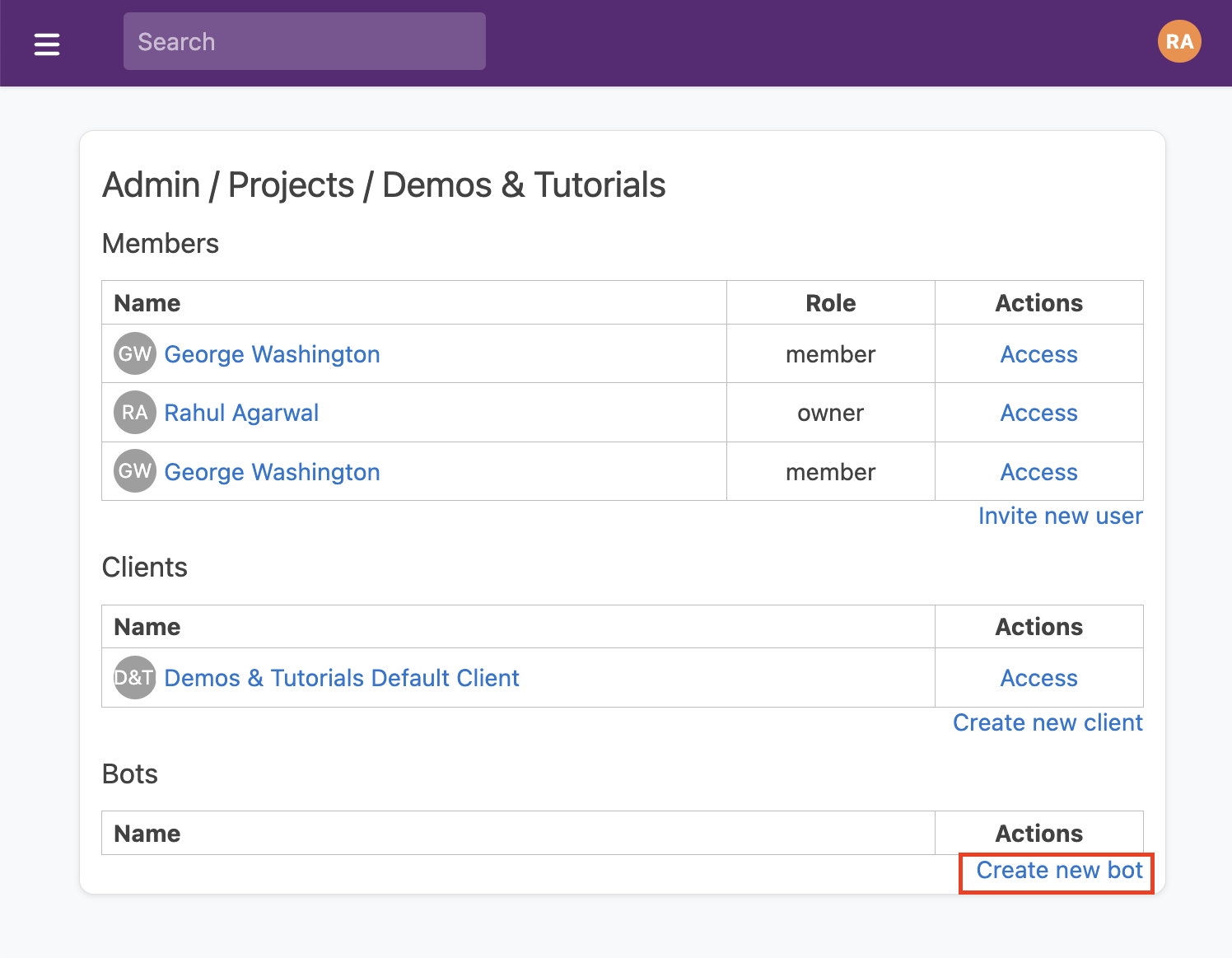
On the next page you can enter a bot **name** and **description** (optional). You can also optionally set an [**access policy**](/docs/access/access-policies) on the Bot, which can restrict the read/write privileges of the bot's code. By default, Bots have read/write access to all resources.
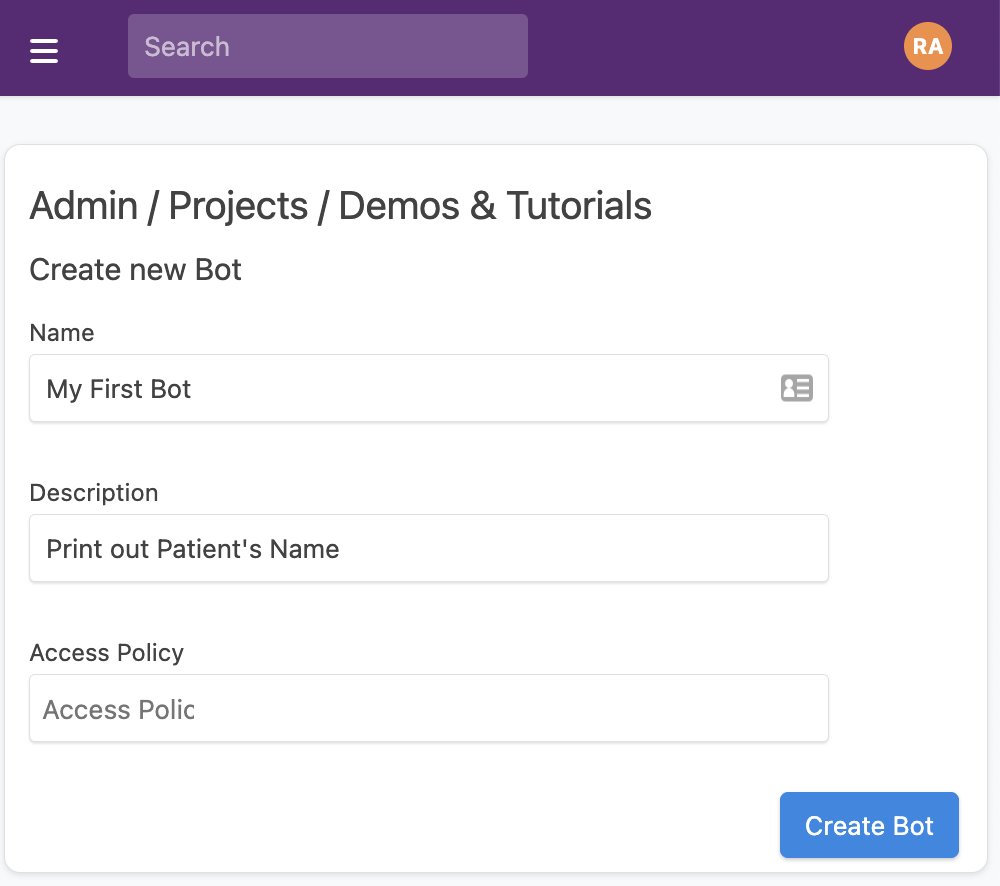
Click "Create Bot" to save the Bot, and you will see an acknowledgement that the Bot has been created.
### Editing a Bot
You can see all Bots in your account on the Bot resource page: [https://app.medplum.com/Bot](https://app.medplum.com/Bot)
Click on your new Bot and navigate to the **Editor** tab. This presents a code editing window where you can write your
Javascript code.
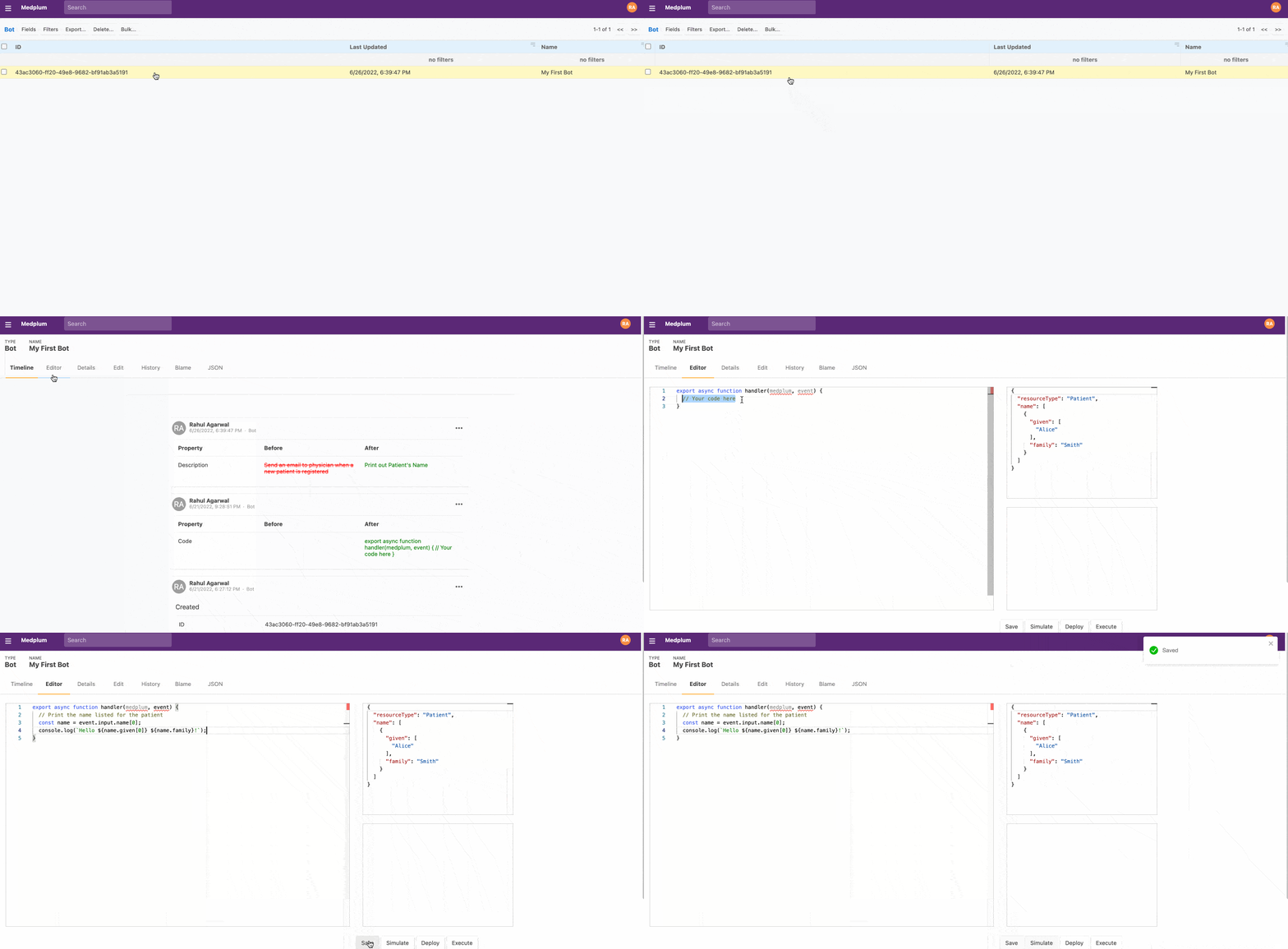
All Bots are simply a single TypeScript/JavaScript file with a standard async entry point function called `handler`. To start your bot, create a `handler` function as shown below in the **Editor** window.
```typescript
import { BotEvent, MedplumClient } from '@medplum/core';
export async function handler(medplum: MedplumClient, event: BotEvent): Promise {
// Your code here
}
```
The following function arguments are available to the Bot code, to enable it to do the functionality it requires.
| Name | Type | Description |
| ------------------- | -------------------------------------------------------------------------------------------- | -------------------------------------------------------------------------------------------------------- |
| `medplum` | [MedplumClient](/docs/sdk/core.medplumclient) | An instance of the medplum JS SDK ([documentation](/docs/sdk)) |
| `event` | [BotEvent](/docs/sdk/core.botevent) | The event object that triggered the Bot |
| `event.bot` | `Reference` | Reference to the Bot resource that is executing |
| `event.contentType` | `string` | The content type of the input (e.g., `application/fhir+json`, `text/plain`) |
| `event.input` | `string` | `Resource` | `Hl7Message` | `Record` | The bot input, usually a FHIR resource or content that was posted to a bot endpoint |
| `event.secrets` | `Record` | Map of project secrets accessible to the bot. See [Bot Secrets](/docs/bots/bot-secrets) for more details |
| `event.traceId` | `string` (optional) | Trace ID for request correlation and debugging |
| `event.requester` | `Reference` (optional) | Reference to the resource that requested the bot execution |
| `event.headers` | `Record` (optional) | Headers from the original HTTP request, when invoked by HTTP request |
In this example, we'll assume the input is a `Patient` resource and print out the patient's name.
```ts
import { BotEvent, MedplumClient } from '@medplum/core';
import { Patient } from '@medplum/fhirtypes';
export async function handler(medplum: MedplumClient, event: BotEvent): Promise {
const patient = event.input as Patient;
const firstName = patient.name?.[0]?.given?.[0];
const lastName = patient.name?.[0]?.family;
console.log(`Hello ${firstName} ${lastName}!`);
return true;
}
```
When you are done editing, click "Save" to save your Bot code to Medplum.
#### Understanding the code
Let's break this example down.
```ts
import { Patient } from '@medplum/fhirtypes';
//....
const patient = event.input as Patient;
```
This first line casts the contents of event.input of type `Patient`. This allows the rest of the bot code to take advantage of TypeScript's strong type system, along with IDE autocomplete and ESLint verification. Medplum provides type definitions for all FHIR resources in the `@medplum/fhirtypes` package.
```ts
const firstName = patient.name?.[0]?.given?.[0];
const lastName = patient.name?.[0]?.family;
```
This line extracts the first and last name for the patient. Since patients can have many different names (e.g. maiden name, common name, official name), `Patient.name` is an array. In this example, we will only consider the `0th` name entry.
FHIR stores a person's first names, middle names, etc. in an array called `HumanName.given`, and the last name in the `HumanName.family` property. For more information, refer to the documentation for the [`HumanName` datatype](/docs/api/fhir/datatypes/humanname).
Because these properties may be undefined, we make heavy use of the Javascript [optional chaining (`?.`) operator](https://developer.mozilla.org/en-US/docs/Web/JavaScript/Reference/Operators/Optional_chaining) to access these properties.
### Deploying a Bot
Clicking "Save" in the **Editor** tab persists your Bot code to the Medplum database, but _doesn't_ deploy it to run in production.
To deploy your bot, click the "Deploy" button.
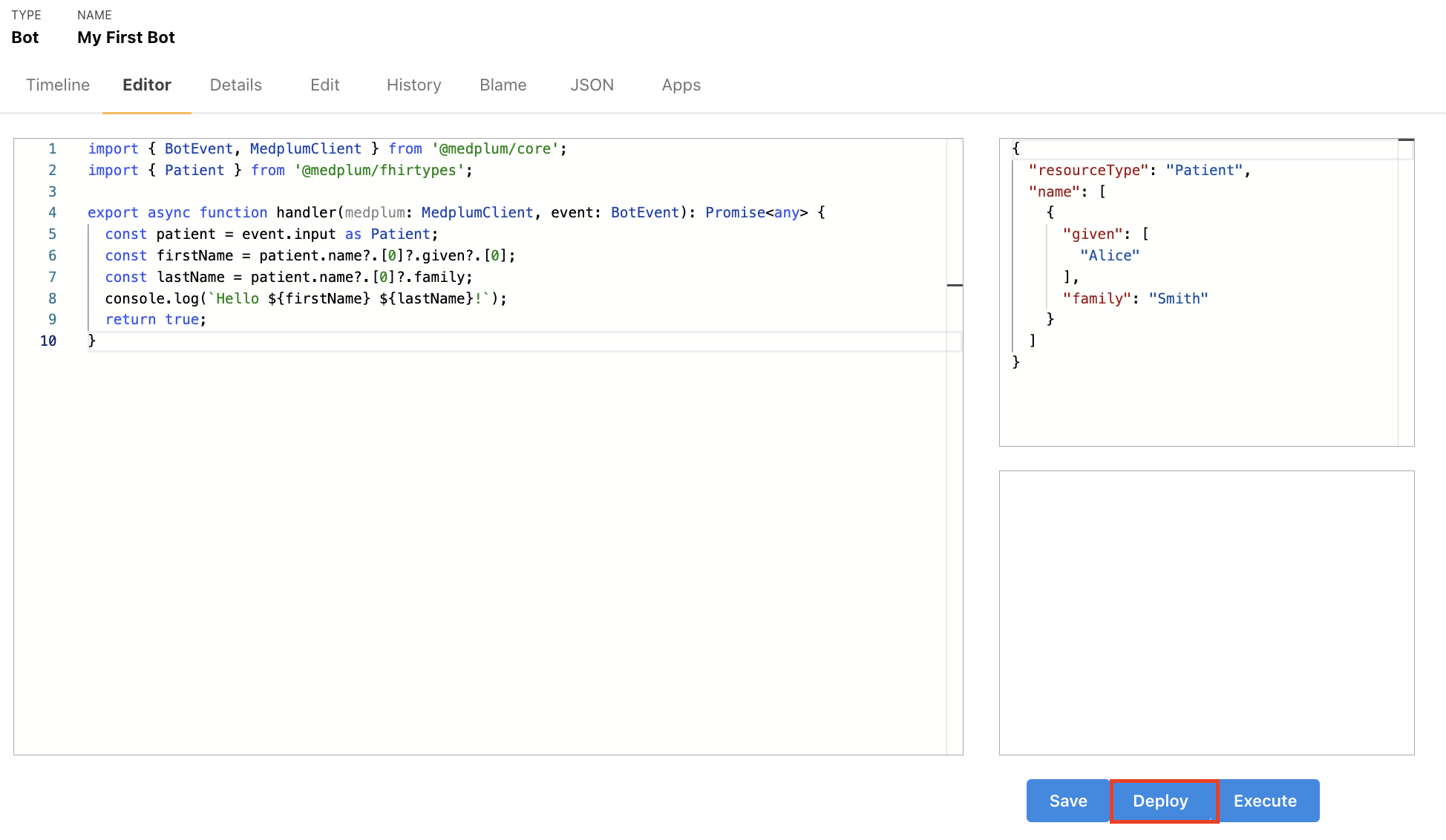
This works well for initial prototyping, but as you get closer to a production implementation [deploying from the command line](/docs/bots/bots-in-production#deploying-your-bot) potentially as part of a CI/CD can be preferred.
**Medplum Bots** are run as [AWS Lambdas](https://aws.amazon.com/lambda/) and in heavily sandboxed environments.
You can apply an [AccessPolicy](/docs/access/access-policies) to the Bot if you want to further reduce the data it can read and write.
#### Creating and Deploying Bot from your IDE instead of Editor tab
Alternatively, you can also write the code for a Bot and deploy from within your IDE.
- [Create a Bot](https://app.medplum.com/admin/project) on Medplum and note its `id`. (All Bots in your account can be found [here](https://app.medplum.com/Bot))
- Create a new typescript file (e.g. `my-bot.ts`) and copy the contents of `examples/hello-patient.ts` into your new file.
- With the `id` of the Bot `id` in hand, add a section to `medplum.config.json` like so
```json
{
"name": "sample-account-setup",
"id": "",
"source": "src/examples/sample-account-setup.ts",
"dist": "dist/sample-account-setup.js"
}
```
Then, you can [deploy your bot from command line](/docs/bots/bots-in-production#deploying-your-bot)
### Executing a Bot
Once your bot has been [saved](#editing-a-bot) and [deployed](#deploying-a-bot), it is time to execute the bot.
There are a few different ways a bot can be executed:
1. Clicking the "Execute" button in the **Bot Code Editor**
1. Sending a POST request to the [`$execute` endpoint](/docs/api/fhir/operations/bot-execute)
1. Setting up a [Subscription](/docs/fhir-basics#listening-for-changes-subscriptions) to execute the Bot automatically based on changes (see next section).
#### _Executing from the Code Editor_
The simplest way to execute a bot is to click the "Execute" button inside the Bot's **Editor** tab.
This will execute the most recently deployed version of your Bot, with the `event.input` set to the contents of the
**Input Pane**.
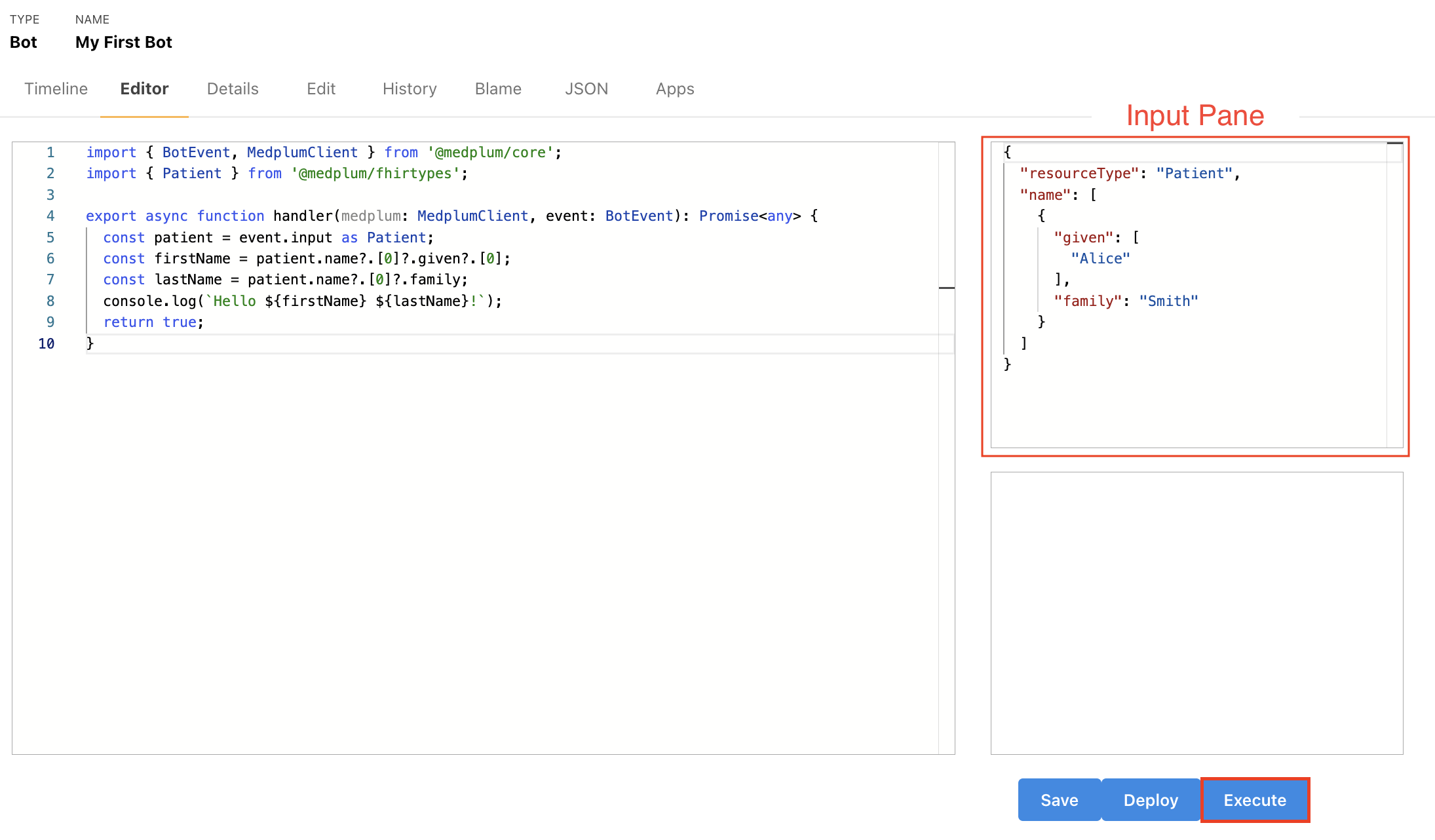
In the output panel at the bottom right you will see the string "true", indicating that the execution was a success. To see the results of the execution, navigate to the **Event** tab.
(You may need to reload the page.) The **Outcome Desc** column will show the result of the console.log.
#### _Using the `$execute` endpoint_
You can also execute a bot programmatically by sending an HTTP `POST` request to the Bot's `$execute`. Below is an example request sent with [`cURL`](https://en.wikipedia.org/wiki/CURL):
```bash
curl -X POST 'https://api.medplum.com/fhir/R4/Bot//$execute' \
--header 'Content-Type: ' \
--header 'Authorization: Bearer ' \
--data ''
```
Let's walk through each of the parameters here in more detail.
##### `BOT_ID`
You can find the `id` of your Bot by clicking on the **Details** tab of the Bot resource. In this example, it is ` 43ac3060-ff20-49e8-9682-bf91ab3a5191`
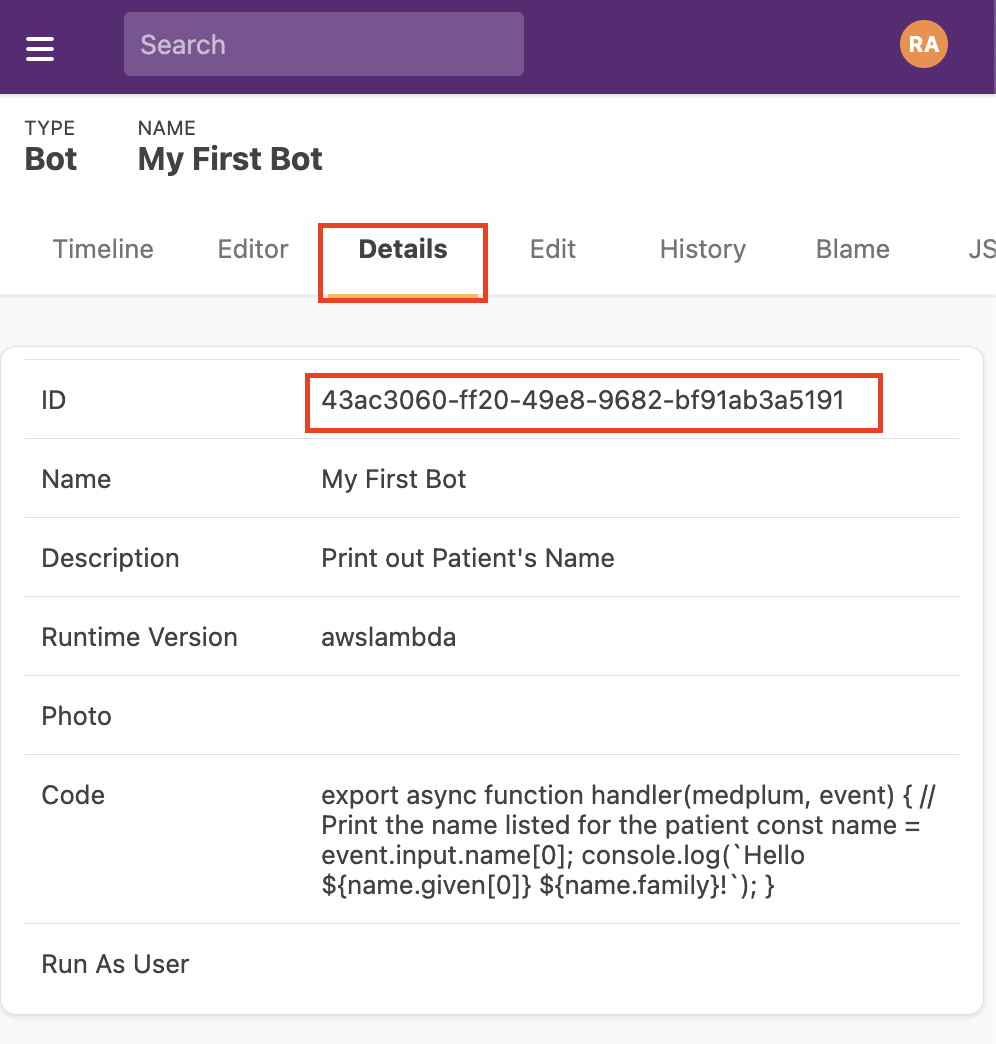
##### `CONTENT_TYPE`
| Content-Type | typeof `event.input` | Description |
| ------------------------------------ | -------------------------------------- | ------------------------------------------------------------------------------------------------------------------------------------------------------------------- |
| `text/plain` | `string` | `` is parsed as plaintext string |
| `application/json` | `Record` | `` is parsed as JSON-encoded object |
| `application/x-www-form-urlencoded ` | `Record` | `` is parsed as URL-encoded string, resulting in a key/value map |
| `application/fhir+json` | [`Resource`](/docs/api/fhir/resources) | `` is parsed as a [FHIR Resource](/docs/fhir-basics#storing-data-resources) encoded as JSON |
| `x-application/hl7-v2+er7` | [`HL7Message`](../sdk/core.hl7message) | `` is a string that should be parsed as a pipe-delimited HL7v2 message. HL7v2 is a common text-based message protocol used in legacy healthcare systems |
##### `ACCESS_TOKEN`
This is the `access_token` you receive after completing the OAuth authentication flow. See [this how-to](/docs/auth/client-credentials#connecting-to-the-service) for more information.
##### `INPUT_DATA`
This is the input data that will be parsed according to `CONTENT_TYPE` and passed into your Bot as `event.input`.
Read more in the [Bot `$execute`](/docs/api/fhir/operations/bot-execute) documentation.
#### _Executing automatically using a [`Subscription`](/docs/fhir-basics#listening-for-changes-subscriptions)_
While using the `$execute` endpoint allows developers to trigger Bots from 3rd party applications, the most common way to execute a bot is to use a [FHIR subscription](/docs/fhir-basics#listening-for-changes-subscriptions) to trigger the Bot whenever a resource has been updated.
Let's connect our bot to [`Patient`](/docs/api/fhir/resources/patient) resources. That means that the Bot code will run on any "create" or "update" operation to any [`Patient`](/docs/api/fhir/resources/patient).
:::note[]
Bots can be run as a cron job. [Click Here](/docs/bots/bot-cron-job) to learn more.
:::
First, go to the [Subscription](https://app.medplum.com/Subscription) resources page.
Then click on the "New..."
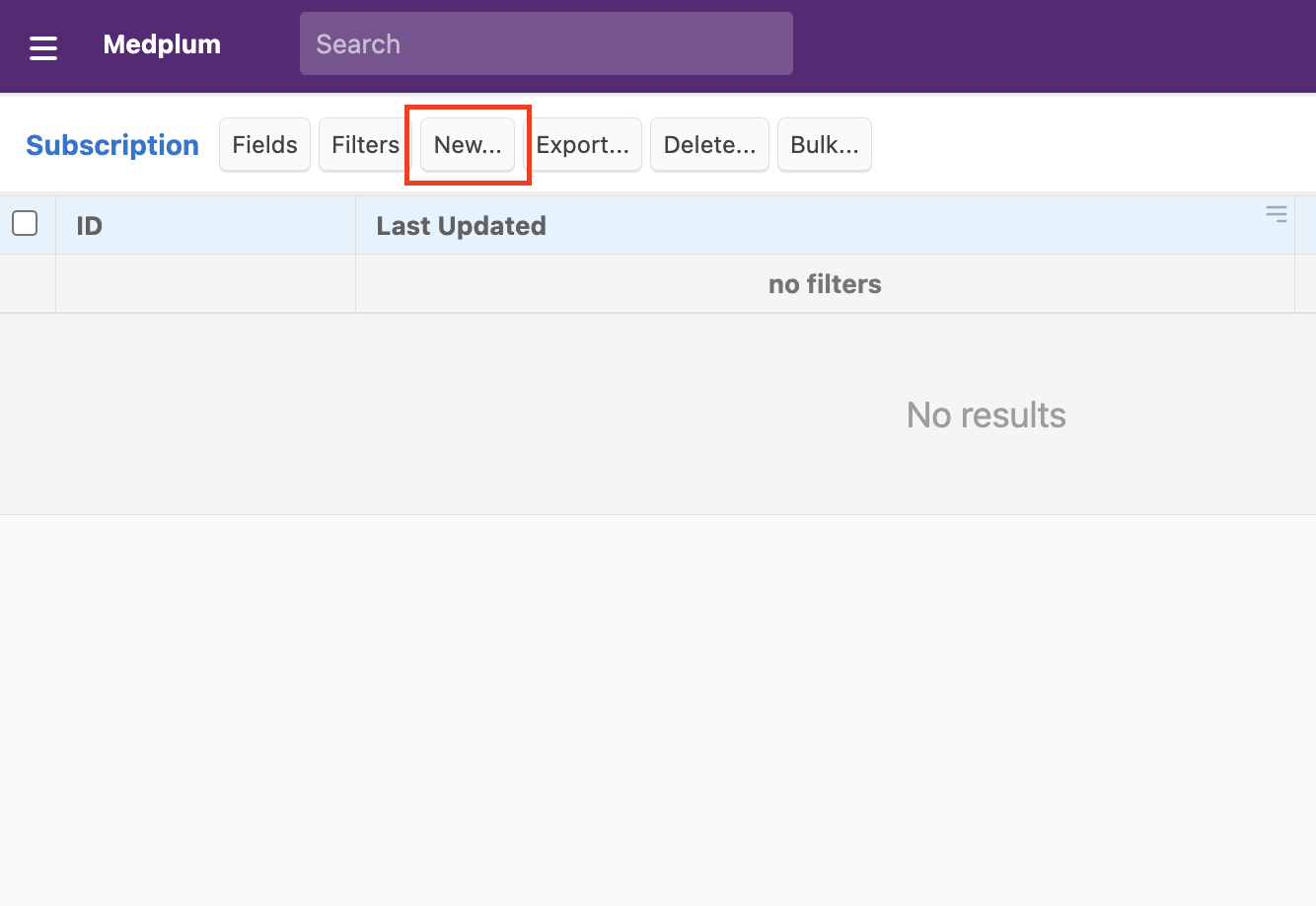
To ensure the Subscription is running, change "Status" to `Active`
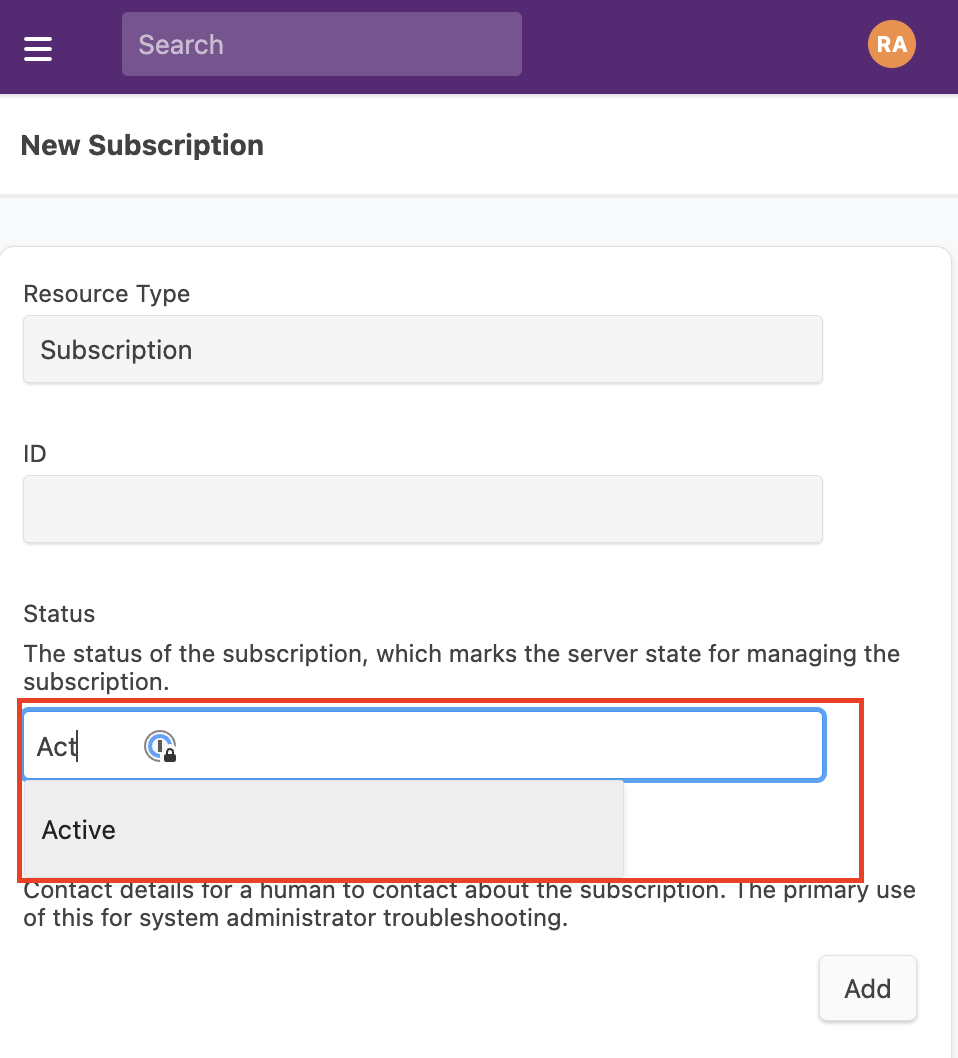
Specify which Resources will trigger this subscription using a FHIR search string. If you're not familiar with FHIR search semantics, check out [this tutorial](../search/basic-search) for a primer.
For this example, we will trigger the Subscription after a change to _any_ `Patient` resource.
Change "Criteria" field to `Patient`
:::warning[Subscriptions on `AuditEvents`]
The criteria of a subscription cannot be set to an [`AuditEvent`](/docs/api/fhir/resources/auditevent) resource. When a subscription is triggered it creates an [`AuditEvent`](/docs/api/fhir/resources/auditevent), so using it as criteria would create a notification spiral.
:::
Next, we specify action should be taken when the subscription is triggered, using the "Channel" field.
Because Bots are executed using HTTP requests, we will select the Channel "Type" as `Rest Hook` and the Channel "Endpoint" as as `Bot/`.
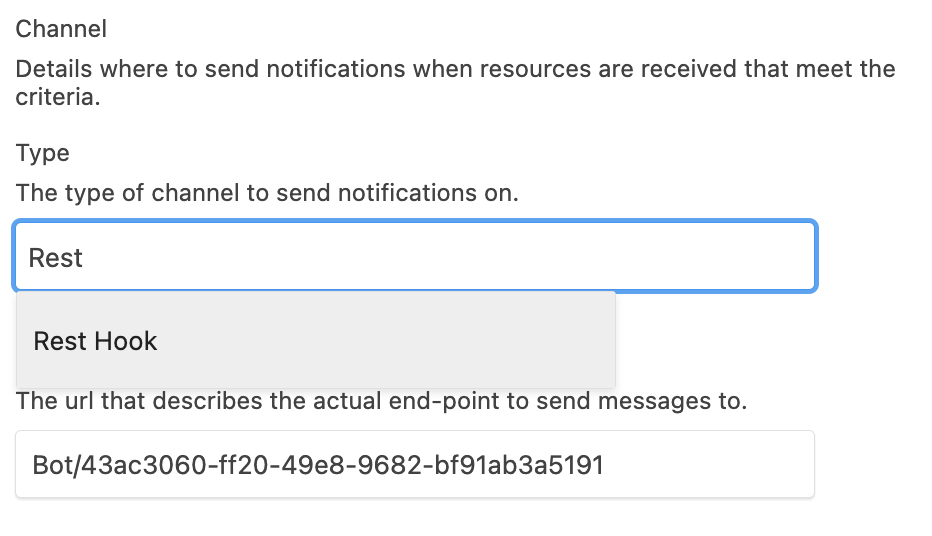
Change "Payload" to `application/fhir+json`. This is similar to the [CONTENT_TYPE](#content_type) field used by the `$execute` endpoint.
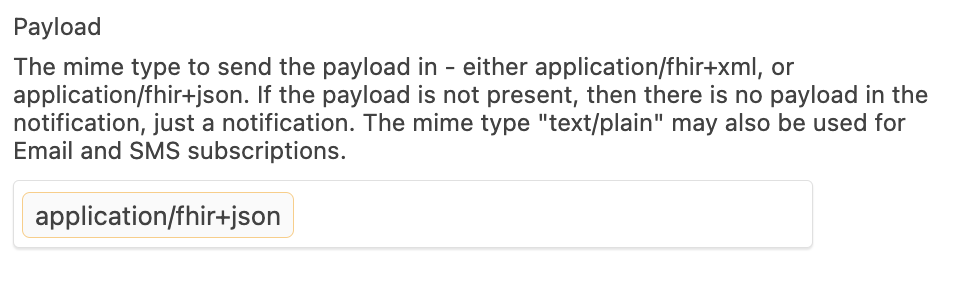
Finally, scroll down and click "OK".
**Congratulations!** Now you have an active Subscription. ([View all Subscriptions](https://app.medplum.com/Subscription))
We can test our new subscription by creating a new `Patient`. First, go to the [Patient resources](https://app.medplum.com/Patient) using the top-left menu and clicking "Patient"
Next, click on the "New..." [button](https://app.medplum.com/Patient/new)
Enter a sample name such as given "Jane" family "Doe". Then Scroll down and click "OK"
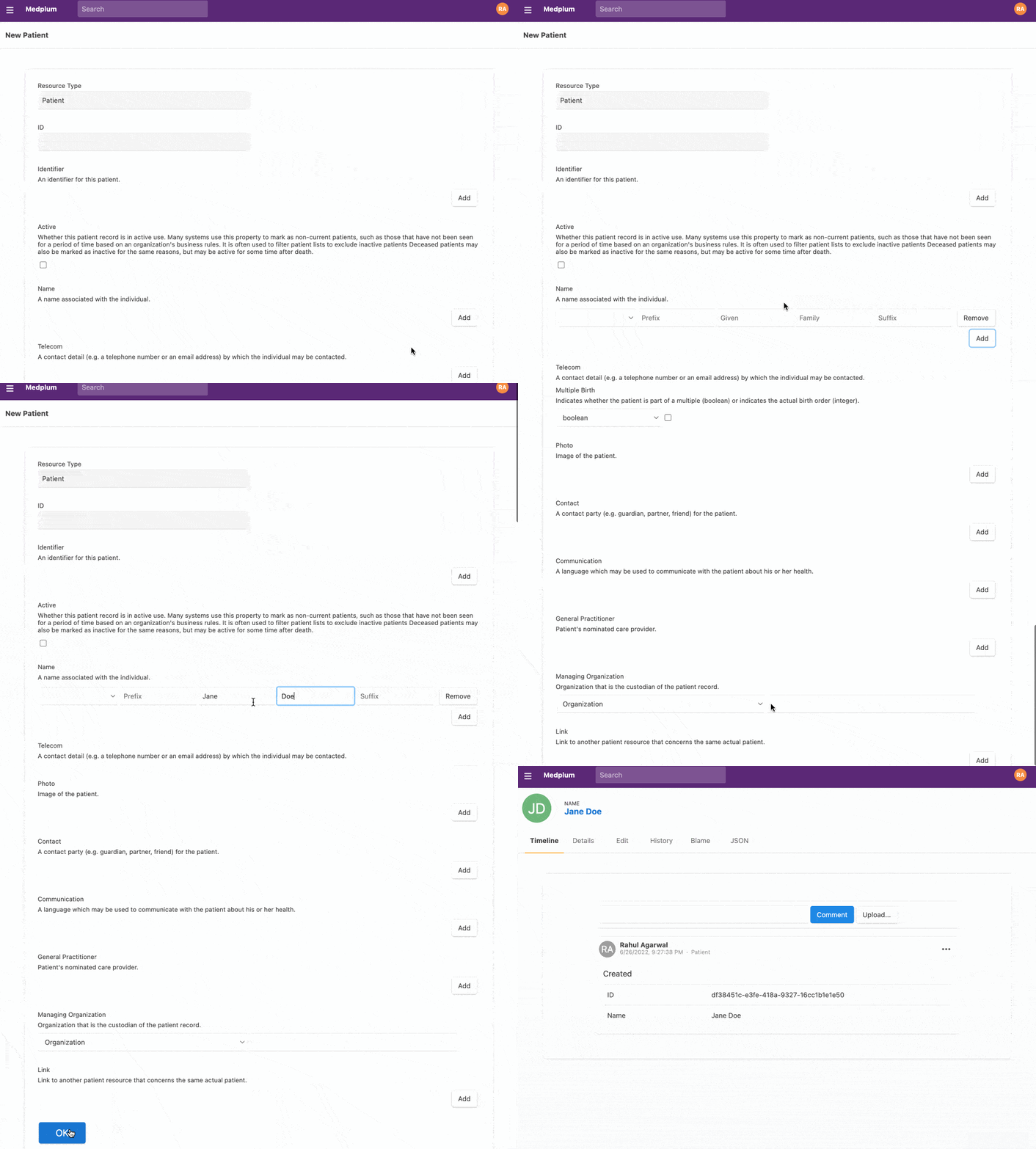
Now, let's go back to our [`Subscription`](https://app.medplum.com/Subscription). On the Timeline, you should see an `AuditEvent` with the outcome of the JavaScript code execution. If everything worked as expected, you should see "Hello Jane Doe" logged as part of the `AuditEvent`.
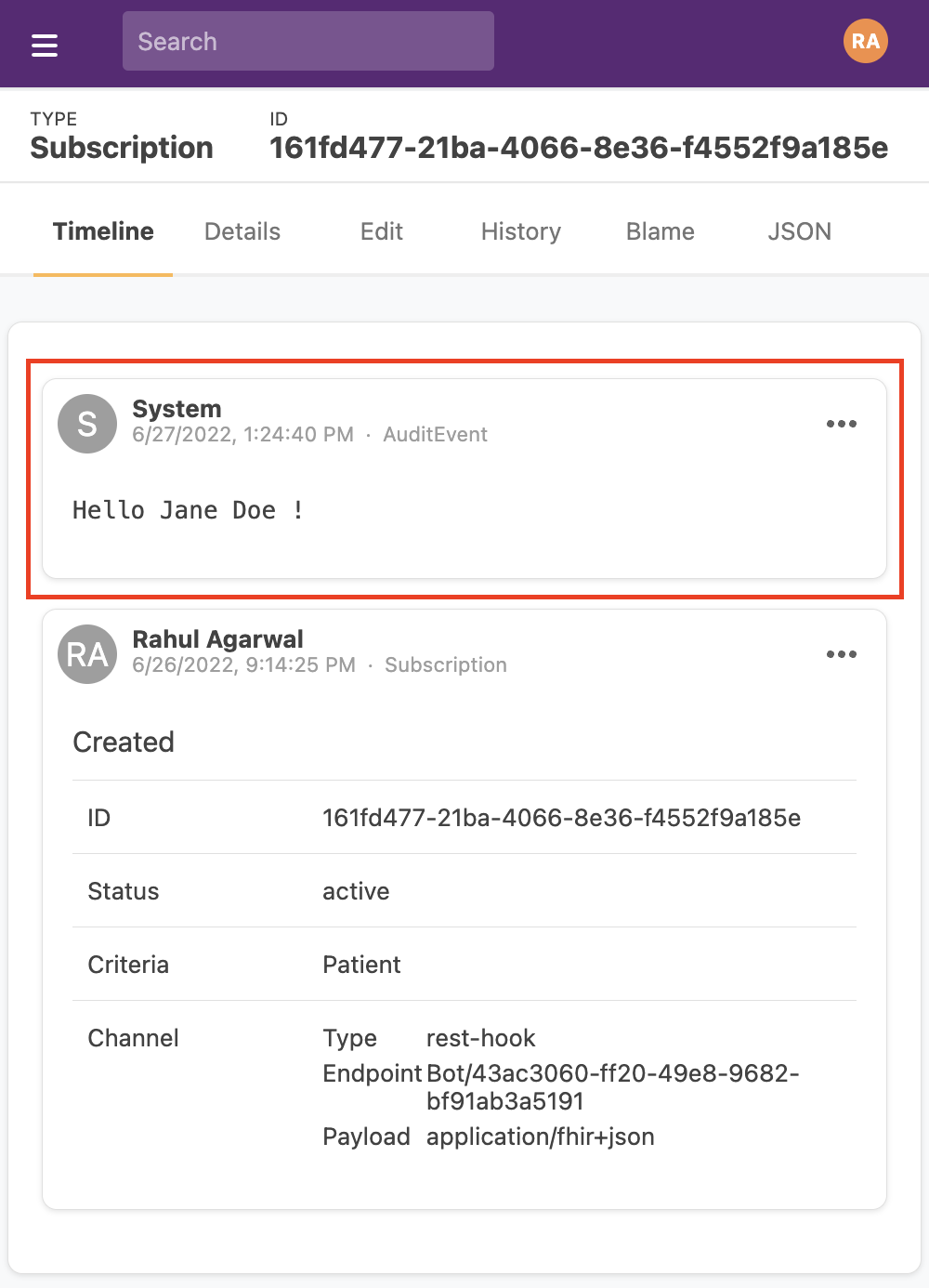
If you want to see all `AuditEvents` sorted by most recent, you can use [this link](https://app.medplum.com/AuditEvent?_count=20&_fields=outcomeDesc,_lastUpdated,entity&_offset=0&_sort=-_lastUpdated).
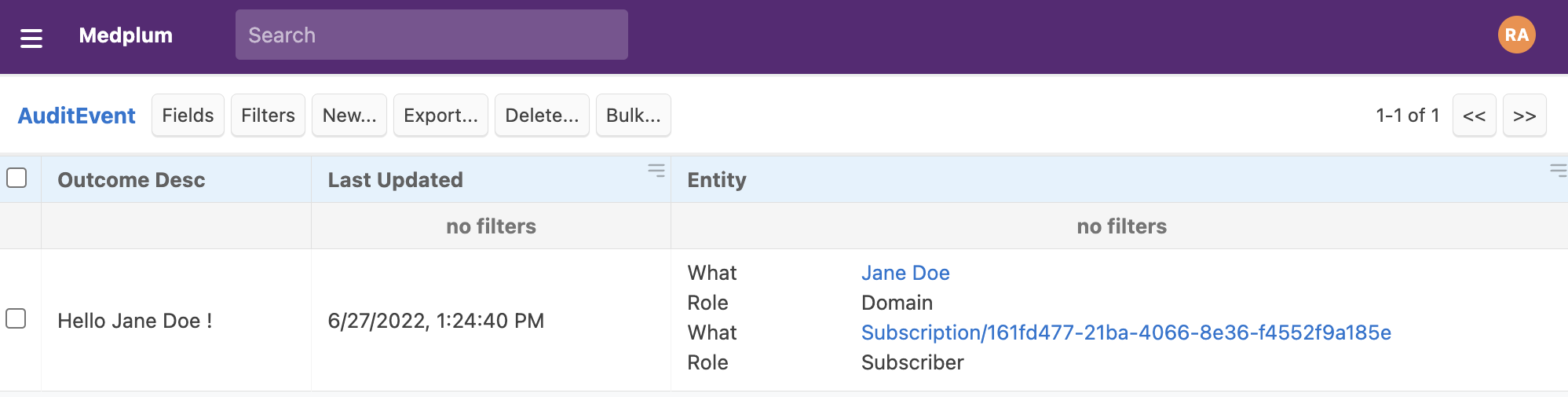
### Software Development Lifecycle
Bots written using the web editor are a great way to get started. If you would like to develop locally, test and deploy apps as part of your software development lifecycle, you refer to our next tutorial on [deploying Bots in production](./bots-in-production)
### Medplum Lambda Bots Size Limits
Medplum Bots that use the AWS Lamda runtime are subject to AWS Lambda size constraints:
- **Maximum compressed size**: 50 MB
These limits apply to your bot code and any extra dependencies you include. The [bot layer](/docs/bots/bot-lambda-layer) already provides many common dependencies (like `@medplum/core`, `node-fetch`, etc.).
---
## Bot Code Organization and Build Setup
As your integration grows, you will likely end up with multiple bots that share common logic — API client setup, FHIR resource transforms, shared constants, and so on. Without a strategy, this leads to duplicated logic across bot files that become hard to maintain, quickly growing to thousands of lines.
This guide explains how to structure a multi-bot project so that shared code lives in one place, while each deployed bot remains a single self-contained file (as Medplum requires).
:::note[Prerequisites]
This guide assumes you're comfortable with the basics of writing and deploying bots. If not, start with [Bots in Production](/docs/bots/bots-in-production) first.
:::
:::note[Coming from Python or C#?]
This guide is TypeScript-only — Medplum's built-in bot runtime executes JavaScript.
If you're writing TypeScript for the first time, the build step may feel unfamiliar. Think of it like a compiler output: you write modular source files, and the toolchain produces a single deployable artifact per bot. You never ship your `src/` folder — only the compiled output.
:::
### The Single-File Constraint
Medplum deploys **one JavaScript file per bot**. This is by design: it keeps the deployment unit simple and portable across runtimes (Lambda, VM context). That file must contain your shared `src/` modules and any **third-party** libraries you depend on, **except** packages you mark as `external` because they are already supplied by the Medplum bot runtime (for AWS Lambda, the [bot Lambda layer](https://github.com/medplum/medplum/blob/main/packages/bot-layer/package.json)).
For a single bot this is fine. For a project with many bots sharing common logic, you need a way to write modular source code while still producing a single file per bot at deploy time. The answer is a bundler.
### Project Structure
Organize your source into two directories:
```
my-bots/
├── src/
│ ├── bots/ # One file per bot
│ │ ├── send-order.ts
│ │ ├── receive-result.ts
│ │ └── sync-patient.ts
│ └── common/ # Shared utilities imported by bots
│ ├── connection.ts
│ ├── order-utils.ts
│ └── constants.ts
├── dist/
│ └── bots/ # Compiled output — one file per bot
│ ├── send-order.js
│ ├── receive-result.js
│ └── sync-patient.js
├── esbuild.mjs
└── package.json
```
Each file in `src/bots/` exports a single `handler` function. Each file in `src/common/` is a plain TypeScript module — no bot-specific logic.
### Bundling with esbuild
[esbuild](https://esbuild.github.io/) is a fast JavaScript bundler that compiles each bot into one deployable file, inlining your `../common/` imports and (by default) **npm packages** from `node_modules`. Packages listed in **`external`** are left as `require()` calls — on AWS Lambda, Medplum resolves those from the **bot Lambda layer**, so list every layer-provided package you import to avoid bloating the bundle or duplicating runtime libraries. The layer’s package catalog is defined in Medplum’s [`packages/bot-layer/package.json`](https://github.com/medplum/medplum/blob/main/packages/bot-layer/package.json). Other bundlers work too, as long as they support inlining local imports and marking those imports as external.
#### Installation
```bash
npm install --save-dev esbuild glob
```
#### esbuild.mjs
```js
import esbuild from 'esbuild';
import { glob } from 'glob';
// Compile every .ts file in src/bots/ (excluding tests)
const botEntryPoints = glob.sync('./src/bots/*.ts').filter((f) => !f.endsWith('.test.ts'));
esbuild
.build({
entryPoints: botEntryPoints,
outdir: './dist/bots',
bundle: true, // Inline local imports and npm deps not listed in external
platform: 'node',
format: 'cjs',
loader: { '.ts': 'ts' },
target: 'es2020',
external: [
// Every Medplum layer package you import should appear here (expand as needed).
// Catalog: https://github.com/medplum/medplum/blob/main/packages/bot-layer/package.json
'@medplum/core',
'@medplum/definitions',
],
footer: { js: 'Object.assign(exports, module.exports);' },
})
.then(() => console.log('Build complete'))
.catch(() => process.exit(1));
```
Add a build script to `package.json`:
```json
{
"scripts": {
"build": "node esbuild.mjs"
}
}
```
Run with:
```bash
npm run build
```
#### What the bundler does
| Source | After bundling |
|--------|---------------|
| `import { connectToApi } from '../common/connection'` | Inlined into the bot's `.js` file |
| `import { MedplumClient } from '@medplum/core'` | Left as `require('@medplum/core')` when listed in `external` — resolved at runtime from the layer |
| `import { RRule } from 'rrule'` (after `npm install rrule`) | Inlined into the bot's `.js` file — not on the layer, so do **not** add `rrule` to `external` |
Each file under `dist/bots/` contains every **non-external** dependency (your shared modules and bundled npm libraries). Your `src/common/` folder is never deployed separately — its code is merged into each bot that imports it. Layer packages stay as `require()` calls.
#### Third-party npm dependencies
To ship a one-off library (for example `rrule`, `lodash`, or a small HTTP helper):
1. **`npm install `** (dependency or devDependency according to your repo conventions).
2. **`import`** it from a bot under `src/bots/` or from `src/common/` as usual.
3. **Omit it from `external`** unless that exact package is already provided by the Medplum bot Lambda layer (see the `dependencies` in the same [`bot-layer` `package.json`](https://github.com/medplum/medplum/blob/main/packages/bot-layer/package.json) linked in the esbuild example). If it is not on the layer, esbuild **bundles** it into the compiled `.js` file.
:::warning[Note] If you use **transpile-only** tooling or wrongly list a non-layer package in `external`, the output can still contain `require('some-package')`. The Medplum CLI uploads **only** that single `dist` file — there is no `node_modules` on Lambda — so the bot will **fail at runtime**. [Bots in Production](/docs/bots/bots-in-production) describes the deploy path, `medplum.config.json`, and related constraints (for example deployment size).
:::
### Writing Bots and Shared Modules
#### Bot files (`src/bots/`)
Keep bot files thin. They should only contain the `handler` function and high-level orchestration:
```ts
// src/bots/send-order.ts
import { BotEvent, MedplumClient } from '@medplum/core';
import { ServiceRequest } from '@medplum/fhirtypes';
import { connectToApi } from '../common/connection';
import { buildOrderPayload } from '../common/order-utils';
export async function handler(medplum: MedplumClient, event: BotEvent): Promise {
const order = event.input as ServiceRequest;
const client = await connectToApi(medplum);
const payload = buildOrderPayload(order);
await client.submitOrder(payload);
}
```
#### Shared modules (`src/common/`)
Shared modules are plain TypeScript — no Medplum-specific structure required:
```ts
// src/common/connection.ts
import { MedplumClient } from '@medplum/core';
export async function connectToApi(medplum: MedplumClient): Promise {
const secret = await medplum.getProjectSecret('API_KEY');
return new ApiClient(secret);
}
```
#### What belongs in `common/`
Move code to `src/common/` when:
- Two or more bots use the same function
- The logic is independently testable (API clients, data transforms, validators)
- It's a constant or configuration value shared across bots
Keep code in the bot file when:
- It's only used by that bot
- It's thin glue logic specific to one workflow
### Deployment
The deploy workflow is the same as described in [Bots in Production](/docs/bots/bots-in-production). Your `medplum.config.json` points each bot at its source and compiled files:
```json
{
"bots": [
{
"name": "send-order",
"id": "",
"source": "src/bots/send-order.ts",
"dist": "dist/bots/send-order.js"
},
{
"name": "receive-result",
"id": "",
"source": "src/bots/receive-result.ts",
"dist": "dist/bots/receive-result.js"
}
]
}
```
Deploy all bots in one command:
```bash
npm run build
npx medplum bot deploy '*'
```
---
## Cron Jobs for Bots
You can add a cron job for your bot so it can automatically run from a schedule. This means you can set a repeatable time for the bot to automatically every minute, day, other month, etc.
### To add a scheduled timer for your Bot
- Navigate to your [Bots Page](https://app.medplum.com/admin/bots)
- Click on the Bot you would like create a Cron Job for
- Click on the name of the Bot
- When you click on the Bot's name and open up the page, you should see the url similar to this `https://app.medplum.com/Bot/`
- Click on the Edit Tab 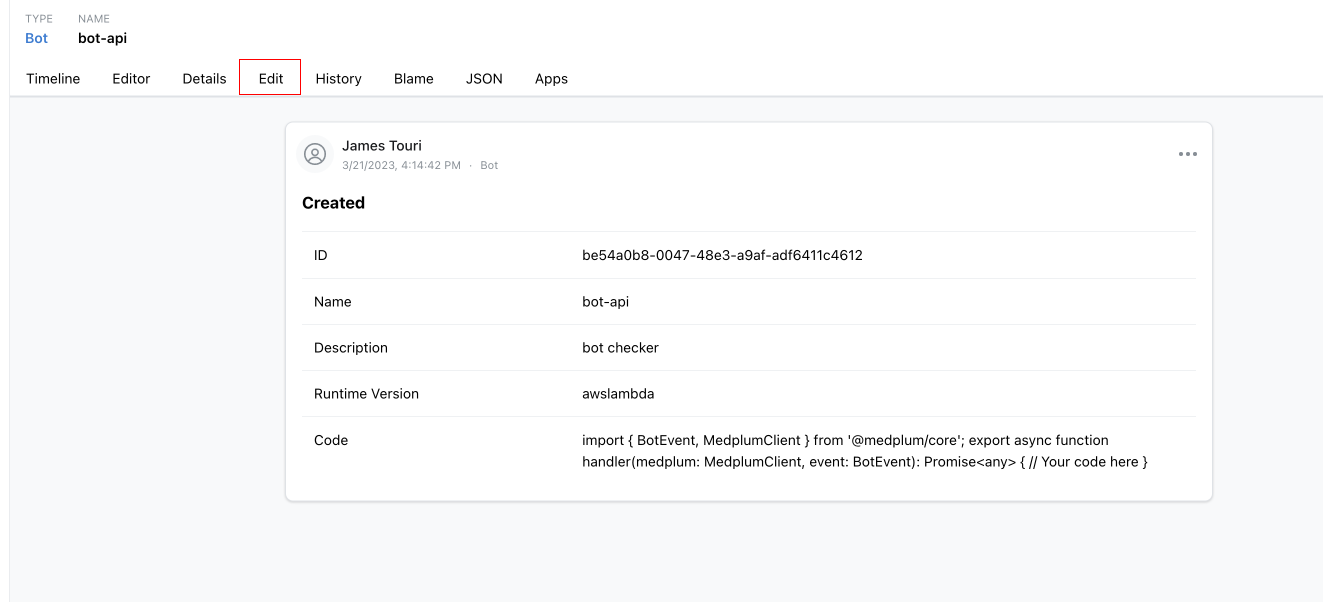
### The Edit Form
In the Edit Form, scroll down to the Cron and choose one of the two ways to create a cron job. One as a UI tool, or a direct Cron format `e.g * */3 * * *`.
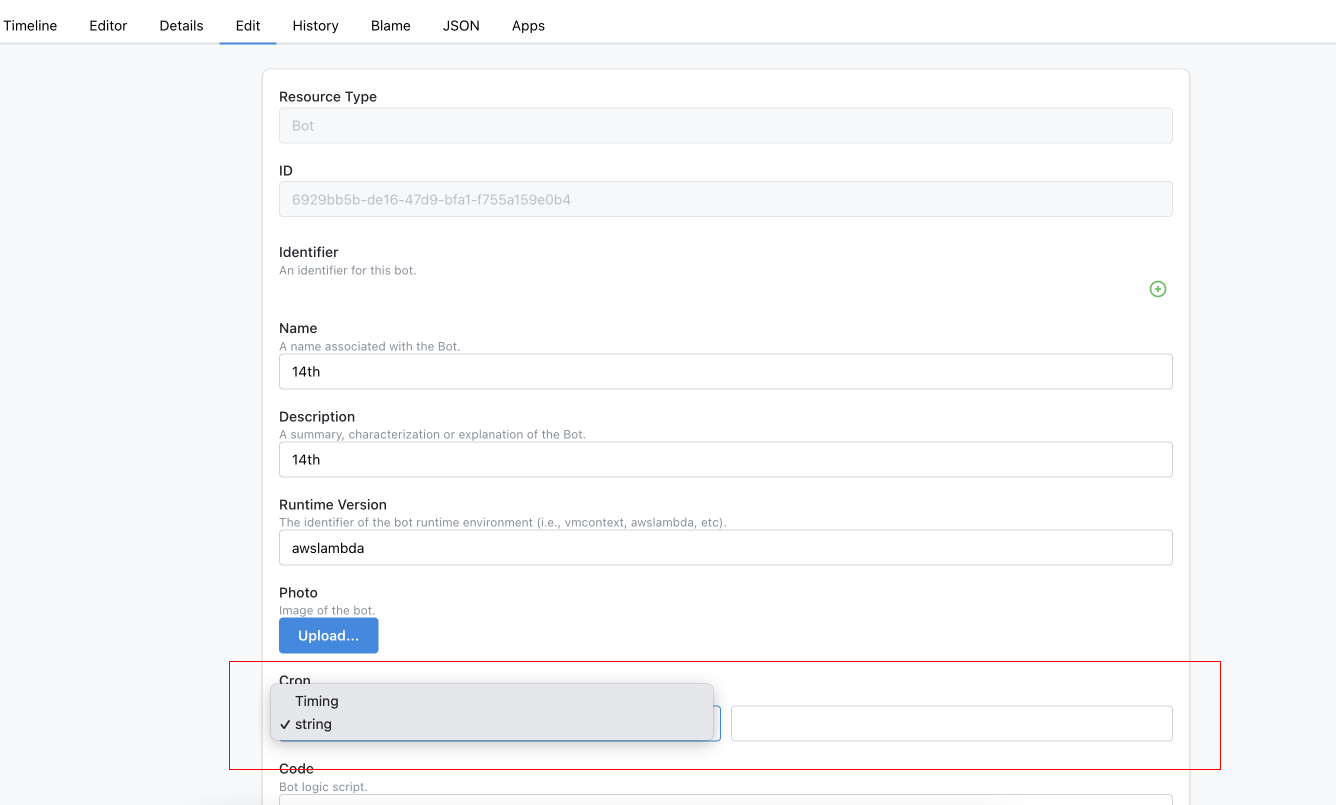
Click Ok in the bottom of the page, and your bot will be added to the queue.
### Scheduling with the Cron resource
A [`Cron`](/docs/api/fhir/medplum/cron) resource owns a schedule independently of the Bot, so the
same Bot can run on several schedules, each under a different identity and with different input.
Requires the `cron` project feature.
| Element | Meaning |
| ----------------- | ------------------------------------------------------------------------------------------------ |
| `active` | Only an active job is scheduled. Setting it to false unregisters the job but keeps the schedule. |
| `onBehalfOf` | The `ProjectMembership` whose identity and access policy the run assumes. |
| `targetReference` | The Bot to execute. |
| `cronString` | The schedule, as a five-field cron expression. Required. |
| `endTime` | The point after which the job stops running. |
| `parameter` | Input for the Bot, which always receives the whole `Cron` resource, parameters included. |
```json
{
"resourceType": "Cron",
"active": true,
"cronString": "0 */3 * * *",
"endTime": "2026-01-01T00:00:00.000Z",
"onBehalfOf": { "reference": "ProjectMembership/" },
"targetReference": { "reference": "Bot/" },
"parameter": [{ "name": "region", "valueString": "us-east" }]
}
```
Writing a `Cron` whose `cronString` is not a valid cron expression is rejected, so a broken schedule
surfaces as an error on the request rather than as a job that silently never fires. The same applies
to `targetReference` and `onBehalfOf`: a reference the author cannot read is rejected on write,
rather than becoming a job that fails on every tick. Authoring a `Cron` is a project-administrator
capability, since it chooses the identity the Bot runs as.
#### Running a Bot from a linked project
A Bot is code, not authority, so `targetReference` may name a Bot in a
[linked project](/docs/access/projects#project-linking) while `onBehalfOf` may not. That is what
lets a shared project publish a Bot once and each customer project schedule it:
- The `Cron` and its `onBehalfOf` `ProjectMembership` live in the customer project, which needs both
the `cron` and `bots` features. `onBehalfOf` can never name a membership in another project,
linked or not — it chooses the access policy the run assumes, so allowing it would let one project
borrow another's privileges.
- The Bot lives in the shared project, which the customer project must link to. If the shared
project sets `exportedResourceType`, it has to include `Bot`. The shared project does not itself
need the `bots` feature to publish a Bot others run — that feature is checked against
`onBehalfOf`'s project, since that is where the run executes — but it does need it to deploy one.
- The customer project still needs a `ProjectMembership` of its own for that Bot to point
`onBehalfOf` at.
The Bot therefore runs with the customer project's access policy, reading and writing the customer's
data, and its secrets are the shared project's overlaid with the customer's. The execution
`AuditEvent` and the recorded Bot input both belong to the customer project — that is the identity
the run assumed, and the input is the customer's data — so the publishing project sees its Bots'
outcomes through server logs and bot execution metrics instead.
A job that can no longer run stops itself on its next tick rather than failing indefinitely.
Revoking the link, deleting the target Bot, and deleting the `onBehalfOf` `ProjectMembership` each
unregister it. Removing the `cron` feature only pauses it, so restoring the feature resumes the
existing schedule.
---
## Bot for QuestionnaireResponse
Bots are an advanced Medplum feature that enable complex workflows.
One of the most powerful uses is to combine Bots with [Questionnaires](/docs/api/fhir/resources/questionnaire)
A FHIR [Questionnaire](/docs/api/fhir/resources/questionnaire) is a customizable form. You can add custom questions, question types, multiple choice options, etc. You can think of a FHIR Questionnaire as a healthcare-specific Google Forms or Survey Monkey.
Connecting a Bot to a Questionnaire enables custom workflows that you control top to bottom.
### Example uses
Consider some of these Bot and Questionnaire use cases:
- Patient registration - Create a Patient plus initial [Appointment](/docs/api/fhir/resources/appointment) or [ServiceRequest](/docs/api/fhir/resources/servicerequest)
- Observation entry - From one form, create many [Observation](/docs/api/fhir/resources/observation) and [DiagnosticReport](/docs/api/fhir/resources/diagnosticreport) resources
- Quick ordering - Create shortcut forms for common orders or workflows
These capabilities would normally require writing custom code, HTTP servers, webhooks, and managing credentials for a separate service.
By using Bots, the entire logic is self contained and managed in one place. Like all FHIR resources in Medplum, the Bot resource is versioned with full history tracking, so you can see exactly what changed over time.
### Patient registration example
Let's create a simple example Patient Registration form to see how this works. We'll write a simple questionnaire to collect information from a patient, and then write a Bot that creates the corresponding [Patient](/docs/api/fhir/resources/patient) and [ServiceRequest](/docs/api/fhir/resources/servicerequest) resources.
#### 1. Create the Questionnaire
import questionnaireSidebarURL from './questionnaire-sidebar.png'
Our first step will be to create the questionnaire in the Medplum App
1. Log into the [Medplum App](https://app.medplum.com)
2. Click "Questionnaire" on the left sidebar or navigate to app.medplum.com/Questionnaire
3. Click "new"
4. This brings you to the default Resource editor. However, we are going to use an alternate method to author the Questionnaire. For now:
1. Enter a "Title" for your new Questionnaire
2. Scroll to the bottom of the page and click "OK"
5. Once you click "OK", navigate to the "Builder" Tab to actually create the Questionnaire
#### 2. Edit the Questionnaire
On the "Builder tab", you can add items to the Questionnaire with a Google Forms-like interface.

Click the "Add Item" link at the bottom of the page to add each question. For each question, you will have to set the following properties:
- **Type**: Select the question type from the dropdown
- **Text:** The displayed text for the question
- **Link Id**: The machine-readable identifier for the question. While Medplum supplies a default `linkId`, **_we highly recommend that users supply their own ids_** that are semantically relevant in their particular context.
For this sample patient registration form, we will create five questions:
- First Name (type: `string`, linkId: `firstName`)
- Last Name (type: `string`, linkId: `lastName`)
- Email (type: `string`, linkId: `email`)
- Phone (type: `string`, linkId: `phone`)
- Reason for Visiting (type: `choice`, linkId: `reasonForVisit`)

#### 3. Submit the Form
When you’re done, click on the “Preview” tab to see how your questionnaire will look.
At the top, you will see this notice:

To actually fill out the form, you will need to click on this link to be taken to the "form" page for your Questionnaire. You can also share this link with other users.
Click on your form, fill it out, and click “Submit”.
Now we’ll inspect the data. Click on the “Review your Answers” link.
import reviewAnswersUrl from './review-answers.png';
Let’s take a look at the resource that is created:
- The resulting resource is of type [QuestionnaireResponse](/docs/api/fhir/resources/questionnaireresponse)
- The main property of interest is called `item`, all the form questions as well as their answers.
- Each item has a `linkId` that you set in the builder, as well an answer array. Most of the time this array will contain 0 or 1 elements, but it could contain multiple elements in the case of multi-choice fields
- The `questionnaire` property contains a reference to the original questionnaire that generated this response
#### 4. Write the Bot
Next, we'll write a Bot that creates a [Patient](/docs/api/fhir/resources/patient) and [ServiceRequest](/docs/api/fhir/resources/servicerequest) based on the user's response. To learn how to set up a new Bot, see the [Bot Basics tutorial](./bot-basics)
To parse out the answers in the '[QuestionnaireResponse](/docs/api/fhir/resources/questionnaireresponse), we'll use the [`getQuestionnaireAnswers`](/docs/sdk/core.getquestionnaireanswers) utility function. This function returns a map from the question's `linkId` to the response.
```ts
// Use the getQuestionnaireAnswers utility function to convert the response into
// a map of [linkId, answer] pairs.
const response = event.input as QuestionnaireResponse;
const answers = getQuestionnaireAnswers(response);
// Read out the user's answers into separate variables
// Here we provide default answers if the user's answer is 'undefined'
const firstName = answers['firstName']?.valueString || '';
const lastName = answers['lastName']?.valueString || '';
const email = answers['email']?.valueString || 'No Email Given';
const phone = answers['phone']?.valueString || 'No Phone Number Given';
const reasonForVisiting = answers['reasonForVisit']?.valueString || 'No Reason Given';
```
We can combine this with the [`medplum.createResource`](/docs/sdk/core.medplumclient.createresource) method to create the [Patient](/docs/api/fhir/resources/patient) and [ServiceRequest](/docs/api/fhir/resources/servicerequest) . The final Bot then looks like this:
```ts
import { BotEvent, MedplumClient, getQuestionnaireAnswers, createReference } from '@medplum/core';
import { QuestionnaireResponse, Patient, ServiceRequest } from '@medplum/fhirtypes';
export async function handler(medplum: MedplumClient, event: BotEvent): Promise {
const response = event.input as QuestionnaireResponse;
// Use the getQuestionnaireAnswers utility function to convert the response into
// a map of [linkId, answer] pairs.
const answers = getQuestionnaireAnswers(response);
// Read out the user's answers into separate variables
// Here we provide default answers if the user's answer is 'undefined'
const firstName = answers['firstName']?.valueString || '';
const lastName = answers['lastName']?.valueString || '';
const email = answers['email']?.valueString || 'No Email Given';
const phone = answers['phone']?.valueString || 'No Phone Number Given';
const reasonForVisiting = answers['reasonForVisit']?.valueString || 'No Reason Given';
// Create the patient
const patient = await medplum.createResource({
resourceType: 'Patient',
name: [
{
given: [firstName],
family: lastName,
},
],
telecom: [
{
system: 'email',
value: email,
},
{
system: 'phone',
value: phone,
},
],
});
console.log('Created Patient ', patient.id);
// Create the Service Request
const serviceRequest = await medplum.createResource({
resourceType: 'ServiceRequest',
status: 'active',
intent: 'order',
subject: createReference(patient),
reasonCode: [
{
text: reasonForVisiting,
},
],
});
console.log('Created ServiceRequest ', serviceRequest.id);
}
```
#### 5. Create the Subscription
The last step is to have your Bot listen to your Questionnaire responses.
1. Go to you the your Questionnaire's page in the [Medplum App](https://app.medplum.com/Questionnaire)
2. Click on the the "Bots" tab
3. Start typing the name of your Bot.
4. When your Bot appears in the type ahead, select it and click "Connect"
import connectBotUrl from './connect-bot.png';
:::caution[Ordering of Subscription Events]
Because of the variable timing and routes of http traffic, the Medplum server cannot guarantee the order in which [`Subscription`](/docs/api/fhir/resources/subscription) webhooks are received by the client.
:::
#### 6. Watch it work
Now if you [submit the form](#3-submit-the-form) again, you'll notice that a new [Patient](/docs/api/fhir/resources/patient) and [ServiceRequest](/docs/api/fhir/resources/servicerequest) have been created.


### Conclusion
The Bots + Questionnaire patten is a powerful way to use Medplum to automate your medical workflows. While this was a very simple example, you can check out the [Medplum Demo Bots repo](https://github.com/medplum/medplum-demo-bots/) for more examples on how to use Bots.
---
## Medplum Bot Layers
### Overview of Medplum Bots
Medplum Bots are functions that execute upon specific triggers. Think of them as AWS Lambda functions optimized for the Medplum environment. They are written, deployed, and triggered via FHIR Subscriptions, streamlining various integrations in Medplum.
### Introduction to AWS Lambda Layers
Lambda Layers are .zip file archives that contain additional code or data, primarily used for library dependencies, custom runtimes, or configuration files. The reasons to use Lambda Layers are practical:
1. **Size Management**: By moving function dependencies to a layer, deployment packages remain smaller.
2. **Code Organization**: Layers allow for separation between core function logic and its dependencies. This means either can be updated independently.
3. **Dependency Sharing**: Layers make it possible to set up dependencies once and use them across multiple functions.
4. **Utilizing Lambda Console Code Editor**: For quick code edits, the editor is useful but has limitations with larger deployment packages. Layers can help mitigate this size issue.
### How Medplum Uses Lambda Layers
Medplum's process for Lambda Layers is straightforward:
- **Layer Creation**: We take the predefined dependencies' pinned version, organize them into the required folder structure, and then upload to AWS.
- **Publication**: Bot Layers don't follow the typical Medplum update cycle, which is post every Git commit. Instead, we update Bot Layers with our release versions, approximately once a week. This aligns with the update frequency of some dependencies in the NPM central repository.
### A Note for Self-Hosters
If you're hosting Medplum on your own infrastructure, remember that Bot layers don't auto-publish. To update the Bot Layer:
1. [Clone the Medplum Repo](/docs/contributing/local-dev-setup) (**Note:** You can clone the main Medplum repo instead
of creating a fork)
2. [Build the Project](/docs/contributing/run-the-stack)
3. Deploy: Utilize `./scripts/deploy-bot-layer.sh` to deploy the new version.
### Learn More
- [Working with Lambda layers](https://docs.aws.amazon.com/lambda/latest/dg/chapter-layers.html)
- [Creating and sharing Lambda layers](https://docs.aws.amazon.com/lambda/latest/dg/configuration-layers.html)
---
## Run as User
By default, the AccessPolicy that is applied to a Medplum Bot is defined by the Bot's [ProjectMembership](/docs/api/fhir/medplum/projectmembership). This can be useful for many cases where the Bot should have different access to resources than the user who triggered the Bot.
However, there are cases where you may want the __Bot to inherit the access of the user who triggered it__. To do this, you can set the `runAsUser` field on the [Bot](/docs/api/fhir/medplum/bot) to true.
Example:
```typescript
const Bot = await medplum.createResource({
resourceType: 'Bot',
name: 'My Bot',
runAsUser: true,
});
```
Then, when you execute the Bot, it will inherit the access of the User who triggered it instead of the Bot. For example, if [client credentials auth](/docs/auth/client-credentials) are used to generate the access token that is used to execute the Bot, then the Bot's access will be defined by the AccessPolicy on the ProjectMembership for that Client Application that was used to trigger the Bot.
---
## Bot Secrets
### Introduction
One of the use cases for Bots is to connect to 3rd-party APIs, which often involves using sensitive data, such as API keys. To avoid hard-coding these keys, Medplum provides the ability to store secrets in your Project.
The advantage of handling secrets this way is:
- It avoids leaking keys to unauthorized users
- You can use different keys for in different projects. For example, you might have a "development" project to prototype your integration, and a "production" that serves your customers.
### Saving Secrets
Secrets are stored on a per-project basis, and you must be a project administrator to edit secrets.
1. Go to the **Project Admin** page (either by clicking "Project" on the left sidebar, or navigating to https://app.medplum.com/admin/project)
2. Click on the "Secrets" tab
3. Click "Add" to add your new secret. Secrets can have type `string`, `number`, or `boolean`.
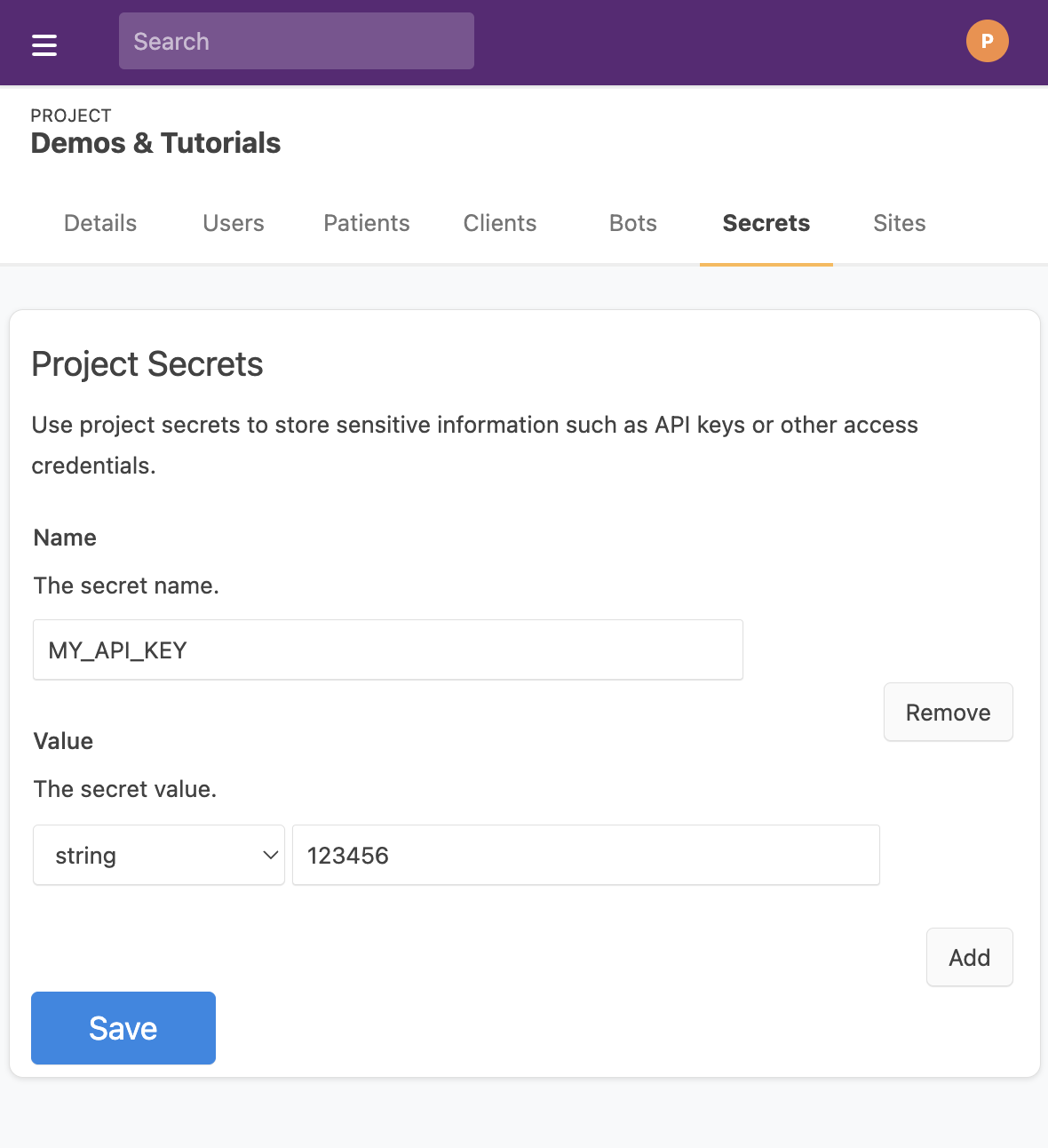
### Using Secrets in Your Bot
Secrets can be accessed from the `event.secrets` property, which contains an map from the secret name to the `ProjectSecret` object. [See here](/docs/sdk/core.botevent.secrets) for more details about `event.secrets`
```ts
import { BotEvent, MedplumClient } from '@medplum/core';
export async function handler(medplum: MedplumClient, event: BotEvent): Promise {
// Print one secret
console.log(`Secret: ${event.secrets['MY_API_KEY'].valueString}`);
return true;
}
// Output: 'Secret: 123456'
```
---
## Bots in Production
Editing bots in the web editor is good for getting started quickly, but as Bots become more important you will want to manage them as part of your regular software development lifecycle. This means:
- Storing bot code in source control (typically git)
- Writing unit tests for your bots
- Deploying your bots as part of your CI/CD pipeline.
:::note[Bots in Local Development]
If you want to run bots locally, you should use a VM Context. For more details see the [Running Bots Locally docs](/docs/bots/running-bots-locally).
:::
### This Guide will show you
- How to set up a repository to host the source code for your Bots.
- Write a new `Bot` in TypeScript.
- Create a new `Bot` resource and link it to your TypeScript file.
- Use the [Medplum Command Line Interface (CLI)](https://github.com/medplum/medplum/tree/main/packages/cli) to create and deploy your Bot to production.
### Setting up your Repository
The first thing we'll do is set up a Git repository to host your Bot code. While you can set up bots in any git repository, we provide a [template Git repository](https://github.com/medplum/medplum-demo-bots) to help you get started.
The Medplum Bot SDK requires [Node.js](https://docs.npmjs.com/downloading-and-installing-node-js-and-npm). Version 22+ is required.
Clone the repo and install the dependencies
```bash
git clone git@github.com:medplum/medplum-demo-bots.git my-bots
cd my-bots
npm install
```
### Setting up your Permissions
Because Bots contain important or sensitive code, it's important to prevent unauthorized users from modifying your Bots. Medplum uses the [client credentials workflow](/docs/auth/client-credentials) authenticate the [Medplum CLI](https://github.com/medplum/medplum/tree/main/packages/cli).
First, you should create a Client Application on the Medplum Server by following [these directions](/docs/auth/client-credentials).
The [Medplum CLI](https://github.com/medplum/medplum/tree/main/packages/cli) looks for two environment variables when authenticating: `MEDPLUM_CLIENT_ID` and `MEDPLUM_CLIENT_SECRET`.
You can set these on the command line using the `export` command in bash.
```bash
export MEDPLUM_CLIENT_ID=
export MEDPLUM_CLIENT_SECRET=
```
Alternatively, you can create a `.env` file to avoid having to re-export the environment variables in every new terminal. The example repository has a `.env.example` file you can copy to get started.
```bash
cp .env.example .env
```
```bash
# .env
MEDPLUM_CLIENT_ID=
MEDPLUM_CLIENT_SECRET=
```
:::danger[Warning]
**Your `.env` file should _never_ be checked into source control.**
`MEDPLUM_CLIENT_ID` and `MEDPLUM_CLIENT_SECRET` should be considered sensitive security credentials and should never be shared in a publicly accessible store. The `medplum-demo-bots` repository adds `.env` to `.gitignore` by default.
:::
If you are self-hosting Medplum, set `MEDPLUM_BASE_URL` to the base URL of your Medplum server as an environment variable or in your .env file.
```bash
export MEDPLUM_BASE_URL=https://api.example.com/
```
```bash
# .env
MEDPLUM_BASE_URL=https://api.example.com/
```
### Create a source file
After we've installed dependencies, we can write your Bot in any typescript file under the `src/` directory.
As mentioned in [Bot Basics](./bot-basics), a bot is any TypeScript file that contains a `handler` function with the following signature:
```ts
import { MedplumClient, BotEvent } from '@medplum/core';
export async function handler(medplum: MedplumClient, event: BotEvent): Promise {
// Your code here
}
```
See the [Bot Basics tutorial](./bot-basics#editing-a-bot) for more details about the arguments to `handler`.
The starter repository contains an example Bot in the `examples` directory called `hello-patient.ts`. You can copy this example file to get started on your own bots:
```bash
cd src
cp examples/hello-patient.ts my-first-bot.ts
```
You'll see that this creates a simple bot that logs the patient's name to the console. For more details on how this code works, check out the [Bot Basics](./bot-basics/#editing-a-bot) tutorial.
```ts
// src/my-first-bot.ts
import { BotEvent, MedplumClient } from '@medplum/core';
import { Patient } from '@medplum/fhirtypes';
export async function handler(medplum: MedplumClient, event: BotEvent): Promise {
const patient = event.input as Patient;
const firstName = patient.name?.[0]?.given?.[0];
const lastName = patient.name?.[0]?.family;
console.log(`Hello ${firstName} ${lastName}!`);
return true;
}
```
### Compiling your Bot
Congratulations! You’ve just written your first bot. Our next step will be to compile this code and link it to a [`Bot` resource](/docs/api/fhir/medplum/bot).
First, compile your code:
```bash
npm run build
```
This runs the `tsc` compiler to translate your TypeScript code to Javascript.
Next, take a look at your `dist/` directory and notice how there is now a file called `my-first-bot.js` with the compiled version of your code.
```bash
cd ..
ls dist
# my-first-bot.d.ts
# my-first-bot.js
# my-first-bot.js.map
# examples/
# ...
```
### Creating your Bot
Next step is to create the bot.
Navigate to the [Project Admin panel](https://app.medplum.com/admin/project) and copy the ID of your project. That will be your `project-id`.
Taking the `source-file` we just created at `src/my-first-bot.ts`, we will use the `bot create` command. In our example
```bash
npx medplum bot create
```
Running this command does the following:
1. Creates the Bot resource
2. Creates a ProjectMembership resource that connects it to a project
3. Saves the bot to the associated project in the Medplum database
4. Adds a bot entry to the `medplum.config.json` file in the `bots` array
:::caution[Note]
If you see an error, try running the command again. If it fails after 3 tries, please [**submit a bug report**](https://github.com/medplum/medplum/issues/new) or [**contact us on Discord**](https://discord.gg/medplum)
:::
After creating the bot, you should go to `medplum.config.json` and you should see the new bot added in the bottom of the file. It should look like this:
```js
{
"bots": [
//…
{
"name": "my-first-bot",
"id": "",
"source": "src/my-first-bot.ts",
"dist": "dist/my-first-bot.js"
}
]
}
```
| Parameter | Description |
| --------- | ---------------------------------------------------------------------------------------------------------------------------------------------------------------------------------------------------------------------------------------------------- |
| `name` | Name of the bot used in the [Medplum CLI](https://github.com/medplum/medplum/tree/main/packages/cli) (below). **Note**: This name can be whatever your want. It does not have to match the filename of the bot code, nor anything in the Medplum App |
| `id` | The Bot Resource `id`. Can be found by navigating to [app.medplum.com/Bot](https://app.medplum.com/Bot) and clicking on the entry for the corresponding Bot. See the [Bot Basics tutorial](./bot-basics#bot_id) for more information |
| `source` | This is the location of the typescript source file for your bot. **Note**: Currently, Medplum only supports single-file Bots. |
| `dist` | This is the location of the transpiled javascript file for your bot. For most setups, this will be in your `dist` directory of your package. |
### Deploying your Bot
Now that your Bot is written and compiled, the [resource](/docs/api/fhir/medplum/bot) is created, and your credentials are set, we can finally deploy our Bot to production using the [Medplum CLI](https://github.com/medplum/medplum/tree/main/packages/cli).
To deploy our bot, we will use the `bot deploy` command.
```bash
npx medplum bot deploy
```
Where `` is the `name` property that you set for your bot in `medplum.config.json`. In our example, this would be:
```bash
npx medplum bot deploy my-first-bot
```
Use a wild card \* in `` to deploy multiple bots matching the pattern.
This would allow us to deploy bots as part of a CI/CD pipeline, without having to update the command every time a new bot is added.
```bash
npx medplum bot deploy *staging*
```
Running this command does two things:
1. Save the TypeScript source to the `code` property of your [`Bot` resource](/docs/api/fhir/medplum/bot)
2. Deploys your compiled Javascript code as an AWS Lambda function with your Medplum deployment.
:::caution[Note]
There is a known timing issue with the `bot deploy` command. If you see the following error, try running the command again. If it fails after 3 tries, please [**submit a bug report**](https://github.com/medplum/medplum/issues/new) or [**contact us on Discord**](https://discord.gg/medplum)
```
Deploy error: {
resourceType: 'OperationOutcome',
issue: [ { severity: 'error', code: 'invalid', details: [Object] } ]
}
```
:::
### Deploying to Staging vs. Production
A common usage pattern is to set up two Medplum Projects for an application: A `staging` project for development and integration testing, and a `production` project to power workflows.
The same Bot source code can be deployed to multiple Medplum projects by creating two separate entries in `medplum.config.json` with different names, pointing to the same source/compiled files.
```js
{
"bots": [
//…
{
"name": "my-first-bot-staging",
"id": "",
"source": "src/my-first-bot.ts",
"dist": "dist/my-first-bot.js"
},
{
"name": "my-first-bot-production",
"id": "",
"source": "src/my-first-bot.ts",
"dist": "dist/my-first-bot.js"
}
//...
]
}
```
To deploy the latest Bot to staging:
```bash
export MEDPLUM_CLIENT_ID=
export MEDPLUM_CLIENT_SECRET=
npm run build
npx medplum bot deploy my-first-bot-staging
```
To deploy the latest Bot to production:
```bash
export MEDPLUM_CLIENT_ID=
export MEDPLUM_CLIENT_SECRET=
npm run build
npx medplum bot deploy my-first-bot-production
```
This pattern is especially powerful when deploying Bots **as part of a CI pipeline**.
### Configuring Bot Logging
Bots can be run at a very high volume - for example as part of an ADT feed or when triggered by high-frequency messages. This can result in thousands of invocations per day, which can be overwhelming to track. In these cases, it may make sense to fine-tune the level of logging for your Bots.
There are two ways to control Bot logging in Medplum: the type of event logged (i.e., success, failure, etc.) and where the event gets logged to.
#### Logging Triggers
You can choose to only log certain events using the `Bot.auditEventTrigger` field. This element represents the criteria for when an `AuditEvent` resource should be created and has four possible values.
| Trigger | Description |
| ----------- | ---------------------------------------------------------------------------------------------- |
| `always` | An audit event is created and saved every time the bot runs. This is the default setting. |
| `never` | An audit event will never be saved by the bot. |
| `on-error` | An audit event is created and saved only if the bot throws an error. |
| `on-output` | An audit event is created and saved whenever the bot logs any output as part of its execution. |
#### Logging Destination
Bot execution `AuditEvent` entries are **always** emitted to your server logs (e.g., [AWS CloudWatch](/docs/self-hosting/aws-athena-guide), [Datadog](/docs/self-hosting/datadog)). This cannot be disabled. The `Bot.auditEventDestination` field controls only whether the `AuditEvent` is **also written to the database**.
| `auditEventDestination` | Logs | Database |
| ----------------------- | ---- | -------- |
| `resource` (default) | ✓ always | ✓ written |
| `log` | ✓ always | ✗ not written |
By default, `auditEventDestination` is `resource`, which writes the `AuditEvent` to the database in addition to logging it. This makes the event visible in the Medplum UI and queryable via the API — recommended for development and debugging.
For high-volume bots, setting `auditEventDestination` to `log` prevents database writes while still preserving the full audit trail in your logging infrastructure. This avoids database growth and write overhead, at the cost of not being able to view events in the Medplum UI.
### Conclusion
As your Bots become more complex, integrating them into your software development workflow becomes crucial. Using the [Medplum CLI](https://github.com/medplum/medplum/tree/main/packages/cli) allows you do integrate Bots into your regular code review process and deploy as part of your CI/CD pipelines.
---
## Consuming Webhooks
Many SaaS products including popular services like Stripe and Okta support Webhooks, allowing a web application to register a Medplum URL to receive notifications. When a certain event occurs in the source application, such as a new user signup or a change to a record, the source application sends an HTTP POST request to the URL registered by the destination application. This HTTP POST request contains information about the event that occurred.
If your source system supports HL7 CDS Hooks instead of vendor-specific webhooks, use [CDS Hooks](/docs/integration/cds-hooks) under Integrate Standards.
Medplum [bots](/docs/bots) can be used to listen for webhooks and so keep records synchronized between systems. When another application fires a webhook, it can trigger a Medplum bot using the [$execute](/docs/bots/bot-basics#using-the-execute-endpoint) endpoint.
For an example of a Bot that consumes webhooks, see the [Stripe demo bot](https://github.com/medplum/medplum-demo-bots/tree/main/src/stripe-bots).
### Planning your integration
To get started, find the webhook documentation for the SaaS product you want to connect to Medplum. Find what type of data the webhook will send to Medplum and make note of it. For example, Stripe publishes an [event](https://stripe.com/docs/api/events/object) object specification that outlines the JSON that the webhook will post.
### Creating a Bot
Once you understand the shape of the data you will consume, write a bot to parse the data and create or update the relevant FHIR resources. These bots are varied, but it can help to make a list of which [FHIR resources](/docs/api/fhir/resources) need to be manipulated when the Bot is triggered. The [demo bots repo](https://github.com/medplum/medplum-demo-bots) has examples across use cases
We recommend writing some [unit tests](/docs/bots/unit-testing-bots) as well, and have several samples provided in `medplum-demo-bots` repo that use our `@medplum/mock` library for testing.
#### Using TypeScript SDKs in your bot
If the SaaS application that sends webhooks publishes a TypeScript SDK, it's straightforward to add it to your bot, to streamline development. Add the package to the `devDependencies` in the `package.json` of your bot repository and install the dependency, and [example from demo bots repo](https://github.com/medplum/medplum-demo-bots/blob/main/package.json) is available. You can then use the TypeScript SDK when developing your bot.
The [Stripe demo bot](https://github.com/medplum/medplum-demo-bots/tree/main/src/stripe-bots) uses the Stripe TypeScript SDK.
### Creating Access Policies
We recommend making at least one, but probably two Access Policies to enable Webhooks from applications. The reason these policies are important is that the allow the SaaS application to have very minimal access to the data in your Medplum project.
Create an Access Policy that allows read only access to the Bot, like below.
```json
{
"resourceType": "AccessPolicy",
"name": "Stripe Webhook Access Policy",
"resource": [
{
"resourceType": "Bot",
"readonly": true
}
]
}
```
[Create a ClientApplication](/docs/auth/client-credentials) and assign the AccessPolicy above to that application and save.
Create another (optional) one for the bot, that enables only the resources that bot touches and assign it to the bot in your [Admin settings](https://app.medplum.com/admin/project).
```json
{
"resourceType": "AccessPolicy",
"name": "Stripe Bot Access Policy",
"resource": [
{
"resourceType": "Invoice"
},
{
"resourceType": "Account"
}
]
}
```
### Configuring Webhooks in another Application
The SaaS application that generates the webhooks will have a configuration for the endpoint url. In some cases they will support basic authentication in the URL itself. Construct one, like below using the client id, secret from the previous section and id of the bot you created.
```bash
https://:@api.medplum.com/fhir/R4/Bot//$execute
```
### Authenticating Payloads
Many SaaS applications support signature verification. Their webhook configuration portal will have a place to download a `secret` or `signing secret`. You can store that value in [bot secrets](/docs/bots/bot-secrets) and use it to verify the webhook signature.
### Unauthenticated Webhooks
Medplum supports unauthenticated webhooks for integrating with third-party services. This allows you to receive webhook notifications without requiring traditional authentication credentials in the URL. The webhook endpoint format is:
```
GET/POST /webhook/{ProjectMembership.id}
```
**Important Security Considerations:**
Using unauthenticated webhooks inherently carries security risks. Medplum provides mechanisms to help you secure these endpoints, but **it is critical to implement strong security measures within your Bot and its configuration.**
1. **Bot `publicWebhook` Property (Required Opt-in):** Only Bots explicitly configured with `Bot.publicWebhook: true` can be executed via this endpoint. This prevents unintended exposure of Bots designed for internal use.
2. **Required Access Policy:** All Bots enabled for unauthenticated webhooks **must** have an associated `AccessPolicy`. This policy strictly defines the permissions and resources the Bot can access, minimizing its potential impact if compromised.
3. **Signature Verification (Crucial):** Always implement robust webhook signature verification within your Bot's code. Use the secret provided by the third-party service (e.g., Twilio's Auth Token) and store it securely in your Bot's secrets. Validate incoming requests against this signature to ensure they originate from the legitimate source.
4. **IP Whitelisting (Recommended):** If supported by the third-party service, configure IP whitelisting to only accept requests from known and trusted IP addresses.
5. **Rate Limiting (Recommended):** Implement rate limiting to prevent abuse or denial-of-service attacks against your webhook endpoint. Medplum offers platform-level rate limiting, but consider additional application-specific rate limiting within your Bot if appropriate.
6. **Payload Validation (Essential):** Always validate the structure and content of incoming webhook payloads before processing them. Do not trust external input.
#### Verifying JSON signatures
Bots receive parsed JSON in `event.input` by default. To verify a provider's signature against the original UTF-8 JSON text, set `Bot.rawBody` to `true`. With this setting enabled, `event.input` is the original text instead of a parsed object. Omitting the flag or setting it to `false` preserves the existing parsed-input behavior.
Pass the raw `event.input` and the provider's signature header from `event.headers` to the provider's verification library. For Stripe, pass them with your webhook signing secret to `stripe.webhooks.constructEvent()`, which verifies the signature and returns the parsed Stripe event. Do not parse and reserialize the text first: doing so can change whitespace, escaping, and number formatting, invalidating the signature. Verify the signature before writing resources or processing the event.
Parsed mode retains the existing JSON validation; raw mode still requires valid JSON but leaves further validation to your Bot or the provider's verification library. Both modes use the normal server JSON size limit. Body-parser decompresses compressed requests before capturing the text; use uncompressed UTF-8 JSON for providers that sign the transmitted bytes. The setting applies to public webhooks, the authenticated `$execute` operation, and custom operations implemented by the Bot; other content types and encodings retain their existing input handling, and instance-level custom operations still receive the target resource.
Only one representation is sent to the Bot, so enabling raw input does not add a duplicate body to the invocation payload. Runtime payload limits still apply, including JSON escaping and invocation metadata. VM, standard and streaming AWS Lambda wrappers, and Fission already forward `input`; no wrapper redeployment is required solely for this feature. Public webhook routes do not provide a response stream.
Existing Bots require no changes. Before enabling raw mode, update your handler to expect a string in `event.input` and to verify and parse that string using the provider's library.
#### How to Set Up an Unauthenticated Webhook
To set up an unauthenticated webhook, follow these steps:
1. **Create/Update your Bot:**
- Create a new Bot or identify an existing Bot you wish to use.
- **Crucially, set the `publicWebhook` property on your Bot resource to `true`**.
- Ensure your Bot has an **appropriate `AccessPolicy`** linked. This policy should grant only the minimum necessary permissions for the Bot to perform its intended function.
2. **Implement Signature Verification in your Bot:**
Your Bot's code should include logic to verify the incoming signature from the third-party service. This typically involves using a shared secret (stored as a Bot secret) and a hashing algorithm.
3. **Configure the Webhook URL in the Third-Party Service:**
Use the Medplum webhook endpoint format (`https://api.medplum.com/webhook/{ProjectMembership.id}`) in your third-party service's webhook configuration.
4. **Test the Webhook Integration:**
Use the third-party service's test tools to send a sample webhook notification and verify that your Medplum Bot executes correctly and processes the payload as expected. Check your Bot's logs for any errors related to signature verification or Access Policy.
### Monitoring your integration
As data flows through the system, you can see event logs in your Medplum app as [AuditEvents](https://app.medplum.com/AuditEvent?_count=20&_fields=id,_lastUpdated,entity,type&_offset=0&_sort=-_lastUpdated).
---
## Create a PDF
import MedplumCodeBlock from '@site/src/components/MedplumCodeBlock';
import ExampleCode from '!!raw-loader!@site/..//examples/src/bots/creating-a-pdf.ts';
You can use Medplum Bots to create a PDF file as an attachment.
There are always two steps:
1. Create the PDF as a FHIR `Binary` resource
2. Use the `Binary` resource as an attachment or content
To create PDFs, Medplum Bots use [pdfmake](https://pdfmake.github.io/docs/0.1/). pdfmake uses a "Document Definition" model. You create a JSON object that defines paragraphs, styles, tables, etc. Medplum converts the document definition into a FHIR `Binary` resource with the PDF contents.
To learn more about pdfmake, check out the [playground](http://bpampuch.github.io/pdfmake/playground.html) and [examples](https://github.com/bpampuch/pdfmake/tree/master/examples).
### FHIR Media
This bot creates a PDF as a `Binary` and then creates a `Media` with the PDF as the content.
{ExampleCode}
### Custom fonts
Medplum has prebuilt support for the following fonts:
- Helvetica
- Roboto
- Avenir
You can set the default font in the pdfmake `defaultStyle`:
```ts
const docDefinition = {
content: { ... },
defaultStyle: {
font: 'yourFontName'
}
}
```
You can also use inline styles:
```ts
const docDefinition = {
content: [
// If you don't need styles, you can use a simple string to define a paragraph
'This is a standard paragraph, using default style',
// Using a { text: '...' } object lets you set styling properties
{
text: 'Hello world',
font: 'yourFontName',
},
],
};
```
See the [pdfmake styling](https://pdfmake.github.io/docs/0.1/document-definition-object/styling/) page for more details.
### Embedded images
You can load an image by URL and embed it in the PDF.
{ExampleCode}
See the [pdfmake images](https://pdfmake.github.io/docs/0.1/document-definition-object/images/) page for more details.
---
## Custom FHIR Operations
Custom FHIR Operations is a powerful feature that allows you to extend the Medplum FHIR server with your own custom operations using the Medplum Bots framework. This feature enables you to create sophisticated business logic that integrates seamlessly with the FHIR API while leveraging the full power of JavaScript execution.
### What are Custom FHIR Operations?
Custom FHIR Operations combine two key Medplum features:
1. **FHIR Operations** - Standard FHIR operations (like `$validate`, `$expand`, etc.) that can be invoked via HTTP requests
2. **Medplum Bots** - JavaScript functions that can be executed server-side with access to the Medplum SDK
This integration allows you to:
- Define custom business logic using JavaScript
- Expose that logic as standard FHIR operations
- Maintain full FHIR compliance while extending functionality
- Process and transform FHIR resources programmatically
- Integrate with external systems and APIs
### How It Works
Custom operations are implemented through three main components:
1. **Bot** - Contains the JavaScript code that implements your custom logic
2. **OperationDefinition** - Defines the operation interface and links to your Bot
3. **Extension** - Links the `OperationDefinition` to the `Bot` implementation
When a client calls your custom operation (e.g., `POST /fhir/R4/Patient/$my-custom-operation`), Medplum:
1. Looks up the corresponding `OperationDefinition`
2. Finds the linked Bot via the extension
3. Executes the `Bot` with the operation input
4. Returns the `Bot`'s output as the operation result
### How to Use Custom FHIR Operations
#### Step 1: Create a Bot
First, create a `Bot` that contains your custom logic:
```javascript
exports.handler = async function (medplum, event) {
const patient = event.input;
// Your custom logic here
patient.identifier = patient.identifier || [];
patient.identifier.push({
system: 'https://example.com/patient-id',
value: '12345',
});
return patient;
};
```
See [Bot Basics](/docs/bots/bot-basics) for more details on creating Bots.
**Important Requirements:**
- Your Medplum project must have the `bots` feature enabled
- The handler function receives `medplum` (SDK instance) and `event` (operation context)
- `event.input` contains the operation input (request body for POST, query params for GET)
- Return value becomes the operation output
#### Step 2: Deploy the Bot
Deploy your Bot code using the `$deploy` operation:
```bash
curl -X POST "https://api.medplum.com/fhir/R4/Bot/{bot-id}/\$deploy" \
-H "Content-Type: application/fhir+json" \
-H "Authorization: Bearer {access-token}" \
-d '{
"code": "exports.handler = async function (medplum, event) { ... }"
}'
```
#### Step 3: Create an OperationDefinition
Create an `OperationDefinition` that describes your operation and links to your `Bot`:
```json
{
"resourceType": "OperationDefinition",
"extension": [
{
"url": "https://medplum.com/fhir/StructureDefinition/operationDefinition-implementation",
"valueReference": {
"reference": "Bot/{bot-id}"
}
}
],
"name": "my-custom-operation",
"status": "active",
"kind": "operation",
"code": "my-custom-operation",
"system": true,
"type": false,
"instance": false,
"parameter": [
{
"use": "in",
"name": "input",
"type": "Patient",
"min": 1,
"max": "1"
},
{
"use": "out",
"name": "return",
"type": "Patient",
"min": 1,
"max": "1"
}
]
}
```
**Key Requirements:**
- Must include the `operationDefinition-implementation` extension
- Extension must reference a Bot resource
- Define appropriate input/output parameters
#### Step 4: Invoke Your Custom Operation
Once deployed, you can invoke your custom operation like any standard FHIR operation:
```bash
curl -X POST "https://api.medplum.com/fhir/R4/Patient/\$my-custom-operation" \
-H "Content-Type: application/fhir+json" \
-H "Authorization: Bearer {access-token}" \
-d '{
"resourceType": "Patient",
"name": [
{
"family": "Smith",
"given": ["John"]
}
]
}'
```
### Operation Types
Custom operations support all standard FHIR operation types:
- **System-level operations**: `/fhir/R4/$my-operation`
- **Type-level operations**: `/fhir/R4/Patient/$my-operation`
- **Instance-level operations**: `/fhir/R4/Patient/123/$my-operation`
Configure the operation type using the `system`, `type`, and `instance` properties in your `OperationDefinition`.
### Input and Output Handling
#### Input Processing
- **POST requests**: Request body is passed as `event.input`
- **GET requests**: Query parameters are passed as `event.input`
- Access to full request context via `event.headers`, etc.
#### Output Processing
The `Bot`'s return value is automatically formatted according to the `OperationDefinition`'s output parameters. You can return:
- FHIR resources directly
- Primitive values (strings, numbers, booleans)
- Complex objects that match the defined output structure
### Security and Permissions
Custom operations inherit the security model of both Bots and FHIR operations:
- Users must have permission to read the Bot resource
- Bot execution follows the Bot's `runAsUser` configuration
- Standard FHIR access controls apply to the operation endpoint
- Operations can be system-level, type-level, or instance-level with appropriate permissions
### Error Handling
If your Bot encounters an error:
- Return an `OperationOutcome` resource for controlled error responses
- Thrown exceptions will be caught and converted to appropriate HTTP error responses
- Use standard FHIR error patterns for consistent client handling
### Example Use Cases
- **Data validation**: Custom validation rules beyond standard FHIR constraints
- **Data transformation**: Convert between different FHIR profiles or external formats
- **Integration**: Connect to external systems, APIs, or databases
- **Workflow automation**: Implement complex business processes
- **Reporting**: Generate custom reports or analytics
- **Decision support**: Implement clinical decision support algorithms
---
## Uploading Files
import MedplumCodeBlock from '@site/src/components/MedplumCodeBlock';
import ExampleCode from '!!raw-loader!@site/..//examples/src/bots/file-uploads.ts';
In digital health, a common requirement is to upload PDFs or other files from one system to another. Examples include:
- Uploading pathology reports into a legacy EHR
- Uploading service requisitions into an SFTP server
In this guide, we will show you how to:
- Create and upload a PDF file from a Bot to an HTTP endpoint
- Upload a file form a to an SFTP server
You can find complete example bots for these examples in the [Medplum Demo Bots repo](https://github.com/medplum/medplum-demo-bots)
### HTTP File Uploads
To upload to a file using http, you will have to submit an HTTP request with the `Content-Type` `multipart/form-data`. Modern JavaScript runtimes provide the standard [`FormData`](https://developer.mozilla.org/en-US/docs/Web/API/FormData) API to make it easier to create form data.
Let's take a look at an example. First, we'll create a pdf (see the [Create a PDF tutorial](./creating-a-pdf) for more details)
{ExampleCode}
[`medplum.createPdf()`](../sdk/core.medplumclient.createpdf) creates a [`Binary`](/docs/api/fhir/resources/binary) resource and stores it on the Medplum server. Our next step will be to download the resulting PDF data, and convert it to a stream to send to our 3rd party API.
{ExampleCode}
Next, we'll construct the request body using `FormData`.
{ExampleCode}
And lastly, we'll post the form to the API (here, we're just using [httpbin](#)) as an example
{ExampleCode}
This is what it looks like all put together. You can also see this example in our [Medplum Demo Bots](https://github.com/medplum/medplum-demo-bots/blob/main/src/form-data-upload.ts) repo.
{ExampleCode}
### SFTP Uploads
Medplum Bots provide the [ssh2-sftp-client](https://www.npmjs.com/package/ssh2-sftp-client) library to connect to SFTP servers. You can reference the library's [github page](https://github.com/theophilusx/ssh2-sftp-client) for detailed documentation on how it works.
Below is an example bot that connects to an SFTP server and returns a list of all available files at the root directory.
{ExampleCode}
---
## HL7 to FHIR
import ExampleCode from '!!raw-loader!@site/..//examples/src/bots/hl7-into-fhir.ts';
import MedplumCodeBlock from '@site/src/components/MedplumCodeBlock';
HL7 interfaces are common in healthcare, and widely supported by legacy EHRs, RIS/PACS systems, lab machines and more. Medplum provides a [HL7 Interfacing engine](/docs/integration/hl7-interfacing) that supports consumption and production of HL7 feeds, and the [Medplum Agent](/docs/agent) supports connecting to systems on-premises.
### This guide will show you
- How to integrate Medplum with an HL7 feed bi-directionally, receiving messages and sending back confirmation messages.
- How to convert those HL7 messages into FHIR objects
### The Workflow
When we this implementation is complete we will:
- Receive an HL7 message over HTTPS from another EHR that produces HL7 feeds
- Create FHIR objects that capture the parts of the feed we care about.
- Respond to the EHR with an HL7 acknowledgment that the message was received
- (Optional) Send a notification to another application, indicating that new FHIR resources are available.
### The Implementation
#### Account and Policy Setup
- Make sure you have an account on Medplum, if not, [register](https://app.medplum.com/register).
- Create a [ClientApplication](https://app.medplum.com/admin/project) on Medplum called "ADT Bot Client Application".
- (Optional) Create a very restrictive [AccessPolicy](https://app.medplum.com/AccessPolicy) called "ADT Bot Policy", make it so that the policy only allows readwrite on the Patient object.
- (Optional) In the [ProjectAdmin dashboard](https://app.medplum.com/admin/project) apply the "ADT Bot Policy" policy to the `ClientApplication` by clicking `Access`.
#### Bot Setup
- Linking the ADT feed to Medplum is done through [Medplum Bots](https://app.medplum.com/Bot).
- At a high level, each Bot exposes an endpoint and HL7 messages are posted over HTTPS to that endpoint.
- The HL7 message is parsed and then converted to a corresponding FHIR object.
- (Optional) If needed, you can link a [Subscription](https://app.medplum.com/Subscription) to the FHIR objects that the Bot creates to notify downstream applications that new data is available.
- Make the bot that will listen for HL7 messages
- First, [create a bot](https://app.medplum.com/admin/project) called ADT Handler Bot and save it
- Paste the code below into the Bot you created and save. You can also find this bot and a corresponding test in the [Sample Bots Github Repository](https://github.com/medplum/medplum-demo-bots/).
{ExampleCode}
Functionally, the code above will create a new patient with the `mrnNumber` provided, assuming that patient isn't already in this system.
#### Testing your Bot
You'll need your bot id (see [bot list](https://app.medplum.com/Bot) and click) to execute the bot. Once you have found it, you can attempt to execute your Bot using an HTTP message by sending the following via curl. Note the content type.
```bash
curl -X POST 'https://api.medplum.com/fhir/R4/Bot//$execute' \
--header 'Content-Type: x-application/hl7-v2+er7' \
--header 'Authorization: Bearer ' \
--data-raw 'MSH|^~\&|Primary||CL|PDMT|20200312081842|168866|ADT^A28|203598|T|2.3|||||||||||
EVN|A28|20200312081842||REG_UPDATE|168866^GLOVER^JASMIN^^^^^^PHC^^^^^10010||
PID|1||E3866011^^^EPIC^MRN~900093259^^^EPI^MR||TESTING^UGA||20000312|M|||^^^^^USA^P||||||||123-54-8888|||||N||||||N||
PD1|||PHYSICIANS ATLANTIC STATION^^10010|||||||||||||||
PV1|1|N||||||||||||||||||||||||||||||||||||||||||||||||||||
PV2||||||||||||||||||||||N|||||||||||||||||||||||||||'
```
If all goes well, you should see the following HL7 acknowledgement message in the console.
```
MSH|^~\\&|CL|PDMT|Primary||2022-05-10T16:19:50.244Z||ACK|1652199590244|P|2.5.1\rMSA|AA|203598|OK
```
Alternatively, you can submit the HL7 message type to the bot as a file using the following command.
```bash
curl -x POST 'https://api.medplum.com/fhir/R4/Bot//$execute' \
--header 'Content-Type: x-application/hl7-v2+er7' \
--header 'Authorization: Bearer ' \
--data-binary "@/path/to/filename"
```
#### Creating a subscription
If you want to receive a notification whenever a Patient (or other FHIR resource) is created, you can do so by creating a [Subscription](./bot-basics#executing-automatically-using-a-subscription).
Subscriptions have a concept of `Criteria` which indicates when they should be triggered. Link them to the FHIR resource of choice.
#### Complex Logic in Bots
Creating a patient from a single type of HL7 message is straightforward and doesn't require much code.
In practice, this is unrealistic, and the code will soon require a more complex application with testing and strongly typed objects. To support that we have a Bot toolkit for development and deployment that you can find here: [CLI Tool](https://github.com/medplum/medplum-demo-bots).
---
## Bots
Medplum bots are functions that execute when triggered. They are similar to AWS Lambda functions, and in Medplum we make them easy to write and deploy and trigger with [FHIR Subscriptions](/docs/subscriptions). For the purpose of the tutorials found in this section, it's important to understand that **Bots drive many of the major integrations that you see in Medplum**.
If you are new to Medplum Bots, we encourage you to read the intro material in the [**Bot Guide**](/docs/bots/bot-basics).
The following tutorials will walk through some of the use cases for Bots, to give you a sense of how they can work for you.
:::warning[Enabling Bots]
Bots are a [project level setting](/docs/access/projects#settings) that must be enabled by a Super Admin user.
For users on the [Medplum Hosted Service](/pricing), bots are a paid features. Contact info@medplum.com or reach out in our [Discord channel](https://discord.gg/medplum) to have Bots enabled on your project.
Super administrators can enable bots via the Medplum App:
- Navigate to https://app.your-medplum-domain.com/Project/:projectId
- Click on the "Edit" tab
- In the "Features" section, add an entry with the value "bots"
:::
### Getting Started
Learn the fundamentals of building and testing bots before deploying them to production.
- [Bot Basics](/docs/bots/bot-basics)
- [Unit Testing Bots](/docs/bots/unit-testing-bots)
- [Running Bots Locally](/docs/bots/running-bots-locally)
### Bot Triggers & Invocation
Configure how and when your bots execute, from scheduled tasks to real-time event responses.
- [Cron Jobs for Bots](/docs/bots/bot-cron-job)
- [Consuming Webhooks](/docs/bots/consuming-webhooks)
- [Bot for QuestionnaireResponse](/docs/bots/bot-for-questionnaire-response)
- [Custom FHIR Operations](/docs/bots/custom-fhir-operations)
### Common Use Cases & Patterns
Implement frequently-needed functionality like file handling, document generation, and data transformation.
- [Uploading Files](/docs/bots/file-uploads)
- [Create a PDF](/docs/bots/creating-a-pdf)
- [HL7 to FHIR](/docs/bots/hl7-into-fhir)
### Deployment & Infrastructure
Deploy your bots to Medplum's cloud infrastructure or integrate with your existing AWS environment.
- [Bots in Production](/docs/bots/bots-in-production)
- [Bot Code Organization and Build Setup](/docs/bots/bot-code-organization)
- [Running Bots on Fission](/docs/bots/running-bots-on-fission)
- [Medplum Bot Layers](/docs/bots/bot-lambda-layer)
### Security & Permissions
Manage sensitive credentials and control what actions your bots can perform.
- [Bot Secrets](/docs/bots/bot-secrets)
- [Run as User](/docs/bots/bot-run-as-user)
### Monitoring & Operations
Track bot performance and troubleshoot issues in production environments.
- [Monitoring Bots](/docs/bots/monitoring-bots)
### Reference
- [Demo Bots Repository](https://github.com/medplum/medplum-demo-bots) on Github
- [Bot Features and Fixes](https://github.com/medplum/medplum/pulls?q=is%3Apr+label%3Abots) on Github
---
## Monitoring Bots
Bots allow for powerful functionality in your app, so it is very important to track what exactly each bot has done. This is possible using a bot's `AuditEvent` resources, which track:
- Each time the Bot runs
- The outcome of the run
- Any logs output by the run
### Viewing a Bot's Events
To monitor your bots, navigate to the Bot resource page at https://app.medplum.com/Bot. This page will display all of the bots that are a part of your project. Choose which bot's events you would like to view and click on it or, if you know the bot's `id`, navigate directly to https://app.medplum.com/Bot/:id. This will bring you to the Bot's individual resource page.
From this page, navigate to the `Event` tab, or https://app.medplum.com/Bot/:id/event. This tab will display all of the `AuditEvent` resources associated with the current bot. These events represent every time the bot has been triggered. This page displays the outcomes from the bot being run, including anything that is printed to the console as part of the bot's functionality.
On the Event tab, there are four fields: ID, Outcome, Outcome Desc, and Last Updated.
| Field | Description |
| -------------- | ----------------------------------------------------------------------------------------------------------------------- |
| `ID` | The id of the `AuditEvent` being displayed, _not_ the bot's id. |
| `Outcome` | The result of the event (i.e. success, failure, etc.). There are four possible values. See the table below for details. |
| `Outcome Desc` | A description of the results of the bot, including anything that was logged to the console by the bot. |
| `Last Updated` | The last time the `AuditEvent` was updated. This is likely when the bot finished running. |
The Outcome field represents the result of the event (i.e. success, failure, etc.), and is coded to four values.
| Code | Display | Description |
| ---- | --------------- | ------------------------------------------------------------------------------------------------------- |
| `0` | Success | The bot ran successfully, though there may have been warnings. |
| `4` | Minor failure | The bot was not able to complete due to a minor failure (often similar to an HTTP 400 response). |
| `8` | Serious Failure | The bot was not able to complete due to a more serious failure (often similar to an HTTP 500 response). |
| `12` | Major failure | The bot failed with a major error and the system is no longer available for use. |
The Outcome Desc is a description of the results of the bot, including anything that was logged to the console by the bot.
### Troubleshooting
#### Audit Events Missing
It is possible that on the `Event` tab, there will not be any `AuditEvent` resources stored in the database. This is likely because the bot is configured to only write to the logs, which allows for large-scale bot execution.
To ensure that your bot is writing to your app, you can configure your bot using the `Bot.auditEventDestination` field. Setting this field to `resource` will update it so that all events executed by your bot appear in your console. For more details see the [Configuring Bot Logging docs](/docs/bots/bots-in-production#configuring-bot-logging).
---
## Running Bots Locally
To set up the Medplum [`Bot`](/docs/api/fhir/medplum/bot) framework locally, Medplum offers VM Context [`Bots`](/docs/api/fhir/medplum/bot). VM Context allows bots to spin up a local thread inside your server, rather than using an isolated lambda.
Before enabling VM Context [Bots](/docs/api/fhir/medplum/bot), you must first enable bots on your project. To do so, follow thse steps:
1. Log in to your [Super Admin Project](/docs/self-hosting/super-admin-guide).
2. Access your [Project](/docs/api/fhir/medplum/project) resource.
3. Go to the `Edit` tab.
4. In the `Features` section, add the `bot` feature.
:::note[]
The `defaultProjectFeatures` server config setting is used for default features when your project is being set up. Editing this config setting will not update your project to enable bots.
:::
Once this is done, you can enable VM Context bots. There are two steps to set up VM context bots:
1. Enable VM Context [`Bots`](/docs/api/fhir/medplum/bot) on your server config.
2. Set your [`Bot's`](/docs/api/fhir/medplum/bot) runtime version to VM Context.
To enable VM Context [`Bots`](/docs/api/fhir/medplum/bot) on your server, set `vmContextBotsEnabled: true` in both the AWS parameter store and your local `config.json` file.
All [`Bots`](/docs/api/fhir/medplum/bot) have a field for `runtimeVersion`, which can be set to either `awslambda` or `vmcontext`. To use your [`Bot`](/docs/api/fhir/medplum/bot) locally, set this field to `vmcontext`.
Using VM Context allows you to use resources more efficiently, however it can also have security and isolation concerns if used in an untrusted environment. For this reason, it is important to only use VM Context [`Bots`](/docs/api/fhir/medplum/bot) in trusted environments.
:::danger[]
**The `node:vm` module is not a security mechanism. Do not use it to run untrusted code.**
The code for these bots runs in the server, so they can potentially have access to sensitive information when run in production environments without appropriate safety measures.
:::
---
## Running Bots on Fission
Medplum Bots provide powerful automation capabilities within your Medplum environment. While Medplum offers a built-in execution environment for bots, this page details how to deploy and manage your Medplum Bots using Fission, an open-source, Kubernetes-native serverless framework. This approach can be beneficial for organizations seeking advanced scalability, custom runtime environments, or deeper integration with existing Kubernetes infrastructure.
### What are Medplum Bots?
Medplum bots are JavaScript code snippets that automate workflows within Medplum by reacting to changes in healthcare data (FHIR resources) and performing operations like data validation, notifications, or integrations. They are a core component of building dynamic and responsive healthcare applications on Medplum.
### What is Fission?
Fission.io is an open-source, Kubernetes-native serverless framework that allows developers to deploy and run short-lived functions in any language, triggered by various events, without having to manage the underlying container infrastructure. It seamlessly integrates with Kubernetes, leveraging its orchestration capabilities for efficient function execution and scaling.
This guide focuses on setting up the necessary infrastructure to run Medplum Bots as Fission functions. It covers the configuration, deployment, and management of these serverless functions, enabling them to respond to events originating from your Medplum instance.
### Fission Router Configuration
To enable your Medplum application to communicate with your Fission functions, you must correctly configure the Fission Router's address. The `routerHost` and `routerPort` settings within your `FissionConfig` dictate how your application establishes a connection to the Fission Router.
These settings specify the network address (hostname or IP address) and the port through which the Fission Router can be accessed. The optimal configuration depends on where your Medplum application is deployed relative to your Fission cluster.
- **For applications running outside the Kubernetes cluster** (e.g., local development machine, external client):
- `routerHost`: This should be the external IP address of a Kubernetes Node where Fission is running, or `localhost` / `127.0.0.1` if you are using a local Kubernetes setup like Docker Desktop.
- `routerPort`: This must be the `NodePort` exposed by the Fission Router service. You can determine this by running `kubectl get svc -n fission router`. In many common Fission installations, this is often `31314`.
- **For applications running inside the Kubernetes cluster** (e.g., another service within the same cluster):
- `routerHost`: This should be the internal ClusterIP service name of the Fission Router. Kubernetes DNS will automatically resolve this name within the cluster. The standard format is `router.fission.svc.cluster.local`.
- `routerPort`: This will typically be the standard HTTP port `80`, as the internal ClusterIP service usually exposes the router on its default HTTP port.
### Medplum Server Configuration for Fission
Add your Fission router configuration to your Medplum server configuration.
For example, when running a local development setup with Fission in a Docker Desktop Kubernetes cluster, add the following to `medplum.config.json`:
```json
"fission": {
"namespace": "default",
"fieldManager": "medplum-fission-example",
"environmentName": "nodejs",
"routerHost": "localhost",
"routerPort": 31314
}
```
When using AWS Parameter Store, you can add a single `fission` parameter with the following JSON value:
```json
{
"namespace": "default",
"fieldManager": "medplum-fission-example",
"environmentName": "nodejs",
"routerHost": "localhost",
"routerPort": 31314
}
```
### Local Development Setup for Fission
To run a pre-configured Medplum + Fission environment, you can follow the instructions in https://github.com/medplum/medplum/tree/main/examples/medplum-local-k8s/README.md
Otherwise, to get started with Fission for local development or testing, follow these steps to install it on your Kubernetes cluster. For detailed and up-to-date installation instructions, always refer to the official Fission documentation: [https://fission.io/docs/installation/](https://fission.io/docs/installation/)
```bash
# Define the namespace for Fission
export FISSION_NAMESPACE="fission"
# Create the Fission namespace
kubectl create namespace $FISSION_NAMESPACE
# Apply Fission's Custom Resource Definitions (CRDs)
# The `ref` parameter pins the version for stability and reproducibility.
# For production, always use a specific, tested version.
# Check Fission's official documentation for the latest stable release.
kubectl create -k "github.com/fission/fission/crds/v1?ref=v1.21.0"
# Add the Fission Helm repository
helm repo add fission-charts https://fission.github.io/fission-charts/
# Update your Helm repositories
helm repo update
# Install Fission using Helm
# The --set serviceType=NodePort,routerServiceType=NodePort is crucial for external access in development
helm install --version v1.21.0 --namespace $FISSION_NAMESPACE fission \
--set serviceType=NodePort,routerServiceType=NodePort \
fission-charts/fission-all
```
This setup will install Fission with NodePort services for its components, making it accessible from outside the cluster, which is ideal for local development and testing.
### Working with Dependencies in Fission Bots
Medplum Bots often rely on external npm packages. When running your bots on Fission, Medplum handles the packaging and deployment of your bot code along with its `package.json` file. This allows Fission to install the necessary dependencies during the build process.
Refer to the official Fission documentation for the most current information on managing dependencies: [https://fission.io/docs/usage/languages/nodejs/\#working-with-dependencies](https://fission.io/docs/usage/languages/nodejs/#working-with-dependencies)
Here's a general workflow for preparing your bot:
1. **Create a Node.js Environment in Fission:**
First, establish a Fission environment that includes the necessary runtime and builder images for Node.js. Medplum will use this environment to deploy and execute your Bot.
```bash
fission environment create --name nodejs --image ghcr.io/fission/node-env --builder ghcr.io/fission/node-builder
```
2. **Prepare your Medplum Bot Code:**
Create your Medplum Bot's source file
```ts
import { BotEvent, MedplumClient } from '@medplum/core';
import { Patient } from '@medplum/fhirtypes';
export async function handler(medplum: MedplumClient, event: BotEvent): Promise {
const patient = event.input as Patient;
const firstName = patient.name?.[0]?.given?.[0];
const lastName = patient.name?.[0]?.family;
console.log(`Hello ${firstName} ${lastName}!`);
return true;
}
```
See [Bot Basics - Editing a Bot](/docs/bots/bot-basics#editing-a-bot) for more details on writing Medplum Bot code.
3. **Deploying your Bot with Medplum:**
Unlike direct Fission deployment, **Medplum handles the packaging, Fission package creation, and Fission function creation automatically** when you deploy your bot. You simply define your bot code within Medplum, and Medplum's internal processes will manage the Fission-specific deployment steps.
See [Bot Basics - Deploying a Bot](/docs/bots/bot-basics#deploying-a-bot) for more details on deploying your bot.
4. **Check Fission Build Status (for debugging):**
After deploying your bot through Medplum, you can still monitor the Fission build status of the underlying package to ensure all dependencies are correctly installed and the function is ready. You'll need to know the name of the Fission package created by Medplum (which typically incorporates your bot's ID).
```bash
# You might need to inspect Medplum logs or Fission resources to find the exact package name.
fission package info --name
```
5. **Test Your Fission Function (for debugging):**
Once the package build is complete, you can test your Fission function directly. For Medplum Bots, you'd typically send a POST request with FHIR data to the bot's Fission endpoint.
```bash
curl -X POST -H "Content-Type: application/json" \
-d '{ "resourceType": "Patient", "id": "123", "name": [{ "given": ["John"], "family": "Doe" }] }' \
"https://api.medplum.com/fhir/R4/Bot//\$execute"
```
See [Bot Basics - Executing a Bot](/docs/bots/bot-basics#executing-a-bot) for more details on executing your bot.
### Troubleshooting Fission Deployments
When working with Fission, especially during initial setup or debugging, these commands can be invaluable:
- **List Fission Functions:** See all deployed Fission functions in your cluster.
```bash
kubectl get functions -n
```
- **Show a Fission Function Definition (JSON):** Get detailed configuration of a specific function.
```bash
kubectl get function -o json -n
```
- **Show All Fission Pods:** Identify the pods associated with Fission, including builders, executors, and routers.
```bash
kubectl get pods -n fission
```
- **Tail Builder Logs:** Essential for debugging dependency installation or build issues. Replace `` with the actual name.
```bash
# Find builder pod name
kubectl get pods -n fission -l fission.io/function=builder -o jsonpath='{.items[0].metadata.name}'
# Tail logs
kubectl logs -f -n fission $(kubectl get pods -n fission -l fission.io/function=builder -o jsonpath='{.items[0].metadata.name}')
```
Or, if you know the name of a specific builder pod (e.g., `buildermgr-786556886-8qm5v`):
```bash
kubectl logs -f -n fission buildermgr-786556886-8qm5v
```
- **View Previous Container Logs:** If a pod crashes and restarts, you can inspect the logs from its previous instance.
```bash
kubectl logs -n fission --previous
```
- **Delete All Fission HTTP Triggers (in a specific namespace, usually `default` for functions):**
```bash
kubectl delete httptriggers --all -n default
```
- **Delete All Fission Functions (in a specific namespace):**
```bash
kubectl delete functions --all -n default
```
- **Delete All Fission Packages (in a specific namespace):**
```bash
kubectl delete packages --all -n default
```
- **Delete All Fission Resources (HTTP Triggers, Functions, Packages in a specific namespace):**
```bash
kubectl delete httptriggers --all -n default
kubectl delete functions --all -n default
kubectl delete packages --all -n default
```
_Note: Always be careful when using `--all` and ensure you are in the correct namespace to avoid unintended deletions._
---
## Unit Testing Bots
import ExampleCode from '!!raw-loader!@site/../..//examples/medplum-demo-bots/src/finalize-reports.test.ts';
import ExampleCode2 from '!!raw-loader!@site/../..//examples/medplum-demo-bots/src/deduplication/find-matching-patients.test.ts';
import ExampleCode3 from '!!raw-loader!@site/..//examples/src/bots/unit-testing-bots.ts';
import MedplumCodeBlock from '@site/src/components/MedplumCodeBlock';
Unit testing your Bot code is crucial to ensuring accurate data and workflows. This guide will go over the most common unit testing patterns.
Medplum provides the [`MockClient`](https://github.com/medplum/medplum/blob/main/packages/mock/src/client.ts#L68) class to help unit test Bots on your local machine. You can also see a reference implementation of simple bots _with tests_ in our [Medplum Demo Bots](https://github.com/medplum/medplum-demo-bots) repo.
### Set up your test framework
The first step is to set up your test framework in your Bots package. Medplum Bots should work with any TypeScript/JavaScript test runner, and the Medplum team has tested our bots with [Jest](https://jestjs.io/) and [Vitest](https://vitest.dev/). Follow the instructions for your favorite framework to set up your package.
Next you'll want to index the FHIR schema definitions. To keep the client small, the `MockClient` class only ships with a subset of the FHIR schema. Index the full schema as shown below, either in a [`beforeAll` function](https://vitest.dev/api/#beforeall) or [setup file](https://vitest.dev/config/#setupfiles), to make sure your [test queries](#query-the-results) work.
{ExampleCode}
Our [Medplum Demo Bots](https://github.com/medplum/medplum-demo-bots) repo also contains recommended [eslintrc](https://github.com/medplum/medplum-demo-bots/blob/main/.eslintrc.json), [tsconfig](https://github.com/medplum/medplum-demo-bots/blob/main/tsconfig.json), and [vite.config](https://github.com/medplum/medplum-demo-bots/blob/main/vite.config.ts) settings for a faster developer feedback cycle.
### Write your test file
After setting up your framework, you're ready to write your first test file! The most common convention is to create a single test file per bot, named `.test.ts`.
You will need to import your bot's `handler` function, in addition to the other imports required by your test framework. You'll call this `handler` from each one of your tests.
```typescript
import { handler } from './my-bot';
```
### Write your unit test
Most bot unit tests follow a common pattern:
1. Create a Medplum `MockClient`
2. Create mock resources
3. Invoke the handler function
4. Query mock resources and assert test your test criteria
The [finalize-report tests](https://github.com/medplum/medplum-demo-bots/blob/main/src/finalize-report.ts) are a great example of this pattern.
#### Create a `MockClient`
The Medplum `MockClient` class extends the `MedplumClient` class, but stores resources in local memory rather than persisting them to the server. This presents a type-compatible interface to the Bot's handler function, which makes it ideal for unit tests.
{ExampleCode}
We recommend creating a `MockClient` at the beginning of each test, to avoid any cross-talk between tests.
:::warning[Caution]
The MockClient does not yet perfectly replicate all functionality of the `MedplumClient` class. Here are the known differences:
- Chained search
- Search `_include` and `_revinclude` parameters
- Full compliance for token search parameters
- More accurate schema validation
- **Authentication**
- **Most FHIR $ operations**
- **`$validate`**
- **`Bot/$execute`**
- **Terminology service** (e.g., `ValueSet/$expand`)
- **FHIRcast**
- **Websocket subscriptions**
- **Project admin calls** (new project, invite user, create client application, etc.)
The Medplum team is working on bringing these features to parity as soon as possible. For related discussion, see [related GitHub issue](https://github.com/medplum/medplum/issues/6889).
:::
#### Create test data
Most tests require setting up some resources in the mock environment before running the Bot. You can use `createResource()` and `updateResource()` to add resources to your mock server, just as you would with a regular `MedplumClient` instance.
The [finalize-report bot](https://github.com/medplum/medplum-demo-bots/blob/main/src/finalize-reports.test.ts) from [Medplum Demo Bots](https://github.com/medplum/medplum-demo-bots/) provides a good example. Each test sets up a [Patient](/docs/api/fhir/resources/patient), an [Observation](/docs/api/fhir/resources/observation), and a [DiagnosticReport](/docs/api/fhir/resources/diagnosticreport) before invoking the bot.
Example: Create Resources
{ExampleCode}
##### Creating Rich Test Data in Batches
Creating individual test resources can be time consuming and tedious, so the `MockClient` also offers the ability to use batch requests to set up sample data. See the [FHIR Batch Requests guide](/docs/fhir-datastore/fhir-batch-requests) for more details on batch requests.
The `MockClient` offers the `executeBatch` helper function to easily execute batch requests and works in the same way that the standard Medplum Client does.
The below example is from the [find matching patients bot tests](https://github.com/medplum/medplum/blob/main/examples/medplum-demo-bots/src/deduplication/find-matching-patients.test.ts). Additionally, you can view the [patient data here](https://github.com/medplum/medplum/blob/main/examples/medplum-demo-bots/src/deduplication/patient-data.json).
Example: Creating a large set of patient data with a batch request
{ExampleCode2}
In this example we create the `MockClient`, then the test data by calling `executeBatch` in the `beforeEach` function. The `beforeEach` function is an optimization that will run before each test, so you do not need to create the data as a part of every test.
Once you have created your data, you can write your tests. The above example uses test contexts, a feature of the [Vitest test framework](https://vitest.dev/guide/test-context.html#test-context). It allows you to pass in the MockClient `medplum` as part of your test context. This test is checking that a `RiskAssessment` was created when looking for potential duplicate patients.
##### Using the Medplum CLI
If you have a dev project that already has rich data, you can use the Medplum CLI to easily convert this data into test data.
The Medplum CLI offers the optional `--as-transaction` flag when using the `medplum get` command. A `GET` request returns a `Bundle` with `type=searchset`, but this flag will convert it to `type=transaction`.
Example: Get a patient and all encounters that reference them as a transaction
{ExampleCode3}
This example searches for all `Patient` resources named 'Alex'. It also uses the [`_revinclude` parameter](/docs/search/includes) to search for all `Encounter` resources that reference those patients.
A transaction `Bundle` can be used directly in a batch request, and can be passed as an argument to `executeBatch` on your `MockClient`. This allows you to easily create test resources from already existing data.
##### Cloning an Existing Projects
If you want to clone an existing project into a new environment, you can use the `$clone` operation. For more details [see the Projects guide](/docs/access/projects#cloning-and-expunging-projects).
#### Invoke your Bot
After setting up your mock resources, you can invoke your bot by calling your bot's handler function. See the ["Bot Basics" tutorial](/docs/bots/bot-basics#editing-a-bot) for more information about the arguments to `handler`
{ExampleCode}
#### Query the results
Most of the time, Bots will create or modify resources on the Medplum server. To test your bot, you can use your `MockClient` to query the state of resources on the server, just as you would with a `MedplumClient` in production.
To check the bot's response, simply check the return value of your `handler` function.
The after running the Bot, the [finalize-report bot's tests](https://github.com/medplum/medplum-demo-bots/blob/main/src/finalize-reports.test.ts) read the updated `DiagnosticReport` and `Observation` resources to confirm their status.
Example: Query the results
{ExampleCode}
:::note[A note on idempotency]
Many times, you'd like to make sure your Bot is [idempotent](https://en.wikipedia.org/wiki/Idempotence#Computer_science_meaning). This can be accomplished by calling your bot twice, and using your test framework's `spyOn` functions to ensure that no resources are created/updated in the second call.
Example: Idempotency test
{ExampleCode}
:::
#### Using the Medplum CLI
If you have a dev project that already has rich data, you can use the Medplum CLI to easily convert this data into test data.
The Medplum CLI offers the optional `--as-transaction` flag when using the `medplum get` command. A `GET` request returns a `Bundle` with `type=searchset`, but this flag will convert it to `type=transaction`.
Example: Get a patient and all encounters that reference them as a transaction
```cli
// medplum get --as-transaction 'Patient?name=Alex&_revinclude=Encounter:patient'
```
This example searches for all `Patient` resources named 'Alex'. It also uses the [`_revinclude` parameter](/docs/search/includes) to search for all `Encounter` resources that reference those patients.
A transaction `Bundle` can be used directly in a batch request, and can be passed as an argument to `executeBatch` on your `MockClient`. This allows you to easily create test resources from already existing data.
---
## Building on Medplum with AI Coding Agents
import MedplumRules from '@site/src/components/MedplumRules';
Agentic engineering (a.k.a. "vibe coding") means using an LLM or agent – Cursor, Claude,
Copilot, and others – to build features on Medplum. The biggest lever for quality is
making your AI tools learn from Medplum's open-source code and docs rather than generic
FHIR knowledge from the open internet.
> Building AI _into_ your application at runtime, such as clinical summarization, agents
> acting on patient data, or MCP-driven workflows, is a different topic; see
> [Build with AI on Medplum](/docs/ai). This page is about using AI to _develop_ on
> Medplum.
:::caution[AI gets things wrong; review its output]
Agents are fast and often right, but they hallucinate fields, mix FHIR versions, and
produce plausible-but-wrong code. Treat everything an agent writes as a draft to review,
not a finished answer. Apply extra scrutiny to anything that affects security or data
exposure, especially access policies, ProjectMembership scopes, and PHI handling.
:::
### Start Here: Plan Your Application
Cloning Medplum gives your agent reference material. Use this first prompt to connect
that material to your project and start a planning conversation.
You can extend an existing application, customize [Medplum Provider](/docs/provider#building-a-custom-ehr),
or build a custom application using Medplum's SDKs and components, for example with the
[Hello World starter](/docs/tutorials/medplum-hello-world). If undecided, your agent can help
you choose a starting point during planning.
You can fork and customize Provider while continuing to use Medplum's hosted backend;
running your own Provider app does not require self-hosting the Medplum server.
1. Open your application's folder if you have one. Otherwise, you can start planning
directly in the Medplum clone before choosing a starting point or application folder.
Choose a folder before saving application files. Your application's instructions and
decisions belong there; the Medplum clone is a reference.
2. Give the agent access to your Medplum clone. The prompt assumes it is linked as
`medplum-link`, as described in [section 1](#1-give-your-ai-tools-access-to-medplum).
Otherwise, replace `medplum-link` with the clone's actual path.
3. Copy this prompt and replace the application description:
```text
Help me plan [describe your application or feature] on Medplum.
Read and follow medplum-link/packages/docs/static/ai/planning.md
(or https://www.medplum.com/ai/planning.md), including its Medplum rules.
Ask before creating or changing this app's project instruction files.
Start with my existing requirements, code, and decisions, then select the relevant
decision guides. Ask about consequential missing requirements; do not invent answers.
Save and summarize the decisions in my app's repo before implementation.
```
The agent should read and apply the rules immediately. Initial planning does not require an
application folder or persistent rules setup. Once your application's folder is known, the
agent should verify existing setup or offer to connect the rules to your `AGENTS.md`,
`CLAUDE.md`, or equivalent, showing the exact proposed change and asking permission.
Planning can continue while setup is pending, and you can decline and continue the work.
See the [setup details](#5-encode-your-conventions-in-a-rule-file) for an example.
Without a clone, use the [planning instructions](pathname:///ai/planning.md) through an agent
with web access. For one workflow, use the **Plan with this guide** prompt on its
[decision guide](/docs/decision-guides); it uses the same setup and planning procedure.
### Our Recommendations
1. Give your AI tools access to Medplum: clone the repo and link it in (preferred), give
the agent docs and GitHub search, or connect the MCP server.
2. Plan with Medplum's decision guides: have the agent interview you about your requirements,
explain the tradeoffs, and save the decisions in your application's repo before implementation.
3. Keep conversations short and re-anchor on the docs: context decays over long sessions,
so scope one task per thread and re-check work at checkpoints.
4. Verify and validate the output: check generated code against the type system and tests,
review sensitive code by hand, and use Medplum's server-side validation where you can.
5. Encode your conventions in a rule file: a `CLAUDE.md`, Cursor rules, or `AGENTS.md`-style
file makes Medplum conventions and your saved decisions available to later tasks.
### 1. Give Your AI Tools Access to Medplum
Medplum is open-source with extensive docs on healthcare implementation patterns. When an
LLM indexes on Medplum directly, results are significantly better; it pulls from valid
snippets, real implementations, and trade-off guidance instead of guessing.
#### Option 1: Clone and Link the Repo (Preferred)
Agnostic to your LLM and editor:
1. Clone the repo: [https://github.com/medplum/medplum](https://github.com/medplum/medplum)
2. From your repo's top level, symlink your local copy (macOS or Linux):
```bash
ln -s /absolute/path/to/medplum medplum-link
```
Alternatively, give your agent the clone's actual path and adjust the prompts on this page.
Keep machine-specific symlinks out of version control; provide the checkout separately in
new development or automated environments.
3. Tell the model it can read `medplum-link/`. The clone includes the technical docs,
reusable components, and example apps. The planning workflow uses:
- `medplum-link/packages/docs/docs/decision-guides/`: questions and design tradeoffs.
- `medplum-link/packages/docs/static/ai/planning.md`: instructions for planning and implementation.
- `medplum-link/packages/docs/static/ai/medplum-rules.md`: reusable rules, shown in
[section 5](#5-encode-your-conventions-in-a-rule-file).
You can read these files without installing or running the Medplum monorepo.
Confirm that your agent can read them before starting.
If you open the Medplum clone directly, its root `AGENTS.md` directs supported agents to
this guide and the rules, and asks them to offer setup in your application's folder.
When working in a separate application folder, use the [starting prompt](#plan-your-application)
or [configure its project instructions](#5-encode-your-conventions-in-a-rule-file);
access to a reference clone alone does not ensure its instructions are loaded.
#### Option 2: Search Docs and GitHub
If you'd rather not clone, give your agent search access; for example, one Claude Skill
(or Cursor equivalent) that searches the [public docs](/docs) via Algolia, and one that
searches the GitHub repo via the GitHub CLI (`gh`).
#### Option 3: MCP Server
Medplum offers an MCP server for structured access to docs and data. See
[Direct Data Access](#direct-data-access-advanced) below, where the setup link and
data-access caveats live.
### 2. Plan with Medplum's Decision Guides
Use the [Decision Guides](/docs/decision-guides) to work through application design before
writing features. Each guide connects discovery questions to Medplum patterns and technical
docs. Your agent should ask you about missing requirements, explain the tradeoffs, and
save the answers for later coding tasks.
Use the [starting prompt](#plan-your-application) to begin. The examples below show what
the agent saves and how to use it in later development.
#### Keep the Answers in Your Repo
The agent saves a short application plan and decisions organized by guide section in
your repo, reusing existing planning files. For a focused feature, a single decision record
may be enough. The [planning instructions](pathname:///ai/planning.md) define the file layout
and how to distinguish agreed choices, recommendations awaiting a decision, and unanswered
questions. Keeping these alongside code lets later tasks use them without relying on chat history.
Example: Saved Charting Decisions
After a charting discussion, part of `docs/decisions/charting.md` might look like this.
These are illustrative answers, not defaults for every application:
```markdown
# Charting decisions
Source: https://www.medplum.com/docs/decision-guides/charting
Local source: medplum-link/packages/docs/docs/decision-guides/charting.md
Source revision: [commit from git -C medplum-link rev-parse HEAD]
Consulted: [date]
## 2.1 What visit types do you provide, and what does each entail?
Status: confirmed
Decision: The first release supports an initial visit and a follow-up visit.
Reason: Clinical operations confirmed these are the launch workflows.
Implementation: Define a Visit Template for each visit type.
## 2.3 How will form responses be parsed into queryable data?
Status: proposed
Proposal: Use SDC extraction for the initial visit's structured form.
Reason: The described mappings appear straightforward; scoring or external lookups would change this choice.
Pending: Confirm the form's processing requirements with the application owner before implementing extraction.
## 2.4 What are the signing requirements?
Status: open
Question: Does this practice require a co-signature for any visit type?
Blocks: Finalizing the signing workflow and its acceptance tests.
## 2.5 Who owns and edits Visit Templates?
Status: confirmed
Decision: Clinical operations specifies changes; engineering implements them.
Reason: Clinical operations expects infrequent template changes in the first release.
Implementation: Keep templates under code review; a custom template editor is out of scope.
```
A later request to add a template editor changes the saved ownership decision. The agent
should identify any remaining questions, such as who can publish template changes, and
update the record alongside the implementation.
When choosing implementations, have the agent inspect Medplum's reusable components and
examples. [Medplum Provider](/docs/provider) is a useful reference for clinical workflows;
you can also build a custom app with the [React components](/docs/api/react).
#### Implement from the Saved Decisions
For the next coding task, give your agent a specific feature and the saved context.
For example, after agreeing on your charting plan:
```text
Implement [the next charting feature]. Read my project instructions, application
plan if present, and docs/decisions/charting.md. Follow the implementation steps in
medplum-link/packages/docs/static/ai/planning.md (or https://www.medplum.com/ai/planning.md)
and the relevant technical docs. Ask about missing requirements; do not invent answers.
Check the result against the saved decisions and agreed acceptance criteria.
```
Add pointers to these files in the [project rules](#5-encode-your-conventions-in-a-rule-file)
your tool loads so future tasks can find them without relying on chat history.
For an organization's automated coding system, provide the same Markdown instructions,
relevant guides and technical docs at a pinned revision, and saved decisions to each job.
Route blocking questions back to the application owner. This workflow does not depend on
a particular editor or a single ongoing chat.
### 3. Keep Conversations Short and Re-Anchor on the Docs
Even when an agent starts with the right Medplum docs and code in context, quality
degrades over a long session. As the conversation grows, the model compacts or drops
earlier context, so the precise FHIR patterns and code references it loaded early get
summarized away, and it drifts back toward generic FHIR knowledge from the open internet.
The result: strong early answers, then subtle regressions later in the same thread.
Practical habits that keep the agent grounded:
- Scope one task per conversation. Finish a feature or fix, then start fresh rather than
letting one thread sprawl across unrelated work.
- Re-pull the docs at checkpoints, not just at the start. Have the agent re-read the
relevant docs and code after meaningful steps; for example, after it generates a FHIR
resource, tell it to check that resource against the docs before moving on. Periodic
re-grounding catches drift before it compounds.
- Plan, then execute in a clean thread. Use a planning conversation to settle on the
pattern (section 2), then open a new conversation with the application plan, relevant
decision records, and technical docs. Ask the agent to implement against those decisions
and check the result against the acceptance criteria.
- Watch for drift. If the agent stops citing real Medplum snippets and starts producing
plausible-but-generic FHIR, that's your signal to reset.
Keep a pointer to the saved decisions in your project's rule file, and make sure new tasks
load the relevant records. Instruction-loading behavior varies by tool; explicitly reload
the relevant docs and decisions after compaction. See
[section 5](#5-encode-your-conventions-in-a-rule-file).
### 4. Verify and Validate the Output
An agent's confidence is not a measure of correctness. Build verification into your
workflow so mistakes are caught by tooling and review, not in production.
#### Easy Checks (No Data Access Needed)
These run against your own project and the cloned repo, with no server or live data:
- Type-check and compile. The single best check, and one the agent can run itself if it
has terminal access: build the agent's code against the `@medplum/fhirtypes` types and
run `tsc`. The types are strict, so a hallucinated field on a _typed_ FHIR resource
(e.g. `const patient: Patient = { ... }`) is a compile error rather than a runtime
surprise. The check only bites when the agent actually annotates its resources;
untyped object literals slip through.
- Run the existing tests, lint, and build. Regressions and bad search params fail loudly.
- Self-review against the docs. Have the agent re-read the relevant doc or example and
compare its output before you accept it.
- Mind the FHIR version. Medplum uses FHIR R4; LLMs readily mix in R5 fields or deprecated
APIs from their training data, so this is a common silent error. A project rule file
(see section 5) is the durable place to pin this.
- Review sensitive output by hand. Access policies, auth scopes, and any code touching PHI
deserve a detailed human read before shipping. A second pass, where the agent re-checks
its own work against the docs in a fresh conversation, catches more but does not replace
human review.
#### Going Further (Requires a Server)
Full FHIR validation runs server-side. Submit resources to the FHIR
[`$validate`](/docs/api/fhir/operations/validate-a-resource) operation, validate codes
against a ValueSet with
[`$validate-code`](/docs/api/fhir/operations/valueset-validate-code), or round-trip
resources through a `MedplumClient`; these check against the real FHIR and profile
definitions, catching structural and terminology errors the type system can't (hallucinated
LOINC, SNOMED, and ICD codes are a common failure mode). They need either a local dev
server (synthetic data, no BAA required) or a token against a live server; see
[Direct Data Access](#direct-data-access-advanced) for the caveats.
### 5. Encode Your Conventions in a Rule File
The agent should read and apply the Medplum rules immediately, including during initial
planning before you have chosen an application folder. Once that folder is known, check
whether the project instructions your coding tool loads already include or reference those
rules. If so, verify that the rules can be read instead of adding another copy. Otherwise,
offer to connect them for future sessions. Initial planning can continue while the folder
is undecided or setup is pending. This setup also applies when you are starting development
without a planning session.
The agent must show the proposed filename and exact addition, then ask permission before
creating or changing project instructions. Approval already given for the same change is
sufficient. Preserve existing instructions, verify the agreed changes, and report what was
configured. If you decline, cannot respond, or the files cannot be edited, continue the
requested work without changing those instructions or claiming setup is complete. Do not
repeat a declined offer in the same session.
With a local clone, the default is a short reference to its rules file. For manual setup,
merge a section like this into your application's `AGENTS.md`, `CLAUDE.md`, or equivalent
rule file, adjusting the clone path:
```markdown
## Medplum
Before planning or implementing Medplum features, read and follow
`medplum-link/packages/docs/static/ai/medplum-rules.md`.
If the clone is unavailable, use https://www.medplum.com/ai/medplum-rules.md.
```
This explicitly tells the agent to open the file; a standalone `medplum-rules.md` is not
automatically discovered. If you prefer a self-contained application repo, copy the rules
there and reference that copy instead. Record its source and revision or retrieval date so
you can refresh it when updating Medplum.
After plans and decisions are saved, the agent can propose adding their actual paths to
your project instructions, using the same review and permission process. If you declined
setup in this session, it should include those paths in its handoff without repeating the
offer. Reference only files that exist; keep the full plan and guides in their source files.
Check your tool's instruction-loading behavior: see [Codex's AGENTS.md guidance](https://learn.chatgpt.com/docs/agent-configuration/agents-md)
or [Claude Code's project instructions](https://code.claude.com/docs/en/memory). After setup,
start a fresh session and ask the agent to read the project's Medplum rules and identify
the saved planning files, if present. Check the paths and its file reads. If references are
not followed reliably, include the rules below directly in the loaded project instructions.
The example below is rendered directly from the reusable [medplum-rules.md](pathname:///ai/medplum-rules.md)
file, also available at `medplum-link/packages/docs/static/ai/medplum-rules.md` in the clone.
For agents using web access, the public URL is `https://www.medplum.com/ai/medplum-rules.md`.
The rules prefer the local clone and fall back to the public docs. Keep the full guides and
planning procedure in their source files so the agent can read them when needed.
### Direct Data Access (Advanced)
Giving your AI tool direct access to your Medplum data, via an API access token or the MCP
server (setup: [MCP](/docs/ai/mcp)), speeds things up but carries real caveats:
:::caution
- If it can reach live PII/PHI: you _must_ have a BAA with your LLM vendor.
- If you don't have a BAA: apply an access policy so the token reaches only non-PII/PHI
data.
:::
In FHIR, only request and record resources generally contain PII/PHI; templating resources
define their _shape_ but hold no sensitive data
([workflow patterns](/blog/fhir-workflow-patterns-to-simplify-your-life)). Scope the token
via an [access policy](/docs/access/access-policies), typically on its
[ProjectMembership](/docs/api/fhir/medplum/projectmembership), and, per the caution at
the top of this page, review that policy by hand before you trust it.
### See Also
- [Build with AI on Medplum](/docs/ai) – building AI into your application at runtime
- [MCP](/docs/ai/mcp) – connect Medplum's MCP server
- [Access Policies](/docs/access/access-policies) – scope what a token can reach
- [Validate a Resource](/docs/api/fhir/operations/validate-a-resource) FHIR operation
- [Medplum Provider](/docs/provider) – reference implementation for clinical workflows
---
## Automating Care Workflows
Once a coordinator completes intake, the review Task should appear without someone remembering to create it. That's a good candidate for automation. The less obvious part is making sure the same event doesn't create three review Tasks when it is retried.
Start by defining the owners, completion evidence, and exception paths. Medplum Bots and Subscriptions execute your rules; FHIR resources retain the state those rules act on.
### Choose What Starts the Work
| Trigger | Implementation | Identity for generated work |
| --- | --- | --- |
| Staff action | Application creates a Task | Stable action/submission identifier |
| Resource transition | Scoped Subscription invokes a Bot | Source resource plus step and relevant occurrence |
| Admission or discharge event | HL7 integration maps the event to FHIR; a Bot creates the follow-up work | Source encounter plus the intended follow-up occurrence |
| Recurring follow-up | Scheduled Bot evaluates due occurrences | Source plan/case plus step and occurrence date or sequence |
| Reusable clinical protocol | Apply PlanDefinition and ActivityDefinition | Track each intended application and inspect its generated resources |
For example, an [HL7 ADT discharge message](/docs/integration/hl7-interfacing/adt) can lead to a follow-up Task after the integration resolves the patient and encounter. Define which discharge event starts the work and how corrections or cancellations affect it. Preserve source message identifiers for ingestion and a stable encounter/step key for the follow-up.
Use local work-type and stage CodeSystems consistently. An identifier is an identity key, not the current stage; it must remain stable across retries.
### Turn a Protocol into Patient Work
[Clinical Protocols](/docs/careplans/protocols) describes authoring PlanDefinition and ActivityDefinition. Medplum's [`PlanDefinition/$apply`](/docs/api/fhir/operations/plandefinition-apply) creates a patient CarePlan whose activity references a RequestGroup. RequestGroup actions reference generated Tasks; supported ActivityDefinitions can also produce a ServiceRequest.
```mermaid
flowchart LR
definition[PlanDefinition] -->|apply for a patient| plan[CarePlan]
plan -->|activity.reference| group[RequestGroup]
group -->|action.resource| task[Task]
```
The generated RequestGroup sits between the plan and its Tasks. Follow those references when building the patient's work list.
Inspect generated Tasks' focus, inputs, owners, status, and patient context. Configure supported task-element extensions where appropriate. Applying a definition is not a guarantee that arbitrary FHIR conditions, repetition rules, or temporal dependencies will execute. Verify the supported subset against the deployed Medplum version and implement the remaining orchestration explicitly.
:::caution[A timeout does not mean nothing was created]
Do not blindly retry `$apply` after a timeout: it can create another set of resources. Reconcile the previous application's outcome before retrying. Applications that need a fully idempotent launch should design the launch identity and resource creation workflow explicitly; this is separate from reusable protocol authoring.
:::
### React to the Change That Matters
Subscribe to the resource type and work type you intend to handle. For preparation becoming completed, use the Medplum interaction and FHIRPath criteria extensions to restrict execution to updates where status changes to the required state. Handle creation separately if it should trigger work; `%previous` is absent then.
The [Subscription Extensions guide](/docs/subscriptions/subscription-extensions) defines these Medplum-specific features. Re-check the current source resource in the Bot before acting: another update may have cancelled or replaced the work since the event occurred.
### Make the Second Run Safe
If the same event arrives twice, both runs should lead to the same work item. Use conditional create keyed by `identifier`, such as `createResourceIfNoneExist`, for generated work. Do not search and then create: concurrent runs can both observe no match. Use version checking when advancing an existing Task so a stale event cannot overwrite a later decision.
When linked writes must succeed together, use a transaction Bundle with conditional creates and version-checked updates. A transaction covers FHIR writes; it cannot roll back an external fax, email, or payer submission.
:::tip[Track the send as well as the Task]
For external side effects, persist the intended operation and correlation identifier, use the provider's idempotency mechanism when available, and reconcile uncertain outcomes before resending. Reusing a Task does not prevent duplicate delivery by itself.
:::
### Create the Next Follow-Up When It Is Due
Use a [scheduled Bot](/docs/bots/bot-cron-job) to evaluate eligible plans or cases and create each due occurrence once. Define the calendar, time zone, missed-run catch-up policy, and stop conditions. Re-check eligibility before creation so a closed case does not keep generating work.
For overdue work, update or escalate the existing item rather than creating a new copy of the obligation. See [Handoffs and Escalation](/docs/careplans/handoffs-and-escalation) for deadline semantics and paused clocks.
### Let the Assignee Know
Use [WebSocket subscriptions](/docs/react/use-subscription) to refresh an open work queue when Tasks are assigned, changed, or escalated. On reconnect, query the current queue so the UI catches changes that happened while it was offline.
When staff need an alert outside the application, use a scoped Subscription and Bot to invoke the configured notification integration. Define the recipient, channel, and a stable notification key for the assignment or escalation event. Keep sensitive details in the authenticated application, and let staff reach the Task from the notification. The Task remains the work record even if delivery fails; monitor and retry notification delivery separately.
### Give Failed Runs a Recovery Path
Monitor Bot failures and maintain a recovery queue with source identifiers and the failed step. Bot-channel Subscriptions do not use the external rest-hook retry policy; implement the recovery behavior you require. See [Bots in Production](/docs/bots/bots-in-production).
Test duplicate events, out-of-order events, competing claims, a cancelled source, and partial external failure. Run Bots under access policies appropriate to their work, and preserve the distinction between the software actor and clinical requester.
When a protocol changes, decide whether existing patients retain their original plan or receive an explicit reviewed migration. Record the definition/version used where the chosen canonical model supports it. A new definition version should not silently reinterpret completed work.
---
## Care Plans, Goals, and Progress
A work queue tells the team what to do next. A CarePlan helps explain how those activities fit into the patient's care: what they are working toward, which services are planned, and how they will assess progress. Add one when people need to review goals and activities together. Independent work can stay in a Task queue.
### Start with What the Patient Is Working Toward
| Field | Use |
| --- | --- |
| `subject` | Patient receiving the planned care |
| `status` and `intent` | Whether the plan is draft, active, or ended, and whether it is a proposal, plan, or order |
| `addresses` | Conditions the plan addresses |
| `goal` | References to independently tracked Goals |
| `careTeam` | Teams expected to participate |
| `activity.reference` | Requests, Tasks, or a RequestGroup describing intended activities |
| `supportingInfo` | Context used in forming the plan, including an EpisodeOfCare under the convention in the longitudinal guide |
`CarePlan.encounter` records the encounter associated with plan creation. It is not a substitute for the longitudinal association in [case tracking](/docs/careplans/longitudinal-patient-case-tracking).
:::tip[Give an activity its own resource when it needs one]
Choose either `activity.reference` or `activity.detail` for an activity; R4 does not allow both on the same activity. Prefer a referenced resource when the activity needs independent assignment, search, or lifecycle. Use inline `detail` for a simple planned activity that does not yet need its own resource.
:::
### Give Planned Activities a Place in the Queue
For a manually authored plan, reference an operational Task from `CarePlan.activity.reference`. Use `Task.basedOn` for the plan that authorizes the work and `Task.focus` for the specific request or resource being acted on. Keep `Task.for` populated for patient work.
A clinical order should have its own request resource. A CarePlan may reference a ServiceRequest, while several Tasks act on that request for scheduling, preparation, or review. Avoid listing both an order and every fulfillment Task as independent clinical activities if this would count the same intended service multiple times.
Plans generated by Medplum's `$apply` use a RequestGroup between CarePlan and Tasks. Understand the generated graph rather than assuming it matches the manually authored pattern. See [Automating Care Workflows](/docs/careplans/automating-workflows).
### Make Progress Something You Can Assess
A goal should let the team answer whether the patient is making progress. Each Goal has its own `subject`, `description`, and `lifecycleStatus`. Use `target` to define the measure, desired value, and due date or duration. A numeric target uses `detailQuantity` with a meaningful unit; a qualitative target can use another permitted detail type.
The clinical team chooses the target and validated terminology. Do not infer a clinical goal from a workflow deadline or reuse an illustrative threshold as clinical guidance.
`achievementStatus` describes progress toward the goal. It is distinct from `lifecycleStatus`: a goal can be ended without being achieved. Link supporting Observations through `outcomeReference`. That field accepts Observations in R4; it does not accept arbitrary documents or QuestionnaireResponses.
When an assessment supports a goal, retain the QuestionnaireResponse and use the chosen [extraction approach](/docs/questionnaires/parsing-questionnaire-responses) to produce the appropriate Observation. Choose one extraction strategy per form to avoid duplicate downstream records. Clinical evidence and its interpretation remain distinct.
### Update the Plan and Check the Open Work
Use resource version history for routine edits to an existing plan. When a new plan replaces a prior completed or terminated plan, link the new plan's `replaces` to the old one and set the old lifecycle explicitly. Use `partOf` for a real broader plan; it does not mean revision or replacement.
:::caution[A plan change can leave old work in the queue]
Suppose a clinician changes the follow-up schedule. The old outreach Task may still be sitting in a coordinator's queue. Review open Tasks when changing the plan. Decide which remain valid, which should be cancelled with a reason, and which require replacement. Neither editing a CarePlan nor updating a PlanDefinition migrates existing work automatically.
:::
### Close Each Record When Its Work Is Done
Close an activity when its work and evidence meet the completion criteria. Update each Goal according to its clinical assessment, and close the CarePlan when its scope has ended. Close an EpisodeOfCare only when the period of responsibility ends. A completed Task does not automatically achieve a Goal or finish a case.
See the [R4 CarePlan definitions](https://hl7.org/fhir/R4/careplan-definitions.html) for activity constraints and [Operational Reporting](/docs/careplans/operational-reporting) for measuring work and outcomes separately.
---
## Clinical Decision Support and Follow-Through
A recommendation is useful only if it reaches someone who can act on it. Sometimes a link in the chart is enough. Sometimes the recommendation needs an owner and follow-up that will still be there when the chart is closed.
Clinical decision support (CDS) can provide reference material, rule-based recommendations, or predictive results. This guide covers how to bring that guidance into a care workflow and track the work it creates.
### Meet the Clinician Where the Decision Happens
| Need | Approach |
| --- | --- |
| Contextual reference material | Link from the relevant chart context; record follow-up only when the workflow requires it |
| Guidance during chart review or ordering | Use a supported CDS Hooks interaction, embedded application, or the service's documented API |
| Background identification of work | A Bot evaluates scoped patient data and creates an appropriately assigned review Task |
| Follow-through after review | Persist the authorized request and separately track its fulfillment |
Use [CDS Hooks](/docs/integration/cds-hooks) for the discovery, request, prefetch, and card contract. Use [SMART App Launch](/docs/integration/smart-app-launch) when launching an external application. These integration choices do not determine the clinical approval policy.
### Show the Guidance and Its Evidence
For a Medplum-hosted CDS Hooks service, configure the Bot's `cdsService` hook and prefetch requirements. The client invokes the service at the intended workflow point and displays returned cards. It must implement the user interaction for suggestions and proposed actions.
:::caution[Displaying a suggestion does not authorize an order]
A returned card is not automatically a persisted clinical request or Task. Check proposed resources against FHIR R4, the receiving application, and the user's authority before committing a clinical action. Preserve the clinician's decision separately from the service's evaluation result.
:::
Display the guidance source and relevant evidence. Handle unavailable services and incomplete context explicitly. A failure can create a manual review obligation when the clinical workflow requires one; it should not silently appear as a successful evaluation with no recommendations.
### Turn Recommendations into Review Tasks
For recommendations that need follow-through, give the reviewer a work item that survives closing the chart:
```mermaid
flowchart TD
guidance[Recommendation requiring review] --> task[Assigned review Task]
task --> decision{Reviewer decision}
decision -->|Accept| request[Persist authorized request]
request --> followup[Track fulfillment separately]
decision -->|Decline| reason[Record disposition and rationale]
decision -->|Defer| later[Record decision and arrange later review]
```
Use a review Task when a recommendation requires acknowledgment, ownership, or follow-up across sessions. Populate `for`, an accountable `owner` or required `performerType`, and the relevant evidence in `focus` or `input`. Use a stable identifier derived from the rule and triggering event or review period so repeated evaluations do not create duplicate open work.
Record the decision in a governed local `businessStatus`, with an authored, timestamped rationale in `note` and any resulting clinical request in `output`. A completed review Task means review is finished. The recommendation may have been accepted, declined, or deferred according to the workflow; its clinical service is not thereby complete.
If accepted guidance leads to a referral, use a ServiceRequest and fulfillment Tasks as described in [Referrals](/docs/careplans/referrals). If it changes a treatment plan, update the CarePlan through the clinical review path. Preserve patient references on every resulting resource.
### Keep Evaluation Records When You Need Them
Suppose a rule runs ten times during a week, but only one result needs review. One review Task may cover the work. Retaining all ten evaluations is a separate requirement. Some applications also need the inputs, rule/model version, evaluation result, and disposition for informational results that never create a Task.
FHIR R4 `GuidanceResponse` is a candidate for the evaluation result: it can identify the evaluated module, patient, occurrence time, output Parameters, and a resulting CarePlan or RequestGroup. Its `status` describes evaluation success or failure, not clinician acceptance. A CDS Hooks card does not automatically map to GuidanceResponse, and Medplum's CDS Hooks endpoint does not establish that persistence model for you.
:::note[GuidanceResponse is an additional modeling choice]
Choose this additional model only after defining retention and retrieval requirements and the mapping for the particular service. If it is adopted, a review Task can reference that evaluation in `focus` or `input`. Keep this choice explicit rather than creating a Task for every informational card.
:::
### Check Whether Guidance Leads to Follow-Through
Track who maintains the rules, how versions are introduced, when repeat review is warranted, and how to recover missed work. Measure actionable reviews, accepted and declined recommendations, follow-up completion, and alert burden with clear denominators. Clinical outcomes need separate evidence.
Apply [Access Policies](/docs/access/access-policies) to the service context and stored outputs.
### Understand the Certification Context
Medplum's [ONC certification documentation](/docs/compliance/onc#criteria-certified) lists the certified product and criteria, including (b)(11) Decision Support Interventions. Use that page and its linked product listing for certification scope. Building a CDS workflow on Medplum still requires evaluating the particular application, intervention, and use case.
Under HTI-1, the (b)(11) criterion replaced the legacy (a)(9) CDS criterion. The [ONC Decision Support Interventions guidance](https://healthit.gov/test-method/decision-support-interventions/) describes evidence-based and predictive interventions, source information, feedback, and applicable risk-management requirements. Treat the [Insights Condition](https://healthit.gov/certification-health-it/insights-condition/) as a separate reporting topic with its own applicability and measures; operational Task counts alone do not establish that reporting model.
For context-aware reference links, [HL7 Infobutton](https://www.hl7.org/implement/standards/product_brief.cfm?product_id=208) is another integration option. Choose the interaction that fits the clinician's workflow, then confirm the requirements for the product being delivered.
See [Automating Care Workflows](/docs/careplans/automating-workflows) for event handling and [Operational Reporting](/docs/careplans/operational-reporting) for transitions and measures.
---
## Defining your Diagnostic Catalog
import ExampleCode from '!!raw-loader!@site/..//examples/src/careplans/diagnostic-catalog.ts';
import MedplumCodeBlock from '@site/src/components/MedplumCodeBlock';
import Tabs from '@theme/Tabs';
import TabItem from '@theme/TabItem';
A **diagnostic catalog** contains all the pertinent information about the diagnostic services you provide, including your analytes, reference ranges, panels, specimen requirements, and laboratory procedures.
Having a well-defined, structured catalog enables:
- Robust access controls
- Higher quality analytics
- Smoother [CLIA/CAP certification](/docs/compliance/clia-cap)
- [Streamlined billing](/docs/compliance/clia-cap)
At the end of this guide, you will understand how to represent your diagnostic catalog in FHIR at a detailed level an example of which is shown in this diagram.
```mermaid
graph TD
A((Men's Health)) --> TestProc(Testosterone Test)
A --> ElecProc(Electrolyte Panel)
Z((Women's Health)) --> E2Proc(Estradiol E2 measurement)
Z --> ElecProc
TestProc --> E(Free Testosterone Level)
E2Proc --> W(Estradiol E2 Level)
ElecProc --> F(Sodium Level)
ElecProc --> G(Potassium Level)
ElecProc --> H(Chloride Level)
ElecProc --> J(Total CO2 Level)
subgraph Services
A
Z
end
subgraph Procedures
TestProc
ElecProc
E2Proc
end
subgraph Analytes
E
F
G
H
J
W
end
```
Follow the guide step-by-step to build up the components shown:
1. Define your clinical observations
2. Define your specimens
3. Define your orderable services
4. Define your laboratory procedures
Our recommendations are informed by the [Order Catalog Implementation Guide](http://hl7.org/fhir/uv/order-catalog/2020Sep/) implementation guide, which developed with contributions from Labcorp, Quest Diagnostics, and other industry leaders.
:::tip[Sample Data]
You can download the examples in this guide as a FHIR bundle [here](./sample-diagnostic-catalog.json), and upload them to your project using the [Medplum Batch Upload Tool](/docs/tutorials/importing-sample-data#batch-upload-tool)
:::
### Define your clinical observations
The first step in building your catalog is to define which clinical quantities, or "observations", you will measure. In a lab context, an example of a clinical observation would be an an HBA1c percentage. For a given patient, this observation might have a value such as 5.3%.
The [`Observation`](/docs/api/fhir/resources/observation) is the primary _operational_ resource used to record a clinical quantity for a specific patient. [`ObservationDefinition`](/docs/api/fhir/resources/observationdefinition) is the corresponding _administrative_ counterpart, and is used to define how an [`Observation`](/docs/api/fhir/resources/observation) should be measured, interpreted, and reported.
[`Observations`](/docs/api/fhir/resources/observation) and [`ObservationDefinitions`](/docs/api/fhir/resources/observationdefinition) are linked by sharing a common `code` element, which should include a [LOINC code](./loinc) in most cases.
A great [`ObservationDefinition`](/docs/api/fhir/resources/observationdefinition) contains the following:
| Element | Description | Code System | Example |
| -------------------------------------- | ------------------------------------------------------------------------------------------------------------------------------------------------------------------------------ | ----------------------------------------- | -------------------------------------------------------------------------------------------------------------------------- |
| `code` | Code representing the observation type. | LOINC (see [LOINC codes](./loinc)) | [2951-2](https://loinc.org/2951-2) - Sodium [Moles/volume] in Serum or Plasma |
| `quantitativeDetails.unit` | Units expressing the observation value. | [UCUM](https://hl7.org/fhir/R4/ucum.html) | mmol/L |
| `quantitativeDetails.decimalPrecision` | Number of places of precision _to the right of the decimal point_ | | 2 (e.g. `0.11`) |
| `qualifiedInterval` | Range of valid or reference values for the observation, to be used during interpretation. See our [guide on reference ranges](./reference-ranges) for more info. | | Low: <= 134.00 mmol/L Normal: 135.00 mmol/L - 145.00 mmol/L High: >= 146.00 mmol/L |
| `preferredReportName` | Patient-friendly name used for reporting the observation result. | | Sodium Level |
Key amongst these is the `qualifiedInterval` element, which is used to define _how results should be interpreted._ See our [guide on reference ranges](./reference-ranges) for more information.
Example: Blood Sodium Level
{ExampleCode}
### Define your specimens
In the context of laboratory use cases, it's essential to recognize that observations are based on samples extracted from patients, known as "specimens". A well constructed diagnostic catalog links the specimen requirements for each test to the test definition to provide lab operators a complete picture of the collection process.
The [`Specimen`](/docs/api/fhir/resources/specimen) resource resource refers to a specific specimen, like a tube of blood, usually belonging to a patient. As with [`Observations`](/docs/api/fhir/resources/observation), [`Specimen`](/docs/api/fhir/resources/specimen) has a corresponding _administrative_ resource, called [`SpecimenDefinition`](/docs/api/fhir/resources/specimendefinition).
[`SpecimenDefinition`](/docs/api/fhir/resources/specimendefinition) describes the type of specimen material to be collected, as well as details about the collection process, storage, handling, and preparation for testing.
The [`SpecimenDefinition`](/docs/api/fhir/resources/specimendefinition) allows you to specify many details about your specimen, but the most relevant are:
| Field | Description | Code System | Example |
| ----------------------- | --------------------------------------------------------------------- | ----------------------------------------------------------------------------------------------------------------------------------------------------------------- | ------------------------------------------------------------------------------------------------------------------------------------------------------------ |
| `typeCollected` | Type of material collected. | [SNOMED (children of 123038009 - Specimen)](https://browser.ihtsdotools.org/?perspective=full&conceptId1=123038009&edition=MAIN/2023-07-31&release=&languages=en) | [122554006](https://browser.ihtsdotools.org/?perspective=full&conceptId1=122554006&edition=MAIN/2023-07-31&release=&languages=en) - Capillary Blood Specimen |
| `collection` | Procedure used for collection. | [SNOMED (children of 118292001 - Removal)](https://browser.ihtsdotools.org/?perspective=full&conceptId1=118292001&edition=MAIN/2023-07-31&release=&languages=en) | [278450005](https://browser.ihtsdotools.org/?perspective=full&conceptId1=278450005&edition=MAIN/2023-07-31&release=&languages=en) - Finger-prick sampling |
| `typeTested.container` | Details about the container storing the specimen. | [Specimen Container Type](https://hl7.org/fhir/R4/valueset-specimen-container-type.html) | [467989009](https://browser.ihtsdotools.org/?perspective=full&conceptId1=467989009) - Capillary blood collection tube, no-additive |
| `typeTested.handling` | Duration of storage at different temperature ranges | [Handling Condition](https://hl7.org/fhir/R4/valueset-handling-condition.html) | Store refrigerated at 2-8°C for up to 48 hours |
| `typeTested.preference` | Whether this collection output is the preferred form, or an alternate | preferred \| alternate | preferred |
:::tip[`typeCollected` vs `typeTested`]
Material that is collected from a patient may be split up, prepared, and handled different ways. The `typeTested` elements describe _all the potential outputs_ of the collection process, and contains a lot more information about the containment vessel, rejection criteria, and temperature restrictions for _each_ output.
:::
Example: Capillary Blood Sample
The following examples defines a fingerprick blood sample that is distributed into two collection tubes: a red cap and
a green cap.
{ExampleCode}
### Define your services
The next step is to roll up your individual tests into **orderable services** that your patients can order. These can be thought of as your diagnostic "product offerings," and are commonly known as "panels" in a lab context.
These products are represented as [`PlanDefinition`](/docs/api/fhir/resources/plandefinition) resources. The [`PlanDefinition`](/docs/api/fhir/resources/plandefinition) is primarily a grouping resource that stores metadata about the service and references the [`ActivityDefinitions`](/docs/api/fhir/resources/activitydefinition) you will create in the next section.
[`PlanDefinition's`](/docs/api/fhir/resources/plandefinition) important fields:
| Field | Description | Code System | Example |
| ---------------------------- | ----------------------------------------------------------------------------------------------------------------------------------------------------------------- | -------------------------------------------------------------------------------------------------------------- | -------------------------------------------------------------------------------- |
| `name` | The computer-friendly name of the service. | | mens-health-panel |
| `title` | The human-friendly name of the service. | | Men's Health Panel |
| `identifier` | Business identifier for the service (i.e. product or SKU code) | | dx-panel-12345 |
| `type` | Whether the service is a single test or a panel | [Laboratory service types](http://hl7.org/fhir/uv/order-catalog/2020Sep/ValueSet-laboratory-service-type.html) | panel |
| `useContext` | How this [`PlanDefinition`](/docs/api/fhir/resources/plandefinition) should be interpreted. For diagnostic procedures, this is a fixed value: Lab Order Entry | | [Lab Order Entry](https://terminology.hl7.org/1.0.0//CodeSystem-v3-ActCode.html) |
| `status` | Whether or not the[`PlanDefinition`](/docs/api/fhir/resources/plandefinition) is active | | active |
| `action.code` | The code for lab procedure corresponding | [LOINC](./loinc) | [55231-5](https://loinc.org/55231-5) - Electrolytes panel - Blood |
| `action.definitionCanonical` | The "canonical url" of the the [`ActivityDefinition`](/docs/api/fhir/resources/activitydefinition) representing the procedure (see [below](#activitydefinitions)) | | http://example.org/ActivityDefinition/electrolyte-panel |
In the next section, we'll learn more about the `PlanDefinition.action` element, which represents the lab procedures used to _fulfill_ the diagnostic service order.
### Define your lab procedures
Now that you have represented your service menu as [`PlanDefinitions`](/docs/api/fhir/resources/plandefinition) , you will use [`ActivityDefinition`](/docs/api/fhir/resources/activitydefinition) resource to define your corresponding procedures to fulfill each service.
While [`PlanDefinitions`](/docs/api/fhir/resources/plandefinition) are patient facing resources, [`ActivityDefinitions`](/docs/api/fhir/resources/activitydefinition) are primarily used by lab operators to aid them in fulfilling the order. To link the two, each entry in `PlanDefinition.action` references an individual lab procedure, with `PlanDefinition.action.definitionCanonical` referencing an [`ActivityDefinition`](/docs/api/fhir/resources/activitydefinition) resource for details.
:::caution[Note: Canonical References]
[`PlanDefinitions`](/docs/api/fhir/resources/plandefinition) and [`ActivityDefinitions`](/docs/api/fhir/resources/activitydefinition) are linked via what is known as a _canonical_ reference, not a standard reference as with most other resources. `PlanDefinition.action.definitionCanonical` is a URL string, that must match the `url` field of the [`ActivityDefinition`](/docs/api/fhir/resources/activitydefinition) it references.
:::
There is a bit of an art to determining divide the individual tests into procedures, and it requires an understanding of your lab operations. Some considerations to help guide you:
- Are there reusable groups of tests that are _always_ performed together?
- Do these groups have their own [LOINC](./loinc) codes?
- Do your analyzers have a single input to order this group of results?
#### ActivityDefinitions
The [`ActivityDefinition`](/docs/api/fhir/resources/activitydefinition) resource stores detailed information about each procedure, and is the resource that links `PlanDefinition.action`, to the [`ObservationDefinitions`](/docs/api/fhir/resources/observationdefinition) and [`SpecimenDefinitions`](/docs/api/fhir/resources/specimendefinition) we defined earlier.
The most important fields for [`ActivityDefinition`](/docs/api/fhir/resources/activitydefinition) are summarized below:
| Element | Description | Code System | Example |
| ------------------------------ | -------------------------------------------------------------------------------------------------------------------------------------------------------------------------------------------------------------------------------------------------------------------------------------------------------------------------------------------------------------------------------------------------------------------------------------------------------------------------------------------- | ----------------------------------------------- | ----------------------------------------------------------------- |
| `code` | The LOINC code corresponding to this procedure. Should match the code used in `PlanDefinition.action` | [LOINC](./loinc) | [55231-5](https://loinc.org/55231-5) - Electrolytes panel - Blood |
| `url` | Known as the "canonical URL" for the resource. This should be a fully qualified, globally unique URL. FHIR recommends for many administrative resources (aka "definitional resources") to have canonical URLs to provide a globally unique business identifier. Read more about canonical URLs [here](https://hl7.org/fhir/resource.html#canonical) A recommended pattern for constructing this URL is: `http://[your-company-url]/ActivityDefinition/[test-name]` | | http://example.org/ActivityDefinition/electrolyte-panel |
| `observationResultRequirement` | References to the [`ObservationDefinition`](/docs/api/fhir/resources/observationdefinition) resources for the test results produced by this procedure (see above). | [See above](#define-your-clinical-observations) | |
| `specimenRequirement` | References to the [`SpecimenDefinition`](/docs/api/fhir/resources/specimendefinition) resources for the test results produced by this procedure (see above). | [See above](#define-your-specimens) | |
| `name` | A computer-friendly name for the procedure | | electrolytes-panel-blood-measurement |
| `title` | A human-friendly name for the procedure | | Electrolytes panel measurement in blood |
| `kind` | The kind of resource that will represent the lab order. For diagnostics, this is always `ServiceRequest`. | | ServiceRequest |
| `status` | Whether or not the[`ActivityDefinition`](/docs/api/fhir/resources/activitydefinition) is active | | active |
#### The Simple Case
In most cases, each service will only require a single laboratory procedure. In these cases, you will only need a single `PlanDefinition.action` and [`ActivityDefinition`](/docs/api/fhir/resources/activitydefinition), representing the main operational procedure performed to fulfill this laboratory service.
Example: Electrolyte Panel
In the example below, a patient can order an Electrolyte Panel, which is a single laboratory procedure
Patient-facing service
{ExampleCode}
Laboratory Procedure
{ExampleCode}
#### Reusing Procedures
In some cases, a product offering might _embed_ multiple procedures that are reused across service offerings. In these cases, we can define multiple entries in `PlanDefinition.action`, each with their own [`ActivityDefinition`](/docs/api/fhir/resources/activitydefinition).
This allows you to reuse the data definition of your procedures, while allowing you to compose them into different patient-facing product offerings.
Example: Men's Health Panel
This PlanDefinition reuses the Electrolyte Panel from the previous example, and but adds a free testosterone test.
Patient-facing service
{ExampleCode}
Laboratory Procedures
Testosterone Procedure
{ExampleCode}
Electrolytes Procedure
{ExampleCode}
:::tip[Sub actions]
Beyond flat lists of procedures, FHIR [`PlanDefinitions`](/docs/api/fhir/resources/plandefinition) can be used to represent sub-procedures, mutually exclusive groups of procedures, reflex tests, and other complicated arrangements.
These advanced scenarios are out of scope for this guide, but you can check out the [this implementation guide](http://hl7.org/fhir/uv/order-catalog/2020Sep/exlabservices.html) for examples of how these might be implemented
:::
### Querying your catalog
You can query all [`PlanDefinitions`](/docs/api/fhir/resources/plandefinition) that represent a laboratory procedure using the and the associated [`ActivityDefinitions`](/docs/api/fhir/resources/activitydefinition) with this query:
**Typescript**
{ExampleCode}
**CLI**
{ExampleCode}
**cURL**
{ExampleCode}
Another common query is to get all the [`ObservationDefinition`](/docs/api/fhir/resources/observationdefinition) and [`SpecimenDefinitions`](/docs/api/fhir/resources/specimendefinition) in a single service. Unfortunately, there is currently no way to do this using a single query. However, this can be done in two parts:
1. Query all ActivityDefinitions for a given PlanDefinition using [`_include`](/docs/search/includes#_include-and-_revinclude) directive
**Typescript**
{ExampleCode}
**CLI**
{ExampleCode}
**cURL**
{ExampleCode}
2. For each resulting [`ActivityDefinition`](/docs/api/fhir/resources/activitydefinition), read each [`ObservationDefinition`](/docs/api/fhir/resources/observationdefinition) and [`SpecimenDefinition`](/docs/api/fhir/resources/specimendefinition). This operation is well suited to [GraphQL](/docs/graphql)
**GraphQL**
{ExampleCode}
**TypeScript**
{ExampleCode}
### Putting it all together
Now we'll put all these concepts together to model a basic lab catalog. The diagram below illustrates the setup we will be modeling:
- We have two orderable services, a "Men's Health Panel" and a "Women's Health Panel"
- Each service has a shared procedure, the "Electrolyte Panel"
- Each service also has a sex-specific procedure: "Testosterone" for men and "Estradiol" for women
- The Men's health panel will produce the following clinical measurements:
- Free Testosterone Level
- Sodium Level
- Potassium Level
- Chloride Level
- Total CO2 Level
- The Women's health panel will produce the following clinical measurements:
- Estradiol E2 Level
- Sodium Level
- Potassium Level
- Chloride Level
- Total CO2 Level
```mermaid
graph TD
A((Men's Health)) -->|action.definitionCanonical| B(Testosterone Test)
A -->|action.definitionCanonical| C(Electrolyte Panel)
Z((Women's Health)) --> |action.definitionCanonical| Y(Estradiol E2 measurement)
Z -->|action.definitionCanonical|C
B --> E(Free Testosterone Level)
Y --> W(Estradiol E2 Level)
C --> F(Sodium Level)
C --> G(Potassium Level)
C --> H(Chloride Level)
C --> J(Total CO2 Level)
subgraph PlanDefinition
A
Z
end
subgraph ActivityDefinition
B
C
Y
end
subgraph ObservationDefinition
E
F
G
H
J
W
end
```
Services (PlanDefinition)
Men's Health
{ExampleCode}
Women's Health
{ExampleCode}
Procedures (ActivityDefinition)
Testosterone
{ExampleCode}
Estradiol
{ExampleCode}
Electrolytes
{ExampleCode}
Observations (ObservationDefinition)
Free Testosterone
{ExampleCode}
Estradiol
{ExampleCode}
Sodium
{ExampleCode}
Potassium
{ExampleCode}
Chloride
{ExampleCode}
CO2
{ExampleCode}
Specimen (SpecimenDefinition)
Finger-prick Capillary Blood
{ExampleCode}
---
## Handoffs, Deadlines, and Escalation
An item marked "done" can still leave the next person wondering what to do. A useful handoff tells them what is ready, what evidence to review, and who to contact if they get stuck. Use Tasks to make that next obligation visible, with its own owner and completion criteria.
### Decide What Done Means
Use `Task.status` for its R4 lifecycle and `businessStatus` for local stages such as waiting for documents or awaiting review. Publish the local stage codes and permitted transitions. Use `statusReason` to explain the current blocked, failed, or cancelled state.
For internally actionable work, `ready` can identify an item available to perform. Use `requested`, `received`, `accepted`, and `rejected` when the workflow explicitly exchanges and acknowledges a request for work. Set `in-progress` when execution begins, and a terminal status when it ends. Choose `intent` at creation; R4 Task intent is immutable.
Before wiring up a Complete button, decide what the next person needs to see. A scheduling Task might require an Appointment reference; a response Task might require the resolving Communication; a clinical review Task might require a documented disposition. A recommendation may be declined even though its review Task was successfully completed.
```json
{
"resourceType": "Task",
"id": "review-assessment",
"status": "completed",
"intent": "order",
"code": { "text": "Review assessment" },
"for": { "reference": "Patient/example" },
"focus": { "reference": "QuestionnaireResponse/assessment" },
"owner": { "reference": "PractitionerRole/reviewer" },
"executionPeriod": {
"start": "2026-10-06T16:00:00Z",
"end": "2026-10-06T16:10:00Z"
},
"output": [{
"type": { "text": "Follow-up request" },
"valueReference": { "reference": "ServiceRequest/follow-up" }
}]
}
```
The review is complete; the follow-up ServiceRequest still has its own fulfillment lifecycle.
### Create the Next Work Item
When preparation completes, the application or a scoped transition Subscription can initiate review. Derive a stable identifier from the source work and next step, and conditionally create the review Task. Replaying the same transition should find that same Task.
For changes that must succeed together, use a [transaction Bundle](/docs/fhir-datastore/fhir-batch-requests), version-check the update, and conditionally create the successor. Newly created resources that reference one another use `urn:uuid` fullUrls. A batch does not provide those transactional guarantees.
:::caution[A parent link does not start the next Task]
Use `partOf` for decomposition into subtasks. Store executable dependency rules in the application or Bot; neither a parent link nor the existence of a PlanDefinition releases work automatically.
:::
### Set Start Dates and Deadlines
Use `authoredOn` for creation time, `executionPeriod` for actual work, and the [Task planned-date convention](/docs/careplans/tasks#task-start--due-dates) for start dates and deadlines.
Use [range-aware date queries](/docs/careplans/tasks#searching-by-due-date-range) when a Task has both a start and an end.
Compute business-hour deadlines in application or Bot logic using a defined time zone, calendar, and pause policy. Capture effective pause/resume times if waiting periods are excluded. Resource history records persistence times; use explicit transition records when those differ from the business event time.
### Give Stuck Work a Way Forward
A scheduled Bot can find overdue open work and reassign it or create a distinct escalation Task. Preserve the original item and its history. Use a stable escalation identifier or milestone to prevent a new alert on every run.
A reminder to a supervisor and a transfer to another coordinator are different actions. Decide whether escalation transfers ownership, requests help, or informs a supervisor. These have different completion rules. Failed automation must leave an actionable recovery path; see [Automating Care Workflows](/docs/careplans/automating-workflows) and [Operational Reporting](/docs/careplans/operational-reporting).
---
## Care Coordination
A patient needs a follow-up visit. Someone has to review the assessment, contact the patient, arrange the visit, and make sure the result gets back to the care team. Each step is straightforward on its own. Keeping track of who owns the next step is where care coordination becomes useful.
This section covers operational workflows across the practice, from a shared task queue to ongoing patient case management. Medplum provides the FHIR resources, search, access policies, and automation tools you can combine to build these workflows.
:::tip[Start with the workflow]
Use the [Care Coordination Decision Guide](/docs/decision-guides/care-coordination) to work through ownership, handoffs, and follow-up with your team. You can start with Tasks and add a case or clinical plan as your care model needs it.
:::
### Start with the Work Your Team Needs to Do
| Need | Model | What it represents |
| --- | --- | --- |
| Assign and track an action | `Task` | A unit of work with its own owner, lifecycle, inputs, and outputs |
| Request a clinical service | `ServiceRequest` or another specific request resource | The clinical request or authorization that work fulfills |
| Coordinate ongoing participants | `CareTeam` | People and organizations involved in care, with roles and participation periods |
| Track responsibility across visits | `EpisodeOfCare` | A period of responsibility for a patient, including organization, coordinator, and team |
| Agree on a patient's care | `CarePlan` and `Goal` | Intended activities and objectives, with evidence of progress |
| Reuse a clinical protocol | `PlanDefinition` and `ActivityDefinition` | Definitions that can be applied to patient-specific work |
```mermaid
flowchart LR
plan[CarePlan] -->|goal| goal[Goal]
plan -->|activity.reference| task[Task]
task -->|focus| request[ServiceRequest]
plan -->|careTeam| team[CareTeam]
plan -->|supportingInfo convention| episode[EpisodeOfCare]
encounter[Encounter] -->|episodeOfCare| episode
```
This diagram shows one directly authored plan. Resources also carry their own patient references. The `supportingInfo` association is an application convention; a shared Condition alone does not establish case membership. Protocol-generated plans can have an intermediate RequestGroup.
### Build Your Care Coordination Workflow
1. [Tasks and Work Queues](/docs/careplans/tasks): identify work, expose queues, and claim items safely.
2. [Teams, Assignment, and Top-of-License Care](/docs/careplans/teams-and-delegation): assign eligible roles and preserve required review.
3. [Handoffs, Deadlines, and Escalation](/docs/careplans/handoffs-and-escalation): define completion evidence, dependencies, and exceptions.
4. [Longitudinal Patient Case Tracking](/docs/careplans/longitudinal-patient-case-tracking): maintain continuity and responsibility across visits.
5. [Care Plans, Goals, and Progress](/docs/careplans/care-plans-and-goals): connect planned work to clinical objectives.
6. [Automating Care Workflows](/docs/careplans/automating-workflows): create and advance work reliably.
7. [Clinical Decision Support and Follow-Through](/docs/careplans/clinical-decision-support): connect guidance to review and action.
8. [Operational Reporting](/docs/careplans/operational-reporting): measure workload, delays, and outcomes.
### Connect the Rest of the Practice
[Referrals](/docs/careplans/referrals), [messaging](/docs/communications/messaging-data-model), and [scheduling](/docs/scheduling) use these coordination patterns. Keep domain-specific clinical records in those models and use Tasks for the work around them. [Clinical Protocols](/docs/careplans/protocols) covers reusable definition authoring.
Enforce visibility through [AccessPolicy and ProjectMembership](/docs/access/access-policies). Assignment and CareTeam membership do not automatically grant access. Populate each resource's own patient references, including work created by Bots.
For the operational motivation, see [Digital Health is an Operations Game](/blog/digital-health-operations), particularly its discussion of task classification, delegation, and asynchronous care.
---
## LOINC Codes
[LOINC](https://loinc.org) (Logical Observation Identifiers Names and Codes) was established with the intention of defining a universal standard for identifying clinical data in electronic reports. The overall scope of LOINC is anything you can **test**, **measure**, or **observe** about a patient.
This guide aims to provide a basic understanding of LOINC codes and how they are applied in practice.
Adopting LOINC codes for clinical data helps:
- Leverage clinical best practices for recording patient data
- Streamline [CLIA/CAP](/docs/compliance/clia-cap) and [ONC certification](/docs/compliance/onc)
- Simplify billing for diagnostics
LOINC codes are most often used on [`Observation`](/docs/api/fhir/resources/observation) and [`ObservationDefinition`](/docs/api/fhir/resources/observationdefinition) resources to indicate the quantity being measured, and the US core guidelines require LOINC codes to be used for their [representation of patient vitals](/docs/fhir-datastore/understanding-uscdi-dataclasses).
You can learn more about LOINC codes by reading their [getting started guide](https://loinc.org/get-started/), and you can search for relevant codes using the [LOINC online browser](https://loinc.org/search/).
### Types of LOINC Codes
At the highest level, there are two major divisions of LOINC codes: **Laboratory** and **Clinical**
#### Laboratory
Laboratory codes represent anything that you can measure or observe about a specimen extracted from a patient. It contains the usual categories of chemistry, hematology, serology, microbiology, toxicology; as well as categories for cell counts, antibiotic susceptibilities, and more 1.
##### Examples
| Name | LOINC Code |
| ---------------------------------------- | ------------------------------------- |
| Sodium [Moles/volume] in Blood | [55231-5](https://loinc.org/55231-5/) |
| Leukocytes [#/volume] in Blood | [26464-8](https://loinc.org/26464-8/) |
| Toxoplasma gondii Ab [Presence] in Serum | [22577-1](https://loinc.org/22577-1/) |
#### Clinical Codes
Clinical codes represent "everything else" excluding laboratory results - anything you can measure about a patient _without_ removing a specimen from them.
This includes codes for vitals signs, hemodynamics, imaging, EKG, etc. as well as results from selected survey instruments (e.g PHQ-9 depression scale, CMS-required patient assessment instruments, etc.) 1.
##### Examples
| Name | LOINC Code |
| --------------------- | ------------------------------------- |
| Heart Rate | [8867-4](https://loinc.org/8867-4/) |
| Smoking status [FTND] | [63638-1](https://loinc.org/63638-1/) |
####
:::tip[Deep Dive: LOINC code components]
Each LOINC code description follows a regular schema with six components 2
| Component | Description | Example |
| ------------------- | ---------------------------------------------------------------------------------------------------------------------------------------------------------- | ------------------------------ |
| Component (Analyte) | The substance or entity being measured or observed. | Leukocytes (white blood cells) |
| Property | The characteristic or attribute of the analyte. | NCnc (Number concentration) |
| Time | The interval of time over which an observation was made. | Pt (Point in time) |
| System (Specimen) | The specimen or thing upon which the observation was made. | CSF (Cerebral spinal fluid) |
| Scale | How the observation value is quantified or expressed: quantitative, ordinal, nominal. | Qn (Quantitative) |
| Method | (Optional) A high-level classification of how the observation was made. Only needed when the technique affects the clinical interpretation of the results. | Manual Count |
These six parts care then translated into "LOINC names" to represent each concept. There are 3 different levels of specificity for LOINC names:
| Level | **Description** | Example |
| -------------------------- | -------------------------------------------- | -------------------------------------------------------------- |
| Fully-Specified Name (FSN) | Formal name consisting of all six code parts | Leukocytes: NCnc: Pt: CSF: Qn: Manual count |
| Long Common Name (LCN) | Clinician-friendly display name | Leukocytes [#/volume] in Cerebral spinal fluid by Manual count |
| Short Name | Short code for column headers & reporting | WBC # CSF Manual |
You can find more information about LOINC code parts [here](https://loinc.org/kb/faq/structure/)
:::
### Collection Codes
In addition to individual clinical findings, LOINC includes codes for common collections of findings, also known as "panels," "batteries," "surveys," or "questionnaires" depending on the clinical context.
##### Examples
| **Panel Name** | Type | LOINC Code | Members |
| ------------------------------------------- | ------------- | ------------------------------------- | ---------------------------------------------------------------------------------------------------------------------------------------------------------------------------------------------------------------------------------------------------------------------------------------------------------------------------------------------------------------------------------------------------------------------------------------------------------------------------------------------------------------------- |
| Patient Health Questionnaire 4 item (PHQ-4) | Questionnaire | [69725-0](https://loinc.org/69724-3/) | [69725-0](https://loinc.org/69725-0) - Feeling nervous, anxious or on edge [68509-9](https://loinc.org/68509-9) - Over the past 2 weeks have you not been able to stop or control worrying [44250-9](https://loinc.org/44250-9) - Little interest or pleasure in doing things [44255-8](https://loinc.org/44255-8) - Feeling down, depressed, or hopeless [70272-0](https://loinc.org/70272-0) - Patient Health Questionnaire 4 item (PHQ-4) total score [Reported] |
| Basic metabolic panel - Blood | Lab Panel | [51990-0](https://loinc.org/51990-0/) | [2339-0](https://loinc.org/2339-0) -Glucose [Mass/volume] in Blood [6299-2](https://loinc.org/6299-2) - Urea nitrogen [Mass/volume] in Blood [38483-4](https://loinc.org/38483-4) - Creatinine [Mass/volume] in Blood [44734-2](https://loinc.org/21550) - Urea nitrogen/Creatinine [Mass Ratio] in Blood [49765-1](https://loinc.org/44734-2) - Calcium [Mass/volume] in Blood [55231-5](https://loinc.org/55231-5) - Electrolytes panel - Blood |
You can find the constituent members of a collection by browsing [loinc.org](https://loinc.org) page for a collection's LOINC code and navigating "panel hierarchy" section.
### Questionnaire Answers and Answer Lists
The ambition of LOINC is to standardize clinical data collection across organizations and clinical settings.
To standardize responses to questionnaires, LOINC provides standard codes not only for questions, _but also_ to answer choices for multiple-choice questions. These LOINC codes are prefixed with `LA`, which stands for "LOINC Answer".
These answer choices are then bundled into 'answer lists', which are annotated with their own distinctive LOINC codes, prefixed with `LL`.
What's fantastic about the LOINC system is its intuitiveness. For instance, when you're browsing loinc.org and you view the code for a question, you're also shown any recommended answer values. This level of interconnectedness makes navigating and understanding the LOINC system that much more user-friendly.
##### Examples
| Question | Answer List | Answers |
| -------------------------------------------------------------------------- | -------------------------------------- | ------------------------------------------------------------------------------------------------------------------------------------------------------------------------------------------------------------------------------------------------------------------------------------------------------------------------------------------------------------------------------------------------------------------------------------------------------------------------------------------------- |
| Feeling nervous, anxious or on edge ([69725-0](https://loinc.org/69725-0)) | [LL358-3](https://loinc.org/LL358-3) | Not at all ([LA6568-5](https://loinc.org/LA6568-5)) Several days ([LA6569-3](https://loinc.org/LA6569-3)) More than half the days ([LA6570-1](https://loinc.org/LA6570-1)) Nearly every day ([LA6571-9](https://loinc.org/LA6571-9)) |
| Age group ([46251-5](https://loinc.org/46251-5)) | [LL2435-7](https://loinc.org/LL2435-7) | Infant ([LA19747-7](https://loinc.org/LA19747-7)) Newborn ([LA10403-6](https://loinc.org/LA10403-6)) Child ([LA9949-4](https://loinc.org/LA9949-4)) Pre-school ([LA19748-5](https://loinc.org/LA19748-5)) Adolescent ([LA19749-3](https://loinc.org/LA19749-3)) Adult ([LA13524-6](https://loinc.org/LA13524-6)) Middle aged ([LA19750-1](https://loinc.org/LA19750-1)) Aged ([LA19751-9](https://loinc.org/LA19751-9)) |
Example: PHQ-4 Questionnaire
```json
{
"resourceType": "Questionnaire",
"title": "Patient Health Questionnaire 4 item (PHQ-4) [Reported]",
"status": "draft",
"code": [
{
"code": "69724-3",
"display": "Patient Health Questionnaire 4 item (PHQ-4) [Reported]",
"system": "http://loinc.org"
}
],
"meta": {
"profile": ["http://hl7.org/fhir/uv/sdc/StructureDefinition/sdc-questionnaire|2.7"]
},
"item": [
{
"type": "choice",
"code": [
{
"code": "69725-0",
"display": "Feeling nervous, anxious or on edge"
}
],
"required": false,
"linkId": "/69725-0",
"text": "Feeling nervous, anxious or on edge",
"answerOption": [
{
"valueCoding": {
// highlight-start
"code": "LA6568-5",
"display": "Not at all",
"system": "http://loinc.org"
// highlight-end
}
},
{
"valueCoding": {
// highlight-start
"code": "LA6569-3",
"display": "Several days",
"system": "http://loinc.org"
// highlight-end
}
},
{
"valueCoding": {
// highlight-start
"code": "LA6570-1",
"display": "More than half the days",
"system": "http://loinc.org"
// highlight-end
}
},
{
"valueCoding": {
// highlight-start
"code": "LA6571-9",
"display": "Nearly every day",
"system": "http://loinc.org"
// highlight-end
}
}
]
},
{
"type": "choice",
"code": [
{
"code": "68509-9",
"display": "Over the past 2 weeks have you not been able to stop or control worrying",
"system": "http://loinc.org"
}
],
"required": false,
"linkId": "/68509-9",
"text": "Over the past 2 weeks have you not been able to stop or control worrying",
"answerOption": [
{
"valueCoding": {
// highlight-start
"code": "LA6568-5",
"display": "Not at all",
"system": "http://loinc.org"
// highlight-end
}
},
{
"valueCoding": {
// highlight-start
"code": "LA6569-3",
"display": "Several days",
"system": "http://loinc.org"
// highlight-end
}
},
{
"valueCoding": {
// highlight-start
"code": "LA18938-3",
"display": "More days than not",
"system": "http://loinc.org"
// highlight-end
}
},
{
"valueCoding": {
// highlight-start
"code": "LA6571-9",
"display": "Nearly every day",
"system": "http://loinc.org"
// highlight-end
}
}
]
},
{
"type": "choice",
"code": [
{
"code": "44250-9",
"display": "Little interest or pleasure in doing things",
"system": "http://loinc.org"
}
],
"required": false,
"linkId": "/44250-9",
"text": "Little interest or pleasure in doing things",
"answerOption": [
{
"valueCoding": {
// highlight-start
"code": "LA6568-5",
"display": "Not at all",
"system": "http://loinc.org"
// highlight-end
}
},
{
"valueCoding": {
// highlight-start
"code": "LA6569-3",
"display": "Several days",
"system": "http://loinc.org"
// highlight-end
}
},
{
"valueCoding": {
// highlight-start
"code": "LA6570-1",
"display": "More than half the days",
"system": "http://loinc.org"
// highlight-end
}
},
{
"valueCoding": {
// highlight-start
"code": "LA6571-9",
"display": "Nearly every day",
"system": "http://loinc.org"
// highlight-end
}
}
]
},
{
"type": "choice",
"code": [
{
"code": "44255-8",
"display": "Feeling down, depressed, or hopeless",
"system": "http://loinc.org"
}
],
"required": false,
"linkId": "/44255-8",
"text": "Feeling down, depressed, or hopeless",
"answerOption": [
{
"valueCoding": {
// highlight-start
"code": "LA6568-5",
"display": "Not at all",
"system": "http://loinc.org"
// highlight-end
}
},
{
"valueCoding": {
// highlight-start
"code": "LA6569-3",
"display": "Several days",
"system": "http://loinc.org"
// highlight-end
}
},
{
"valueCoding": {
// highlight-start
"code": "LA6570-1",
"display": "More than half the days",
"system": "http://loinc.org"
// highlight-end
}
},
{
"valueCoding": {
// highlight-start
"code": "LA6571-9",
"display": "Nearly every day",
"system": "http://loinc.org"
// highlight-end
}
}
]
},
{
"type": "decimal",
"code": [
{
"code": "70272-0",
"display": "Patient health questionnaire 4 item total score",
"system": "http://loinc.org"
}
],
"required": false,
"linkId": "/70272-0",
"text": "Patient health questionnaire 4 item total score",
"item": [
{
"text": "The PHQ-4 is different -- although the total score (which ranges from 0-12) can be used, it is really a combination of the PHQ-2 depression scale (described above) and the GAD-2 anxiety scale (from the parent GAD-7 anxiety scale). Thus, another way to look at it is a 0-6 depression subscale and a 0-6 anxiety scale. It is clearly different than either the PHQ-9 or the PHQ-2",
"type": "display",
"linkId": "/70272-0-help"
}
]
}
]
}
```
### See Also
- [[1] Scope of Loinc](https://loinc.org/get-started/scope-of-loinc)
- [[2] LOINC Term Basics](https://loinc.org/get-started/loinc-term-basics)
- [LOINC Typeahead](https://clinicaltables.nlm.nih.gov/apidoc/loinc/v3/doc.html) and other [code system typeaheads](https://clinicaltables.nlm.nih.gov/) can be found on the NIH website
- [LOINC Browser](https://loinc.org/search)
- [LOINC Top 2000 Lab Observations](https://loinc.org/usage/obs/)
- [Social Determinants of Health (SDOH) LOINC Groups](https://loinc.org/search/?t=4&s=SDH)
---
## Longitudinal Patient Case Tracking
import ExampleCode from '!!raw-loader!@site/../examples/src/careplans/longitudinal-tracking-examples.ts';
import MedplumCodeBlock from '@site/src/components/MedplumCodeBlock';
A patient may have several visits, messages, and follow-up Tasks during one care program. The team still needs a way to answer: who is responsible for this case, and is it still active?
Use an [EpisodeOfCare](/docs/api/fhir/resources/episodeofcare) for that period of responsibility. A program enrollment, treatment course, or ongoing case can justify an episode. Independent tasks or a single visit can use their existing resources.
### Start a Case and Name the Responsible Team
| Field | Purpose |
| --- | --- |
| `patient` | Patient whose care is being tracked |
| `identifier` | Stable business identity for the enrollment or case |
| `status` and `statusHistory` | Current lifecycle and periods spent in earlier states |
| `type` | Program or kind of episode |
| `period` | Period of responsibility |
| `managingOrganization` | Organization responsible for the episode |
| `careManager` and `team` | Responsible coordinator and CareTeam references |
| `diagnosis.condition` | Conditions relevant to this episode |
EpisodeOfCare can record both coordinator and team assignments. Clinical goals and planned activities belong in CarePlan and Goal.
:::tip[Two cases can share a diagnosis]
Create each case with its own identity. Two concurrent episodes can address the same Condition; the diagnosis is not the case identifier. Use conditional create on a stable enrollment identifier when imports or launch requests may repeat.
:::
### Bring Visits and Plans into the Case
```mermaid
flowchart LR
visit1[Encounter 1] -->|episodeOfCare| episode[EpisodeOfCare]
visit2[Encounter 2] -->|episodeOfCare| episode
plan[CarePlan] -->|supportingInfo convention| episode
plan -->|addresses| condition[Condition]
episode -->|diagnosis.condition| condition
plan -->|goal| goal[Goal]
episode -->|team| team[CareTeam]
```
`Encounter.episodeOfCare` is an array, so one visit can contribute to multiple episodes. Use Appointment for the booking workflow; create a planned Encounter only when the encounter model calls for it, rather than creating one merely to group an appointment.
:::note[Choose the plan-to-case convention explicitly]
For a plan formed in the context of a case, this guide uses `CarePlan.supportingInfo` to reference the EpisodeOfCare. This is a supporting-context convention, not a dedicated R4 case-membership field. Decide whether one plan can relate to multiple episodes and document that rule consistently.
:::
```json
{
"resourceType": "CarePlan",
"status": "active",
"intent": "plan",
"title": "Patient follow-up plan",
"subject": { "reference": "Patient/example" },
"supportingInfo": [{ "reference": "EpisodeOfCare/program-enrollment" }],
"careTeam": [{ "reference": "CareTeam/patient-team" }],
"activity": [{ "reference": { "reference": "Task/follow-up" } }]
}
```
Use a stable enrollment key to create the episode and its plan. This function takes references to an existing patient and organization and uses the episode's returned ID in the plan. Each conditional create can be retried with the same key if the process stops between writes; existing records retain their current state.
{ExampleCode}
Apply the [patient-context and access rules](/docs/careplans/teams-and-delegation#assignment-and-access) to the linked records.
### Find the Records for One Case
```http
GET /fhir/R4/EpisodeOfCare?patient=Patient/example&status=active
GET /fhir/R4/Encounter?episode-of-care=EpisodeOfCare/program-enrollment
GET /fhir/R4/CarePlan?patient=Patient/example
```
For the last query, follow pagination and select plans whose `supportingInfo` explicitly references the episode. This selection resolves an association among already authorized resources; access remains enforced by AccessPolicy.
This example follows every page of authorized plans and checks the explicit episode reference:
{ExampleCode}
A Condition search can find plans addressing a diagnosis, but cannot uniquely find an episode's plans. There is no standard R4 CarePlan search parameter for this `supportingInfo` association. If direct server-side episode-to-plan queries are essential at scale, agree on and validate a custom SearchParameter before relying on one.
For work authorized by the plan, `Task.basedOn` can reference the CarePlan; keep `focus` for the actual request or resource being acted on. Work directly concerning case administration can focus on the EpisodeOfCare. Avoid overwriting a clinical focus merely to simplify case grouping. Other case-level work may need a documented grouping convention; an Encounter reference alone cannot identify one case when the visit spans several.
### Transfer or Close the Case Without Dropping Work
For a coordinator change within the same period of organizational responsibility, update `careManager` or team membership and retain history. Update individual open Task owners separately. A transfer to another organization can require a new episode, particularly when responsibility periods or system ownership differ; agree on the transfer boundary instead of silently reassigning the entire history.
Before setting the episode to `finished`, review open plans and Tasks. Complete, cancel, or transfer each obligation according to its own criteria. Set the episode's end date and retain the evidence of who remained responsible at each stage. Finishing an episode does not automatically close its plans, goals, appointments, or Tasks.
See [Care Plans and Goals](/docs/careplans/care-plans-and-goals) and [Teams and Delegation](/docs/careplans/teams-and-delegation). The [Chamber Cardio case study](/blog/chamber-cardio-case-study) provides an example of the broader care-coordination problem these models support.
---
## Operational Reporting
A coordinator needs to see what is waiting today. A team lead may want to know why the same queue took longer to clear last month. These views use the same workflow records, but they need different queries.
Use current FHIR resources for actionable lists. For historical measures, capture the transitions that tell you when work arrived, changed hands, paused, and finished.
### Show the Team What Needs Attention Today
Use Task searches for owner, lifecycle status, work type, and local business stage. For example:
```http
GET /fhir/R4/Task?owner=PractitionerRole/coordinator&status=ready,in-progress,on-hold
GET /fhir/R4/Task?owner:missing=true&status=ready
GET /fhir/R4/Task?focus=ServiceRequest/example
```
An unowned pool uses `owner:missing=true`; a group-owned queue searches for that Organization, HealthcareService, or CareTeam instead. Add the work-type or role filter that defines the pool. Follow pagination rather than treating the first page as the complete queue.
For deadlines, follow the [Task date-range guidance](/docs/careplans/tasks#searching-by-due-date-range). Use the [planned-date convention](/docs/careplans/handoffs-and-escalation#represent-time-accurately) consistently, including its interoperability limits, and account for the project's date-range indexing behavior. Tasks with no deadline are a separate group, not automatically on time.
Run operational and aggregate queries under the [access rules agreed for the workflow](/docs/careplans/teams-and-delegation#assignment-and-access).
### Capture When Work Changed Hands
:::caution[Editing a note should not reset queue age]
`Task.lastModified` and `meta.lastUpdated` describe the latest edit, which might be a note correction. Neither field alone tells you when the current stage began. Compare [resource-history versions](/docs/fhir-datastore/resource-history) to detect stage and owner changes.
:::
For structured actor, reason, or business-event time, create `Provenance` targeting the affected resource version. Use `occurredDateTime` for the effective event time and `recorded` for when it was recorded. These can differ for delayed inbound updates. Provenance supplements history; it does not automatically contain old and new status values.
A reporting table can contain:
| Column | Meaning |
| --- | --- |
| Task ID and resource version | Stable identity and source-version deduplication key |
| Previous/new lifecycle, stage, and owner | What changed, derived from the relevant versions |
| Effective time and recorded time | When it happened and when the system learned about it |
| Actor and reason | Context from the workflow record or explicit Provenance |
| Patient, request, and plan references | Dimensions for authorized aggregation |
Build this table in your reporting store. Make ingestion replayable, tolerate late events, and retain enough source history to rebuild intervals.
### Agree on What the Clock Measures
Two teams can both report "turnaround time" and measure different things. Settle the start, stop, and pause rules before comparing their numbers.
| Measure | Definition to settle |
| --- | --- |
| Queue age | Time since initial readiness, arrival at the current team, or entry into the current stage |
| Turnaround time | Start/end events, business calendar, and excluded waiting intervals |
| Overdue work | Which open states count and what happens when a clock pauses |
| Handoff rate | Owner changes versus distinct independently assigned steps |
| Completion rate | Eligible population, time window, and treatment of cancellations or reopened items |
Count work at the appropriate level. One referral may have several Tasks, so completed Task counts do not produce a referral completion rate. A reopened item needs another interval; do not replace its original completion time in reporting history.
### Put Work Completion Alongside Patient Progress
Use Goal targets, `achievementStatus`, and supporting Observations for clinical progress. Report them alongside work completion without treating one as proof of the other. The clinical team defines measures and denominators; the pipeline preserves the evidence and timing needed to calculate them.
:::tip[Start with one measure you can explain]
Start with an open-work dashboard and one well-defined turnaround measure. Add measures once transitions and exception handling are reliably captured.
:::
---
## Clinical Protocols
In FHIR, care workflows and clinical protocols are primarily modeled using the **`PlanDefinition`** resource.
While a `CarePlan` represents a concrete plan for a *specific patient*, a `PlanDefinition` represents the abstract protocol that can be applied to *any patient*.
At its core, a `PlanDefinition` contains a list of **`action`** elements, where each action represents a specific step in the workflow. The `action` element is extremely expressive and allows for incredibly rich workflow logic.
### Basic Sequential Tasks
At its most basic level, a `PlanDefinition` is just a simple list of sequential tasks. You can define the task details directly inline:
```json
{
"resourceType": "PlanDefinition",
"status": "active",
"title": "Basic Onboarding Protocol",
"action": [
{
"title": "Schedule Initial Consult",
"description": "Call patient to schedule their first appointment."
},
{
"title": "Send Welcome Packet",
"description": "Email the welcome packet and intake forms."
}
]
}
```
### Reusable Definitions (ActivityDefinition & Questionnaire)
Instead of defining all task details inline, actions often reference standalone, reusable definition resources using the `definitionCanonical` element. This allows you to maintain a single source of truth for common clinical activities across multiple protocols.
#### ActivityDefinition
An [`ActivityDefinition`](/docs/api/fhir/resources/activitydefinition) is a template for a specific clinical act, such as ordering a lab test, prescribing a medication, or performing a procedure.
When an action references an `ActivityDefinition`, the protocol inherits its properties. Furthermore, the `ActivityDefinition.kind` element tells the system what type of resource to generate when the protocol is executed:
- If `kind` is set to `ServiceRequest`, executing the protocol will generate a draft `ServiceRequest` resource (copying over the `code`, `intent`, etc.) alongside the `Task`, and link them together.
- If `kind` is set to `Task` (or left blank), it will simply generate a `Task`.
```js
// The PlanDefinition represents the overall protocol
{
"resourceType": "PlanDefinition",
"status": "active",
"action": [
{
"title": "Order HbA1c Test",
// This canonical URL links the action to the ActivityDefinition below
"definitionCanonical": "http://example.org/ActivityDefinition/hba1c-order"
}
]
}
// The ActivityDefinition is a reusable template for the specific lab order
{
"resourceType": "ActivityDefinition",
"url": "http://example.org/ActivityDefinition/hba1c-order",
"status": "active",
"kind": "ServiceRequest",
"code": {
"coding": [
{
"system": "http://loinc.org",
"code": "4548-4",
"display": "HbA1c"
}
]
}
}
```
#### Questionnaire
If an action requires collecting structured data from a patient or provider, it can reference a [`Questionnaire`](/docs/api/fhir/resources/questionnaire). When executed, the system generates a `Task` whose `input` references the Questionnaire, signaling to your application that this specific form needs to be completed to fulfill the task.
```json
{
"resourceType": "PlanDefinition",
"status": "active",
"action": [
{
"title": "Complete Risk Assessment",
"definitionCanonical": "http://example.org/Questionnaire/diabetes-risk"
}
]
}
```
### Advanced Workflow Logic
The FHIR standard supports highly complex workflow orchestration.
#### Hierarchical Actions & Grouping
You can nest actions to create phases or groups, and define rules for how users select from them using `groupingBehavior` (e.g., `logical-group`, `visual-group`) and `selectionBehavior` (e.g., `any`, `all`, `exactly-one`).
```json
{
"resourceType": "PlanDefinition",
"status": "active",
"action": [{
"title": "Initial Lab Orders",
"groupingBehavior": "logical-group",
"selectionBehavior": "any",
"action": [
{ "title": "Order CBC" },
{ "title": "Order CMP" }
]
}]
}
```
#### Conditional Actions
You can define if/else logic or prerequisites using expressions (like CQL or FHIRPath) to determine if a step should occur.
```json
{
"resourceType": "PlanDefinition",
"status": "active",
"action": [{
"title": "Administer Medication",
"condition": [{
"kind": "applicability",
"expression": {
"language": "text/fhirpath",
"expression": "%patient.birthDate <= today() - 18 years"
}
}]
}]
}
```
#### Action Timing & Dependencies
You can trigger actions based on the completion of other actions, including time delays.
```json
{
"resourceType": "PlanDefinition",
"status": "active",
"action": [
{
"id": "step1",
"title": "Initial Assessment"
},
{
"title": "Follow-up Assessment",
"relatedAction": [{
"actionId": "step1",
"relationship": "after-end",
"offsetDuration": {
"value": 7,
"unit": "days",
"system": "http://unitsofmeasure.org",
"code": "d"
}
}]
}
]
}
```
#### Dynamic Values
You can dynamically inject values into the resulting resources based on the context (like the patient's name) when the protocol is applied.
```json
{
"resourceType": "PlanDefinition",
"status": "active",
"action": [{
"title": "Create Follow-up Task",
"dynamicValue": [{
"path": "Task.description",
"expression": {
"language": "text/fhirpath",
"expression": "'Follow up with ' + %patient.name.first().given.first()"
}
}]
}]
}
```
### Executing Protocols
To actually start a workflow for a specific patient, you instantiate the `PlanDefinition` using the [`$apply` operation](/docs/api/fhir/operations/plandefinition-apply).
When you invoke the `$apply` operation, Medplum processes the PlanDefinition and:
1. **Creates Tasks** for each action in the PlanDefinition
2. **Resolves ActivityDefinitions & Questionnaires** to generate the appropriate underlying resources (like `ServiceRequest`).
3. **Creates a RequestGroup** containing all the generated actions.
4. **Creates a CarePlan** that wraps the RequestGroup.
:::info[Note on Medplum Support]
The FHIR standard allows for very complex workflow modeling, including hierarchical actions, conditional logic, and dynamic values. While you can author and store these complex `PlanDefinition` resources in Medplum today, the Medplum [`$apply` operation](/docs/api/fhir/operations/plandefinition-apply) currently implements a focused subset of these capabilities (primarily generating sequential Tasks and resolving ActivityDefinitions). Full execution support for hierarchical and conditional logic is under active development.
:::
#### Action Definition Processing
| Definition Type | Generated Resources |
| -------------------- | ------------------------------------------------- |
| `Questionnaire` | Task with Questionnaire input reference |
| `ActivityDefinition` | Task + ServiceRequest (if kind is ServiceRequest) |
| None | Task only |
#### Task Extensions
Medplum supports custom extensions on `ActivityDefinition` resources to dynamically assign Task parameters when `$apply` is run.
- `https://medplum.com/fhir/StructureDefinition/task-elements` - Configure Task `owner` and `performerType` using FHIRPath expressions based on the `$apply` parameters (e.g., `%patient`, `%practitioner`, `%organization`).
**Example ActivityDefinition with Task Extensions:**
```json
{
"resourceType": "ActivityDefinition",
"status": "active",
"extension": [{
"url": "https://medplum.com/fhir/StructureDefinition/task-elements",
"extension": [
{
"url": "owner",
"valueExpression": {
"language": "text/fhirpath",
"expression": "%practitioner"
}
},
{
"url": "performerType",
"valueCodeableConcept": {
"coding": [{ "system": "http://snomed.info/sct", "code": "158965000", "display": "Medical practitioner" }]
}
}
]
}]
}
```
When the protocol is applied, Medplum evaluates these expressions to generate a concrete `Task` resource with the resolved values.
```js {6,7,12-13}
{
"resourceType": "Task",
"status": "requested",
"intent": "order",
"for": { "reference": "Patient/example" },
// The owner is resolved from the %practitioner FHIRPath expression
"owner": { "reference": "Practitioner/dr-alice-smith" },
// The performerType is resolved from the valueCodeableConcept in the extension
"performerType": [
{
"coding": [
// The coding is resolved from the extension's valueCodeableConcept
{ "system": "http://snomed.info/sct", "code": "158965000", "display": "Medical practitioner" }
]
}
]
}
```
---
## Observation Reference Ranges
import MedplumCodeBlock from '@site/src/components/MedplumCodeBlock';
import ExampleCode from '!!raw-loader!@site/..//examples/src/careplans/reference-ranges.ts';
In on our previous guide about [creating diagnostic services catalog](./diagnostic-catalog), we described the importance of the [`ObservationDefinition`](/docs/api/fhir/resources/observationdefinition) resource for storing metadata about the [`Observations`](/docs/api/fhir/resources/observation) produced by the test. This metadata is not just for ensuring data correctness, but also a key component in assisting providers with data interpretation.
A core part of interpreting results of this metadata is the definition of **reference ranges**, sets of [`Observation`](/docs/api/fhir/resources/observation) values that share a **diagnostic interpretation**. While medical directors will always have the final say on any interpretation, incorporating reference ranges into your catalog can streamline their workflow.
In this guide, we'll take a closer look at how administrators can use the [`ObservationDefinition`](/docs/api/fhir/resources/observationdefinition) resource to define these ranges of interest. We'll cover the following key areas:
1. Defining a reference range.
2. Establishing age and gender-dependent ranges.
3. Understanding the types of ranges that FHIR supports.
4. Editing reference ranges in the medplum UI.
5. Defining ranges for non-numerical Observations.
### Defining a Reference Range
A reference range is defined using the `ObservationDefinition.qualifiedInterval` element. This is an array field, which allows administrators to define multiple ranges of interest for a single [`Observation`](/docs/api/fhir/resources/observation).
A range is defined by the following properties:
| **Element** | Description | Example |
| ----------------------------------- | ------------------------------------------------------------------------------------------ | --------- |
| `qualifiedInterval.range.low` | Lower bound for the reference range, inclusive. (Empty value denotes no lower bound) | 10 mg/dL |
| `qualifiedInterval.range.high` | Upper bound for the reference range, inclusive. (Empty value denotes no upper bound) | 100 mg/dL |
| `qualifiedInterval.range.condition` | How to interpret observation values in this interval | "High" |
Example: 10 - 100 mg/dL
{ExampleCode}
Example: Less or equal to than 5 mg/dL
{ExampleCode}
Example: Greater than or equal to 20 mg/dL
{ExampleCode}
In practice, multiple an [`ObservationDefinition`](/docs/api/fhir/resources/observationdefinition) will define multiple reference ranges for a given patient population, to provide interpretations for each value of the [`Observation`](/docs/api/fhir/resources/observation).
Example: Multiple Ranges
The example below defines three reference ranges, to be interpreted as "Low", "Normal", and "High".
{ExampleCode}
### Patient-dependent reference ranges
Patient demographics can influence the interpretation of some diagnostic test results.
To handle this, the [`ObservationDefinition`](/docs/api/fhir/resources/observationdefinition) resource allows for defining reference ranges that can be either tailored to specific patient demographics or universally applied.
The table below describes which patient attributes can be used to target reference ranges:
| **Attribute** | Element | **Type** | Code System | Example |
| ------------------- | ---------------------------------- | --------------- | -------------------------------------------------------------------------------------------------------- | ------- |
| Age | `qualifiedInterval.age` | Range | | |
| Gender | `qualifiedInterval.gender` | code | [AdministrativeGender](https://hl7.org/fhir/R4/valueset-administrative-gender.html) | female |
| Gestational Age | `qualifiedInterval.gestationalAge` | Range | | |
| Racial/Ethnic Group | `qualifiedInterval.appliesTo` | CodeableConcept | _(Example)_ [OMB Race Categories](https://build.fhir.org/ig/HL7/US-Core/ValueSet-omb-race-category.html) | Asian |
Example: Age and gender dependent reference ranges
The example below demonstrates how to represent different normal ranges for a testosterone test, for both adults and children.
{ExampleCode}
:::note[]
For any range, if these demographic qualifiers are left unspecified, the system interprets it as a universal range applicable to all patients.
:::
:::tip[Matching [`Patients`](/docs/api/fhir/resources/patient) to reference ranges]
The Medplum SDK provides helper functions,[ `findObservationInterval`](/docs/sdk/core.findobservationinterval), [`findObservationReferenceRange`](/docs/sdk/core.findobservationreferencerange), and [`matchesRange`](/docs/sdk/core.matchesrange) to find reference ranges that match a particular patient.
Example
{' '}
{ExampleCode}
:::
### Types of reference ranges
Reference ranges can be categorized into three different types:
| Field | Description |
| :---------: | :--------------------------------------------------------------------------------------------------------------------------------------------------------------------- |
| `reference` | Defines the **normal** ranges for a given observation type. |
| `critical` | Defines the **critical** values for the observation, also known as "panic" values. Observing values in these ranges often require special handling to notify patients. |
| `absolute` | The absolute allowable range for this value (i.e. the measurable range). Values outside of this range are not possible / sensible. |
The type of reference range is specified in the `qualifiedInterval.category` field.
Example
{ExampleCode}
### Editing reference ranges in the Medplum App
Medplum has developed user interface tools to simplify the process of editing [`ObservationDefinition`](/docs/api/fhir/resources/observationdefinition) reference ranges.
The [ReferenceRangeEditor](https://storybook.medplum.com/?path=/story/medplum-referencerangeeditor--empty) component enables you to define groups of reference ranges for each set of patient attributes.
You can integrate this component into your custom application, or you can use it directly within the Medplum App.
To edit reference ranges in the Medplum App:
1. Navigate to the Medplum App's ObservationDefinition page at https://app.medplum.com/ObservationDefinition.
2. Select the specific [`ObservationDefinition`](/docs/api/fhir/resources/observationdefinition) resource you wish to edit.
3. Click on the "Ranges" tab.
#### Examples
- [HDL Reference Ranges](https://storybook.medplum.com/?path=/story/medplum-referencerangeeditor--hdl) - no dependence on patient attributes.
- [Testosterone Reference Ranges](https://storybook.medplum.com/?path=/story/medplum-referencerangeeditor--testosterone) - dependent on patient gender and age.
### Non-numeric reference ranges
For qualitative observations, defining interpretations in the [`ObservationDefinition`](/docs/api/fhir/resources/observationdefinition) is slightly different. Rather than defining numerical ranges, the administrator defines [`ValueSet`](/docs/api/fhir/resources/valueset) resources that enumerate sets of codes.
The `validCodedValueSet`, `normalCodedValueSet`, `abnormalCodedValueSet`, and `criticalCodedValueSet` fields mirror the functionality of `absolute`, `reference`, and `critical` reference ranges, are used to define the interpretation of a qualitative observation.
Each one of these fields refers to a [`ValueSet`](/docs/api/fhir/resources/valueset) resource, which enumerates the codes assigned to each category of interpretation:
| Field Name | Similar to | Description |
| ----------------------- | ----------- | --------------------------------------------------------------------------------------------------------------------------------------------- |
| `validCodedValueSet` | `absolute` | Enumerates of _all_ valid qualitative values for this Observation type. |
| `normalCodedValueSet` | `reference` | Enumerates all codes that signify a _normal_ result for this Observation. It should be a subset of the `validCodedValueSet`. |
| `abnormalCodedValueSet` | `reference` | Enumerates all of codes that signify an _abnormal_ result for this Observation. It should be a subset of the `validCodedValueSet`. |
| `criticalCodedValueSet` | `critical` | Enumerates all the qualitative values that are considered _critical_ or cause for "panic". Typically a subset of the `abnormalCodedValueSet`. |
### See Also
- [LOINC Guide](./loinc)
- [Diagnostic Catalog](./diagnostic-catalog)
---
## Creating and Capturing Referrals
Referral forms vary by specialty, but the receiving team usually needs the same starting point: who the patient is, what service is requested, why it is needed, and who is requesting it. Capture that common information consistently, then add the specialty-specific details.
### Give Each Requested Service Its Own Identity
Use one [ServiceRequest](/docs/api/fhir/resources/servicerequest) for each independently managed requested service. If a form requests several distinct services, create separate requests and use a shared `requisition` identifier when they were authorized together.
| Field | What to capture |
| --- | --- |
| `subject` | The confirmed Patient reference |
| `identifier` | A stable referral number in the assigning system's namespace |
| `status` and `intent` | The request's lifecycle and whether it is a proposal, plan, or order |
| `category` and `code` | Referral classification and the service requested |
| `priority` | Clinically agreed urgency using R4 request-priority values |
| `requester` | The person or organization responsible for the request |
| `performer` | The intended clinician, organization, or service, when known |
| `reasonCode` or `reasonReference` | The reason for the service, in text/coding or linked clinical records |
| `supportingInfo` | Relevant assessments, results, or documents |
| `encounter` | The originating encounter, when the request arose during one |
:::tip[A referral does not need a visit first]
You can create a referral outside a visit. Keep `encounter` optional for intake or outreach workflows rather than creating an Encounter just to fill the field.
:::
### Turn Form Answers into a Referral
A simple application form can construct the ServiceRequest directly. For reusable forms, use a [Questionnaire](/docs/questionnaires) and retain the QuestionnaireResponse. A shared set of core questions helps specialty forms produce a consistent request model.
Choose one [extraction strategy](/docs/questionnaires/parsing-questionnaire-responses) for each form: SDC template extraction or a Bot that maps the answers. Validate required answers, patient identity, allowed values, and the selected recipient before creating the request. Use the core QuestionnaireResponse helpers for nested and repeated answers rather than assuming every answer is a top-level item.
```mermaid
flowchart LR
form[QuestionnaireResponse] --> mapping[Extraction or Bot]
mapping --> referral[ServiceRequest]
task[Task] -->|focus| referral
referral -->|supportingInfo| form
```
Keep an audit of the mapping and clinical author. Record the clinical author in `ServiceRequest.requester` and preserve the Bot's execution identity separately.
### Let the Clinician Review Before Release
A draft order uses `status: draft` and `intent: order`. Once the authorized user releases it, change the status to `active` and record when it became actionable in `authoredOn`. Sending is a later operational step and can fail while the clinical order remains active.
:::note[Draft and proposal mean different things]
A proposal recommends care; a draft order is an order being prepared. If your workflow starts with a true proposal, retain it and create the authorized order with `basedOn` referencing the proposal. Do not use `intent` as a save-draft flag. See the [R4 ServiceRequest definitions](https://hl7.org/fhir/R4/servicerequest-definitions.html#ServiceRequest.intent).
:::
This example shows a released order. The text labels are illustrative; configure clinically validated terminology for production forms.
```json
{
"resourceType": "ServiceRequest",
"identifier": [{
"system": "https://example.org/referrals",
"value": "REF-2026-001"
}],
"status": "active",
"intent": "order",
"priority": "routine",
"code": { "text": "Specialist consultation" },
"subject": { "reference": "Patient/example" },
"requester": { "reference": "PractitionerRole/referring-clinician" },
"authoredOn": "2026-10-06T16:00:00Z",
"reasonCode": [{ "text": "Clinical reason documented by the referring clinician" }]
}
```
### Make Submission Safe to Repeat
A user may click Submit twice, or a Bot may receive the same event again. Use a stable submission or referral identifier for conditional create, including when a Bot processes the form. `createResourceIfNoneExist` avoids a search-then-create race. Replaying the same submission should retrieve the existing request.
If the request and its initial Task must be created together, use a transaction Bundle with `urn:uuid` fullUrls for their cross-references. See the [Worked Referral Example](/docs/careplans/referrals/fhir-resource-examples). Conditional create does not apply later edits to an existing match; use an authorized, version-checked update path for amendments.
Next, choose the [recipient and referral package](/docs/careplans/referrals/recipients-and-packages).
---
## Worked Referral Example
Let's follow a referral from release to review of the returned note. A clinician requests a consultation, a coordinator sends the package, and the receiving team schedules the patient. After the visit, the referring team reviews the specialist's note.
Both teams use one Medplum project in this example. The package is shared through an in-app conversation, and each team works with the same ServiceRequest. For an external recipient, the integration exchanges these records and maps identifiers as described in [Referrals](/docs/careplans/referrals#decide-whether-the-teams-share-a-project).
The examples use fictional IDs and text labels. Configure validated terminology and local workflow CodeSystems, and use your server's returned IDs for later references.
### 1. Create the Request and Initial Work
Assume `Patient/example`, `PractitionerRole/referring-clinician`, `Organization/referral-coordination`, and `Organization/receiving-clinic` already exist. The transaction creates an active order and a Task to coordinate it. The Task's `focus` uses the request's `urn:uuid` fullUrl so the server can resolve the new reference.
```json
{
"resourceType": "Bundle",
"type": "transaction",
"entry": [
{
"fullUrl": "urn:uuid:2bcb56d0-993c-4e86-9ae2-3ca0c5dfa093",
"resource": {
"resourceType": "ServiceRequest",
"identifier": [{ "system": "https://example.org/referrals", "value": "REF-2026-001" }],
"status": "active",
"intent": "order",
"code": { "text": "Specialist consultation" },
"subject": { "reference": "Patient/example" },
"requester": { "reference": "PractitionerRole/referring-clinician" },
"performer": [{ "reference": "Organization/receiving-clinic" }],
"authoredOn": "2026-10-06T16:00:00Z",
"reasonCode": [{ "text": "Clinical reason documented by the referring clinician" }]
},
"request": {
"method": "POST",
"url": "ServiceRequest",
"ifNoneExist": "identifier=https%3A%2F%2Fexample.org%2Freferrals%7CREF-2026-001"
}
},
{
"fullUrl": "urn:uuid:74418b81-843b-4763-8b30-90782d85f290",
"resource": {
"resourceType": "Task",
"identifier": [{ "system": "https://example.org/referral-work", "value": "REF-2026-001-coordinate" }],
"status": "ready",
"intent": "order",
"code": { "text": "Coordinate referral through returned-note review" },
"focus": { "reference": "urn:uuid:2bcb56d0-993c-4e86-9ae2-3ca0c5dfa093" },
"for": { "reference": "Patient/example" },
"owner": { "reference": "Organization/referral-coordination" }
},
"request": {
"method": "POST",
"url": "Task",
"ifNoneExist": "identifier=https%3A%2F%2Fexample.org%2Freferral-work%7CREF-2026-001-coordinate"
}
}
]
}
```
Submit with `medplum.executeBatch` using the transaction Bundle, and read the resulting resource locations from the transaction response. The SDK method name does not change the Bundle's transaction semantics. See [FHIR Batch and Transaction Requests](/docs/fhir-datastore/fhir-batch-requests).
Conditional creates make replaying this initial submission safe for FHIR resource creation. A match leaves the existing resource unchanged. Handle a multiple-match error as a data-quality issue rather than silently picking a request.
For the remaining snapshots, assume the transaction returned `ServiceRequest/referral-001` and `Task/coordinate-001`. Each snapshot shows a later persisted state in the workflow.
### 2. Store the Referral Package
Upload the reviewed PDF bytes with `createBinary` or `createAttachment`, setting `securityContext` to the DocumentReference that controls access. You can also use `createDocumentReference` to perform the document creation, upload, and attachment update. See [Recipients and Referral Packages](/docs/careplans/referrals/recipients-and-packages).
After uploading, the DocumentReference looks like this. `Binary/package-pdf-001` is the ID returned by the upload; no base64 is embedded in the attachment.
```json
{
"resourceType": "DocumentReference",
"id": "package-001",
"status": "current",
"docStatus": "final",
"type": { "text": "Referral package" },
"subject": { "reference": "Patient/example" },
"author": [{ "reference": "PractitionerRole/referring-clinician" }],
"content": [{
"attachment": {
"contentType": "application/pdf",
"url": "Binary/package-pdf-001",
"title": "Referral package REF-2026-001"
}
}],
"context": {
"related": [{ "reference": "ServiceRequest/referral-001" }]
}
}
```
The upload may use the DocumentReference as security context before the final attachment URL is populated. Establish the document's access rules first and recover incomplete uploads explicitly. A document's `final` status describes the document; it does not complete the referral.
### 3. Record the Thread and Sent Message
The selected destination is `Organization/receiving-clinic`. The Communication header below groups the exchange and contains all participants, including its creator.
```json
{
"resourceType": "Communication",
"id": "referral-thread",
"status": "in-progress",
"subject": { "reference": "Patient/example" },
"topic": { "text": "Referral REF-2026-001" },
"about": [{ "reference": "ServiceRequest/referral-001" }],
"sender": { "reference": "Organization/referral-coordination" },
"recipient": [
{ "reference": "Organization/referral-coordination" },
{ "reference": "Organization/receiving-clinic" }
]
}
```
The sent child message carries the package. Record `sent` after the send event and retain a stable message identifier.
```json
{
"resourceType": "Communication",
"id": "send-001",
"identifier": [{ "system": "https://example.org/referral-messages", "value": "TX-001" }],
"status": "in-progress",
"subject": { "reference": "Patient/example" },
"partOf": [{ "reference": "Communication/referral-thread" }],
"about": [{ "reference": "ServiceRequest/referral-001" }],
"sender": { "reference": "Organization/referral-coordination" },
"recipient": [
{ "reference": "Organization/receiving-clinic" }
],
"sent": "2026-10-06T17:00:00Z",
"payload": [{
"contentReference": { "reference": "DocumentReference/package-001" }
}]
}
```
:::note[Thread participants and delivery destinations serve different purposes]
Here, both teams participate in an in-app conversation. For external delivery, the integration resolves the intended destination separately from the complete local participant list and retains the provider's transmission identifier.
:::
### 4. Accept the Work and Assign Scheduling
Conditionally create the receiving team's fulfillment Task with `status: requested`, using the stable identifier below. When the team agrees to perform the work, version-check the update to `accepted`. The snapshot after that acknowledgment is:
```json
{
"resourceType": "Task",
"id": "fulfill-001",
"identifier": [{ "system": "https://example.org/referral-work", "value": "REF-2026-001-fulfill" }],
"status": "accepted",
"intent": "order",
"code": { "text": "Fulfill specialist consultation" },
"focus": { "reference": "ServiceRequest/referral-001" },
"for": { "reference": "Patient/example" },
"requester": { "reference": "Organization/referral-coordination" },
"owner": { "reference": "Organization/receiving-clinic" }
}
```
Once acceptance and required authorization checks are recorded, conditionally create a separate scheduling Task. Its completion criterion is a confirmed booking:
```json
{
"resourceType": "Task",
"id": "schedule-001",
"identifier": [{ "system": "https://example.org/referral-work", "value": "REF-2026-001-schedule" }],
"status": "ready",
"intent": "order",
"code": { "text": "Schedule specialist consultation" },
"focus": { "reference": "ServiceRequest/referral-001" },
"for": { "reference": "Patient/example" },
"owner": { "reference": "Organization/receiving-clinic" }
}
```
The referring team's `coordinate-001` Task owns follow-through and returned-note review. The receiving team's fulfillment and scheduling Tasks are independent obligations linked through the same ServiceRequest, outside that coordination tree. Different owners can share a Task hierarchy when the workflow calls for it; this example keeps the two teams' obligations separate.
The shared view can now show receiving-team acceptance independently of the message's sent time. See [status updates](/docs/careplans/referrals/processing-and-coordination#keep-the-referring-team-in-the-loop) for notifying the referrer.
### 5. Link the Booking
The receiving team's booking workflow creates an Appointment. This snapshot omits scheduling extensions and Slot details; use the [Scheduling operations](/docs/scheduling) to create the booking for your configured service.
```json
{
"resourceType": "Appointment",
"id": "consultation-001",
"status": "booked",
"basedOn": [{ "reference": "ServiceRequest/referral-001" }],
"start": "2026-10-13T16:00:00Z",
"end": "2026-10-13T16:30:00Z",
"participant": [
{ "actor": { "reference": "Patient/example" }, "status": "accepted" },
{ "actor": { "reference": "PractitionerRole/receiving-clinician" }, "status": "accepted" }
]
}
```
Version-check the update to `Task/schedule-001`, setting `status: completed` and `output` to a typed Appointment reference: `type.text = "Confirmed booking"` and `valueReference.reference = "Appointment/consultation-001"`. Notify the referring team of the booking. The overall coordination Task stays open because its scope includes the returned-note review.
### 6. Retain and Review the Returned Note
The receiving team moves its fulfillment Task to `in-progress` when that work begins, then to `completed` when its consultation criteria are met. After the service, upload the returned note using the same Binary pattern. Preserve the author and match the source referral identifier before linking it.
```json
{
"resourceType": "DocumentReference",
"id": "consultation-note-001",
"status": "current",
"docStatus": "final",
"type": { "text": "Consultation note" },
"subject": { "reference": "Patient/example" },
"author": [{ "reference": "PractitionerRole/receiving-clinician" }],
"content": [{
"attachment": {
"contentType": "application/pdf",
"url": "Binary/consultation-note-pdf-001",
"title": "Consultation note REF-2026-001"
}
}],
"context": {
"related": [{ "reference": "ServiceRequest/referral-001" }]
}
}
```
Create the review Task once for the relevant note/version. The referring clinician reviews the specialist's note here. The review annotation is signed by `Practitioner/referring-clinician`, the Practitioner behind the Task owner's PractitionerRole; the consultation document retains the specialist as its author. This example shows it after the reviewer has completed their work:
```json
{
"resourceType": "Task",
"id": "review-note-001",
"identifier": [{ "system": "https://example.org/referral-work", "value": "REF-2026-001-review-note-v1" }],
"status": "completed",
"intent": "order",
"code": { "text": "Review consultation note" },
"partOf": [{ "reference": "Task/coordinate-001" }],
"focus": { "reference": "ServiceRequest/referral-001" },
"for": { "reference": "Patient/example" },
"owner": { "reference": "PractitionerRole/referring-clinician" },
"input": [{
"type": { "text": "Returned consultation note" },
"valueReference": { "reference": "DocumentReference/consultation-note-001" }
}],
"businessStatus": { "text": "Reviewed; no additional coordination needed" },
"output": [{
"type": { "text": "Review disposition" },
"valueCodeableConcept": { "text": "No additional coordination needed" }
}],
"note": [{
"authorReference": { "reference": "Practitioner/referring-clinician" },
"time": "2026-10-14T17:00:00Z",
"text": "Reviewed the returned note and recorded the disposition."
}]
}
```
The responsible party reconciles the ServiceRequest's status from evidence that the requested service occurred. The coordinator completes the parent Task after the required note review and follow-up decisions are recorded.
### Show the Coordinator the Whole Referral
```http
GET /fhir/R4/Task?focus=ServiceRequest/referral-001
GET /fhir/R4/Communication?part-of=Communication/referral-thread
GET /fhir/R4/Appointment?based-on=ServiceRequest/referral-001
GET /fhir/R4/DocumentReference?related=ServiceRequest/referral-001
```
These queries bring the work items, conversation, booking, and documents into one referral view. The Communication query uses the known thread ID to retrieve its messages. Use `part-of` for these messages; R4 defines `about` as a reference field without a corresponding standard search parameter. Follow pagination and run each query under the appropriate AccessPolicy. These are separate resource searches; a ServiceRequest search does not automatically return everything linked to the referral. When the receiving clinic uses another server, exchange identifiers and map references through the integration instead of assuming these local queries reach its records.
---
## Referrals
A referral can be sent successfully and still go nowhere. The receiving clinic may need another document, the patient may need help scheduling, or the consultation note may never make it back to the referring team. A useful referral workflow keeps those next steps visible.
In Medplum, start with a [ServiceRequest](/docs/api/fhir/resources/servicerequest) for the requested clinical service. Add Tasks for the work around it and link the messages, documents, appointments, and results as they arrive.
:::tip[Plan the workflow first]
Use the [Referrals Decision Guide](/docs/decision-guides/referrals) to decide which sending, receiving, and follow-up steps your product supports. You can build either side of the exchange without implementing every workflow in this section.
:::
### Decide Whether the Teams Share a Project
For an internal referral, such as primary care referring to the practice's behavioral health team, both teams can use the same ServiceRequest. Create the receiving team's Task directly, assign its owner, and track acceptance and follow-up. Use Communications when the teams need to exchange context; a separate delivery workflow is optional. Configure access for each team's work and clinical records.
For a referral to another system, add the transmission and intake steps: agree on identifiers and supported payloads, track delivery, resolve incoming patient references, and reconcile status updates. Each server uses its own local resource IDs while preserving the business referral identifier.
The [worked example](/docs/careplans/referrals/fhir-resource-examples) uses two teams in one project so every reference can be followed locally. The same milestones apply across systems, with the integration carrying messages and status updates between them.
### Connect the Request to the Work Around It
| Resource | Role in the workflow |
| --- | --- |
| `ServiceRequest` | The requested service, patient, requester, intended performer, and clinical context |
| `Task` | An accountable work item, such as intake review, scheduling, or reviewing the returned note |
| `QuestionnaireResponse` | Answers captured in a referral form, retained alongside the resulting request |
| `Communication` | Messages about the referral, including the material sent and relevant transmission times |
| `DocumentReference` and `Binary` | Document metadata and the actual file bytes |
| `Appointment` and `Encounter` | The booking and the care interaction that follows |
| `DiagnosticReport` or another clinical result | Evidence of the service provided |
```mermaid
flowchart LR
task[Task] -->|focus| referral[ServiceRequest]
message[Communication] -->|about| referral
message -->|payload.contentReference| document[DocumentReference]
document -->|content.attachment.url| binary[Binary]
appointment[Appointment] -->|basedOn| referral
encounter[Encounter] -->|basedOn| referral
result[DiagnosticReport] -->|basedOn| referral
```
You can follow these links from the clinical request to the work, messages, and evidence around it. Each patient-related resource also needs its own patient reference. The arrows in this diagram connect clinical and workflow context; access is enforced by [AccessPolicy and ProjectMembership](/docs/access/access-policies).
### Know What Each Milestone Actually Tells You
A delivery receipt tells you that a package arrived. It does not tell you that the clinic accepted the referral or that the patient received the service. Track these milestones separately:
| Milestone | Evidence |
| --- | --- |
| Package delivered | Channel acknowledgment correlated to the outbound message |
| Referral accepted | Receiving team's explicit acceptance of the work |
| Visit scheduled | Appointment linked to the ServiceRequest |
| Service performed | Encounter or clinical result, with request status reconciled by the responsible party |
| Loop closed | Returned information reviewed and any required follow-up assigned |
`ServiceRequest.status` describes the clinical request. `Task.status` describes a particular unit of work. Use `Task.businessStatus` for local stages such as waiting for documents; keep the meaning of each stage consistent across the UI and automation.
### Build Your Referral Workflow
1. [Creating and Capturing Referrals](/docs/careplans/referrals/creation-and-capture): forms, draft orders, identifiers, and release.
2. [Recipients and Referral Packages](/docs/careplans/referrals/recipients-and-packages): directory choices, supporting context, and file handling.
3. [Sending Referrals and Tracking Delivery](/docs/careplans/referrals/transmition-and-tracking): channels, communication records, acknowledgments, and retries.
4. [Receiving and Triaging Referrals](/docs/careplans/referrals/receiving-and-triage): source retention, patient matching, duplicate handling, and review.
5. [Processing and Coordinating Referrals](/docs/careplans/referrals/processing-and-coordination): ownership, authorization, scheduling, and rerouting.
6. [Results and Closing the Loop](/docs/careplans/referrals/results-and-closure): matching returned records and defining completion.
7. [Worked Referral Example](/docs/careplans/referrals/fhir-resource-examples): a connected set of R4 resources.
For patterns shared with other practice workflows, see [Care Coordination](/docs/careplans), especially [Tasks and Work Queues](/docs/careplans/tasks) and [Handoffs and Escalation](/docs/careplans/handoffs-and-escalation).
---
## Processing and Coordinating Referrals
Once a referral is accepted, the next step may belong to a different team. Someone checks authorization, someone contacts the patient, and someone arranges the visit. A single "in progress" label rarely tells the coordinator enough to help.
### Give Each Obligation an Owner
Use Tasks for steps with independent owners or completion criteria. Each patient-related Task has `for` referencing the Patient and `focus` referencing the ServiceRequest. Set `owner` to the accountable person or group; use `performerType` when eligible staff claim work from a role-based pool.
| Work item | Completion evidence |
| --- | --- |
| Gather missing records | Required material linked in `input` or `output`, with review recorded |
| Check authorization | Payer response or documented determination, including scope and validity |
| Schedule the service | Appointment reference in `output` |
| Review the returned note | Review disposition and any follow-up request in `output` |
Every Task input or output needs a `type` and one `value[x]`. Use `valueReference` for linked resources. Define local work-type and stage codes in a governed CodeSystem when automation or search depends on them.
You can also use a parent Task to track an overall coordination obligation, with step Tasks linked through `partOf`. Add this only when someone owns that broader obligation. Define how its state is derived so staff do not have to maintain two competing versions of referral progress. Use the [handoff pattern](/docs/careplans/handoffs-and-escalation#release-the-next-step) to start each next step.
See [Teams and Delegation](/docs/careplans/teams-and-delegation) for role eligibility and [Handoffs and Escalation](/docs/careplans/handoffs-and-escalation) for claiming, deadlines, and exception handling.
### Find Out What Is Needed Before Booking
Before telling the patient they are ready to book, establish which coverage or authorization checks your workflow requires. The payer integration may need to answer several different questions:
| Question | Starting model |
| --- | --- |
| What benefits apply? | CoverageEligibilityRequest with `purpose: benefits`, linked to the patient's Coverage |
| Is authorization required? | CoverageEligibilityRequest with `purpose: auth-requirements`, where supported by the payer |
| Is the specific provider/service in network? | Authoritative payer directory or contract data, supplemented by applicable eligibility evidence |
| What was submitted for authorization? | Claim with `use: preauthorization` when this matches the exchange contract |
| What did the payer decide? | ClaimResponse and its authorization/adjudication details, mapped according to that contract |
:::caution[A processed response is not an authorization approval]
A successful transport response or `ClaimResponse.outcome: complete` is not by itself an approval. Interpret the payer's actual adjudication and authorization details, including the covered services, dates, units, and identifiers. Eligibility is also distinct from authorization approval.
:::
The integration may use a payer API, an implementation guide, or an EDI mapping. Choose and validate that contract before defining the scheduling gate. These resources do not provide a universal clearinghouse connection or guarantee coverage. See the [R4 eligibility response fields](https://hl7.org/fhir/R4/coverageeligibilityresponse-definitions.html) for the information a response can carry.
Keep the coordination Task on hold when required evidence is missing, with a reason and an accountable owner. Record a denial, expiration, or approved exception explicitly so it remains actionable.
#### Carry Referral and Authorization Details into Billing
When required by the payer, link the claim's `referral` to the ServiceRequest and put the issued authorization number in `Claim.insurance.preAuthRef`. The latter is a string, not a resource reference. See the [R4 Claim definitions](https://hl7.org/fhir/R4/claim-definitions.html#Claim.insurance.preAuthRef).
Retain the authorization's effective period (`ClaimResponse.preAuthPeriod` when supplied), approved services, and any visit or unit limits under the payer's exchange contract. Check authorization dates and remaining authorized visits or units for each booking and claim. Keep payer authorization limits distinct from the clinician's requested service timing; an authorization expiring may require renewal while the clinical referral remains active.
### Book the Visit and Keep the Referral Linked
Reference the ServiceRequest from `Appointment.basedOn` and, when the service occurs, `Encounter.basedOn`. Scheduling the appointment completes the scheduling work item; the clinical service still has to happen.
Use the [Scheduling guides](/docs/scheduling) for availability and booking. Create Slots only for booked or blocked time, and validate practitioner eligibility through the controlled booking path. For patient outreach, use Communications linked to the request and a Task when a response needs tracking.
The [UnityAI scheduling case study](/blog/scheduling-agents-unity-ai) shows how referral data can support outreach and scheduling. Automation still needs a route back to staff when a patient cannot be reached or a booking cannot proceed.
### Follow Through When Scheduling Does Not Succeed
Before the first outreach attempt, agree on the contact channels, spacing and number of attempts, urgency exceptions, and who can decide to stop. Keep a coordinator accountable until the work is rescheduled, transferred, or explicitly closed.
Record outreach attempts as Communications with `subject` for the patient and `about` for the ServiceRequest. Retain the channel, sender, time of the actual attempt, and its outcome. Use a stable attempt identifier so a retried integration event records the same attempt once. Link the records from the coordination Task as needed, and keep its local `businessStatus` current for the queue.
The table below uses a scheduling Task whose completion criterion is a booking. Local stage and reason labels are examples to define in your workflow CodeSystem.
| Outcome | Next action and owner | Status and notice to the referring team |
| --- | --- | --- |
| Patient cannot be reached | Coordinator records attempts and the next contact date. An authorized staff member reviews the attempt limit and any urgency exception before stopping. | Keep work open while outreach continues. If stopped without a booking, cancel the scheduling Task with an unable-to-reach reason and report the attempts and disposition. |
| Patient declines | Record the patient's decision and route any required clinical discussion to its own review Task. | Cancel outstanding scheduling work with a patient-declined reason. Notify the referrer so the responsible clinician can decide what happens to the order. |
| Patient misses the visit | Record `Appointment.status: noshow`; assign a new rescheduling Task linked to the same referral if follow-up is required. | Preserve the completed original booking Task. Report the missed visit and the rescheduling or stop decision. |
| Referral reaches a local validity limit | Coordinator routes the request for renewal or closure review under the practice's policy. Distinguish the order's validity from an expired payer authorization. | Record expiration as a local disposition. Cancel outstanding booking work if the authorized decision is to stop, and notify the referrer of the reason and renewal path. |
Use `statusReason` and an authored note to explain cancellation. Reserve `completed` for the work the Task actually promised to finish; a separate review Task may complete even when its decision is to stop scheduling. R4 Task and ServiceRequest have no `expired` status. Reconcile the clinical request through the responsible order authority, using `revoked` when the request is withdrawn. See [Task statuses](https://hl7.org/fhir/R4/codesystem-task-status.html).
### Keep the Referring Team in the Loop
Agree on which events warrant an update: accepted, scheduled, declined, unable to schedule, missed visit, and closure are useful starting points. Include the referral identifier, event time, disposition or reason, and next owner or action. This lets the referring team help before a referral goes quiet.
Within one project, expose the shared workflow state through authorized views and [notifications](/docs/careplans/automating-workflows#let-the-assignee-know). Across systems, exchange a correlated status message through the [transmission workflow](/docs/careplans/referrals/transmition-and-tracking), retaining the Communication and delivery history. A failed status notification leaves follow-up work for the integration owner; it should not erase the scheduling outcome.
### Change the Destination Without Losing the History
If only the destination changes and the clinical order remains valid, the authorized workflow can update `ServiceRequest.performer`, resolve the old work items, and create work for the new destination. Preserve prior messages and notify affected parties through the integration.
If a new clinical order replaces the old one, create a new ServiceRequest with `replaces` referencing the prior request and end the old request appropriately, such as `revoked` when withdrawn. A receiver declining work does not automatically revoke the referring clinician's order. Use `Task.status: cancelled` only for the work being cancelled, with a reason.
:::note[Choose the rerouting boundary]
Whether a change of recipient is an amendment or a replacement depends on order authority and partner requirements. Agree on that rule with your clinical and integration teams, then apply it consistently. Both paths preserve the original transmission history.
:::
Continue with [Results and Closing the Loop](/docs/careplans/referrals/results-and-closure).
---
## Receiving and Triaging Referrals
An incoming referral may be a clean API request or a scanned document with a hard-to-read patient name. Both need an accountable intake path. Preserve what arrived, confirm who it belongs to, and make the next action clear to the receiving team.
### Keep What Arrived
Store incoming files as Binary with a DocumentReference describing the source and receipt context. Retain sender identifiers and transmission identifiers separately: the same referral can arrive through more than one channel.
For structured FHIR, validate the resource and resolve its references before persisting it locally. For C-CDA or other structured documents, parse the source fields directly. Image-only documents may need OCR and human review before the extracted values become clinical records.
The [Titan case study](/blog/titan-case-study) illustrates why normalization and review matter in referral intake. Automated extraction can reduce transcription work, but the source remains useful when a reviewer needs to resolve an ambiguity.
### Confirm Which Patient the Referral Belongs To
An uncertain match needs a place to wait and someone to resolve it. Keep that review separate from the clinical intake that follows:
```mermaid
flowchart TD
source[Document and intake Task] --> match{Patient identified?}
match -->|No| review[Restricted identity review]
review -->|Match resolved| linked[Link confirmed patient]
match -->|Yes| linked
linked --> request[Reconcile ServiceRequest]
request --> triage[Assigned triage Task]
```
Match against trusted identifiers with their assigning namespaces. When identifiers are missing or conflict, send the item through a defined review process. Similar names and dates of birth can support a match decision; they are not a safe substitute for resolving it.
If the patient is not yet identified, create an intake Task focused on the source DocumentReference. Omit `Task.for` and `DocumentReference.subject` until the match is established, and protect both through an organization-scoped intake AccessPolicy. Binary uses the corresponding security context. These unmatched records will not appear in a patient-compartment view.
After confirmation, add the patient references to the intake records and create or reconcile the ServiceRequest. Set `ServiceRequest.subject` to the confirmed patient.
:::tip[Identity and duplicate handling are different steps]
A conditional create can keep the same external referral number from producing two ServiceRequests. It cannot decide whether two similar demographic records represent the same person. Resolve identity first, then use stable identifiers to make ingestion repeatable.
:::
### Give the Intake Team a Clear Next Step
Preserve the sender's request semantics, including the clinical requester, service, priority, and identifiers. Use a receiving-side Task for triage, focused on the ServiceRequest and assigned to the intake organization, service, or individual.
| Intake outcome | Representation |
| --- | --- |
| Claimed for evaluation | `Task.status: received` when a potential performer has claimed the work and is deciding whether to accept it |
| Accepted by the receiving team | `Task.status: accepted`, with an accountable owner |
| Review has begun | `Task.status: in-progress` |
| Waiting for missing material | `Task.status: on-hold`, local `businessStatus`, and an explanatory `statusReason` |
| Receiving team declines the work | `Task.status: rejected` with a reason and a response to the sender |
These statuses belong to the Task whose requested work is being accepted or declined. If you model triage as its own review Task, that review can be `completed` with a declined disposition while the fulfillment request remains unaccepted. Choose the scope of each Task before defining its transitions.
Reconcile the clinical order through the [agreed request-authority and rerouting rules](/docs/careplans/referrals/processing-and-coordination#cancel-or-reroute-deliberately).
### Recognize a Repeat Delivery or a Changed Request
Use the source referral identifier, including its namespace, for conditional create. Use a stable identity for the initial receiving Task as well. Preserve each incoming transmission even when it relates to an existing request.
If a second document lacks a reliable referral identifier, flag a potential duplicate for review. Patient plus specialty alone is not unique: a patient can have more than one legitimate referral for the same service.
:::caution[An amendment needs review, even when the ID matches]
An amendment needs a version-checked update or an explicit replacement workflow. Conditional create only finds an existing match; it does not merge new clinical content. Record who reviewed the amendment and retain the source evidence.
:::
Send acknowledgments through the [transmission workflow](/docs/careplans/referrals/transmition-and-tracking), then move accepted work into [Processing and Coordination](/docs/careplans/referrals/processing-and-coordination).
---
## Recipients and Referral Packages
"Send it to cardiology" might mean a named clinician, a clinic, or an intake team that decides who will see the patient. Model the destination at the level your workflow actually knows. You can assign the person who processes the referral separately.
### Choose Where the Referral Is Going
| Destination | Recommended representation |
| --- | --- |
| A clinician in a particular practice or service | `ServiceRequest.performer` references PractitionerRole |
| A named clinician without role-specific context | `ServiceRequest.performer` references Practitioner |
| A clinic or organization | `ServiceRequest.performer` references Organization |
| A service that assigns its own clinicians | `ServiceRequest.performer` references HealthcareService |
| A requested physical site | `ServiceRequest.locationReference` references Location |
| The person or team coordinating the next step | `Task.owner`, independently of the clinical performer |
Use structured references in the recipient picker. When a directory comes from another system, preserve its identifiers and resolve the selected entry to the appropriate local resource. Do not assume an external resource ID is valid on your Medplum server.
:::note[Preferred does not necessarily mean in network]
A preferred-provider list expresses your practice's preference. Payer network participation and the patient's covered benefits need their own authoritative sources. Record the source and effective date of network information, and handle unknown or stale results explicitly. An eligibility response alone may not establish that a particular provider, location, and service are in network.
:::
### Send What the Receiving Team Needs
Start with the receiving team's requirements, then let the sender review the material before release. Typical context includes the clinical reason, relevant results, current treatment, and coverage information. Select the records needed for the service instead of exporting the entire chart by default.
Give the reviewer a path back to the evidence. Use `reasonReference` for the clinical reason and `supportingInfo` for additional context such as Observations, QuestionnaireResponses, and DocumentReferences. A request can reference structured evidence while also carrying a readable summary.
`ServiceRequest.note` can carry narrative for the receiving team, and `patientInstruction` can carry instructions written for the patient. These fields do not create different access permissions within the resource. Keep internal-only material in separately protected resources and exclude it from the outbound package.
### Upload the File and Keep Its Metadata
Store file bytes in Binary and metadata in [DocumentReference](/docs/fhir-datastore/external-documents). The attachment's `url` points to `Binary/{id}`. Use `createBinary` or `createAttachment` with a `securityContext` appropriate to the document's access policy; see [Binary Data](/docs/fhir-datastore/binary-data).
Medplum also provides `createDocumentReference`, which creates the document record, uploads the Binary, and links the attachment. By default, it uses the DocumentReference as the Binary's security context. Supply the document's patient and other access-relevant fields when creating it. The helper performs multiple writes, so recover incomplete uploads before retrying the whole operation.
:::caution[Keep file bytes out of the attachment]
Use the Binary URL in `DocumentReference.content.attachment.url`. Do not embed base64 in `Attachment.data`. For outbound exchange, deliver the actual file or an authorized URL the receiving system can resolve; a relative Binary URL from your server is not sufficient on its own.
:::
### Keep a Copy of What the Recipient Saw
A patient's chart can change after the referral is sent. Retain the generated package as a DocumentReference and link that exact document from the outbound Communication. For structured exchanges, retain the transmitted payload and correlation metadata according to your retention policy, including the resource versions represented.
If staff correct and resend a package, preserve the first transmission and record the new one. A mutable `supportingInfo` list alone cannot tell you what the receiving clinic saw last Tuesday.
Next, [send the referral and track delivery](/docs/careplans/referrals/transmition-and-tracking).
---
## Results and Closing the Loop
The specialist saw the patient, but the referring team is still waiting for the note. From one team's perspective the service is complete; from the other's, there is work left to do. Model both so that a referral doesn't disappear from the queue too early.
### Bring the Note Back to the Original Referral
| Returned record | Link to the original referral |
| --- | --- |
| Diagnostic result | `DiagnosticReport.basedOn` references ServiceRequest |
| Completed consultation | `Encounter.basedOn` references ServiceRequest |
| Consultation note or PDF | `DocumentReference.context.related` references ServiceRequest; attachment URL references Binary |
| Message from the receiving team | `Communication.about` references ServiceRequest, with returned documents in the message payload |
For a DocumentReference, use `context.encounter` only for an Encounter or EpisodeOfCare. A referral reference belongs in `context.related`. The [R4 DocumentReference definitions](https://hl7.org/fhir/R4/documentreference-definitions.html#DocumentReference.context.related) describe this distinction.
Preserve the patient, author, clinical status, and relevant times on each returned record. If a DiagnosticReport has a rendered report, its `presentedForm` can use the [Binary URL pattern](/docs/careplans/referrals/recipients-and-packages#store-documents-with-binary).
### Check Which Referral the Result Belongs To
Prefer source referral identifiers and the correlation established during exchange. Verify the patient and service context as well. A patient can have several open referrals, so matching only on patient or specialty is insufficient.
When the identifiers are missing or contradictory, preserve the returned document and create review work before attaching it to a clinical request. Keep uncertain material in the restricted intake workflow described in [Receiving and Triage](/docs/careplans/referrals/receiving-and-triage).
Deduplicate repeated deliveries using stable source identifiers. A corrected report is a revision to evaluate, not necessarily a duplicate to discard; preserve its relationship to the prior document or result.
### Review the Result and Assign Follow-Up
Create a review Task when the referring team must acknowledge or act on returned information. Its `focus` can reference the ServiceRequest, and `input` can reference the returned DocumentReference or DiagnosticReport. Assign the eligible reviewer and populate `for` for the patient.
Record the review disposition and rationale. Reference any resulting clinical request in `output`, and track its fulfillment separately. A clinician may finish reviewing a note while leaving a new follow-up obligation for the coordinator.
Use a stable identifier for the review work, derived from the referral and returned result/version or another defined review occurrence. Repeated delivery of the same report reuses that review work. Define when an amended report warrants another review.
### Decide When Each Team Is Done
The two teams finish at different points. In a workflow that includes returned-note review, the referring team still has work after the consultation:
```mermaid
sequenceDiagram
participant Referring as Referring team
participant Receiving as Receiving team
Referring->>Receiving: Send referral and package
Receiving-->>Referring: Accept referral
Receiving-->>Referring: Confirm booking
Note over Receiving: Perform the service
Receiving->>Referring: Return consultation note
Note over Referring: Review note and assign any follow-up
Note over Referring: Close coordination when its criteria are met
```
For declined, missed, or unscheduled referrals, use the [unsuccessful scheduling workflow](/docs/careplans/referrals/processing-and-coordination#follow-through-when-scheduling-does-not-succeed) and send its disposition back to the referring team.
| Record | What completion means |
| --- | --- |
| Scheduling Task | The required booking has been made |
| Fulfillment Task | The requested work represented by that Task has finished |
| ServiceRequest | The requested service has been performed, reconciled through the responsible request authority |
| Results-review Task | The returned evidence has been reviewed and required next steps recorded |
| Overall coordination Task, if used | The practice's defined closure criteria have been met |
Use an appropriate terminal `Task.status` as well as the local `businessStatus`. A business-stage label alone does not close the Task. If the service was declined or cancelled, record that outcome rather than marking the ServiceRequest completed.
:::tip[Make the closure boundary visible to staff]
For closed-loop workflows, completion usually needs both returned evidence and review. For outbound tracking that ends at acceptance, document that narrower boundary clearly in the product and reports.
:::
### Follow Up When the Note Is Missing or Changes
A visit may be over while the note is still missing. Give that missing result an owner and a deadline. A scheduled Bot can identify work past its agreed deadline and create or escalate a follow-up obligation once. Follow the [Medplum deadline convention](/docs/careplans/handoffs-and-escalation#represent-time-accurately), including pause rules and date-range queries.
When new information arrives after closure, preserve the original completion history. Create a new review Task for genuinely new work, or reopen an existing Task only under a defined lifecycle policy. Report the additional interval separately; `lastModified` alone cannot tell you how long either interval lasted.
See [Operational Reporting](/docs/careplans/operational-reporting) for queue age, turnaround time, and completion measures.
---
## Sending Referrals and Tracking Delivery
A fax receipt is useful evidence that something was delivered. The coordinator still needs to know whether the clinic accepted the referral and what happens next. Keep transport progress separate from the receiving team's clinical and operational decisions.
### Agree on What the Other System Can Receive
| Channel | Implementation considerations |
| --- | --- |
| FHIR API | Agree on supported profiles, identifiers, authentication, reference resolution, and acknowledgment behavior with the peer |
| PDF over an external channel | Generate a reviewed package, store it as DocumentReference/Binary, and send through the configured integration |
| C-CDA exchange | Use a generator and validator appropriate to the agreed document template and receiving system |
| In-app messaging | Use Medplum's Communication thread and message model, with referral context and document references |
A Bot can coordinate generation and transmission. For C-CDA, follow the [C-CDA integration guidance](/docs/integration/c-cda) and verify the capabilities of your chosen generator; producing XML does not establish template conformance.
Across systems, preserve the referral's business identifier and map local resource references. Agree on which party owns each update. Two servers may represent the same business request with different resource IDs.
### Keep the Package with Its Conversation
Follow the [Messaging Data Model](/docs/communications/messaging-data-model):
- A thread header groups the conversation and has no `payload` or `partOf`.
- Each message has `partOf` pointing to the header and its own payload.
- Include all participants, including the sender or thread creator, in `recipient` on the thread header. A child message identifies its intended recipients.
- Set patient context on the header and each patient-related message. Access does not propagate through `partOf`.
- Use `about` to reference the ServiceRequest and `payload.contentReference` to reference the DocumentReference actually sent.
In Medplum's messaging convention, a sent message uses `status: in-progress` with `sent` populated. This is the message lifecycle, not the referral's acceptance or completion state. Track read receipts according to the [message-status guide](/docs/communications/read-receipts-and-message-status).
The [Worked Referral Example](/docs/careplans/referrals/fhir-resource-examples) includes a thread, message, and document linked to the same request.
### Match Delivery Receipts to the Right Send
When a delivery callback arrives, the coordinator should be able to trace it to the exact package that was sent. Persist the external provider's message or transmission identifier in a namespaced `Communication.identifier`. Correlate callbacks to that identifier and retain the provider's evidence. Populate `received` only when the acknowledged event means receipt under the channel's agreed contract.
Use a delivery Task when staff need to own failures or missing acknowledgments. Its completion criterion might be confirmed delivery; a separate receiving-side Task records acceptance and processing. Avoid interpreting a successful API response as acceptance unless the integration contract explicitly gives it that meaning.
For callbacks, validate the source, deduplicate events, and handle out-of-order updates. A late delivery failure should not overwrite a later confirmed outcome without reconciliation.
### Retry Without Sending Duplicates
Before the external call, persist the intended send and a stable correlation key. Use the transport provider's idempotency feature when available. If a timeout leaves the outcome unknown, check the provider's state or route the item to staff before sending again.
:::caution[Check an uncertain send before trying again]
A FHIR transaction can make linked resource writes atomic. It cannot undo a fax or email already sent by another system. See [Automating Care Workflows](/docs/careplans/automating-workflows) for the distinction between repeatable FHIR writes and external side effects.
:::
Next, handle [receiving and triage](/docs/careplans/referrals/receiving-and-triage), or continue outbound follow-up with [Processing and Coordination](/docs/careplans/referrals/processing-and-coordination).
---
## Tasks and Work Queues
import MedplumCodeBlock from '@site/src/components/MedplumCodeBlock';
import Tabs from '@theme/Tabs';
import TabItem from '@theme/TabItem';
import ExampleCode from '!!raw-loader!@site/..//examples/src/careplans/tasks.ts';
Calling a patient, reviewing an assessment, and checking an authorization all need someone to own the next step. Use [Task](/docs/api/fhir/resources/task) to represent each unit of work, including its owner, status, and completion evidence. Keep the clinical request and resulting record linked to the Task so the team can see both the work and its context.
For role eligibility and clinical review, see [Teams and Delegation](/docs/careplans/teams-and-delegation). For dependencies, deadlines, and completion criteria, see [Handoffs and Escalation](/docs/careplans/handoffs-and-escalation).
The Medplum [Clinical Task Management Demo](https://github.com/medplum/medplum-task-demo) provides an in-depth reference implementation of a task management system that addresses these concerns.
### Start with One Clear Unit of Work
Start with an action someone can finish: call the patient, review the result, or collect a missing document. A Task gives that action an owner and a lifecycle. Its links give the assignee the clinical context they need to do the work.
For example, a [`Task`](/docs/api/fhir/resources/task) might represent the task of having a practitioner complete a [PHQ-9 questionnaire](https://www.apa.org/depression-guideline/patient-health-questionnaire.pdf) for a patient as part of their onboarding.
A common application is for organizations to build **task queue systems** to route tasks to the correct practitioner based on specialty, level of credential, and availability. The [Medplum Task Demo](https://github.com/medplum/medplum-task-demo) application provides a minimalist task queue that demonstrates task search, assignment, and status. For real-time task updates, consider using [Subscriptions](/docs/subscriptions).
### Name the Work to Be Done
Use `Task.code` to describe the kind of work. A title such as "Review intake assessment" tells the assignee what to do. Reusing a consistent code for that work type also lets you find all assessment reviews in one query.
Use a verified standard code when it matches the work. Otherwise, start with `Task.code.text` or define a local CodeSystem for work types that need consistent search and automation.
`Task.description` can be used to add additional descriptive text to the specific [`Task`](/docs/api/fhir/resources/task) instance.
**Example: **
```ts
{
resourceType: 'Task',
id: 'example-task',
code: {
text: 'Complete PHQ-9',
},
description: "Patient to complete PHQ-9 depression screening",
//...
}
```
### Show Where the Work Stands
A coordinator should be able to tell whether work is ready, underway, or waiting on someone else. Start with those operational questions when choosing your status transitions.
[`Task`](/docs/api/fhir/resources/task) provides three fields: `status`, `businessStatus`, and `statusReason`.
`Task.status` maps to the FHIR task lifecycle shown below. It provides coarse-grained information about the activity state of a [`Task`](/docs/api/fhir/resources/task) and is most useful for day-to-day operations, as it allows for efficient queries on active, completed, and cancelled tasks. These queries will remain stable as your implementation scales. Use `requested`, `received`, `accepted`, and `rejected` when the workflow includes a request/acknowledgment exchange, including within one system. Internal actionable work can start at `ready`.

`Task.businessStatus` should map to your implementation's specific operational funnel. It provides fine-grained information to help customer service and operations teams troubleshoot tasks and monitor progress. It is also useful for analytics teams to compute conversion metrics between pipeline stages.
`Task.statusReason` describes _why_ the [`Task`](/docs/api/fhir/resources/task) has the current status, and is most commonly used when `status` is set to `"on-hold"` or `"cancelled"`. Using an orthogonal `statusReason` allows operations teams to efficiently query for all tasks at the same point in the funnel, while analytics teams can further break down by all the reasons they may be on hold.
### Make Urgency Visible
`Task.priority` can be used to indicate the urgency of the task. This field uses a fixed set of codes that are borrowed from acute in-patient care settings.
| **Code** | **Definition** |
| ---------------------------------------------------------------------------------------------- | -------------------------------------------------------------------------------------------- |
| [`routine`](https://hl7.org/fhir/R4/codesystem-request-priority.html#request-priority-routine) | The request has normal priority. |
| [`urgent`](https://hl7.org/fhir/R4/codesystem-request-priority.html#request-priority-urgent) | The request should be actioned promptly - higher priority than `routine`. |
| [`asap`](https://hl7.org/fhir/R4/codesystem-request-priority.html#request-priority-asap) | The request should be actioned as soon as possible - higher priority than `urgent`. |
| [`stat`](https://hl7.org/fhir/R4/codesystem-request-priority.html#request-priority-stat) | The request should be actioned immediately - highest possible priority (i.e., an emergency). |
While these terms might feel awkward in a digital health setting, Medplum recommends that implementations use these codes rather than create their own extensions in order to maintain interoperability with the ecosystem.
### Give the Task an Owner
`Task.for` indicates who _benefits_ from the task, and is most commonly the patient for whom care is being delivered.
`Task.owner` indicates the party responsible for _performing_ the task. This can be either:
- An individual: [`Practitioner`](/docs/api/fhir/resources/practitioner), [`PractitionerRole`](/docs/api/fhir/resources/practitionerrole), [`Patient`](/docs/api/fhir/resources/patient), [`RelatedPerson`](/docs/api/fhir/resources/relatedperson), or
- A group: [`Organization`](/docs/api/fhir/resources/organization), [`HealthcareService`](/docs/api/fhir/resources/healthcareservice), [`CareTeam`](/docs/api/fhir/resources/careteam)
You can search for all unassigned tasks using the [`:missing`](/docs/search/basic-search#missing) search modifier.
**Typescript**
{ExampleCode}
**CLI**
{ExampleCode}
**cURL**
{ExampleCode}
#### Describe the Role Required
Use `Task.performerType` for the kind of participant needed, such as a coordinator or clinical reviewer. Keep the role vocabulary consistent with your PractitionerRole model and verify that each code describes the actual role. A general assistant and a physician assistant, for example, have different responsibilities.
```ts
{
resourceType: 'Task',
// Illustrative local vocabulary; replace the namespace with one you govern.
performerType: [{
coding: [{
system: 'https://example.org/CodeSystem/workflow-roles',
code: 'intake-coordinator',
display: 'Intake coordinator',
}],
}],
// ...
}
```
The `example.org` namespace and code above define an illustrative local role, not a standard clinical code. Use the same coding in your role model and in the pool's token search:
```http
GET /fhir/R4/Task?performer=https%3A%2F%2Fexample.org%2FCodeSystem%2Fworkflow-roles%7Cintake-coordinator&owner:missing=true&status=ready
```
`text` alone does not supply the `system|code` token used by this query. Add a work-type filter when the same role handles several queues.
See [Teams and Delegation](/docs/careplans/teams-and-delegation) for eligibility and [Message Response Tracking and Routing](/docs/communications/message-response-tracking-and-routing) for a conversation-based work queue.
### Link the Record Someone Needs to Act On
The `Task.focus` element tracks the FHIR resource being _operated on_ by this task, known as the "focal resource". See the [Examples](#examples) section below for examples of focal resources in common scenarios.
When several people work on the same referral, their Tasks can all point to that ServiceRequest. Populating `focus` makes it possible to find those work items together and see where the referral is waiting.
### Set Start Dates and Due Dates
For a Task seeking fulfillment of a request referenced by `focus`, the `Task.restriction.period` field describes the fulfillment window, with `Task.restriction.period.end` representing the _due date_, and `Task.restriction.period.start` representing the (potentially optional) start date. A task that cannot be started until November 1 and is due at the end of December looks like this:
```ts
{
resourceType: 'Task',
status: 'requested',
intent: 'order',
focus: { reference: 'ServiceRequest/example' },
for: { reference: 'Patient/example' },
restriction: {
period: {
start: '2026-11-01T00:00:00.000Z',
end: '2026-12-31T23:59:59.999Z',
},
},
}
```
These guides use `restriction.period.start/end` for planned start and due dates in general work queues as well as request fulfillment. The broader use is an application convention; agree on its mapping when exchanging Tasks with another system. Use `executionPeriod` for actual work. See [Handoffs and Deadlines](/docs/careplans/handoffs-and-escalation#represent-time-accurately) for business calendars and pauses.
#### Searching by due date range
The `due-date` search parameter searches `Task.restriction.period`. Prefixes such as `le`, `ge`, `sa`, and `eb` are described in [Searching by comparison](/docs/search/basic-search#searching-by-comparison).
With the default index, Medplum stores one timestamp for `due-date`: `period.start` when it is set, and `period.end` when the start is missing. Every prefix compares that single value. On the task above, `due-date=le2026-11-30` matches, because November 1 is on or before November 30, even though the due date is December 31. The same task matches `due-date=lt2026-12-01` as soon as November 1 has passed, so it shows up in an overdue list while it is still on time.
Enable the [`range-search`](/docs/self-hosting/project-settings#project-feature-flags) project feature to compare both bounds. This allows for "start dates" or future scheduled tasks. A missing start is treated as the beginning of time, and a missing end as the end of time. A date with no time covers that calendar day, so `le2026-09-30` includes a start later on September 30 and excludes a start on October 1.
:::tip[Medplum hosted service]
If you use Medplum's hosted service, please email [support@medplum.com](mailto:support@medplum.com) to enable `range-search` for your project.
:::
The examples below assume `range-search` is on and that today is 2026-09-30.
**Hide tasks scheduled for the future.** Returns tasks whose start is today or earlier, including overdue tasks and tasks that have an end but no start. The sample task stays out until November 1.
```
GET [base]/Task?due-date=le2026-09-30
```
Tasks with no `restriction.period` are omitted, because there is no period to compare. To keep them, combine the date test with a missing check in [`_filter`](/docs/search/filter-search-parameter):
```
GET [base]/Task?_filter=due-date le 2026-09-30 or due-date pr false
```
**Actionable today.** The period overlaps today: the start has arrived and the due date has not passed. The sample task is excluded in September, included through December, and excluded again in January.
```
GET [base]/Task?due-date=2026-09-30
```
**Overdue.** The period ended before today. The sample task is excluded until after December 31. Use `eb` for this query. `lt` compares the start, so `due-date=lt2026-11-15` includes the sample task during November, while the due date is still in December.
```
GET [base]/Task?due-date=eb2026-09-30
```
**Due on or before the end of November.** The period ends before December 1. The sample task is excluded. A task due on November 29 is included.
```
GET [base]/Task?due-date=eb2026-12-01
```
**Scheduled for the future.** The start is after today. The sample task is included until November 1.
```
GET [base]/Task?due-date=sa2026-09-30
```
### Record When the Work Happened
The `Task.executionPeriod` field describes the time period over which the [`Task`](/docs/api/fhir/resources/task) was actually actioned. Properly populating this field makes it easier to identify stalled tasks and compute turnaround-time metrics.
`Task.executionPeriod.start` is used to store the start time of the _first action_ taken against this task.
`Task.executionPeriod.end` is used to mark the completion time of the _final action_ taken against this task.
### Leave Context for the Next Person
`Task.note` can be used to capture narrative text that is not represented elsewhere in the resource.
The most common use for this field is to record comments from the task assignee as they work on the task. When used this way, it is a best practice to include `authorReference` or `authorString`, along with `time`, in the [`Annotation`](/docs/api/fhir/datatypes/annotation).
### Break Larger Jobs into Subtasks
`Tasks` can be organized into a hierarchical structure to create subtasks. To represent this hierarchy, subtasks should reference their parent using the `Task.partOf` element. `Task.partOf` is a searchable field that can be used to query all sub-tasks of a given task, and can be combined with the [`_revinclude`](/docs/search/includes#_include-and-_revinclude) and [`:iterate`](/docs/search/includes#iterate-modifier) directives to query the entire [`Task`](/docs/api/fhir/resources/task) tree.
:::caution[Start with a shallow Task hierarchy]
While task hierarchy functionality is powerful, it can be complex to maintain and operationalize. Medplum recommends that most implementations start with a single-level [`Task`](/docs/api/fhir/resources/task) hierarchy and gradually add depth over time.
:::
### Examples
| Use Case | Task Owner | Focal Resource | Example `businessStatuses` | Additional Info |
| ----------------------------------------------- | ----------------------------- | -------------------- | -------------------------------------------------------------------------------------------------------------------------------------------------------------------------------------------------- | ---------------------------------------------------------------- |
| Complete patient intake questionnaire | New Patient. Care Coordinator | `Questionnaire` | Questionnaire sent to patient First reminder sent Second reminder sent Questionnaire completed by patient Responses reviewed by care coordinator | Use `Task.output` to reference resulting `QuestionnaireResponse` |
| Review lab report | Physician | `DiagnosticReport` | Report Available Assigned to physician Reviewed by physician Discussed with patient | |
| Verify patient identity (e.g. driver's license) | Patient. Care Coordinator | `DocumentReference` | Identification document requested Documentation received Documentation received Documentation verified | |
| Complete encounter notes | Physician | `ClinicalImpression` | Encounter complete. Physician note required Note drafted Note finalized | Use `Task.encounter` to reference the original encounter |
### Build a Queue and Let Staff Claim Work
A queue is a filtered view of Tasks, not a separate FHIR resource. Use `code` for work type, `status` for lifecycle, `businessStatus` for a local stage, `performerType` for the required role, and `owner` for current accountability. Keep a stable local coding namespace for operational concepts that do not have an appropriate verified standard code.
```http
GET /fhir/R4/Task?owner=HealthcareService/intake&status=ready,on-hold
GET /fhir/R4/Task?owner:missing=true&status=ready
GET /fhir/R4/Task?owner=PractitionerRole/coordinator&status=ready,in-progress
```
Add work-type and role filters for the actual pool, and follow pagination. Group-owned items are not returned by `owner:missing=true`; choose whether the group or an unassigned role pool owns the work before writing queue queries.
:::caution[Two people may claim the same Task]
To claim an item, read the Task, check its current state and the claimant's eligibility, then update `owner` with `If-Match` for the version read. A `412 Precondition Failed` means the record changed; reload and let the user act on the current state. Do not automatically overwrite another claimant. See [Version Checking](/docs/fhir-datastore/updating-data#preventing-lost-updates-with-version-checking).
:::
Use `Task.for` for the patient beneficiary, and set the clinical request's own patient reference separately. Non-patient work can omit `for` when there is no beneficiary. Configure [assignment and access rules](/docs/careplans/teams-and-delegation#assignment-and-access) for each queue. For work arising from a conversation, see [Message Response Tracking and Routing](/docs/communications/message-response-tracking-and-routing).
Use [Operational Reporting](/docs/careplans/operational-reporting) for stage durations and queue aging. The most recent modification time is not necessarily when an item entered its current stage.
### Give Patients and Caregivers Their Own Work List
A patient completing intake has a different job from the clinician reviewing the answers. Give each a separate Task so the portal can show the patient's next action while staff track review in their own queue.
For a questionnaire assignment, set `owner` and `for` to the Patient and `focus` to the Questionnaire. This example shows the assignment after submission:
```json
{
"resourceType": "Task",
"status": "completed",
"intent": "order",
"code": { "text": "Complete intake questionnaire" },
"owner": { "reference": "Patient/example" },
"for": { "reference": "Patient/example" },
"focus": { "reference": "Questionnaire/intake" },
"output": [{
"type": { "text": "Submitted answers" },
"valueReference": { "reference": "QuestionnaireResponse/intake-response" }
}]
}
```
The portal queries the authenticated participant's open assignments and displays the action, due date, and progress. Use the assignment's Questionnaire to render the form, retain the QuestionnaireResponse with the patient as `subject`, and complete the Task when the required submission criteria are met. If staff must review the answers, create a separate review Task focused on that response.
For caregiver work, use a RelatedPerson owner and keep `Task.for` pointing to the patient. Configure the caregiver's permitted actions through [Access Policies](/docs/access/access-policies). The QuestionnaireResponse's `source` can identify the patient or caregiver who supplied the answers, while `author` identifies who recorded them. See [Questionnaires](/docs/questionnaires) for form rendering and response handling.
### See Also
- The [FHIR Workflow Specification](http://hl7.org/fhir/R4/workflow.html)
- [Medplum Task Demo](https://github.com/medplum/medplum-task-demo)
- [Blog Post: Task Management Apps](/blog/task-management-apps#dashboards)
- [Chart data model](/docs/charting/chart-data-model#encounter-centric-resources)
---
## Teams, Assignment, and Top-of-License Care
A clinician shouldn't have to chase a missing intake form before reviewing it. A coordinator can prepare the information, and the clinician can make the clinical decision. Top-of-license care makes that division of work explicit, with the right qualifications and review at each step.
Start with the work and eligibility rules agreed by the practice, then represent them in the resource model. The [Digital Health Operations blog post](/blog/digital-health-operations#top-of-license-care) explains why a shared task system is useful across clinical and administrative roles.
### Name the Team, the Role, and the Task Owner
| Responsibility | Recommended representation |
| --- | --- |
| A practitioner's service and organizational role | `PractitionerRole`, linked to `practitioner`, `organization`, and the relevant `healthcareService` |
| Ongoing participation in a patient's care | `CareTeam.subject` and `CareTeam.participant`, including `member`, `role`, and `period` |
| Accountability for one action | `Task.owner`; use `performerType` to describe the required kind of participant |
An organization-wide intake pool does not need a patient-specific CareTeam for every Task. Use an `Organization` or `HealthcareService` owner when the group is accountable, or an unowned role pool when eligible staff claim work. A patient CareTeam documents ongoing participation, including patients and caregivers when appropriate.
Link an ongoing team through `CarePlan.careTeam` or `EpisodeOfCare.team`. A case coordinator can be represented by `EpisodeOfCare.careManager`. Keep today's Task owner explicit even when it is a member of that team.
### Let Coordinators Prepare and Clinicians Review
Consider an assessment workflow: a coordinator checks completeness, then a clinician reviews the assessment and decides on follow-up. Use two Tasks because the owners and completion criteria differ. That gives each person a clear place to start and a clear definition of done.
```mermaid
flowchart LR
prepare[Coordinator prepares assessment] -->|Prepared material| review[Clinician reviews assessment]
review --> decision{Follow-up needed?}
decision -->|Yes| request[Authorized clinical request]
decision -->|No| disposition[Record review disposition]
```
These arrows show the handoff your application manages. The resource links below retain the evidence for each step.
| Step | Task context | Completion evidence |
| --- | --- | --- |
| Prepare the assessment | `for` references the patient; `focus` references the QuestionnaireResponse being prepared | `output` references the prepared QuestionnaireResponse or supporting document |
| Review the assessment | `for` references the patient; `input` references the prepared material; `owner` identifies the reviewer | A documented review disposition, and references to resulting requests in `output` |
Every input and output needs a `type` and one `value[x]`, for example `type.text = "Prepared assessment"` with `valueReference`. Text labels are readable examples; use a governed local CodeSystem when automation must recognize the meaning.
Create the review Task when preparation completes, using a stable identifier and conditional create. Use `partOf` when both belong to a real parent Task, and implement the transition as described in [Handoffs](/docs/careplans/handoffs-and-escalation#release-the-next-step).
:::caution[Keep clinical authorization with the reviewer]
Completing preparation does not authorize a clinical service. Persist a clinical request through the authorized review/release path. Record the clinician or organization responsible for the request in its own requester/author fields; the Bot that saved it is not necessarily the clinical author.
:::
### Check Who Can Take the Work
Use `Task.performerType` to classify the required role, then evaluate the candidate's current credentials, service enrollment, jurisdiction, availability, and supervision requirements in the controlled assignment path. A matching role code alone is insufficient.
For multi-state services, follow [State-by-State Licensure](/docs/scheduling/state-by-state-licensure): a PractitionerRole represents a service or service line and can reference multiple jurisdiction Locations. Scheduling operations do not enforce licensure; the application validates eligibility before offering or booking an appointment.
Agree on which roles may perform each action with the practice, including any supervision requirements. Use those decisions to configure assignment rules and validated role codes.
### Hand Off Work Without Losing Its Owner
Use a version-checked update when changing `Task.owner`. If another person has claimed the item, reload and evaluate the new state. Let the user act on the current assignment.
For the same work item, reassignment normally updates the existing Task. Record a transfer reason in an authored, timestamped `note`, or explicit `Provenance` when a structured reason is needed. If the next person has a distinct obligation, create a separate Task with its own completion evidence.
If no eligible assignee is available, put the Task `on-hold`, explain why in `statusReason`, and assign an accountable escalation owner. A local `businessStatus` can identify the exception queue.
### Configure Who Can See the Work
Enforce resource access with [Access Policies](/docs/access/access-policies) and ProjectMembership, including what the former owner can read after transfer. Assignment records responsibility; permission rules determine visibility for the Task and each linked resource. Keep patient references on each patient-related resource.
For conversation-based work, use [Message Response Tracking and Routing](/docs/communications/message-response-tracking-and-routing). It applies these ownership rules while retaining the conversation's participants.
---
## Chart Data Model
import ExampleCode from '!!raw-loader!@site/../examples/src/charting/representing-diagnoses.ts';
import MedplumCodeBlock from '@site/src/components/MedplumCodeBlock';
A charting UI reads patient-level data that persists across visits and encounter-level data created during each visit. This page is a reference: the first half covers longitudinal patient context (summary, demographics, devices), the second covers encounter-time resources (Observations, Conditions, Allergies, external documents). Each major resource has its own section. For visit orchestration and the SOAP-aligned template pattern, see [Visit Templates and the SOAP Approach](/docs/charting/visit-templates).
### Patient Summary and Queries
Demographics come from the [`Patient`](/docs/api/fhir/resources/patient) resource. You can load related records with [Patient `$everything`](/docs/api/fhir/operations/patient-everything), but that response can be large for a dashboard view. Prefer targeted searches for active [`CarePlan`](/docs/api/fhir/resources/careplan), [`MedicationRequest`](/docs/api/fhir/resources/medicationrequest), [`Condition`](/docs/api/fhir/resources/condition), and other slices your UI needs. See [Search](/docs/search/) to compose queries.
React components that help assemble timelines and summaries include [PatientTimeline](https://storybook.medplum.com/?path=/docs/medplum-patienttimeline--patient), [Timeline](https://storybook.medplum.com/?path=/docs/medplum-timeline--basic), [Search control](https://storybook.medplum.com/?path=/docs/medplum-searchcontrol--checkboxes), [ResourceAvatar](https://storybook.medplum.com/?path=/docs/medplum-resourceavatar--image), [FhirPathDisplay](https://storybook.medplum.com/?path=/docs/medplum-fhirpathdisplay--id), and tab navigation (for example [Mantine Tabs](https://mantine.dev/core/tabs/), used throughout Medplum apps).
```mermaid
flowchart BT
homer[]
obsA[| Observation |
|---|
| Heart Rate: 150 bpm |
]
obsB[| Observation |
|---|
| Pregnancy Status: 26 weeks |
]
condition[| Condition |
|---|
| Type II Diabetes |
]
allergy[| AllergyIntolerance |
|---|
| Penicillin G |
| critical |
]
medication[]
immunization[]
risk[| RiskAssessment |
|---|
| Heart Attack: 10% |
]
obsA -->|subject| homer
obsB -->|subject| homer
condition -->|subject| homer
allergy -->|patient| homer
medication -->|subject| homer
immunization -->|patient| homer
risk -->|subject| homer
```
#### Key Resources for Patient Context
| Resource | Description |
| ------------------------------------------------------------------------------------------------------------------ | ------------------------------------------------------------------------------------------------------------------------------------------------- |
| [`Observation`](/docs/api/fhir/resources/observation) | Point-in-time clinical measurements and findings. |
| [`Condition`](/docs/api/fhir/resources/condition) | Diagnoses and longitudinal problems. |
| [`RiskAssessment`](/docs/api/fhir/resources/riskassessment) | Modeled risk scores and similar assessments. |
| [`AllergyIntolerance`](/docs/api/fhir/resources/allergyintolerance) | Adverse reactions to drugs or substances. |
| [`Immunization`](/docs/api/fhir/resources/immunization) | Vaccination history. |
| [`Medication`](/docs/api/fhir/resources/medication) | Drug definitions; ordering uses [`MedicationRequest`](/docs/api/fhir/resources/medicationrequest) and summaries may use [`MedicationStatement`](/docs/api/fhir/resources/medicationstatement). |
| [`MedicationAdministration`](/docs/api/fhir/resources/medicationadministration) | Documents when the patient received or took a medication (administration event). |
#### Key Code Systems
| Code System | Description |
| ------------------------------------------------------------------------------------------------------------------------------------------- | ---------------------------------------------------------------------------------------------------------------------------------------------------------------------------------------------------------------------- |
| [LOINC](/docs/careplans/loinc) | Used in [`Observation`](/docs/api/fhir/resources/observation) and [`RiskAssessment`](/docs/api/fhir/resources/riskassessment) for clinical coding, compliance, billing, and reporting. |
| [ICD-10](https://www.cdc.gov/nchs/icd/icd10cm_browsertool.htm) | Used in [`Condition`](/docs/api/fhir/resources/condition) for interoperability and billing; also common on encounter-related billing metadata. |
| [RXNORM](/docs/medications/medication-codes#rxnorm) | Drug coding for allergies and medication orders. |
| [SNOMED](https://www.snomed.org/) | Substances and clinical concepts. |
| [CVX](https://www2a.cdc.gov/vaccines/iis/iisstandards/vaccines.asp?rpt=cvx) | Immunization vaccine types. |
### Encounter-Centric Resources
During a visit, resources typically link to an [`Encounter`](/docs/api/fhir/resources/encounter). Notes often use [`ClinicalImpression`](/docs/api/fhir/resources/clinicalimpression); measurements use [`Observation`](/docs/api/fhir/resources/observation); orders use [`ServiceRequest`](/docs/api/fhir/resources/servicerequest) and [`MedicationRequest`](/docs/api/fhir/resources/medicationrequest).
Note capture varies by product: some apps use a simple free-text area and persist narrative on [`Encounter`](/docs/api/fhir/resources/encounter) and/or [`ClinicalImpression`](/docs/api/fhir/resources/clinicalimpression). Others drive charting from a library of [Questionnaires](/docs/questionnaires/) and use [Bots](/docs/bots/) or [`$extract`](/docs/api/fhir/operations/extract) to create the right resources. Medplum is headless, so either pattern (or a mix) is valid – see [Visit Templates and the SOAP Approach](/docs/charting/visit-templates) for template-driven visits.
```mermaid
flowchart BT
app1[| Appointment |
|---|
| Homer Simpson |
| Fall Assessment |
|
]
encounter[| Encounter |
|---|
| Homer Simpson |
| Fall Assessment Encounter |
|
]
patient[]
condition[]
subgraph Results
note[| Clinical Impression |
|---|
| Homer Simpson |
| Fall Assessment Note |
|
]
obs1[| Observation |
|---|
| Heart Rate: 150 bpm |
]
ra1[| RiskAssessment |
|---|
| Fall Risk: 80% |
]
end
encounter -->|appointment| app1
encounter -->|subject| patient
encounter -->|reasonReference| condition
note -->|encounter| encounter
obs1 -->|encounter| encounter
ra1 -->|encounter| encounter
```
| Resource | Role |
| ----------------------------------------------------------------- | ---- |
| [`Encounter`](/docs/api/fhir/resources/encounter) | Visit container in-person or virtual. |
| [`ClinicalImpression`](/docs/api/fhir/resources/clinicalimpression) | Assessment narrative and findings for the encounter. |
| [`Condition`](/docs/api/fhir/resources/condition) | Encounter diagnoses when categorized accordingly. |
| [`Observation`](/docs/api/fhir/resources/observation) | Vitals and other measurements tied to the encounter. |
| [`RiskAssessment`](/docs/api/fhir/resources/riskassessment) | Structured risk scores for the encounter when used. |
Encounter billing often references [CPT](https://www.ama-assn.org/practice-management/cpt/cpt-overview-and-code-approval) and [ICD-10](https://www.cdc.gov/nchs/icd/icd10cm_browsertool.htm) on billing-related structures; see [Provider visits](/docs/provider/visits) and [Billing](/docs/billing/).
### Patient Demographics
Capturing patient demographics is a core EHR capability. ONC references this under [demographics (a)(5)](https://www.healthit.gov/test-method/demographics). Data may arrive via UI, integration, or API.
The [USCDI](/docs/fhir-datastore/understanding-uscdi-dataclasses) V2 standard defines technical expectations; see the [US Core Patient profile](https://hl7.org/fhir/us/core/stu3.1.1/StructureDefinition-us-core-patient.html).
#### React Components
Medplum provides React components for [Patient demographics](https://storybook.medplum.com/?path=/story/medplum-resourceform--us-core-patient) aligned with common collection requirements.
#### Capturing Aliases
Use `Patient.name` with `period` and `use` to represent legal history – for example maiden names:
```json
{
"name": [
{
"given": ["Marge", "Jacqueline"],
"family": "Simpson",
"period": { "start": "1980-01-01T00:00:00Z" },
"use": "official"
},
{
"given": ["Marge", "Jacqueline"],
"family": "née Bouvier",
"period": { "end": "1980-01-01T00:00:00Z" },
"use": "old"
}
]
}
```
#### Demographic Value Sets
Use standard value sets rather than ad hoc codes. Correct coding supports reporting and interoperability.
| Category | Name |
| --------- | ----------------------------------------------------------------------------------------------------------------------------------- |
| Gender | [Administrative Gender Value Set](https://hl7.org/fhir/R4/valueset-administrative-gender.html) |
| Race | [US Core Race Extension](http://hl7.org/fhir/us/core/StructureDefinition/us-core-race) |
| Ethnicity | [US Core Ethnicity Extension](http://hl7.org/fhir/us/core/StructureDefinition/us-core-ethnicity) |
| Birth Sex | [Birth Sex Extension](http://hl7.org/fhir/us/core/StructureDefinition/us-core-birthsex) |
#### Lifecycle
Managing duplicates belongs in every implementation – see [Patient deduplication](/docs/fhir-datastore/patient-deduplication).
When a patient dies, record time of death on `Patient.deceased`. Represent cause of death as an [`Observation`](/docs/api/fhir/resources/observation) with ICD-10 or another appropriate ontology.
#### Common Identifiers
Capture identifiers such as driver license or national identifiers as namespaced identifiers on `Patient`. See [Naming data identifiers](/docs/fhir-basics#naming-data-identifiers). [Integration](/docs/integration) covers exchange-oriented lookups.
#### Related Reading
- [ONC (a)(5)](https://www.healthit.gov/test-method/demographics)
- [Sample data](/docs/tutorials/importing-sample-data)
- [US Core Patient Profile](https://hl7.org/fhir/us/core/stu3.1.1/StructureDefinition-us-core-patient.html)
- [US Core Patient Storybook](https://storybook.medplum.com/?path=/story/medplum-resourceform--us-core-patient)
- [ONC Certification for Medplum](/docs/compliance/onc)
- [(a)(5) User Testing Video](https://youtu.be/NcxFl-GJ9Mc)
:::caution[Pre-release]
ONC (a)(5) certification is under development.
:::
### Implantable Devices
Implantable device lists support safety, recalls, and adverse-event reporting. ONC describes expectations under [implantable device list (a)(14)](https://www.healthit.gov/test-method/implantable-device-list). Data may be captured via UI, integration, or API.
See the [US Core implantable device profile](https://hl7.org/fhir/us/core/stu3.1.1/StructureDefinition-us-core-implantable-device.html) and [USCDI](/docs/fhir-datastore/understanding-uscdi-dataclasses).
#### Device Identifiers and Safety
Recording implantable devices supports:
- Considering implants during treatment and testing
- Finding patients affected by recalls
- Supporting adverse-event reporting
At minimum, record presence of the device and a coded device type.
Also support collecting when applicable:
- Device Identifier ([UDI-DI](https://www.fda.gov/medical-devices/global-unique-device-identification-database-gudid/accessgudid-public))
- Full UDI (human-readable or AIDC form)
- Parsed production identifiers (manufacture date, expiration, lot, serial, distinct identifier)
- MRI safety and latex presence where relevant
#### React Components
Medplum provides [implantable device React components](https://storybook.medplum.com/?path=/story/medplum-resourceform--us-core-implantable-device). List devices with a [search control](https://storybook.medplum.com/?path=/story/medplum-searchcontrol--checkboxes) over `Device`; see [search by reference](/docs/search/basic-search#searching-by-reference).
A sample [FHIR Bundle](https://drive.google.com/file/d/1tLJ4qyWNczAvcfhxMA6HyKETdwFlDYjV/view?usp=sharing) illustrates implantable device data.
#### Querying the FDA API
Medplum can query the [FDA Device Lookup API](https://accessgudid.nlm.nih.gov/resources/developers/v3/device_lookup_api) to populate identifiers, manufacturer, and safety fields when a device identifier is supplied.
#### Related Reading
- [ONC (a)(14)](https://www.healthit.gov/test-method/implantable-device-list)
- [Sample device bundle](https://drive.google.com/file/d/1tLJ4qyWNczAvcfhxMA6HyKETdwFlDYjV/view?usp=sharing)
- [US Core Implantable Device](https://hl7.org/fhir/us/core/stu3.1.1/StructureDefinition-us-core-implantable-device.html)
- [GUDID](https://www.fda.gov/medical-devices/global-unique-device-identification-database-gudid/accessgudid-public)
- [Implantable Device Storybook](https://storybook.medplum.com/?path=/story/medplum-resourceform--us-core-implantable-device)
- [User Safety Testing Script](https://docs.google.com/document/d/14D9ZZQW8kbdqHxEfskdXkaHkJVIx1RLJ/edit)
- [(a)(14) video](https://youtu.be/DIjHguFUHB4)
- [Device bot reference](https://github.com/medplum/medplum-ee/blob/main/packages/provider-app/src/device-bot.ts)
### Observations and Vital Signs
Vital signs measure core physiological functions – blood pressure, pulse, respiration, temperature, and related values. Store them as [`Observation`](/docs/api/fhir/resources/observation) resources with coded `Observation.code` (typically [LOINC](/docs/careplans/loinc) per US Core expectations).
#### Observation Elements
| Element | Description | Code System | Example |
| -------------- | ----------------------------------------------------------------------------------------------------------------------------------------------------------------------------------------------------------------------------------------------------------------------------------------------------------------------------------------------------------------------------------------- | --------------------------------------------------------------------------------------------------- | ------------------------- |
| `status` | Preliminary, final, amended, cancelled, etc. | [Observation status](http://hl7.org/fhir/R4/valueset-observation-status.html) | registered |
| `code` | What was observed. | [LOINC](/docs/careplans/loinc) | 8867-4 Heart Rate |
| `subject` | Who or what the observation is about. | | Patient/homer-simpson |
| `encounter` | Visit when observation was taken. | | Encounter/example |
| `basedOn` | Plan or order that prompted the observation. | | CarePlan/example |
| `performer` | Responsible party – patient for home readings, clinician or device in clinic. | | Practitioner/example |
| `value[x]` | Result – see [Observation datatypes](#observation-datatypes). | | |
| `dataAbsentReason` | Why a value is missing. | [Data absent reason](http://hl7.org/fhir/R4/valueset-data-absent-reason.html) | asked-but-unknown |
| `interpretation` | High / low / normal categories. | [Interpretation](http://hl7.org/fhir/R4/valueset-observation-interpretation.html) | N |
| `device` | Device used to produce the measurement. | | Device/apple-watch |
| `specimen` | Specimen when lab-derived. | | Specimen/example |
| `component` | Sub-results that belong together (for example BP systolic/diastolic). See [Multi-component observations](#multi-component-observations). | | |
Example: body temperature
```js
{
"resourceType": "Observation",
"id": "example-observation-1",
"code": {
"system": "http://loinc.org",
"code": "8310-5",
"display": "Body temperature",
},
"valueQuantity": {
"value": 98.2,
"unit": "degrees Fahrenheit",
"system": "http://unitsofmeasure.org/",
"code": "[degF]",
},
"status": "final",
}
```
Example: observation from survey input
```js
{
"resourceType": "Observation",
"id": "example-observation-2",
"code": {
"system": "http://loinc.org",
"code": "29463-7",
"display": "Body weight",
},
"valueQuantity": {
"value": 165,
"unit": "pounds",
"system": "http://unitsofmeasure.org/",
"code": "[lb_av]",
},
"status": "preliminary",
"method": {
"system": "http://example-practice.org/",
"code": "entry-survey",
"display": "entry survey",
},
}
```
Example: device-measured observation
```js
{
"resourceType": "Observation",
"id": "example-observation-3",
"code": {
"system": "http://loinc.org",
"code": "8480-6",
"display": "Systolic blood pressure",
},
"valueQuantity": {
"value": 100,
"unit": "mmHg",
"system": "http://unitsofmeasure.org",
"code": "mm[Hg]",
},
"status": "preliminary",
"device": {
"resource": {
"resourceType": "Device",
"id": "example-device",
},
},
}
```
Example: patient-performed observation
```js
{
"resourceType": "Observation",
"id": "example-observation-4",
"code": {
"system": "http://loinc.org",
"code": "8867-4",
"display": "Heart rate",
},
"valueQuantity": {
"value": 70,
"unit": "beats per minute",
"system": "http://unitsofmeasure.org",
"code": "{Beats}/min",
},
"status": "preliminary",
"subject": {
"resource": {
"resourceType": "Patient",
"id": "example-patient",
},
},
"performer": {
"resource": {
"resourceType": "Patient",
"id": "example-patient"
},
},
}
```
:::tip[Units]
`valueQuantity` uses FHIR Quantity: numeric `value` plus coded units when possible via [UCUM](https://ucum.org/).
:::
#### Observation Datatypes
| value[x] | Description | Datatype | Application | Example |
| ---------------------- | --------------------------------------------------------------- | ----------------------------------------------------------- | --------------------- | -------------- |
| `valueQuantity` | Numeric value with unit | [Quantity](/docs/api/fhir/datatypes/quantity) | Height | 177 cm |
| `valueCodeableConcept` | Coded answer | [CodeableConcept](/docs/api/fhir/datatypes/codeableconcept) | Lab interpretation | SNOMED coded |
| `valueString` | Free text | string | Pain description | mild pain |
| `valueBoolean` | Yes/no | boolean | Screening flags | true |
| `valueInteger` | Whole number | number | Counts | 28 |
| `valueRange` | Interval | [Range](/docs/api/fhir/datatypes/range) | Temperature band | 98.0 – 98.7 |
| `valueRatio` | Ratio | [Ratio](/docs/api/fhir/datatypes/ratio) | Ratios | example ratio |
| `valueSampledData` | Time series | [SampledData](/docs/api/fhir/datatypes/sampleddata) | Wearables summaries | see below |
| `valueTime` | Time only | string | Time-of-day phenomena | 15:30:00 |
| `valueDateTime` | DateTime | string | Instant readings | 2023-07-24Z |
| `valuePeriod` | Interval over time | [Period](/docs/api/fhir/datatypes/period) | Episodes | start–end |
#### Using valueSampledData for Time Series
`valueSampledData` holds dense series (wearables, CGM summaries) in one `Observation`.
Use it when:
- Samples repeat on a fixed cadence
- A wearable exports many points
- Many discrete Observation rows would be inefficient
:::warning[Wearables scale]
Medplum is not optimized for massive wearable ingestion at second-level granularity across huge populations. Prefer summaries and aggregated Observations in Medplum; stream raw high-frequency feeds to analytics stores when needed.
:::
Example: heart rate sampled data
```js
{
"resourceType": "Observation",
"status": "final",
"code": {
"system": "http://loinc.org",
"code": "8867-4",
"display": "Heart rate"
},
"subject": {
"reference": "Patient/example-patient"
},
"device": {
"reference": "Device/apple-watch-123"
},
"effectivePeriod": {
"start": "2024-01-15T08:00:00Z",
"end": "2024-01-15T09:00:00Z"
},
"valueSampledData": {
"origin": {
"value": 60,
"unit": "beats/min",
"system": "http://unitsofmeasure.org",
"code": "{Beats}/min"
},
"period": 60000,
"dimensions": 1,
"factor": 1,
"data": "5 3 2 4 1 2 3 2 1 0 2 1 3 2 4 3 2 1 0 1 2 3 4 5 4 3 2 1 0 1 2 3 4 5 6 5 4 3 2 1 0 1 2 3 4 5 4 3 2 1 0 1 2 3 4 5 4 3 2 1 0"
}
}
```
##### Helper Functions
`@medplum/core` exposes three helpers for working with `valueSampledData`. Use whichever fits the call site–they are independent.
`expandSampledData` turns the packed string into an array of numeric values:
```typescript
import { expandSampledData } from '@medplum/core';
const values = expandSampledData({
origin: { value: 60, unit: 'beats/min' },
period: 60000,
dimensions: 1,
factor: 1,
data: '5 3 2 4 1',
});
```
`expandSampledObservation` lifts the same expansion to the Observation level, returning one Observation per sample:
```typescript
import { expandSampledObservation } from '@medplum/core';
const expandedObservations = expandSampledObservation({
resourceType: 'Observation',
code: { /* ... */ },
valueSampledData: { /* ... */ },
effectiveDateTime: '2024-01-15T08:00:00Z',
});
```
`summarizeObservations` and `DataSampler` aggregate many observations into a single summary–useful for dashboards built off wearable data:
```typescript
import { summarizeObservations, DataSampler } from '@medplum/core';
const summary = summarizeObservations(
observations,
{ text: 'Average Heart Rate' },
(data) => data.reduce((a, b) => a + b, 0) / data.length,
);
const sampler = new DataSampler({
code: { text: 'Heart Rate' },
unit: { unit: 'beats/min', code: '{Beats}/min' },
});
```
#### Multi-component Observations
Use `Observation.component` when multiple values share method, performer, device, and time – classic case is blood pressure.
:::caution[Use Sparingly]
`component` adds complexity. Prefer it only when necessary.
:::
Example: blood pressure panel
```js
{
"resourceType": "Observation",
"id": "example-component-observation",
"code": {
"system": "http://loinc.org",
"code": "85354-9",
"display": "Blood pressure panel with all children optional",
},
"component": [
{
"code": {
"system": "http://loinc.org",
"code": "8480-6",
"display": "Systolic blood pressure",
},
"valueQuantity": {
"value": 100,
"unit": "mmHg",
"system": "http://unitsofmeasure.org/",
"code": "mm[Hg]",
},
},
{
"code": {
"system": "http://loinc.org",
"code": "8462-4",
"display": "Diastolic blood pressure",
},
"valueQuantity": {
"value": 80,
"unit": "mmHg",
"system": "http://unitsofmeasure.org/",
"code": "mm[Hg]",
},
},
],
}
```
#### Reference Ranges
Use `Observation.referenceRange` for patient-specific normals. Definitions often live in `ObservationDefinition` resources – see [Observation reference ranges](/docs/careplans/reference-ranges).
### Diagnoses and Problem List
Diagnoses generally fall into encounter diagnoses versus longitudinal problem list items. [`Condition`](/docs/api/fhir/resources/condition) covers both, plus SDOH and other coded problems.
Applications include:
- Social determinants of health
- Chronic conditions
- Substance use
- Cognitive or functional impairment
#### Condition Elements
| Element | Description | Code System | Example |
| -------------------- | ------------------------------------------------------------------------------------------------------------------------------------------------------------------------------------------------------- | ------------------------------------------------------------------------------------------------- | ----------------- |
| `code` | Condition identity | ICD-10, SNOMED | Example code |
| `category` | encounter-diagnosis vs problem-list-item | [Condition category](https://build.fhir.org/valueset-condition-category.html) | problem-list-item |
| `clinicalStatus` | Active, recurrence, etc. | [Clinical status](https://build.fhir.org/valueset-condition-clinical.html) | active |
| `verificationStatus` | Provisional, confirmed, etc. | [Verification](https://build.fhir.org/valueset-condition-ver-status.html) | provisional |
| `severity` | Subjective severity | [Severity](https://build.fhir.org/valueset-condition-severity.html) | severe |
| `subject` | Patient | | Patient/example |
| `onset[x]` | Onset timing | | |
| `abatement[x]` | Resolution timing | | |
| `recordedDate` | When documented | | |
| `stage` | Staging when applicable | | |
| `evidence` | Supporting resources such as Observation | | |
| `note` | Additional narrative | | |
Each `Condition` is an instance of a problem – recurrence is a new resource; link clinically via narrative or extensions as your workflow requires.
Example Condition
{ExampleCode}
Example ValueSet of Condition codes
{ExampleCode}
Do not use `Condition` for allergies – use [`AllergyIntolerance`](/docs/api/fhir/resources/allergyintolerance); see [Allergies and intolerances](#allergies-and-intolerances). Social factors may still be recorded as `Condition` when that matches your IG.
#### Encounter Diagnosis
Set `category` to `encounter-diagnosis` and link `encounter` to the visit. Follow [US Core encounter diagnosis](https://hl7.org/fhir/us/core/STU5.0.1/StructureDefinition-us-core-condition-encounter-diagnosis.html) when applicable.
#### Problem List Item
Use `category` `problem-list-item` for longitudinal active problems. Best practice: keep separate `Condition` instances for encounter diagnoses versus promoted problem-list rows so history stays auditable. Usually require an explicit action to promote an encounter diagnosis to the problem list.
#### Symptoms vs Conditions
[`Observation`](/docs/api/fhir/resources/observation) is point-in-time; [`Condition`](/docs/api/fhir/resources/condition) is ongoing. Use Observation for transient symptoms; Condition when tracking over time. Example: single fever spike as Observation; prolonged fever course as Condition. More detail appears under [Observations and vital signs](#observations-and-vital-signs).
### Allergies and Intolerances
Allergies use [`AllergyIntolerance`](/docs/api/fhir/resources/allergyintolerance).
| Element | Description |
| -------------------- | ---------------------------------------------------------------- |
| `clinicalStatus` | Active vs inactive over time |
| `verificationStatus` | Confirmed vs unconfirmed |
| `category` | Food, medication, environment, biologic |
| `code` | RxNorm for drugs, SNOMED often for foods/environment |
| `patient` | Who experiences the allergy |
| `encounter` | Encounter where reviewed |
| `recorder` | Who documented |
| `asserter` | Who asserted (patient, clinician, related person, etc.) |
#### Recording Allergy Status
Cover:
1. Known allergies – document specifics.
2. No known allergies – document explicit negatives when clinically asserted (for example NKDA concepts).
3. Unknown status – document when workup is required.
Only record NKDA or unknown when clinically relevant. Documenting NKDA “by default” when allergies were never assessed can mislead future care.
#### Example: Unconfirmed Egg Protein
```js
{
resourceType: 'AllergyIntolerance',
subject: {
reference: 'Patient/homer-simpson',
},
code: {
coding: [
{
system: 'http://hl7.org/fhir/sid/snomed',
code: '213020009',
display: "Allergy to egg protein",
},
],
},
verificationStatus: {
coding: [
{
system: 'http://hl7.org/fhir/ValueSet/condition-ver-status',
code: 'unconfirmed',
display: 'Unconfirmed',
},
],
},
};
```
#### Example: Patient-Confirmed No Drug Allergies
Use SNOMED [no known allergy](https://bioportal.bioontology.org/ontologies/SNOMEDCT?p=classes&conceptid=http%3A%2F%2Fpurl.bioontology.org%2Fontology%2FSNOMEDCT%2F716186003) concepts when appropriate; adjust `asserter` if the source is not the patient.
```js
{
resourceType: 'AllergyIntolerance',
subject: {
reference: 'Patient/homer-simpson',
},
code: {
coding: [
{
system: 'http://hl7.org/fhir/sid/snomed',
code: '409137002',
display: "No known drug allergy",
},
],
},
clinicalStatus: {
coding: [
{
system: 'http://hl7.org/fhir/ValueSet/condition-clinical',
code: 'active',
display: 'Active',
},
],
},
verificationStatus: {
coding: [
{
system: 'http://hl7.org/fhir/ValueSet/condition-ver-status',
code: 'confirmed',
display: 'Confirmed',
},
],
},
asserter : {
reference : 'Patient/homer-simpson',
},
};
```
When allergy documentation is not clinically relevant (for example isolated orthopedic brace care without meds), omit `AllergyIntolerance` rather than forcing NKDA.
### External Documents in the Chart
External PDFs and images are indexed with [`DocumentReference`](/docs/api/fhir/resources/documentreference) pointing at [`Binary`](/docs/api/fhir/resources/binary) or URLs – see [External files and Document references](/docs/fhir-datastore/external-documents).
### See Also
- [Visit Templates and the SOAP Approach](/docs/charting/visit-templates)
- [Intake](/docs/intake/)
- [Patient](/docs/api/fhir/resources/patient) FHIR resource API
- [Observation](/docs/api/fhir/resources/observation) FHIR resource API
- [Condition](/docs/api/fhir/resources/condition) FHIR resource API
- [AllergyIntolerance](/docs/api/fhir/resources/allergyintolerance) FHIR resource API
- [Parsing Questionnaire Responses](/docs/questionnaires/parsing-questionnaire-responses)
- [Ordering Labs And Imaging](/docs/labs-imaging/ordering-labs-imaging)
- [Representing Prescriptions](/docs/medications/representing-prescriptions-and-medication-orders)
---
## Designing Charting
Charting is one of the most important features of an EMR – and one of the hardest to get right. Clinicians have strong opinions shaped by training, specialty, and years in other systems. The surface experience varies enormously: dense structured forms in some products, narrative-first layouts in others. Underneath all of it, the record still has to support safe care and downstream data use.
In Medplum, charting covers the patient summary, encounter documentation, orders, and signing. Medplum is headless: you choose screens, flows, and affordances. The sections below cover the key architecture decisions.
### Why Structure Pays Off with FHIR
Every implementation balances structured capture (picklists, measurements, questionnaires) with free narrative (assessment paragraphs, context that does not fit a widget). Leaning structured where the workflow allows is how you get the most from a FHIR backend.
When findings, orders, problems, and allergies are first-class resources rather than text blobs, you get:
- Trends across visits and population health queries
- Search and alerts on real values
- Exchange with other systems without bespoke scraping
- A clearer path to quality measures and analytics
Questionnaires and visit templates are the right lever for structure. Parse submissions into [`Observation`](/docs/api/fhir/resources/observation), [`Condition`](/docs/api/fhir/resources/condition), [`ServiceRequest`](/docs/api/fhir/resources/servicerequest), and related types; narrative still belongs where clinicians need it – for example, assessment prose on [`ClinicalImpression`](/docs/api/fhir/resources/clinicalimpression).
### How Much Structure Is Enough?
There is no single answer – urgent care, behavioral health, and procedural specialties impose different rhythms. The tradeoff looks like this:
| | More structured | More free text |
|---|---|---|
| **Strengths** | Queryable, exchangeable, alertable; feeds population health and quality measures | Familiar to clinicians; fast to write; flexible for complex narrative |
| **Costs** | Form design + change management overhead; adoption friction | Not queryable as-is; search, handoffs, and quality measures need custom extraction later |
Adoption matters as much as architecture. Structure should not erase workflows clinicians have years of muscle memory for. If a section is faster as narrative, force-fitting a form is a step backward.
A practical default: structured Subjective, Objective, and Plan paired with narrative Assessment – surfaced alongside a patient summary (problems, allergies, active medications) and inline orders as concrete FHIR requests.
:::note
Clinical operations teams often maintain a fuller discovery checklist (specialties, encounter modalities, signing policy, template ownership). Use this page as the architectural spine; capture local requirements in whatever artifact your organization already uses.
:::
### See Also
- [Visit Templates and the SOAP Approach](/docs/charting/visit-templates)
- [Chart Data Model](/docs/charting/chart-data-model)
- [Parsing Questionnaire Responses](/docs/questionnaires/parsing-questionnaire-responses)
- [Authoring Clinical Protocols](/docs/careplans/protocols)
- [Provider Visits](/docs/provider/visits)
- [Scheduling](/docs/scheduling/)
---
## Charting
:::tip[Planning this workflow?]
The [Charting Decision Guide](/docs/decision-guides/charting) walks through requirements questions and FHIR modeling decisions for charting — use it alongside these docs.
:::
Charting is where clinicians produce the durable record of care – the patient summary read at every visit, the encounter notes captured during one, and the orders and follow-up that come out of it. Medplum is headless: your app owns the screens, while the underlying FHIR data model keeps the record interoperable, queryable, and reusable.
### Where to Start
1. [Designing Charting](/docs/charting/designing-charting) – discovery questions (visit types, parsing, signing, template ownership).
2. [Visit Templates and the SOAP Approach](/docs/charting/visit-templates) – [`PlanDefinition`](/docs/api/fhir/resources/plandefinition), SOAP mapped to structured S/O/P plus narrative assessment, [`$apply`](/docs/api/fhir/operations/plandefinition-apply), signing.
3. [Chart Data Model](/docs/charting/chart-data-model) – Patient, Observation, Condition, allergies, devices, vitals, and queries for the chart UI.
Supporting guides:
- [Parsing Questionnaire Responses](/docs/questionnaires/parsing-questionnaire-responses) – `$extract` versus Bots for questionnaire responses.
- [Provider Visits](/docs/provider/visits) – Care Templates and Provider app setup (UI-specific).
- [Authoring Clinical Protocols](/docs/careplans/protocols) – advanced PlanDefinition composition.
### Sample Application
Charting can look however you want. A reference UI built from Medplum [React components](https://storybook.medplum.com/?path=/docs/medplum-introduction--docs) lives in [medplum-provider](https://github.com/medplum/medplum/tree/main/examples/medplum-provider).

### Orders and Billing
Orders are usually [`ServiceRequest`](/docs/api/fhir/resources/servicerequest) and [`MedicationRequest`](/docs/api/fhir/resources/medicationrequest) resources, optionally spawned from ActivityDefinitions in visit templates. See [Labs and Imaging](/docs/labs-imaging), [Medications](/docs/medications/representing-prescriptions-and-medication-orders), and [Provider visits](/docs/provider/visits) for billing-oriented ChargeItem flows.
### See Also
- [Chart Data Model](/docs/charting/chart-data-model)
- [Visit Templates and the SOAP Approach](/docs/charting/visit-templates)
- [Questionnaires](/docs/questionnaires/)
- [Charting Demo Video](https://youtu.be/PHZr9q20tbM) on YouTube (3 min)
- [Sample ICD-9 ValueSet Bundle](https://drive.google.com/file/d/1cFHGBud9IlGH86yilxe-KkDxGUbGr2Mn/view?usp=sharing)
- [Charting Features and Fixes](https://github.com/medplum/medplum/pulls?q=is%3Apr+label%3Acharting) on GitHub
---
## Visit Templates and the SOAP Approach
Most clinical products still organize encounter documentation around some variant of SOAP – Subjective, Objective, Assessment, Plan – even when the screen does not label the sections that way. Visit templates are how Medplum ties that workflow to FHIR: instead of a single undifferentiated note, you instantiate a [`PlanDefinition`](/docs/api/fhir/resources/plandefinition) per visit type so clinicians get the right questionnaires and order tasks when the encounter opens (Care Templates in Medplum Provider are this concept in the UI).
The pattern this guide recommends maps SOAP to FHIR with one deliberate split: Subjective, Objective, and Plan are primarily structured resources (Observations from forms or devices; ServiceRequest / MedicationRequest / CarePlan for orders), while Assessment is where narrative free text belongs – on [`ClinicalImpression`](/docs/api/fhir/resources/clinicalimpression), with coded diagnoses on [`Condition`](/docs/api/fhir/resources/condition) when you need them. That keeps the record interoperable and searchable without asking clinicians to avoid prose where judgment is the point.
See [Designing Charting](/docs/charting/designing-charting) for product framing. For authoring `PlanDefinition` graphs, nested actions, and ActivityDefinitions, see [Authoring Clinical Protocols](/docs/careplans/protocols). For configuring Care Templates in the hosted app, see [Provider Visits](/docs/provider/visits).
### Visit Template Lifecycle
1. Author a `PlanDefinition` whose `action` entries reference Questionnaires and ActivityDefinitions. Authoring detail lives in [Authoring Clinical Protocols](/docs/careplans/protocols).
2. Invoke [`$apply`](/docs/api/fhir/operations/plandefinition-apply) with `subject` (Patient) and optionally `encounter`, `practitioner`, and `organization`.
3. Medplum creates Tasks (and ServiceRequests when `ActivityDefinition.kind` is ServiceRequest).
4. Clinicians complete Questionnaires and orders; parse responses into FHIR resources using [Parsing Questionnaire Responses](/docs/questionnaires/parsing-questionnaire-responses) or Bots.
5. Sign the visit using `ClinicalImpression.status` and a `Provenance` on the Encounter (see [Signing and Locking Notes](#signing-and-locking-notes)).
### Common Visit-Template Patterns
A few shapes recur in real implementations.
- _Questionnaire-driven capture (primary care)_ – a standard form per visit type (vitals, intake screen) submits a `QuestionnaireResponse` whose answers are parsed into `Observation` resources via `$extract` or a Bot.
- _Template-driven plan (specialty protocols)_ – a `PlanDefinition` for the protocol instantiates `ServiceRequest`, `MedicationRequest`, or `CarePlan` from `ActivityDefinition` actions on `$apply` rather than free-text plan sections. See [Authoring Clinical Protocols](/docs/careplans/protocols).
- _Pre-filled context from intake_ – when intake narrows the problem list (e.g. dermatology lesions), prepopulate Questionnaire or Observation drafts before the clinician opens the chart.
Avoid storing everything as raw `QuestionnaireResponse` only – answers there are not first-class searchable fields the way Observations and Conditions are. Parse into the proper resources (see [Parsing Questionnaire Responses](/docs/questionnaires/parsing-questionnaire-responses)).
### How Visits, FHIR, and SOAP Line Up
The diagram below is intentionally simplified – real encounters interleave steps – but shows how common visit steps map to FHIR resources and SOAP letters. Template mechanics (what `$apply` creates first) are separate from documentation; everything eventually references the same Encounter.
```mermaid
flowchart LR
subgraph visit_steps["Visit steps"]
direction TB
vs1[Patient-reported findings and forms]
vs2[Vitals and measured exam data]
vs3[Assessment reasoning and diagnoses]
vs4[Orders referrals meds follow-up]
end
subgraph fhir_art["FHIR resources"]
direction TB
fh1[Observations from questionnaires Tasks and parsing]
fh2[Observations vitals and exam]
fh3[ClinicalImpression and Condition]
fh4[ServiceRequest MedicationRequest CarePlan]
end
subgraph soap_map["SOAP"]
direction TB
sp1[S]
sp2[O]
sp3[A]
sp4[P]
end
vs1 --> fh1 --> sp1
vs2 --> fh2 --> sp2
vs3 --> fh3 --> sp3
vs4 --> fh4 --> sp4
```
The encounter graph below shows the same resources hanging off a single [`Encounter`](/docs/api/fhir/resources/encounter):
```mermaid
flowchart BT
patient[Patient]
encounter[Encounter]
obsSubjective["Observation (Subjective)"]
obsObjective["Observation (Objective)"]
clinicalImpression["ClinicalImpression (Assessment)"]
condition["Condition (Diagnosis)"]
serviceRequest["ServiceRequest / MedicationRequest (Plan)"]
encounter -->|subject| patient
obsSubjective -->|encounter| encounter
obsObjective -->|encounter| encounter
clinicalImpression -->|encounter| encounter
condition -->|encounter| encounter
serviceRequest -->|encounter| encounter
clinicalImpression -.->|"leads to"| condition
```
Example: full SOAP note FHIR R4 Bundle
[Download soap-note-bundle.json](/examples/soap-note-bundle.json)
```json
{
"resourceType": "Bundle",
"type": "collection",
"entry": [
{
"fullUrl": "urn:uuid:example-encounter",
"resource": {
"resourceType": "Encounter",
"id": "example-encounter",
"status": "finished",
"class": {
"system": "http://terminology.hl7.org/CodeSystem/v3-ActCode",
"code": "AMB",
"display": "ambulatory"
},
"subject": { "reference": "Patient/homer-simpson" },
"participant": [
{
"individual": { "reference": "Practitioner/dr-alice-smith" }
}
],
"period": {
"start": "2024-01-15T10:00:00Z",
"end": "2024-01-15T11:30:00Z"
}
}
},
{
"fullUrl": "urn:uuid:obs-subjective-fatigue",
"resource": {
"resourceType": "Observation",
"id": "obs-subjective-fatigue",
"status": "final",
"code": {
"coding": [
{
"system": "http://loinc.org",
"code": "75325-1",
"display": "Symptom"
}
],
"text": "Fatigue"
},
"subject": { "reference": "Patient/homer-simpson" },
"encounter": { "reference": "Encounter/example-encounter" },
"performer": [{ "reference": "Patient/homer-simpson" }],
"valueString": "Patient reports feeling lethargic for the past week"
}
},
{
"fullUrl": "urn:uuid:obs-objective-heart-rate",
"resource": {
"resourceType": "Observation",
"id": "obs-objective-heart-rate",
"status": "final",
"code": {
"coding": [
{
"system": "http://loinc.org",
"code": "8867-4",
"display": "Heart rate"
}
]
},
"subject": { "reference": "Patient/homer-simpson" },
"encounter": { "reference": "Encounter/example-encounter" },
"performer": [{ "reference": "Practitioner/dr-alice-smith" }],
"valueQuantity": {
"value": 112,
"unit": "beats/min",
"system": "http://unitsofmeasure.org",
"code": "{Beats}/min"
}
}
},
{
"fullUrl": "urn:uuid:clinical-impression-assessment",
"resource": {
"resourceType": "ClinicalImpression",
"id": "clinical-impression-assessment",
"status": "completed",
"subject": { "reference": "Patient/homer-simpson" },
"encounter": { "reference": "Encounter/example-encounter" },
"date": "2024-01-15T11:00:00Z",
"description": "Patient presents with fatigue and abdominal pain.",
"finding": [
{
"itemReference": { "reference": "Condition/condition-gastritis" }
}
],
"note": [
{
"text": "Assessment: symptoms consistent with gastritis. Differential includes peptic ulcer disease. Will monitor response to treatment."
}
]
}
},
{
"fullUrl": "urn:uuid:condition-gastritis",
"resource": {
"resourceType": "Condition",
"id": "condition-gastritis",
"clinicalStatus": {
"coding": [
{
"system": "http://terminology.hl7.org/CodeSystem/condition-clinical",
"code": "active"
}
]
},
"verificationStatus": {
"coding": [
{
"system": "http://terminology.hl7.org/CodeSystem/condition-ver-status",
"code": "confirmed"
}
]
},
"code": {
"coding": [
{
"system": "http://hl7.org/fhir/sid/icd-10-cm",
"code": "K29.70",
"display": "Gastritis, unspecified, without bleeding"
}
]
},
"subject": { "reference": "Patient/homer-simpson" },
"encounter": { "reference": "Encounter/example-encounter" }
}
},
{
"fullUrl": "urn:uuid:service-request-lab",
"resource": {
"resourceType": "ServiceRequest",
"id": "service-request-lab",
"status": "active",
"intent": "order",
"code": {
"coding": [
{
"system": "http://loinc.org",
"code": "13958-0",
"display": "Helicobacter pylori [Presence] in Stool by Immunoassay"
}
]
},
"subject": { "reference": "Patient/homer-simpson" },
"encounter": { "reference": "Encounter/example-encounter" },
"requester": { "reference": "Practitioner/dr-alice-smith" }
}
},
{
"fullUrl": "urn:uuid:provenance-note-signed",
"resource": {
"resourceType": "Provenance",
"id": "provenance-note-signed",
"target": [{ "reference": "Encounter/example-encounter" }],
"recorded": "2024-01-15T11:30:00Z",
"reason": [
{
"coding": [
{
"system": "http://terminology.hl7.org/CodeSystem/v3-ActReason",
"code": "SIGN",
"display": "Signed"
}
]
}
],
"agent": [
{
"type": {
"coding": [
{
"system": "http://terminology.hl7.org/CodeSystem/provenance-participant-type",
"code": "author"
}
]
},
"who": { "reference": "Practitioner/dr-alice-smith" }
}
]
}
}
]
}
```
### Subjective and Objective – Observation
Both Subjective and Objective are [`Observation`](/docs/api/fhir/resources/observation) resources. The distinction is usually `performer`:
- Subjective: patient as `performer` for self-reported symptoms.
- Objective: clinician or device as `performer` for measured findings.
Use appropriate coding (typically [LOINC](/docs/careplans/loinc)) and `value[x]`. For measurement details see [Observations and vital signs](/docs/charting/chart-data-model#observations-and-vital-signs).
Example: patient-reported fatigue (Subjective)
```json
{
"resourceType": "Observation",
"status": "final",
"code": {
"coding": [
{
"system": "http://loinc.org",
"code": "75325-1",
"display": "Symptom"
}
],
"text": "Fatigue"
},
"subject": { "reference": "Patient/homer-simpson" },
"encounter": { "reference": "Encounter/example-encounter" },
"performer": [{ "reference": "Patient/homer-simpson" }],
"valueString": "Patient reports feeling lethargic for the past week"
}
```
Example: elevated heart rate (Objective)
```json
{
"resourceType": "Observation",
"status": "final",
"code": {
"coding": [
{
"system": "http://loinc.org",
"code": "8867-4",
"display": "Heart rate"
}
]
},
"subject": { "reference": "Patient/homer-simpson" },
"encounter": { "reference": "Encounter/example-encounter" },
"performer": [{ "reference": "Practitioner/dr-alice-smith" }],
"valueQuantity": {
"value": 112,
"unit": "beats/min",
"system": "http://unitsofmeasure.org",
"code": "{Beats}/min"
}
}
```
### Assessment – Clinical Impression
[`ClinicalImpression`](/docs/api/fhir/resources/clinicalimpression) is the FHIR-native assessment resource – the “A” in SOAP.
:::tip[Why ClinicalImpression instead of DocumentReference or raw QuestionnaireResponse?]
Some apps store assessment as `DocumentReference` or leave narrative only in `QuestionnaireResponse`. `ClinicalImpression` gives findings, summary, and reasoning discrete fields other systems can consume. Prefer structured coded data and use free-text where clinicians need it.
:::
Usually create `ClinicalImpression` early with `status` `in-progress`, then transition to `completed` when signed.
| Field | Description | Example |
| ------------- | ----------------------------------------------- | ------------------------------------------------------- |
| `status` | Lifecycle state | `in-progress`, `completed` |
| `subject` | Patient | `Patient/homer-simpson` |
| `encounter` | Encounter | `Encounter/example-encounter` |
| `date` | When assessed | `2024-01-15T10:00:00Z` |
| `description` | Short summary | Patient presents with fatigue and abdominal pain. |
| `note` | Narrative; `note[0].text` is common for the note | Assessment narrative text |
Example: ClinicalImpression at encounter start
```json
{
"resourceType": "ClinicalImpression",
"status": "in-progress",
"subject": { "reference": "Patient/homer-simpson" },
"encounter": { "reference": "Encounter/example-encounter" },
"date": "2024-01-15T10:00:00Z",
"description": "Patient presents with fatigue and abdominal pain.",
"note": [
{
"text": "Assessment: symptoms consistent with gastritis. Differential includes peptic ulcer disease. Will monitor response to treatment."
}
]
}
```
Formal diagnoses are often modeled as [`Condition`](/docs/api/fhir/resources/condition) while `ClinicalImpression` carries reasoning. See [Diagnoses and problem list](/docs/charting/chart-data-model#diagnoses-and-problem-list).
### Plan – Orders and Care
Plan items are concrete FHIR requests: [`ServiceRequest`](/docs/api/fhir/resources/servicerequest) for labs, imaging, and referrals (use `category` to distinguish), [`MedicationRequest`](/docs/api/fhir/resources/medicationrequest) for prescriptions, and [`CarePlan`](/docs/api/fhir/resources/careplan) for ongoing care strategy. Generate them inline from `ActivityDefinition` actions on the visit template rather than free text. See [Ordering Labs and Imaging](/docs/labs-imaging/ordering-labs-imaging) and [Representing Prescriptions](/docs/medications/representing-prescriptions-and-medication-orders) for detail.
### Signing and Locking Notes
When the note is complete, set `ClinicalImpression.status` to `completed` and create [`Provenance`](/docs/api/fhir/resources/provenance) targeting the Encounter to record signer and time. "Signed" and "locked" are separate product decisions – co-signing, post-sign editable windows, and amendment workflows belong in your own discovery; see [Designing Charting](/docs/charting/designing-charting) for the structure-vs-narrative framing.
Example: Provenance for clinician sign-off
```json
{
"resourceType": "Provenance",
"target": [{ "reference": "Encounter/example-encounter" }],
"recorded": "2024-01-15T11:30:00Z",
"reason": [
{
"coding": [
{
"system": "http://terminology.hl7.org/CodeSystem/v3-ActReason",
"code": "SIGN",
"display": "Signed"
}
]
}
],
"agent": [
{
"type": {
"coding": [
{
"system": "http://terminology.hl7.org/CodeSystem/provenance-participant-type",
"code": "author"
}
]
},
"who": { "reference": "Practitioner/dr-alice-smith" }
}
]
}
```
### See Also
- [Authoring Clinical Protocols](/docs/careplans/protocols)
- [ClinicalImpression](/docs/api/fhir/resources/clinicalimpression) FHIR resource API
- [Observation](/docs/api/fhir/resources/observation) FHIR resource API
- [Condition](/docs/api/fhir/resources/condition) FHIR resource API
- [Chart Data Model](/docs/charting/chart-data-model)
- [PlanDefinition `$apply`](/docs/api/fhir/operations/plandefinition-apply)
- [medplum-provider example app](https://github.com/medplum/medplum/tree/main/examples/medplum-provider)
---
## Connecting to External FHIR Servers
When building an application, you many need to query or write data to an external FHIR server as part of your application's workflow. For example:
- When a new patient is created, see if that patient already exists in another server
- When an encounter is finalized, synchronize the encounter documentation to another FHIR server
- On a bi-weekly basis, pull new FHIR data from a partner using a Bulk FHIR API
To enable these scenarios, you will need a `clientId` or `clientSecret` to access the system you want to connect to. Please note that different systems have different levels of functionality, and so the commands in the CLI are not guaranteed to work.
The examples below use the [CLI optional flags](/docs/cli#optional-flags-for-medplum-commands).
### Setting up your credentials
Medplum CLI stores credentials to be used in a future period without needing it to be entered in every command. By using the `profile` command, this helps with the ability to work with multiple FHIR servers.
#### Setting a Profile
In this example, we will set up a profile using `medplum profile set ` with the flags below:
- --auth-type
- --client-id
- --client-secret
- --base-url
- --token-url
- --authorize-url
- --fhir-url-path
#### Syntax
```bash
medplum profile set \
--auth-type \
--base-url \
--fhir-url-path \
--token-url \
--client-id \
--client-secret
```
| Accepted Auth Type |
| ------------------ |
| basic |
| client-credentials |
| authorization-code |
| jwt-bearer |
The profile will now be stored in a file directory in `~.medplum/.json`
Once you have a profile, you can connect with external FHIR servers with your profile using the `-p` flag.
#### Example: Basic Auth
```bash
medplum profile set example \
--auth-type "basic" \
--base-url "https://api.example.com" \
--fhir-url-path "fhir/R4" \
--client-id "MY_CLIENT_ID" \
--client-secret "MY_CLIENT_SECRET"
```
#### Example: JWT Bearer
```bash
medplum profile set example \
--auth-type "jwt-bearer" \
--base-url "https://api.example.com" \
--fhir-url-path "fhir/R4" \
--token-url "/oauth2/token" \
--client-id "MY_CLIENT_ID" \
--client-secret "MY_CLIENT_SECRET"
--scope "openid profile"
--audience "/oauth2/token"
--subject "john_doe"
--issuer "api.example.com"
```
#### Example: JWT Assertion
```bash
medplum profile set example \
--auth-type "jwt-assertion" \
--base-url "https://api.example.com" \
--fhir-url-path "fhir/R4" \
--token-url "/oauth2/token" \
--client-id "MY_CLIENT_ID" \
--audience "/oauth2/token" \
--subject "john_doe" \
--private-key-path "/path/to/privatekey.pem"
```
:::note[]
If you are authenticating with Epic and it returns `\{"error":"invalid_client","error_description":null\}`, here is a [Doc to Troubleshoot](https://fhir.epic.com/Resources/jwt_auth_troubleshoot_eof).
:::
#### Example: Client Credentials
```bash
medplum profile set example \
--auth-type "client-credentials" \
--base-url "https://api.example.com" \
--fhir-url-path "fhir/R4" \
--token-url "oauth2/token" \
--client-id "MY_CLIENT_ID" \
--client-secret "MY_CLIENT_SECRET"
```
#### Example: User Login / Authorization Code
```bash
medplum profile set example \
--base-url "https://api.example.com" \
--fhir-url-path "fhir/R4" \
--authorize-url "oauth2/authorize" \
--token-url "oauth2/token"
```
Other profile commands include:
##### `describe`
To see the state of your credentials in on profile
###### Syntax
```bash
medplum profile describe example
```
###### Example
```bash
medplum profile describe
```
##### `remove`
Removing a profile
###### Syntax
```bash
medplum profile remove
```
###### Example
```bash
medplum profile remove example
```
##### `list`
To see all of your profiles
```bash
medplum profile list
```
After your profiles are set, you can login with your credentials and use them on future commands. To login:
`medplum login --profile `
For more information take a look at our [CLI login](/docs/cli#auth)
### Logging in with a new Profile
You can run `medplum login --profile ` and set the same flags that [profile](/docs/cli/external-fhir-servers#setting-a-profile) has to set a profile and automatically login
#### Example: Logging in with JWT Bearer
```bash
medplum login \
--profile "example" \
--auth-type "jwt-bearer" \
--base-url "https://api.example.com" \
--fhir-url-path "fhir/R4" \
--token-url "/oauth2/token" \
--client-id "MY_CLIENT_ID" \
--client-secret "MY_CLIENT_SECRET"
--scope "openid profile"
--audience "/oauth2/token"
--subject "john_doe"
--issuer "api.example.com"
```
:::note[]
When running `medplum login --profile `, all of the flags need to be set with the flags and valid data
:::
### Example: Basic search
In this example, we will show how to search for a patient by identifier using the command line after a profile has been set.
```bash
medplum get -p 'Patient?identifier:contains=3SH0A00AA00'
```
### Example: Create encounter
In this example, an Encounter is created in another system using the command line after a profile has been set.
```bash
medplum post -p Encounter '{"resourceType": "Encounter", "status": "finished", "class": {"system": "http://terminology.hl7.org/CodeSystem/v3-ActCode", "code": "AMB"}, "type": [{"coding": [{"system": "http://snomed.info/sct", "code": "162673000", "display": "General examination of patient (procedure)"}], "text": "General examination of patient (procedure)"}], "subject": {"reference": "Patient/13e44a47-636b-49e2-adb3-9f19c7e0e47a", "display": "Mr. Dustin31 Ritchie586"}}'
```
### Example: Bulk FHIR Export
In this example, Bulk FHIR ndjson files are exported from the server and stored on on the local drive after a profile has been set.
```bash
medplum bulk export -p -e Group/all
```
For example, [CMS BCDA](https://bcda.cms.gov/) publishes a Bulk FHIR test server. You can store [test credentials here](https://bcda.cms.gov/guide.html#try-the-api) in a profile and try the following command.
```bash
medplum profile set bcda-sandbox --base-url https://sandbox.bcda.cms.gov --fhir-url-path api/v2/ --token-url https://sandbox.bcda.cms.gov/auth/token --client-id --client-secret
```
And then run
```bash
medplum bulk export -p bcda-sandbox -e Group/all
```
### Next Steps
The Medplum CLI uses Medplum [TypescriptSDK](/docs/sdk) to power the functionality. Once the external connection is working and you have tested some of the basic scenarios, it is recommended to build out your integration as a [bot](/docs/bots) to enable your event driven or [cron-based](/docs/bots/bot-cron-job) workflow.
### Related Resources
- [Epic FHIR Test Environment](https://fhir.epic.com/Developer/Apps)
- [eClinicalworks FHIR documentation](https://fhir.eclinicalworks.com/ecwopendev/documentation#)
- [Cerner FHIR Documentation](https://fhir.cerner.com/millennium/r4/#open-sandbox)
- [Health Gorilla FHIR Documentation](https://developer.healthgorilla.com/docs/oauth20)
---
## Intro
The Medplum CLI (Command Line Interface) is a set of command line tools to quickly deploy Medplum web applications and Medplum bots.
### Prerequisites
The Medplum CLI requires [Node.js](https://docs.npmjs.com/downloading-and-installing-node-js-and-npm) version 22+
### Installation
Add globally:
```bash
npm install --global @medplum/cli
```
Or add as a package dependency:
```bash
npm install @medplum/cli
```
### Authentication
Use one of these authentication options:
1. Stored credentials in `~/.medplum/credentials`. You can use the `medplum login` command (see below) to automatically create this file.
2. Client credentials in environment variables `MEDPLUM_CLIENT_ID` and `MEDPLUM_CLIENT_SECRET`. `dotenv` is enabled, so you can store them in a `.env` file.
3. Client credentials in optional command flags.
- `--client-id `
- FHIR server client id
- `--client-secret `
- FHIR server client secret
### Usage
If installed globally, you can use the `medplum` command directly:
```bash
medplum
```
If installed as a package dependency, you can use the `medplum` command via `npx`:
```bash
npx medplum
```
By default, the `medplum` command uses the Medplum hosted API at "https://api.medplum.com". If you want to use the `medplum` command against your own self-hosted server, you can use the `MEDPLUM_BASE_URL` environment variable. `dotenv` is enabled, so you can store this value in a `.env` file.
#### optional flags for medplum commands
- `--base-url `
- FHIR server base url
- `--fhir-url-path